
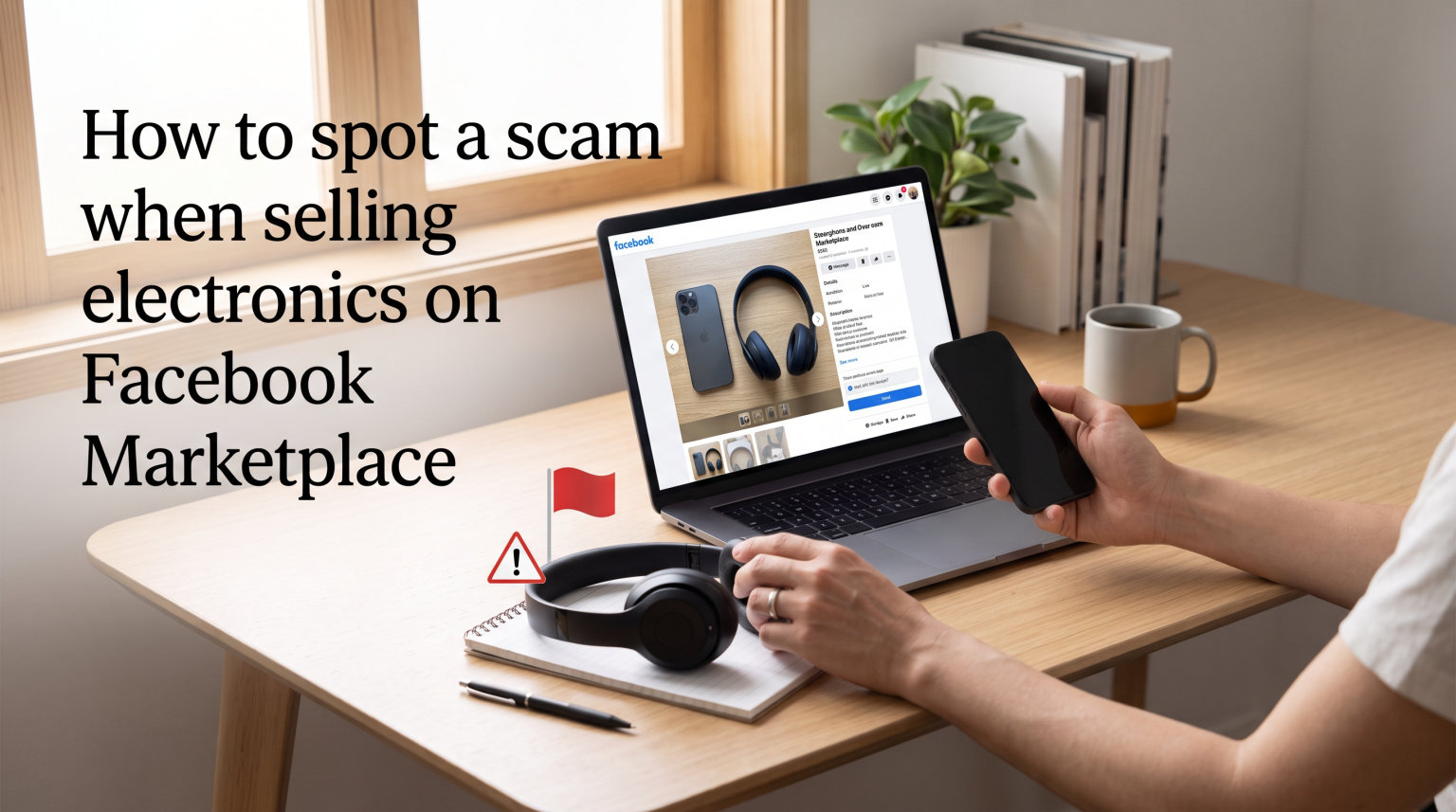
Selling a phone, laptop, or gaming console on Facebook Marketplace can feel like an easy way to move used tech, but scammers target electronics sellers more aggressively than almost any other category. I have talked to dozens of sellers who lost anywhere from $200 to $1,800 because they trusted a fake payment screenshot or a “buyer protection” link. This guide breaks down exactly how to spot a scam when selling electronics on Facebook Marketplace, using real tactics pulled from current scam reports.
By the end, you will know the seven most common scams targeting electronics sellers, the red flags in every buyer message, how to verify a buyer in under five minutes, and the exact steps to take if you have already been scammed. Let us start with the reason electronics are such a big target.
Table of Contents
Why Selling Electronics on Facebook Marketplace Makes You a Target?
Electronics are a scammer’s favorite listing on Facebook Marketplace for one simple reason: they can be resold fast. A current iPhone, a MacBook, or a Nintendo Switch can be flipped for cash the same day, often without a serial trail. That is why fraudsters build fake buyer accounts specifically to hunt for your listing.
High resale value attracts fraudsters
A used iPhone 14 in good condition still pulls $400 to $600 on the secondary market. A MacBook Air can fetch $700 or more. Scammers know that even a small percentage of successful scams pays their rent. According to the Federal Trade Commission, consumer losses to marketplace-style fraud topped $1 billion last year, and electronics consistently lead the categories reported.
Electronics are easy to ship or hide
Unlike a sofa or a car, a laptop fits in a backpack. Scammers can vanish with your device in minutes, which is why so many of these scams try to push you toward shipping or quick handoffs in isolated spots. They rely on speed and confusion. Once you realize the payment was fake, they have already wiped the device and resold it.
New sellers make easier targets
Our team noticed in forum discussions that first-time sellers get hit hardest. They do not know that “Zelle business upgrade” is a scam phrase, or that a screenshot of a PayPal payment is not proof of money in your account. This guide is built to fix that knowledge gap fast.
The 7 Most Common Scams When Selling Electronics on Facebook Marketplace
These seven scam patterns account for the vast majority of losses reported by electronics sellers. If you memorize them, you will recognize almost every trick a scammer tries.
1. Fake payment confirmation screenshots
The buyer claims they paid through Zelle, Venmo, or CashApp and sends a screenshot as proof. The screenshot looks real, complete with your name and the right dollar amount. But no money ever moved. By the time you check your account, the buyer is gone with your laptop.
One Reddit user in r/Scams described how they almost shipped a $900 camera after receiving a “Venmo confirmation” that turned out to be a Photoshopped image. The transaction never existed. The tell: the screenshot showed the money as “pending” or used the wrong spelling of their name.
2. Overpayment scams with refund requests
The buyer “accidentally” sends $1,400 when the agreed price was $900, then asks you to refund the difference. The original payment later reverses or was never real. You are out $900 plus whatever you refunded. This scam hits sellers of higher-value items like cameras, drones, and gaming PCs most often.
3. Verification code phishing (Google Voice, Zelle, etc.)
The buyer asks you to “verify” you are real by sending them a code they just texted you. That code is a Google Voice, Zelle, or CashApp verification code. Once you share it, the scammer registers an account in your name and uses it for further fraud. You can also lose access to your own phone number in the process.
4. Shipping label and PayPal “Business” upgrade scams
The buyer says they will pay through PayPal but asks you to first upgrade to a “business account” or purchase a shipping label through a link they provide. The link is a phishing page designed to steal your login. One user in a personal finance forum lost $500 this way after clicking a fake Zelle “upgrade” link sent by a buyer.
5. Zelle and CashApp business account traps
A related version has the buyer claiming you need a “business Zelle account” to receive their payment. They send a link to “upgrade.” It is a fake site. Enter your credentials and they drain your real Zelle-linked bank account. This is one of the fastest-growing scams of 2026.
6. Fake “buyer protection” escrow offers
The buyer suggests using an escrow service “for both our safety” and sends a link. Real escrow services do exist, but scammers create convincing lookalike sites that capture your device and your money. The fake site may even show a pending deposit in your account name. There is no money, only a stolen listing.
7. Cashier’s check or wire transfer overpayments
The buyer offers to mail a cashier’s check for more than the asking price. The check bounces days later, but the money you wired back is already gone. Banks will hold you responsible. Electronics sellers shipping to out-of-state buyers fall for this version more than local sellers.
Red Flags to Watch For in Every Buyer Message
You do not need to read a long profile to spot trouble. Most scammers show their hand in the first three messages. Here are the eight buyer red flags I now treat as instant warnings.
8 buyer message red flags
Watch out for buyers who refuse to meet in person for a low-priced electronic item. Be cautious of anyone pushing you to ship the device, especially to another state or country. Real buyers usually want to see the item working.
A genuine buyer asks specific questions about the model, condition, and accessories. A scammer sends copy-paste scripts like “Is it still available?” and avoids real follow-up questions. They also create fake urgency, saying things like “I can pay right now if you ship today” to push you past your caution.
If a buyer asks for your phone number, email, or a verification code, treat it as a red flag. Any payment request sent outside of Facebook Messenger should raise suspicion. Scammers prefer texts and WhatsApp because those channels are harder to report and easier to spoof.
Beware of buyers who offer more than your asking price without negotiation. Beware of grammar that does not match the local area code or profile location. And beware of any “buyer” who sends you a link to click before paying. Real buyers do not need to send you links.
Profile red flags on the buyer’s account
A buyer profile with no profile photo and a generic name like “John Smith” or “Mike Johnson” is a flag. So is an account that was created in the last few weeks but is offering to buy high-value electronics. Scammers burn through accounts quickly and rebuild constantly.
Check the buyer’s Marketplace activity. If they have no listings, no purchase history, and no reviews, you are dealing with an unknown quantity. Mutual friends and a long posting history are quiet trust signals that most scammers cannot fake. Real people post photos of their own lives; bots use stock images or stolen profile pictures.
How to Verify a Buyer Before You Hand Over Your Device
Verification takes about five minutes and is the single best way to avoid getting scammed. Run through these steps before agreeing to meet, and you will eliminate most scammers before they ever see your phone.
Check the buyer’s profile history
Open the buyer’s profile and look at the join date. An account that is more than a year old with normal posts and tagged photos is a good sign. Look for family photos, comments from real friends, and check-ins at local places. Bots and scam accounts have flat profiles with little content beyond Marketplace activity.
Search the buyer’s name in the Marketplace search bar. If they have a long history of selling or buying electronics, they are more likely to be a real user. A new account with no history and a sudden interest in your $800 gaming PC is a clear warning sign.
Verify payment on your own end
Never trust a screenshot, a text, or an email. Open your Zelle, Venmo, PayPal, or CashApp app directly and confirm the money has actually landed. If the buyer claims they sent it but you cannot see it in your real account, you have not been paid. Period.
For Zelle specifically, even money that shows as “completed” can sometimes reverse. Wait until the funds are fully settled in your bank before handing anything over. With PayPal Goods and Services, hold the item until the transaction clears and is not under review.
Test electronics with the buyer present
Whenever you are selling a phone, laptop, or console, the buyer should be willing to test it in front of you. Have them check the screen, ports, battery health, speakers, and serial number. If they refuse or insist on testing it later, they may be planning to swap or claim the device is broken.
For iPhones, bring up Settings, General, About and show the buyer the serial number so they can check Apple’s coverage page. For laptops, sign out of your accounts and do a factory reset only after the payment clears, not before. Doing it before is how scammers claim the device was “locked” and demand a discount.
Safe Payment Methods vs Dangerous Ones
The payment method you choose determines how protected you are when selling electronics. Some methods give scammers room to reverse payments. Others are nearly impossible to fake. Knowing the difference can save your device and your money.
Payments that protect you
Cash in person is still the gold standard for local electronics sales. There is no reversal, no chargeback, and no fake confirmation. If you meet locally, agree on cash and meet during daylight at a busy public spot like a police station parking lot, a bank lobby, or a busy shopping center.
For shipped items, PayPal Goods and Services offers seller protection if you ship to the confirmed address and can prove delivery. Facebook’s built-in payment system offers some protection on eligible items. Venmo and Zelle, while convenient, are not designed for buyer-seller transactions and offer almost no recourse if something goes wrong.
Payments that put you at risk
Avoid wire transfers like Western Union or MoneyGram at all costs. They are designed for sending money to known recipients, not strangers, and are nearly impossible to reverse. Wire transfers are the go-to method for scammers because once the money is gone, it is gone.
Cashier’s checks and money orders can be forged or reversed days later. The same goes for personal checks from buyers you have never met. Avoid cryptocurrency payments from random buyers. The volatility, the irreversibility, and the difficulty of tracing the recipient make crypto perfect for fraudsters.
Avoid any payment that depends on you clicking a link first. The link itself is the scam. Real buyers do not need you to log into anything to send money.
How to Tell If a Facebook Marketplace Buyer Is a Bot?
Bots are now responsible for a huge share of initial Marketplace messages. They scrape listings, send canned replies, and pass conversations to a human scammer once you respond. Spotting them early saves you time and trouble.
5 signs the account is automated
A bot usually replies within seconds of your listing going live, even at 3 a.m. Real buyers are sleeping. They send generic messages like “Is this still available?” without referencing the specific item you posted. They avoid answering your follow-up questions or repeat the same lines no matter what you say.
The profile has no personal posts, no tagged photos, and very few friends. Their profile picture is a stock-looking headshot or a stolen image. They push you off Messenger to text, WhatsApp, or Google Voice quickly because automated systems prefer channels that Facebook cannot monitor.
They use odd phrasing, broken English, or stilted grammar that does not match a real buyer. They avoid phone calls and refuse to video chat. If you suggest a quick voice call and they dodge it, you are almost certainly talking to a bot or a scammer.
What to Do If You Have Already Been Scammed?
If you have already sent money or shipped a device, you still have options. Acting fast matters. Here is the order I tell people to follow when they realize they have been scammed on Facebook Marketplace.
Step 1: Stop communicating and document everything
The moment you realize something is wrong, stop replying to the buyer. Scammers will keep talking to you, promising to fix it, in order to delay any report. Screenshot every message, every payment confirmation (or lack of one), every profile detail, and every link they sent. Save order numbers, transaction IDs, and shipping receipts in a single folder.
Write down the timeline while it is fresh: when the listing went up, when the buyer messaged, when the payment was supposed to happen, and when you realized it was fake. This log becomes critical evidence for every report you will file next.
Step 2: Report to Facebook and the payment platform
Open the buyer’s profile, tap the three dots, and report the conversation as a scam. Facebook does not always respond, but the report still builds a record that helps if law enforcement gets involved. Next, contact your payment platform the same day.
If you used Zelle, call your bank’s fraud line immediately. Zelle and most bank transfers are time-sensitive. If you wired money through Western Union or MoneyGram, call their fraud hotline within 24 hours. The faster you report, the higher the chance of freezing the funds. For PayPal, open a dispute from your Resolution Center the moment you realize something is wrong.
Step 3: File reports with the FTC, IC3, and local police
Report the scam to the Federal Trade Commission at reportfraud.ftc.gov. Even if you do not get money back, your report helps agencies track patterns and shut down scam rings. File a complaint with the Internet Crime Complaint Center (IC3) at ic3.gov if the loss involved shipping or interstate activity.
Finally, file a report with your local police department. Bring your documentation folder. Many jurisdictions now treat Marketplace fraud seriously, especially for losses over a few hundred dollars. Some victims have recovered funds or at least blocked scammers from operating in their area after a police report. If you gave out a verification code, contact your phone carrier immediately and freeze any pending changes to your account.
Frequently Asked Questions About Facebook Marketplace Electronics Scams
Is it safe to sell electronics on Facebook Marketplace?
Selling electronics on Facebook Marketplace is reasonably safe if you stick to cash, meet locally in public, and never trust screenshots or links. The risk goes up sharply when you ship items, accept payment apps, or click anything the buyer sends you.
What are red flags when selling on Marketplace?
Common red flags include buyers who refuse to meet in person, send fake payment screenshots, ask you to click links, request verification codes, or push you to ship quickly. New profiles with no friends and rushed urgency are also warning signs.
How to verify if someone is real on Facebook Marketplace?
Check the buyer’s profile age, look at their posting history, search for mutual friends, and confirm any payment directly inside your real banking or payment app. Never rely on screenshots, emails, or links the buyer sends you.
How to tell if a Marketplace buyer is a bot?
Bots reply instantly, send generic messages, refuse phone or video calls, push you to off-platform texting, and have empty profiles with no personal posts. Stock-looking profile photos and broken English are also classic bot signs.
What is the most common Facebook Marketplace scam?
The most common Facebook Marketplace scam for sellers is the fake payment confirmation, where a buyer sends a screenshot instead of actually paying. The second most common is the overpayment scam, where the buyer asks the seller to refund a fake surplus.
Final Tips to Stay Safe Selling Electronics on Facebook Marketplace
Learning how to spot a scam when selling electronics on Facebook Marketplace is mostly about slowing down. Every scam works because the seller is rushed, flattered by a quick offer, or unfamiliar with how legitimate payments actually clear. Take a breath, run through the red flags in this guide, and you will catch almost every trick before it costs you.
Cash, local meetups, and verified in-app payments are your three safest tools. Stick to them, document every conversation, and report anything suspicious. The more sellers who recognize these scam patterns, the harder it gets for fraudsters to profit. Stay sharp out there.