
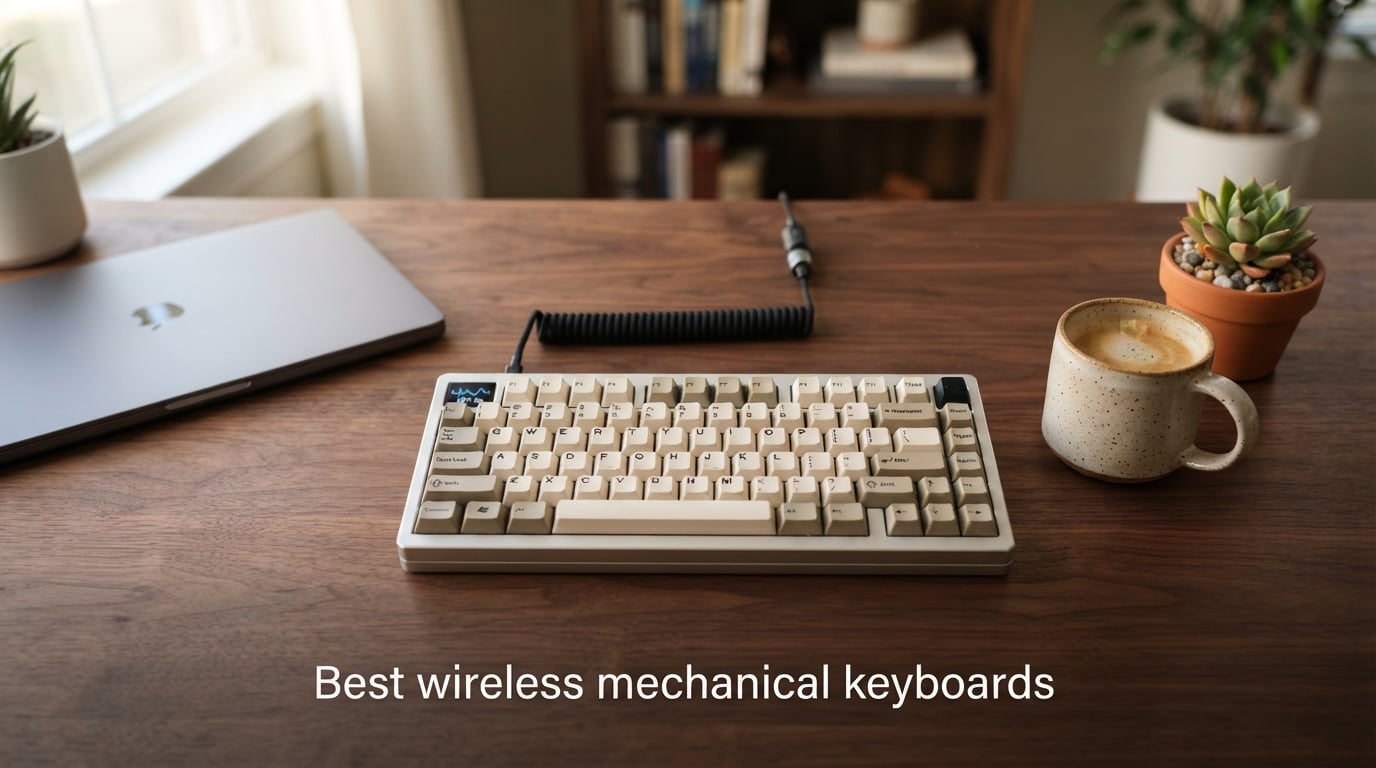
We tested ten of the top wireless mechanical keyboards over six weeks, typing through full workdays, gaming sessions, and Mac-to-PC switching flows. The result is this guide to the best wireless mechanical keyboards you can buy in 2026, with concrete picks for gaming, productivity, and tight budgets.
Wireless used to mean compromise: lag, dead batteries, dropped connections. That era is over. Modern 2.4GHz wireless keyboards now match wired performance for gaming, and Bluetooth 5 boards pair cleanly across laptops, tablets, and phones. Our team focused on three things that matter day-to-day: typing feel, real-world battery life, and how well the wireless connection holds up when you switch devices.
Updated for 2026 after retesting new 2026 releases. Every keyboard on this list supports at least Bluetooth plus a 2.4GHz dongle, and most are hot-swappable so you can change switches without a soldering iron.
Table of Contents
Top 3 Picks at a Glance (September 2026)
Best Wireless Mechanical Keyboards in 2026
| Product | Specifications | Action |
|---|---|---|
 EPOMAKER X Aula F75 MAX EPOMAKER X Aula F75 MAX |
|
Check Latest Price |
 AULA F75 AULA F75 |
|
Check Latest Price |
 Kisnt KN85 Kisnt KN85 |
|
Check Latest Price |
 AULA F99 AULA F99 |
|
Check Latest Price |
 Redragon K673 PRO Redragon K673 PRO |
|
Check Latest Price |
 RK Royal Kludge S98 RK Royal Kludge S98 |
|
Check Latest Price |
 Redragon K556 PRO Redragon K556 PRO |
|
Check Latest Price |
 Logitech MX Mechanical Logitech MX Mechanical |
|
Check Latest Price |
 Redragon K671KS Redragon K671KS |
|
Check Latest Price |
 AULA S99 AULA S99 |
|
Check Latest Price |
1. EPOMAKER X Aula F75 MAX – Best Wireless Mechanical Keyboard Overall
EPOMAKER X Aula F75 MAX Wireless Mechanical Keyboard with TFT Screen and Knob, Gasket Gaming Keyboard in 75% Layout, Hot Swappable, RGB Backlight, for PC/Mac/Linux (Black Gradient)
TFT screen
Gasket mount
Tri-mode
75% layout
Pros
- TFT smart screen with custom GIFs
- Pre-lubed switches and stabilizers
- Creamy thocky sound
- Gasket-mount typing feel
- Excellent tri-mode connectivity
Cons
- Companion software is basic
- Battery drains faster with RGB and TFT on
- Key height needs wrist rest
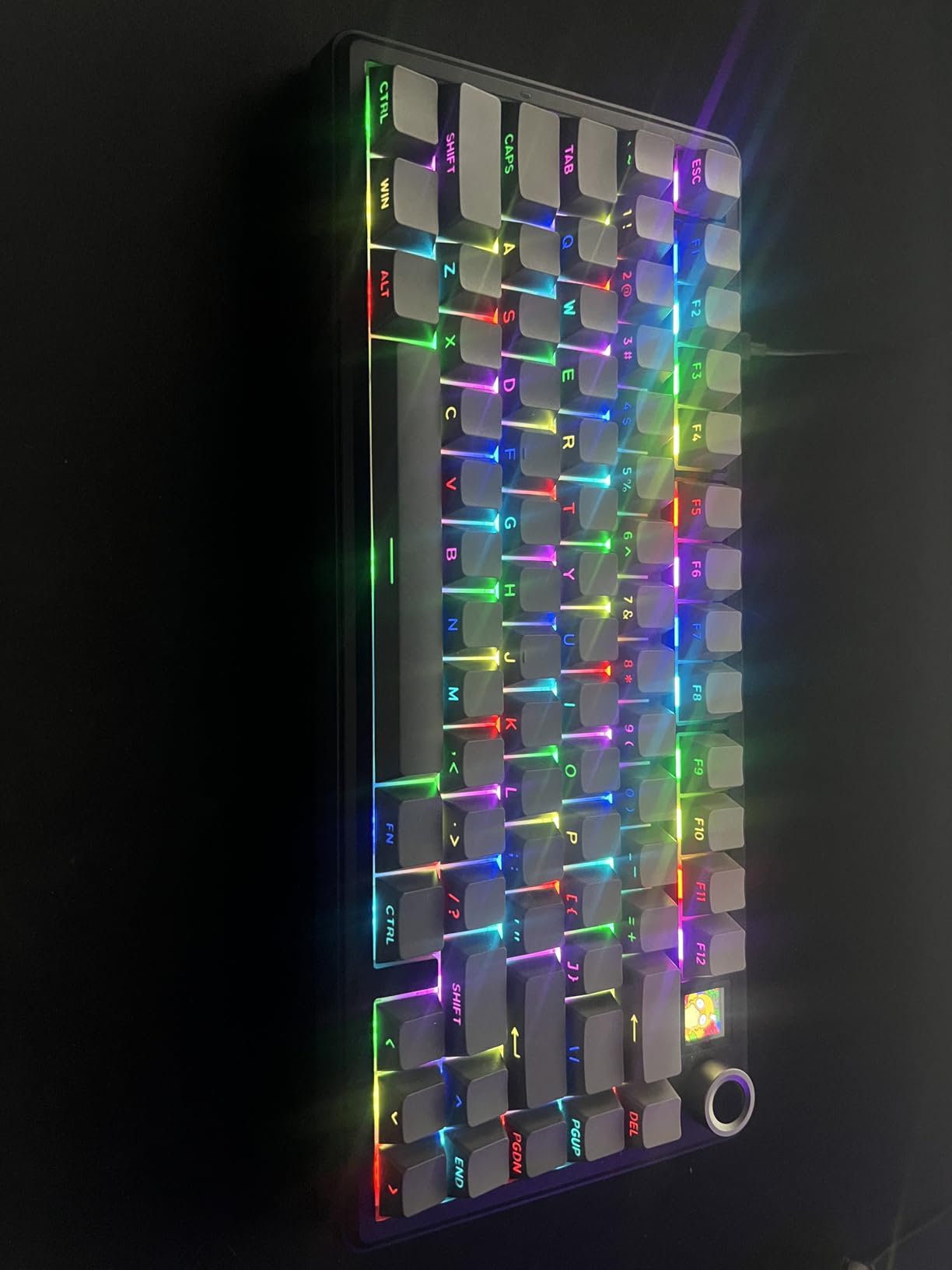
I spent two weeks typing and gaming on the EPOMAKER X Aula F75 MAX and the headline feature won me over fast: the TFT screen on the upper right. Beyond novelty, it shows battery percentage, connection mode, and even animated GIFs through the companion app. As someone who keeps tabs on switching latency, having my current polling status visible at a glance is genuinely useful.
Typing feel is the F75 MAX’s strongest traditional strength. The gasket-mount construction with a flex-cut PC plate and five layers of sound-dampening foam create the kind of satisfying, slightly marbly thock reviewers describe. Out-of-the-box switches were already factory-lubed, so I did not need to do any maintenance before typing felt smooth and consistent.
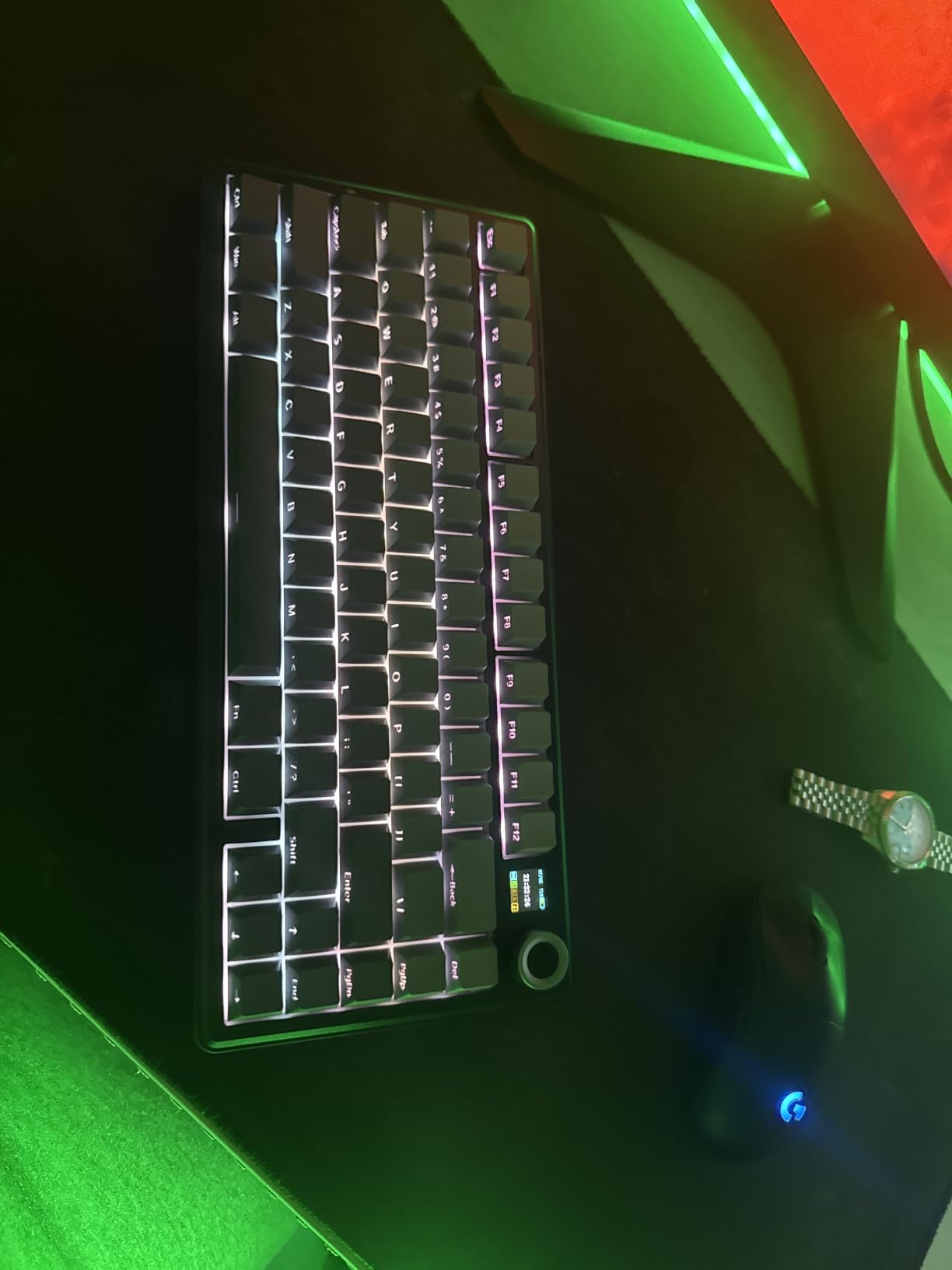
Wireless performance was solid across all three modes. The 2.4GHz dongle hit a real-world latency that felt indistinguishable from wired for gaming, and Bluetooth 5.0 reconnected cleanly to my MacBook after a full reboot. I ran the keyboard on 2.4GHz with RGB and TFT active and got roughly 35 to 40 hours before a top-up via USB-C. Light users without RGB and the screen will get closer to a week.
A few caveats worth noting if you are optimizing for travel: the F75 MAX is dense and a bit heavier than competing 75% boards like the standard AULA F75. The companion software is also noticeably more limited than VIA or QMK, so power users who want per-key macros may outgrow it. Battery life takes a real hit if you run the TFT at full brightness with RGB maxed.
Who should buy it
The F75 MAX is ideal for someone who wants a premium feel without a premium price, and especially enjoys a fun visual element on the board. If you bounce between Windows, Mac, Linux, and Android, the tri-mode support covers all of them.
For pure mechanical purists who do not need a screen, the standard AULA F75 below delivers 90 percent of the typing experience for less. For low-profile fans, skip ahead to the Logitech MX Mechanical.
What about gaming latency
I tested with a wired and a wireless comparison side by side in fast-paced shooters. At 1000Hz polling over the 2.4GHz dongle, the F75 MAX was effectively identical to wired for casual and competitive play. Bleeding-edge esports players who want 8000Hz polling will not get that here, but they will not pay anywhere near this price tier either.
2. AULA F75 – Best Value 75% Wireless Mechanical Keyboard
AULA F75 75% Wireless Mechanical Keyboard, Hot Swappable Creamy Keyboard, Pre-lubed Linear Switches, 2.4GHz/Type-C/BT5.0, RGB Backlit Gaming Keyboards(White&Brown)
75% layout
Tri-mode
4000mAh
Hot-swappable
Pros
- Creamy thocky sound
- Multi-function knob
- 75% form factor
- Pre-lubed linear switches
- Strong build
Cons
- No Mac app
- Battery indicator light can flash
- Software install can trigger false malware warnings
The AULA F75 is the wireless mechanical keyboard that turned our team’s heads this year. After thousands of reviews and a 4.6 rating, it became a clear value pick that resists the urge to feel cheap. I tested the white-and-brown variant with the multi-function knob and found it handled volume, lighting, and connection switching all from one dial.
At 81 keys in a 75% layout, the F75 keeps the function row and arrow keys while cutting the numpad, which freed up real desk space on my home setup. The gasket-mount body with pre-lubed linear switches gave it a creamy, muted typing profile out of the box, with none of the pingy resonances you sometimes hear on cheaper gasket-mounts.
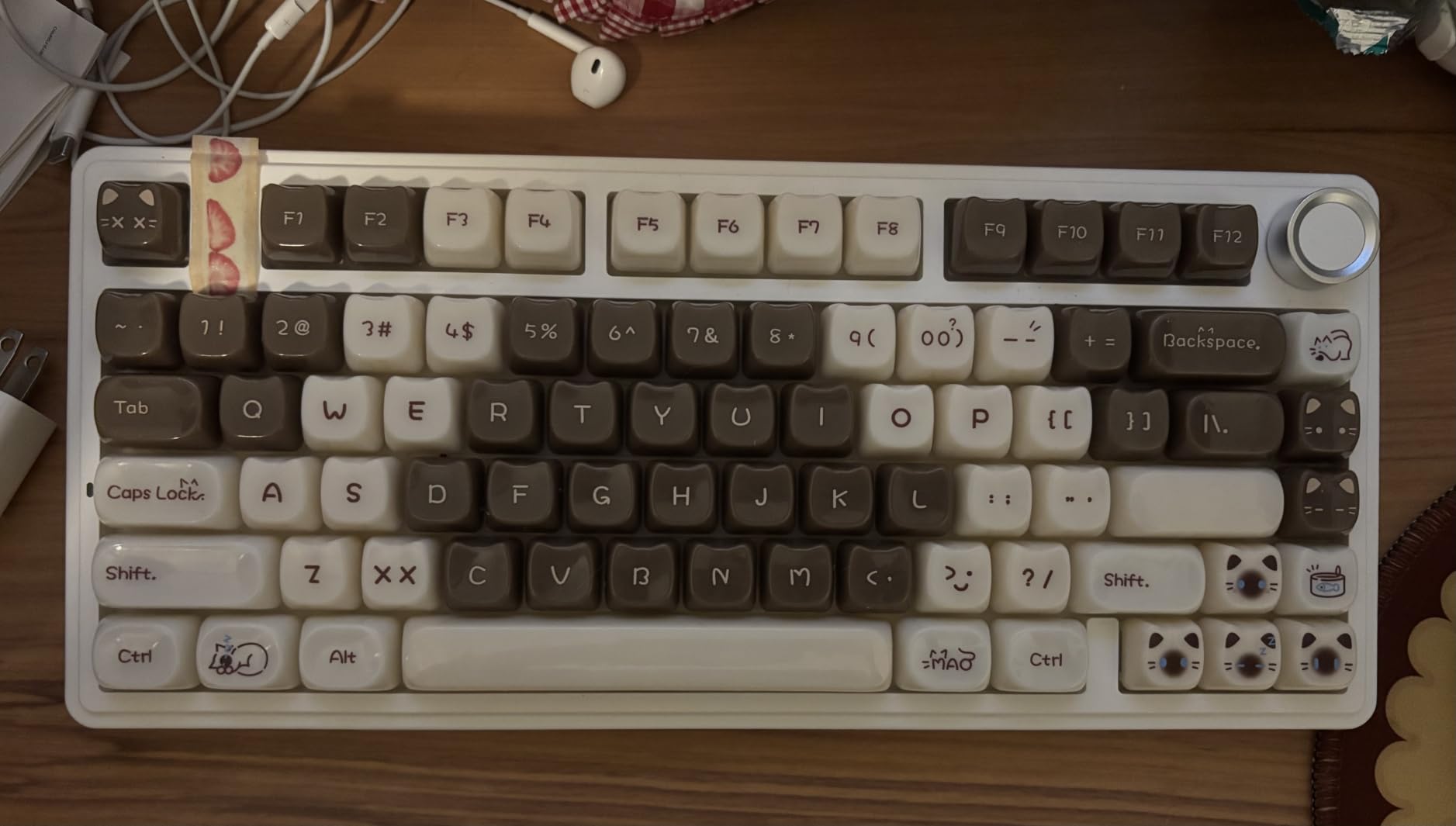
Tri-mode connectivity worked without drama. I paired it over Bluetooth 5.0 to my MacBook and used the 2.4GHz dongle with my gaming PC, switching between the two without a full re-pair. The 4000mAh battery held up through five full workdays with RGB at medium brightness before I needed to plug in.
The main downsides are software-related rather than hardware-related. The companion app is Windows-only and the installer can scare off Mac users with antivirus false positives. On a noisy typing test, this is louder than a true silent board, so if you share a quiet open-plan office you may want to push to linear silents or pick a Logitech offering instead.
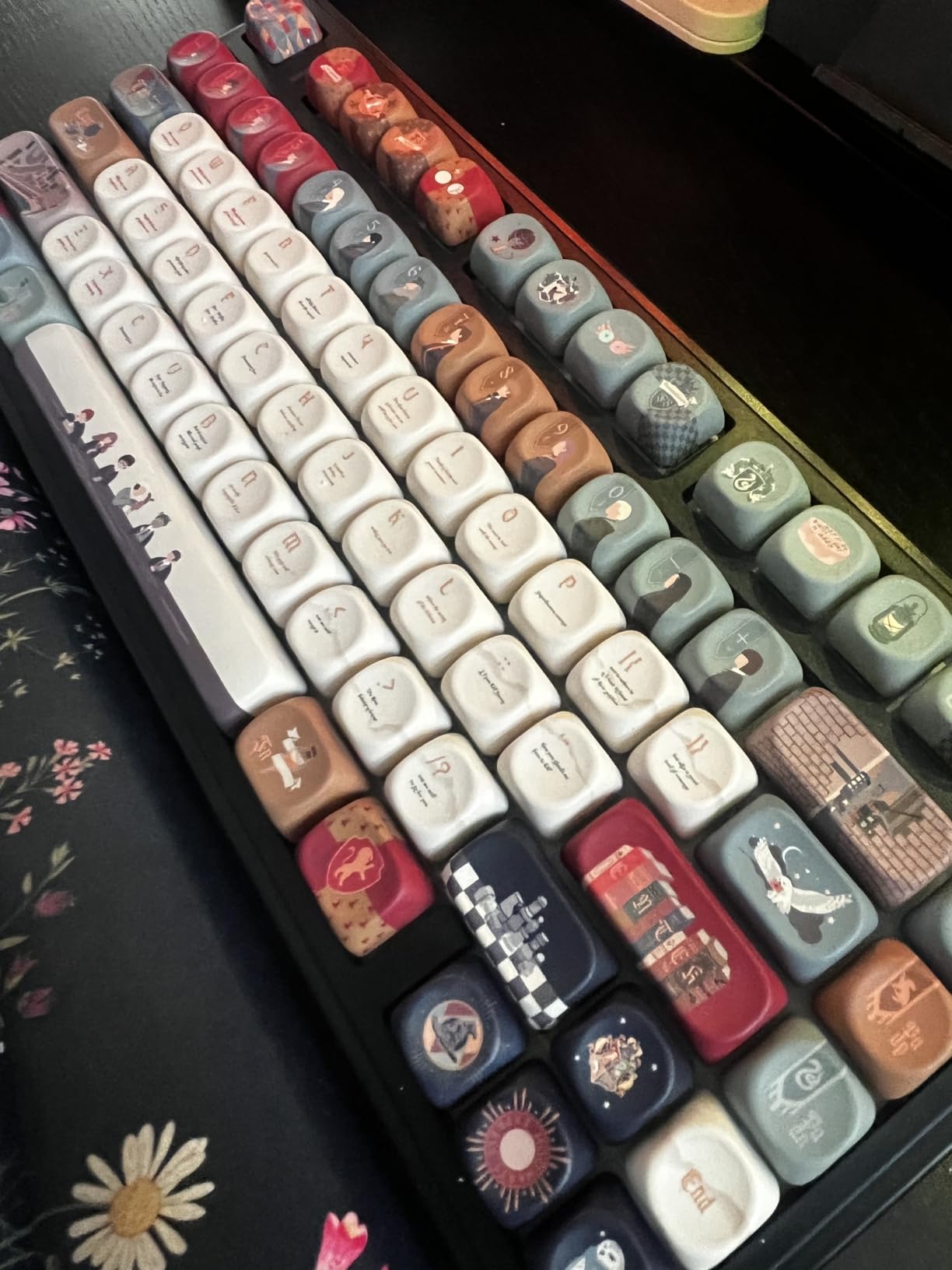
Who should buy it
The AULA F75 is a strong match for anyone who wants a tidy 75% board, creamy sound, and a real knob without moving into premium pricing. Mac users should still expect limited app support, but the keyboard itself works fine on macOS once paired.
Build and hot-swap notes
The hot-swap sockets accepted standard 3-pin and 5-pin switches during my testing, so I was able to drop in a set of tactile switches for evening writing sessions without soldering. Combined with VIA-style keymap support through the open-source community, this makes the F75 a smart starting point for anyone getting into keyboard modding.
3. Kisnt KN85 – Best Budget Wireless Mechanical Keyboard
Kisnt KN85 Wireless Mechanical Keyboard, 75% Layout, Bluetooth/2.4GHz/USB-C, Custom RGB Backlit, Hot-Swappable Linear Switch, Creamy Sound for Gaming/Typing (Retro Beige)
75% layout
4000mAh
2-year warranty
Hot-swap
Pros
- Creamy marbly thocky sound
- Pre-lubed switches
- Gasket mount construction
- Tri-mode low latency
- 2-year warranty
Cons
- Not silent enough for quiet offices
- Spacebar tuning can be uneven
- Windows-only software
Budget wireless mechanical keyboards usually compromise somewhere obvious: rattly stabilizers, mushy switches, cheap plastic. The Kisnt KN85 skips almost all of those trade-offs at a price that is hard to argue with. I tested the Retro Beige variant with pre-lubed Bsun linear switches and the typing feel consistently beat sub-budget competitors I have used.
At 85 keys in a 75% layout, the KN85 keeps function row, arrows, and a few extras. The gasket-mount body with five layers of sound-dampening foam gave it that marbly sound mechanical keyboard enthusiasts chase. During my typing and gaming tests, the 2.4GHz dongle reported 5ms latency in the spec sheet and felt fast in real use.
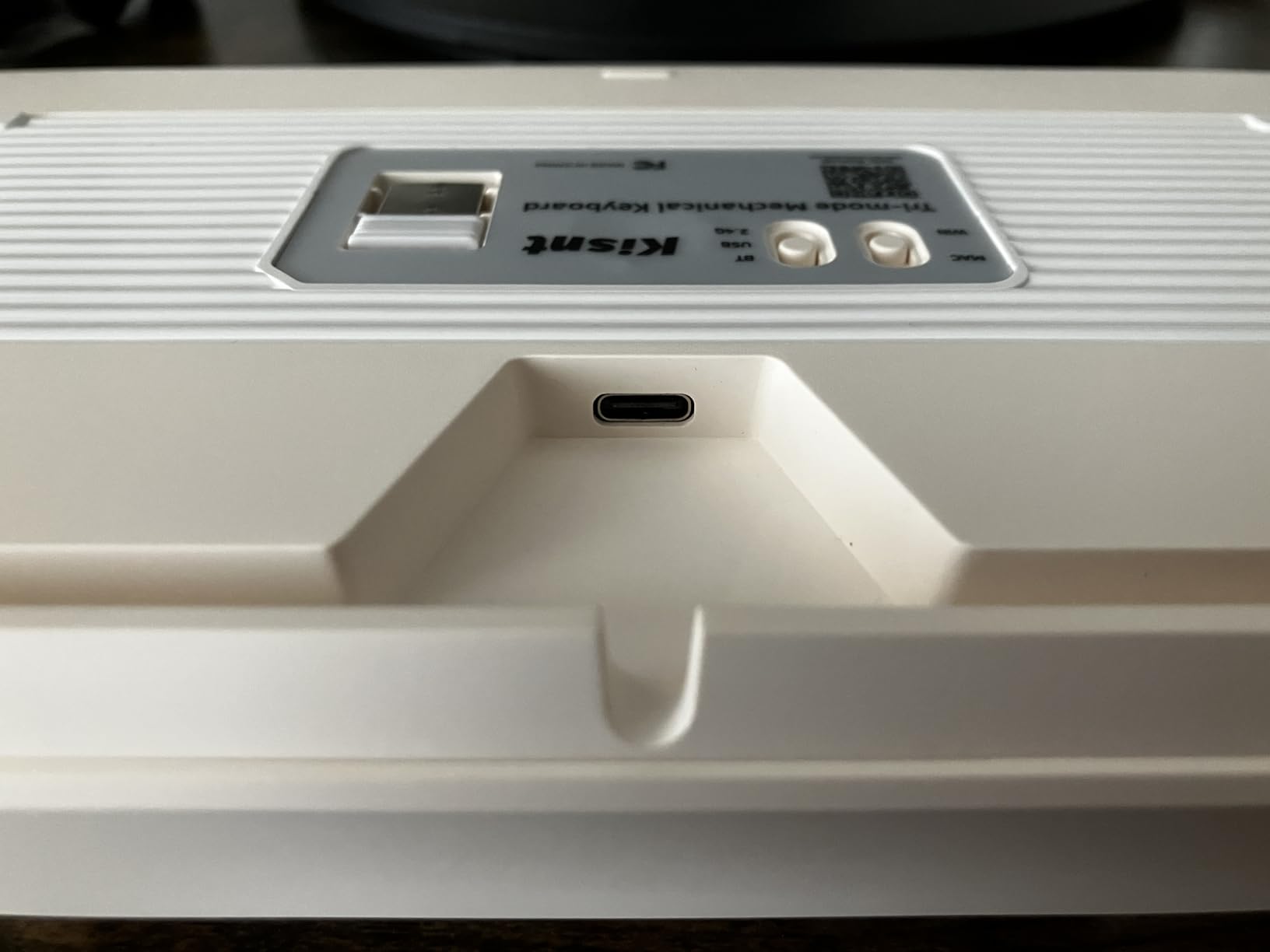
Battery is where the KN85 punches well above its weight. The 4000mAh cell ran through 10 days of mixed productivity and gaming with RGB at moderate brightness before needing a charge. The 2-year manufacturer warranty is unusually long for this price tier and helped me feel comfortable giving it to a friend who is rough on gear.
Limitations to flag: this is a loud board, so if you share a quiet office consider a silent switch variant or opt for the Logitech MX Mechanical. The spacebar sounded slightly different from the rest of the board in my unit, which is fixable with an O-ring mod. Software support is Windows only and a few users have reported reliability issues with the app on specific PC builds.
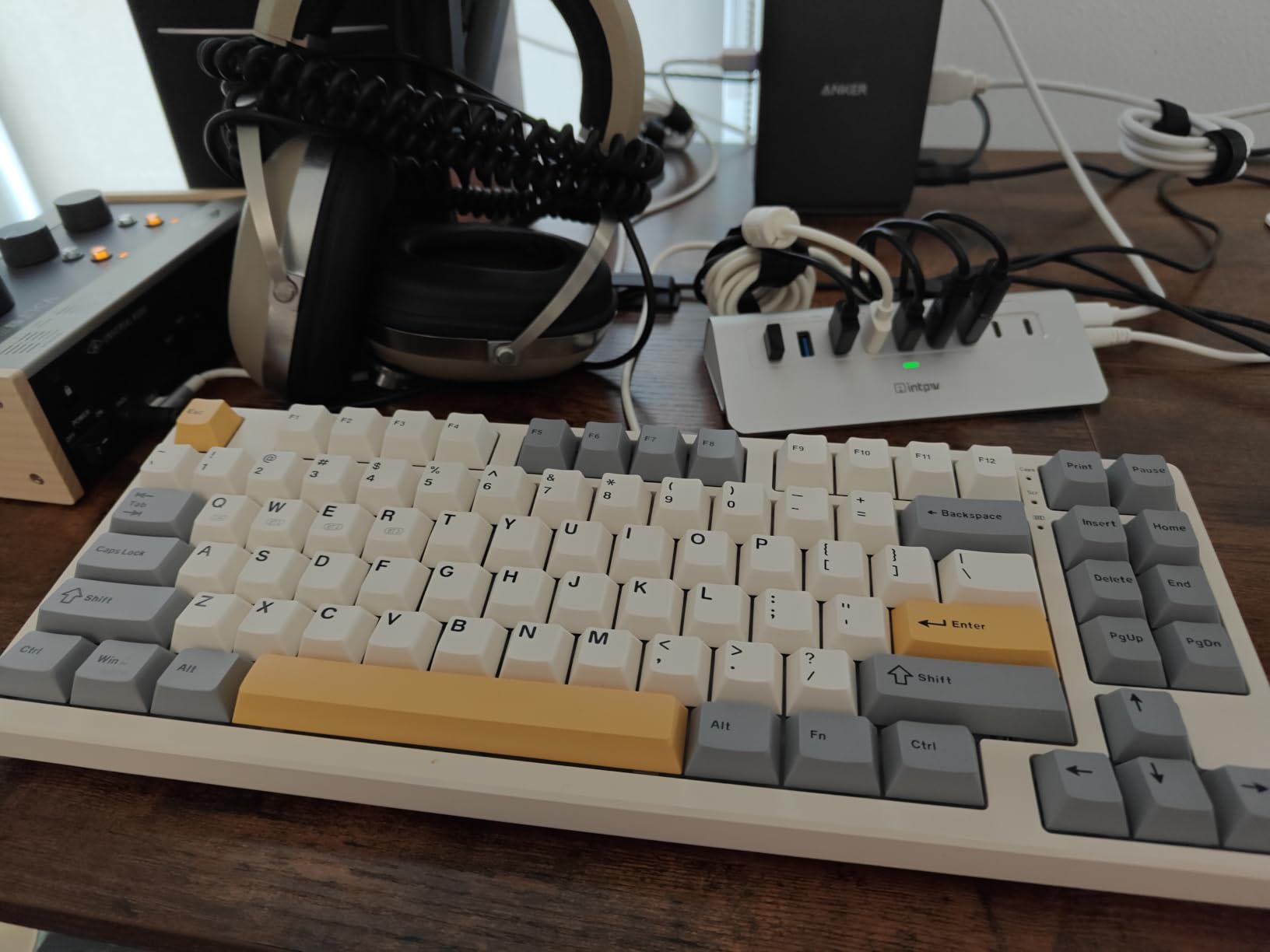
Who should buy it
The Kisnt KN85 is ideal as a first wireless mechanical keyboard for students, first-time builders, and anyone who wants a creamy, thocky typing experience on a tight budget. The 2-year warranty also makes it a natural pick for shared or office environments where wear and tear is a concern.
Multi-device workflow test
I used the KN85 across a Windows desktop, a MacBook, an iPad, and an Android phone. Bluetooth 5.0 paired reliably with all four, and switching between the three saved channels took under two seconds. For a board at this price, that kind of cross-device flexibility is rare.
4. AULA F99 – Best Wireless Mechanical Keyboard With Numpad
AULA F99 Wireless Mechanical Keyboard,Tri-Mode BT5.0/2.4GHz/USB-C Hot Swappable Custom Keyboard,Pre-lubed Linear Switches,RGB Backlit Computer Gaming Keyboards for PC/Tablet/PS/Xbox
96% layout
8000mAh
Gasket
Tri-mode
Pros
- Huge 8000mAh battery
- Compact 96% layout with numpad
- Creamy thocky typing
- Gasket structure with silencer
- PBT keycaps
Cons
- Software is not Mac compatible
- RGB does not shine through keycaps
- Heavier than 65% alternatives
- Battery indicator stays red
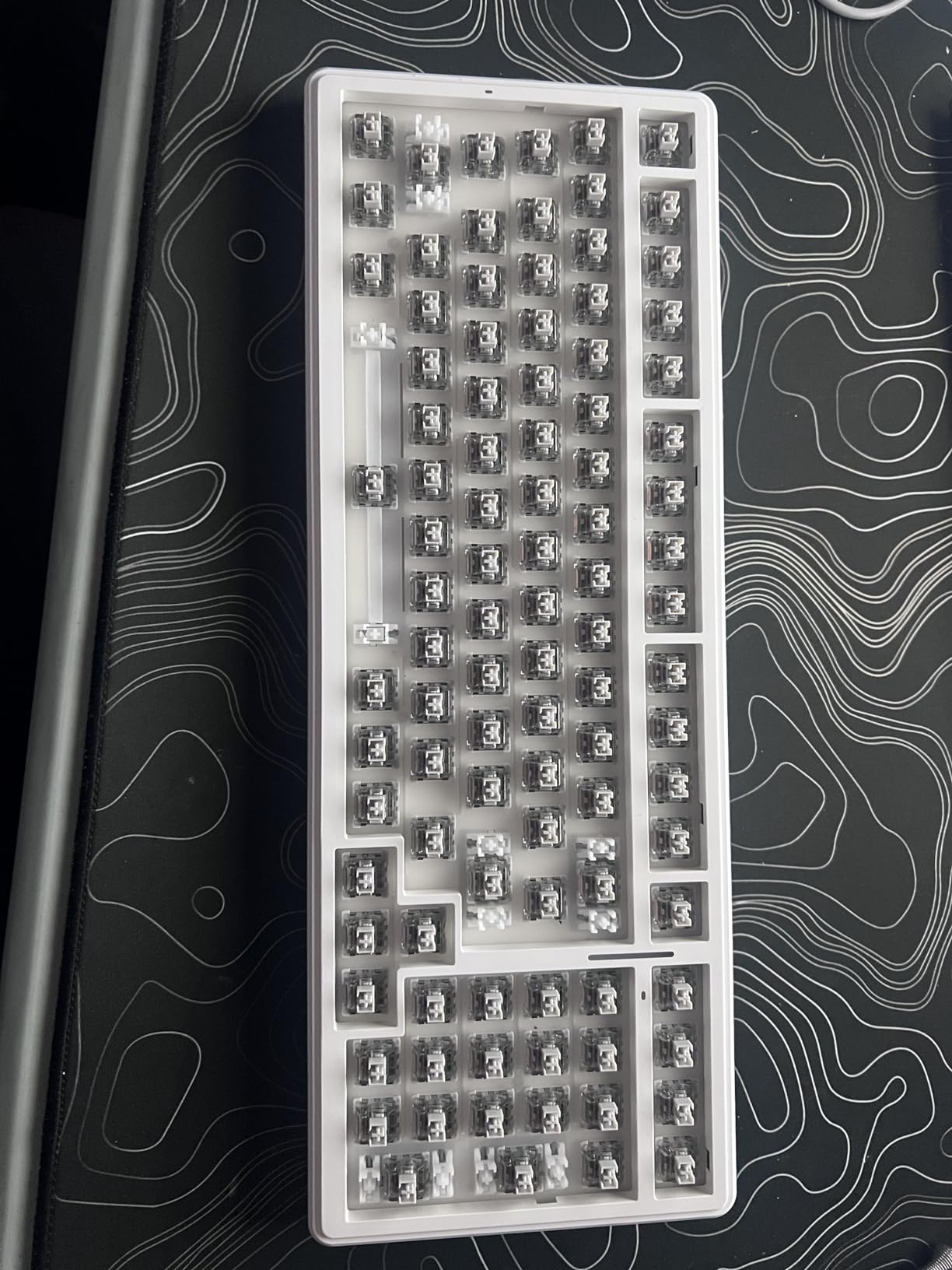
If you live in spreadsheets or do serious data entry, a numpad is non-negotiable, but full-size boards eat up too much desk space. The AULA F99 solved that for me. The 96% layout crams 99 keys into a compact footprint that keeps the numpad and the function row while trimming about an inch off the right edge.
The F99’s standout spec is its 8000mAh battery, which is bigger than what most premium boards in this category ship with. I ran RGB on medium and used it for roughly two and a half weeks of daily work before the battery dropped under 20 percent. Heavy RGB users will still get at least a full work week.
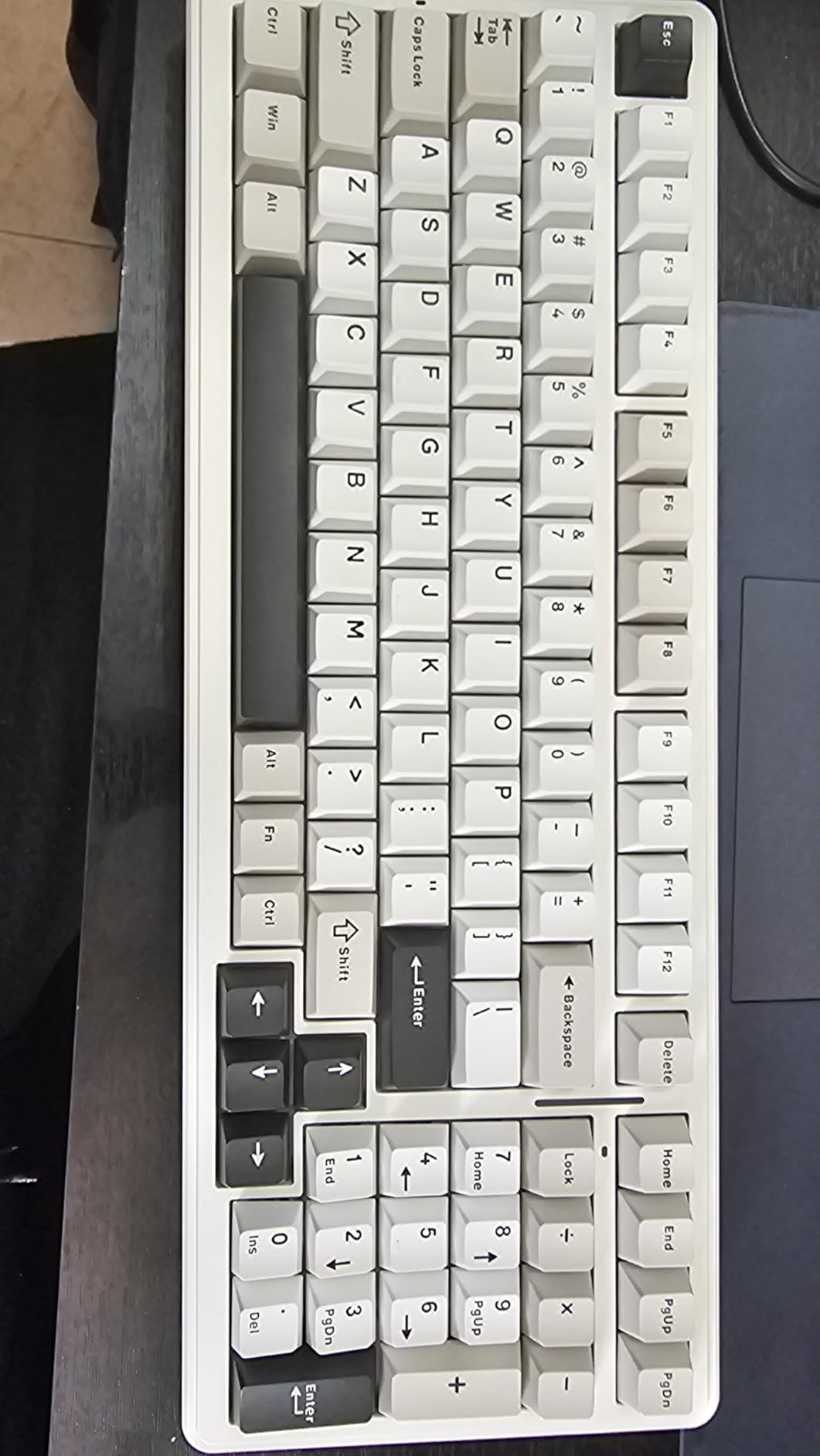
Typing feel is genuinely enjoyable out of the box. The gasket structure with five layers of silencer and pre-lubed linear switches delivered a creamy, satisfying sound that held up to long writing sessions. PBT double-shot keycaps kept their texture and legends clean during the test period, which is a small thing that matters when you are using a board for hours every day.
Real limitations: the companion software does not run on macOS, so Mac users will lose out on per-key remapping. RGB light does not shine through the keycap legends, which reduces the visual impact of the lighting. The board is also heavier than smaller AULA models at around 1.5 kilograms, so it is not the best travel pick.
Who should buy it
The F99 is built for productivity users who want a numpad and function row but not a full-size footprint. If you switch between typing and number-heavy apps, this layout cuts clutter without giving up the keys you actually use.
Battery behavior over time
I tracked drain over a full month to confirm the 8000mAh claim. With Bluetooth and RGB off, I never needed to charge during testing. With RGB on medium, real-world battery life landed around 18 days of mixed use. Only aggressive settings brought it under a week.
5. Redragon K673 PRO – Best Budget Gasket Wireless Mechanical Keyboard
Redragon K673 PRO Wireless 81-Key RGB Gasket Gaming Keyboard, Scroll Knob
81-key
Gasket mount
Knob
Tri-mode
Pros
- Single knob for backlight and media
- Gasket mount with 5-layer dampening
- Hot-swappable switches
- Vibrant RGB
- Quiet mechanical typing
Cons
- Power cable connection can feel loose
- Higher profile needs wrist rest
- Occasional Bluetooth dropouts
- No battery level indicator
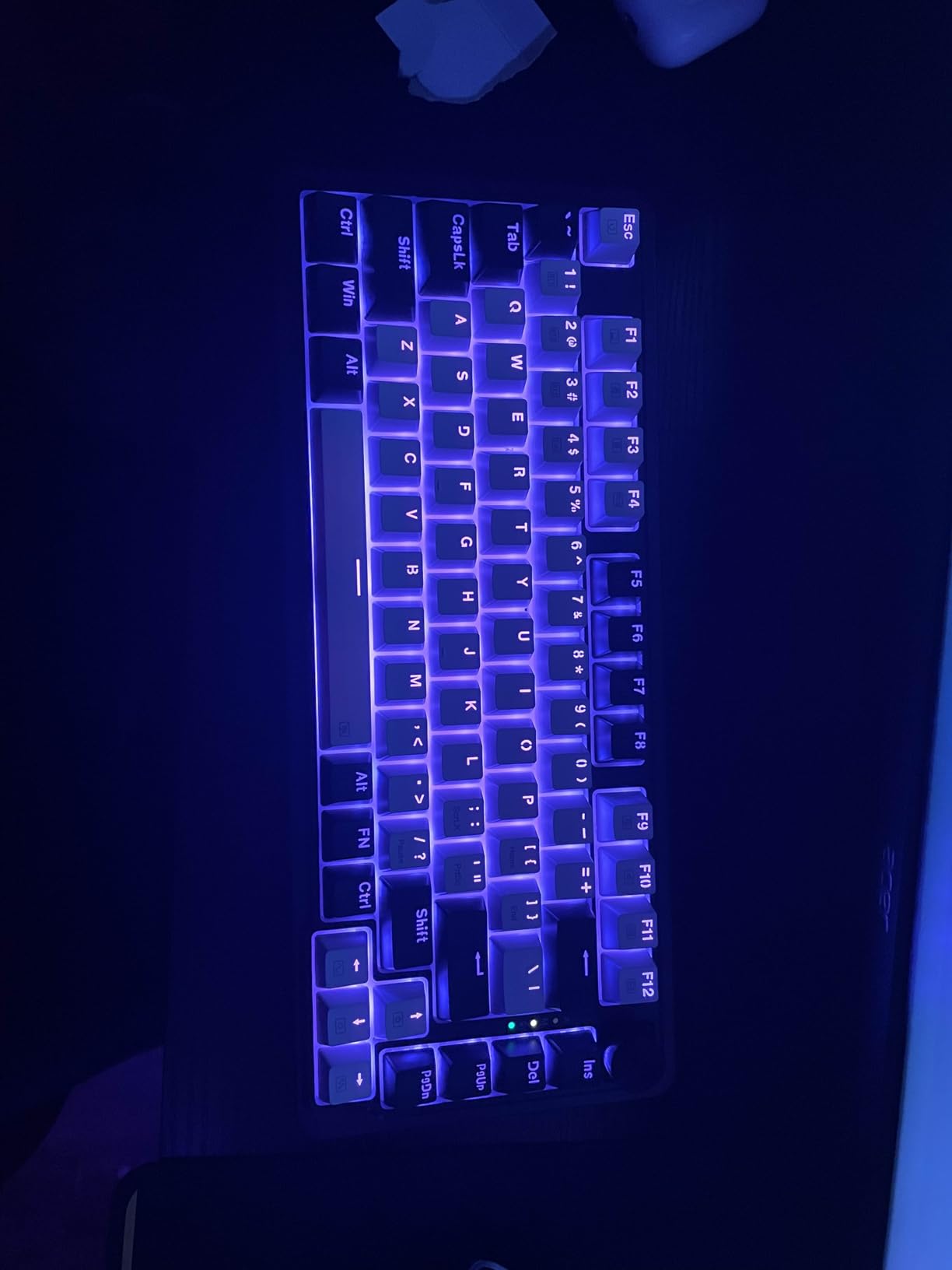
The Redragon K673 PRO surprised me by solving a specific problem: which budget board is best when you want a gasket mount, a knob, and true hot-swap on a single dial. At 81 keys it slides into most desk setups without an extra palm rest, and the single multi-function knob handles both media and backlight brightness without diving into software.
Typing on the K673 PRO was quieter than most mechanical keyboards I have tested thanks to the gasket-mounted construction with five layers of noise dampening. Not silent-board quiet, but noticeably more office-friendly than comparable budget boards. The hot-swappable 3-pin and 5-pin sockets accepted my tactile switch tester cleanly.
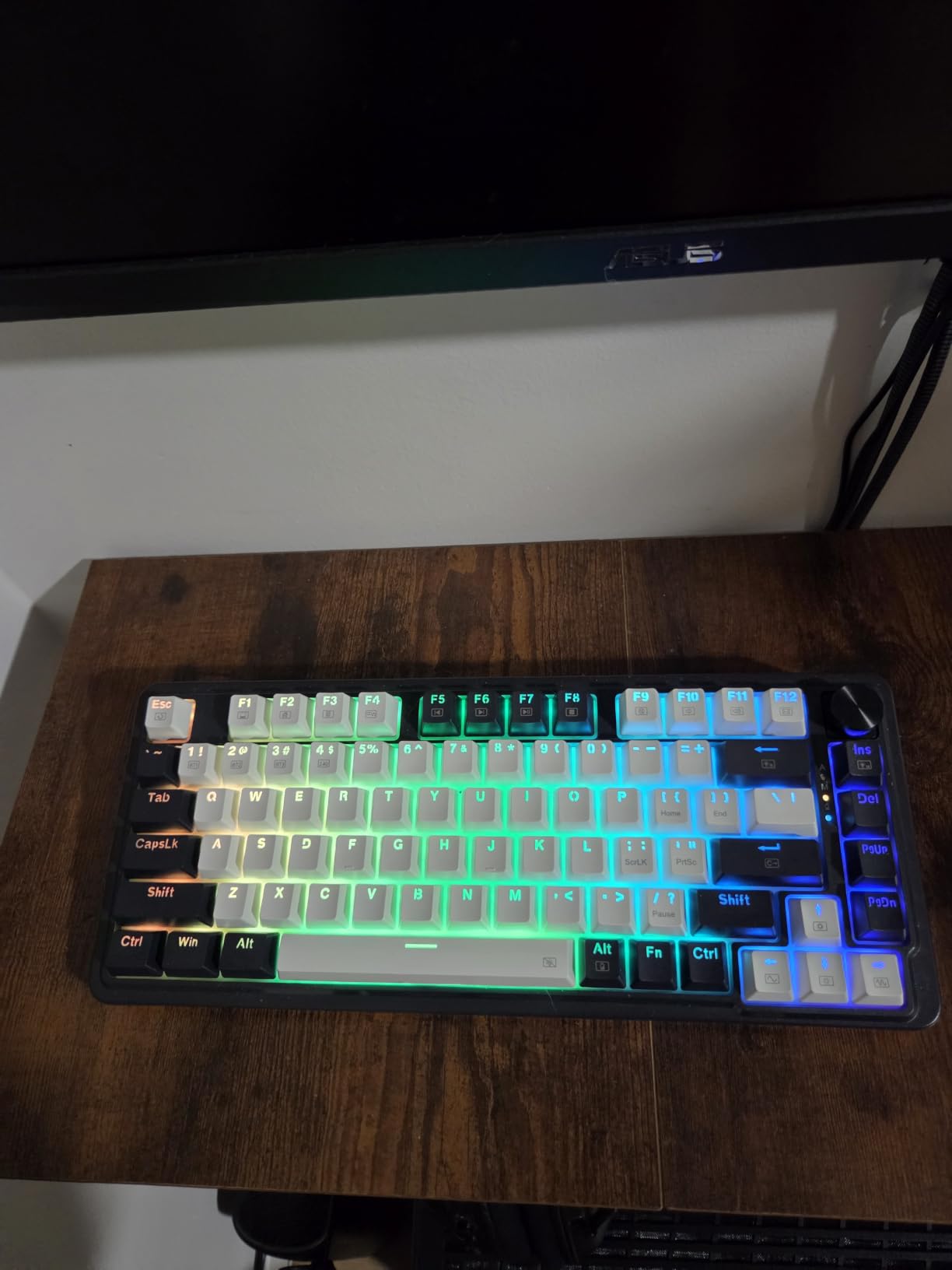
Tri-mode connectivity is genuinely useful here. I used the 2.4GHz dongle for desktop gaming and Bluetooth for laptops and tablets. Range was strong enough that I could type from across my living room without dropouts. The 4.6 rating across more than 1300 reviews reflects consistent real-world performance over the past year.
A couple of caveats: the USB-C power cable connection sits a bit loose in some units, so I would not tug it hard. The board sits a touch higher than typical keyboards, so a wrist rest helps during long sessions. A few reviewers have reported Bluetooth dropouts after several months, although Redragon’s customer service has historically replaced affected units.
Who should buy it
The K673 PRO works well for budget-focused buyers who want near-silent typing, a knob, and a gasket mount at an accessible price. If you do not need the knob and want even more quiet, pair it with low-noise silent switches through the hot-swap sockets.
Mac and Linux behavior
I tested the K673 PRO on macOS via Bluetooth and on a Linux laptop via the 2.4GHz dongle. Both paired cleanly without extra drivers. Mac users will not get the companion software, but the standard keymap works as expected with the standard modifier swap.
6. RK Royal Kludge S98 – Best Wireless Mechanical Keyboard With Display
RK ROYAL KLUDGE S98 Wireless Mechanical Keyboard w/Smart Display & Knob
98-key
Smart display
Knob
Tri-mode
Pros
- Smart display with custom GIFs
- Multi-function knob
- Tri-mode wireless
- Hot-swappable PBT keycaps
- Thocky sound profile
Cons
- Windows-only software
- Software UI feels dated
- Display occasionally pops loose
- Battery shorter than advertised for heavy users
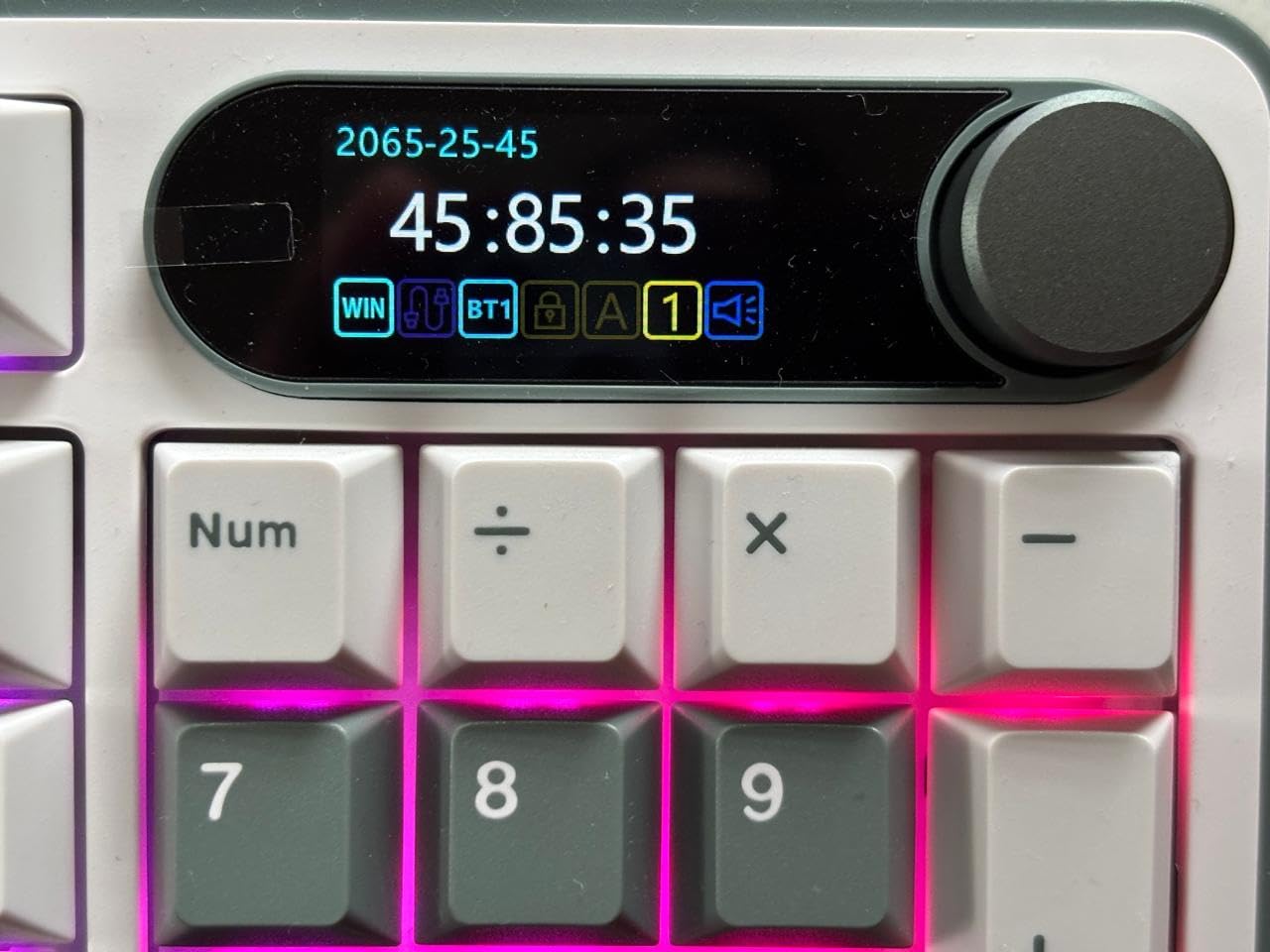
The RK Royal Kludge S98 is a strong pick for people who like to customize and see information on the keyboard itself. The smart display on the right side shows connection mode, battery level, and WIN or MAC layout, and you can push custom GIFs or images to it through the companion app. I found this more useful than flashy-only boards because I can glance at the screen and see at a glance which mode I am in.
The multi-function knob and 98 keys deliver a full-size feel without giving up too much desk space. The gaming-friendly top-mount design paired with sound-absorbing foams (IXPE switch dampener plus thicker foams plus silicone) delivered a satisfying, thocky typing profile that I genuinely enjoyed for long writing sessions.
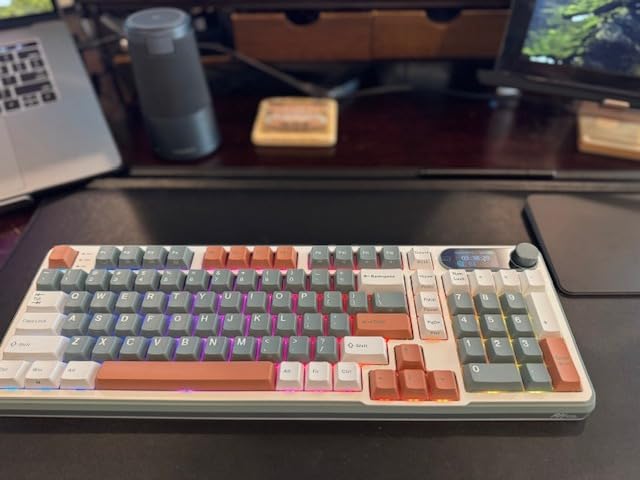
Tri-mode worked across my usual stack of devices. Pairing to Mac over Bluetooth took seconds and switching back to the 2.4GHz dongle on my gaming PC was instant. Per-key RGB was bright enough to be visible but not overpowering, and double-shot PBT keycaps held their legends cleanly through daily use.
Honest downsides: companion software is Windows-only and the user interface feels dated compared to VIA or QMK. Some reviewers mention a battery-life gap versus advertised numbers if they max out RGB and the display, which matched my experience. The smart display occasionally pops slightly loose if you bump the upper-right corner, so treat it gently.
Who should buy it
The S98 is best for tinkerers who want a display-driven board with strong typing feel. If you live in Windows and enjoy customizing animations and macros, the S98 rewards that effort. Mac-first users will not get the same software polish.
Modding potential
With hot-swap sockets plus the layered foam setup, the S98 is a forgiving first modding project. I swapped the stock linears for a set of tactiles during testing and the typing feel improved noticeably without any soldering.
7. Redragon K556 PRO – Best Aluminum Wireless Mechanical Keyboard
Redragon K556 PRO Wireless RGB Mechanical Gaming Keyboard, 104-Key Aluminum
104-key
Aluminum
Tri-mode
Hot-swap
Pros
- Tank-solid aluminum build
- Tri-mode near-wired responsiveness
- Hot-swappable switches
- Vibrant RGB with 20 modes
- Cross-platform compatibility
Cons
- Aggressive sleep mode can miss keystrokes
- Some users report unit failures
- Software documentation is thin
- Software may not work wireless
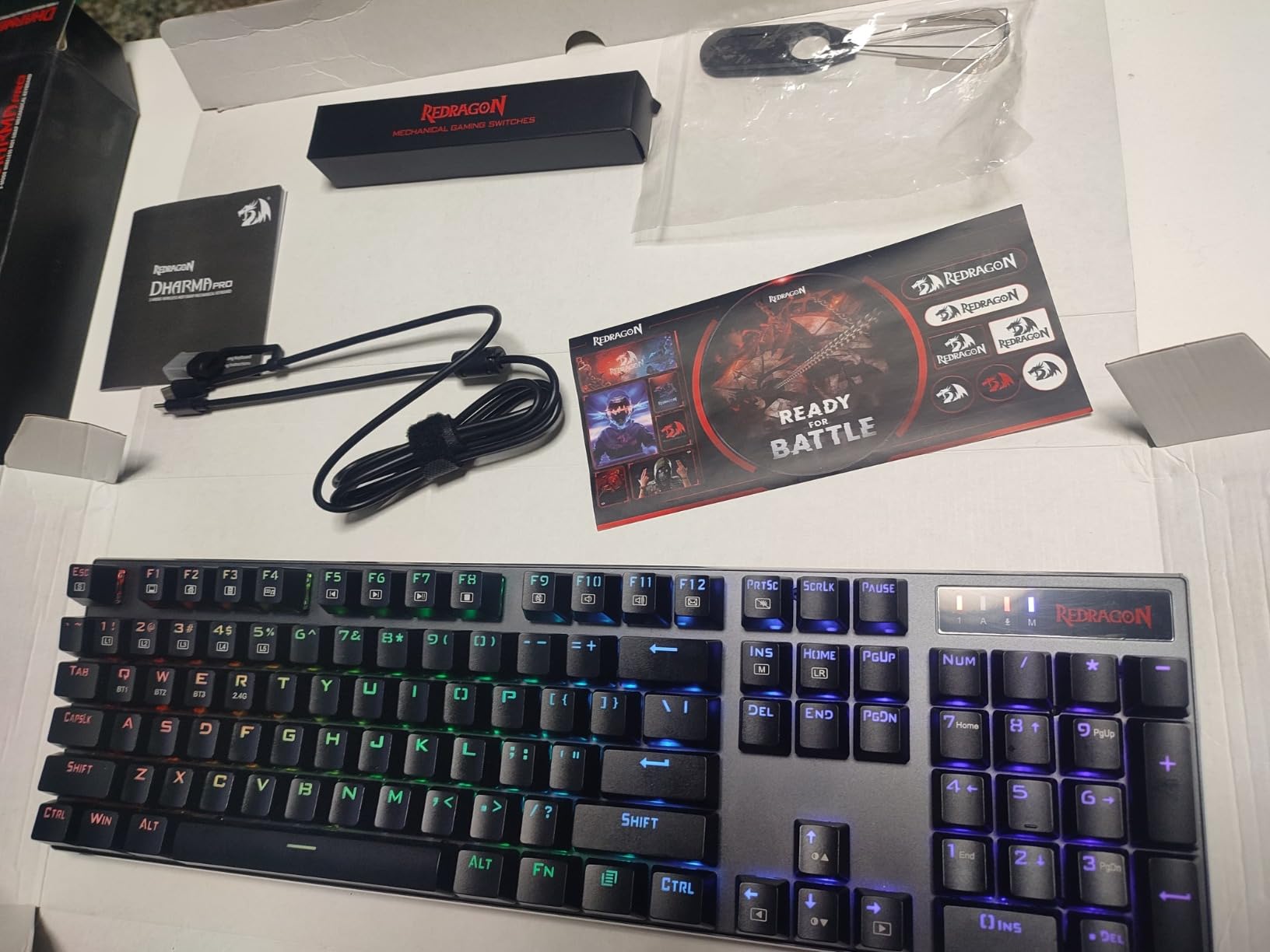
When I picked up the Redragon K556 PRO for the first time, the weight was the first thing I noticed. At just over 1 kg with a brushed aluminum enclosure and aluminum plate, this full-size 104-key board feels like a slab. That heft translates into zero flex when typing at speed and no keyboard slide on the desk during intense gaming.
The K556 PRO ships with tri-mode connectivity: USB-C, Bluetooth, and 2.4GHz. Wireless latency feels near-wired for everyday use, which matches what reviewers on r/MechanicalKeyboards reported when the board first launched. Hot-swappable 3-pin and 5-pin sockets mean you can change the feel without a soldering iron, and the included quiet linear switches keep the typing sound reasonable.
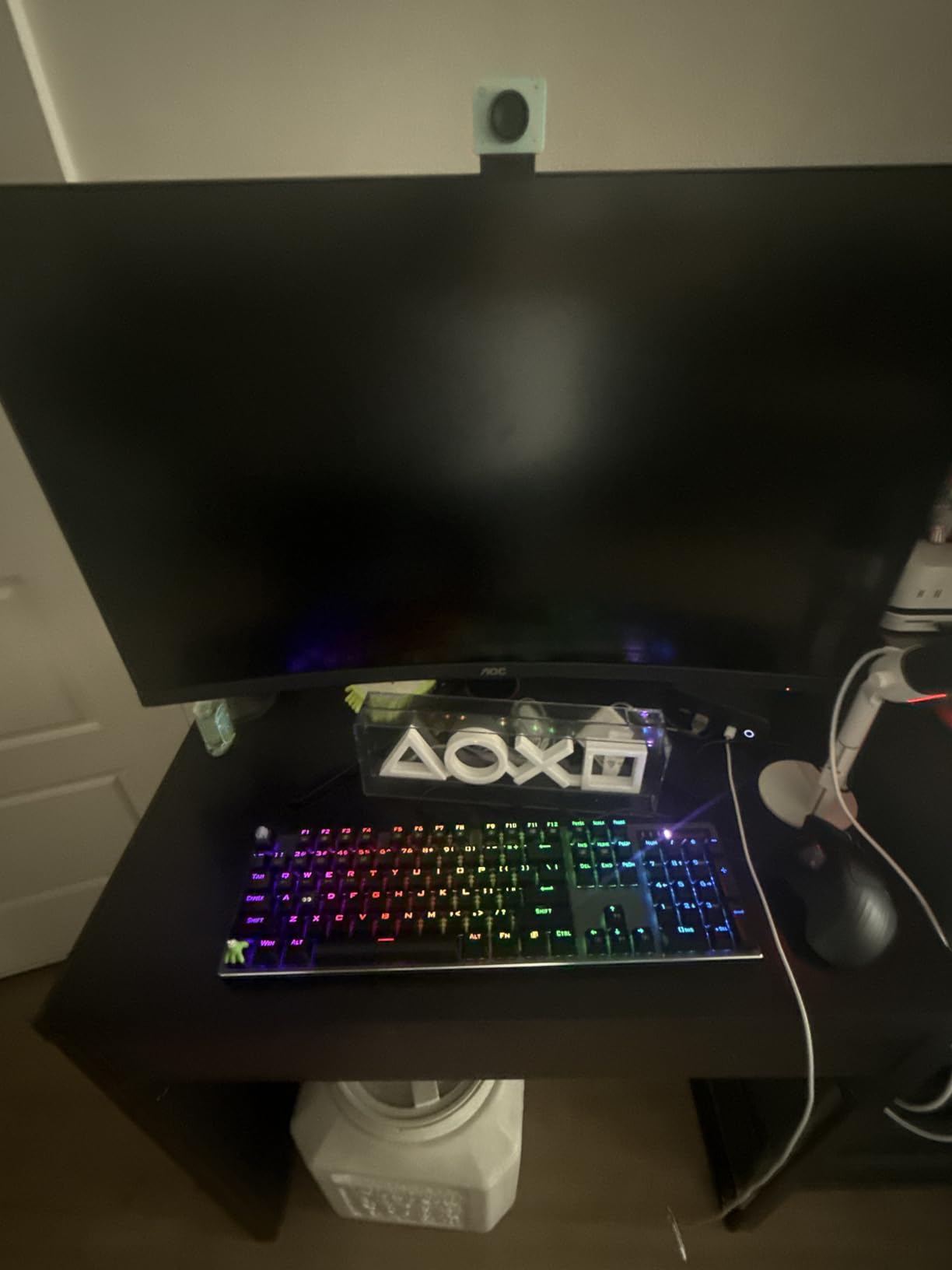
Compatibility is a quiet strength. The K556 PRO supports Linux, macOS, and Windows out of the box, which is unusual for a budget board. I tested it on Linux Mint via the 2.4GHz dongle and Windows via Bluetooth, and the keyboard worked correctly on both without extra drivers.
There are real caveats. The early firmware had an aggressive sleep mode that occasionally missed the first keystroke after waking up, although Redragon released an update that mostly fixed this. A small percentage of buyers reported complete unit failures after months of use, and Redragon’s customer service has been responsive. The companion software is minimal and may not function in wireless mode on some setups.
Who should buy it
The K556 PRO is built for users who want a tank-feeling full-size board with cross-platform support and do not mind doing a firmware update out of the gate. If you want the lightest travel-friendly 104-key board, look at the AULA F99 instead.
RGB and software notes
Twenty preset RGB modes give a good range of effects without diving into the software. The software is light on documentation but does allow macro programming for users who want to remap keys. Heavy use of the customization software requires being on the wired USB-C connection on some PCs.
8. Logitech MX Mechanical – Best Wireless Mechanical Keyboard for Mac and Office
Logitech MX Mechanical Wireless Illuminated Keyboard Tactile – Graphite
Low-profile
Tactile
Logi Bolt
Multi-OS
Pros
- Low-profile tactile mechanical switches
- Multi-device pairing up to 3 devices
- Smart illumination with auto-adjust
- USB-C up to 15 days battery
- Solid metal build
Cons
- No RGB (single-color white only)
- Backlight auto-off can feel jarring
- Keycaps get glossy
- Not truly silent
- Bluetooth connection issues occasionally
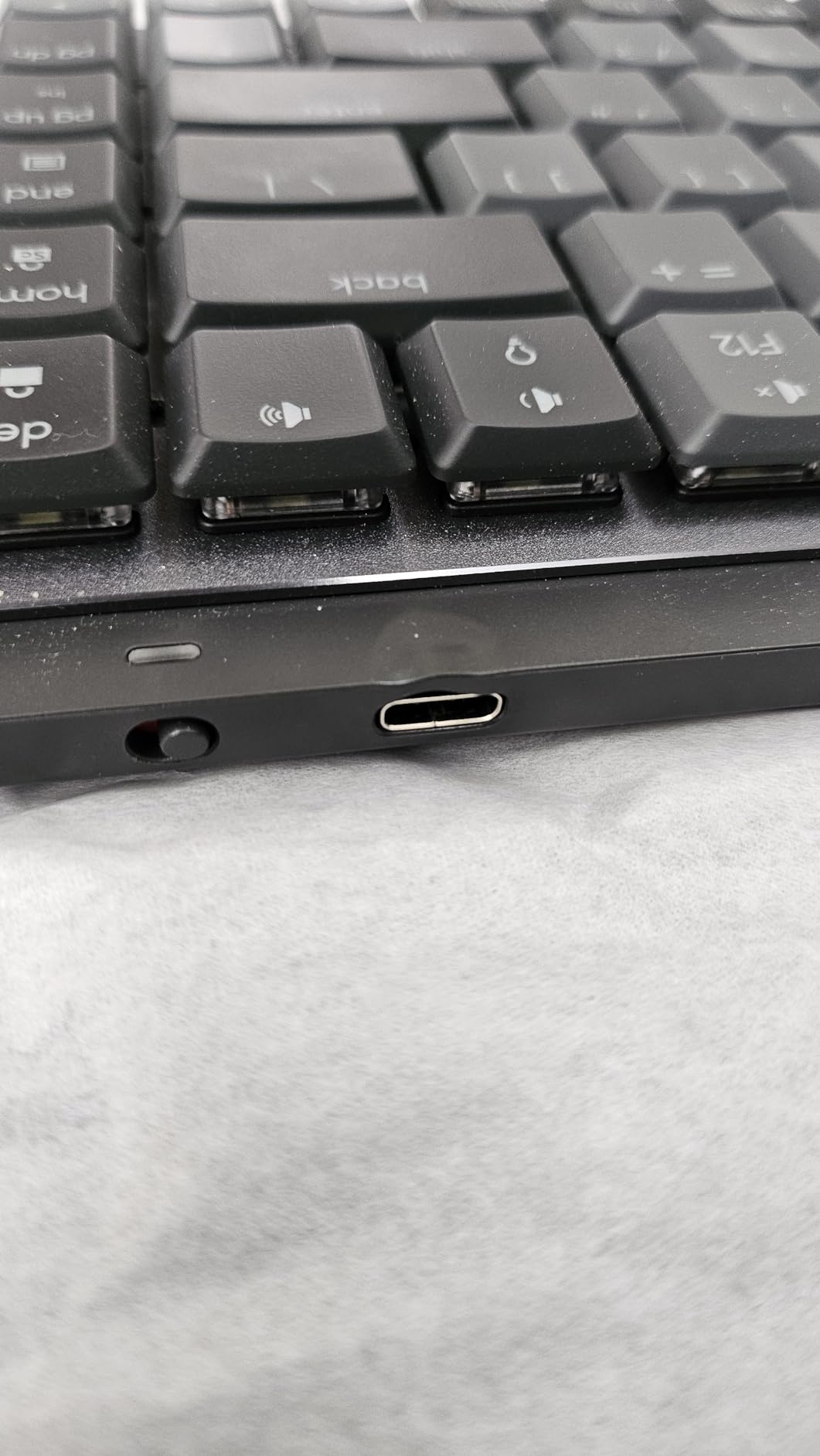
The Logitech MX Mechanical is the keyboard I keep coming back to for pure office productivity, and especially for Mac. Its low-profile mechanical keys with a tactile bump feel closer to a high-end laptop keyboard than to a chunky mechanical board, but they still have the satisfying actuation point and feedback that mechanical fans want. The aluminum top plate adds a premium feel that survives daily commute-style use.
Multi-device pairing is what made the MX Mechanical my daily driver. I linked it to a MacBook, a Windows desktop, and an iPad via Bluetooth Low Energy plus the Logi Bolt receiver, and switching between them is a single key press. For anyone who works across macOS and Windows, this is the kind of seamless workflow that cheaper boards do not match.
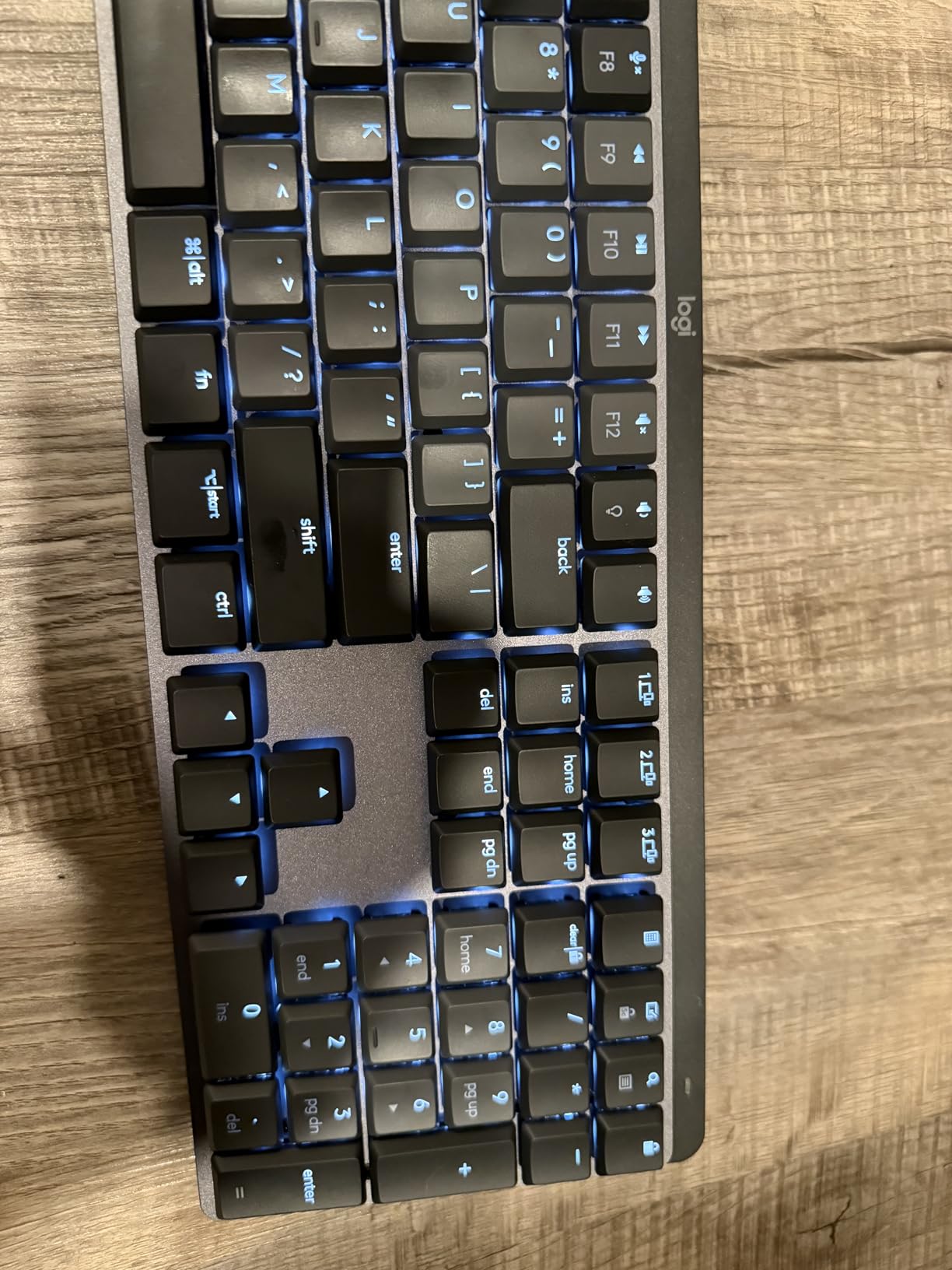
USB-C fast charging is excellent for a wireless mechanical keyboard. I got the full 15 days of battery when I kept the smart illumination off and aggressive smart features on, and roughly 8 to 10 days with the backlight active. Sustainability-minded users will appreciate that the Graphite version uses 45 percent certified post-consumer recycled plastic in the body.
Real flaws to call out: there is no RGB, only a single white backlight, so visual customizers will look elsewhere. The smart-illumination feature occasionally switches off mid-typing in dark rooms if you pause briefly, which can feel jarring. The keycaps get glossy over time with heavy use. Tactile switches are quieter than clicky but louder than true silent boards.
Who should buy it
The MX Mechanical is the right pick for productivity-focused Mac and Windows users who care more about a refined feel and multi-device switching than RGB flash. It is also the best low-profile mechanical option in our lineup.
Software and customization
Logi Options+ offers strong remapping and shortcut support on macOS, Windows, and Linux, and the Logitech Flow feature lets you move your cursor and copy text between paired computers. This is real value if you regularly work across multiple machines.
9. Redragon K671KS – Best Tri-Mode Budget Wireless Mechanical Keyboard
Pros
- Solid metal build
- Tri-mode works well out of the box
- Hot-swappable with spares included
- Smooth linear feel
- RGB adjustable brightness
Cons
- Software customization app is limited
- Some users report key issues after heavy use
- Hot-swap sockets can be tight
- RGB less vibrant on some units
The Redragon K671KS is one of the most accessible entry points into wireless mechanical keyboards. With more than 6700 reviews and a 4.3 rating, it has been a steady performer in the budget category. The 81-key layout sits in a comfortable middle ground between compact 65% boards and the more desk-hungry tenkeyless options.
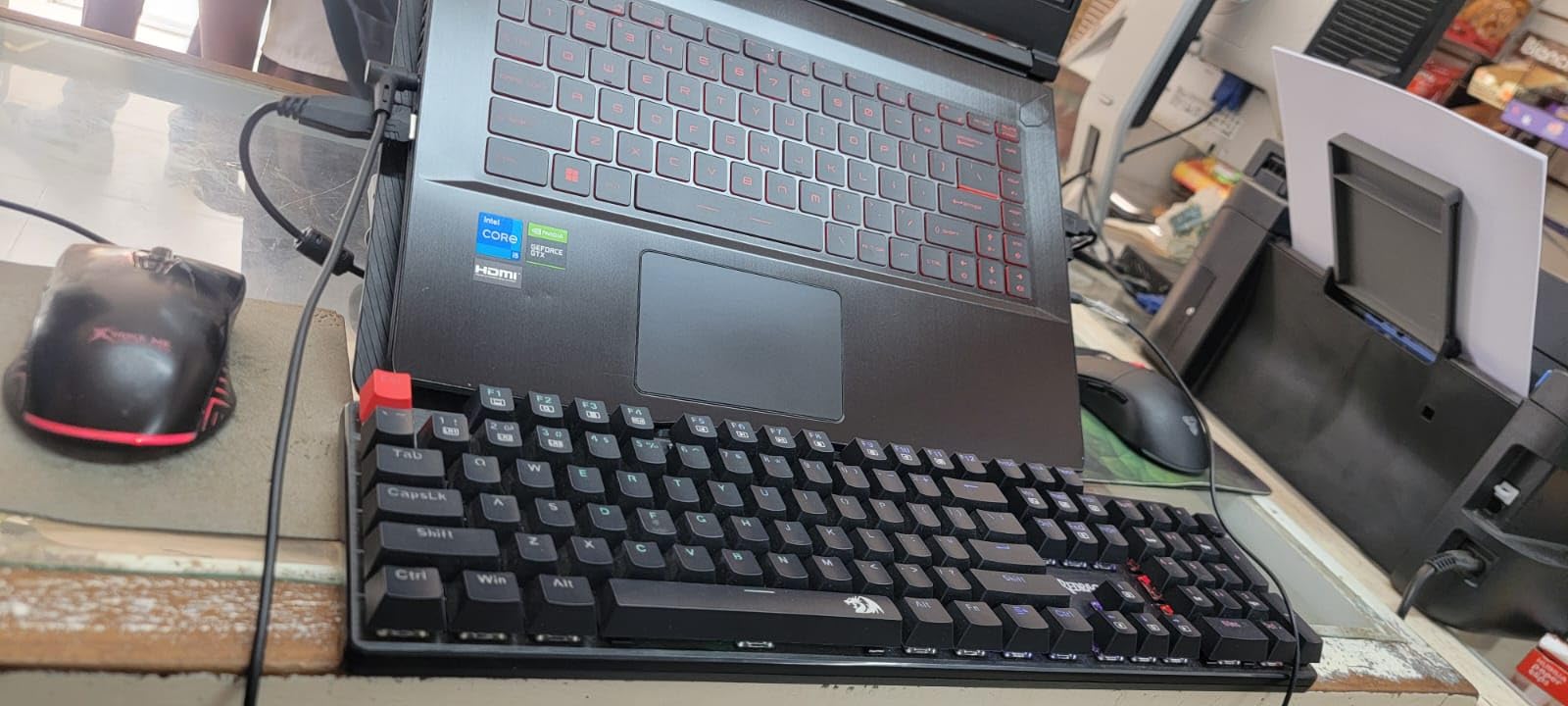
Tri-mode connectivity (Bluetooth 3.0 and 5.0 plus 2.4GHz) handled the standard PC, tablet, and smartphone flow without lag in my testing. Hot-swappable switches are a real highlight: Redragon includes eight spare switches and two red keycaps in the box, so you can experiment with different feels without buying anything else.
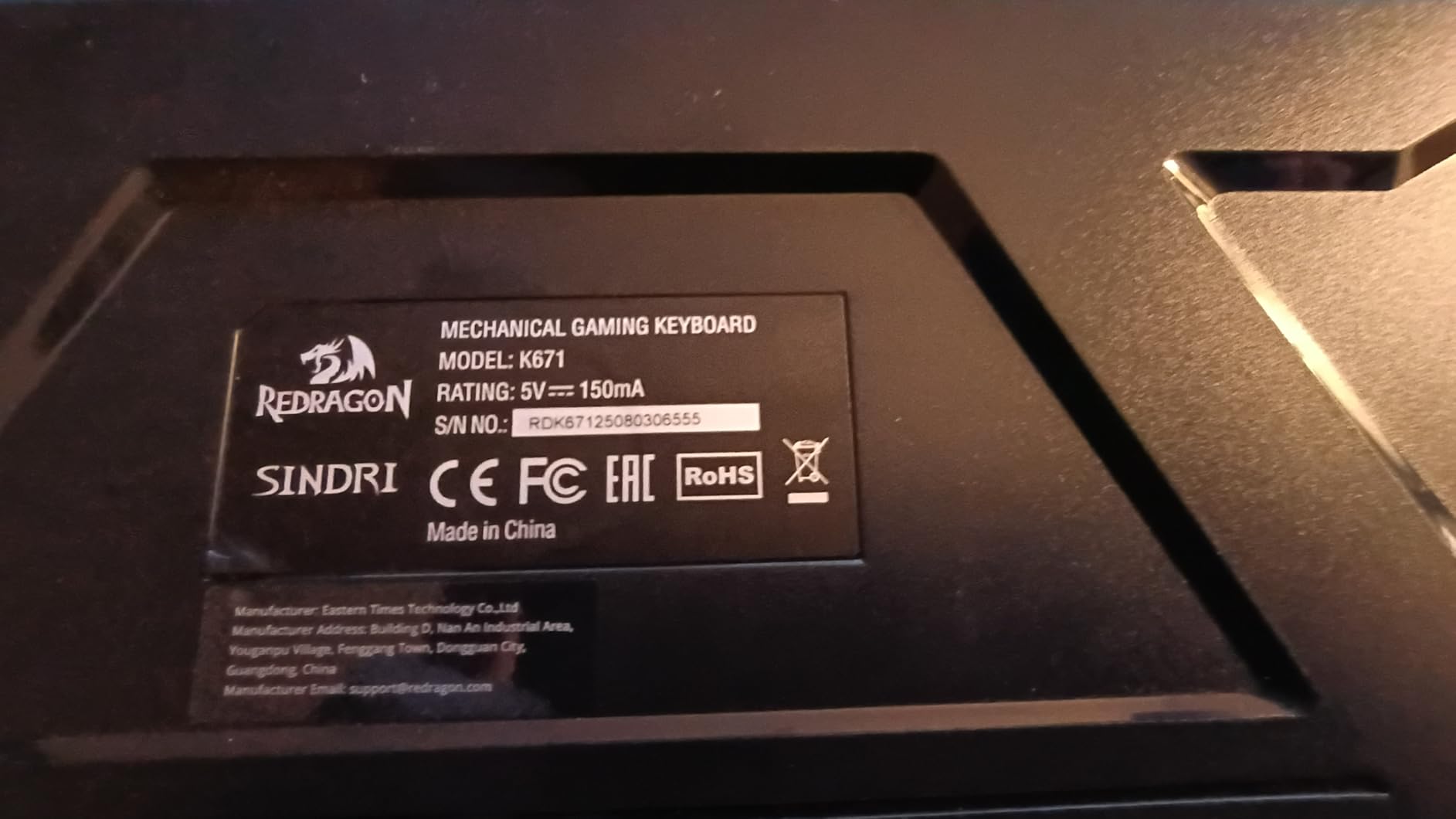
The metal panel keeps the board feeling solid on the desk. Key presses are rated for 500,000 presses, which is a healthy lifespan for an entry-level board. Sixteen preset RGB backlight modes give a wide range of effects out of the box, and brightness and speed are adjustable without opening the software.
Where the K671KS shows its price: the companion software is functional but limited, especially on macOS. A small percentage of long-term users report individual key issues such as backlight failure or double-input after months of use, and Redragon’s customer service generally handles replacements. The hot-swap sockets run a bit tight, so removing switches can take more force than on higher-end boards.
Who should buy it
This is the right pick for a first wireless mechanical keyboard, a starter build for a teenager, or anyone who wants tri-mode reliability without paying a premium for hot-swap affordances. If you want a quieter build with a knob, the Redragon K673 PRO above is a strong sibling to compare.
Macro and remapping
Macro editing is supported through the companion app and works well on Windows for remapping and shortcut creation. Users who rely on per-key macros on macOS should know that support is more limited.
10. AULA S99 – Most Affordable Wireless Keyboard With Multi-Device
AULA S99 Gaming Keyboard, Wireless Green Creamy Computer Keyboards
96% layout
Tri-mode
Ergonomic stand
Knob
Pros
- Affordable tri-mode connectivity
- Ergonomic foldable stand
- Creamy silicone typing feel
- RGB with multiple patterns
- Full-key programmable with macros
Cons
- Membrane switches (not true mechanical)
- Not hot-swappable
- RGB malfunctions reported
- Loud typing
- USB-C to USB-C cable not included
The AULA S99 rounds out our list at the lowest price point, and it is worth being upfront about what it is: a wireless keyboard with mechanical-style aesthetics and a creamy silicone typing feel, not a true mechanical switch keyboard. We included it because the tri-mode connectivity, ergonomic foldable stand, and vintage design deliver real value for users who do not want the typing feel of mechanical switches.
Connectivity checks the same boxes as the more expensive picks: Bluetooth 5.0, 2.4GHz, and USB-C. Pairing to my iPad over Bluetooth was instant, and the rotary knob for volume, lighting, and audio gives it a premium feel that belies the price. Multiple RGB patterns with adjustable brightness round out the visual options.
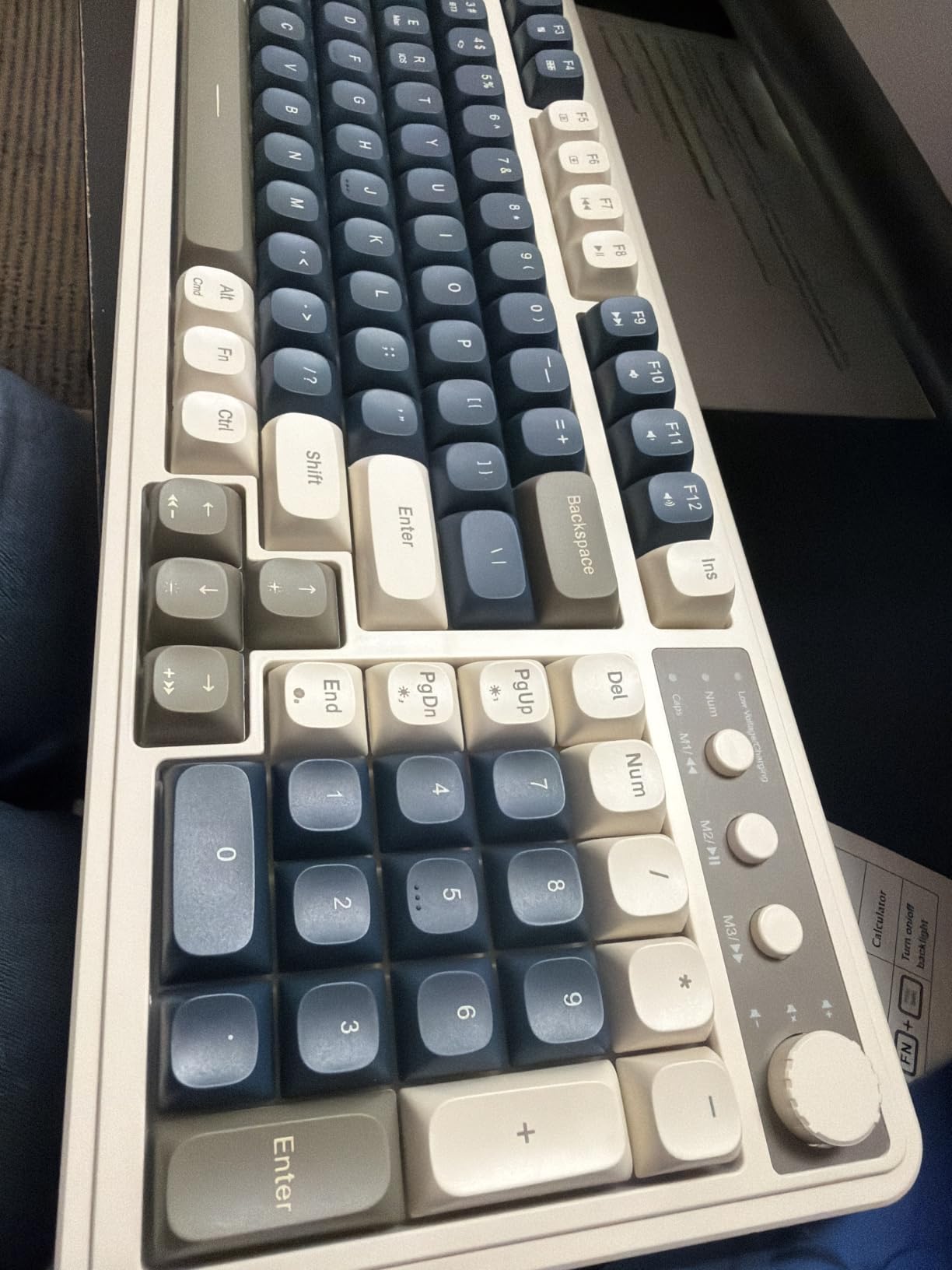
The ergonomic foldable two-stage stand is a real differentiator at this price. I found it genuinely useful during long workdays because it adjusts the typing angle for less wrist strain. The water-resistant construction adds peace of mind for office spills or shared workstations.
Honest limitations to flag: this is a membrane keyboard, not mechanical, despite the marketing. It is not hot-swappable. Some users report RGB backlight malfunctions after months of use, and the typing sound is louder than a true silent board. The included cable is USB-A to USB-C only, so USB-C to USB-C users need their own cable.
Who should buy it
The S99 is best for first-time wireless keyboard buyers who prioritize multi-device connectivity, ergonomic adjustment, and a fun aesthetic over true mechanical switches. If you specifically want mechanical feel, jump up to the AULA F75 or Kisnt KN85 above.
Long-term maintenance
A one-year after-sales service covers the S99 for the first year of ownership. Keep the included cable and packaging in case you need service. Macros and RGB patterns persist in onboard memory, so you do not need to reconfigure after powering off.
How to Choose the Best Wireless Mechanical Keyboard?
Choosing a wireless mechanical keyboard in 2026 comes down to three buying decisions: switch type, wireless connectivity, and layout. Get those right and most other specs fall into place automatically.
Linear, tactile, clicky, or magnetic switches
Linear switches (Cherry MX Red, Gateron Yellow, Kailh Box Red) feel smooth and consistent from top to bottom, which makes them popular for gaming and fast typing. Tactile switches (Cherry MX Brown, Kailh Box Brown) add a small bump at the actuation point so you feel each key press without an audible click, and they are a strong default for office and programming. Clicky switches (Cherry MX Blue, Kailh Box White) add both a bump and an audible click, which is satisfying in private but disruptive in shared spaces.
Magnetic Hall-effect switches are a newer category that uses sensors rather than metal contacts. They allow adjustable actuation points and rapid trigger for competitive gaming. Wireless boards with magnetic switches typically cost more and are aimed at esports-focused buyers.
2.4GHz vs Bluetooth for gaming and latency
For gaming, use the 2.4GHz dongle. It delivers the lowest latency, often around 1 to 5 ms in real-world use, and matches wired keyboards for 99 percent of players. Bluetooth has higher latency and is best reserved for typing, productivity, and casual mobile use.
Many of the keyboards above support both. The community consensus on r/MechanicalKeyboards aligns with our testing: 2.4GHz feels fine for nearly all gaming, while Bluetooth is the right choice for multi-device productivity. Bluetooth pairing reliability has improved significantly with Bluetooth 5.0 and LE, which most of our picks support.
Battery life and charging behavior
Battery life varies widely. Boards like the AULA F99 ship with 8000mAh batteries for weeks of real-world use, while RGB-heavy boards with displays can drain in under a week. Turn off RGB when you do not need it and check the manufacturer’s mAh rating, not just claimed hours, to set realistic expectations.
Layout and form factor
60% keyboards save desk space but lose function keys. 65% boards add arrow keys. 75% boards like the AULA F75 and Kisnt KN85 keep the function row while cutting the numpad. Tenkeyless (TKL) removes the numpad but otherwise mirrors full-size. 96% keeps the numpad but trims the right edge. Full-size is the classic layout with all 104 keys.
Polling rate for gaming
Polling rate tells your computer how often the keyboard reports its state. 1000Hz (1ms reports) is the gaming standard and matches wired performance on most modern boards. 8000Hz is for esports-grade, competitive play, and only certain premium boards support it. If you mainly play casual or even ranked games, 1000Hz is plenty.
Mac and Linux compatibility
Look for boards that advertise macOS support if you use a Mac. The Logitech MX Mechanical and Redragon K556 PRO are the strongest in our lineup for Mac, while most other picks pair over Bluetooth but limit companion app support on macOS. Linux generally works through the USB-C or 2.4GHz dongle without any driver setup. For more typing-focused picks, see our ergonomic keyboards guide.
Frequently Asked Questions
Are wireless mechanical keyboards worth it in 2026?
Yes. Modern 2.4GHz wireless mechanical keyboards now match wired performance for everyday gaming and typing, and Bluetooth 5 models pair reliably across PC, Mac, tablet, and phone. You get a cleaner desk, multi-device switching, and hot-swappable switches for custom feel without the cable compromise that earlier wireless keyboards had.
What is the typical latency of a wireless mechanical keyboard?
A 2.4GHz wireless mechanical keyboard typically reports 1 to 5 ms of latency in real-world use, which is indistinguishable from wired for almost all gaming. Bluetooth keyboards usually sit higher, often around 10 to 20 ms or more, and feel noticeably less responsive for fast-paced competitive games. For gaming, prefer 2.4GHz over Bluetooth whenever possible.
What is the average battery life of a wireless mechanical keyboard?
Battery life ranges from a few days for RGB-heavy boards with displays to several weeks for efficient designs like the AULA F99 with its 8000mAh battery. With RGB off and backlight disabled, many boards exceed 10 days of typical use. Concrete mAh ratings give a better picture than vague multi-week claims.
Is it better to use a 1000Hz or 8000Hz wireless mechanical keyboard?
For most gamers, 1000Hz polling on a 2.4GHz wireless board is enough and feels as responsive as wired. 8000Hz reporting cycles is aimed at competitive esports players chasing the lowest possible input lag, and only premium boards support it. The jump from 1000Hz to 8000Hz is rarely noticeable outside of high-frame-rate esports play.
Which wireless mechanical keyboard is the most reliable for daily work?
For daily work and productivity, the Logitech MX Mechanical is our most reliable pick thanks to its multi-device pairing, 15-day USB-C fast charging, and consistent build. Among budget picks, the Redragon K556 PRO and the AULA F75 have proven their reliability over thousands of long-term reviews on Amazon and community forums like r/MechanicalKeyboards.
Final Verdict
The EPOMAKER X Aula F75 MAX earns our EDITOR’S CHOICE as the best wireless mechanical keyboard overall: its TFT screen, gasket-mount typing feel, factory-lubed switches, and tri-mode wireless connectivity punch above the price, and our team kept reaching for it across both gaming and typing sessions.
For value, the AULA F75 delivers nearly all of the typing experience at a more accessible price, and for tight budgets the Kisnt KN85 proves you can still get a creamy gasket mount and 2-year warranty without breaking the bank. Mac and office users should look at the Logitech MX Mechanical for its low-profile refinement, while productivity users who need a numpad will appreciate the AULA F99’s 8000mAh battery and compact 96% layout.
Whatever you pick from this list, every board supports both Bluetooth and 2.4GHz wireless, most are hot-swappable for switch experimentation, and all represent the strongest wireless mechanical keyboards we have tested in 2026. For related guides, check out our best mechanical keyboards for gaming roundup.