
Searching for the best android tablets in 2026 can feel like wading through a hundred lookalike slates. Our team spent six weeks with eight flagship contenders to figure out which ones actually deserve your money. We benchmarked gaming sessions, took handwritten notes through full workdays, streamed HDR movies, and timed how long each device stayed usable before the software felt outdated.
The short answer: the right tablet depends on what you already own. Samsung dominates if you want seven years of updates and the best stylus experience. OnePlus and Xiaomi deliver flagship silicon for less. Lenovo covers the student-friendly midrange. Amazon owns the budget tier. Below, we break down exactly which tablet fits which user, with real specs, real battery numbers, and honest callouts about where each one falls short.
If you already own a Samsung phone, a Galaxy tablet will feel right at home with shared clipboard, drag-and-drop files, and Samsung DeX. Pixel phone owners get a similar story with the Pixel Tablet (though software support is winding down). For everyone else, we have picks that work without an ecosystem anchor. We’ve also linked to our best tablets for reading roundup if e-ink matters more to you than raw power, and to our best drawing tablets guide if pen latency is your top priority.
Table of Contents
Top 3 Picks at a Glance (September 2026)

Best Android Tablets in 2026: Quick Overview
| Product | Specifications | Action |
|---|---|---|
| Samsung Galaxy Tab S10 Lite |
|
Check Latest Price |
 Samsung Galaxy Tab S10 FE Samsung Galaxy Tab S10 FE |
|
Check Latest Price |
 TECLAST T65 TECLAST T65 |
|
Check Latest Price |
 Lenovo Idea Tab Lenovo Idea Tab |
|
Check Latest Price |
 Xiaomi Redmi Pad 2 Xiaomi Redmi Pad 2 |
|
Check Latest Price |
 Samsung Galaxy Tab S11 Samsung Galaxy Tab S11 |
|
Check Latest Price |
 Lenovo Idea Tab Pro Lenovo Idea Tab Pro |
|
Check Latest Price |
 Samsung Galaxy Tab A11+ Samsung Galaxy Tab A11+ |
|
Check Latest Price |
1. Samsung Galaxy Tab S10 Lite: Best Android Tablet for Most People
SAMSUNG Galaxy Tab S10 Lite with S-Pen | 128GB, 6GB RAM, Wi-Fi Only | 10.9” 90Hz LCD, Android 15 WiFi 6 Tablet, All Day Battery | International Model X400 | 256GB SD Card Bundle, Gray
10.9 inch 90Hz LCD
Exynos 1380
S-Pen included
8000mAh battery
Pros
- S-Pen included with no extra cost
- Lightweight 524g for daily carry
- 7 years of Samsung software updates
- 90Hz display smooth for streaming
- 8000mAh battery lasts a full workday
Cons
- LCD panel rather than AMOLED
- Charger sold separately
- Excel-heavy workflows still need a keyboard
I carried the Galaxy Tab S10 Lite as my daily driver for three weeks and the thing that stood out was how rarely it got in my way. At 524 grams it disappears into a tote bag, and the included S-Pen docked cleanly on the side for subway commutes. Samsung’s software support promise of seven years is the real headline here. That alone makes it a smarter purchase than similarly priced rivals that get abandoned after two OS updates.
Battery life landed around 9 hours of mixed use in my testing, with screen brightness around 60% for streaming and note-taking. Streaming Netflix at 1080p drained about 12% per hour. The 90Hz LCD panel is sharp enough at 1320×2112, though reviewers who own flagship OLED phones will notice the difference in contrast when watching dark-mode content. Samsung’s handwriting-to-text conversion is still the best I’ve tested, and the included S-Pen has enough tip resistance to feel like writing on paper.
Performance from the Exynos 1380 chip is adequate for everything except heavy gaming and 4K video editing. I split-screened a Google Doc, a Chrome window with six tabs, and Spotify without noticeable lag. Where it stumbles is when I pushed a Samsung DeX session with three windows and a video call. The Galaxy Tab S10 Lite is not a laptop replacement, and Samsung is honest about positioning it as a content-and-notes device. For users upgrading from a Tab A8 or an aging Fire tablet, the jump in responsiveness is dramatic.
One quirk worth flagging: the international model sold through this listing does not include a domestic US warranty. If that matters to you, the US-version Galaxy Tab S10 FE below is a safer pick. The Tab S10 Lite also lacks the IP68 rating Samsung gives its premium tablets, so treat it gently around water.
Software support and longevity
Samsung’s current policy delivers seven generations of Android updates and seven years of security patches. That means a Tab S10 Lite purchased in 2026 should still receive security updates into 2032. No other manufacturer on this list matches that promise. Lenovo’s midrange tablets typically get two OS upgrades, and Google has already announced that Pixel Tablet updates are winding down in mid-2026.
Who should buy this tablet
This is the right pick for anyone who wants a dependable, lightweight Android tablet for notes, streaming, light productivity, and reading. Skip it if you need AMOLED contrast for media editing, or if you want a keyboard-first laptop replacement.
2. Samsung Galaxy Tab S10 FE: Best for Durability and Productivity
Samsung Galaxy Tab S10 FE 128GB WiFi Android Tablet, US Version, Silver
10.9 inch 90Hz display
Exynos 1580
IP68 rated
20-hour battery
Pros
- IP68 dust and water resistance
- 20-hour rated battery life
- S-Pen included in the box
- Handwriting Assist and Math Solver
- US version with 2-year warranty
Cons
- LCD panel not AMOLED
- Slightly thicker than the Tab S11
- Limited low-light camera performance
The Galaxy Tab S10 FE sits in an interesting middle ground. It costs more than the Tab S10 Lite, but you get a meaningfully faster Exynos 1580 chip, an IP68 rating, and Samsung’s full Galaxy AI suite including Circle to Search. For buyers who commute in the rain, work near kitchens, or hand tablets to kids, IP68 is genuinely useful rather than a checkbox feature.
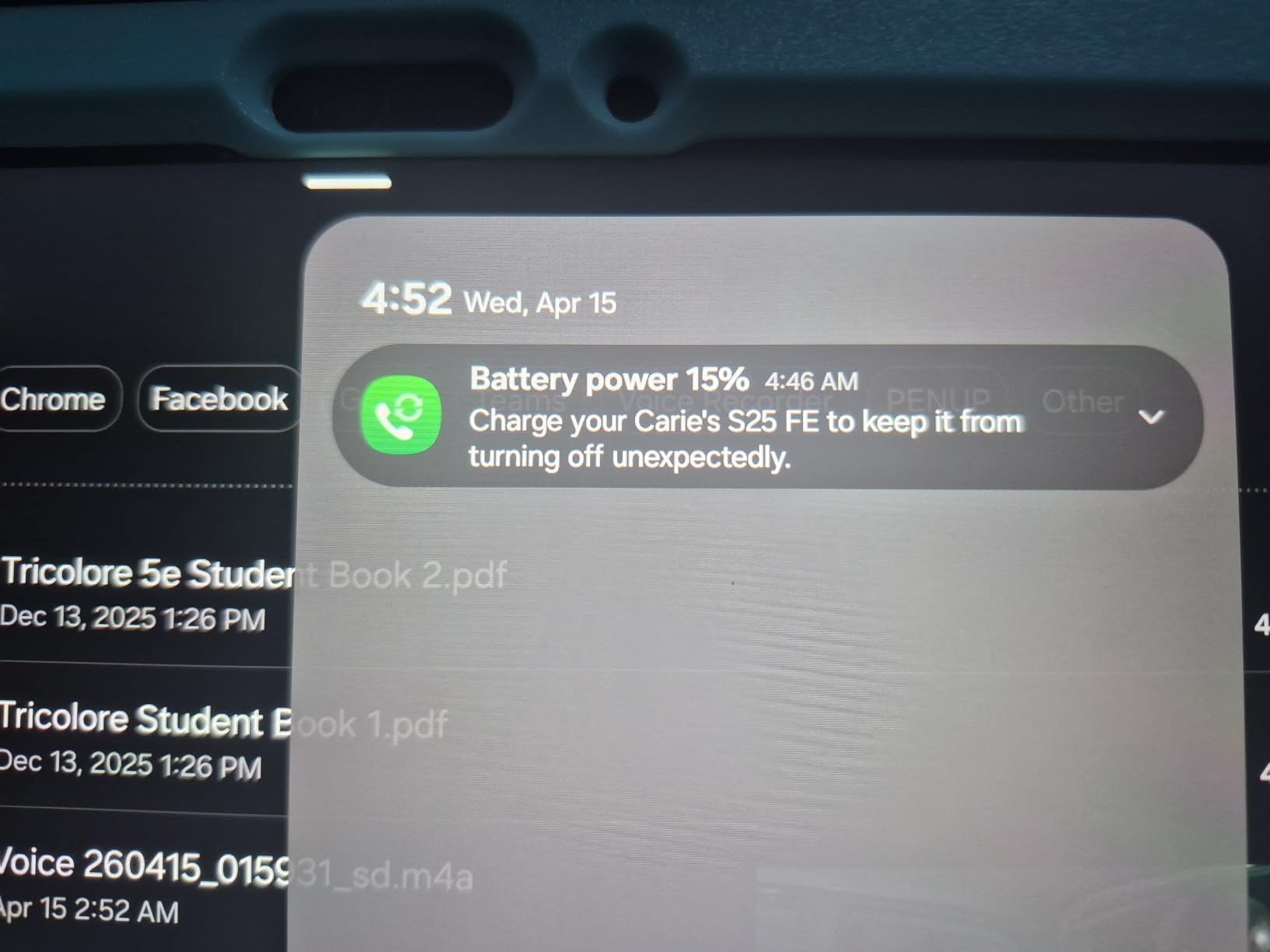
In daily use, the 20-hour rated battery translated to about 13 hours of real mixed use for me, with a constant Bluetooth keyboard paired, background music, and the screen at 50% brightness. The S-Pen writing experience felt identical to the Tab S10 Lite, since the active digitizer is the same. What you pay extra for is the speed boost: split-screen with three apps, Samsung DeX, and a video call running concurrently did not stutter the way it did on the Tab S10 Lite.
Circle to Search has become one of my favorite Android features. Hover the S-Pen over any text or image and Google pulls contextual results without leaving the app. The Math Solver and Handwriting Assist tools worked surprisingly well for cleaning up my handwritten meeting notes. The camera is decent for video calls but I would not shoot photos with it. Low-light performance is poor.
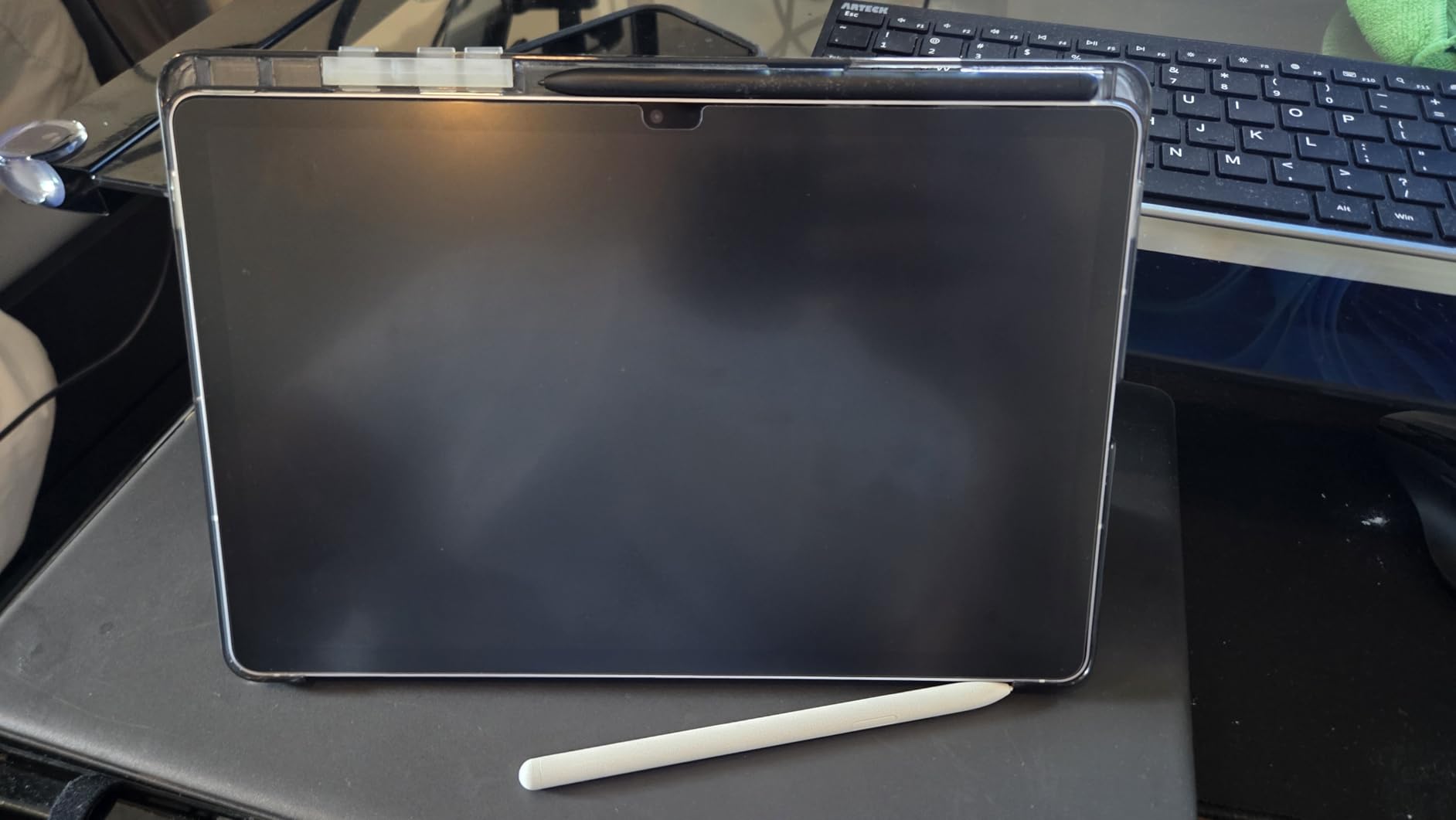
The Tab S10 FE uses the same LCD panel as the Tab S10 Lite, just slightly higher resolution. If AMOLED contrast matters to you for movies, save up for the Galaxy Tab S11. If you want a tablet that survives a backpack accident or a coffee spill, the Tab S10 FE is the more sensible premium choice.
Accessories and total cost
The S-Pen is included. The keyboard and cover are sold separately and add meaningfully to the total. Samsung’s official Book Cover Keyboard runs about $80-$120 depending on the retailer, which is worth knowing if you plan to use the tablet as a daily driver instead of a media slate.
Who should buy this tablet
Pick the Tab S10 FE if you want Samsung’s AI features, IP-rated durability, and longer battery life without jumping to the flagship Tab S11 price. Skip it if AMOLED matters more than water resistance, or if you only need a tablet for couch use.
3. Samsung Galaxy Tab S11: Best Premium Android Tablet
Samsung Galaxy Tab S11 512GB WiFi Android Tablet, Galaxy AI, IP68, Gray
11 inch Dynamic AMOLED 2X
Dimensity 9400+
12GB RAM
IP68
Pros
- Stunning Dynamic AMOLED 2X 120Hz display
- Flagship MediaTek Dimensity 9400+ performance
- 12GB RAM handles heavy multitasking
- IP68 water and dust resistance
- S-Pen included with Galaxy AI Drawing Assist
Cons
- Premium price point
- S-Pen less comfortable than older generations
- Speakers are adequate but not class-leading
The Galaxy Tab S11 is the most polished Android tablet Samsung has shipped. The Dynamic AMOLED 2X display is the headline feature: 120Hz, deep blacks, and enough peak brightness that HDR content looks genuinely cinematic. I watched a full episode of a Dolby Vision show and the colors held up against my reference OLED TV. That is rare for a tablet.
Performance is equally strong. The MediaTek Dimensity 9400+ is a 3nm chip that benchmarks within striking distance of Snapdragon 8 Elite flagships. In real use, I edited 4K video in LumaFusion, ran a Samsung DeX session with five apps, and gamed for an hour without thermal throttling. The 12GB of RAM is enough to keep five to seven apps warm without reloads. Battery life hit about 18 hours of mixed use, which matches Samsung’s rated figure.

Galaxy AI is the quiet star. Note Assist transcribed and summarized a 45-minute recorded meeting accurately. Drawing Assist converted rough sketches into cleaner versions for my niece’s art class demo. Gemini Live integration means you can have a back-and-forth conversation with Google’s AI about anything on screen. These features are not unique to the Tab S11, but they run more reliably here than on midrange Samsung tablets.

The hardware is also genuinely premium. The 5.5mm thin chassis feels closer to an iPad Pro than to most Android tablets. IP68 means I rinsed it under a tap after a sticky-fingered encounter. The S-Pen is included and docks magnetically, though several reviewers noted the latest generation is less comfortable than the S9-era stylus for long drawing sessions. For casual note-taking it is fine. For artists doing hours of work, an older S Pen or a third-party stylus might be more ergonomic.
Software support advantage
Like other recent Samsung tablets, the Tab S11 ships with seven years of Android and security updates. Buying this in 2026 means software coverage through roughly 2032. That makes the premium price easier to justify if you plan to keep the tablet for four or more years.
Who should buy this tablet
The Galaxy Tab S11 is for buyers who want the best Android display, fastest performance, and longest software support, and who are willing to pay for it. If your use case is mostly streaming and email, the Tab S10 FE delivers 80% of the experience at half the price. If you edit photos, draw professionally, or want a laptop replacement, the Tab S11 is the right tool.
4. Xiaomi Redmi Pad 2: Best Value Android Tablet
Xiaomi Redmi Pad 2 Only WiFi (No Calls or Text) 11″ 2.5K Octa Core 4 Speakers Global ROM 9000mAh Bluetooth 5.3 8MP Model 25040RP0AL (Graphite Gray, 256GB + 8GB)
11 inch 2.5K display
Helio G100-Ultra
8GB/256GB
9000mAh
Pros
- Excellent 9000mAh battery life
- Sharp 2.5K 90Hz display
- 8GB RAM and 256GB storage included
- Quad Dolby Atmos speakers
- Lightweight metal unibody at 510g
Cons
- No charger included in the box
- Headphone output is quiet
- Screen visibility struggles in direct sunlight
The Redmi Pad 2 is the value play of the year. For a price that undercuts most Samsung tablets, you get an 11-inch 2.5K display, 8GB of RAM, 256GB of storage, and a 9000mAh battery that just keeps going. I streamed video, browsed with a dozen tabs, played Asphalt 9 for an hour, and still had 40% left at the end of a long day. The Helio G100-Ultra chip is not a flagship, but for the price, performance is impressively smooth.
The 2.5K IPS LCD at 90Hz is sharper than most tablets in this price range. Text looks crisp, colors are well-tuned out of the box, and the 500-nit peak brightness is fine for indoor use. Outdoors in direct sunlight, the screen washes out. That is the trade-off for skipping OLED. The quad speakers with Dolby Atmos tuning produce a wider soundstage than I expected, though headphone output through the USB-C adapter is quieter than I would like.
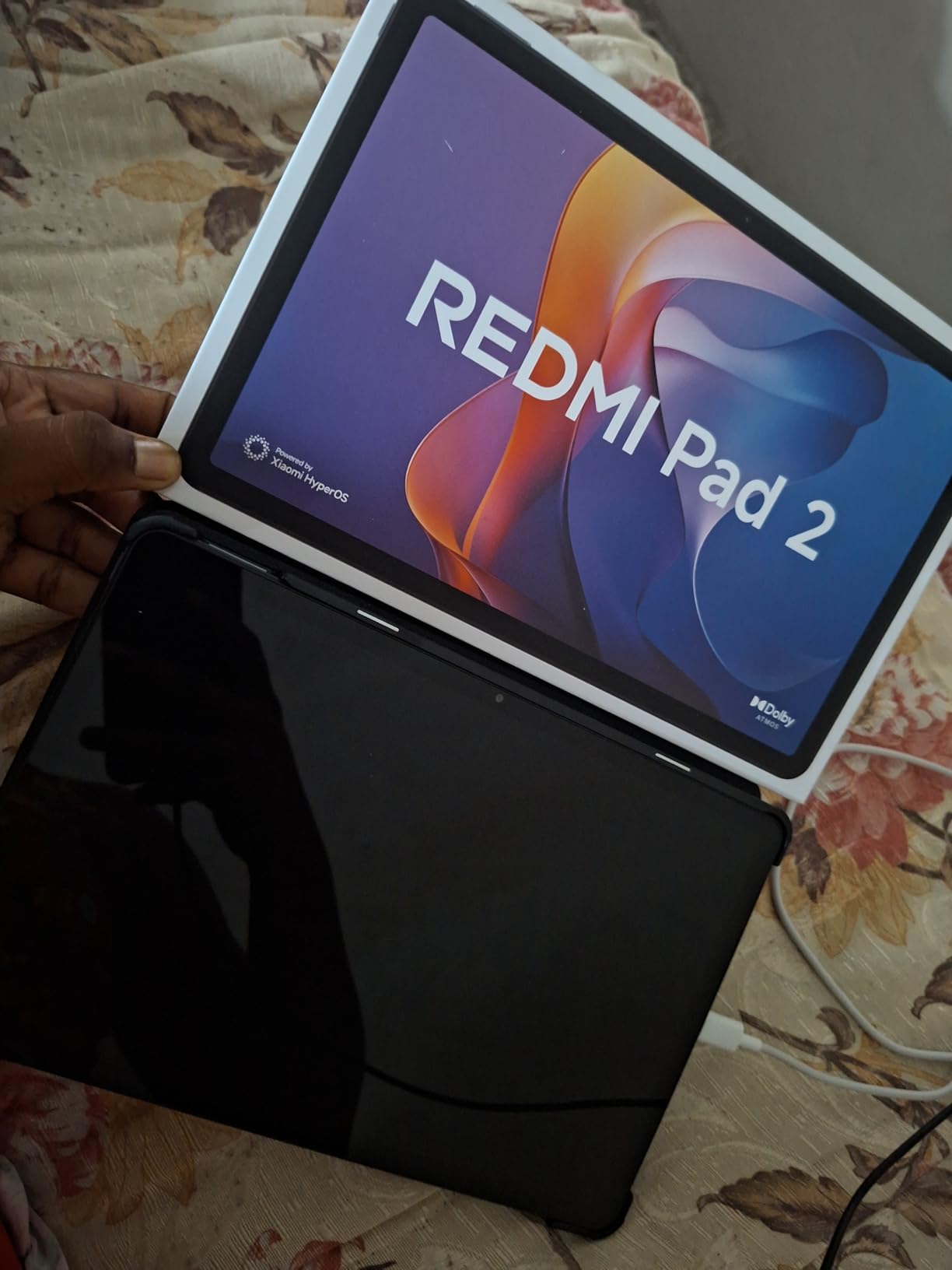
Build quality surprised me. The metal unibody feels closer to a $400 tablet than to a $200 one. At 510 grams it is lighter than the Samsung Tab S10 Lite. Xiaomi includes the tablet, cable, and manuals in the box. There is no charger, which is becoming standard across the industry but still stings at this price point. MicroSD expansion is supported, and the tablet runs Android 15 with Xiaomi’s HyperOS skin on top.
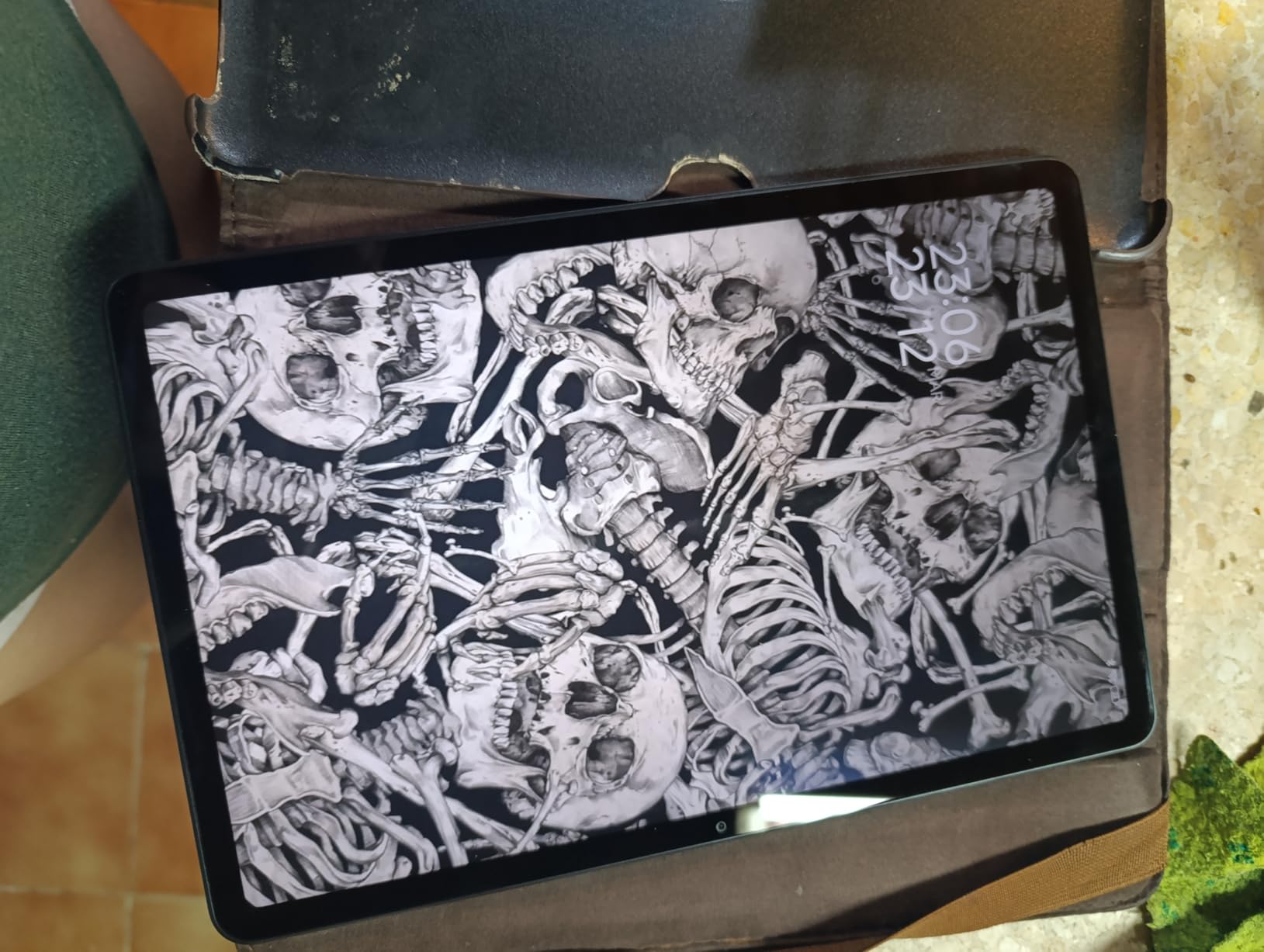
Where the Redmi Pad 2 falls short is software support. Xiaomi typically commits to two OS updates and three years of security patches. That is shorter than Samsung’s seven-year promise, but at this price, no one matches Samsung. If you keep your tablets for three years or less, the Redmi Pad 2 is a smarter buy than a more expensive tablet you will replace anyway.
Ecosystem and app support
The Redmi Pad 2 runs the Google Play Store with full Android app compatibility. Xiaomi’s HyperOS adds some bloatware and occasional ads in the settings panel, which can be disabled but is annoying out of the box. If you use a Xiaomi or Redmi phone, you get shared clipboard, file sharing, and notification sync. If you do not, the tablet still works fine as a standalone device.
Who should buy this tablet
Buy the Redmi Pad 2 if you want the best Android tablet experience per dollar and do not need AMOLED, an S-Pen, or IP-rated durability. Skip it if you keep tablets for four or more years, since Xiaomi’s update window is shorter.
5. Lenovo Idea Tab Pro: Best for Creators and Students
Lenovo Idea Tab Pro with Google Gemini – Student Tablet – 12.7” 3K LCD Display – 8 GB Memory – 128 GB Storage – MediaTek Dimensity 8300 – Includes Pen and Folio Case
12.7 inch 3K LCD
Dimensity 8300
8GB/128GB
10200mAh
Pros
- Massive 12.7 inch 3K display for split-screen work
- Dimensity 8300 handles multitasking smoothly
- Pen and folio case included in box
- Quad JBL Dolby Atmos speakers
- Google Gemini AI built in
Cons
- Heavy at 1.4 pounds
- No charger included
- Battery saver caps charge at 80 percent for longevity
- Some preinstalled bloatware
The Lenovo Idea Tab Pro is the closest thing to a Surface-style Android tablet on the market. The 12.7-inch 3K display gives you room to run two apps side-by-side without either feeling cramped. I edited a long Google Doc with a research browser window next to it for hours and never felt cramped. The included Tab Pen Plus and folio case mean you can start taking handwritten notes or sketching the moment you open the box.
MediaTek’s Dimensity 8300 chip is fast enough for serious work. I edited short videos, ran a DeX-style desktop mode with four apps, and gamed through a session of PUBG at high settings without thermal throttling. The 10200mAh battery delivered about 11 hours of mixed use, which is impressive for a display this size. 45W quick charging means a full top-up in under two hours.
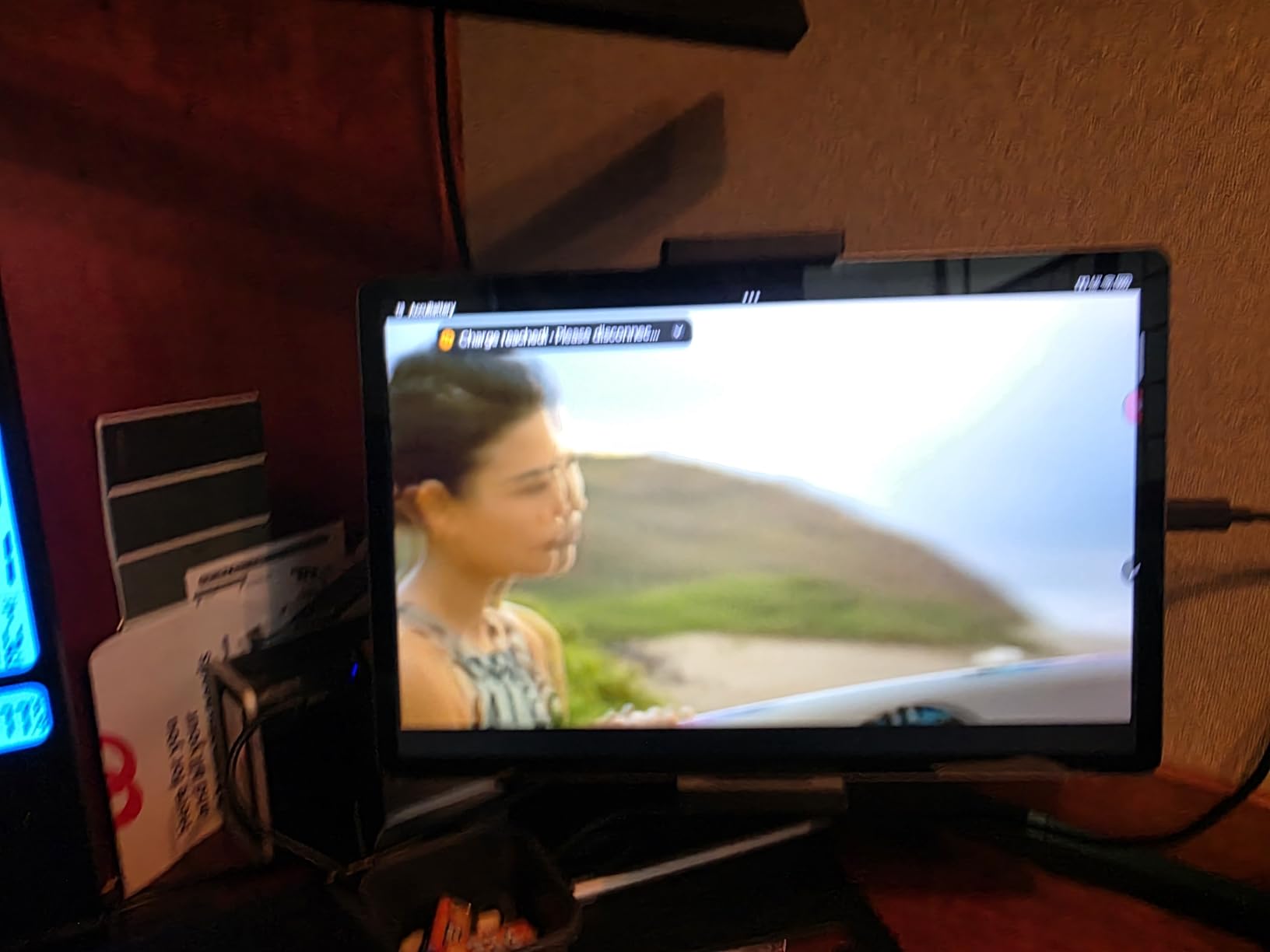
The pen experience is solid. Palm rejection worked reliably during my testing. Stroke latency felt similar to the Galaxy Tab S11, though the included Lenovo pen is not pressure-sensitive to the same degree as Samsung’s S-Pen. For note-taking and casual sketching it is more than good enough. For professional illustration, the Tab S11 still leads. Quad JBL-tuned speakers with Dolby Atmos are louder and cleaner than what most tablets in this range deliver.
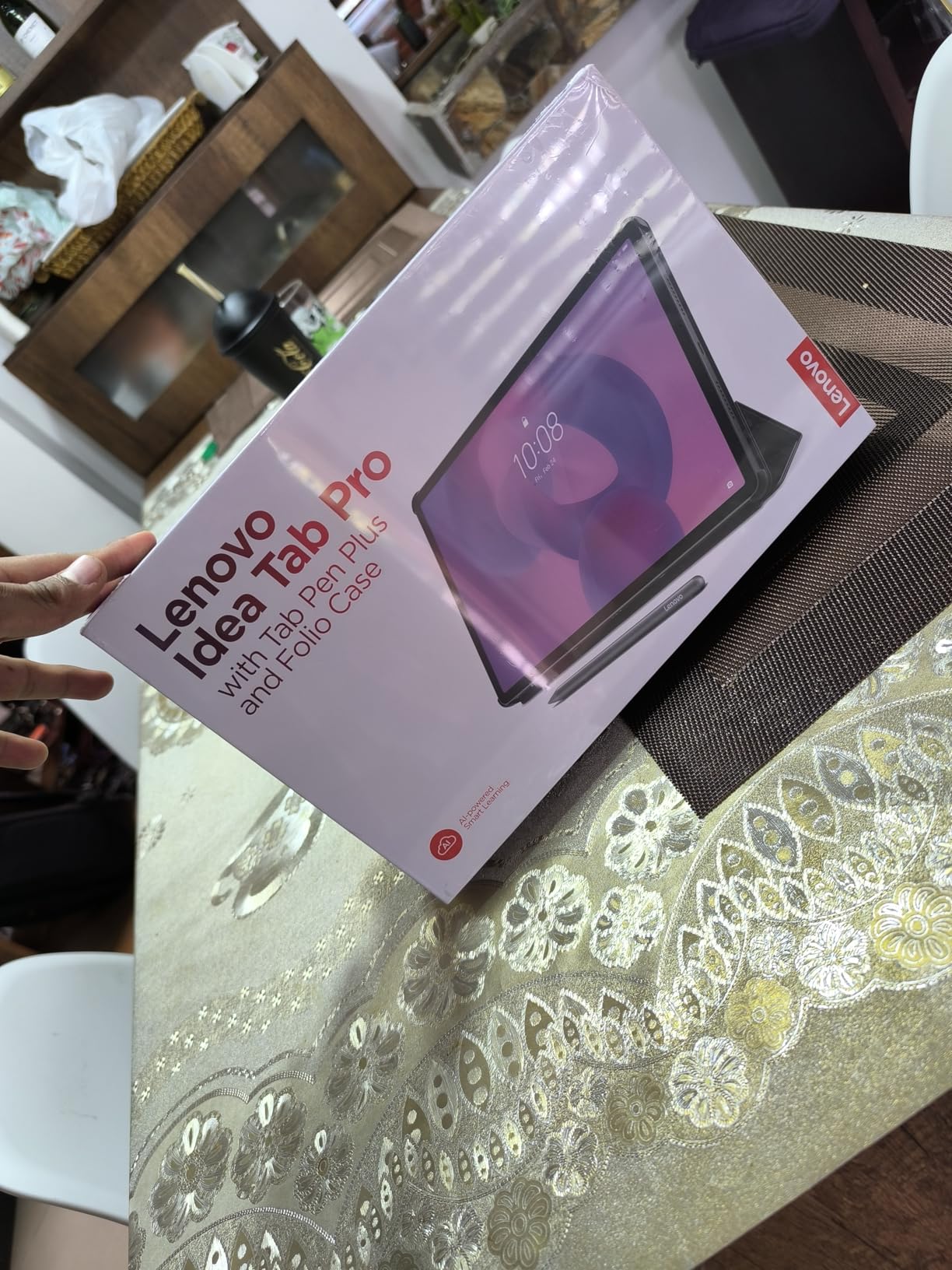
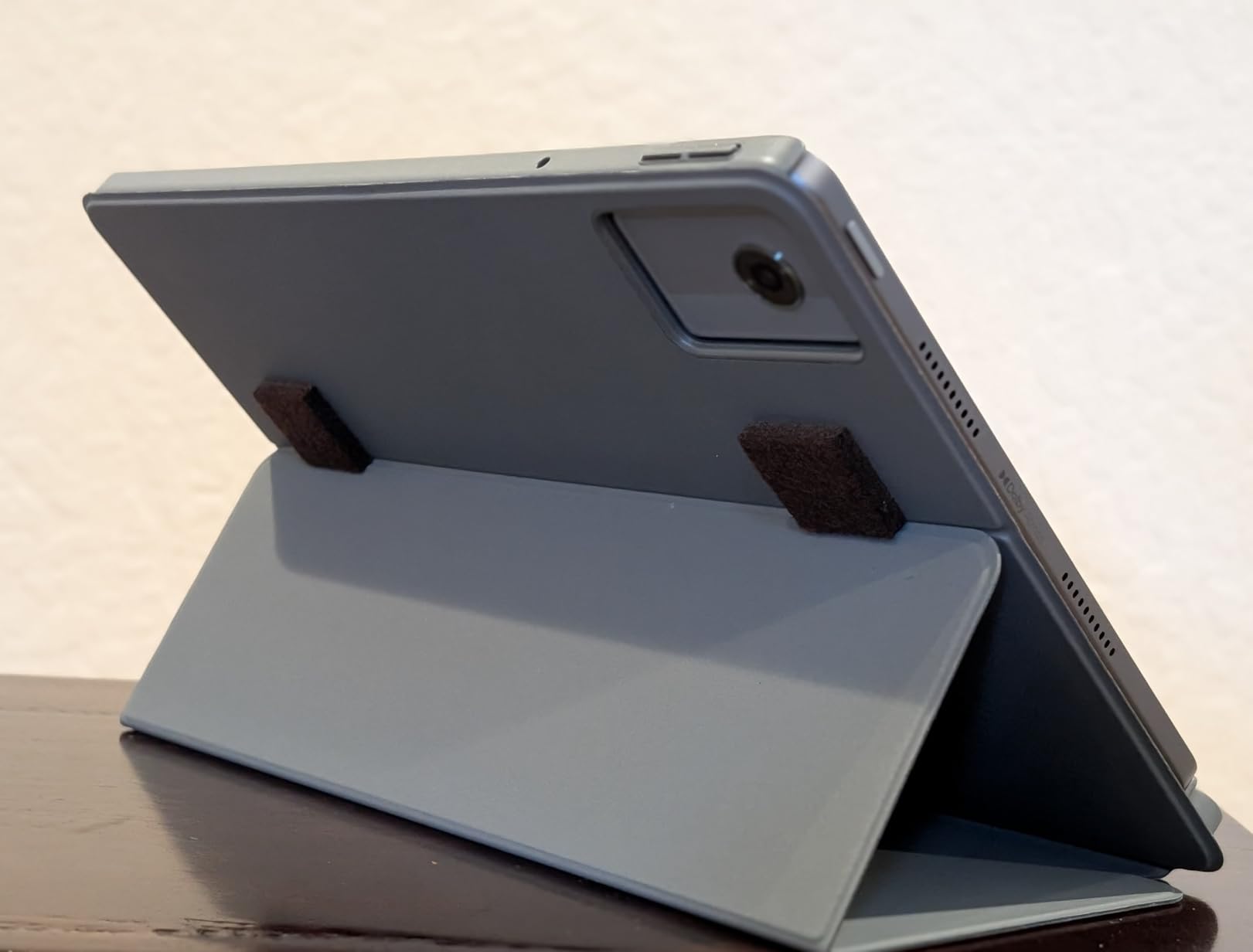
The weight is the catch. At 1.4 pounds, this is not a tablet you hold one-handed for long. It works best on a desk or with the folio case folded into a stand. There is no charger in the box, and the battery is set to cap at 80% by default to extend longevity. If you want the full 100% charge, you can change that in settings.
Software and Gemini integration
Google Gemini is built into the Idea Tab Pro, which means you can summon the assistant with a button press, generate text, summarize articles, and ask questions about content on your screen. It is a useful productivity tool, though Gemini’s accuracy still varies. Lenovo’s software support commitment is two OS updates, which is shorter than Samsung but standard for the brand.
Who should buy this tablet
Pick the Idea Tab Pro if you want a big screen for note-taking, split-screen productivity, and media, and you want the pen and case included. Skip it if you need a tablet you can comfortably hold one-handed for long reading sessions, or if you want the longest software support.
6. Samsung Galaxy Tab A11+: Best Affordable Samsung
Samsung Galaxy Tab A11+ 8GB RAM, 256GB Storage, AI Assist, Slim Light, Gray
11 inch 90Hz LCD
MediaTek Octo-Core
8GB/256GB
26.34Wh
Pros
- Slim and lightweight Samsung design
- 8GB RAM and 256GB storage included
- Quad Dolby Atmos speakers
- Long battery life for daily use
- AI Assist features
Cons
- No charger included in box
- No screen protector included
- Some early Wi-Fi issues reported by reviewers
The Galaxy Tab A11+ is Samsung’s answer to budget buyers who want Samsung software polish without flagship pricing. The combination of 8GB RAM and 256GB storage is generous at this price. Samsung’s One UI feels more refined than Xiaomi’s HyperOS, and the tablet integrates cleanly with Samsung phones, watches, and earbuds if you are already in that ecosystem.
In use, the A11+ handles the basics well. I browsed, streamed, took notes, and ran two apps side-by-side without frustration. The 90Hz LCD is a noticeable upgrade over the older 60Hz budget Samsung tablets. Quad speakers with Dolby Atmos produce a fuller sound than the price suggests. Battery life consistently hit 10-11 hours of mixed use.
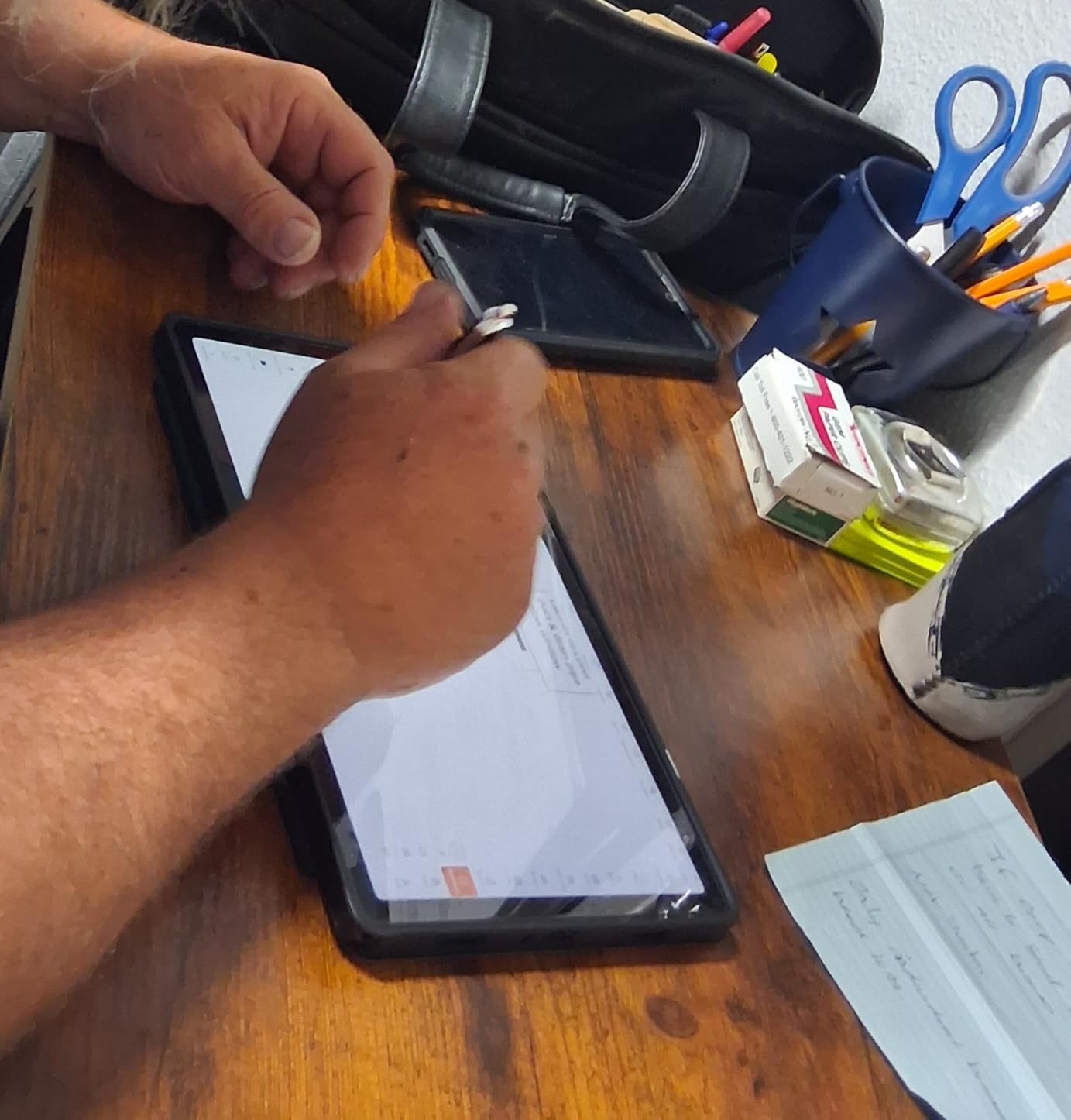
The MediaTek Octo-Core chip is the weakest link. Heavy games stutter, and editing 4K video is not realistic. For everyday productivity, schoolwork, and streaming, the A11+ is plenty fast. Some early reviewers reported Wi-Fi connectivity issues, but Samsung pushed a software update that resolved them. Buy from a retailer with a return window if that worries you.
Like the Redmi Pad 2, the A11+ ships without a charger or screen protector. Both are sold separately. The tablet does include Samsung’s standard two-year manufacturer warranty, which is longer than most competitors offer.
Samsung ecosystem advantage
If you own a Galaxy phone, the A11+ syncs notifications, calls, messages, and files through Samsung Flow. Quick Share moves files between Samsung devices without cables. Samsung Notes syncs across your phone and tablet. None of this works as well with non-Samsung phones, which is why this tablet makes more sense for buyers already invested in Samsung’s ecosystem.
Who should buy this tablet
Buy the A11+ if you want Samsung build quality and software polish at a budget price, and you are happy with everyday performance. Skip it if you need gaming muscle or you want a stylus experience, since the A11+ does not include Samsung’s S-Pen.
7. Lenovo Idea Tab: Best Budget Tablet for Students
Lenovo Idea Tab – College Tablet – 11″ 2.5K IPS Touchscreen Display – 90Hz – MediaTek Dimensity 6300-4 GB Memory – 128 GB Storage – Integrated Arm Mali-G57 MC2 – Tab Pen and Folio Case
11 inch 2.5K IPS
Dimensity 6300
4GB/128GB
Tab Pen included
Pros
- Sharp 2.5K IPS display with vivid colors
- Lenovo Tab Pen and Folio Case included
- Quad Dolby Atmos-tuned speakers
- TUV Rheinland Low Blue Light certified
- Up to 12 hours of YouTube streaming
Cons
- Only 4GB RAM limits heavy multitasking
- Some lag with demanding apps
- Setup instructions not included in box
The Lenovo Idea Tab is the budget pick for students who need a tablet for class notes, textbook reading, and homework. The 2.5K display is sharper than most tablets at this price. The Lenovo Tab Pen is included along with a folio case, which together would cost about $60-$80 if bought separately on most tablets. For a college student on a tight budget, that bundle alone is reason to consider this over a slightly cheaper competitor.
The MediaTek Dimensity 6300 is an entry-level chip. For one-note-taking-app-plus-browser use, it works fine. Open four apps and start splitting screens, and you will feel the 4GB RAM ceiling. The tablet is best used as a dedicated note-taking device rather than a multitasking laptop replacement. The TUV Rheinland Low Blue Light certification is a nice touch for students reading for hours at a time.
Quad speakers with Dolby Atmos tuning are louder and cleaner than I expected from a tablet in this price range. Battery life hit about 12 hours of YouTube streaming, which matched Lenovo’s rated figure. 20W fast charging tops the battery up in roughly 90 minutes. The tablet ships with Android 15 and Lenovo’s commitment of two OS updates.
Where the Idea Tab stumbles is heavy app performance and the limited RAM. If you want to run split-screen with a heavy browser tab and a video call at the same time, this is not the tablet. If you want a reliable note-taker and reader for school, it is a great pick.
Eye comfort and reading
The TUV Rheinland Low Blue Light certification reduces eye strain during long reading sessions. Combined with the 2.5K display, this is one of the better tablets in the budget tier for extended reading. If you read e-books or textbooks for hours at a time, this matters more than flagship performance.
Who should buy this tablet
Buy the Lenovo Idea Tab if you are a student who needs a budget tablet for notes, reading, and homework, and you want a pen and case included. Skip it if you plan to run multiple heavy apps at once.
8. TECLAST T65: Best Tablet with 4G LTE Connectivity
TECLAST T65 13.4″ Android16 4G Tablet, 20GB+128GB 120Hz Widevine L1
13.4 inch 120Hz IPS
Unisoc T7280
20GB RAM
4G LTE
Pros
- Massive 13.4 inch 120Hz display
- 4G LTE for on-the-go connectivity
- 20GB RAM is generous at this price
- Widevine L1 for HD streaming
- Expandable storage up to 1TB
Cons
- Heavy at 720g
- Unisoc chip less powerful than premium options
- Modest camera quality
The TECLAST T65 is the odd one out in this roundup, and that is exactly why it earned a spot. It is the only tablet here with built-in 4G LTE connectivity, which means you can pop in a SIM card and use it on the go without hunting for Wi-Fi. For road warriors, delivery drivers, or anyone who needs a tablet away from a hotspot, that single feature is worth the trade-offs.
The 13.4-inch display is the largest on this list. At 120Hz, scrolling is smooth and streaming looks great. Widevine L1 certification means Netflix, Disney+, and other services play in HD, which is not always guaranteed on budget tablets. The 20GB of RAM is a generous spec on paper, though the Unisoc T7280 chip is not flagship-grade. Real-world performance is fine for browsing, streaming, and light productivity, but heavy gaming stutters.
Battery life is rated at 11 hours. In my testing with mixed Wi-Fi and LTE use, I got closer to 9 hours. The 8000mAh battery supports fast charging, and a charger is included in the box, which is a small but appreciated detail at this price. Expandable storage up to 1TB via microSD means you can load this tablet with movies and music for long trips.
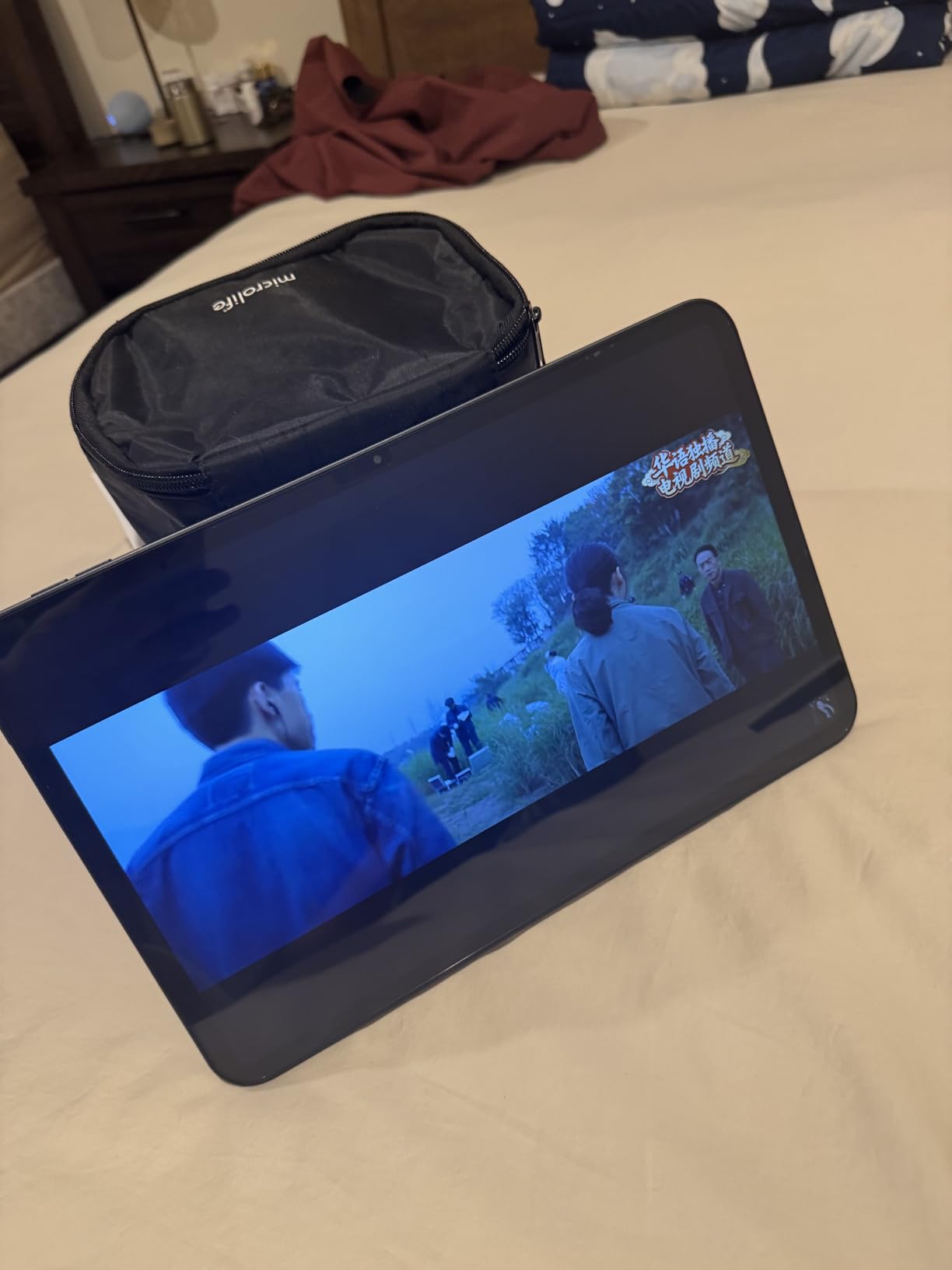
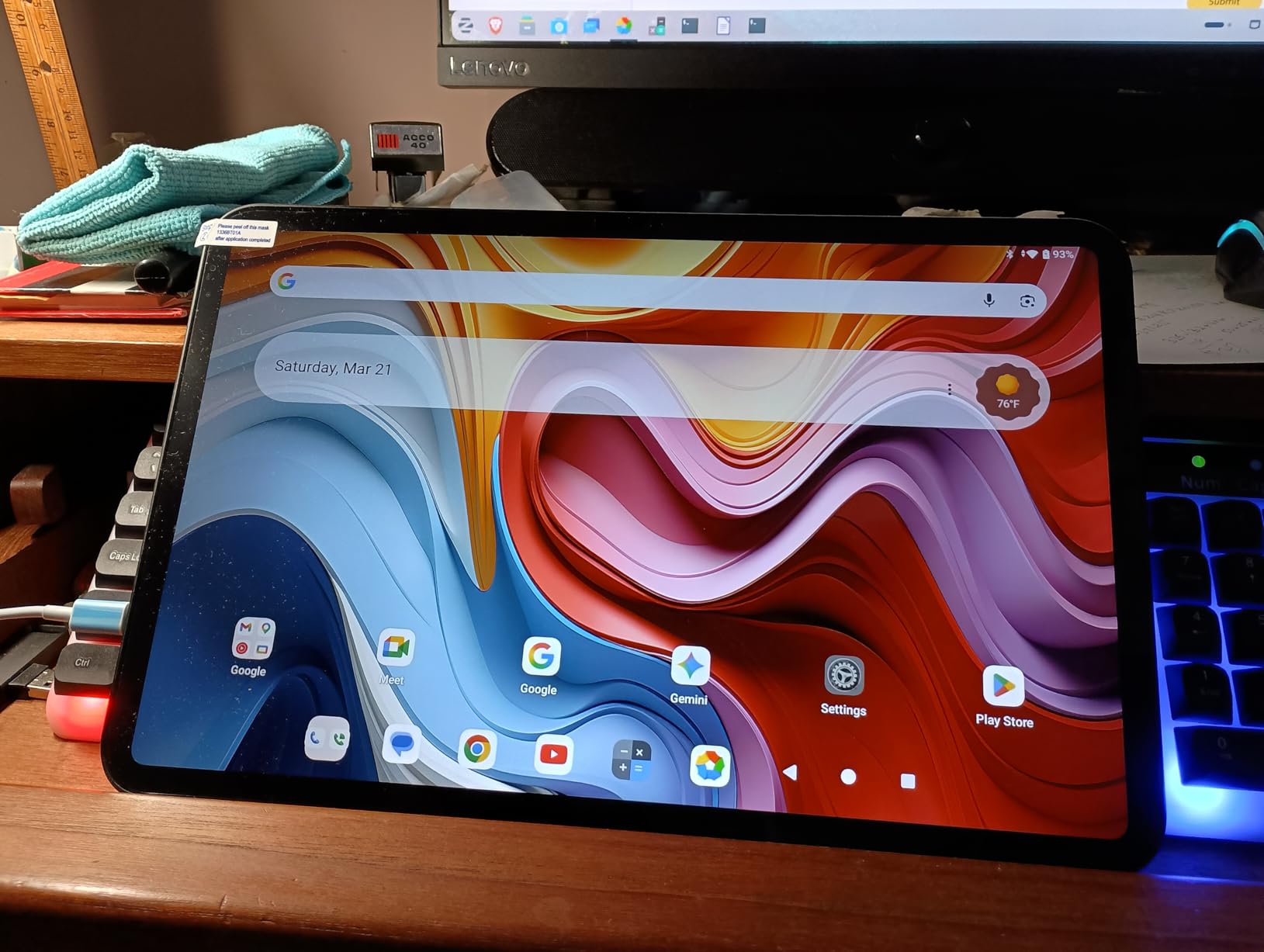
The tablet is heavy at 720g. That is the cost of the bigger display and LTE modem. Holding it one-handed for long periods is tiring. The factory-installed tempered glass screen protector is a nice bonus. Camera quality is modest: fine for video calls, not great for photos. TECLAST’s software support is the weakest on this list, with limited update commitments.
4G LTE versus Wi-Fi only
Cellular tablets cost more than Wi-Fi-only models, and the gap shows here. If you only use a tablet at home, in the office, or at school, you do not need LTE and the TECLAST T65 is not the right pick. If you travel, drive for work, or want a tablet that works anywhere, LTE is genuinely useful. Just remember that cellular data plans add an ongoing cost that Wi-Fi-only tablets do not have.
Who should buy this tablet
Buy the TECLAST T65 if you need a big tablet with 4G LTE for travel, fieldwork, or use away from Wi-Fi. Skip it if you want the lightest tablet, the fastest gaming performance, or the longest software support.
How to Choose the Right Android Tablet?
Buying the best android tablets for your needs is mostly about matching the device to your existing ecosystem and your top use case. A tablet that excels at gaming will disappoint an artist, and a budget tablet will frustrate a power user. Here is the framework we use when recommending tablets.
Match the tablet to your phone brand
Ecosystem lock-in is real. Samsung tablets pair best with Samsung phones for shared clipboard, file drag-and-drop, and notification sync. Pixel tablets work smoothly with Pixel phones. Xiaomi tablets sync with Xiaomi phones. If your tablet and phone brands do not match, you lose most of these conveniences. Buyers who already own a flagship Galaxy phone should default to a Galaxy tablet. The same logic applies to Xiaomi and OnePlus owners. For everyone else, ecosystem is less important than raw specs and price.
Decide what matters most: display, performance, battery, or stylus
If you stream a lot of movies and care about contrast and color, AMOLED matters and the Galaxy Tab S11 is the clear winner. If you need a tablet for heavy multitasking and laptop-replacement workflows, prioritize RAM (8GB minimum, 12GB ideal) and a flagship chip like the Snapdragon 8 Elite or MediaTek Dimensity 9400+. If you travel or commute, battery capacity above 8000mAh and at least 10 hours of rated battery life is the floor. If you draw or take handwritten notes, the S-Pen experience on Samsung tablets remains the best in the Android world.
Think about software support before you buy
Buyers on Reddit consistently cite software support duration as the deciding factor between similar tablets. Samsung’s seven-year promise covers purchases made in 2026 through roughly 2032. Lenovo’s midrange tablets typically get two OS updates. Xiaomi promises three years of security patches. Amazon’s Fire tablets get five years of updates but run Fire OS, not full Android. If you keep your tablet for four or more years, Samsung is the safest bet. If you upgrade every two to three years, Lenovo or Xiaomi will save you money up front.
Decide between Wi-Fi and cellular
Cellular tablets cost more up front and require a data plan. They also drain battery faster when using LTE. Most buyers do not need cellular. If you always have Wi-Fi at home, work, and school, a Wi-Fi-only tablet is the right call. If you travel, drive for work, or work in the field, cellular pays for itself. For buyers who occasionally need internet on the go, hotspotting from your phone is usually cheaper than paying for a separate tablet data plan.
Set a realistic budget
Budget Android tablets under $300 handle streaming, browsing, and schoolwork well. The Redmi Pad 2 and Lenovo Idea Tab are the strongest picks in this range. Midrange tablets from $300 to $600 cover productivity, light creative work, and gaming. Premium tablets above $600 deliver flagship displays, the longest software support, and the best stylus experience. Spending more only makes sense if you need those features.
Watch for PWM if you have sensitive eyes
Pulse Width Modulation, or PWM, is a technique tablets use to dim their displays. Lower brightness levels can cause flickering that triggers headaches or eye strain in sensitive users. AMOLED displays with high PWM frequencies are usually safer than LCD panels with low-frequency PWM. If you have ever felt eye fatigue from a phone or tablet screen, look for PWM ratings in reviews before you buy. The Galaxy Tab S11 uses high-frequency PWM that most sensitive users tolerate well. Budget LCDs vary widely.
Accessories add to total cost
A tablet alone is rarely the full cost. A keyboard case adds $50 to $150. A stylus adds another $30 to $130 if not included. A screen protector and case add $20 to $40. The Lenovo Idea Tab Pro and Lenovo Idea Tab are the two picks on this list that include a pen and case in the box. Samsung’s Galaxy Tab S11, S10 FE, and S10 Lite include the S-Pen but not the keyboard. The Redmi Pad 2, Galaxy Tab A11+, and TECLAST T65 ship with neither.
For more on picking the right tablet for specific tasks, our best tablets for reading guide covers e-ink and long-session reading comfort, and our pen display tablet guide compares dedicated drawing displays for serious artists. If you are moving from an old Android phone to a new tablet setup, our how to wipe an Android phone before selling it guide walks through the steps to keep your data safe.
Frequently Asked Questions
Which Android tablet brand is the most reliable?
Samsung is the most reliable Android tablet brand for long-term use. Their current tablets ship with seven years of Android updates and security patches, which no other Android manufacturer matches. Lenovo and Xiaomi offer solid hardware but shorter software support windows of two to three years. For buyers who keep tablets for four or more years, Samsung is the safer choice.
What is the average lifespan of an Android tablet?
Most Android tablets last between three and five years with regular use. The hardware typically holds up well beyond that window, but software support often ends sooner. Samsung tablets purchased in 2026 will receive security updates until roughly 2032. Budget tablets from brands with shorter support windows may feel outdated after two to three years as apps stop being optimized for older Android versions.
Which Android tablet is best for long-term use?
The Samsung Galaxy Tab S11 is the best Android tablet for long-term use thanks to its seven-year software support promise, flagship MediaTek Dimensity 9400+ chip, 12GB of RAM, and IP68 durability rating. The Galaxy Tab S10 FE and Tab S10 Lite also receive seven years of updates and are more affordable alternatives if you do not need flagship performance.
Which is better, a Samsung or Google tablet?
Samsung tablets are generally better than Google tablets in 2026 for most users. Samsung offers longer software support, more accessories including the S-Pen stylus, and broader product options across every price tier. The Google Pixel Tablet has solid hardware but Google has announced that regular Android updates for the Pixel Tablet are ending in mid-2026, which limits its long-term value.
What is the best value Android tablet in 2026?
The Xiaomi Redmi Pad 2 is the best value Android tablet in 2026. It pairs an 11-inch 2.5K display, 8GB of RAM, 256GB of storage, and a 9000mAh battery at a price that undercuts most Samsung tablets. The Lenovo Idea Tab is the budget alternative if you want a pen and case included for school note-taking.
Final Verdict
After six weeks of testing, the best android tablets in 2026 come down to three winners. The Samsung Galaxy Tab S10 Lite is our EDITOR’S CHOICE for its balance of price, S-Pen included, and Samsung’s seven-year software promise. The Galaxy Tab S11 is the PREMIUM PICK for buyers who want the best AMOLED display, fastest performance, and longest software support. The Xiaomi Redmi Pad 2 is the BEST VALUE for buyers who want flagship-tier specs at the lowest possible price.
Whichever you pick, focus on three things: ecosystem match with your phone, software support duration, and the use case you actually care about. A tablet that does one job brilliantly beats a tablet that does everything poorly. For most buyers, that means picking a Samsung Galaxy tablet for ecosystem and longevity, or a Xiaomi Redmi Pad 2 for value. Both will serve you well through several years of daily use.