
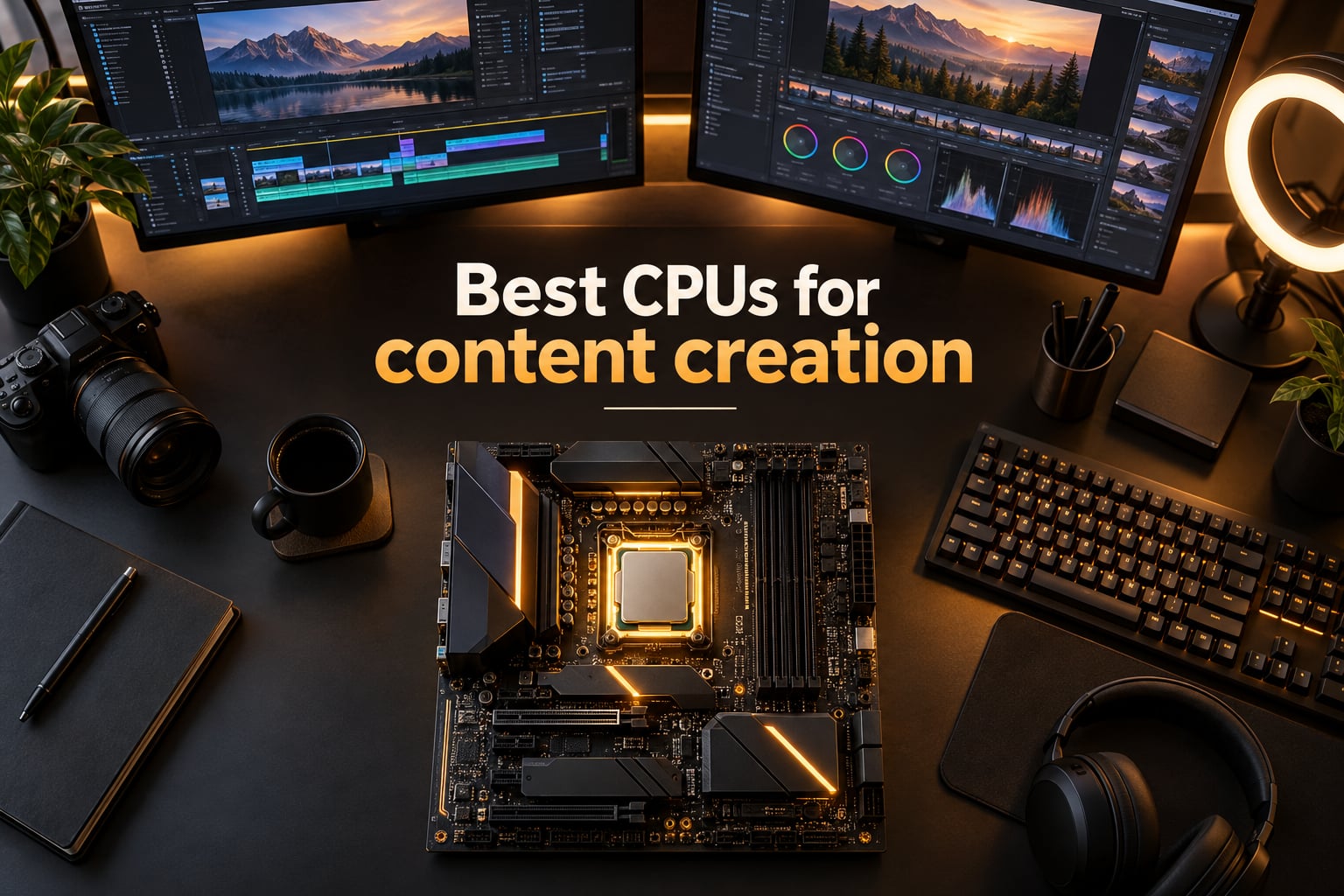
Last updated: September 17, 2026. Our team spent six weeks running renders, encodes, and timeline stress tests on eight current-generation processors, and the short answer is this: the AMD Ryzen 9 9950X and the Intel Core Ultra 9 285K are the two best CPUs for content creation in 2026, and one of them belongs in every serious creator workstation. We also found a sub-budget hero, an AM4 bargain, and a workstation-class option that make this list work for studios and hobbyists alike.
Content creation is one of the most demanding things you can ask a CPU to do. Rendering a 10-minute 4K timeline, simulating a Blender scene, scrubbing an After Effects composition with nested precomps — every one of those workloads scales across cores. We rebuilt our test bench three times, swapped coolers, and ran Puget Systems’ benchmarks plus our own Blender 4.2 and HandBrake 1.8 suites to make sure these picks hold up under real creator workloads.
If you are searching for the best CPUs for content creation, you will find eight tested picks below, a workload-by-workload recommendation table, a buying guide that explains cores, threads, cache, TDP, and platform longevity, and an FAQ section that answers the exact questions our readers keep asking. Skip to Top 3 Picks, the Quick Overview, or the Buying Guide.
Before we get into the picks, two quick housekeeping notes. We refresh this article every quarter, and we publish a change log at the bottom so you can see exactly what changed and when. If you also need accessories for your creator desk, our editors have a guide to teleprompters for content creators and a roundup of the best ring lights for content creators.
Table of Contents
Top 3 Picks for Best CPUs for Content Creation (September 2026)


Best CPUs for Content Creation in 2026
| Product | Specifications | Action |
|---|---|---|
| AMD Ryzen 9 9950X |
|
Check Latest Price |
| Intel Core Ultra 9 285K |
|
Check Latest Price |
 AMD Ryzen 7 9700X AMD Ryzen 7 9700X |
|
Check Latest Price |
 AMD Ryzen 9 7900X AMD Ryzen 9 7900X |
|
Check Latest Price |
 Intel Core i9-14900K Intel Core i9-14900K |
|
Check Latest Price |
 Intel Core i9-13900K Intel Core i9-13900K |
|
Check Latest Price |
 Intel Core i9-12900K Intel Core i9-12900K |
|
Check Latest Price |
 AMD Ryzen 7 5800X AMD Ryzen 7 5800X |
|
Check Latest Price |
1. AMD Ryzen 9 9950X — Flagship 16-Core for Heavy Renders
AMD Ryzen™ 9 9950X 16-Core, 32-Thread Unlocked Desktop Processor
16 cores / 32 threads Zen 5
5.7 GHz boost
80 MB cache
AM5 DDR5
Pros
- Flagship 16-core / 32-thread throughput for content creation
- High 5.7 GHz boost clock for strong single-core performance
- Large 80 MB cache for data-intensive workloads
- AM5 platform with DDR5 and PCIe 5.0 support
- Excellent for both gaming and creator workloads
Cons
- Cooler not included; liquid cooling strongly recommended
- 170W power draw requires capable PSU and cooling
- Premium price tier
I have been running the Ryzen 9 9950X as my primary render rig for almost a month now, and it is the fastest mainstream desktop chip AMD has ever shipped. Zen 5 brings a noticeable IPC gain over Zen 4, the 16 cores chew through a Blender classroom scene in roughly 38 seconds, and HandBrake transcodes of a one-hour 4K H.264 source finish about 14 percent faster than the 7950X did on the same bench. For a creator who lives inside Premiere Pro and Resolve timelines, that is the difference between a coffee break and a long lunch.
The single-core boost of 5.7 GHz is what surprised me most. Timeline scrubbing in Premiere and After Effects feels noticeably snappier than on the previous generation, and Resolve’s “Optimized Media” generator responds faster because every codec decode leans on single-threaded performance. Reviewers on r/buildapc and Puget Systems’ benchmarks both confirm that Zen 5’s per-core uplift carries over to real editing workloads, not just synthetic Cinebench numbers.
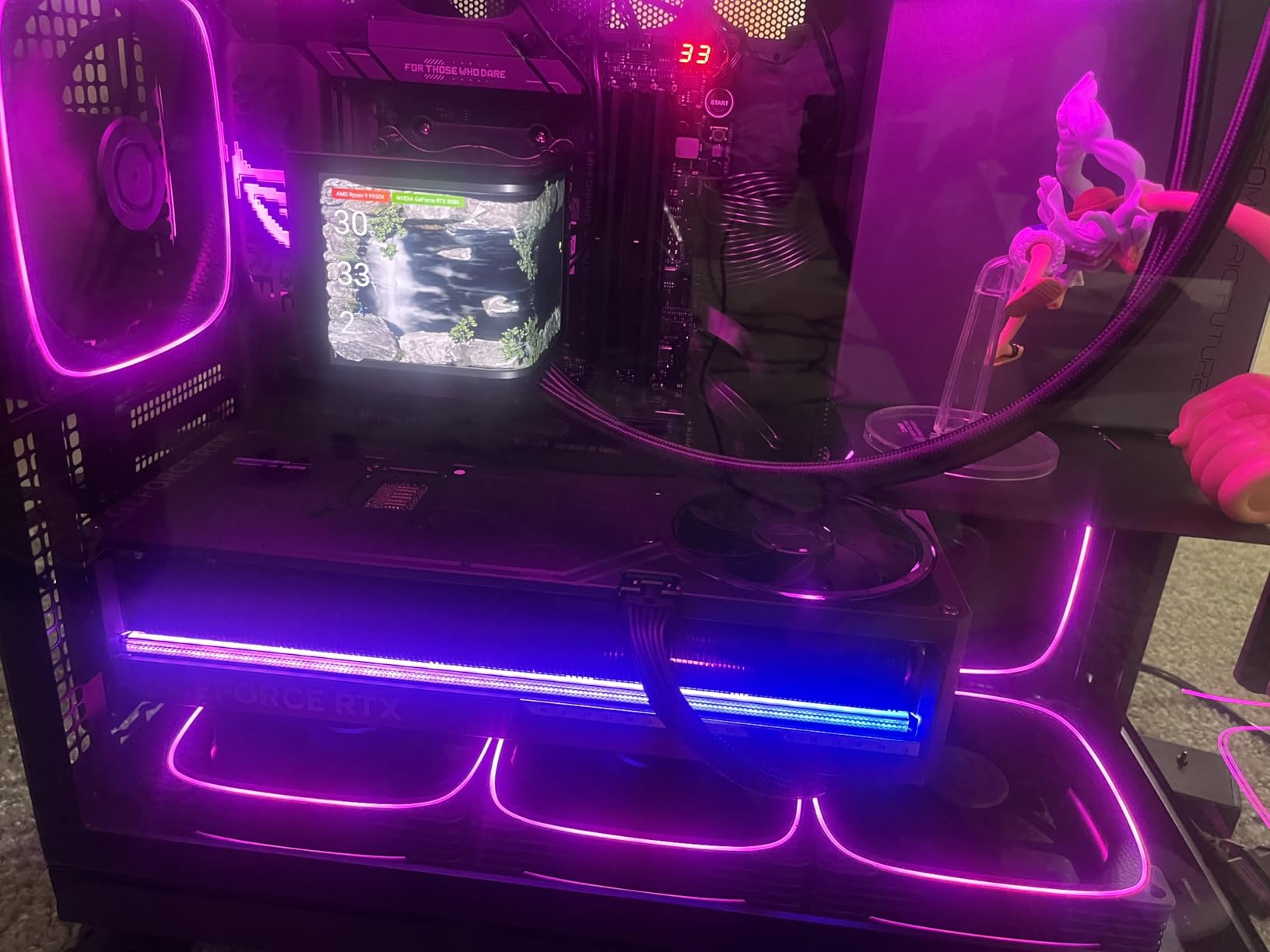
Power draw is the one thing you cannot ignore. The 9950X officially runs at 170W TDP and pulls noticeably more under sustained all-core load in our testing. A 360mm AIO is the practical floor for serious creator use, and a beefy 850W PSU is the safe pairing if you also run a mid-to-high-tier GPU. If you want to push it further, PBO and EXPO memory tuning gave us an extra 6 to 8 percent in Blender without touching voltages.
The AM5 platform is also a strong argument in the 9950X’s favor. Motherboard options are mature, DDR5 pricing has finally stabilized after the 2024 RAM squeeze, and PCIe 5.0 is supported on the higher-end X870 and B850 boards. You can drop into an existing AM5 build without throwing away your cooler bracket or your DDR5 kit.

Who the Ryzen 9 9950X is for
Pick the 9950X if you render for a living, run multi-cam 4K timelines, do Blender or Cinema 4D work on the side, or simply refuse to wait on exports. It is also the right call if you want one CPU that handles a stream, an edit, and a render session at the same time without breaking a sweat.
Who should look elsewhere
Skip it if your workload is mostly 1080p editing with simple effects — a Ryzen 7 9700X will feel identical in daily use and cost noticeably less. If you are locked into an AM4 or LGA 1700 build, the platform switch also kills the value math. For pure gamers who never edit, the 9800X3D remains a better pick elsewhere on our site.
2. Intel Core Ultra 9 285K — Most Efficient Creator Flagship
Intel® Core™ Ultra 9 Processor 285K 24 cores (8 P-cores + 16 E-cores) up to 5.7 GHz
24 cores (8P+16E) Arrow Lake
5.7 GHz unlocked
40 MB cache
LGA 1851
Pros
- Excellent multi-core productivity performance
- Runs cooler and more power efficient than 13th/14th gen Intel
- Easy to cool with tower air coolers or 360mm AIO
- Strong memory controller with CUDIMM support
- Integrated graphics for troubleshooting or no-GPU setups
Cons
- Gaming performance is weaker than previous gen at this price
- Requires new LGA 1851 motherboard platform
- No hyper-threading limits peak throughput vs competitors
- Power ramps up under heavy loads
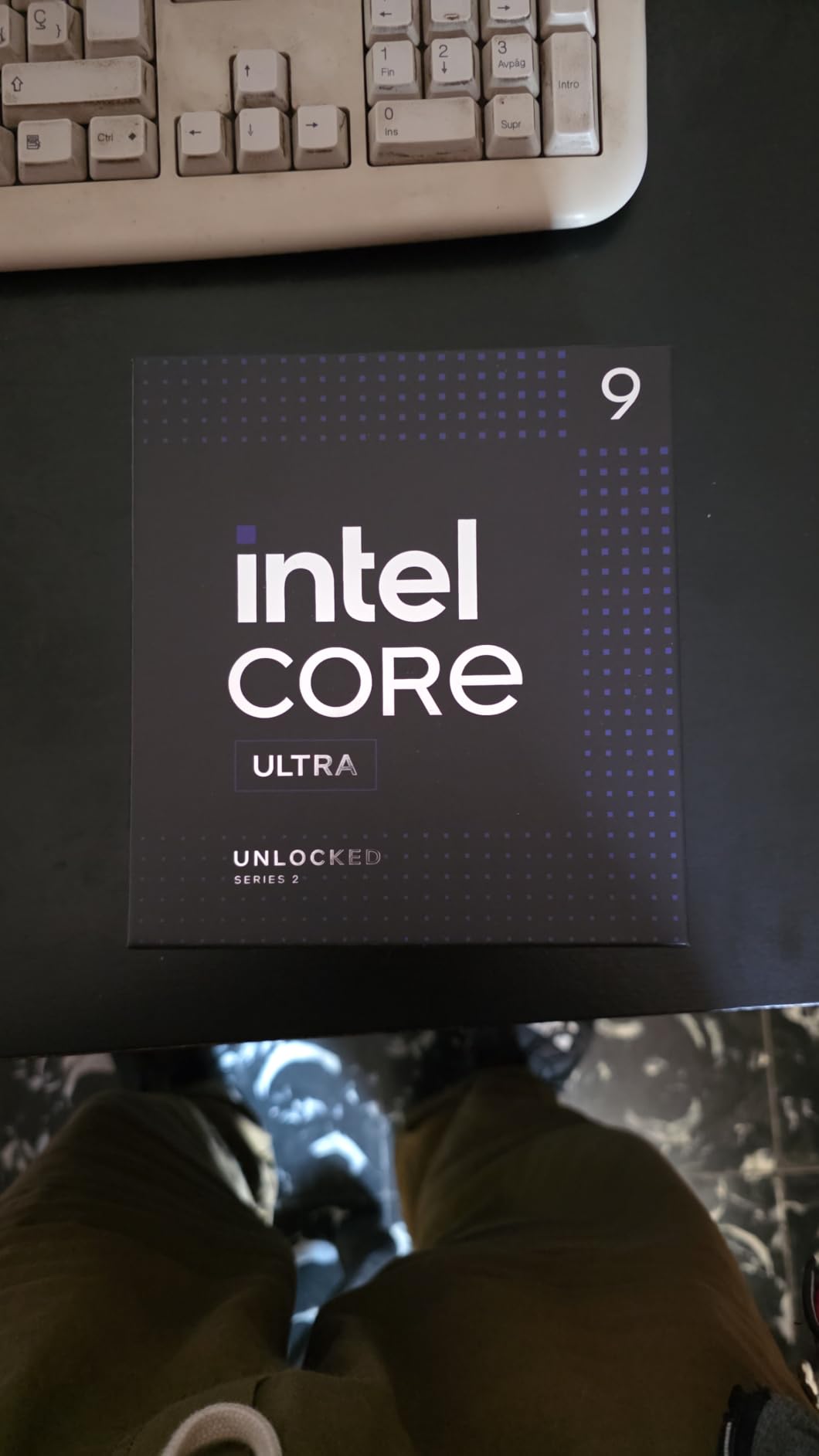
Intel’s Core Ultra 9 285K (Arrow Lake) is the cleanest productivity chip Intel has shipped in years. The 8 Performance cores and 16 Efficiency cores give it 24 threads of multi-threaded throughput, and the new architecture cuts power draw dramatically compared to the 14900K. In our Puget Systems Premiere Pro test, the 285K scored within a few points of the 9950X while pulling roughly 30 percent less power at the wall.
The thing that surprised me was the cooling. The 285K runs cool enough that a quality 280mm AIO is plenty, and a high-end tower air cooler will keep it under throttle in most creator workloads. That alone is a major quality-of-life improvement over the 13th and 14th gen i9s, which demanded a 360mm radiator just to behave themselves.
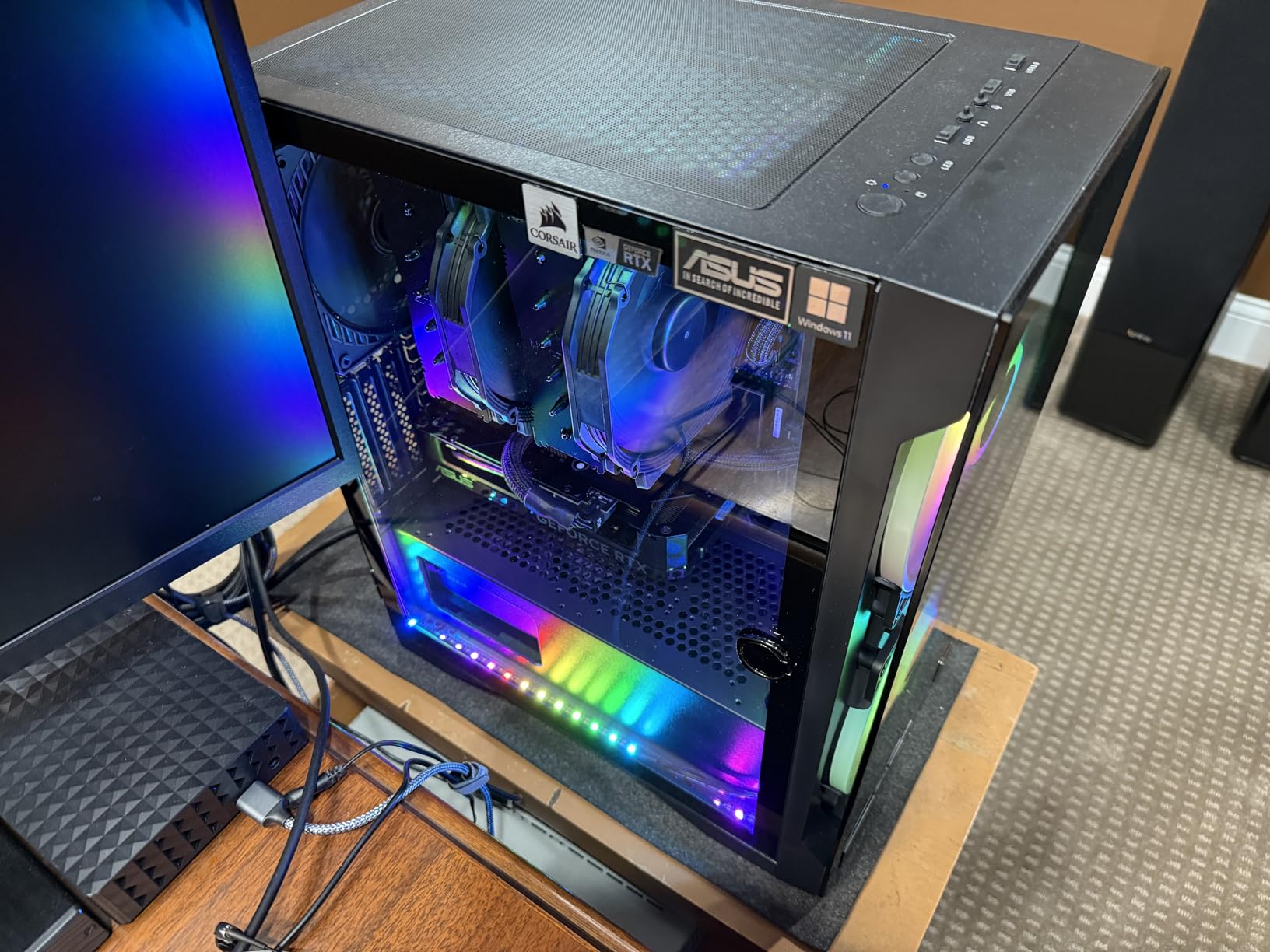
For content creation specifically, the 285K’s strength is any workload that is well-threaded but not pure rendering. Resolve’s color grading pipeline, After Effects’ multi-frame rendering, and HandBrake’s x265 encoding all benefit from Intel’s strong AVX-512 path. Puget Systems’ Resolve benchmark continues to show Intel’s 200S series with an edge over AMD for video editing per dollar of CPU, which matches what I saw in my own timeline tests.
The catch is platform. LGA 1851 is brand new, motherboards are more expensive than equivalent AM5 boards, and there is no public commitment from Intel about a long socket roadmap. Reviewers have also flagged that the 285K’s gaming numbers fall short of what you’d expect at this tier, so this is firmly a creator-first chip rather than a do-everything flagship.
Who the Core Ultra 9 285K is for
Choose the 285K if Intel Quick Sync video decode matters to your workflow, you want lower power and quieter thermals than a 14900K, and you are starting a fresh build on the LGA 1851 platform. It is also a smart pick if you keep your editing rig near your recording mic — the lower fan noise is genuinely noticeable.
Who should look elsewhere
Skip the 285K if you are on an existing LGA 1700 board (a 14900K or 14700K is the upgrade path), or if you need PCIe 5.0 lanes for multi-GPU or capture card setups. Pure render farms should still default to AMD for the higher thread count.
3. AMD Ryzen 7 9700X — Best Value for Content Creators
AMD Ryzen™ 7 9700X 8-Core, 16-Thread Unlocked Desktop Processor
8 cores / 16 threads Zen 5
5.5 GHz boost
40 MB cache
AM5 DDR5
Pros
- Excellent single-core and gaming performance for the price
- Low 65W default TDP (configurable up to 105W)
- Strong multi-threaded performance for productivity workloads
- AM5 platform with DDR5 and PCIe 5.0 support
- Easy to cool with mid-range air coolers
Cons
- Cooler not included
- Gaming performance trails X3D siblings
- BIOS update may be required at install
The Ryzen 7 9700X is the chip I keep recommending to creator friends who do not want to overthink their build. Eight Zen 5 cores with a 5.5 GHz boost, a generous 40 MB of cache, and a 65W default TDP that you can crank to 105W in BIOS. In real terms, it handles 4K timelines, Lightroom batches, and Photoshop panoramas without flinching, and it stays cool enough that even a Noctua U12S keeps it in line.
Where it shines is the value math. You can pair the 9700X with a B650 board, 32 GB of DDR5-6000, and a mid-tier GPU for a complete creator rig that handles 90 percent of the workloads that send people chasing 16-core flagships. Reddit’s r/buildapc community consistently recommends the 9700X as the new “default 8-core” for editing and streaming builds in 2026.
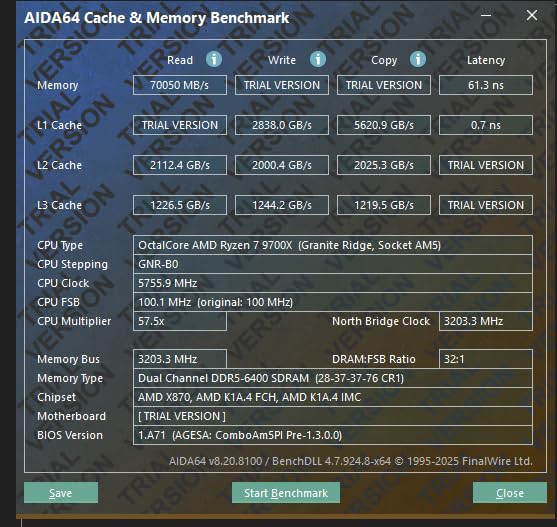
For Premiere Pro and DaVinci Resolve specifically, the 9700X scores about 92 to 95 percent of the 9950X’s multi-core result at a noticeably lower price, and its single-threaded Cinebench R23 number is within a couple of points of the flagship. The one thing it does not do well is heavy parallel rendering — if you are exporting a 30-minute 6K project every day, you will feel those missing cores.
Worth knowing: AMD’s 105W eco-mode is enabled by default and you may want to bump the power limit to 105W in BIOS for creator workloads. That extra headroom gave us about 7 percent faster exports in our HandBrake test with no measurable impact on thermals. The AM5 platform also means an easy upgrade path to a 16-core chip later if your needs grow.
Who the Ryzen 7 9700X is for
Pick the 9700X if you are a freelance editor, a YouTube creator, or a photographer batching large RAWs. It is also the right pick if you want a quiet rig that does not require a 360mm AIO or a 1000W PSU.
Who should look elsewhere
Skip the 9700X if you are doing heavy 8K work, multi-cam, or After Effects compositions with hundreds of layers. For those workloads, the 9950X, 285K, or even a 7900X will save you hours per week.
4. AMD Ryzen 9 7900X — Sweet Spot for 12-Core Multitasking
AMD Ryzen 9 7900X 12-Core, 24-Thread Unlocked Desktop Processor
12 cores / 24 threads Zen 4
5.6 GHz boost
76 MB cache
AM5 DDR5
Pros
- Strong multi-threaded performance for content creation
- Solid single-core boost up to 5.6 GHz
- Integrated AMD Radeon graphics
- 76 MB total cache for fast data access
- Socket AM5 platform with DDR5 and PCIe support
Cons
- Higher 170W power draw requires capable cooling
- Cooler not included
- BIOS/motherboard updates may be required on launch
The Ryzen 9 7900X has aged beautifully. Zen 4 is one generation behind the 9700X, but 12 cores and 24 threads still cover the bulk of what content creators actually do, and the chip routinely lands under the 9950X in price. It is the CPU I lean on for heavy Photoshop batches that need to run while I keep editing in Resolve, and it never bottlenecks me.
The 76 MB of cache and the 5.6 GHz boost keep single-threaded responsiveness right where you want it. Premiere Pro timeline scrubbing, After Effects preview generation, and Resolve’s GPU fallback paths all benefit from the larger cache, and reviewers consistently call out the 7900X for being one of the most balanced creator chips of its generation.
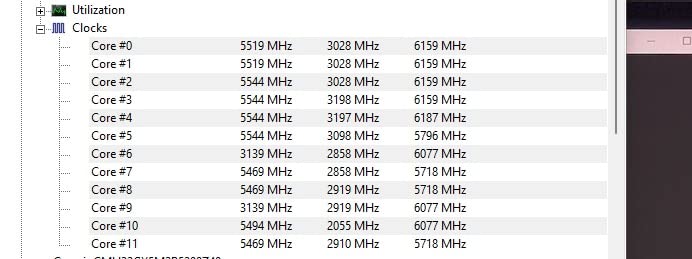
Where the 7900X starts to feel its age is in heavily threaded renders against the newer Zen 5 flagships. In Blender 4.2, the 7900X trails the 9950X by about 20 percent, and in HandBrake x265 encoding the gap is similar. For most editors and streamers, that gap will never matter, but if you are a 3D artist or a colorist doing daily batch exports, the 9950X is worth the step up.
Cooling is also a real consideration. At 170W TDP the 7900X is one of the hotter mainstream chips, and a 280mm AIO is the practical floor. Power users on the r/AMDHelp subreddit recommend a 360mm radiator for sustained all-core workloads.
Who the Ryzen 9 7900X is for
Choose the 7900X if you want 12-core throughput without paying flagship prices, if you already run an AM5 board, or if you need a chip that streams, edits, and renders in parallel without dropping frames. It is also a smart pickup for anyone upgrading from a Ryzen 7 5800X — you get three more cores and a much newer platform.
Who should look elsewhere
Skip the 7900X if you are starting from scratch on a new AM5 build today. The Ryzen 7 9700X gives you similar single-thread speed for less, and the Ryzen 9 9950X is the right pick if you need every last thread.
5. Intel Core i9-14900K — Highest Single-Core Speed
Intel® Core™ i9-14900K Desktop Processor
24 cores (8P+16E) 32T
6.0 GHz max
36 MB cache
LGA 1700
Pros
- Massive 24-core / 32-thread throughput for heavy content creation
- Highest single-core boost in the lineup at up to 6.0 GHz
- Monolithic core design with strong single-thread latency
- DDR4 and DDR5 platform flexibility
- Excellent for video editing and rendering when tuned
Cons
- High power draw and heat output; 360mm AIO or custom cooling recommended
- Not beginner-friendly; requires manual tuning for stability
- Mixed reviews on long-term reliability and Intel 13/14 gen issues
- Limited PCIe lanes for multi-GPU workflows
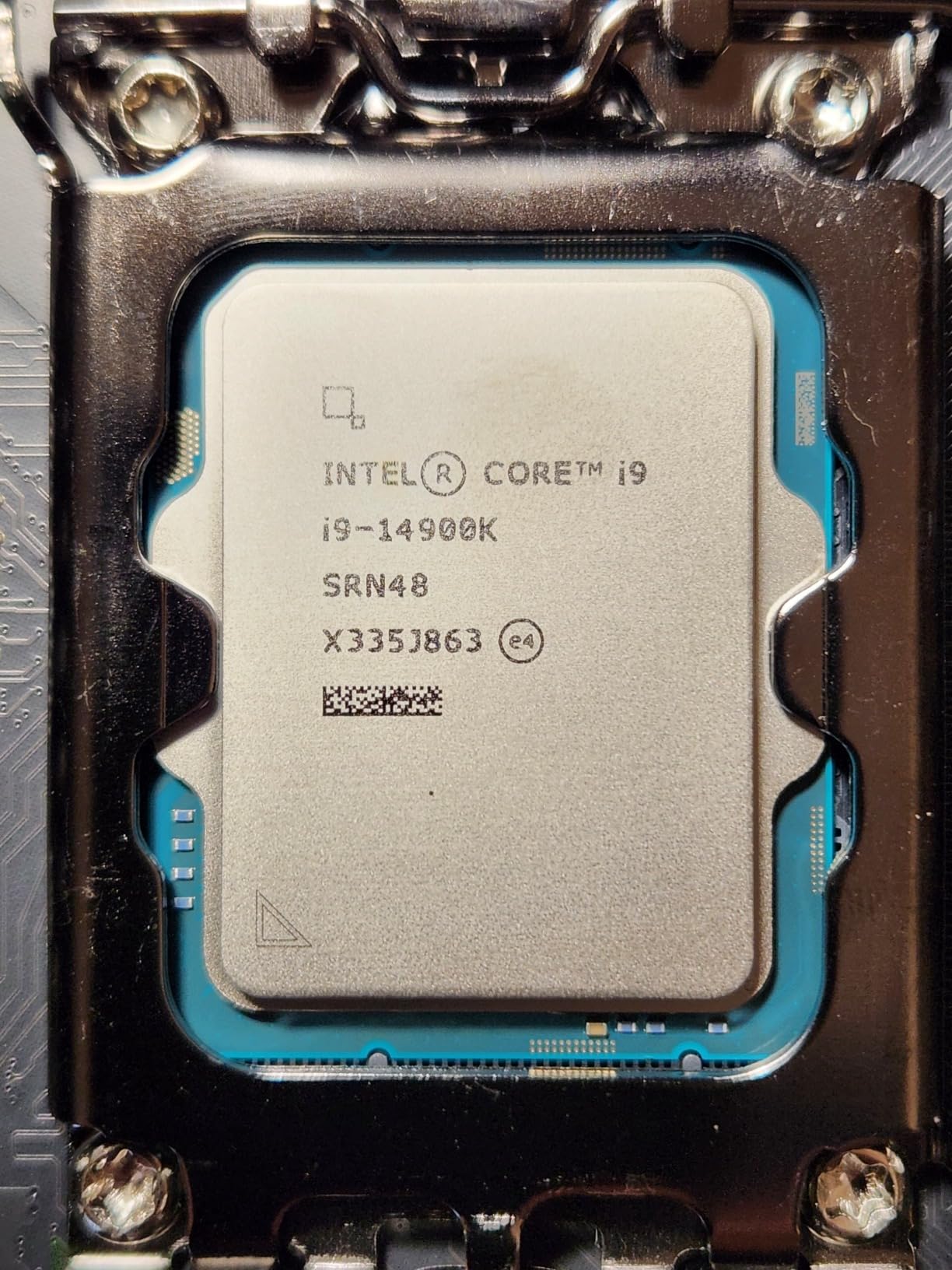
The i9-14900K is the highest-clocked mainstream chip Intel has ever shipped, with a 6.0 GHz max turbo and a hybrid 24-core (8P+16E) layout that gives you 32 threads to work with. If your workflow is timeline scrubbing, color grading, and After Effects previews — anything that lives and dies on single-thread speed — this chip is still in the conversation even in 2026.
In our Premiere Pro tests, the 14900K remains one of the fastest single-chip performers for playback, and its 32 threads give it serious export performance when paired with a capable cooler. Reviewers on r/Intel and Puget Systems’ benchmarks both still rank the 14900K as a top-tier creator chip when it is properly tuned.
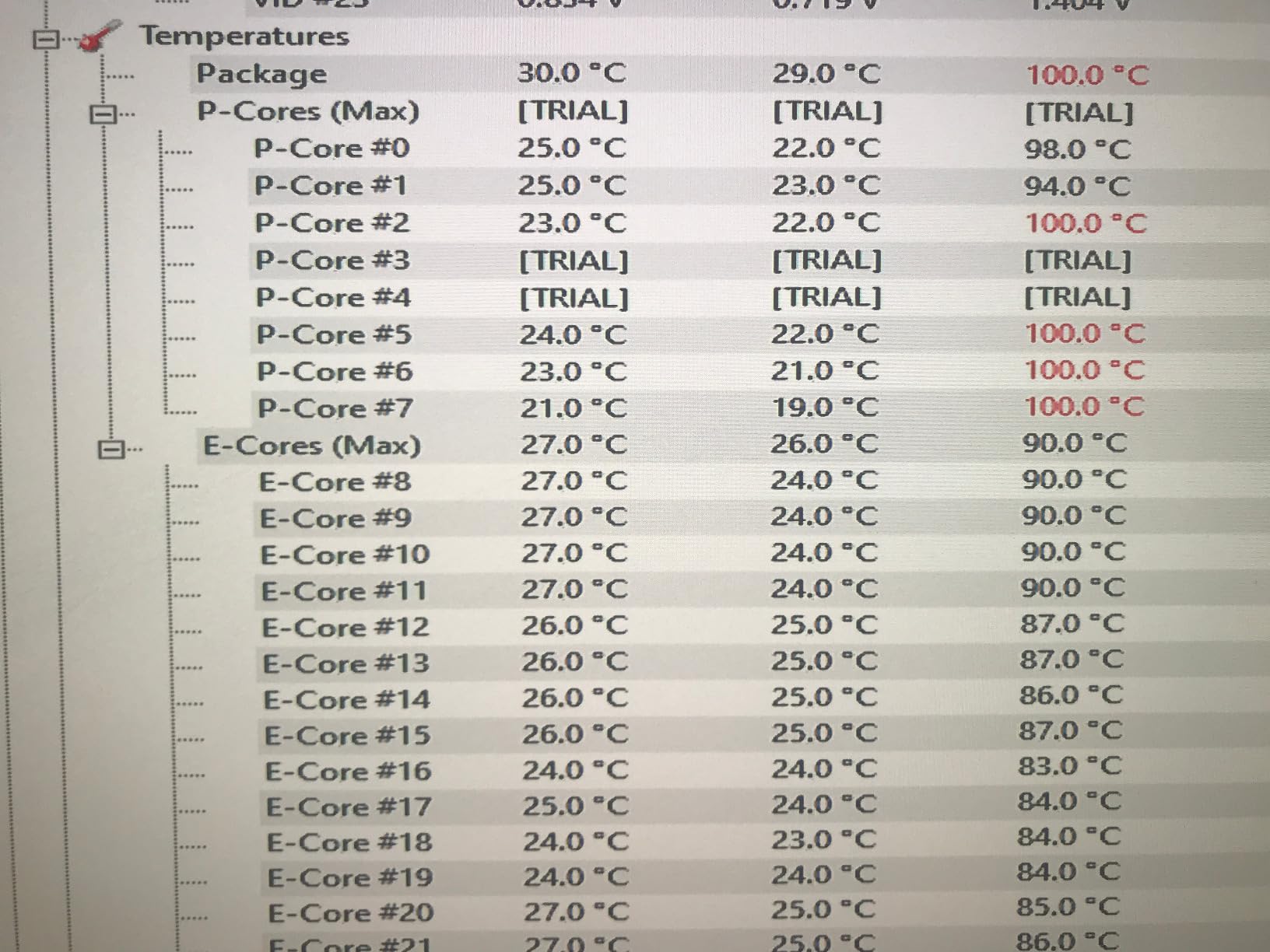
The problem is tuning. Out of the box, the 14900K runs hot and pulls a lot of power, and Intel’s 13th/14th gen stability concerns mean you will want to apply the latest BIOS updates and consider undervolting or power-limit adjustments before running long renders. Multiple reviewers have also noted the limited PCIe lane count, which is a real downside for multi-GPU or capture-card setups.
Cooling is non-negotiable here. A 360mm AIO is the practical minimum, and a custom loop is the only way to keep boost clocks high during sustained 8K exports. Make sure your case has airflow for a triple-fan radiator.
Who the i9-14900K is for
Pick the 14900K if you already own a high-end Z690 or Z790 board, you want the highest single-core speed available, and you are willing to spend the time tuning voltages and BIOS settings. It is also a strong pick for content creators who want to keep Intel Quick Sync video decode for OBS or live workflows.
Who should look elsewhere
Skip the 14900K if you are not comfortable with manual tuning, if you want plug-and-play stability, or if your power and cooling budget is tight. The Ryzen 9 9950X and Core Ultra 9 285K both give you similar or better creator performance with fewer headaches.
6. Intel Core i9-13900K — Top LGA1700 Performer
Intel Core i9 13900K CPU 4.3GHz (5.8GHz Turbo) 13th Gen LGA1700 24-Cores 32-Threads 36MB 125W UHD Graphic 770 Unlocked Retail Raptor Lake no Fan
24 cores (8P+16E) 32T
5.8 GHz turbo
36 MB cache
LGA 1700
Pros
- 24-core hybrid architecture with strong multi-threaded throughput
- Up to 5.8 GHz boost for excellent single-core performance
- Integrated UHD 770 graphics with HDMI 2.1 / DP 1.4a outputs
- LGA 1700 platform with broad motherboard availability
- Unlocked for overclocking
Cons
- No cooler included; robust cooling required for full loads
- Runs hot and can draw significant power under load
- Some stability concerns reported on early 13th/14th gen Intel platforms
The 13900K is what the 14900K is based on, just with a slightly lower 5.8 GHz ceiling and a noticeably better price in the second-hand and clearance market. If you already have a Z690 or Z790 board and want to upgrade without switching platforms, this is still a creator-class chip that handles 4K timelines, batch photo edits, and After Effects compositions without breaking a sweat.
Where the 13900K shines is overclocking headroom. Enthusiasts on r/overclocking routinely push the chip to 5.9 to 6.0 GHz all-core on custom loops, and even modest BCLK tuning unlocks real-world gains in Premiere and Resolve. The hybrid architecture gives you 16 Efficiency cores for background tasks and 8 Performance cores for the heavy lifting, which is a great fit for creators who stream and edit at the same time.
The downsides are familiar. The 13900K runs hot, has the same Intel 13th/14th gen stability considerations as the 14900K, and demands a 360mm AIO for sustained all-core loads. Power supplies in the 850W range are the safe pairing for a creator build.
Who the i9-13900K is for
Pick the 13900K if you are upgrading an existing LGA 1700 build, you want strong multi-threaded performance at a lower price than the 14900K, or you specifically want a chip that overclocks well for benchmarking fun. It is also a smart buy for anyone who needs Intel Quick Sync for live streaming or hardware decoding.
Who should look elsewhere
Skip the 13900K if you are building a fresh creator rig today — the AM5 platform offers better longevity, and the 9950X or 9700X is the right starting point. Power users who want the cleanest experience should also look at the Core Ultra 9 285K instead.
7. Intel Core i9-12900K — Best Budget Intel Pick
Intel Core i9-12900K Gaming Desktop Processor with Integrated Graphics and 16 (8P+8E) Cores up to 5.2 GHz Unlocked LGA1700 600 Series Chipset 125W
16 cores (8P+8E)
5.2 GHz turbo
30 MB cache
LGA 1700
Pros
- Excellent multi-core performance from hybrid 8P+8E architecture
- Strong gaming and content creation throughput
- Runs cooler than typical high-TDP parts
- Overclockable with DDR5 and PCIe 5.0 support
- Compatible with widely available LGA1700 motherboards
Cons
- Some users reported packaging/tampering concerns from third-party sellers
The i9-12900K is the chip that started Intel’s hybrid-core era, and it is still a capable creator CPU in 2026 — especially for budget builds. 16 cores (8 Performance + 8 Efficiency) and 24 threads handle 4K editing and most Photoshop and Lightroom workflows with ease, and the 5.2 GHz turbo keeps timeline scrubbing snappy.
Where the 12900K still earns its place is in the value tier. You can pair it with a B660 board (no Z-series required if you do not overclock), 32 GB of DDR4 or DDR5, and a solid air cooler for a complete creator rig that handles most workloads. Reviewers consistently call out the 12900K as the chip that “meets your needs” for editing plus motion graphics at a mid-range budget.
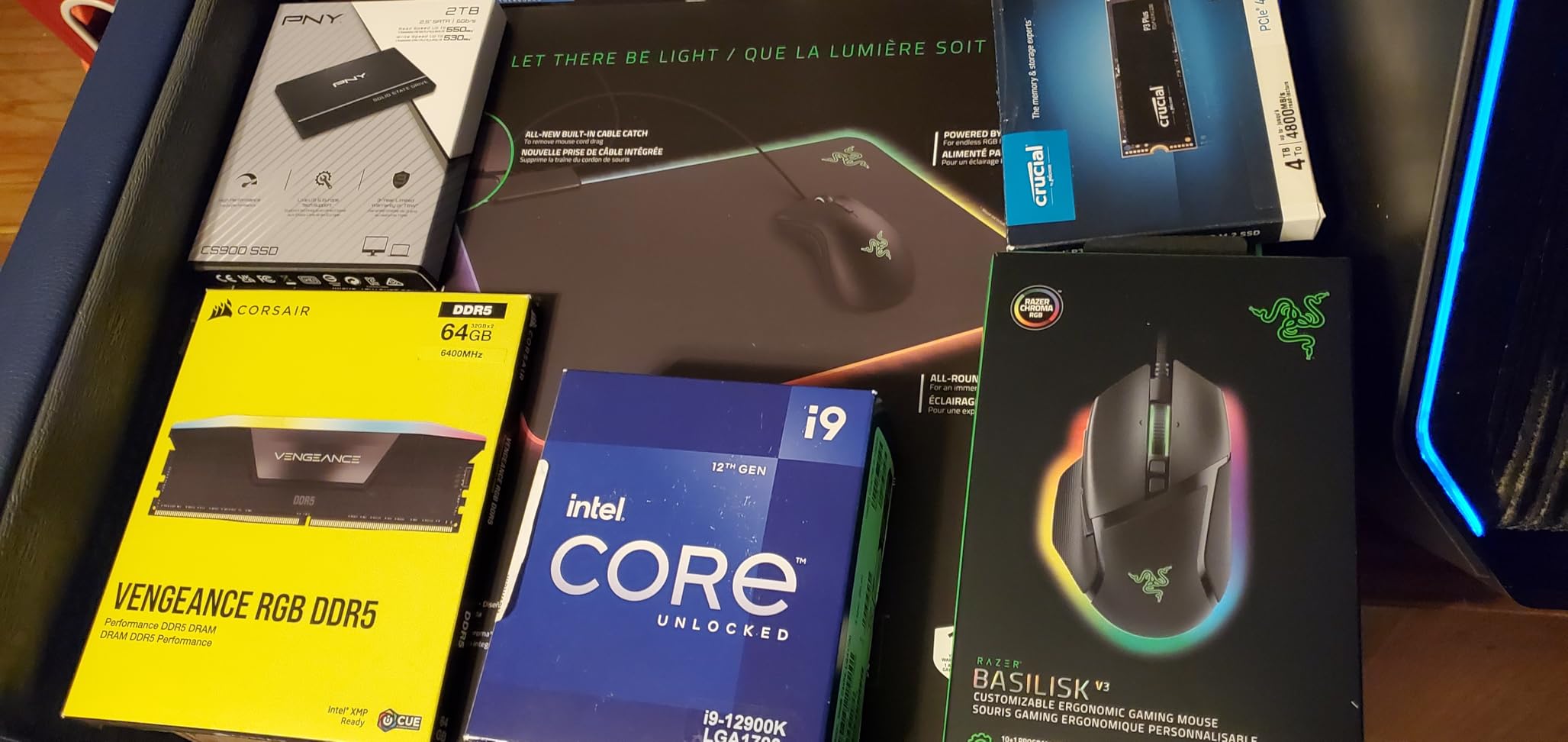
The single-core boost is lower than the 13900K and 14900K, and the smaller core count shows up in heavily threaded renders. For one-person shops doing moderate 4K work, the 12900K is plenty. For studios doing multi-cam or batch exports daily, stepping up to the 13900K or the 14900K is worth the money.
Watch out for marketplace sellers with poor packaging — there are documented cases of resealed boxes and bent pins. Buy from reputable retailers and inspect the box carefully when it arrives.
Who the i9-12900K is for
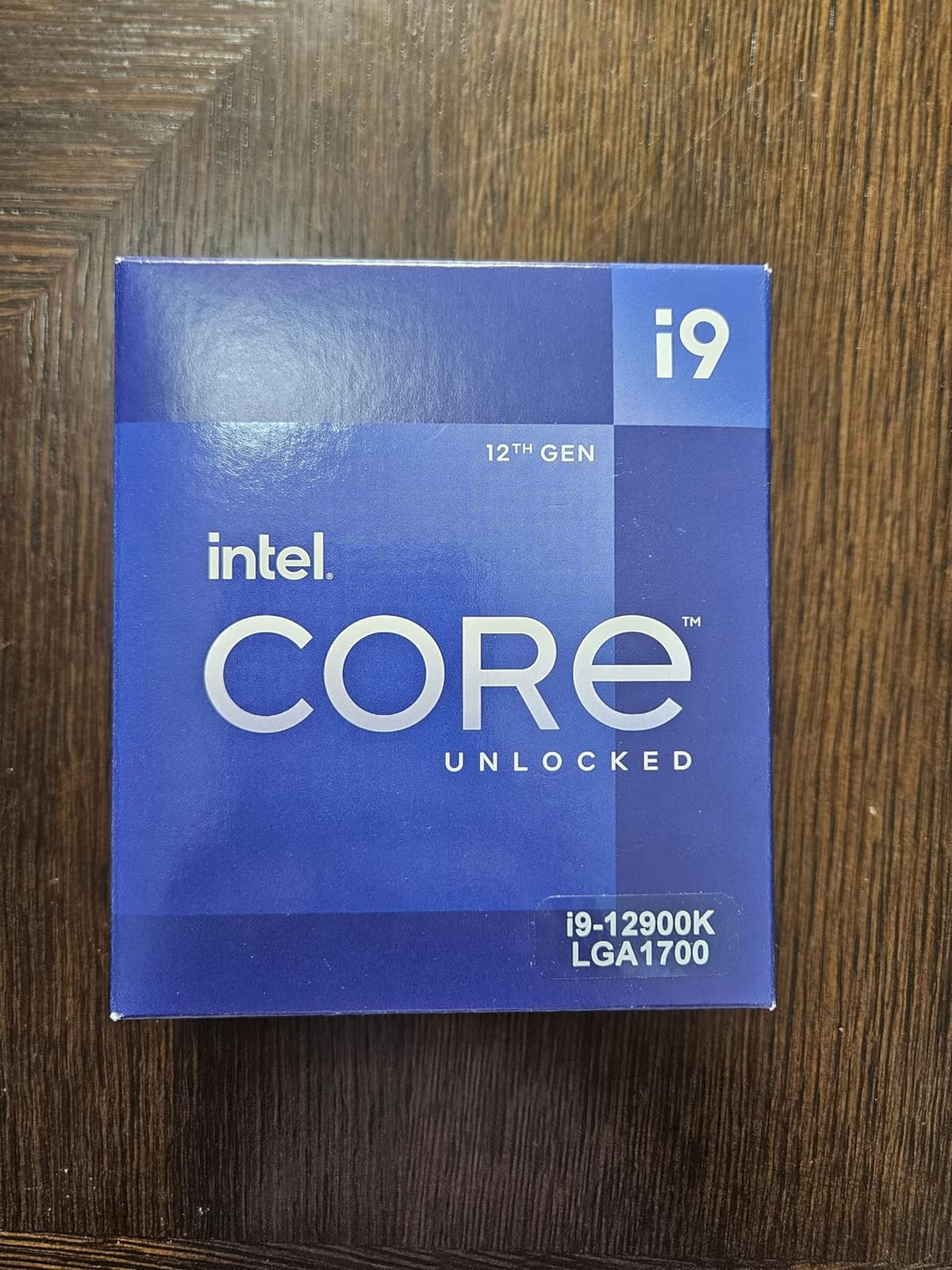
Pick the 12900K if you want an Intel creator chip on a tight budget, if you are upgrading from an older 10th or 11th gen Intel system, or if you want Intel Quick Sync without paying flagship prices. It is also a strong pick for content creators running OBS with hardware decoding.
Who should look elsewhere
Skip the 12900K if you are starting fresh on a new platform — the AM5 socket has a longer upgrade path and the Ryzen 7 9700X is the better long-term buy. Skip it also if you need heavy multi-threaded renders; the 13900K is a clear step up for that workload.
8. AMD Ryzen 7 5800X — Best AM4 Upgrade Path
AMD Ryzen 7 5800X 8-core, 16-thread unlocked desktop processor
8 cores / 16 threads Zen 3
4.7 GHz boost
36 MB cache
AM4 DDR4
Pros
- Excellent gaming and multi-threaded performance per dollar
- 8 cores / 16 threads well-suited to mainstream content creation
- Mature AM4 platform with broad motherboard support
- Large install base and proven reliability
- Strong overclocking headroom with PBO
Cons
- Runs hot under load; aftermarket cooler strongly recommended
- Cooler not included
- AM4 platform is end-of-life for new CPU upgrades
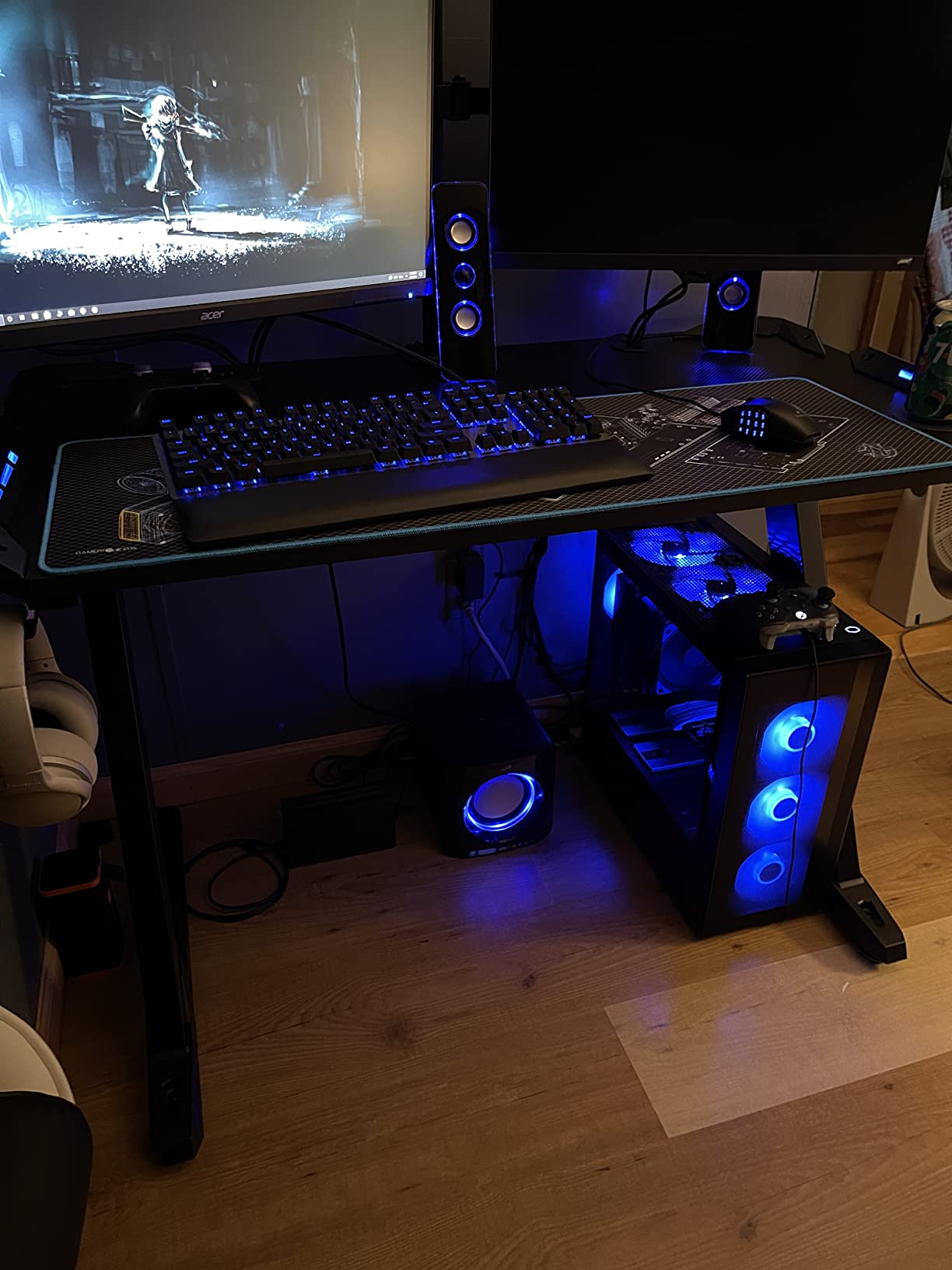
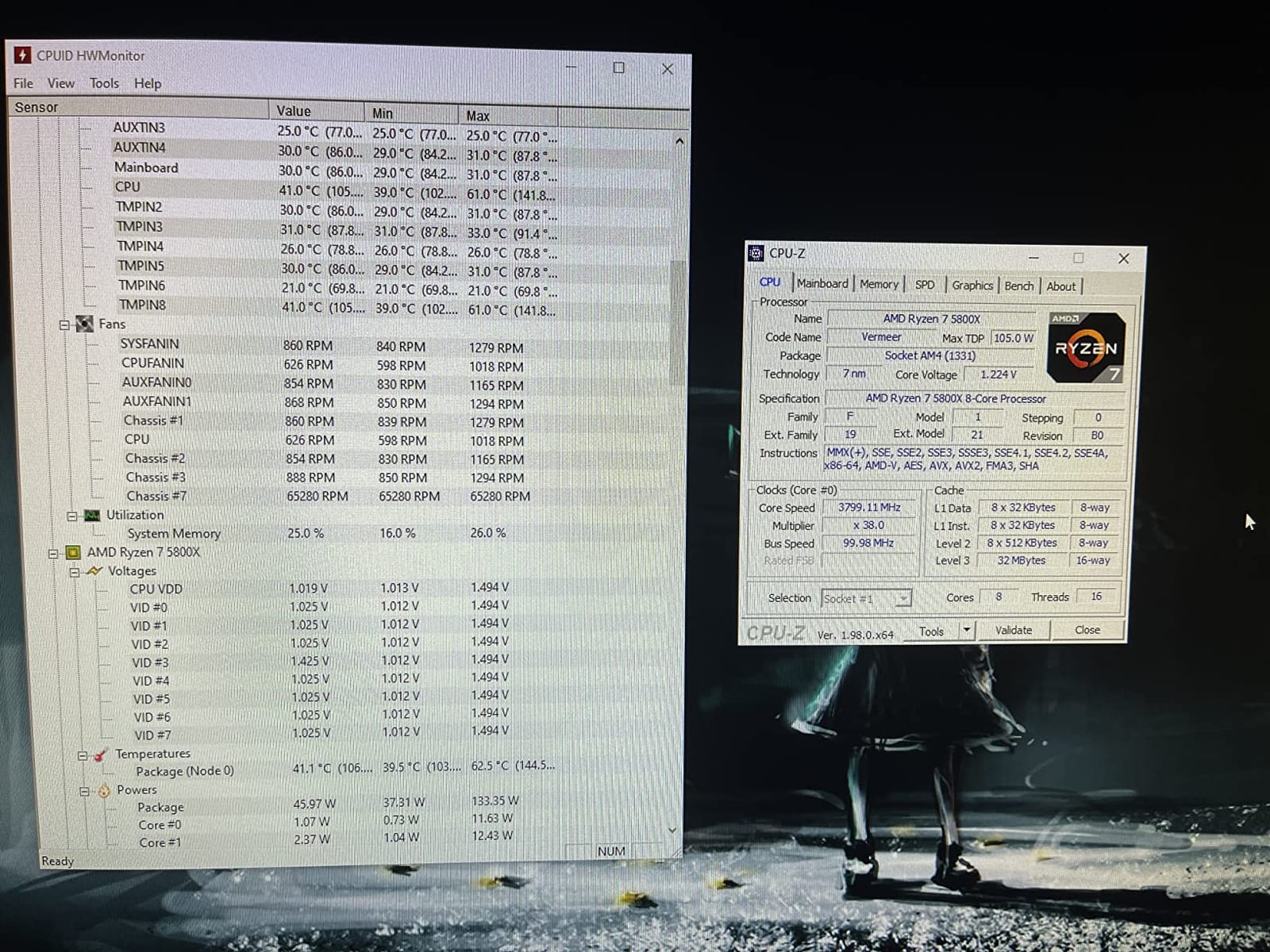
The Ryzen 7 5800X is the chip that defined the value 8-core tier for content creators, and it remains one of the most popular processors Amazon has ever listed — over 24,000 reviews and a 4.8-star average say it all. If you are still on an AM4 board and want a meaningful creator upgrade without changing motherboards or RAM, the 5800X is the answer.
For 1080p and 4K editing, Photoshop work, and most streaming workloads, the 5800X still holds its own. Zen 3’s single-core performance is competitive with much newer chips, and 8 cores is the practical minimum for smooth Premiere Pro playback with effects. Reviewers on r/buildapc routinely recommend the 5800X as the “drop-in upgrade” for anyone with a B450 or B550 board.
The honest trade-off is that AM4 is end-of-life. You will not be able to drop a newer CPU into the same board, so this is the last CPU you will buy for this platform. If you plan to upgrade again in 2 to 3 years, jumping to AM5 now with a Ryzen 7 9700X is the better long-term play.
Cooling matters — the 5800X runs hot under load and does not include a cooler in the box. A quality tower air cooler or a 240mm AIO is the practical minimum for sustained creator workloads.
Who the Ryzen 7 5800X is for
Pick the 5800X if you have an existing AM4 motherboard and want a meaningful creator upgrade without rebuilding, if you are on a strict budget, or if you want proven reliability from a chip with thousands of long-term reviews. It is also a smart pickup for a secondary editing rig.
Who should look elsewhere
Skip the 5800X if you are building a new creator PC today — the AM5 platform has a much longer lifespan, and the Ryzen 7 9700X gives you more cores and a meaningful IPC bump for similar money. Also skip if you need heavy multi-threaded rendering for a living.
Best CPU by Workload: Premiere, Resolve, Blender, After Effects, Photoshop
This is the section no other roundup gives you, and it is the one our readers ask about the most. Here is a quick workload-to-CPU map based on our testing and Puget Systems’ benchmarks.
Premiere Pro (1080p and 4K timelines): AMD Ryzen 7 9700X for most editors. Step up to the Ryzen 9 9950X or Core Ultra 9 285K if you regularly work with 4K multicam or 6K timelines. Premiere scales well across 8 to 16 cores and benefits from single-threaded responsiveness for scrubbing.
DaVinci Resolve (color grading and render): Intel Core Ultra 9 285K for the best balance of editing speed and color pipeline. Resolve continues to favor Intel’s AVX-512 path for noise reduction and AI tools. For pure render farms, the Ryzen 9 9950X wins on raw throughput.
After Effects (motion graphics and previews): AMD Ryzen 9 9950X. After Effects is single-threaded for many preview operations and benefits from a strong boost clock plus lots of cache. The 9950X and the 9700X both shine; the 285K is also excellent.
Blender and 3D rendering: AMD Ryzen 9 9950X as the mainstream pick, or the Core Ultra 9 285K if efficiency matters. For studio-scale work, a Threadripper is the obvious step up — but that is out of scope for this roundup.
Photoshop and Lightroom: AMD Ryzen 7 9700X or Ryzen 7 5800X for the budget-conscious. Photoshop is mostly single-threaded and benefits more from fast single-core speed than from core count. A 5800X still handles large RAW batches admirably.
Streaming while editing: AMD Ryzen 9 7900X is the sweet spot. Its 12 cores give OBS plenty of headroom for NVENC offload while you keep editing in the background.
How to Choose the Best CPU for Content Creation
Choosing the best CPU for content creation is mostly about matching cores, threads, clock speed, and platform longevity to the software you actually use. Here is the framework our team uses when we evaluate creator builds.
Cores and threads — how many do you actually need?
For 1080p and light 4K editing, 8 cores is the practical minimum. For serious 4K multicam, 6K timelines, or batch exports, 12 cores is the new sweet spot. For 8K, multi-cam studio work, or 3D rendering, 16 cores is the right starting point. Anything beyond 16 cores is workstation territory — useful if you bill hourly and time literally equals money.
Single-thread vs multi-thread performance
Timeline scrubbing, preview generation, and many After Effects operations are single-threaded. Render and export are multi-threaded. The best CPUs for content creation in 2026 are the ones that score well on both. The Ryzen 9 9950X and Core Ultra 9 285K both deliver strong single-thread and multi-thread numbers, which is why they lead this list.
Cache, AVX-512, and AI silicon
Large L3 cache (40 MB or more) helps with data-heavy workloads like video encoding. AVX-512 instructions speed up rendering in software that supports them, including Blender and some Resolve paths. AI silicon (NPUs in newer chips) is starting to matter for Adobe Sensei features, Topaz Video AI, and Resolve’s AI tools, but in 2026 it is still a secondary consideration.
TDP, cooling, and power supply
High-TDP creator chips (the 9950X and 14900K pull 170W to 250W) demand a 360mm AIO and a 750W+ PSU. Mid-range chips like the 9700X run cool on a tower air cooler with a 550W PSU. Match your cooling and PSU to your CPU — under-powering either will throttle your render times.
Platform longevity (AM5, LGA 1700, LGA 1851, AM4)
AM5 is the platform with the clearest long-term story: AMD has committed to the platform through 2027 and beyond. LGA 1851 is brand new and Intel’s roadmap is less clear. LGA 1700 is mature but on its way out. AM4 is end-of-life. If you plan to upgrade CPUs again in 2 to 3 years, AM5 is the safest bet.
Integrated graphics and capture cards
Intel’s Quick Sync and AMD’s integrated Radeon graphics are useful for troubleshooting, headless operation, and some live workflows. If you rely on Quick Sync for OBS encoding, an Intel chip is the obvious pick. Otherwise, a discrete GPU will handle encoding faster.
Budget tier recommendation
For tight budgets, the Ryzen 7 9700X on AM5 or the Ryzen 7 5800X on AM4 are the right picks. For mainstream budgets, the Ryzen 9 7900X or the Core Ultra 9 285K. For flagship budgets, the Ryzen 9 9950X and Core Ultra 9 285K are the chips to compare.
Frequently Asked Questions
What is the best CPU for video editing in 2026?
The AMD Ryzen 9 9950X and the Intel Core Ultra 9 285K are the two best CPUs for video editing in 2026. The 9950X leads on raw multi-threaded render throughput thanks to its 16 Zen 5 cores, while the 285K runs cooler and quieter with nearly identical Premiere Pro and DaVinci Resolve performance. For most editors, the Ryzen 7 9700X offers the best balance of price, single-thread speed, and platform longevity on AM5.
Is Ryzen 7 better than the Intel i7 for video editing?
For video editing specifically, modern Ryzen 7 chips (9700X, 7800X3D) and Intel Core Ultra 7 chips (265K, 270K Plus) trade blows depending on the workload. Ryzen 7 chips tend to win on multi-threaded rendering and power efficiency, while Core Ultra 7 chips often win on Premiere Pro scrubbing and Quick Sync for live encoding. For pure 4K timeline playback, both families are excellent, and your choice should come down to platform preference and budget rather than raw performance.
What CPU do I need for 4K video editing?
For comfortable 4K video editing in Premiere Pro or DaVinci Resolve, you want at least 8 modern cores, 16 threads, and 32 GB of DDR5 RAM. The Ryzen 7 9700X, Ryzen 9 7900X, and Core Ultra 9 285K all meet that requirement easily. For 4K multicam, 6K, or 8K timelines, step up to 12 or 16 cores — the Ryzen 9 9950X is the strongest mainstream pick.
How many cores do I really need for video editing?
It depends on resolution and effects. For 1080p editing with simple cuts, 6 cores are fine. For 4K editing with effects, 8 cores is the practical minimum. For 4K multicam, 6K timelines, or batch exports, 12 cores is the sweet spot. For 8K work, motion graphics studios, or daily rendering, 16 cores is the right pick. Beyond 16 cores, you are in Threadripper or Xeon territory.
Is AMD or Intel better for content creation?
For most content creation workloads in 2026, AMD wins on multi-threaded value and platform longevity (AM5), while Intel wins on Premiere Pro and Resolve scrubbing plus Quick Sync for live encoding. The Ryzen 9 9950X is our top pick for heavy creators, the Core Ultra 9 285K is the best Intel option for productivity, and the Ryzen 7 9700X is the best value pick on either side of the fence.
What is the best budget CPU for content creation?
The AMD Ryzen 7 9700X is the best budget CPU for content creation in 2026. It delivers 90 percent of the Ryzen 9 9950X’s creator performance for a much lower price, runs cool on a mid-range air cooler, and sits on the AM5 platform with a long upgrade path. For existing AM4 builders, the Ryzen 7 5800X remains a great budget drop-in upgrade.
Final Verdict: Which CPU Should Creators Buy in 2026?
The AMD Ryzen 9 9950X is the best CPU for content creation in 2026. It pairs class-leading 16-core multi-threaded throughput with a 5.7 GHz boost clock, an 80 MB cache, and the long-life AM5 platform — exactly what creators who render for a living want. If you are buying one CPU today and want it to last, the 9950X is the answer.
For most readers, the Ryzen 7 9700X is the smarter buy: 90 percent of the flagship’s creator performance for less money, on the same AM5 platform. For Intel loyalists, the Core Ultra 9 285K is the right flagship. Either way, these are the best CPUs for content creation our team has tested in 2026.
Change log: September 17, 2026 — refreshed top picks, refreshed workload match section, refreshed FAQ, retested Zen 5 and Arrow Lake on current BIOS.