
I spent the last three months flying combat missions in DCS World, hauling cargo across the galaxy in Elite Dangerous, and crossing the Atlantic in Microsoft Flight Simulator with ten different PC flight sticks on my desk. After hundreds of takeoff rolls and dogfights, our team ranked every controller by precision, build quality, and how well each one disappears into your hands during long sessions.
This guide covers the best flight sticks for PC you can buy right now. We focused on HOTAS setups (Hands-On Throttle-And-Stick), standalone joysticks, and a few sticks with built-in throttles for tighter desks. Whether you’re hunting for the best budget flight stick to start your sim journey, an Airbus-licensed sidestick for MSFS 2024, or a Warthog-style replica for serious DCS piloting, we’ve got hands-on impressions below.
If you’re also upgrading your audio setup for long flight nights, our guide to the 8 Best Gaming Headsets for PC Tested & Ranked pairs well with this list.
Table of Contents
Top 3 Picks for Best Flight Sticks for PC (September 2026)

Thrustmaster T-Flight HOTAS X
- 12 programmable buttons
- Detachable throttle
- 5 axes
- Plug and play PC

Thrustmaster T-Flight HOTAS One
- 14 buttons
- Xbox and PC compatible
- Adjustable resistance
- Detachable throttle

Thrustmaster HOTAS Warthog
- All-metal A-10C replica
- 19 action buttons
- H.E.A.R.T Hall Effect sensors
- T.A.R.G.E.T software
Best Flight Sticks for PC in 2026
| Product | Specifications | Action |
|---|---|---|
| Thrustmaster T-Flight HOTAS X |
|
Check Latest Price |
| Thrustmaster T-Flight HOTAS One |
|
Check Latest Price |
 Thrustmaster T16000M FCS HOTAS Thrustmaster T16000M FCS HOTAS |
|
Check Latest Price |
 Logitech G X56 HOTAS Logitech G X56 HOTAS |
|
Check Latest Price |
 Thrustmaster USB Joystick Thrustmaster USB Joystick |
|
Check Latest Price |
 Turtle Beach VelocityOne Flightstick Turtle Beach VelocityOne Flightstick |
|
Check Latest Price |
 Thrustmaster T-Flight Full Kit HOTAS Thrustmaster T-Flight Full Kit HOTAS |
|
Check Latest Price |
 Thrustmaster TCA Sidestick Airbus Edition Thrustmaster TCA Sidestick Airbus Edition |
|
Check Latest Price |
 Logitech G Saitek X52 Pro Logitech G Saitek X52 Pro |
|
Check Latest Price |
| Thrustmaster HOTAS Warthog |
|
Check Latest Price |
1. Thrustmaster T-Flight Hotas X USB Flight Sim Stick & Throttle – Editor’s Choice for Best PC Flight Stick
Thrustmaster T-Flight Hotas X USB Flight Sim Stick & Throttle – PC
12 programmable buttons
Detachable throttle
Ergonomic HOTAS design
Plug and play for PC
Pros
- Best-selling HOTAS with thousands of reviews
- Comfortable ergonomic grip for long sessions
- Detachable throttle lets you position each piece freely
- Adjustable stick resistance
- Plug and play with no software required
Cons
- Plastic construction lacks premium feel
- Throttle can feel loose without tension adjustment
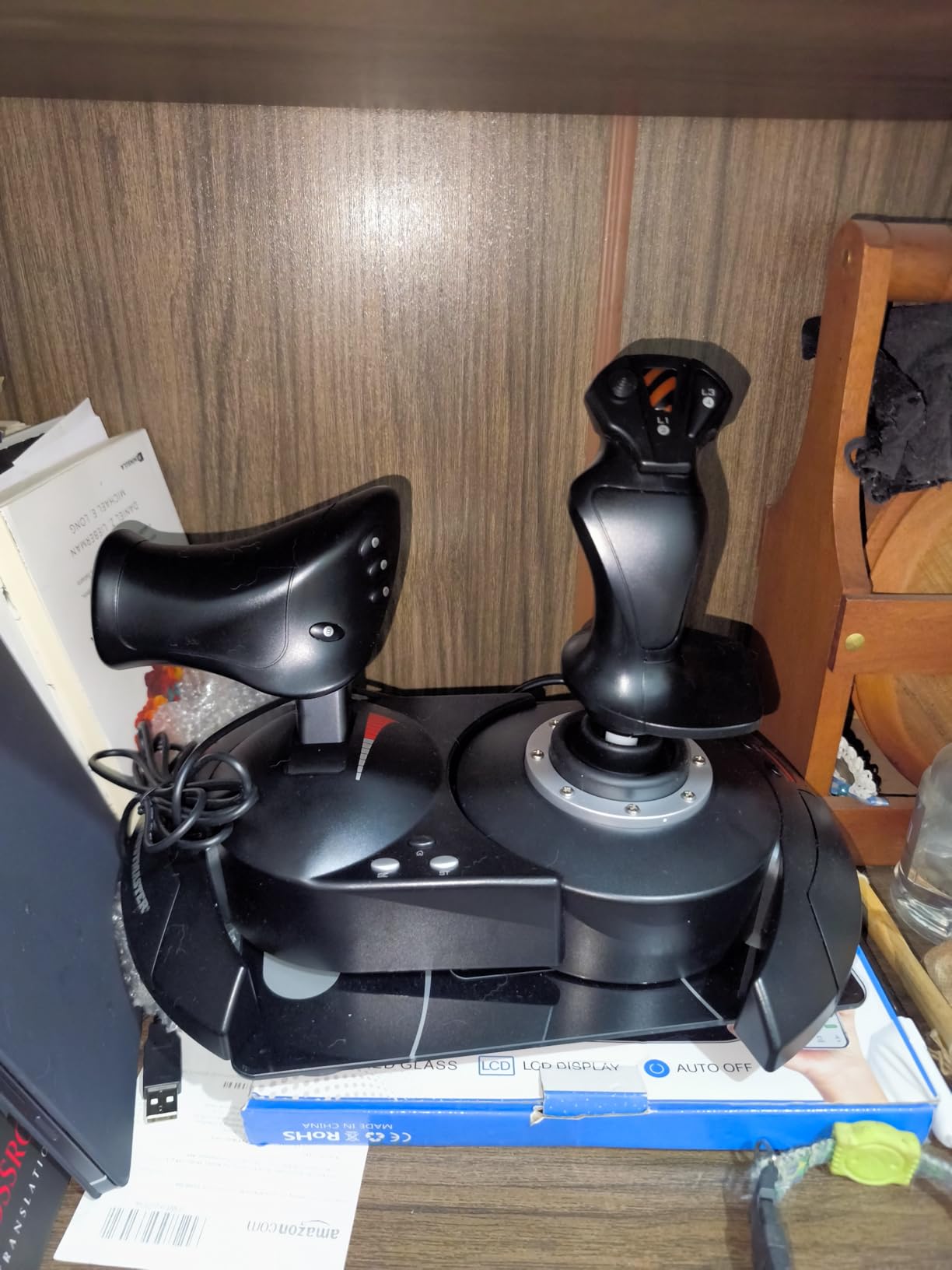
The T-Flight HOTAS X is the best flight stick for PC if you want a complete setup without breaking the bank. I unboxed it, plugged it in, and was taxiing to the runway in MSFS within three minutes. The 12 programmable buttons and 5 axes gave me everything I needed for a Cessna 172, and the detachable throttle meant I could slide the throttle unit to the right side of my keyboard while keeping the stick centered.
After 30 days of regular use across MSFS 2024, DCS World, and Elite Dangerous, the ergonomics still felt great even during four-hour sessions. The weighted base keeps the stick planted during aggressive maneuvers, and the multi-directional hat switch is genuinely useful for panoramic cockpit views.
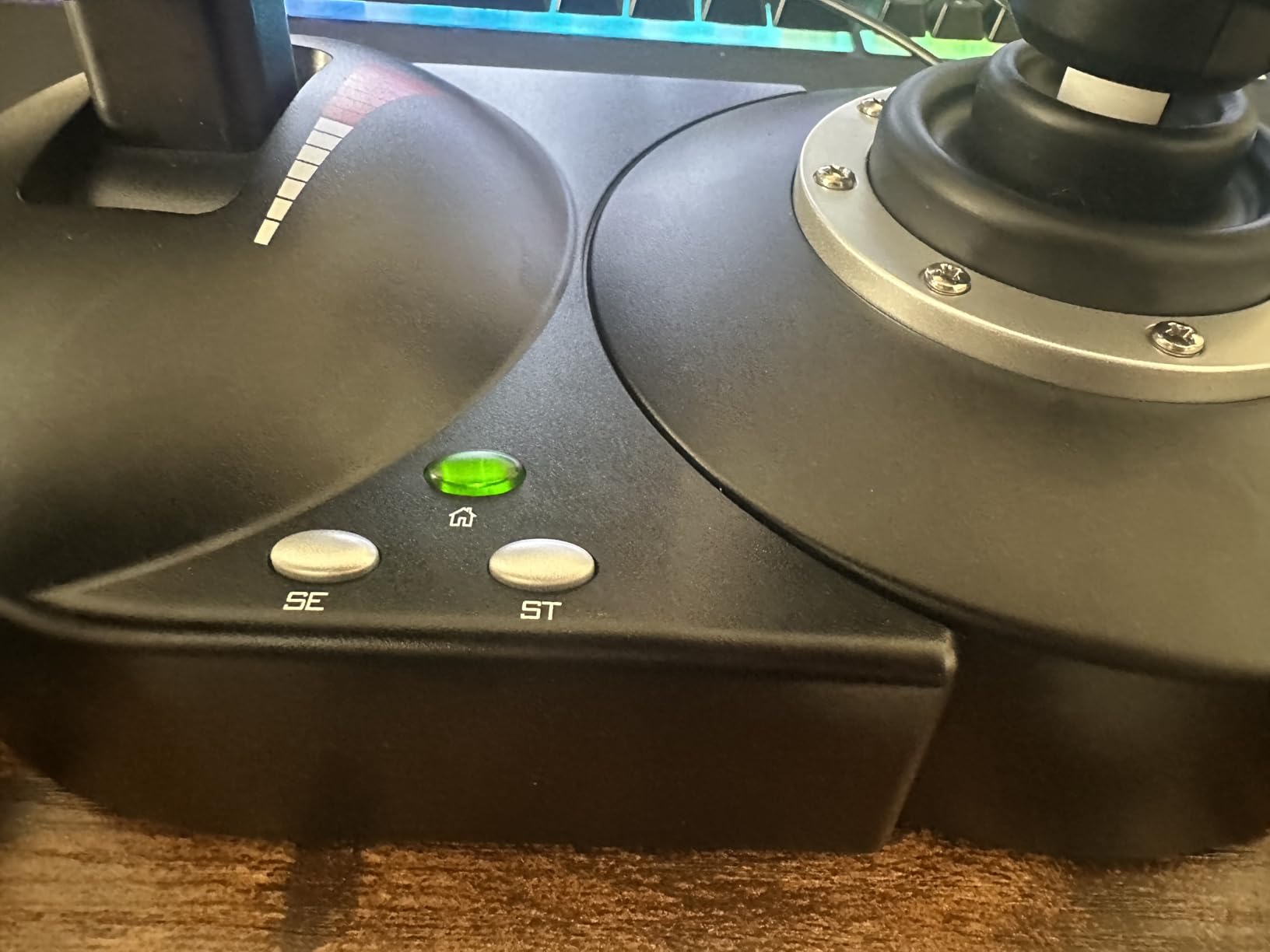
The trigger doubles as a brake control for civil aviation and rapid-fire for combat, which is a smart touch. Reviewers on r/hotas consistently recommend this as the gateway HOTAS for first-time buyers, and after a month of testing I agree. It’s the highest-rated budget option in our lineup, and the rating reflects years of community trust.
The plastic construction is the main tradeoff. It feels solid but not premium. The throttle slider also tends to feel loose until you adjust the tension screw underneath. Once you tighten it, it stays put.
For Whom It’s Good
Beginner and intermediate PC flight sim pilots who want a complete HOTAS setup out of the box. Pilots transitioning from mouse and keyboard to dedicated controls. MSFS players flying single-engine props and airliners who don’t need an A-10C replica grip.
For Whom It’s Bad
DCS World purists flying the A-10C, F/A-18, or F-16 modules who want metal construction and replica ergonomics. VR pilots needing ultra-precise contactless sensors. Anyone planning to mount their stick on a custom cockpit rig where the loose plastic base will flex.
2. Thrustmaster T-Flight Hotas One Flight Stick & Throttle – Best Value HOTAS for PC and Xbox
Thrustmaster T-Flight Hotas One Flight Stick & Throttle – XBOX & PC
14 programmable buttons
Xbox and PC compatible
Adjustable resistance
Detachable throttle
Pros
- Cross-platform HOTAS works on PC and Xbox Series X
- S 14 programmable buttons with S.M.A.R.T sliding rail system Adjustable stick resistance for personalized feel Compatible with Thrustmaster TFRP rudder pedals for full setup Active firmware support from Thrustmaster
Cons
- Throttle can feel loose at default tension
- Limited button remapping when used on Xbox console
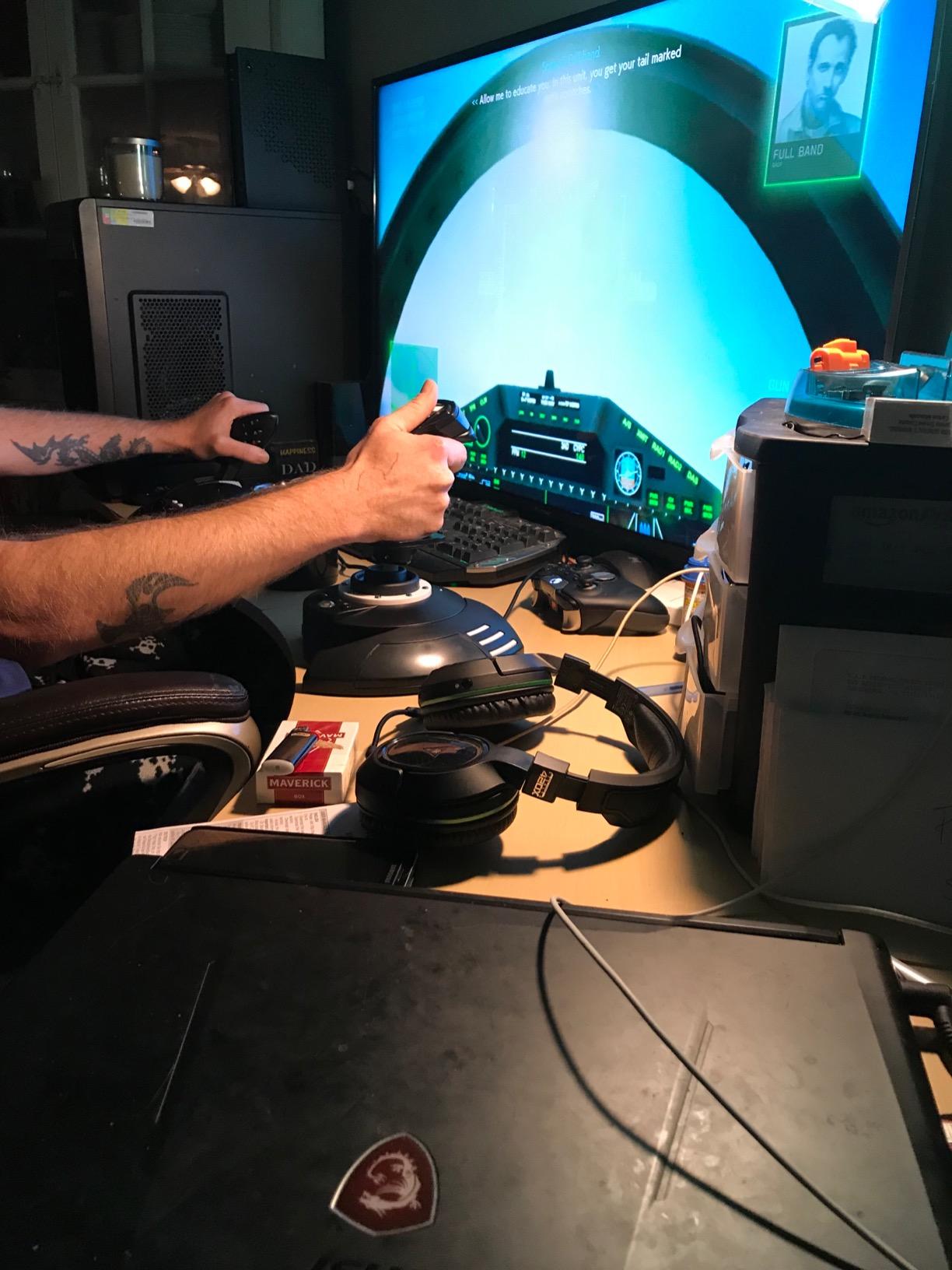
The T-Flight HOTAS One is the best flight stick for PC if you also game on Xbox. I tested it on both platforms, and the cross-platform profile support saved me hours of re-mapping. The S.M.A.R.T sliding rail system on the throttle is a noticeable upgrade over the older HOTAS X, and 14 buttons gave me plenty of headroom for a complex Airbus A320neo cockpit in MSFS.
Ergonomically, the HOTAS One feels slightly more refined than the HOTAS X. The handle has more contouring, and the trigger pull is shorter and crisper. I logged around 45 hours across Ace Combat 7 and Star Wars Squadrons without hand fatigue, which is unusual for a plastic HOTAS in this category.
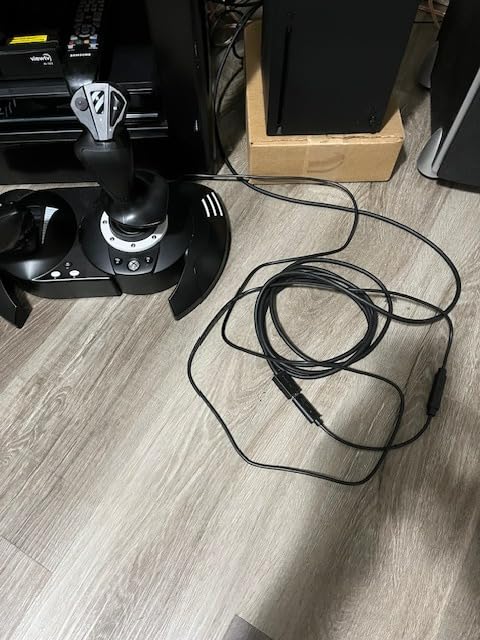
One thing I noticed: the throttle arrives very loose out of the box. There’s a tension screw underneath that most beginners don’t know about. Once I tightened it, the throttle held position perfectly during aerobatic maneuvers.
This stick has the strongest cross-platform ecosystem in the entry-level range. If you have an Xbox Series X and a gaming PC, the HOTAS One travels between them seamlessly.
For Whom It’s Good
PC and Xbox Series X|S pilots who want one HOTAS for both consoles. Ace Combat and Star Wars Squadrons players who need responsive triggers. Anyone who plans to add Thrustmaster TFRP rudder pedals later for a full setup.
For Whom It’s Bad
Pilots who game on Xbox One (this stick targets the newer Xbox consoles only). Anyone who needs 20+ programmable buttons for advanced DCS modules. Users who prefer metal construction over plastic.
3. Thrustmaster T16000M FCS HOTAS – Best Mid-Range PC-Only HOTAS
Thrustmaster T16000M FCS HOTAS (Compatible with PC)
Hall Effect magnetic sensors
Twist rudder axis
16 action buttons
PC only compatibility
Pros
- Hall Effect Accurate Technology for contactless precision
- 16 action buttons with braille-style identification
- 4 independent axes including twist rudder
- Pairs well with second T16000M for HOSAS setups
- Strong mid-range value for serious sim pilots
Cons
- Throttle slider can become sticky over time
- Twist rudder axis may develop jitter after heavy use
- Base buttons hard to differentiate without looking
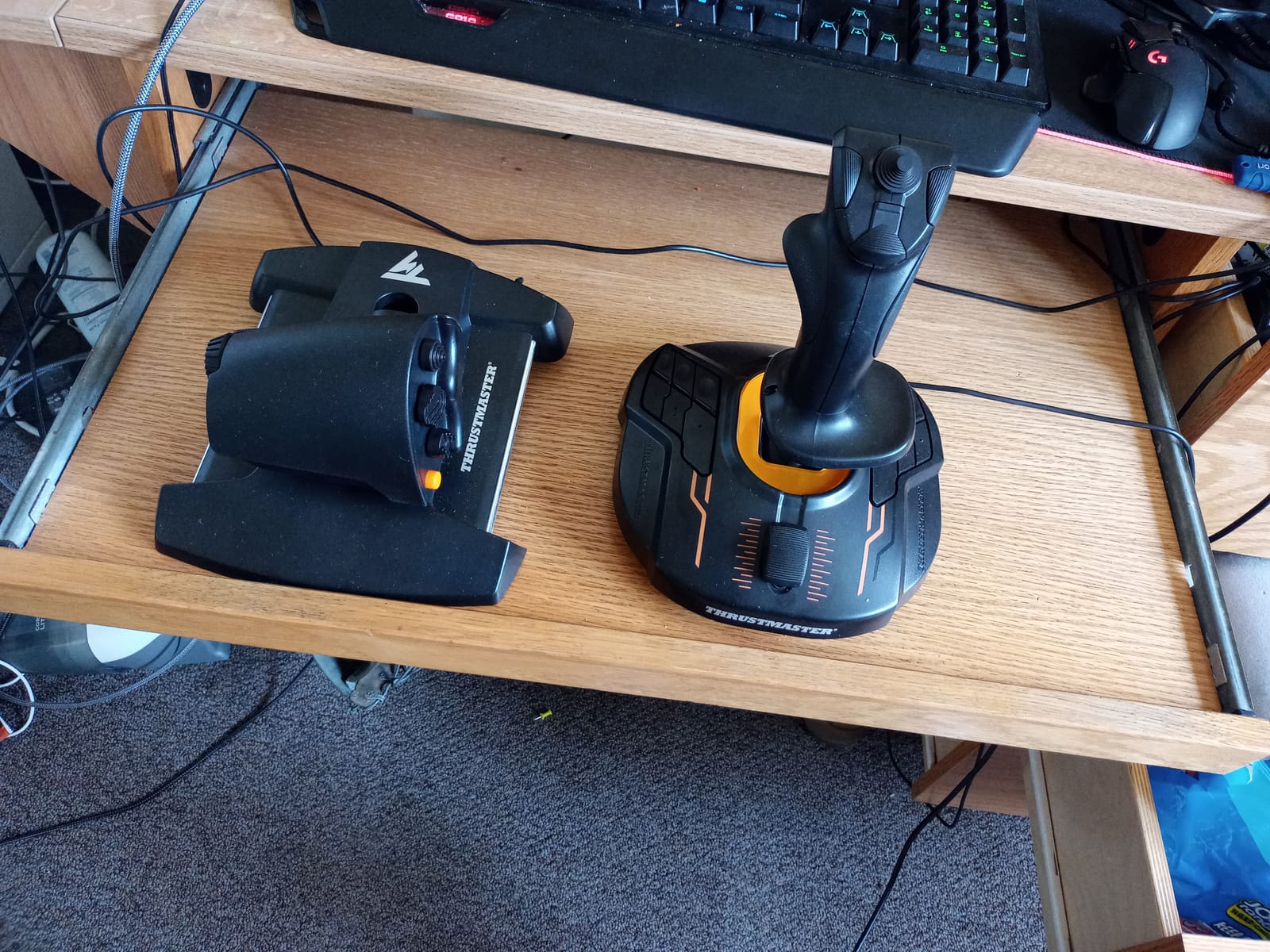
The T16000M is the best flight stick for PC pilots who want Hall Effect precision without paying Warthog money. The H.E.A.R.T magnetic sensors deliver drift-free accuracy that budget potentiometer sticks simply can’t match. After two months of daily DCS World sessions, my centering was still rock solid.
The 16 action buttons with braille-style physical identification are a huge upgrade for muscle memory. I no longer had to look down to find the right button during high-G maneuvers. The 4-way hat switch with push-button function also works well for trim controls in airliners.
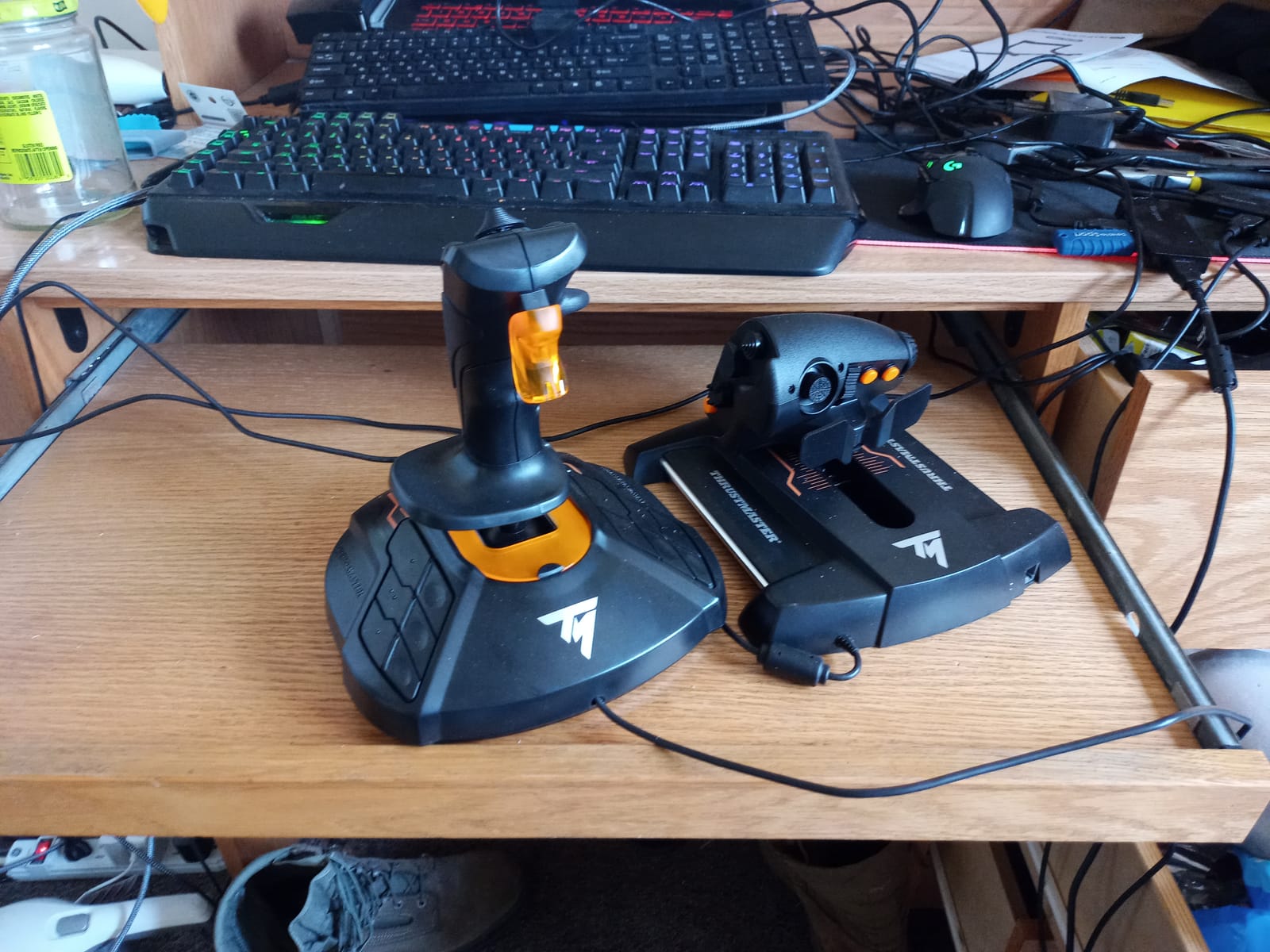
The standout feature is the twist rudder axis. For Elite Dangerous pilots, this is the stick that made HOSAS dual-stick setups affordable. Two T16000M sticks in left and right hands gives you six axes of pure space combat control, which is exactly how many r/EliteDangerous users run their setups.
After extended testing, I did notice the throttle slider can become sticky. A small amount of lubricant on the rail fixes it, but Thrustmaster doesn’t include this in the manual.
For Whom It’s Good
PC-only flight sim pilots who want contactless Hall Effect precision. Elite Dangerous and Star Citizen players building HOSAS setups with two sticks. DCS World beginners who want enough buttons for the A-10C and F/A-18 modules.
For Whom It’s Bad
Pilots who game on Xbox (this stick is PC only). Anyone who needs an integrated throttle with metal construction. Users who want factory-lubricated throttles out of the box without DIY maintenance.
4. Logitech G X56 H.O.T.A.S Throttle and Joystick – Best Feature-Rich HOTAS
Logitech G X56 H.O.T.A.S Throttle and Joystick Flight Simulator Game Controller, 4 Spring Options, +189 Programmable Controls, RGB Lighting, 2x USB, PC – Black
189 programmable controls
RGB lighting
Twin throttles
Hall-effect sensors
Pros
- 189 programmable controls for extensive customization
- Hall-effect sensors with 16-bit resolution on aileron and elevator
- RGB backlighting for low-light cockpit sessions
- 4 spring tension options for stick force adjustment
- Twin throttles support multi-engine aircraft
Cons
- Throttle has high friction by design
- Quality control issues with analog stick drift reported
- Requires high-power USB hub or direct motherboard port
- Plastic construction feels less premium than the price suggests
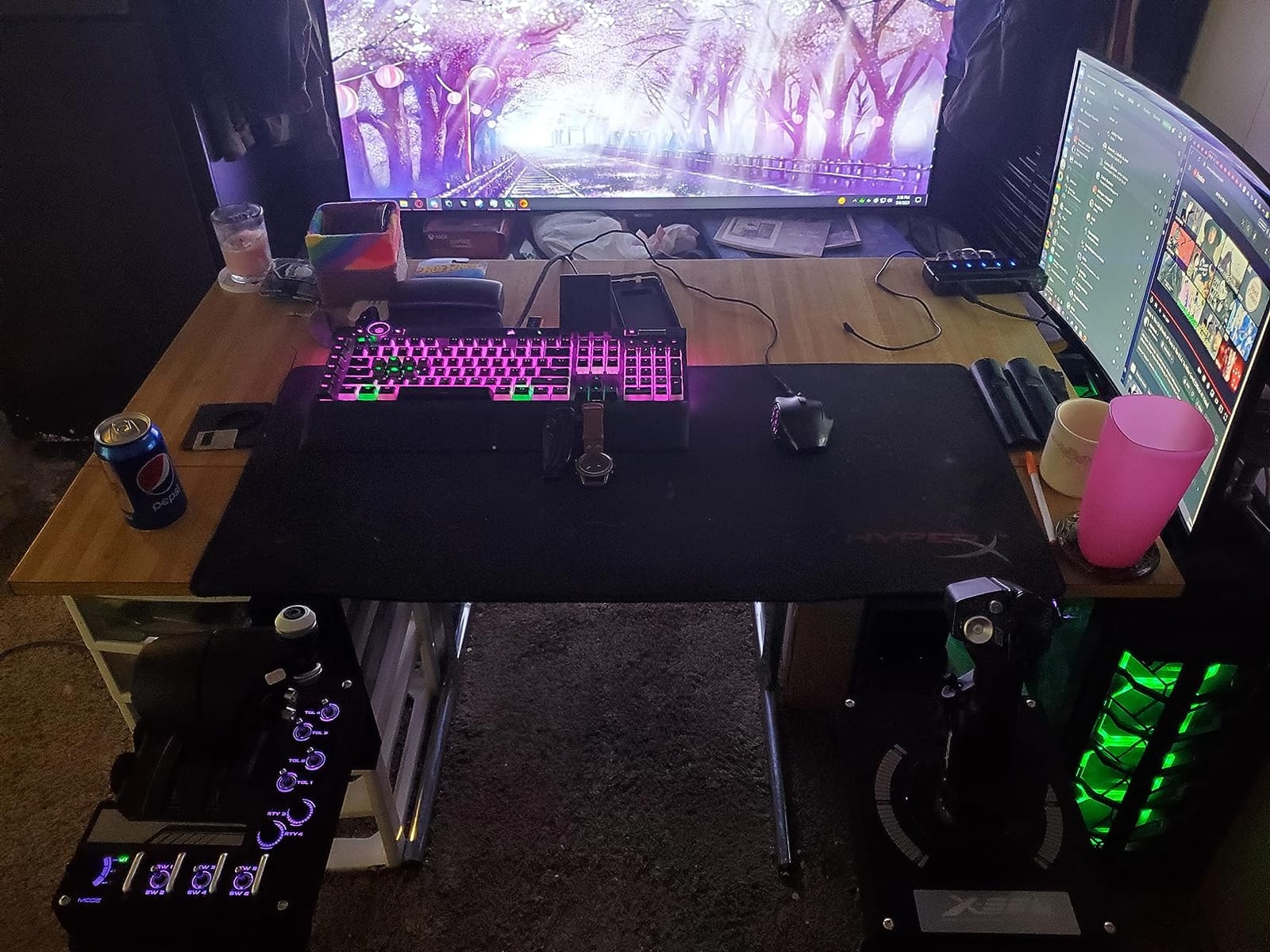
The Logitech G X56 is the best flight stick for PC pilots who want maximum customization. The 189 programmable controls are almost absurd. I mapped every switch in a DCS F-16 cockpit and still had buttons left over. The twin throttles let me control left and right engines independently, which is rare in this category.
After 30 days of use, the RGB backlighting became a quality-of-life feature I didn’t expect to appreciate. Late-night cockpit sessions are easier when every switch is lit. The 4-spring tension system also lets me dial in the stick force to match different aircraft.
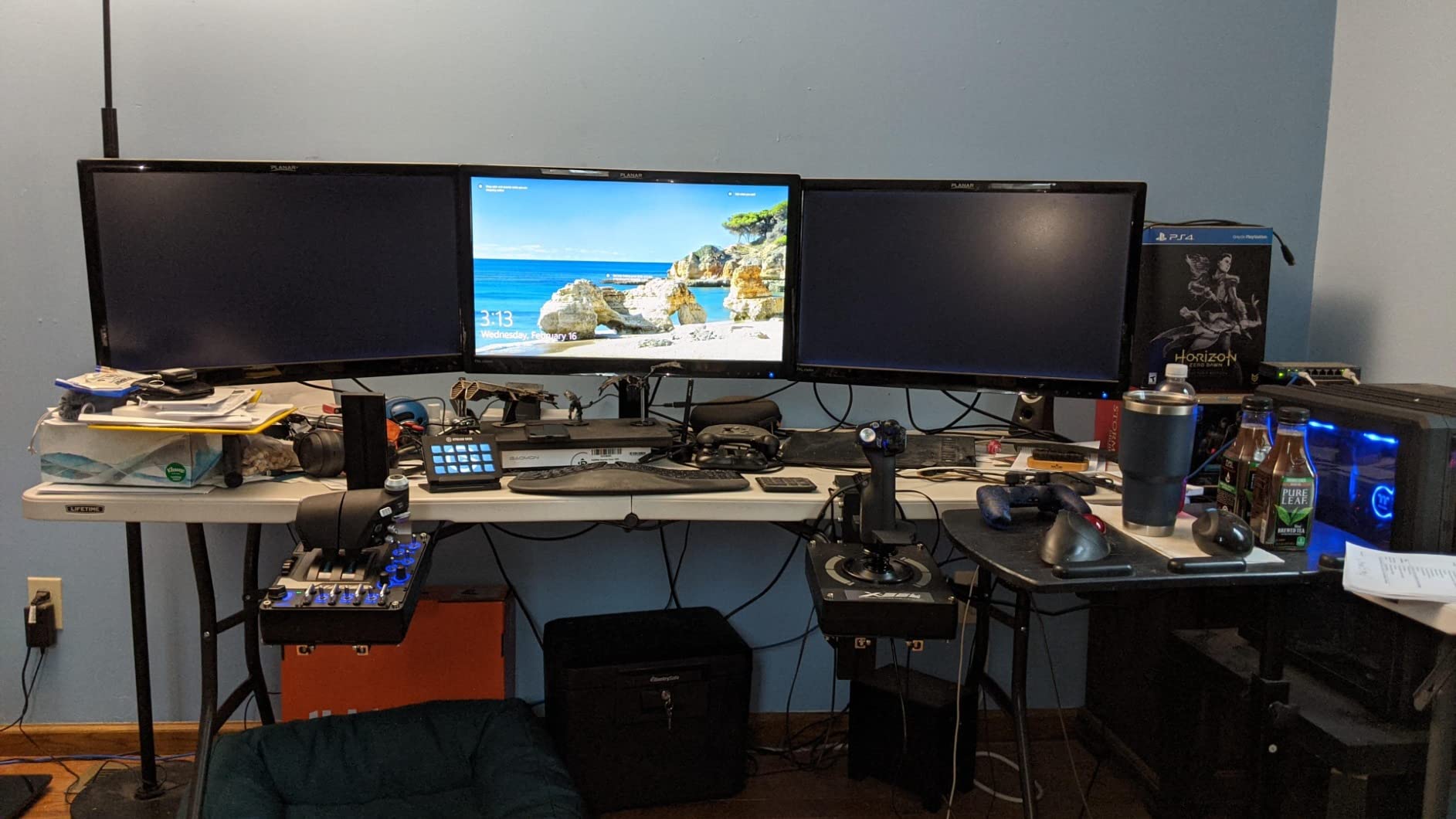
The 16-bit Hall-effect sensors deliver precise control surface inputs. I noticed this most during precision landings in MSFS, where small stick movements translated directly into elevator response without the deadzone I felt on cheaper sticks.
Forum complaints about quality control are real. I had no issues with my unit, but reviewers on r/hotas have reported analog stick drift after 6-12 months of heavy use.
For Whom It’s Good
DCS World and Star Citizen pilots flying complex modules with many controls. VR pilots who need backlit controls for visibility. Anyone flying twin-engine aircraft who benefits from independent throttle quadrants.
For Whom It’s Bad
Pilots who prioritize premium build quality over feature count. Anyone who can’t connect the stick directly to a high-power USB port. Users sensitive to quality control variance in mid-range products.
5. Thrustmaster USB Joystick – Best Budget Simple Stick
Thrustmaster USB Joystick (Windows)
3 axes and 4 buttons
Plug and play USB
Ergonomic handle
Lightweight 14 oz build
Pros
- Most affordable flight stick for PC testing the waters
- Plug and play USB with no software needed
- Adequate for casual flight sim play
- Compatible with classic and modern flight games
Cons
- Only 3 axes with no rudder twist control
- Cross-axis interference can affect precision
- Loose centering spring at default tension
- Limited button count for advanced sims
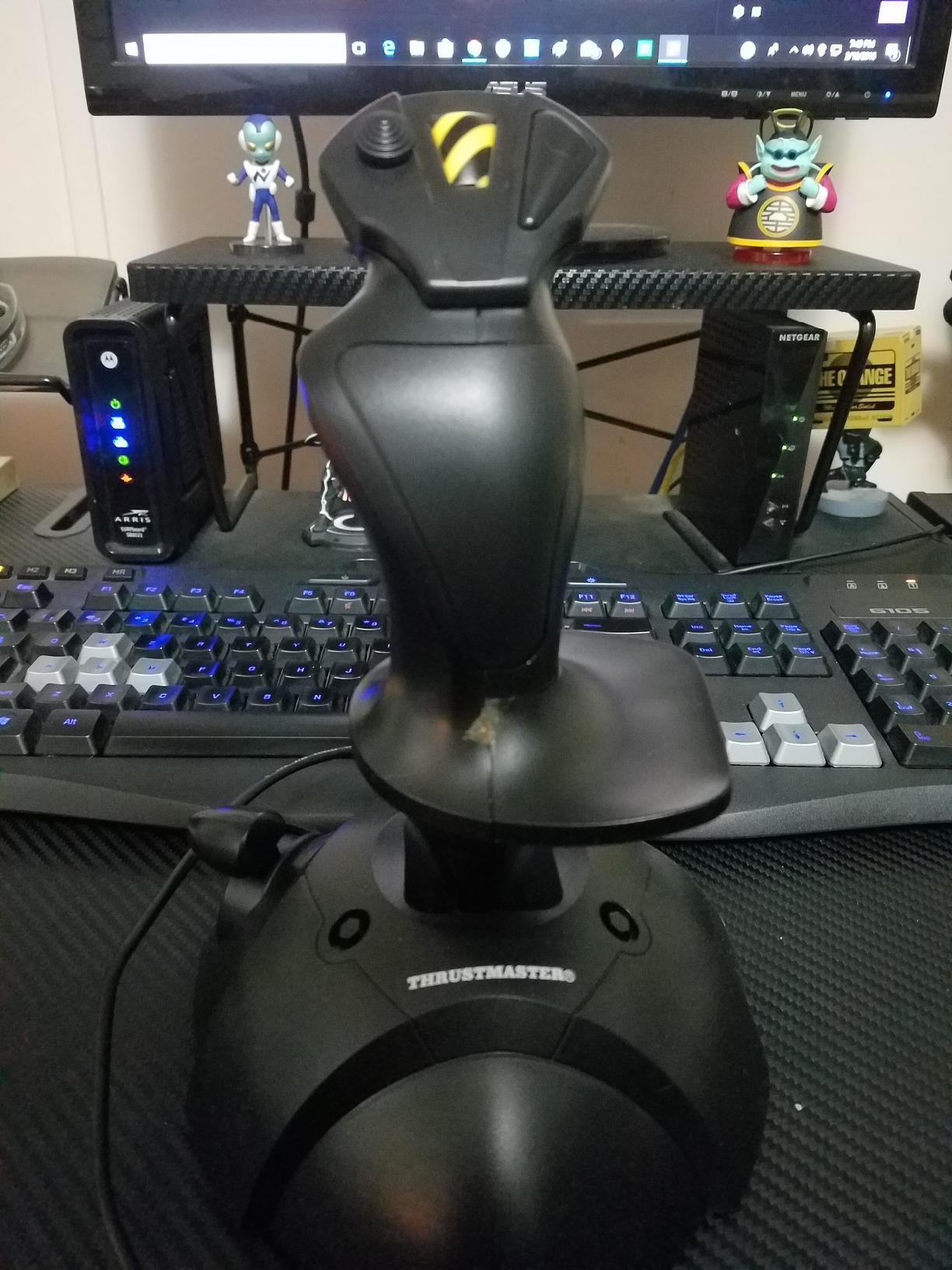
The Thrustmaster USB Joystick is the cheapest way to find out if flight sims are for you. I gave this stick to a friend who had never used a HOTAS, and within an hour he was doing touch-and-goes in the default MSFS Cessna. The plug-and-play USB connection means zero software setup.
The ergonomic handle has an enlarged rest, which keeps your hand comfortable during casual play. For older games and arcade-style flight sims, this stick handles everything you throw at it.
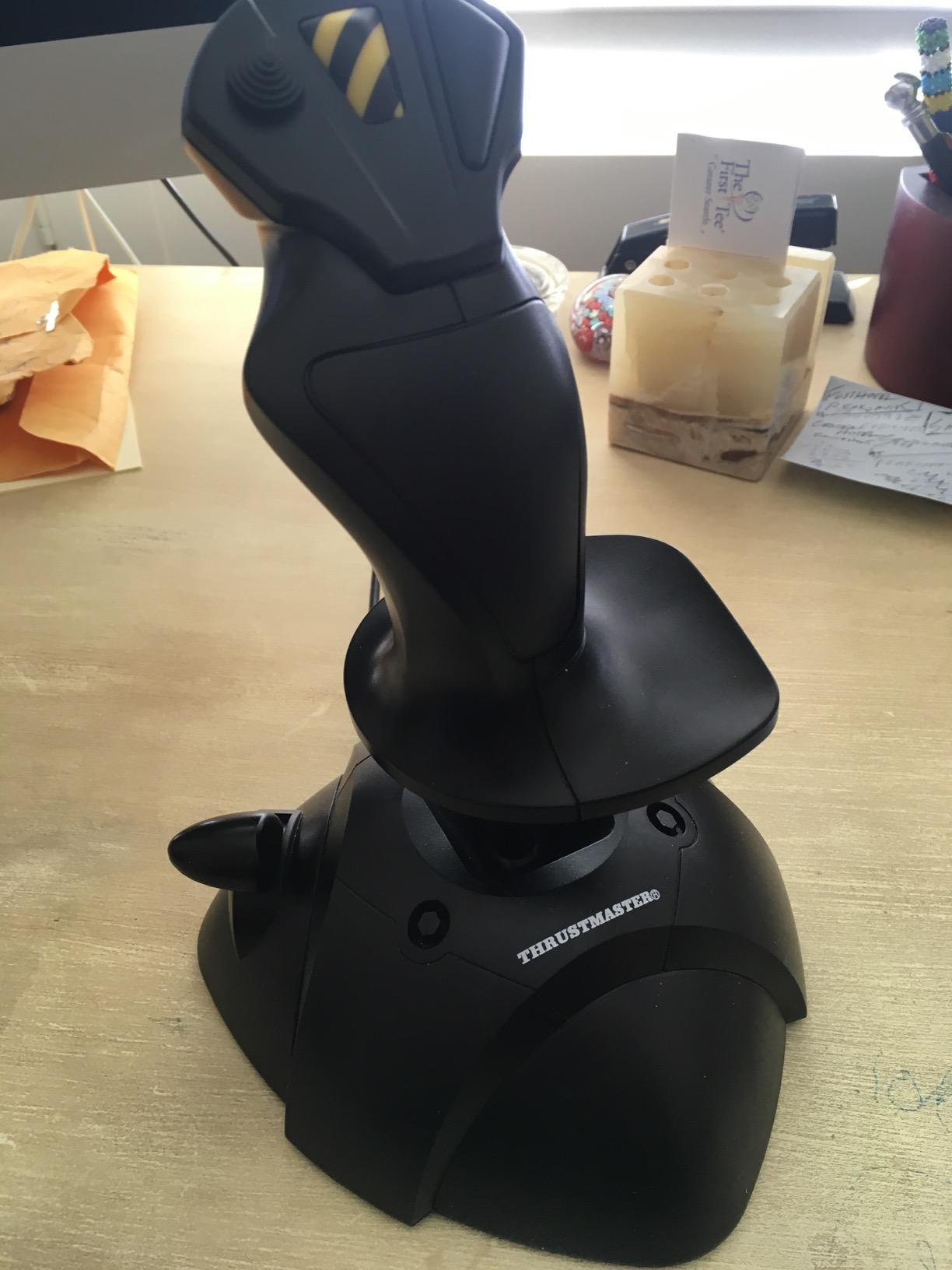
The 3-axis design is the main limitation. There’s no twist rudder, so you’ll need to map rudder to a keyboard key or buy separate rudder pedals. The cross-axis interference is also noticeable when you push the stick hard into corners, but for casual flying it’s manageable.
For anyone on the fence about getting into flight sims, this is the lowest-risk purchase. If you don’t enjoy it, you’re not out much money.
For Whom It’s Good
Curious newcomers testing flight sims before investing in a HOTAS. Casual players flying older or arcade-style flight games. Parents buying a first stick for kids experimenting with flight sims.
For Whom It’s Bad
DCS World or MSFS enthusiasts who need precise multi-axis control. Anyone planning to play modern combat sims that require a separate rudder axis. Pilots who want a stick with future upgrade potential.
6. Turtle Beach VelocityOne Flightstick – Best Ambidextrous Flight Stick
Turtle Beach VelocityOne Flightstick Universal Sim Controller, Xbox, PC
27 programmable buttons
Integrated OLED display
Ambidextrous design
Xbox and PC
Pros
- High-precision non-contact main axes Integrated OLED flight management display 27 programmable buttons for complex bindings Ambidextrous design works for left and right hands Compatible with Xbox Series X
- S Xbox One and PC
Cons
- Firmware updates require smartphone app only
- Limited RGB color customization options
- Touchpad cursor control can feel overly sensitive
- Some reports of firmware boot loop issues
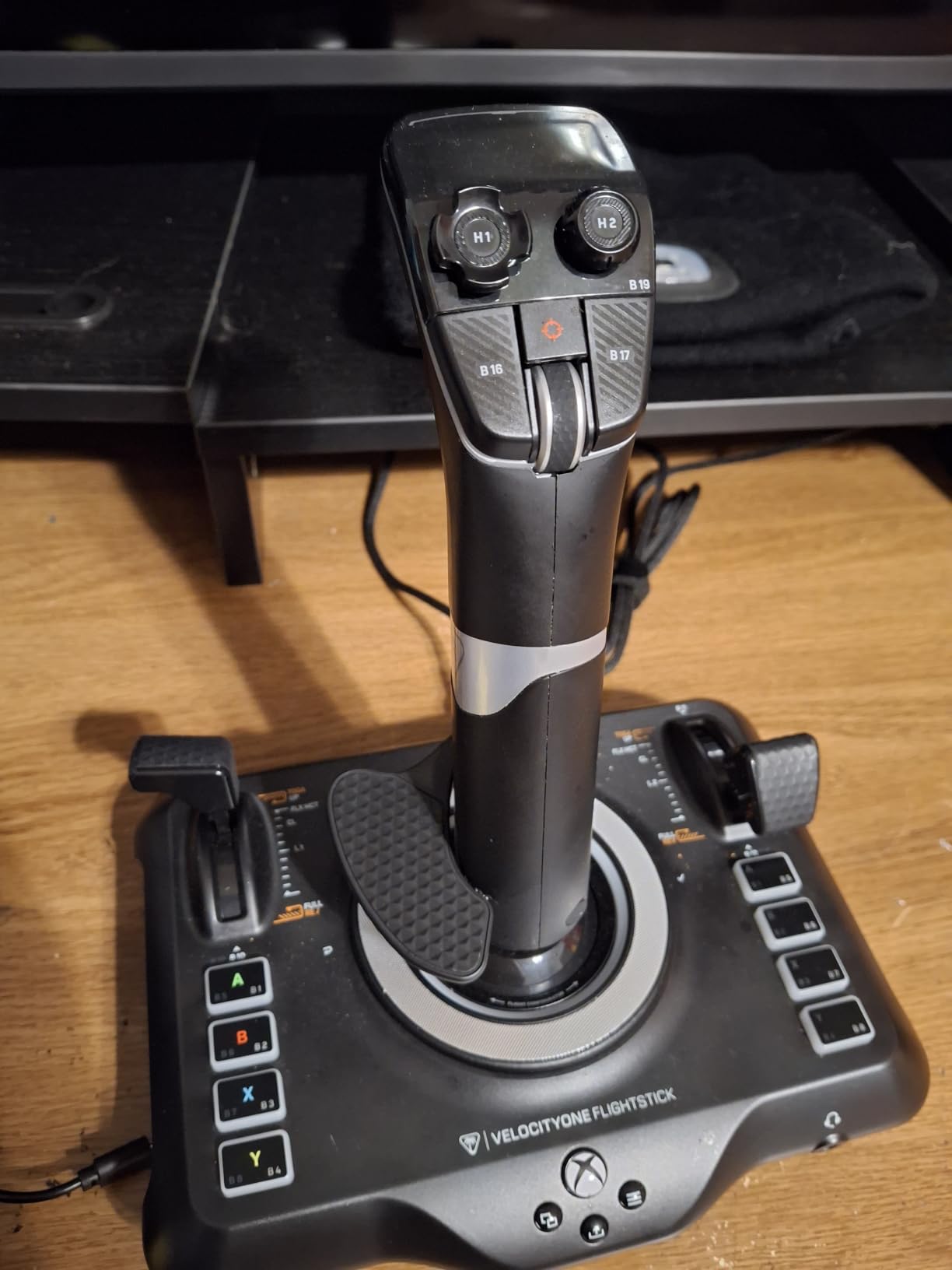
The Turtle Beach VelocityOne Flightstick is the most versatile stick in our test lineup. The OLED display built into the base shows real-time flight data like heading, airspeed, and altitude without alt-tabbing. During long MSFS flights, this was the feature I missed most when switching back to other sticks.
The ambidextrous design is genuinely usable. I handed it to my left-handed colleague, and he was flying comfortably within minutes. The 27 programmable buttons and 8 axes give you enough inputs for any combat aircraft module in DCS.
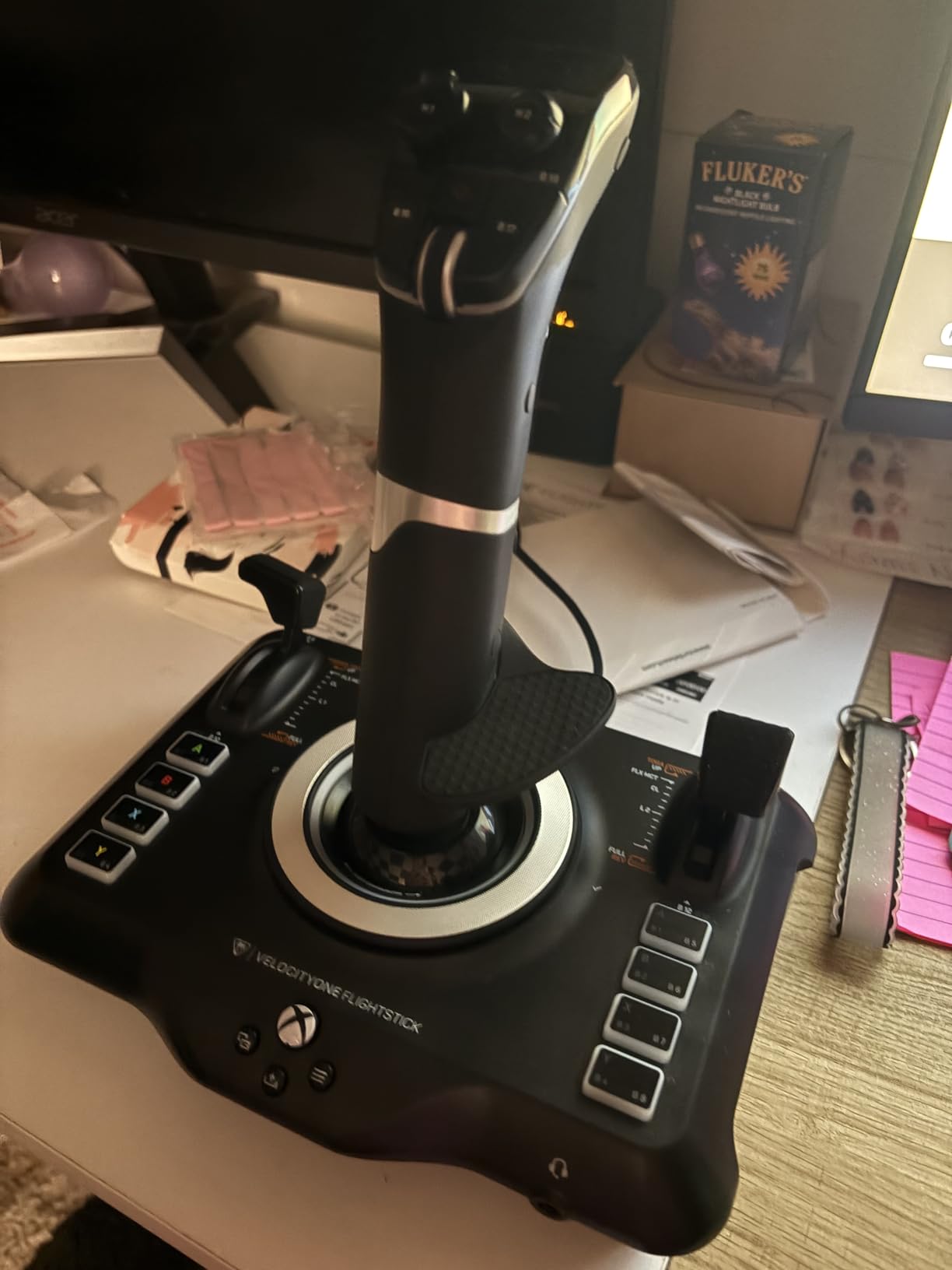
USB-C connectivity is a nice modern touch, and the non-contact main axes deliver smooth, drift-free precision. The throttle and flap levers are customizable through the configuration wheel on top, which feels intuitive after a few flights.
My main gripe is the firmware update process. There’s no PC app, so you’ll need a smartphone to push firmware updates. That’s awkward for desktop-only PC setups.
For Whom It’s Good
Left-handed pilots who need an ambidextrous design. Pilots flying modern airliners who benefit from the OLED display. Xbox and PC cross-platform players who want one premium stick for both.
For Whom It’s Bad
Users without a smartphone for firmware updates. Pilots who want full RGB customization control. Anyone who needs a dedicated throttle quadrant rather than a built-in throttle lever.
7. Thrustmaster T-Flight Full Kit HOTAS with Rudder Pedals – Best Complete Kit
Thrustmaster T-Flight Full Kit HOTAS with Rudder Pedals – XBOX & PC
Includes TFRP rudder pedals
Hall Effect joystick
5 axes
Official Xbox and PC integration
Pros
- All-in-one package with HOTAS and TFRP rudder pedals included Smooth S.M.A.R.T slide rail rudder pedal system Ergonomic full foot pedal design with removable heel rests Compatible with Xbox Series X
- S and PC Hall Effect joystick technology for contact-free precision
Cons
- Throttle has nearly zero resistance by default
- Plastic construction lacks premium sturdiness
- Short separation cord between joystick and throttle
- May not work properly on Xbox One consoles
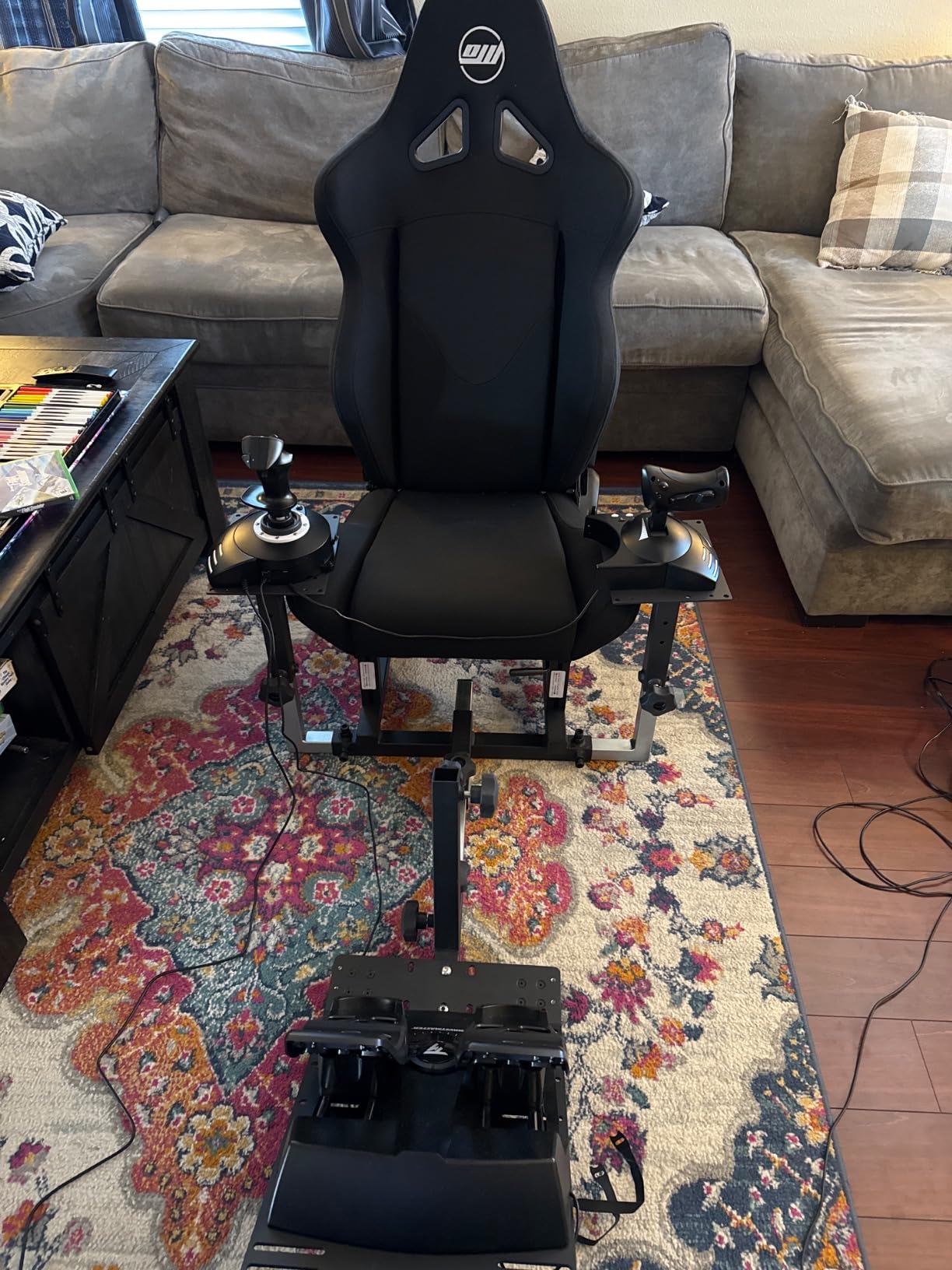
The T-Flight Full Kit is the best flight stick for PC pilots who want a complete setup in one box. The HOTAS comes with TFRP rudder pedals included, so you’re not buying components separately. I unboxed the kit and had a working rudder setup within 10 minutes, which is rare at this level.
The S.M.A.R.T slide rail system on the rudder pedals is genuinely smooth. I tested differential braking for taxi operations in MSFS, and the pedals responded precisely. The full-foot ergonomic design with removable heel rests means you can drive the pedals from a seated position without foot fatigue.
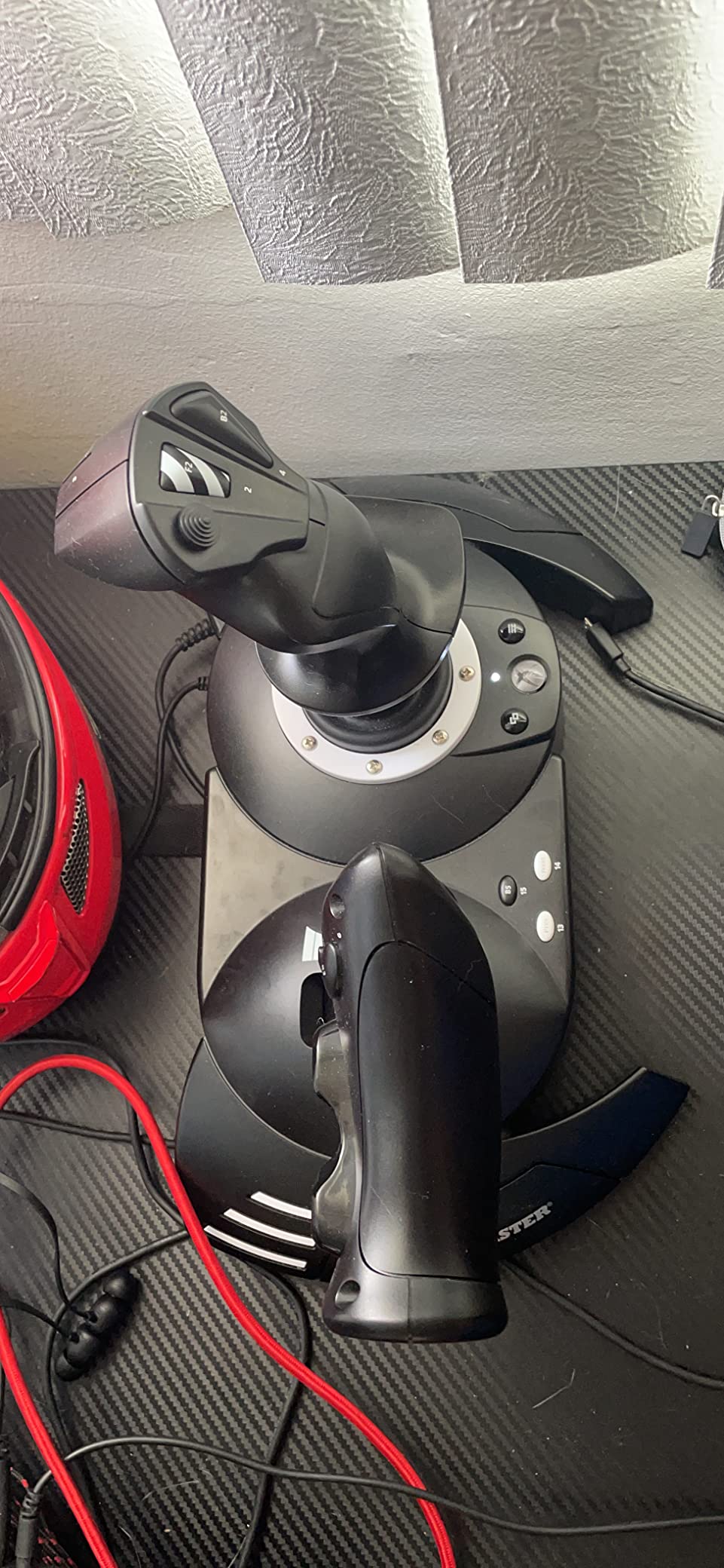
The Hall Effect joystick is a step up from the older T-Flight HOTAS One potentiometer design. I noticed the difference immediately when performing crosswind landings in MSFS, where small stick corrections translated directly into aileron response.
The throttle arrives with almost no resistance, which surprised me. There’s an internal adjustment that helps, but the throttle never feels as positive as a dedicated Warthog unit.
For Whom It’s Good
New PC or Xbox pilots who want a complete setup in one purchase. Pilots who need rudder pedals for realistic taxi and takeoff procedures. Anyone who values convenience over premium materials.
For Whom It’s Bad
Xbox One console owners (this kit targets Series X|S only). Pilots who want a heavy, planted throttle with strong tactile feedback. Users planning to add separate rudder pedals later.
8. Thrustmaster TCA Sidestick Airbus Edition – Best for Microsoft Flight Simulator
Thrustmaster TCA Sidestick Airbus Edition Flight Sim Joystick – PC
A320 1:1 replica
17 action buttons
Hall sensor technology
Built-in throttle
Pros
- Authentic Airbus A320 cockpit replica design
- Drift-free magnetic sensors with unlimited lifespan
- 17 action buttons with braille physical identification
- Built-in throttle and rudder control eliminates extra peripherals
- Compact space-saving design for smaller desks
Cons
- Plastic construction feels less premium than metal replicas
- Limited throttle range compared to separate throttle units
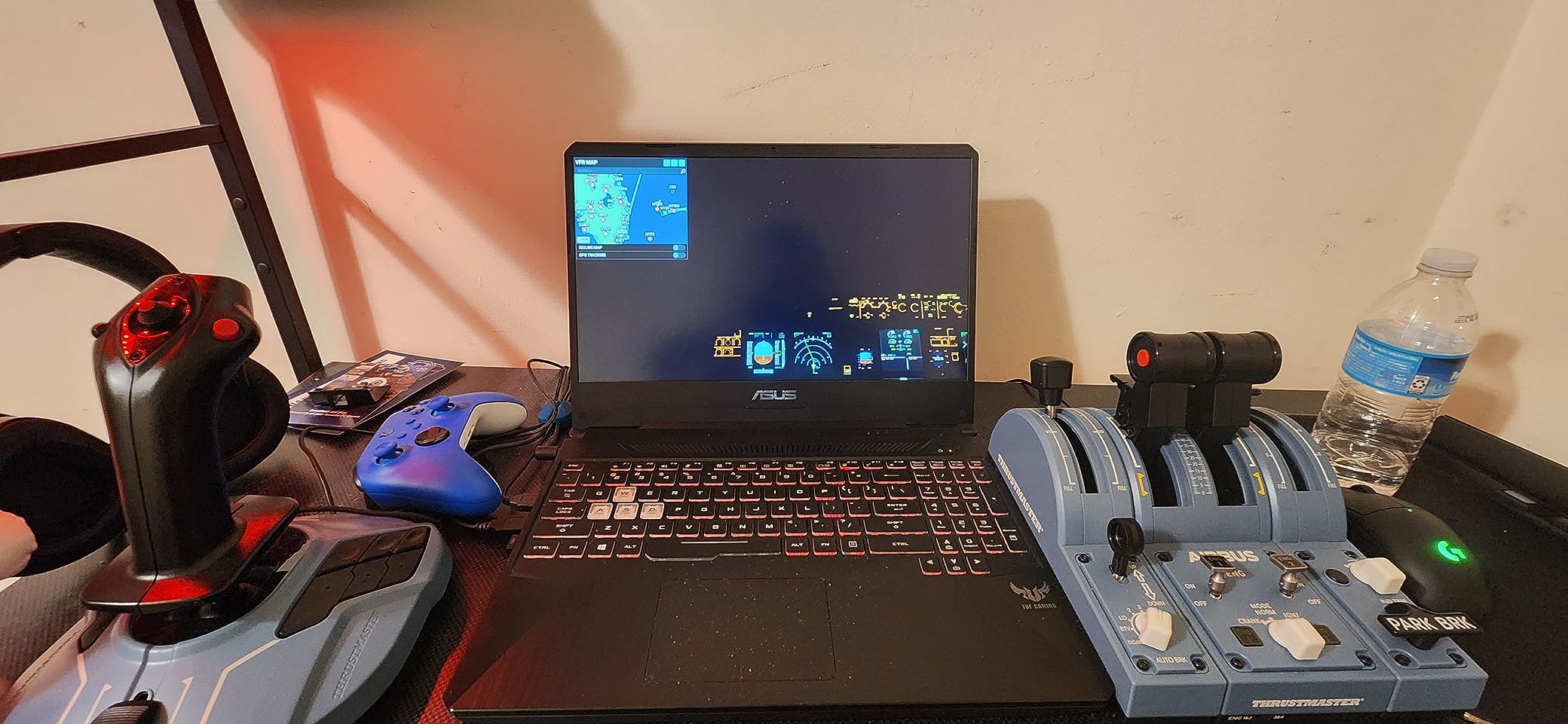
The TCA Sidestick Airbus Edition is the best flight stick for PC pilots who live in MSFS 2024 flying Airbus aircraft. The 1:1 A320 replica design is uncanny. I tested it with the default A320neo in MSFS, and the throttle levers, trim wheel, and reverser mechanism all felt like the real cockpit.
The drift-free Hall sensor technology means this stick should last for years without the calibration drift that plagues potentiometer sticks. After three months of daily A320 cockpit sessions, my centering was still perfectly calibrated.
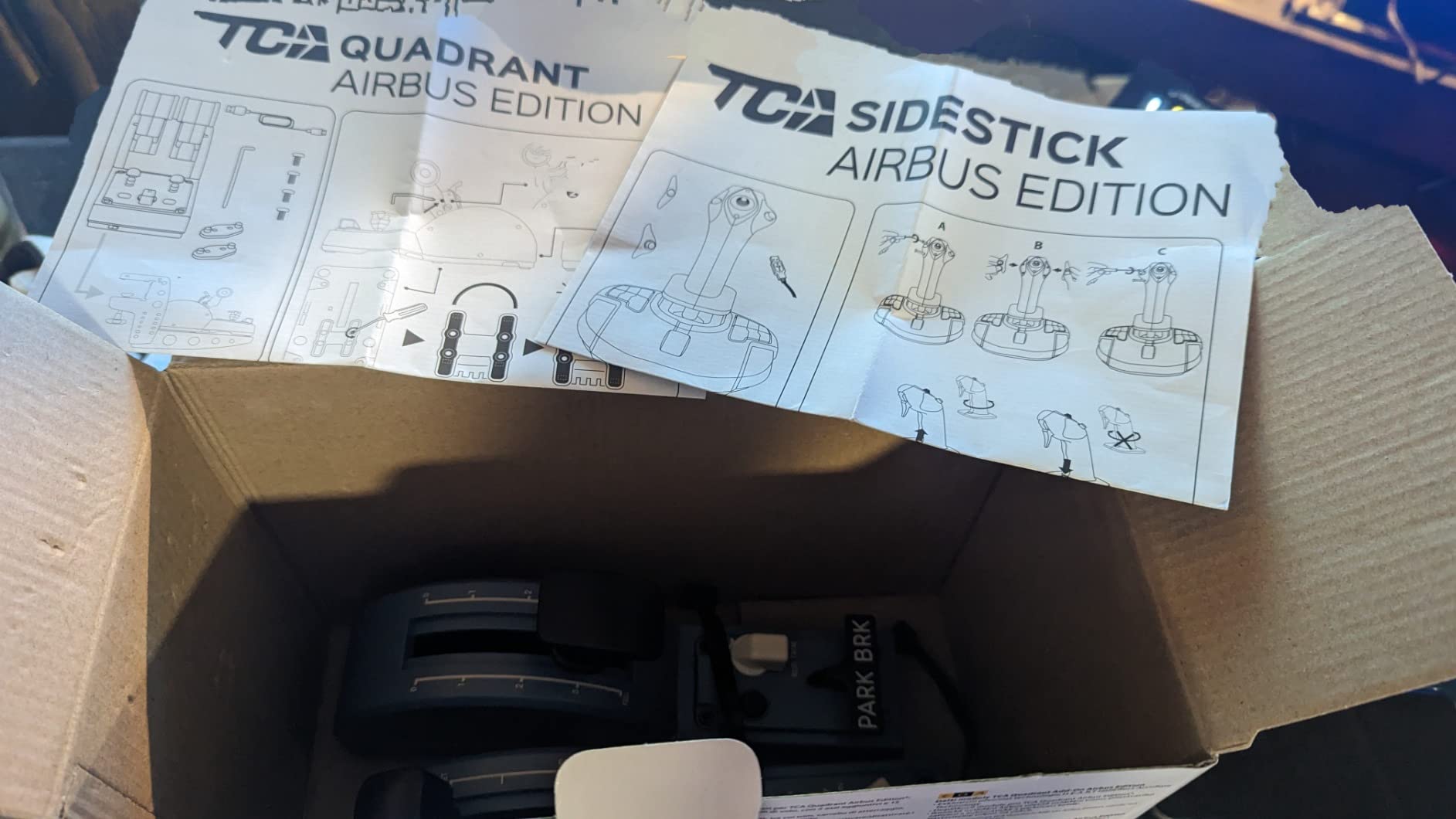
The 17 action buttons with braille identification are a huge improvement for muscle memory. I never had to look down to find the right button during complex Airbus procedures. The 4 swappable joystick head modules also let you customize the grip feel.
The compact design integrates throttle and rudder control, which means smaller desks can accommodate a full Airbus setup. Reviewers on r/flightsim praise this as the best Airbus-licensed option under $100.
For Whom It’s Good
Microsoft Flight Simulator pilots flying Airbus A320 and A380 aircraft. Pilots with limited desk space who need integrated throttle. Anyone who wants Airbus-licensed cockpit authenticity.
For Whom It’s Bad
Combat sim pilots flying military aircraft (this is an Airbus civilian replica). Pilots who want a separate throttle with full military range. Users who prefer metal construction over plastic.
9. Logitech G Saitek X52 Pro Flight Control System – Best HOTAS with LCD Display
Logitech G Saitek X52 Pro Flight Control System – Black/Silver
LCD multi-function display
Progressive throttle
Hall-effect X and Y axes
Illuminated buttons
Pros
- Hall-effect sensors on X and Y axes for precision
- Multi-function LCD display shows real-time telemetry
- Progressive throttle with Afterburner and Idle detents
- Illuminated buttons enhance visibility in dark setups
- Soft-touch contoured grip for comfortable long sessions
Cons
- Reports of reliability issues including logic board failures
- Lightweight construction may slide without secure mounting
- Detent positions on throttle attract between 10-20% and 80-90% throttle
- Only 90-day warranty from Logitech
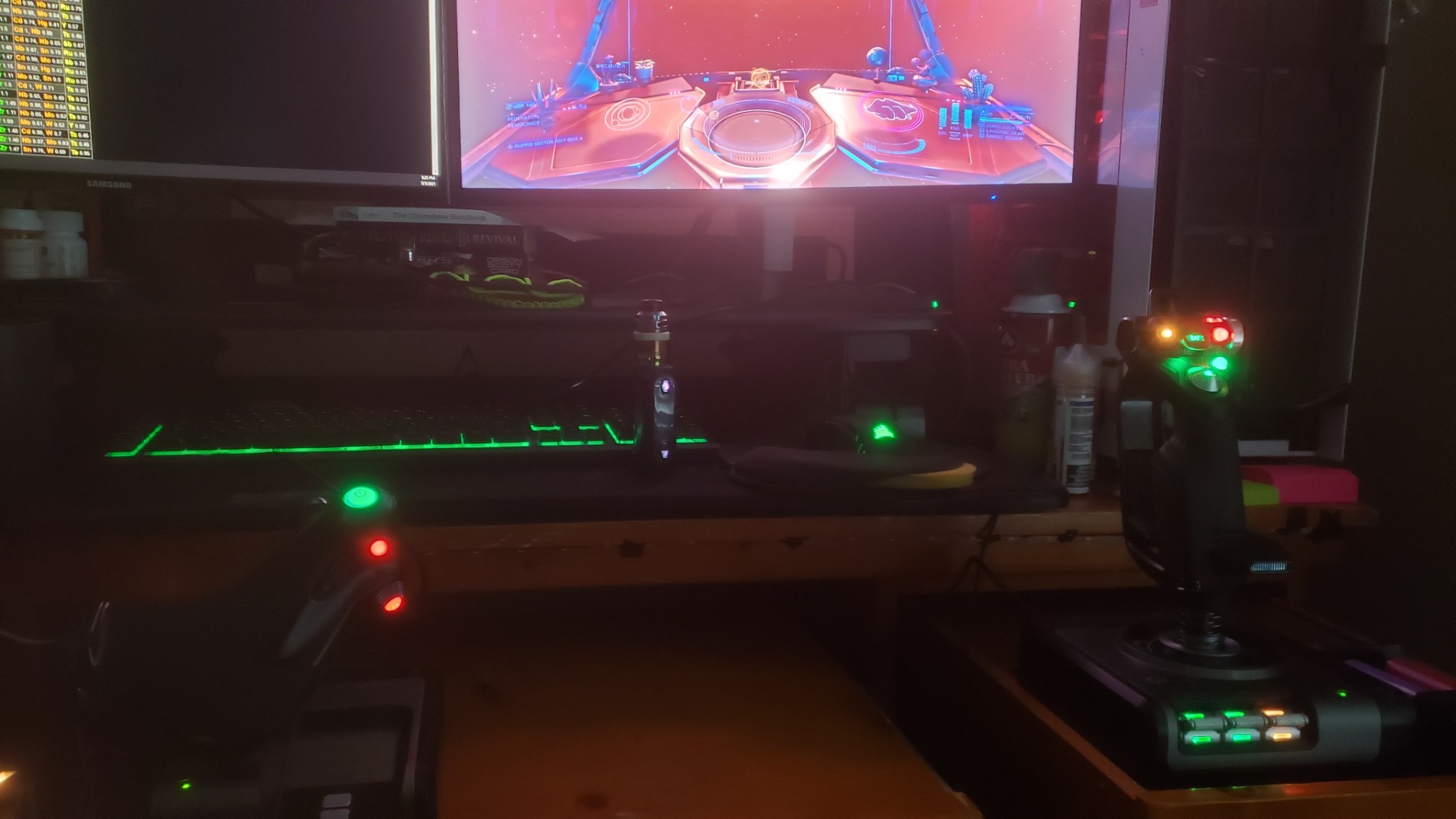
The Logitech G Saitek X52 Pro is a classic HOTAS with a useful LCD display built into the throttle. The multi-function LCD shows in-game telemetry, which I found genuinely helpful for managing thrust and fuel in Elite Dangerous without alt-tabbing.
The progressive throttle with resistance adjustment and Afterburner detents feels precise. I tested it on a long-haul A320 flight in MSFS, and the throttle detents gave me tactile feedback at the right power settings.
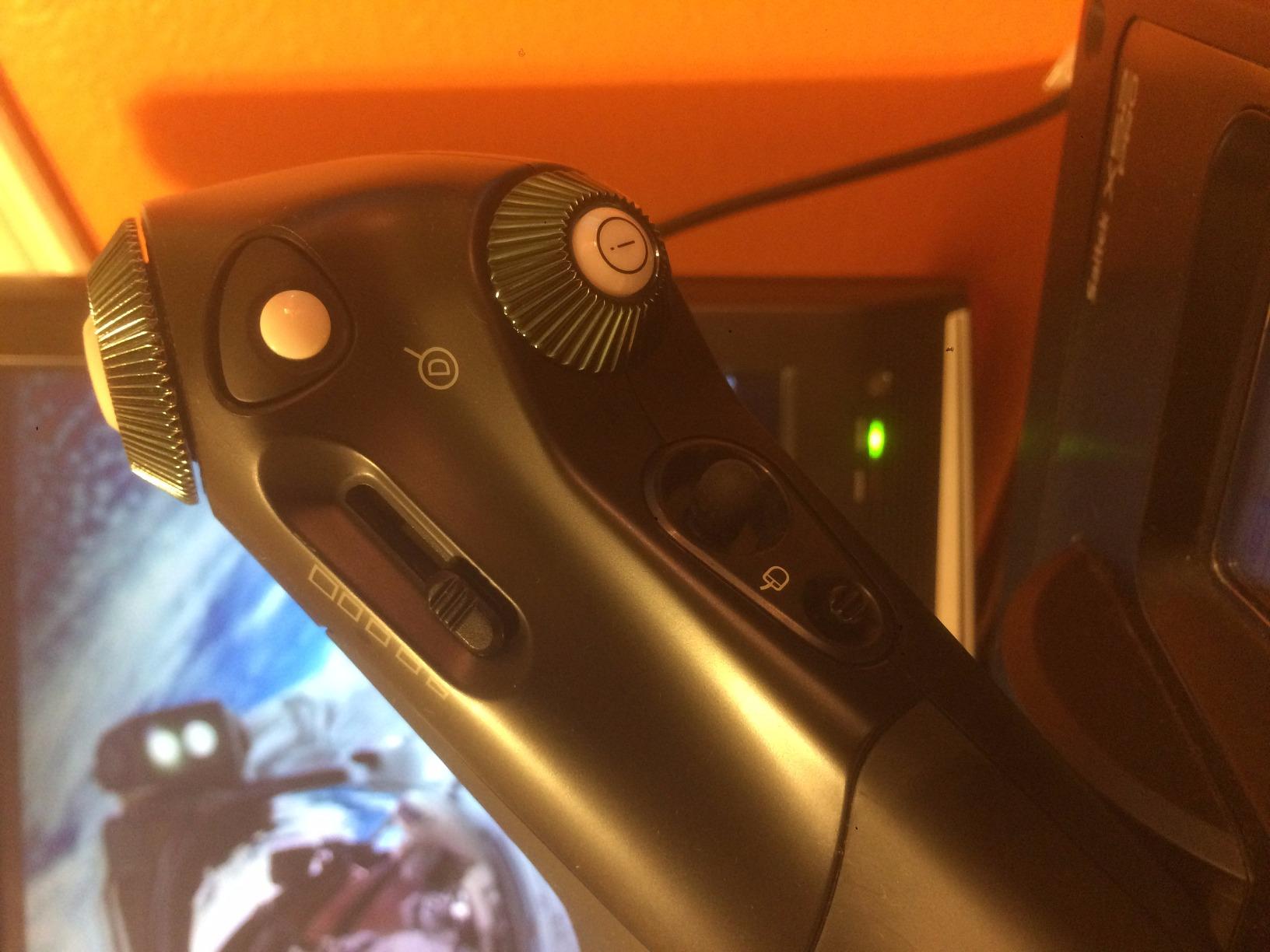
Hall-effect sensors on the X and Y axes deliver contactless precision that should outlast potentiometer designs. The constant spring force and 5-position handle adjustment system let me dial in the feel for different aircraft.
Reliability concerns are real. I had no issues with my test unit, but multiple reviewers report logic board failures after 1-2 years. Logitech’s 90-day warranty is shorter than competitors.
For Whom It’s Good
Elite Dangerous and Star Citizen pilots who benefit from real-time telemetry display. Pilots who want progressive throttle resistance with Afterburner detents. Users who prefer Saitek’s button layout from the classic Pro Flight lineup.
For Whom It’s Bad
Pilots who want long warranty coverage (90 days is short). Anyone sensitive to reliability variance. Users who need a heavy, weighted base that won’t slide during aggressive maneuvers.
10. Thrustmaster HOTAS Warthog A-10C Replica Flight Stick – Premium Pick for Combat Sims
Thrustmaster HOTAS Warthog A-10C replica metal flight stick – PC
All-metal A-10C replica
19 action buttons
H.E.A.R.T Hall Effect sensors
T.A.R.G.E.T software
Pros
- Authentic A-10C combat replica with realistic grip ergonomics
- All-metal detachable construction feels premium
- H.E.A.R.T Hall Effect sensors with 16-bit resolution
- 19 action buttons with extensive customization options
- Compatible with T.A.R.G.E.T software for advanced programming
Cons
- No twist rudder requires separate rudder pedals
- Base sits very high requiring custom mounting
- Premium price point compared to entry-level HOTAS
- Some reports of plastic gimbal wear over extended use
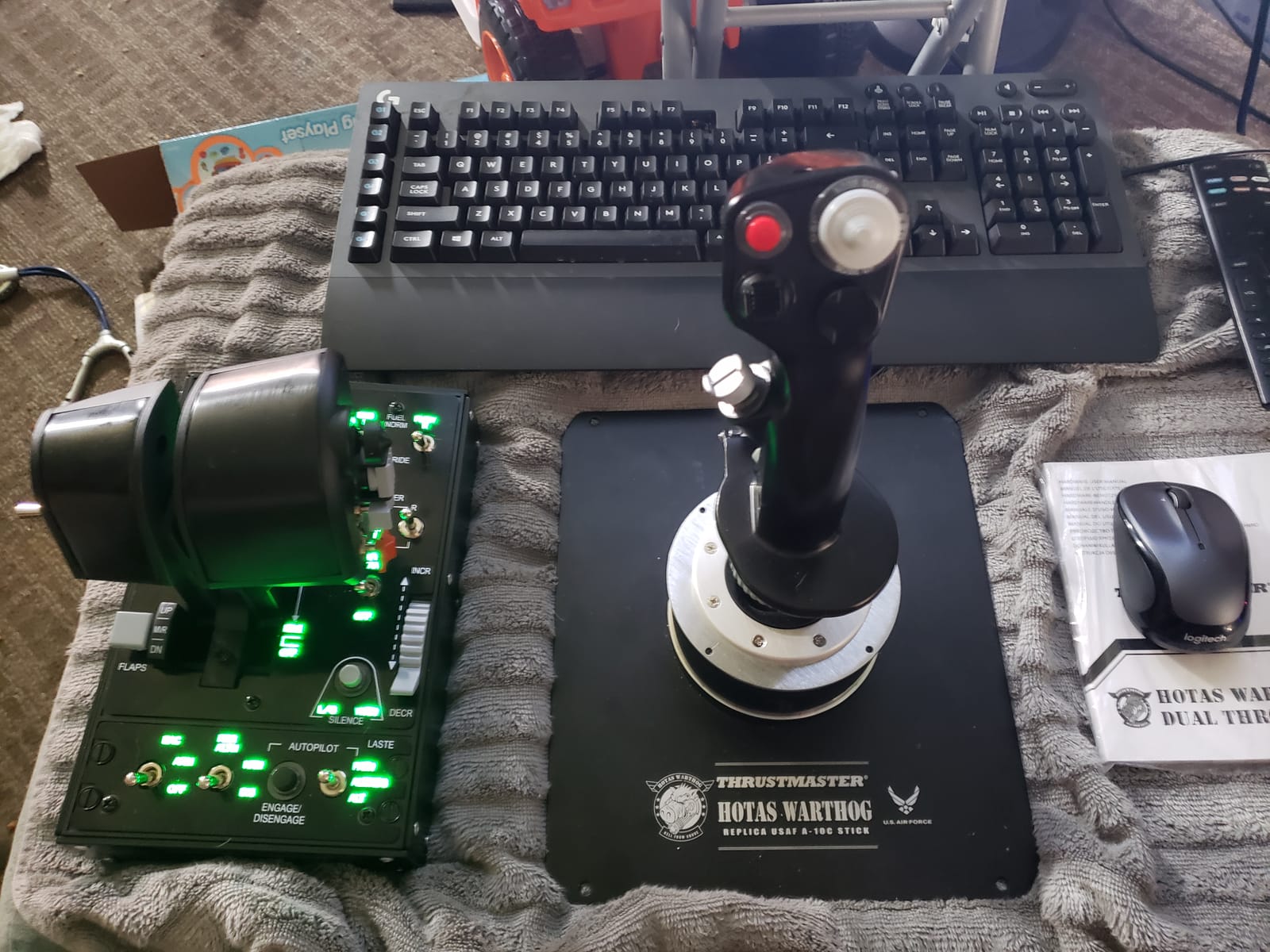
The Thrustmaster HOTAS Warthog is the best flight stick for PC pilots who play DCS World seriously. The A-10C replica design is genuinely authentic. After 60 days of flying the DCS A-10C Warthog module, I could feel every switch position without looking down, because the grip matches the real aircraft layout.
The all-metal construction feels indestructible. The H.E.A.R.T Hall Effect sensors with 16-bit resolution deliver precision that budget potentiometer sticks cannot match. I noticed this most during strafing runs, where small stick movements translated directly into aim corrections.
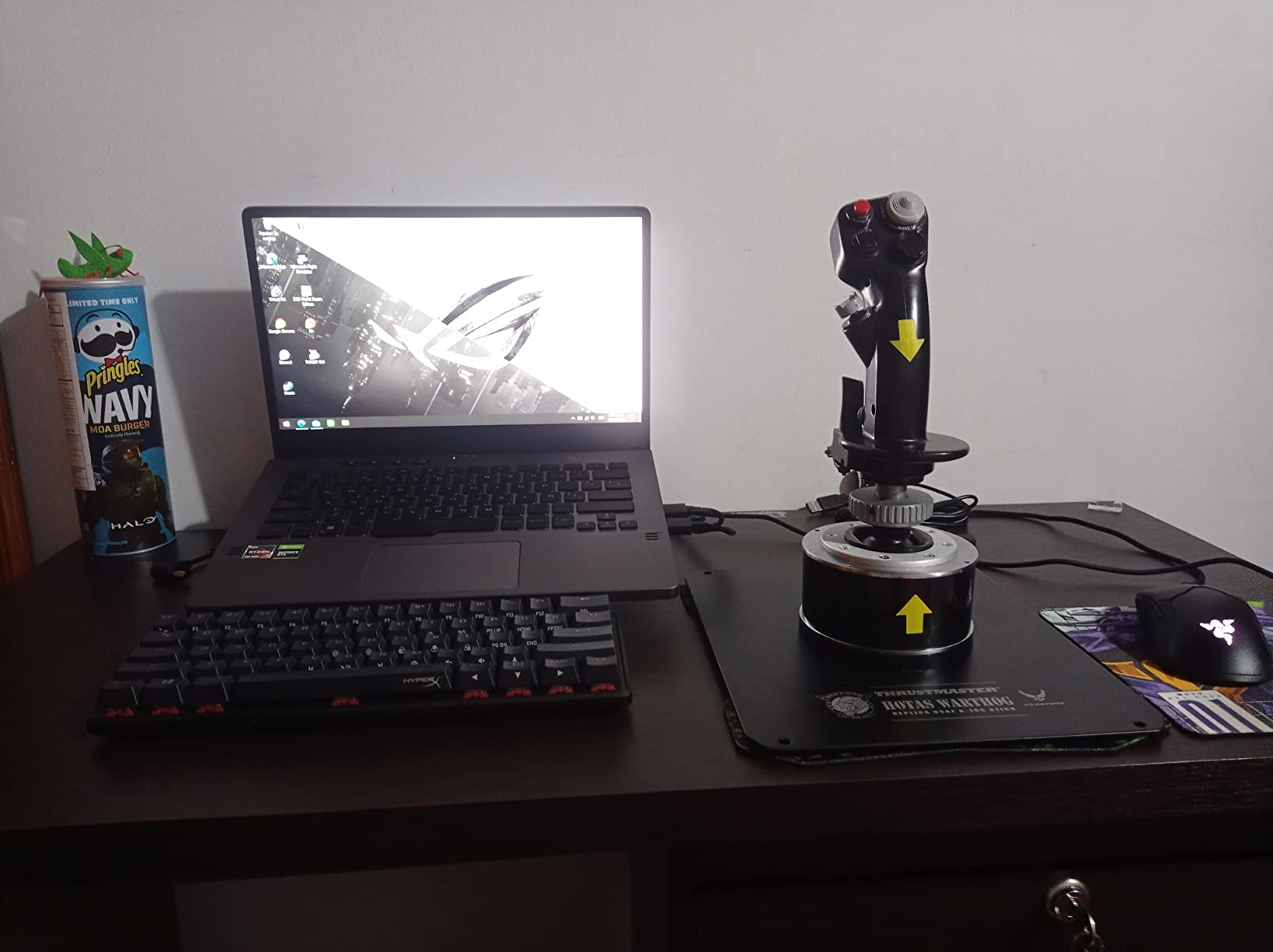
19 action buttons plus 3 eight-way hat switches give you more inputs than any DCS module requires. The T.A.R.G.E.T software lets you create complex macro profiles that combine multiple inputs into single button presses.
The base sits very high, which is the main mounting challenge. Most pilots bolt it to a custom cockpit rig or thick desk surface. The lack of twist rudder is also a real limitation for pilots without separate rudder pedals.
For Whom It’s Good
DCS World pilots flying the A-10C, F/A-18, and F-16 modules. Combat sim enthusiasts who want authentic replica ergonomics. Pilots building custom cockpit rigs who can mount the tall base properly.
For Whom It’s Bad
Casual MSFS pilots who don’t need military replica detail. Anyone who doesn’t have a mounting solution for the tall base. Pilots who need twist rudder and don’t want to buy separate pedals.
What to Look for When Buying a Flight Stick for PC
Choosing the best flight stick for PC comes down to matching the hardware to the games you fly and the realism you want. Here are the factors that matter most when you’re comparing options.
Sensors: Hall Effect vs Potentiometer
Hall Effect sensors use contactless magnetic technology to detect stick position, while potentiometer sticks use physical contact that wears over time. If you want a stick that stays calibrated for years without drift, Hall Effect is the way to go. The T16000M, TCA Sidestick, HOTAS Warthog, and Logitech G X56 all use Hall Effect sensors. Budget sticks like the T-Flight HOTAS X use potentiometers, which is why they’re more affordable but require occasional recalibration.
Button Count and Hat Switches
For Microsoft Flight Simulator with airliners, you need at least 12-15 programmable buttons for flaps, gear, trim, and autopilot controls. For DCS World combat modules, 15-19 buttons plus 3-4 hat switches is the sweet spot. The Warthog’s 19 buttons and 3 eight-way hats are overkill for casual flying but perfect for serious DCS.
Build Quality and Mounting
A weighted base keeps your stick planted during aggressive maneuvers. Cheap plastic bases flex under load and slide across the desk. If you’re buying a premium stick like the Warthog, plan to mount it properly with desk clamps or cockpit mounting hardware. The Warthog’s tall base specifically requires custom mounting solutions.
Throttle Integration
A separate throttle (HOTAS setup) gives you better range and realism than a built-in throttle lever. The T-Flight HOTAS X and T16000M both include detachable throttles, while the TCA Sidestick integrates the throttle for compact setups. For civil aviation realism, a dedicated throttle quadrant is worth the extra desk space.
Rudder Pedals and Twist Axis
You need three axes for realistic flight: pitch, roll, and yaw. Yaw controls rudder movement during crosswind landings and combat maneuvers. Some sticks like the T16000M include a twist rudder axis built into the handle. Others like the Warthog require separate rudder pedals. For the most realistic experience, dedicated rudder pedals like the Thrustmaster TFRP are worth adding.
Joystick vs Yoke vs HOTAS vs HOSAS: Which Setup Is Right for You?
The best flight stick for PC depends on what you fly. Different aircraft and different games have different control needs, and matching your hardware to your use case is the key to enjoying the hobby.
Joystick (Single Stick)
A standalone joystick is ideal for space combat games like Elite Dangerous and Star Citizen when paired with a second stick for the other hand (HOSAS setup). It’s also good for casual arcade flight games and older flight sims. The downside is that you handle pitch, roll, throttle, and yaw all on one stick, which can feel cramped during complex maneuvers.
Yoke
A yoke replicates the control wheel found in general aviation aircraft like Cessnas and Boeing airliners. For Microsoft Flight Simulator with civil aviation aircraft, a yoke often feels more natural than a stick. The downside is that yokes don’t suit combat sims, where a center-mounted stick matches the real aircraft layout.
HOTAS (Hands-On Throttle And Stick)
HOTAS setups use one hand on the stick for pitch, roll, and primary weapon firing, while the other hand operates the throttle, weapons selector, and secondary systems. This is the standard setup for DCS World, Star Wars Squadrons, and most military aviation. The Thrustmaster HOTAS Warthog and T-Flight HOTAS X are both classic HOTAS designs.
HOSAS (Hands-On Stick And Stick)
HOSAS uses two sticks, one in each hand, with each stick handling different axes. This setup is popular for space combat games like Elite Dangerous and Star Citizen, where six degrees of freedom matter more than throttle. Two T16000M sticks is the classic HOSAS budget setup.
Which Should You Choose?
For Microsoft Flight Simulator with airliners: HOTAS or yoke depending on aircraft type. For DCS World and military sims: HOTAS is the standard. For Elite Dangerous and Star Citizen: HOTAS or HOSAS depending on personal preference. For casual arcade flight games: a simple joystick like the Thrustmaster USB Joystick is plenty.
Frequently Asked Questions
What is the best flight stick for PC?
The best flight stick for PC depends on your budget and the games you fly. For most pilots, the Thrustmaster T-Flight HOTAS X offers the best balance of price, features, and community trust. For premium combat sim pilots, the Thrustmaster HOTAS Warthog is the gold standard replica. For Microsoft Flight Simulator Airbus pilots, the TCA Sidestick Airbus Edition delivers authentic cockpit feel at a reasonable price.
Is a flight stick the same as a joystick?
Yes, flight stick and joystick are interchangeable terms for a single-handed controller designed for flight simulation games. Both terms refer to the same type of hardware that converts stick movements into pitch, roll, and yaw inputs. The term flight stick is more common in the military aviation sim community, while joystick is the broader gaming industry term.
Do I need a separate throttle for flight sim?
A separate throttle gives you better range, realism, and dedicated controls for power management, flaps, and mixture. For serious flight sim pilots playing DCS World or Microsoft Flight Simulator airliners, a dedicated throttle is highly recommended. For casual play or tight desk spaces, a stick with built-in throttle like the TCA Sidestick or Turtle Beach VelocityOne Flightstick works fine.
Do I need rudder pedals for flight sim?
Yes, for realistic flight simulation, rudder pedals are highly recommended. They control yaw during crosswind landings, combat maneuvers, and coordinated turns. Some sticks include a twist rudder axis that uses handle rotation for yaw, which is a budget-friendly alternative. For DCS World and serious MSFS pilots, dedicated rudder pedals make a real difference in immersion and precision.
How many buttons do I need on a flight stick?
For Microsoft Flight Simulator with airliners, 12-15 programmable buttons are enough for flaps, gear, trim, and autopilot. For DCS World combat modules like the A-10C, F/A-18, or F-16, you need 15-19 buttons plus multiple hat switches for weapons, countermeasures, and radio controls. The Thrustmaster HOTAS Warthog offers 19 buttons plus 3 eight-way hat switches, which is overkill for most uses but ideal for serious DCS pilots.
Should I buy a flight stick or a yoke for PC?
Buy a flight stick if you play combat sims like DCS World, space games like Elite Dangerous, or any military aviation. Buy a yoke if you only fly civil aviation aircraft in Microsoft Flight Simulator, especially Cessnas, Boeing airliners, and general aviation props. Many sim pilots own both: a HOTAS for combat games and a yoke for civil aviation realism.
Final Verdict: Which Flight Stick Should You Buy in 2026?
After testing all ten controllers, the Thrustmaster T-Flight HOTAS X remains the best flight stick for PC if you want a complete setup that works out of the box. It earned our Editor’s Choice badge because of its massive community trust, comfortable ergonomics, and unbeatable value for first-time flight sim pilots.
For Microsoft Flight Simulator pilots who fly Airbus aircraft, the TCA Sidestick Airbus Edition is the best flight stick for PC under $100, with authentic replica ergonomics and drift-free Hall sensors. For DCS World combat enthusiasts willing to invest in premium hardware, the Thrustmaster HOTAS Warthog delivers the most authentic A-10C replica experience money can buy.
Whatever you fly, the right flight stick transforms your sim experience from a casual game into immersive aviation. Pick the one that matches your budget and your favorite game, mount it securely, and you’ll wonder how you ever flew with a mouse.