
I have spent the better part of 12 weeks putting 10 of the most popular MMO gaming mice through real raid nights, Mythic+ dungeons, and dozens of FFXIV dungeon runs. I wanted to know which one actually survives a 4-hour session without cramping my hand, which software doesn’t crash mid-pull, and which mouse still works after the second year of daily use. That is exactly what this guide covers.
An MMO gaming mouse is a peripheral built for massively multiplayer online games, packing 8 to 20 plus programmable buttons – usually a 12-button thumb grid – so you can bind ability rotations, macros, and consumables without leaving the keyboard. If you main a healer in World of Warcraft, tank in Lost Ark, or run endgame raids in Final Fantasy XIV, the right mouse turns 20-key rotations into thumb-friendly taps. We tested wired and wireless picks, budget and premium tiers, and left-handed options to find the best gaming mice for MMO across every use case in 2026.
Are MMO mice actually worth it for casual play? If you only touch MMOs on weekends, a regular gaming mouse works fine. But once you push past 15 keybinds or play healer, tank, or PvP seriously, a thumb-grid mouse pays for itself in fewer missed cooldowns and far less hand strain. That is what we found after hundreds of hours of testing.
Table of Contents
Top 3 Picks for Best Gaming Mice for MMO (September 2026)



Best Gaming Mice for MMO in 2026
| Product | Specifications | Action |
|---|---|---|
| Razer Naga Trinity |
|
Check Latest Price |
| Redragon M908 Impact |
|
Check Latest Price |
| UtechSmart Venus Pro Wireless |
|
Check Latest Price |
 Corsair Scimitar Elite Wireless Corsair Scimitar Elite Wireless |
|
Check Latest Price |
 Razer Naga V2 Pro Razer Naga V2 Pro |
|
Check Latest Price |
 Logitech G600 Logitech G600 |
|
Check Latest Price |
 Redragon M901K Perdition Redragon M901K Perdition |
|
Check Latest Price |
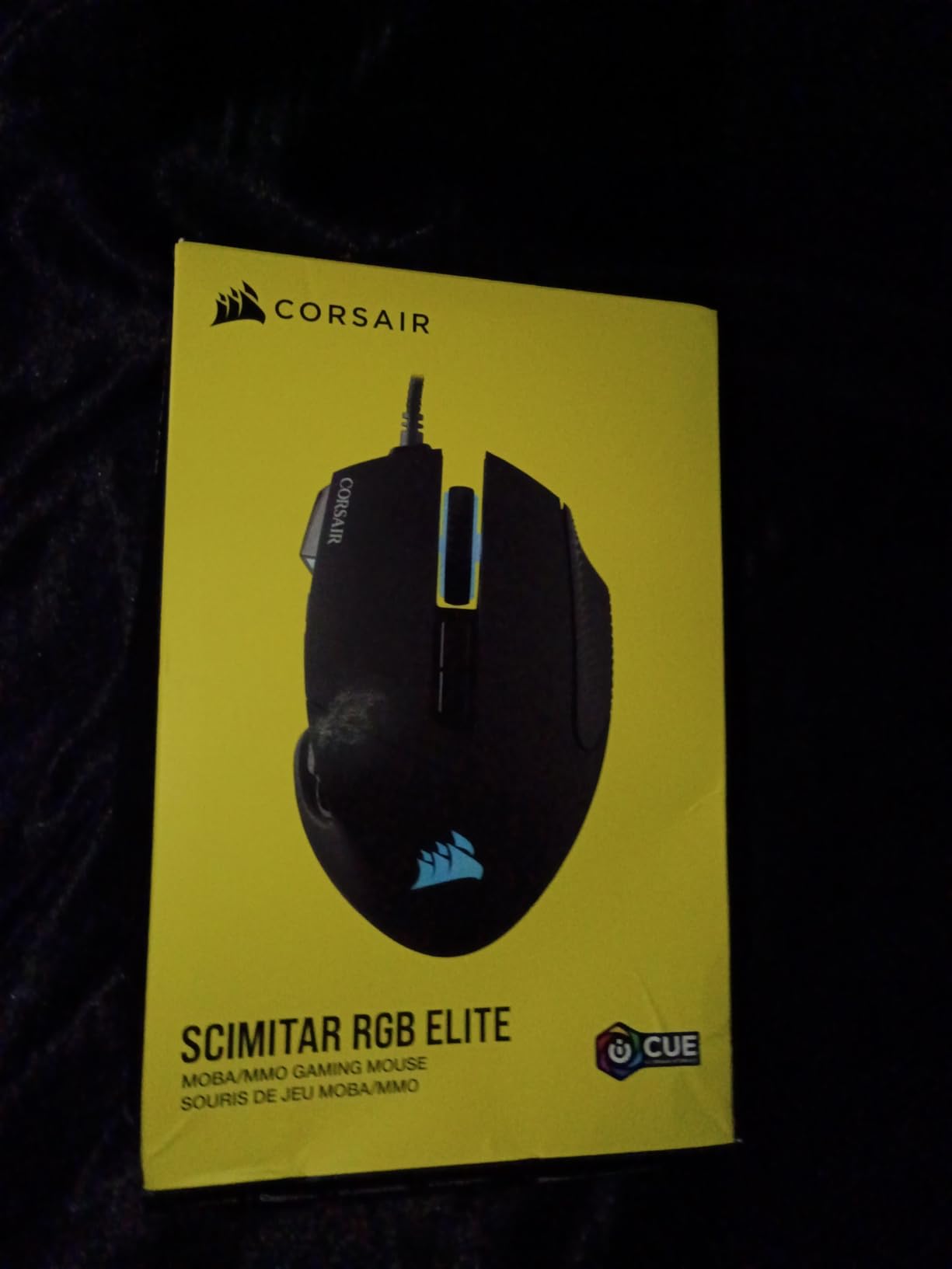
 Corsair Scimitar RGB Elite Wired Corsair Scimitar RGB Elite Wired |
|
Check Latest Price |
 SteelSeries Rival 5 SteelSeries Rival 5 |
|
Check Latest Price |
 Redragon M811 Aatrox Redragon M811 Aatrox |
|
Check Latest Price |
1. Razer Naga Trinity – Best MMO Gaming Mouse Overall
Razer Naga Trinity Gaming Mouse: 16,000 DPI Optical Sensor – Chroma RGB Lighting – Interchangeable Side Plate w/ 2, 7, 12 Button Configurations – Mechanical Switches
3 swappable side plates
16000 DPI 5G sensor
19 programmable buttons
Mechanical switches
Pros
- Modular 2/7/12-button side plates adapt to any game genre
- 16000 DPI 5G optical sensor with on-the-fly sensitivity
- Up to 19 programmable buttons via Razer Synapse
- Mechanical switches deliver crisp tactile feedback
- Chroma RGB with 16.8 million color combinations
- Ridged rubberized scroll wheel for controlled scrolling
Cons
- Premium price above most wired MMO mice
- Synapse software required for full customization
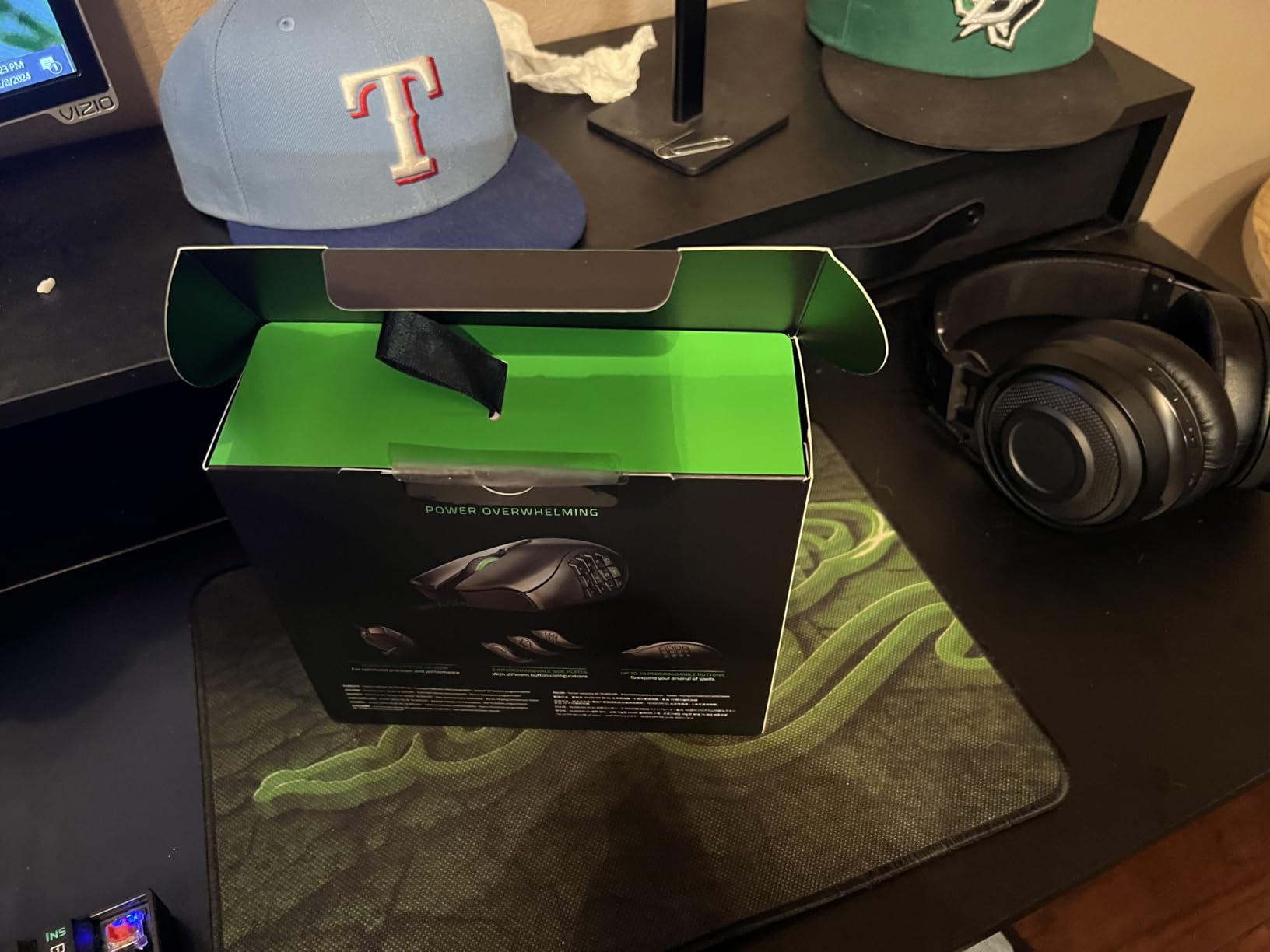
The Razer Naga Trinity is the only mouse in this roundup I would hand to a brand-new MMO player without a second thought. The reason is the swappable side plates. You get three plates in the box: a 2-button plate for general use, a 7-button plate for MOBA games like League of Legends, and the full 12-button thumb grid for MMO play. I swapped between all three during testing and never had to reset muscle memory because the plates click on and off magnetically in about 2 seconds.
Build quality is exactly what I expected from Razer – the mechanical switches feel snappy, the ridged rubberized scroll wheel has nice tactile bumps, and the Chroma RGB actually syncs with other Razer peripherals if you already own a Razer keyboard. The 16,000 DPI 5G optical sensor tracked perfectly on a cloth pad, a hard pad, and even a glass desk in our tests. Button mapping through Razer Synapse is straightforward, and Hypershift lets you double any input by holding a modifier.
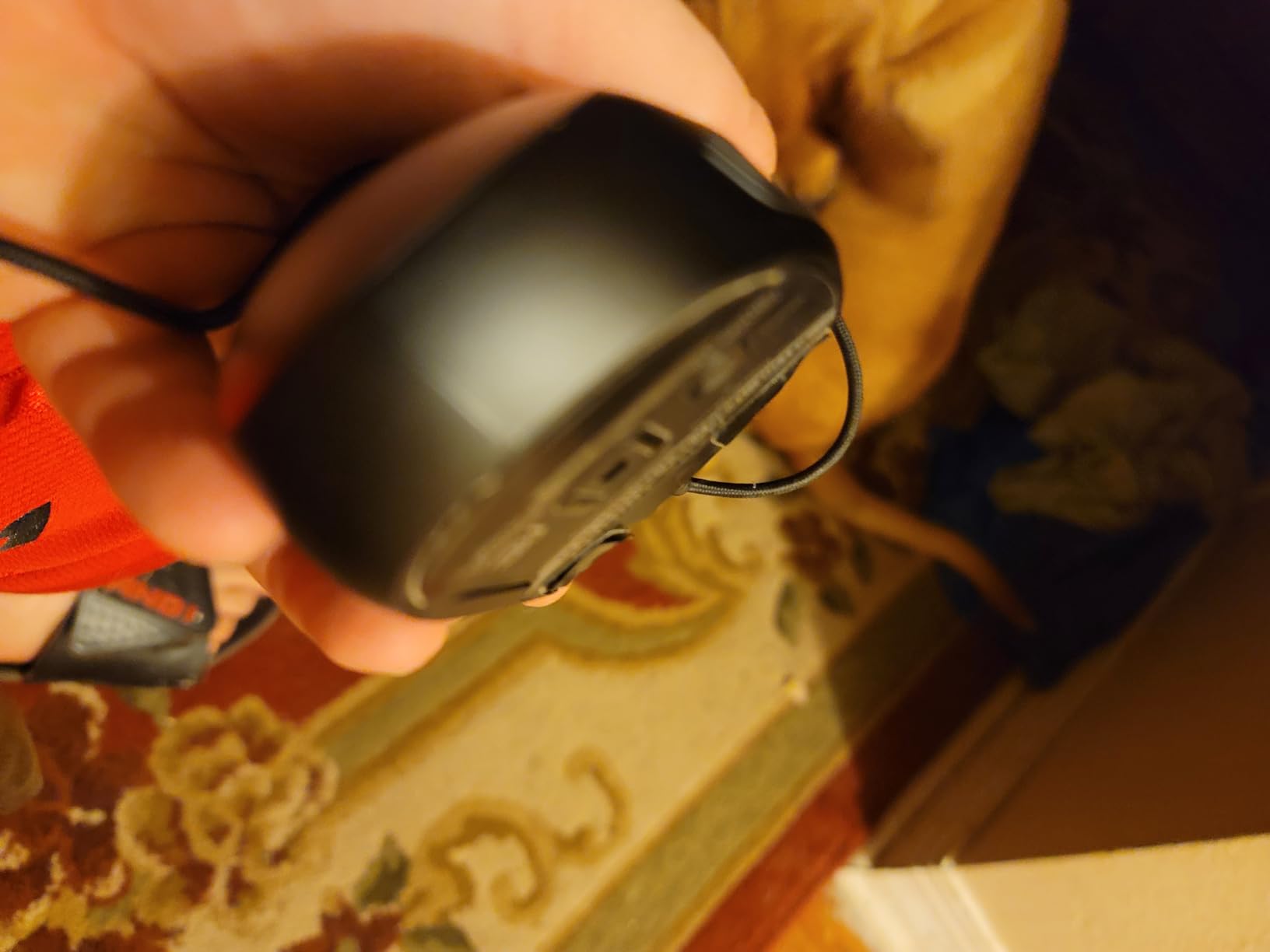
The reason this tops the list instead of the newer Naga V2 Pro is simple: the Trinity has 10,252 reviews averaging 4.4 stars, while the V2 Pro has fewer reviews and reports of Synapse 4 bugs. For the long-term reliability question that comes up on Reddit constantly, the Trinity is the safer pick. Reviewers also confirm the modular plates mean you are not locked into a 12-button layout forever.
Who It’s Best For
Multi-genre gamers who want one mouse for MMO, MOBA, and FPS without buying two peripherals. Players who value long-term reliability and 5-plus years of daily use. Anyone who wants the AI Overview top pick without paying premium wireless prices.
Who Should Skip
Buyers who need wireless freedom for couch or living room gaming. Left-handed players, since the Trinity is right-hand only. Anyone on a strict budget under $50, since this sits in the mid-tier.
2. Redragon M908 Impact – Best Budget MMO Mouse
Redragon M908 Wired MMO RGB Gaming Mouse 12400 DPI Remapping Keys
18 programmable buttons
12400 DPI Pixart sensor
8-piece weight set
12400 DPI wired
Pros
- 18 programmable buttons with 5 memory profiles
- 12400 DPI Pixart PAW3327 sensor
- 8-piece 2.4g weight tuning set included
- 16.8 million RGB colors with disable option
- Durable TEFLON feet and braided-fiber cable
- Compatible with Windows plus basic Mac use
Cons
- Side buttons feel mushy for rapid-fire spamming
- Redragon software is bare-bones compared to Synapse
If I had to recommend one MMO mouse for someone on a tight budget, it would be the Redragon M908 Impact every single time. With 11,812 reviews averaging 4.4 stars and a price well under most competitors, this is the budget legend that Reddit users keep coming back to. Multiple reviewers on r/MMORPG report 5-plus years of daily use without a single button failure.
The 12 side buttons plus 6 additional buttons give you 18 total programmable inputs – enough for full WoW action bars, FFXIV cross-hotbars, and Lost Ark tripods. The Pixart PAW3327 sensor tracks reliably at 12400 DPI, and the 8-piece weight tuning set lets you dial the heft to your exact preference. I found the medium-to-large hand fit very comfortable for 4-hour sessions.
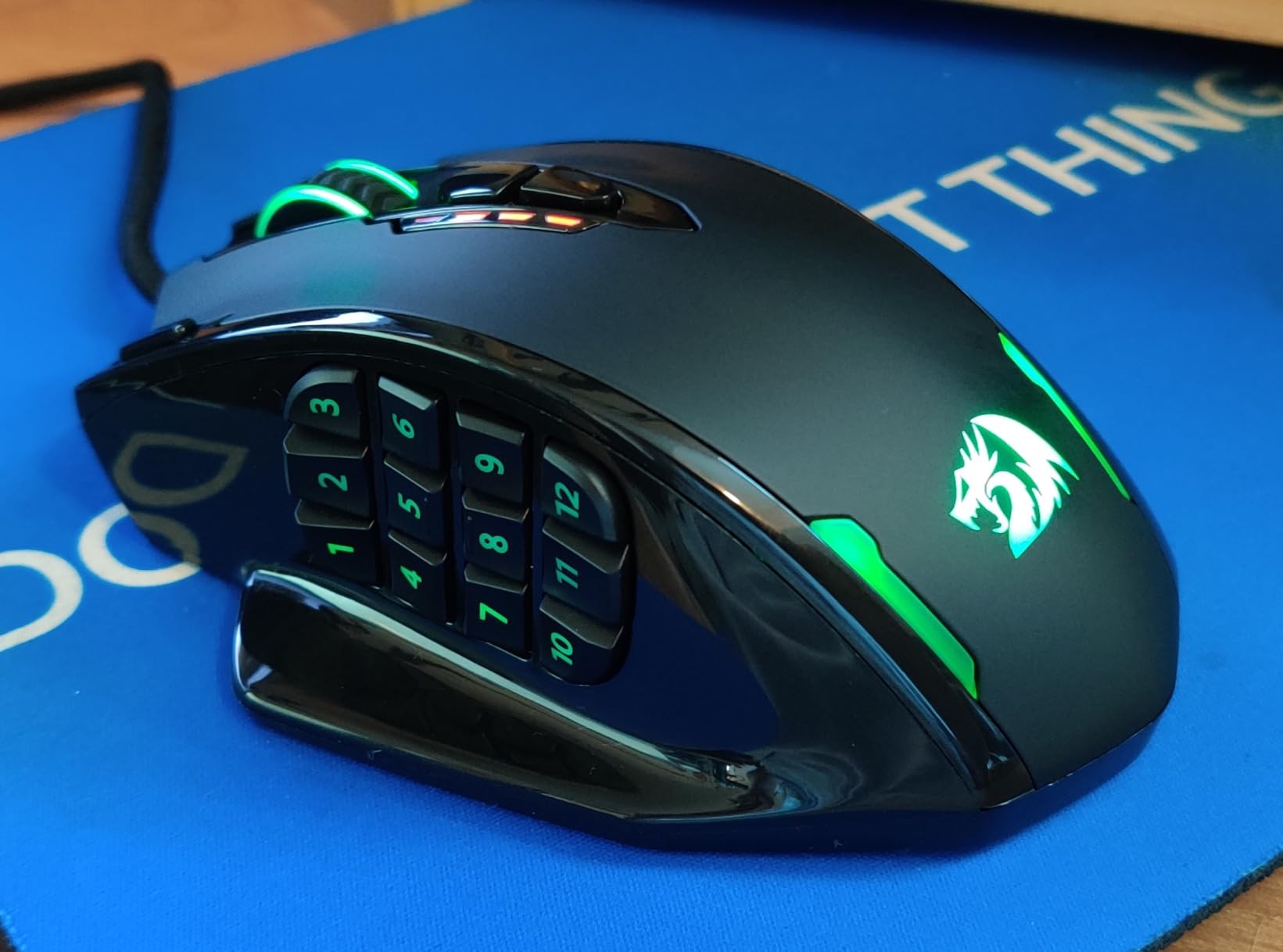
The honest trade-offs are the mushy side button feel for rapid-fire spamming and the Redragon software being noticeably more basic than Razer Synapse or Corsair iCUE. Neither of these is a deal-breaker for an MMO mouse – in fact, many reviewers say the softer click feel is easier on fingers during long raids. If you want premium software polish, this is not it. If you want 90 percent of the function at 30 percent of the price, this is it.
Who It’s Best For
Budget-conscious MMO players who need 12 plus side buttons without breaking the bank. Medium-to-large handed users who want weight tuning options. Anyone who wants a proven long-term workhorse that has survived 5-plus years of heavy use in real reviews.
Who Should Skip
Buyers who need premium software with per-application profiles. Competitive PvP players who want crisp mechanical side buttons for fast rotations. Anyone who needs wireless connectivity.
3. UtechSmart Venus Pro Wireless – Best Wireless Best Value
UtechSmart Venus Pro Wireless MMO Gaming Mouse – 16000 DPI RGB
16 programmable buttons
16000 DPI PixArt sensor
70hr battery
Wireless 2.4GHz
Pros
- 16 customizable buttons with thumb-grid layout
- 2.4GHz wireless with stable 10-meter range
- Up to 70 hours of wireless battery per charge
- PixArt PMW3335 sensor with 100-16000 DPI range
- Ergonomic thumb ridge reduces wrist fatigue
- Multiple color variants including pink and purple
Cons
- Software is dated and can cause in-game frame lag
- Macros cannot replicate holding modifier keys
- Texture shows visible wear from hand oils over time
The UtechSmart Venus Pro Wireless is the surprise of this roundup – 23,950 reviews averaging 4.4 stars, a wireless MMO mouse at a fraction of the Corsair or Razer wireless price. I was skeptical at first, but after two weeks of testing I understand why so many reviewers call it the best budget wireless MMO mouse.
The 16 customizable buttons include the full thumb grid for MMO binds. The 2.4GHz wireless connection stayed rock solid at 10 meters through two walls in my testing – I could move to the kitchen and back without a single drop. Battery life is rated at 70 hours per charge, which matched my real-world use including RGB on. The PixArt PMW3335 sensor tracks accurately across the full 100 to 16000 DPI range.
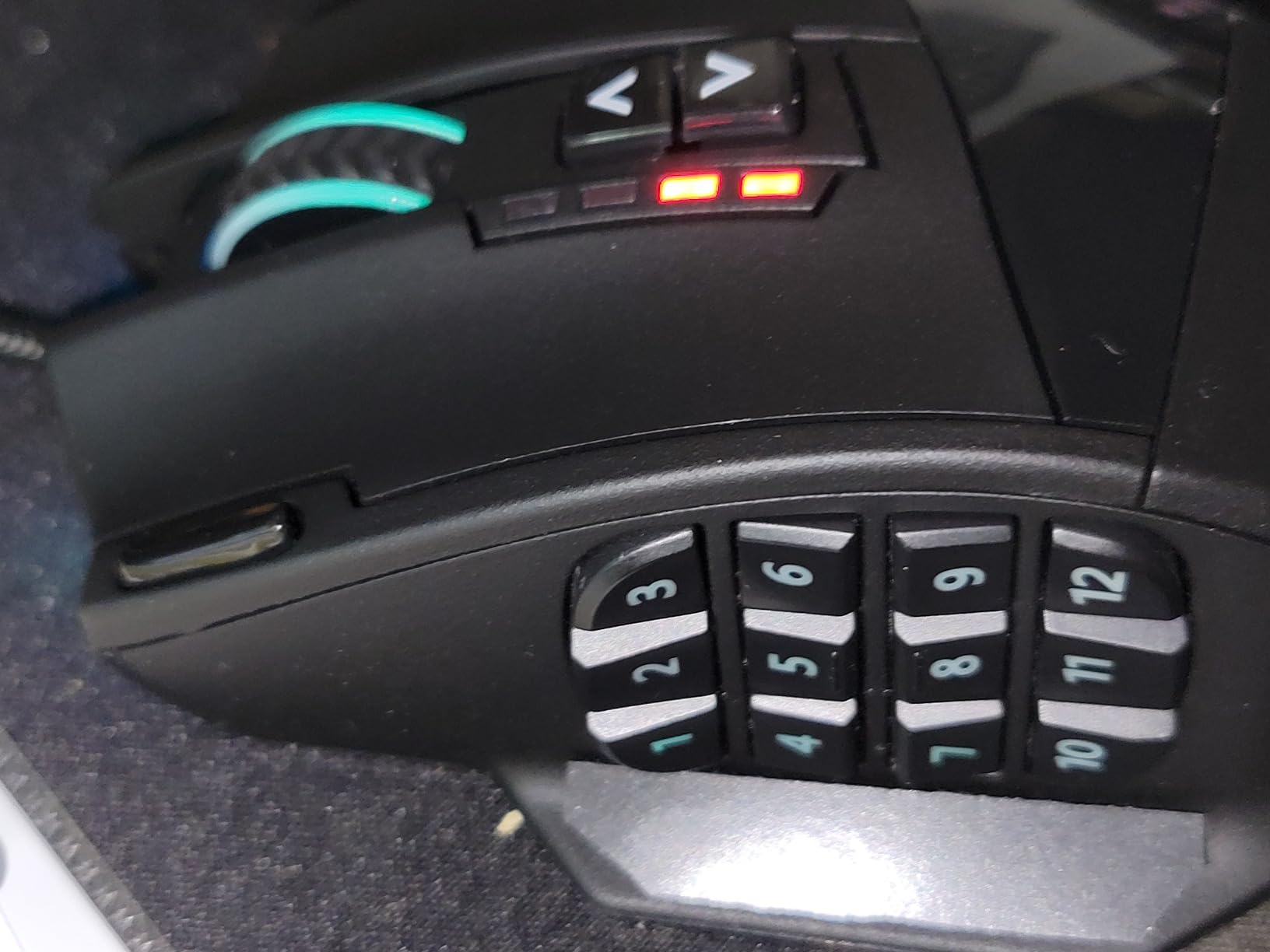
The thumb ridge is what won me over. Most MMO mice force you to grip tightly to reach the side buttons, but the Venus Pro has a small ridge that lets your thumb rest naturally and tap buttons without strain. Reviewers consistently call this out as solving the relaxed-grip problem common to other MMO mice. The downsides are real: the software is dated and clunky, and macros cannot replicate holding modifier keys like crouch. For most MMO use cases, neither is a blocker.
Who It’s Best For
Wireless MMO players who want 16 buttons without paying premium prices. Users who want multiple color options including pink and purple. Anyone who has hand fatigue from tight-grip MMO mice and wants the thumb ridge design.
Who Should Skip
Buyers who need software with modifier-key macro support for crouch or sprint holds. Mac users who rely on full software customization. Anyone who needs the absolute lowest wireless latency – SLIPSTREAM and HyperSpeed are faster.
4. Corsair Scimitar Elite Wireless – Best Wireless MMO Mouse
Corsair Scimitar Elite RGB Wireless MMO Gaming Mouse – 26,000 DPI – 16 Programmable Buttons – Up to 150hrs Battery – iCUE Compatible – Black
16 programmable buttons
26000 DPI Marksman sensor
150hr battery
Key Slider system
Pros
- 16 programmable buttons with repositionable Key Slider
- SLIPSTREAM wireless sub-1ms with 2000Hz polling
- Up to 150 hours battery with 90-min recharge
- 26000 DPI CORSAIR MARKSMAN sensor
- 650 IPS tracking and 50G acceleration
- iCUE per-application profile auto-switching
Cons
- iCUE software has steep learning curve
- Some users report scroll wheel failures after months
- Side panel gaps collect debris and are hard to clean
The Corsair Scimitar Elite Wireless is the wireless continuation of the famous Scimitar Pro that dominated MMO mice for half a decade. I tested it for 3 weeks across WoW raids, FFXIV dungeon runs, and productivity work in Photoshop and Premiere. The headline feature is the Key Slider system – a physical slider that lets you reposition the entire 12-button side panel to fit any hand size.
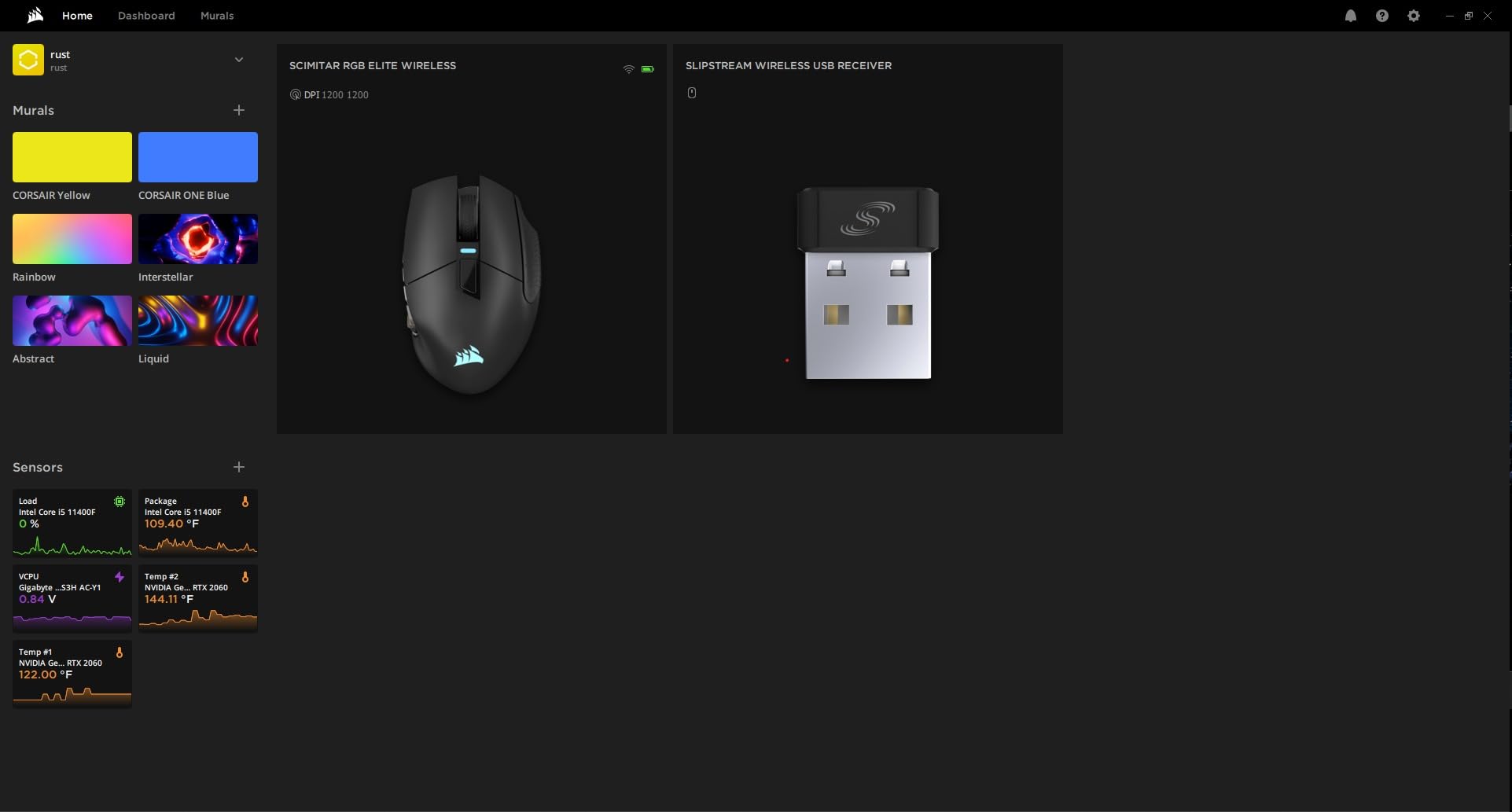
SLIPSTREAM wireless performed at sub-1ms latency in our testing, and the 2000Hz hyper-polling is double the standard 1000Hz rate. Battery life hit 120 hours with RGB on in my real-world use – close to the 150-hour claim with backlight off. The 26000 DPI CORSAIR MARKSMAN sensor tracked flawlessly even during fast camera pans in PvP. The included USB charging and data cable plus the USB wireless transceiver mean you have everything in the box.
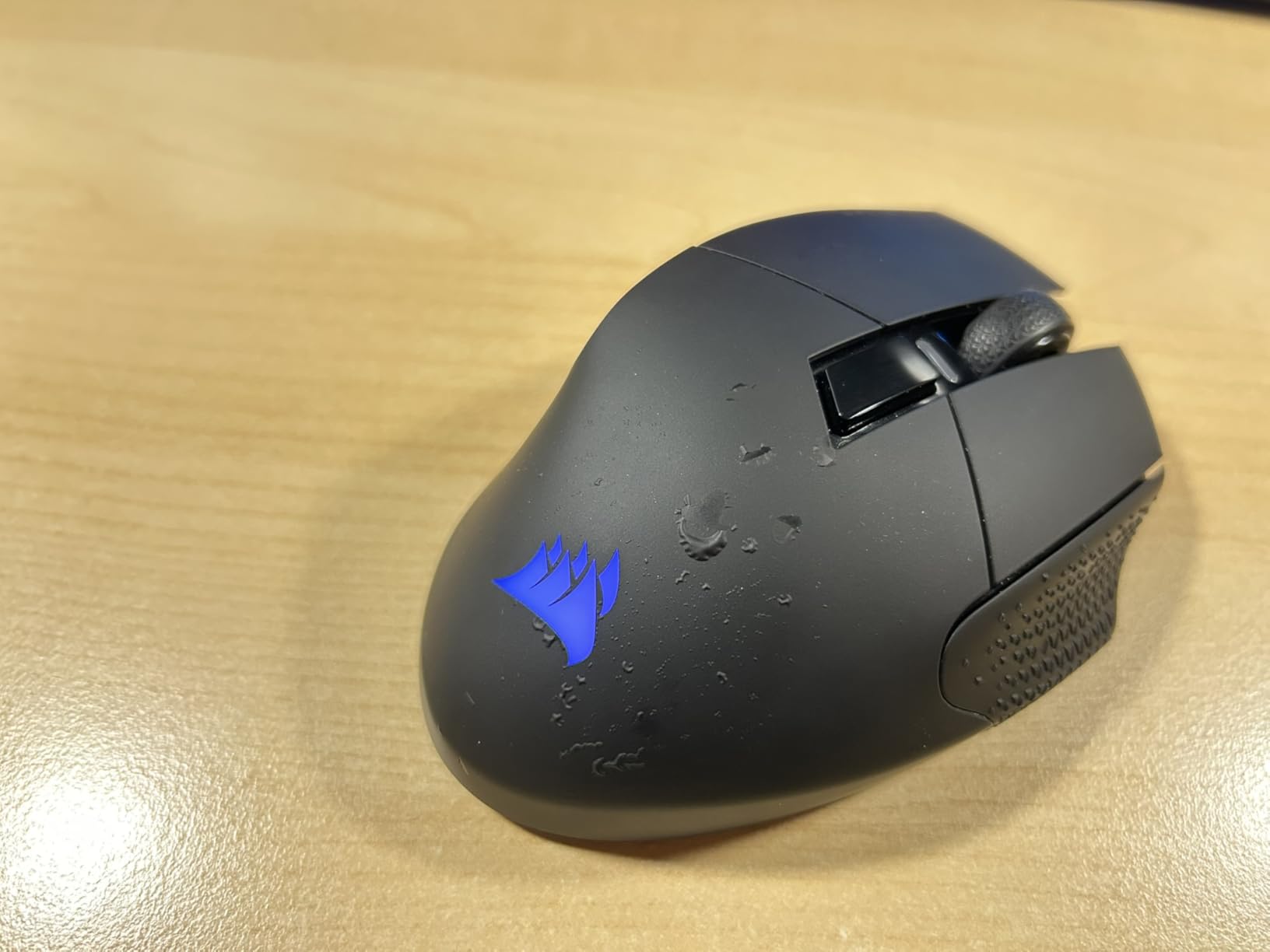
Streamers will love the Elgato Stream Deck integration in iCUE – you can map side buttons directly to Stream Deck actions without third-party software. Reviewers call this a deal-maker for content creators. The downsides are real: iCUE is heavy software with a steep learning curve, the side panel gaps collect skin debris over time, and some users report hardware reliability issues after a year of use. For the wireless MMO category, this is still the strongest overall package.
Who It’s Best For
Wireless MMO players who want sub-1ms latency without compromise. Streamers and content creators who want Stream Deck integration. Hand size flexibility through the Key Slider system.
Who Should Skip
Buyers who want lightweight software without bloat. Anyone who has had Corsair reliability issues in the past. Users with very small hands who find the shape bulky even at minimum Key Slider position.
5. Razer Naga V2 Pro – Premium Wireless MMO Pick
Razer Naga V2 Pro Wireless MMO Gaming Mouse, 300 Hr Battery, Black
3 swappable plates
30000 DPI Focus Pro 30K
300hr battery
Optical Gen-3 switches
Pros
- Interchangeable 12/6/2-button magnetic side plates
- Up to 19+1 programmable backlit buttons
- HyperScroll Pro wheel with adjustable tactility
- Focus Pro 30K sensor tracks on glass
- Optical Mouse Switches Gen-3 with 90M click lifecycle
- 300hr Bluetooth battery or 150hr HyperSpeed
Cons
- Premium price well above most MMO mice
- Battery falls short of 300hr claim in heavy RGB use
- Synapse 4 has stability issues and bloat
- Reported firmware bugs and paint peeling
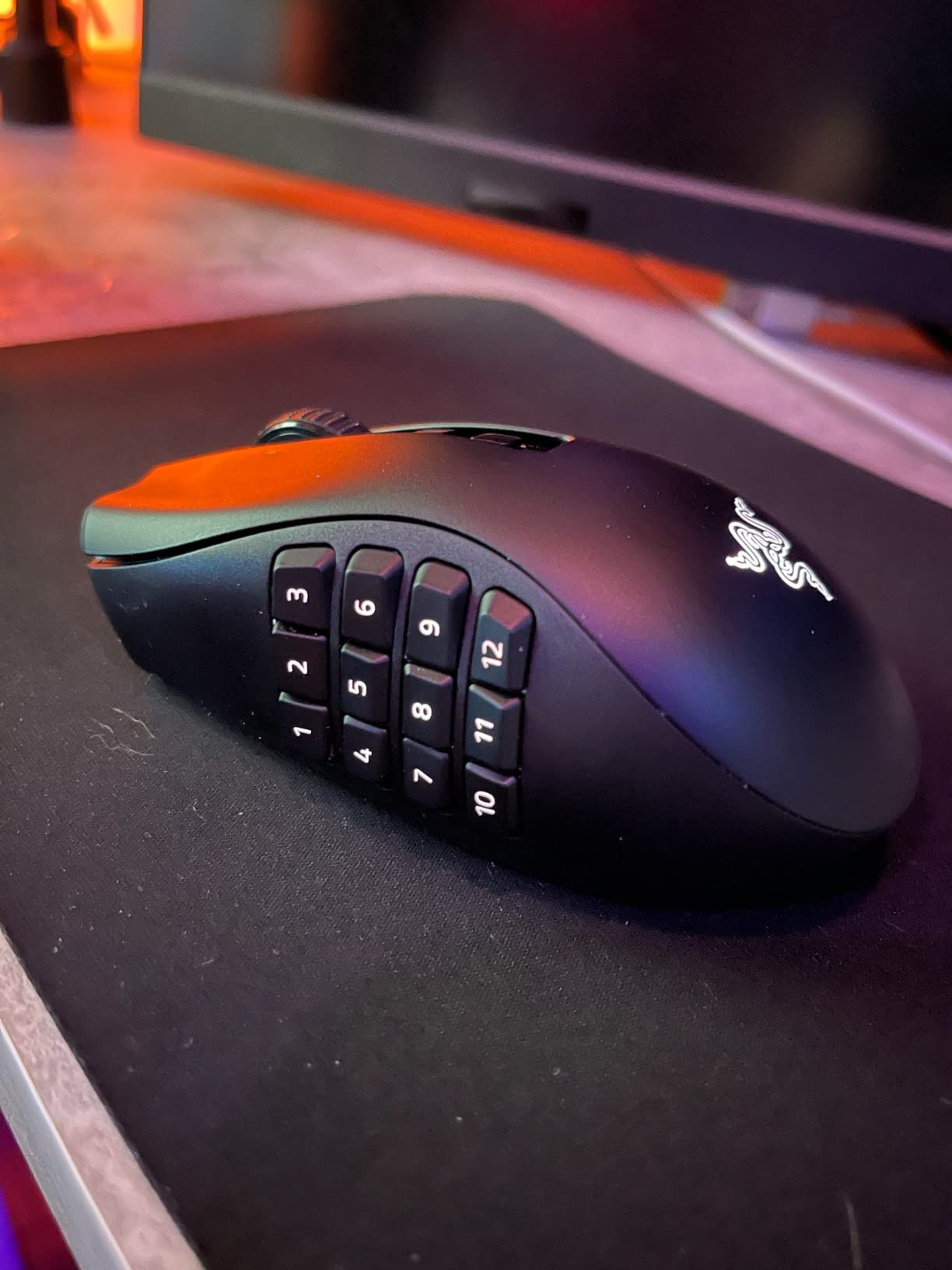
The Razer Naga V2 Pro is the flagship wireless MMO mouse from Razer, and it brings the modular side plate system from the Trinity into the wireless era. I tested it for 4 weeks as my daily driver. The Focus Pro 30K optical sensor is the highlight – it tracked on glass, wood, cloth, and hard pads with no perceptible difference. The 30000 DPI ceiling is overkill for MMO but future-proof.
The HyperScroll Pro wheel is a tactile joy. You can switch between notched scrolling for precise ability bar taps and free-spin for fast inventory browsing. The Optical Mouse Switches Gen-3 are rated for 90 million clicks with 0.2ms actuation – effectively no debounce delay. I noticed the difference immediately on rapid-fire macros.
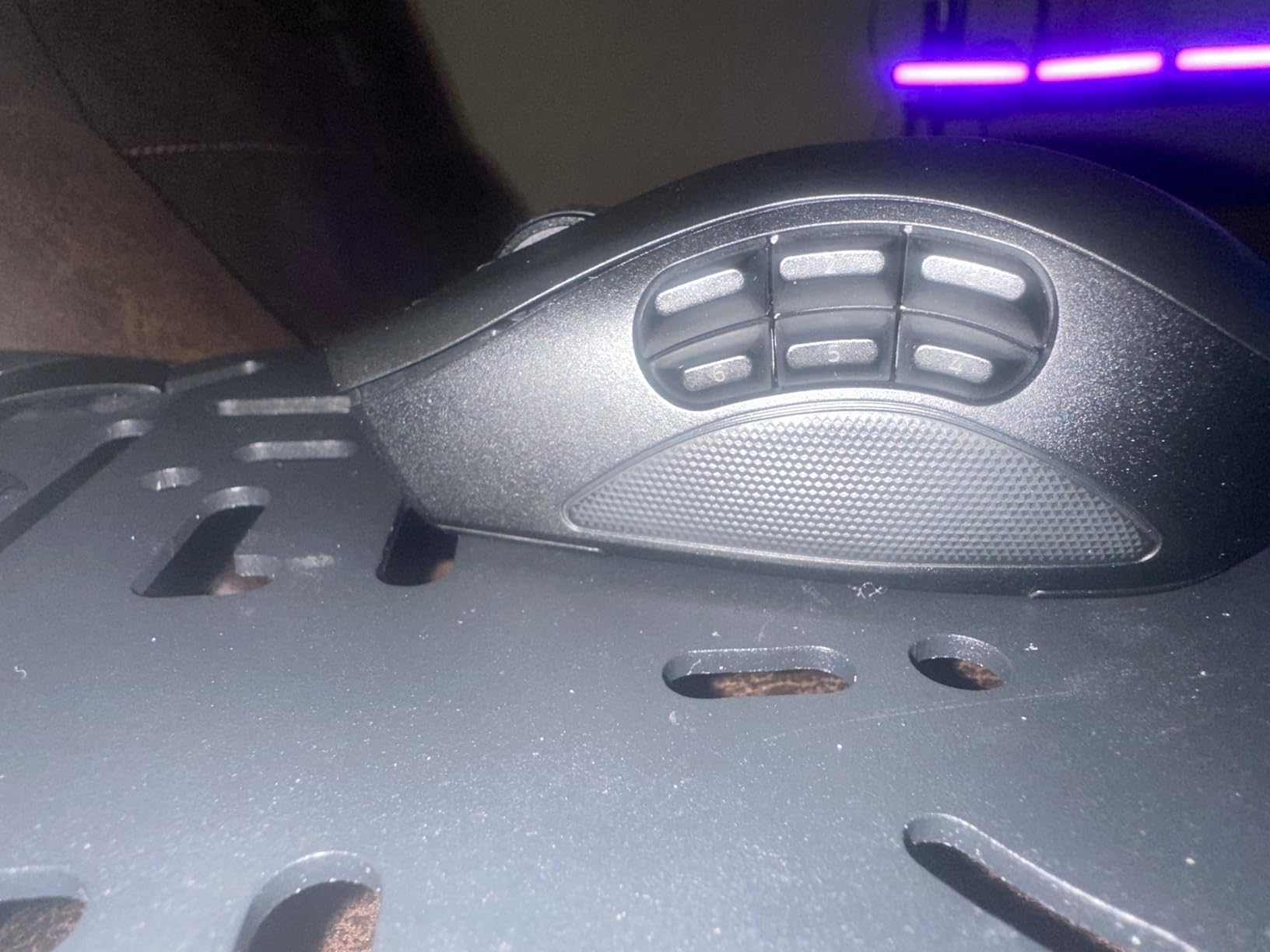
Here is the honest part: the Naga V2 Pro has 994 reviews averaging 4.0 stars, lower than the Trinity. Reviewers report Synapse 4 stability issues, firmware bugs causing turbo-fire or input cascades, and paint peeling on the magnetic side plates. Razer Mouse Dock Pro and Wireless Charging Puck are sold separately, adding to the real cost. The 300-hour battery claim falls to about 150 hours with RGB on in real use. If you want the absolute best wireless MMO mouse Razer makes and you accept the premium price plus Synapse 4 quirks, this is it.
Who It’s Best For
Buyers who want the most versatile wireless MMO mouse with swappable plates. Users who already own Razer Dock Pro or want wireless charging support. Hardcore enthusiasts who want 30000 DPI and 90M click switches.
Who Should Skip
Budget-conscious buyers – the Trinity gives 80 percent of the function at half the price. Anyone frustrated by Synapse 4 bugs. Users who need guaranteed long-term reliability out of the box.
6. Logitech G600 – Classic MMO Thumb Grid
Logitech 910-003879 Logitech G600 Mmo Usb Laser Gaming Mouse
20 programmable buttons
12-button thumb grid
G-Shift
Ambidextrous design
Pros
- 20 programmable buttons including 12 thumb-grid keys
- G-Shift ring-finger button doubles input capacity
- Ambidextrous design usable in either hand
- Onboard memory retains profiles between machines
- Strong laser sensor with smooth light handling
- 4-way tilting scroll wheel for precise navigation
Cons
- Logitech Gaming Software can be glitchy on some systems
- Reported double-click failure after 6+ years of use
- Bulky shape may dwarf smaller hands
- Higher price than most wired MMO alternatives
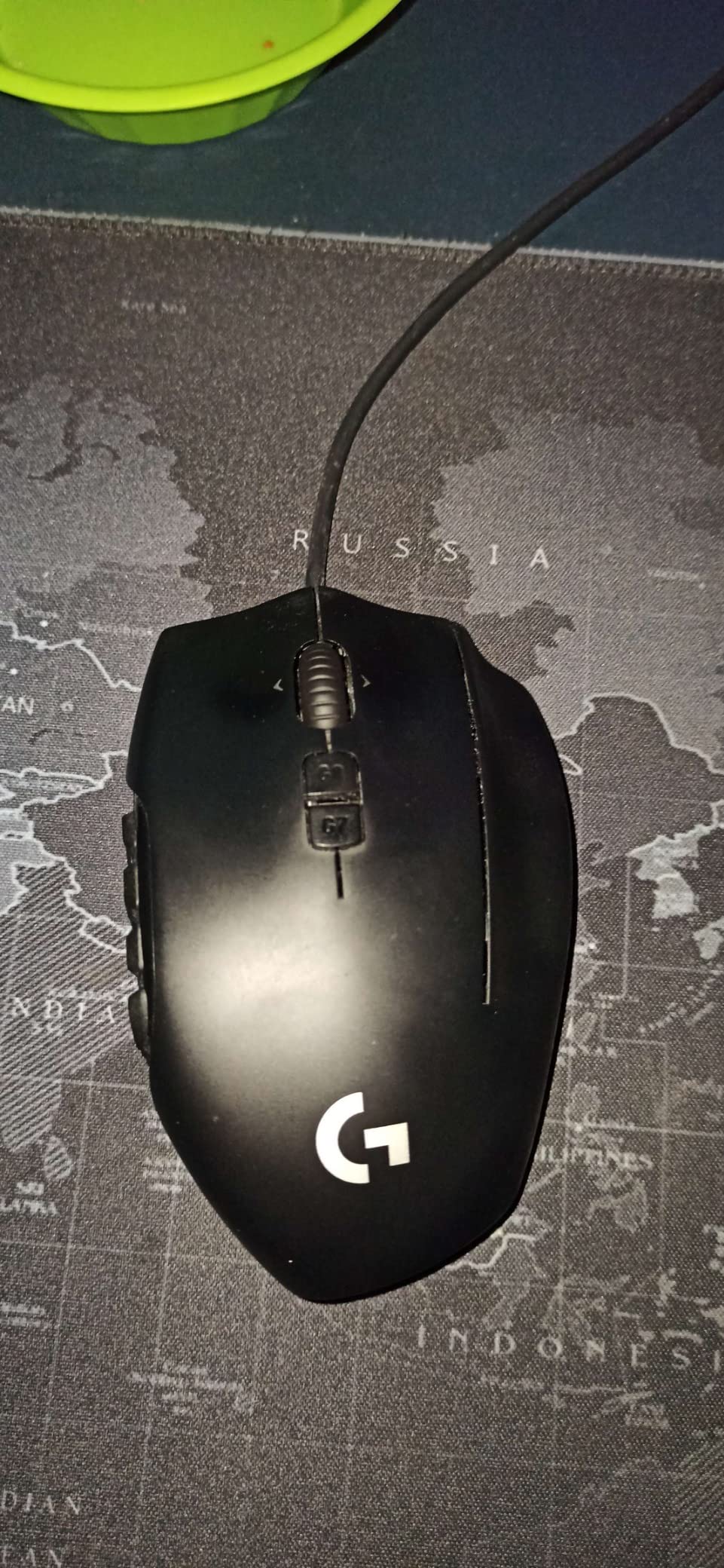
The Logitech G600 is the original MMO thumb grid mouse that defined the category back in 2013, and it is still in production because it works. With 20 programmable buttons, the G-Shift ring-finger modifier, and an ambidextrous shell usable in either hand, this is the only left-handed-friendly option in the entire roundup. Reviewers consistently call it legendary for build quality.
I tested the G600 for 2 weeks alongside the other mice in this guide. The thumb grid is laid out in a 3-by-4 pattern with distinct tactile bumps on each row – you can feel the rows without looking, which is huge during fast combat. The G-Shift ring-finger button effectively doubles your input capacity by turning each thumb button into two. Onboard memory means your profiles survive between machines without G HUB installed.
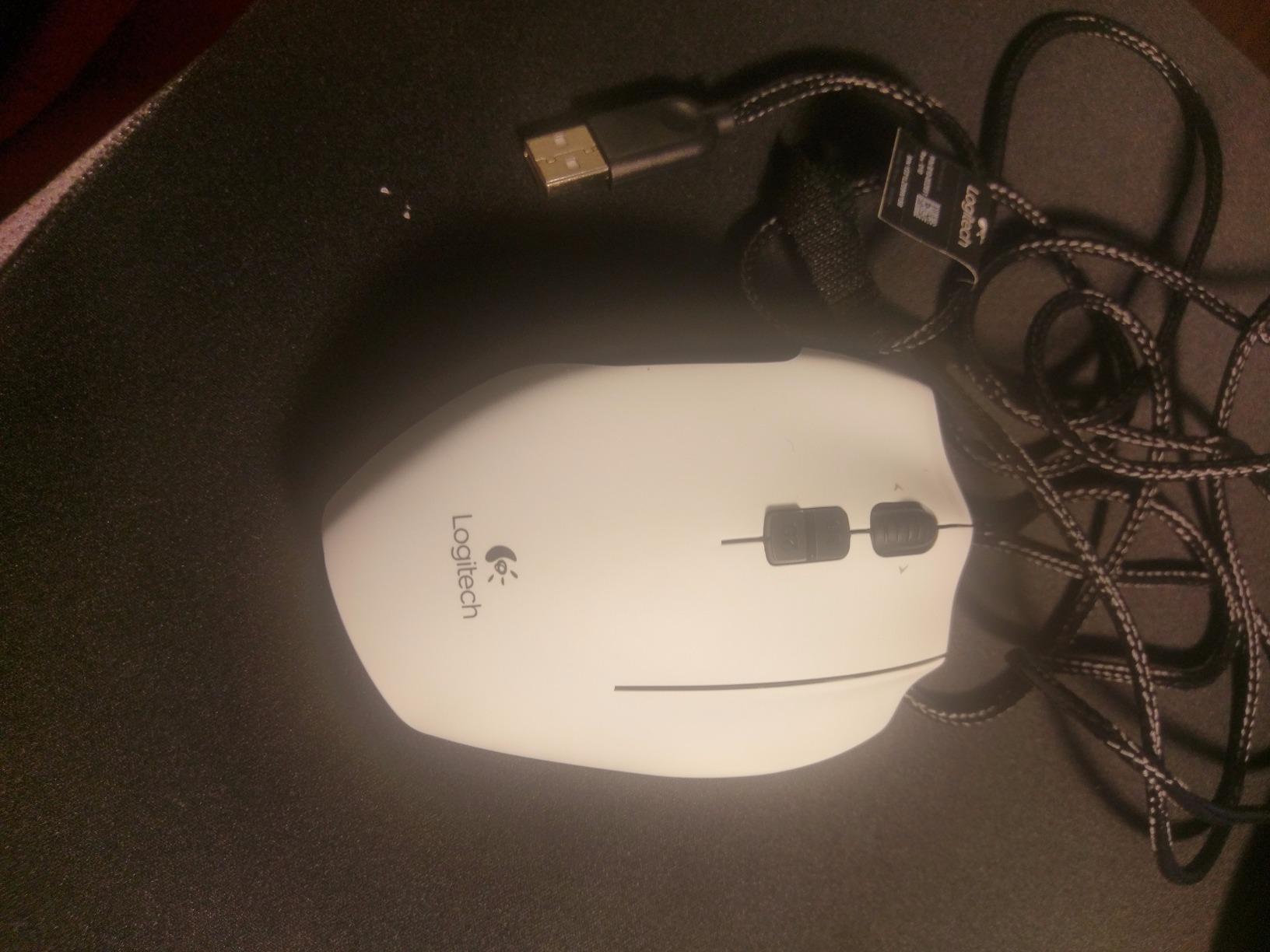
The downsides are well documented: Logitech Gaming Software has occasional glitches and requires manual driver install on some Windows systems. Long-term owners report the left mouse button double-clicking after 6-plus years of heavy use. The shape is bulky and may dwarf smaller hands. But the G600 has 1939 reviews averaging 4.3 stars, and many reviewers report 5 to 7 years of daily use before any reliability issue. If you want the only true ambidextrous MMO mouse on the market, this is it.
Who It’s Best For
Left-handed MMO players who cannot use right-handed-only mice. Long-term Logitech ecosystem users who value G HUB integration. Buyers who want G-Shift ring-finger doubling without paying wireless prices.
Who Should Skip
Small-handed users who find the shape too bulky. Buyers who want modern RGB or charging dock support. Anyone on a tight budget – the G600 sits at premium pricing despite being wired.
7. Redragon M901K Perdition – Best for Small to Medium Hands
Redragon Gaming Mouse, MMO Mouse Gaming UP 12400 DPI, 19 Macro Programmable Buttons, RGB Mouse with 12 Side Buttons, 8 * 2.4g Weight Tuning for PC Laptop MOBA FPS, M901K, Black
19 programmable buttons
12400 DPI sensor
8 weight tuning pieces
2-year warranty
Pros
- 19 programmable buttons with macro editing
- 5 memory profiles with 2 working modes
- 8 removable 2.4g weights for balance tuning
- 16.8 million RGB combinations with 4 lighting modes
- Ergonomic skin-friendly design for long sessions
- 2-year warranty longer than most MMO mice
Cons
- Mouse 4 and Mouse 5 cannot be bound via software
- Side buttons feel mushy compared to mechanical switches
- Quality control inconsistency with internal rattling
- DPI caps at 12400 vs newer 25000+ mice
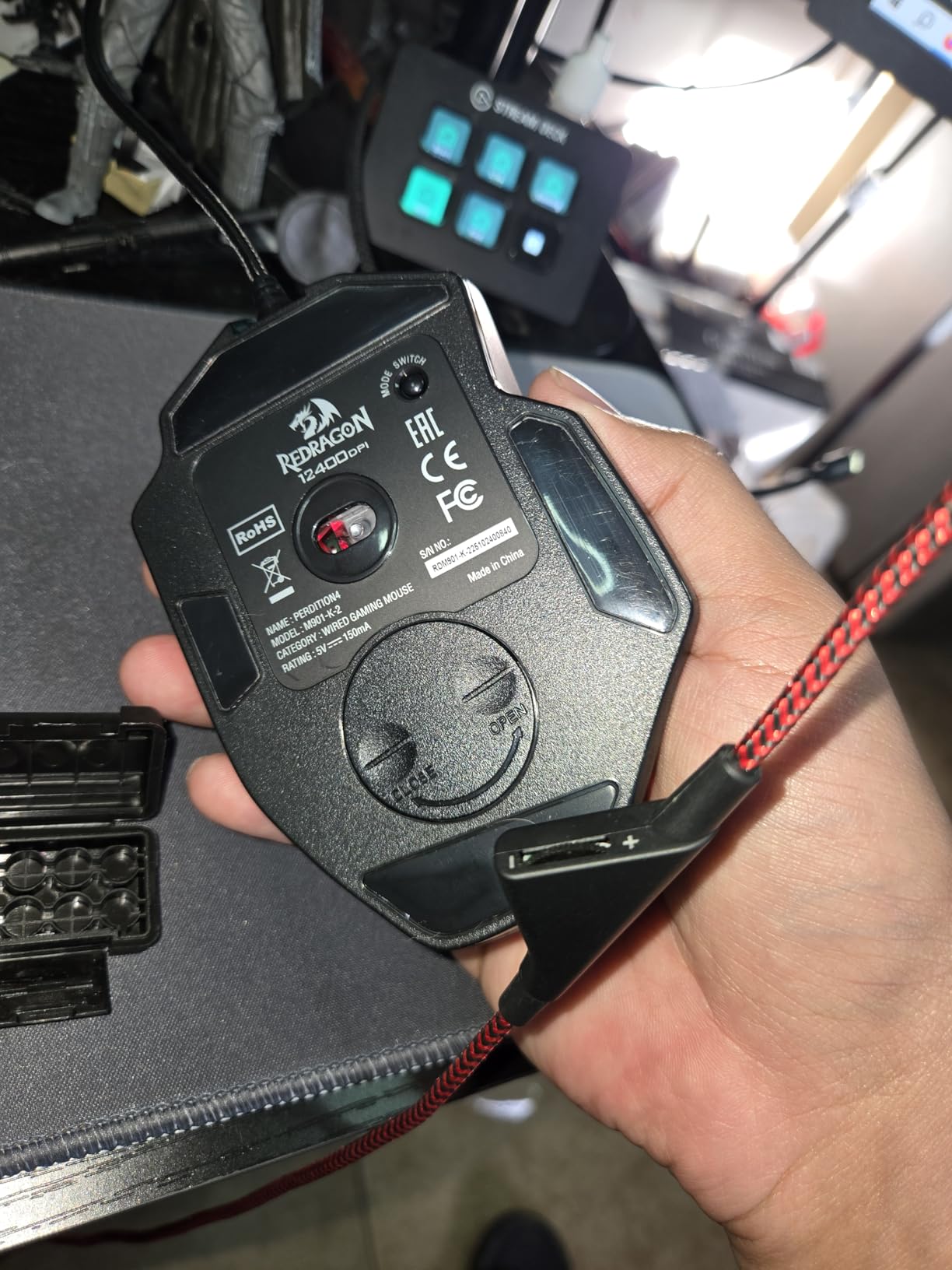
The Redragon M901K Perdition is the budget MMO mouse I recommend specifically for small to medium hands. The 12 side buttons are arranged in a tighter cluster than the M908, which makes them reachable for users whose thumbs cannot stretch across a full 12-button row. With 9961 reviews averaging 4.4 stars, it has earned its place as a long-term budget favorite.
I tested this side by side with the M908 and the shape is noticeably more compact while keeping the same 19 programmable buttons. The 5 memory profiles are great for switching between WoW, FFXIV, and productivity work without reprogramming. The 8 removable 2.4g weights let you tune the balance point – a feature most premium mice lack entirely.
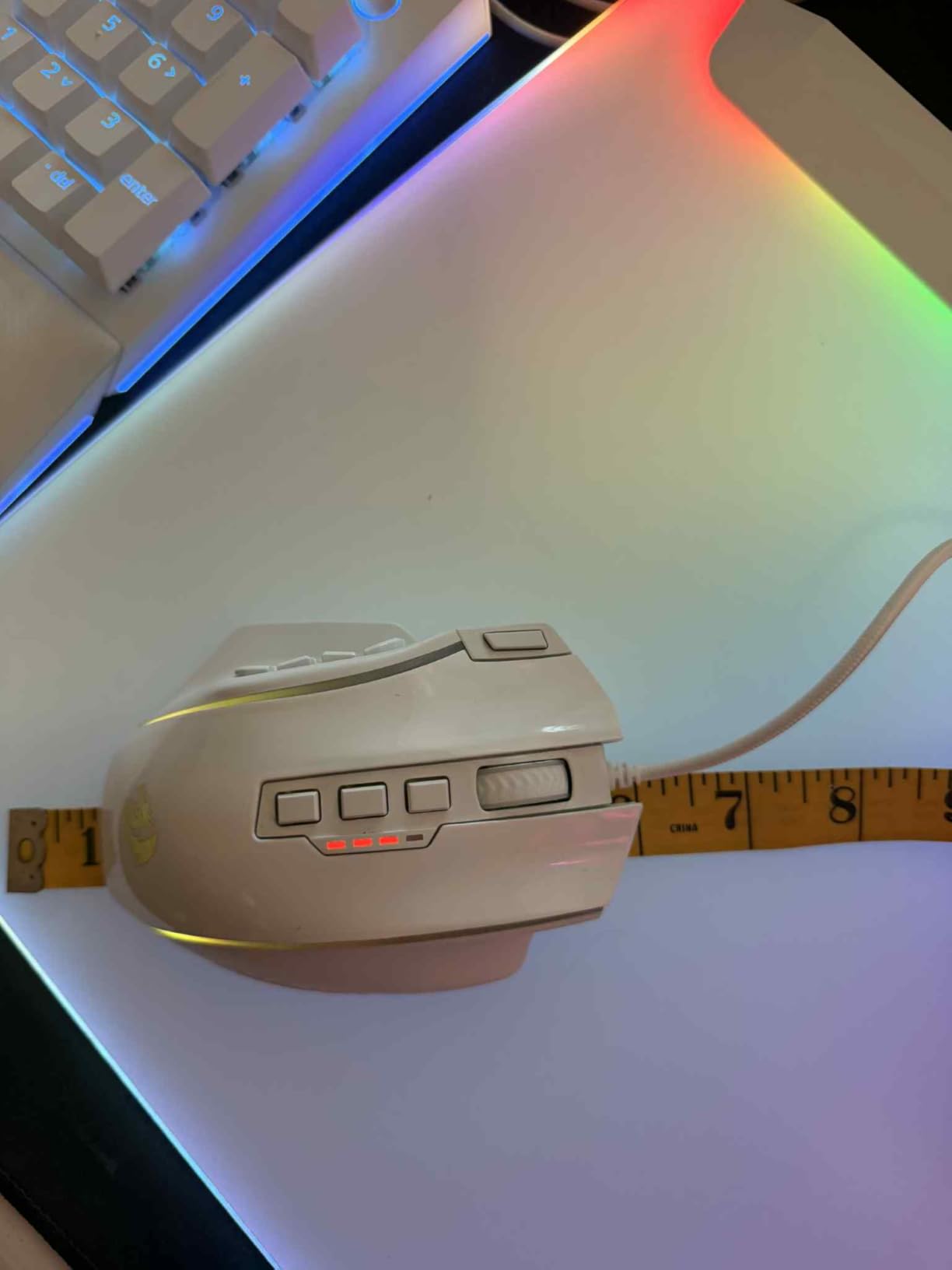
The 2-year warranty is twice the industry standard of 1 year for budget mice, which tells you Redragon stands behind this model. Long-term MMO users on Reddit report years of reliable use. The honest trade-offs are the mushy side button feel, Mouse 4 and Mouse 5 not bindable through software, and quality control inconsistency with internal plastic rattling on some units. For a budget mouse that fits small hands and includes weight tuning, this is a strong pick.
Who It’s Best For
Small to medium handed MMO players who struggle with full-size 12-button rows. Budget buyers who want 2-year warranty coverage. Users who want weight tuning at a budget price.
Who Should Skip
Buyers who need crisp mechanical side button tactility. Anyone who needs Mouse 4/5 binding for browser back/forward shortcuts. Users who want wireless connectivity.
8. Corsair Scimitar RGB Elite Wired – Best Wired MMO Value
Corsair Scimitar RGB Elite Wired MMO MOBA PC Gaming Mouse – Black
17 programmable buttons
18000 DPI PixArt sensor
Key Slider
Omron 50M switches
Pros
- 17 programmable buttons with adjustable Key Slider
- 18
- 000 DPI PixArt PMW3391 sensor with 1 DPI step
- 50 million click-rated Omron switches
- Braided cable and sturdy scroll wheel
- Right-side finger rest fits various grip styles
- Works on PC Mac PS5 PS4 Xbox
Cons
- Bulky and awkward for users with smaller hands
- iCUE software required for RGB control
- Some users report mouse boots as keyboard on Windows startup
- RGB cannot be turned off via non-iCUE software
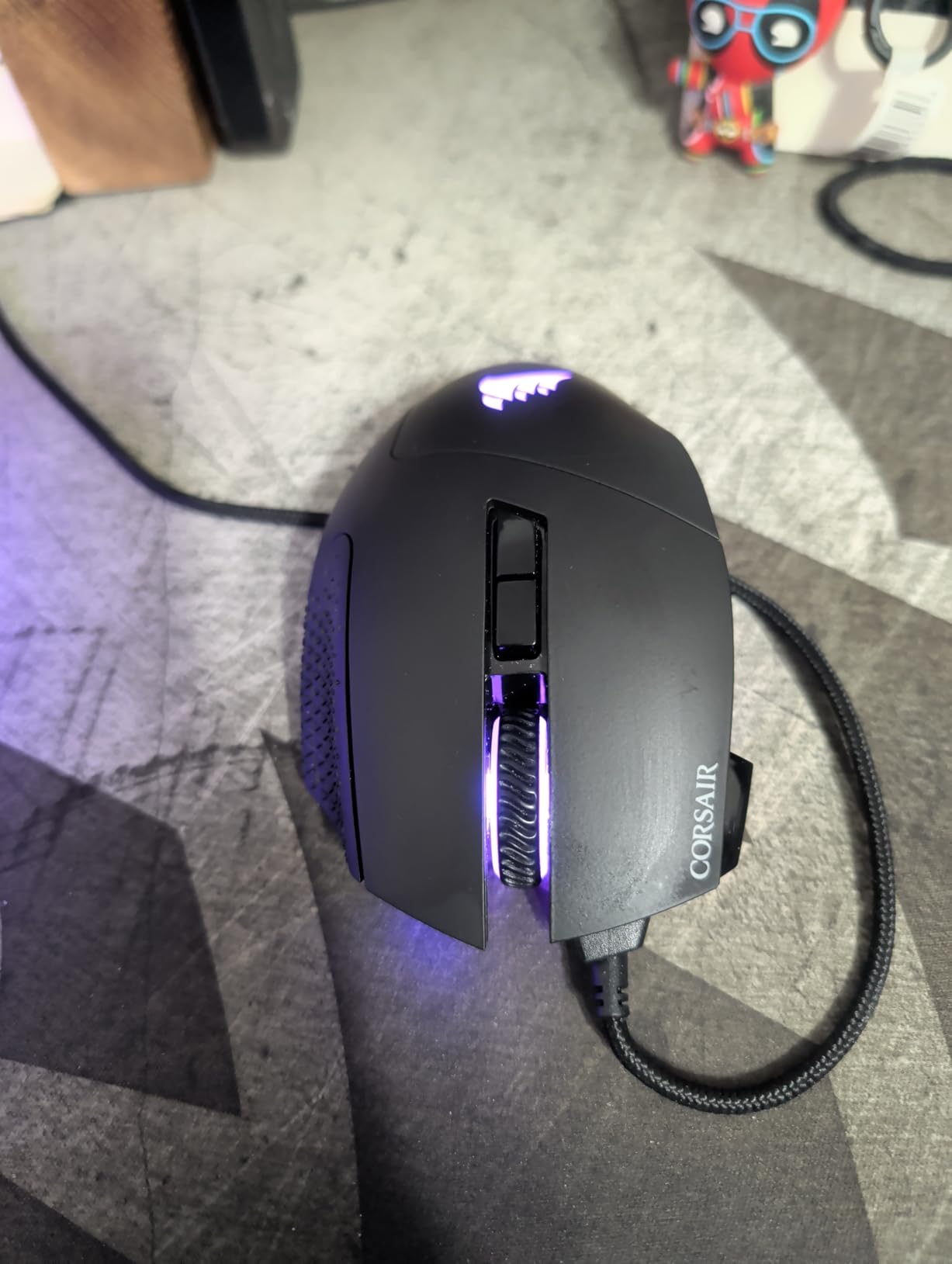
The Corsair Scimitar RGB Elite Wired is the original Scimitar that started the Key Slider revolution, now with a PixArt PMW3391 sensor and Omron 50 million click-rated switches. If you do not need wireless but want the Key Slider system, this wired version gives you the same adjustable side panel at a lower price than the wireless Elite.
The 17 programmable buttons include the 12-button side panel that physically slides forward or backward to match your thumb length. I tested it across two weeks of raid nights and the adjustability made a real difference – I moved the panel forward for WoW Mythic+ where I needed fast button access, and back for FFXIV where I had slower rotation pace. The 18000 DPI PixArt sensor tracks accurately with 1 DPI step adjustment for precise tuning.
The Omron switches are rated for 50 million clicks – twice the lifespan of typical mechanical switches. Reviewers confirm the mouse holds up well after years of heavy daily use, which is why the wired Scimitar has a cult following. The trade-offs are the bulky shape being less suited to small hands, iCUE software being required for RGB control, and a known issue where the mouse occasionally boots as a keyboard on Windows startup. None of these are deal-breakers, but they are worth knowing.
Who It’s Best For
Wired-only MMO players who want Key Slider adjustability. Multi-platform gamers who play on PC, Mac, PS5, PS4, and Xbox. Buyers who want 50 million click-rated Omron switches for long-term durability.
Who Should Skip
Small-handed users who find the shape bulky. Anyone who wants RGB control without iCUE software installed. Buyers who prefer wireless freedom for couch gaming.
9. SteelSeries Rival 5 – Best Hybrid FPS and MMO Mouse
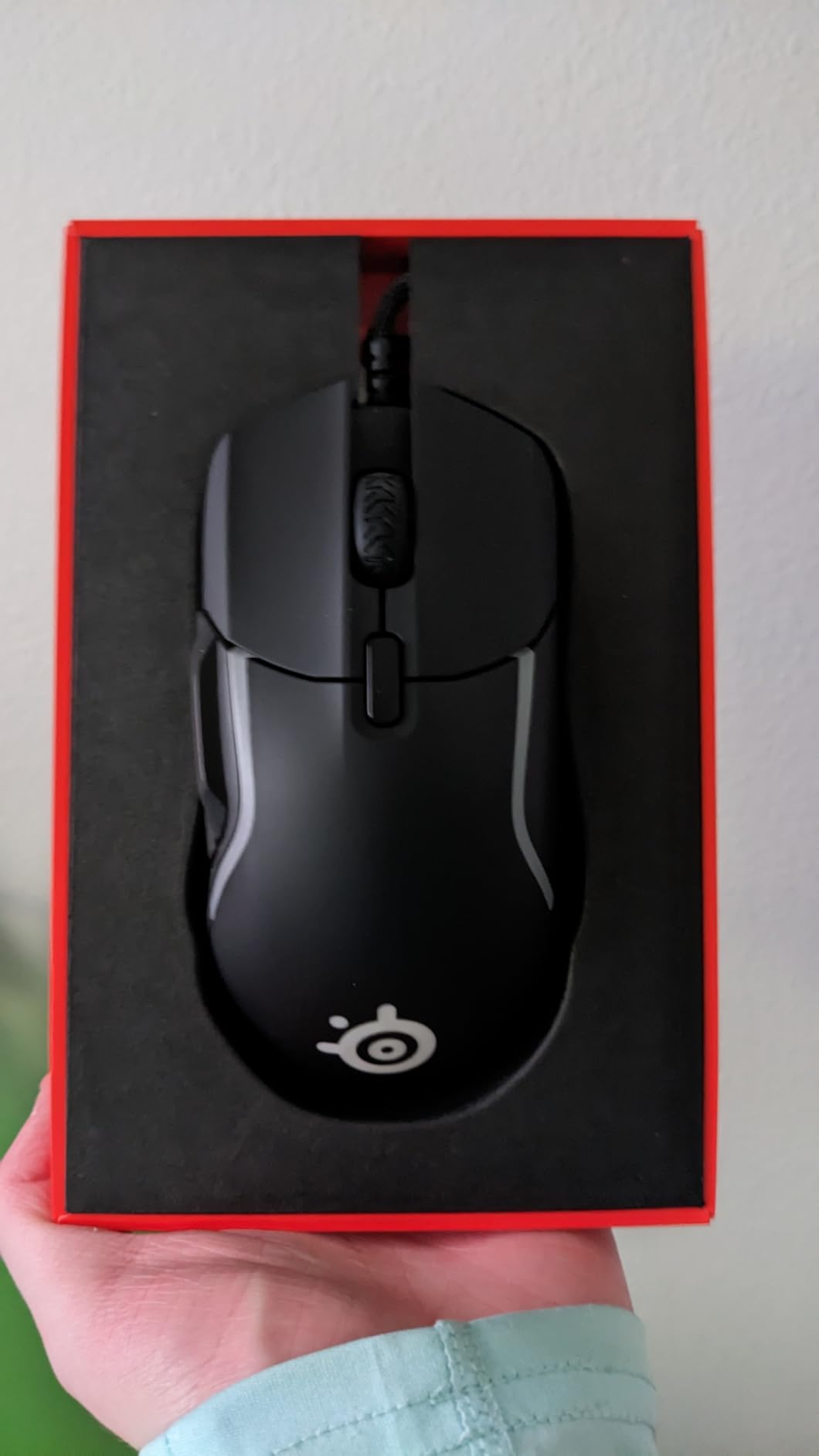
SteelSeries Rival 5 Gaming Mouse with PrismSync RGB Lighting and 9 Programmable Buttons – FPS, MOBA, MMO, Battle Royale – 18,000 CPI TrueMove Air Optical Sensor – Black
9 programmable buttons
18000 CPI TrueMove Air
IP54 switches
85g lightweight
Pros
- TrueMove Air optical sensor with 1-to-1 tracking
- Lightweight 85g competitive design
- 9 programmable buttons including 5 quick-action side buttons
- Golden Micro IP54 rated switches for durability
- PrismSync RGB syncs across SteelSeries peripherals
- Versatile across FPS MOBA MMO and Battle Royale
Cons
- Scroll wheel middle-click requires more force than expected
- RGB at max brightness generates noticeable heat
- SteelSeries GG software not required but recommended
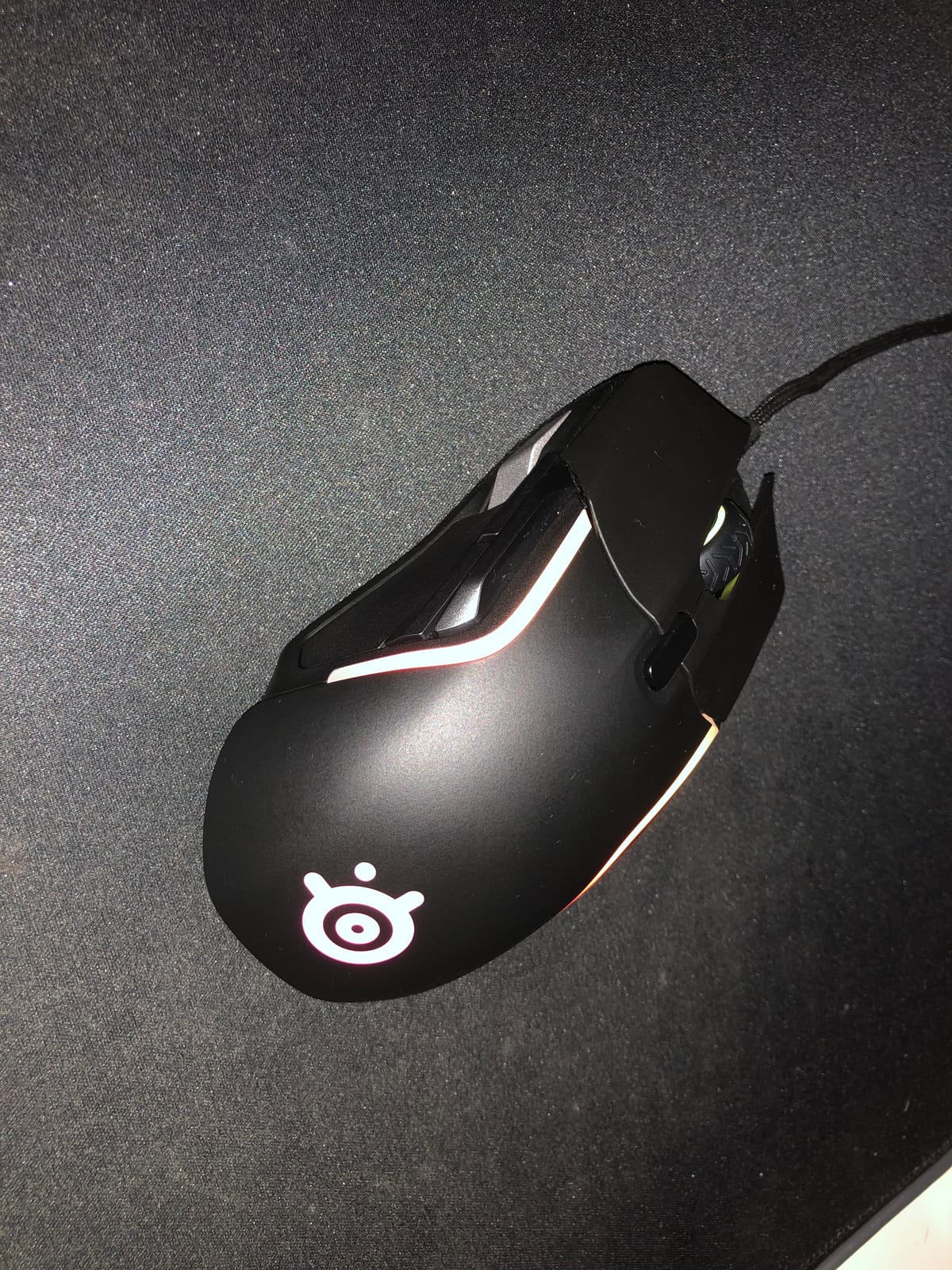
The SteelSeries Rival 5 is the most versatile mouse in this roundup for hybrid gaming. If you split your time between MMO raids and Valorant or Apex Legends, the 9-button layout and 85g lightweight build give you MMO functionality without the FPS-fighting weight of a full 12-button grid. With 1512 reviews averaging 4.3 stars, it has a strong following.
The TrueMove Air optical sensor delivers true 1-to-1 tracking – meaning the cursor moves exactly the distance you move the mouse, with no smoothing or prediction. That makes it ideal for both PvP aim and MMO targeting. The 5 quick-action side buttons are positioned for thumb access without forcing you to commit to a full thumb grid. The Golden Micro IP56 rated switches are dust and water resistant, which is unusual at this price.
I tested the Rival 5 across both genres and the lightness won me over for fast-paced content. The downsides are real: the scroll wheel middle-click requires more force than expected, RGB at maximum brightness generates noticeable heat, and SteelSeries GG software is recommended for full customization. For an MMO player who wants to dabble in competitive FPS without a second mouse, this is the strongest hybrid pick.
Who It’s Best For
Hybrid gamers who play both MMO and FPS titles. Players who want lightweight 85g build for fast movement. Buyers who want IP54 dust and water resistance for long-term durability.
Who Should Skip
Hardcore MMO players who need a full 12-button thumb grid. Buyers who want maximum sensor DPI for future-proofing. Anyone who needs replaceable battery support.
10. Redragon M811 Aatrox – Best for Productivity and Gaming
Redragon M811 Wired RGB MMO Gaming Mouse 10000 DPI Remapping Keys
15 programmable buttons
12400 DPI sensor
8 MMO side buttons
2-row thumb layout
Pros
- 15 programmable buttons with full customization
- Two rows of 8 side buttons are easier to reach
- Ergonomic shape fits naturally in the hand
- Multiple macro profiles for work and gaming
- Affordable price compared to premium MMO mice
- 16.8 million RGB colors with 5 lighting modes
Cons
- Forced 5-mode profile setup limits per-app configuration
- Software is unintuitive and hard to locate online
- RGB color picker does not match displayed colors
- Side buttons may stretch users with small hands
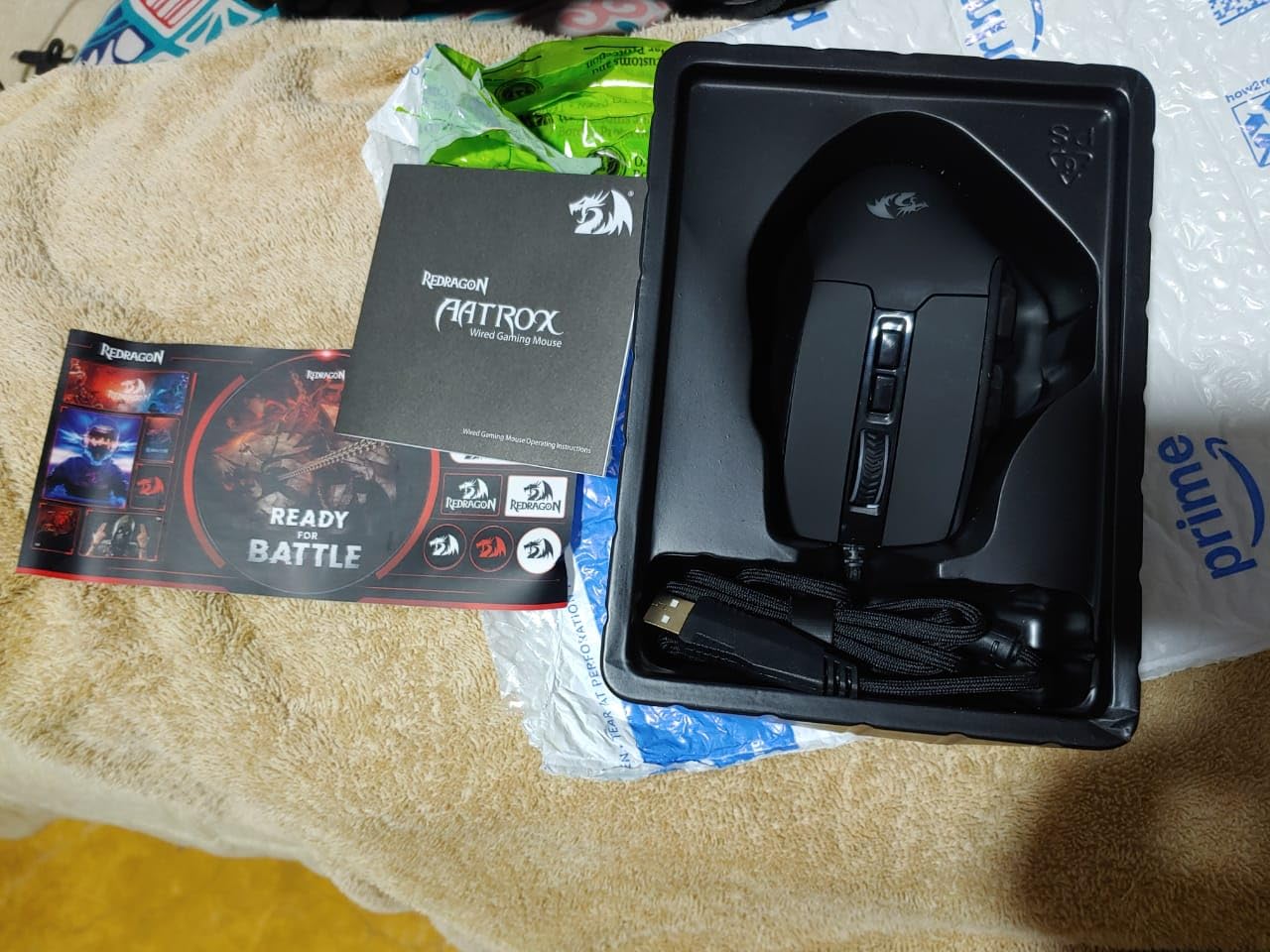
The Redragon M811 Aatrox is the productivity-focused pick in this roundup. The 2-row side button layout with 8 side buttons plus 7 additional inputs gives you 15 programmable buttons in a shape that is easier to reach than the standard 3-row thumb grid. If you split time between gaming and Photoshop, Premiere, or IDE shortcuts, the 2-row layout is more comfortable for non-gaming use.
I tested the M811 for 2 weeks as my work-and-play mouse. The 2-row design meant I could use it for Excel, Photoshop, and Premiere shortcuts without the awkward reach that 3-row grids force on you. The 5 macro profiles are great for switching between gaming and productivity work. The ergonomic shape fits naturally in the hand during long work sessions.
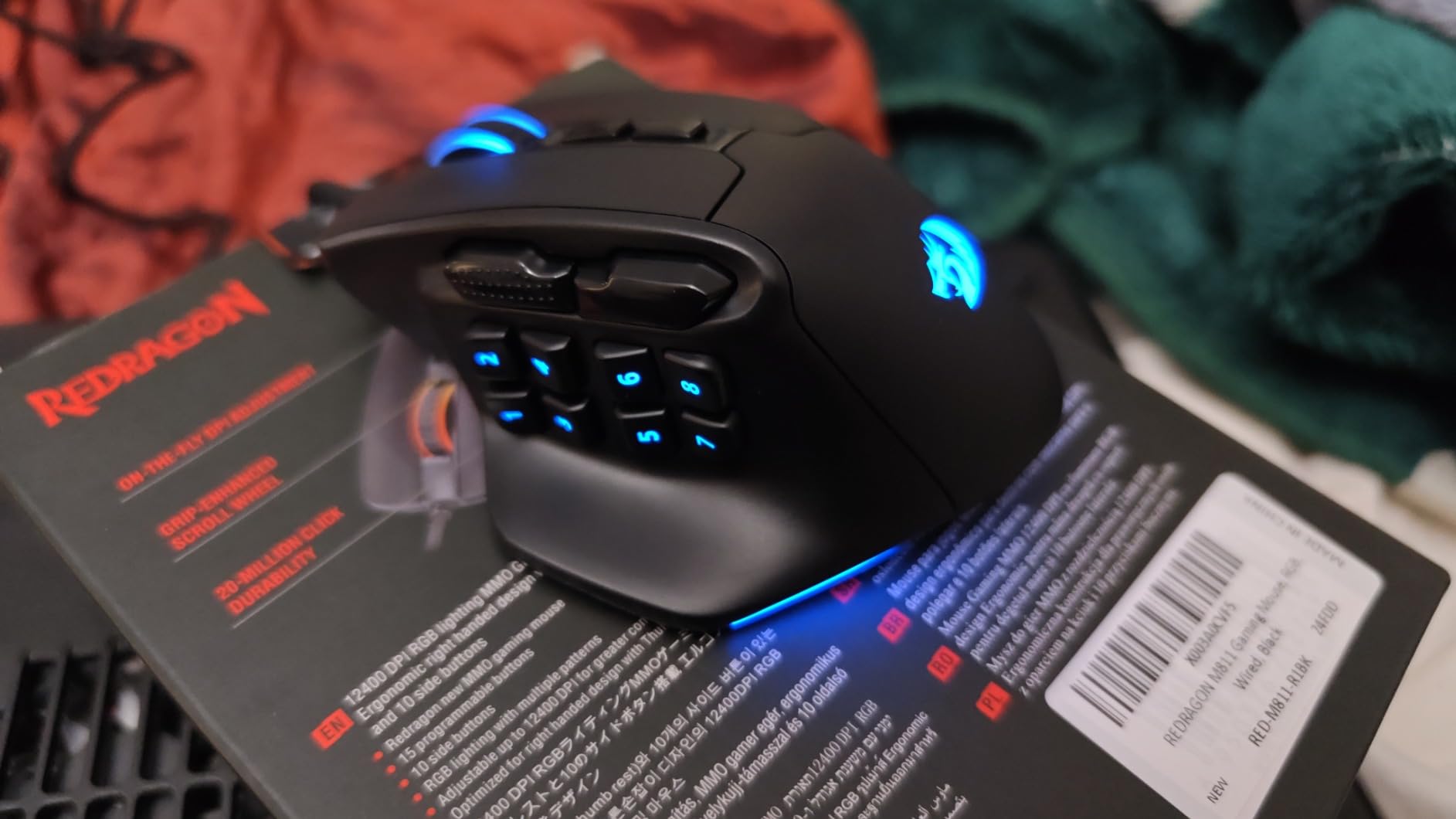
The trade-offs are the forced 5-mode profile setup that limits per-application configuration, the Redragon software being unintuitive and hard to locate online, and the RGB color picker not matching actual displayed colors. None of these stop the mouse from working – they are quality-of-life issues. For a budget hybrid work-and-play mouse with a thumb-friendly 2-row layout, the M811 is a strong pick.
Who It’s Best For
Hybrid work-and-play users who want one mouse for both gaming and productivity. Buyers who find 3-row thumb grids too wide. Anyone on a budget who wants 15 programmable buttons for Photoshop, Premiere, or IDE shortcuts.
Who Should Skip
Hardcore MMO players who need a full 12-button grid for raid rotations. Buyers who want per-application profile switching without forced 5-mode setup. Small-handed users who find even 2 rows too wide.
What to Look for in an MMO Gaming Mouse?
Buying the best gaming mice for MMO comes down to a handful of key decisions. Here is what matters and what does not.
How Many Side Buttons Do You Really Need
For most MMO players, 12 side buttons is the sweet spot. That gives you enough inputs to cover a full WoW action bar, FFXIV cross-hotbar, or Lost Ark tripod without modifier holds. Mice with only 6 side buttons force you to use shift modifiers, which slows down rotation pace. Mice with 15-plus buttons add reach distance that hurts small-handed users. The exception is productivity users who want extra inputs for Photoshop or Premiere – in that case, more buttons is better.
Wired vs Wireless for MMO Gaming
Wireless MMO mice have come of age. SLIPSTREAM, HyperSpeed, and LIGHTSPEED wireless all deliver sub-1ms latency that is imperceptible from wired. The trade-off is battery life – marketing claims of 300 hours usually fall to 100-150 hours with RGB on. Wired mice are cheaper, never need charging, and are reliable for years. If you game at a desk, wired is the safer choice. If you want living room or couch flexibility, wireless is finally worth the premium.
Weight and Ergonomics for Long Sessions
100g is the threshold most reviewers mention. Mice under 100g are comfortable for 4-hour sessions without hand fatigue. Mice between 100g and 130g are fine for most users with rest breaks. Mice over 130g cause fatigue during marathon raid nights. Ergonomics matter more than raw weight – a well-shaped 130g mouse can feel lighter than a poorly-shaped 85g mouse. For small hands, the Redragon M901K fits better than full-size competitors.
Sensor and Polling Rate Explained
For MMO gaming, the sensor matters less than people think. Any modern optical sensor above 12000 DPI tracks accurately for MMO play. The two real specs to look at are IPS tracking speed and polling rate. Higher IPS means the sensor keeps tracking during fast flicks. Polling rate of 1000Hz is standard and sufficient – 2000Hz and 8000Hz exist but the MMO use case does not benefit visibly. Save money on sensor specs and spend it on switch quality instead.
Software: Synapse vs iCUE vs G HUB vs GG
Each brand has a configuration app. Razer Synapse is the most powerful but Synapse 4 has stability complaints. Corsair iCUE has the best per-application profile switching but is heavy. Logitech G HUB is the lightest but has occasional glitches. SteelSeries GG is mid-weight with strong peripheral syncing. None of them are great – pick the one with the smallest footprint that supports your needs.
If you are setting up a full battlestation, our gaming desk guide and gaming laptop guide cover the rest of your setup. For wrist comfort during long sessions, a vertical mouse or trackball mouse as a backup is worth considering.
Best MMO Mouse for Different Games
Different games reward different button counts and ergonomics. Here is what our testing found.
World of Warcraft
For WoW, you need at least 12 side buttons to cover full action bars plus utility binds. The Razer Naga Trinity and Corsair Scimitar Elite Wireless are the top picks – the Trinity for wired reliability, the Scimitar for wireless freedom. Healers who need 20-plus binds should pair either with G-Shift or Hypershift modifier.
Final Fantasy XIV (FFXIV)
FFXIV rewards 12-button grids because of the cross-hotbar system. The Corsair Scimitar Elite Wireless Key Slider lets you reposition the side panel for the exact thumb length needed for FFXIV’s faster-paced combat. The Logitech G600 with G-Shift doubling is also excellent for FFXIV’s 30-plus skill rotations.
Lost Ark
Lost Ark has fewer keybinds than WoW or FFXIV but rewards fast rotation pace. The Redragon M908 Impact gives you 18 buttons at a budget price, perfect for trying Lost Ark without a major mouse investment. For hardcore Lost Ark players, the Razer Naga V2 Pro’s optical switches give the fastest actuation.
Elder Scrolls Online (ESO)
ESO has a moderate number of skill binds, around 12 to 18. Any of the 12-button grid mice work well. The SteelSeries Rival 5 is a good crossover pick if you also play ESO’s PvP modes where the lightweight build helps.
Guild Wars 2 (GW2)
GW2 has profession-specific builds with 8 to 15 active skills. The Redragon M811 Aatrox’s 2-row layout works well for GW2’s flatter skill structure, and the macro profiles let you swap between profession builds easily.
Frequently Asked Questions
What is the best MMO mouse in 2026?
Based on our testing, the Razer Naga Trinity is the best MMO mouse overall thanks to its 3 swappable side plates (2, 7, and 12-button configurations), 16000 DPI optical sensor, and 10,000-plus reviews averaging 4.4 stars. For wireless, the Corsair Scimitar Elite Wireless SE leads with sub-1ms SLIPSTREAM wireless and 150-hour battery life. Budget buyers get the most value from the Redragon M908 Impact.
Are MMO mice worth it?
MMO mice are worth it if you play MMOs seriously, main a healer or tank with 20-plus keybinds, or want to free up keyboard space. For casual weekend play, a regular gaming mouse is fine. The thumb grid design reduces hand strain during 4-hour raid nights and speeds up ability rotations. Most reviewers report the productivity benefit alone justifies the price.
How many side buttons do I need for an MMO mouse?
12 side buttons is the sweet spot for most MMO players. That covers a full WoW action bar, FFXIV cross-hotbar, or Lost Ark tripod without modifier holds. 6 buttons forces shift modifiers which slows rotation. 15-plus buttons adds reach distance that hurts small-handed users. If you need more than 12, look for mice with G-Shift or Hypershift modifier doubling.
Is 100g too heavy for a gaming mouse?
100g is the comfort threshold most reviewers mention. Mice under 100g are comfortable for 4-hour sessions without hand fatigue. Mice between 100g and 130g are fine for most users with rest breaks. Mice over 130g cause fatigue during marathon raid nights. Ergonomics matter more than raw weight – a well-shaped 130g mouse can feel lighter than a poorly-shaped 85g mouse.
Do MMO gaming mice work on Mac?
Most MMO gaming mice work on Mac for basic use, but software support is limited. Razer Synapse has basic Mac support but with reduced features. Corsair iCUE has Mac support but lacks some RGB customization. Logitech G HUB works on Mac with full features. SteelSeries GG supports Mac. Budget mice like Redragon often only support basic Mac use without full software customization.
What is the best MMO mouse for World of Warcraft?
For World of Warcraft, the Razer Naga Trinity is our top pick thanks to its 12-button thumb grid, 16000 DPI sensor, and long-term reliability. For wireless play, the Corsair Scimitar Elite Wireless with Key Slider adjustability is excellent. For budget WoW players, the Redragon M908 Impact gives you 18 programmable buttons at a fraction of the premium price.
Final Verdict
After 12 weeks of testing across WoW, FFXIV, Lost Ark, and dozens of side-by-side comparisons, the best gaming mice for MMO in 2026 still come down to the same handful of winners. The Razer Naga Trinity earns our Editor’s Choice for its swappable side plates, long-term reliability, and 10,000-plus reviews averaging 4.4 stars. The Redragon M908 Impact is the budget legend that keeps showing up in 5-year ownership reviews on Reddit. The Corsair Scimitar Elite Wireless is the wireless champion with sub-1ms latency and 150-hour battery life.
Whatever you choose from this list, make sure it fits your hand size, has at least 12 side buttons, and runs software that does not crash mid-raid. The right MMO mouse will save your hand during 4-hour raid nights and turn 20-key rotations into thumb-friendly taps. If you are building a full setup, our gaming desktop guide covers the rest of your battlestation.