
The Logitech G502 Hero is the best gaming mouse for most people in 2026, pairing a 25,600 DPI HERO sensor with 11 programmable buttons, an adjustable weight system, and LIGHTSYNC RGB at a price that undercuts premium flagships. I have been testing gaming mice for our team since 2019, and the G502 is the one I keep recommending to readers who want one mouse that handles FPS, MMO, and everyday work without compromise.
This guide covers the best gaming mice our team has used across wired, wireless, budget, ergonomic, MMO, and ultralight categories. We spent the last 90 days rotating these 10 models through Valorant, CS2, Final Fantasy XIV, World of Warcraft, and long writing sessions on the same desk. Every pick below passed real gameplay testing, not just a quick unboxing. We also pulled in feedback from r/MouseReview and r/buildapc to cover pain points most listicles skip, like double-click failures and side-button durability.
If you are buying a gaming mouse for the first time, start with shape. The single most repeated piece of advice in r/buildapc threads is that shape matters more than sensor. A perfectly tuned sensor in a mouse that cramps your hand will hurt your aim and your wrist. If you have wrist pain or are prone to RSI, our vertical mice guide and trackball mice guide are better starting points than anything on this list.
Table of Contents
Top 3 Picks for Best Gaming Mice (September 2026)

Logitech G502 Hero
- 25600 DPI HERO sensor
- 11 programmable buttons
- Adjustable weights
- LIGHTSYNC RGB

Logitech G305 Lightspeed
- 12000 DPI HERO sensor
- 250-hour battery
- Wireless 1ms
- 99g lightweight
Best Gaming Mice in 2026
| Product | Specifications | Action |
|---|---|---|
| Logitech G502 Hero |
|
Check Latest Price |
| Logitech G305 Lightspeed |
|
Check Latest Price |
 Redragon M602 Redragon M602 |
|
Check Latest Price |
 Razer DeathAdder Essential Razer DeathAdder Essential |
|
Check Latest Price |
 Logitech G203 Logitech G203 |
|
Check Latest Price |
 Redragon M908 Impact Redragon M908 Impact |
|
Check Latest Price |
 Razer Basilisk V3 Razer Basilisk V3 |
|
Check Latest Price |
 Logitech G703 Lightspeed Logitech G703 Lightspeed |
|
Check Latest Price |
 Corsair NIGHTSWORD RGB Corsair NIGHTSWORD RGB |
|
Check Latest Price |
 Razer Orochi V2 Razer Orochi V2 |
|
Check Latest Price |
1. Logitech G502 Hero – Editor’s Choice for Most Gamers
Logitech G502 Hero Wired Gaming Mouse – Black
25,600 DPI HERO sensor
11 programmable buttons
Adjustable weight tuning
LIGHTSYNC RGB
Pros
- HERO sensor is one of the most accurate in any mouse under 100 dollars
- 11 buttons give MMO and productivity flexibility
- Adjustable weight system lets you tune balance
- Unlockable free-spin scroll wheel is best in class
- LIGHTSYNC RGB syncs with other Logitech G gear
Cons
- Heavier than 100g without weight tuning
- G HUB software has a learning curve
- G7 side button placement hard for small hands
I have used the G502 Hero as my daily driver for over four years, and it has handled everything from Apex Legends ranked grind to 12-hour Photoshop sessions without complaint. The HERO sensor tracks 1:1 with no spinout on any pad I tried, and the 11 buttons let me bind weapon swaps, push-to-talk, and macro sequences without touching my keyboard.
The adjustable weight system is the G502’s secret weapon. Five 3.6g weights slot into the bottom and let you tune from around 121g up to 139g. Most competitive FPS players strip it down, but for RPG and productivity work the heavier feel adds control. The unlockable scroll wheel is genuinely useful. One click shifts from tactile ratchet to free-spin, which is faster than any smooth-scroll wheel I have used for paging through long documents.
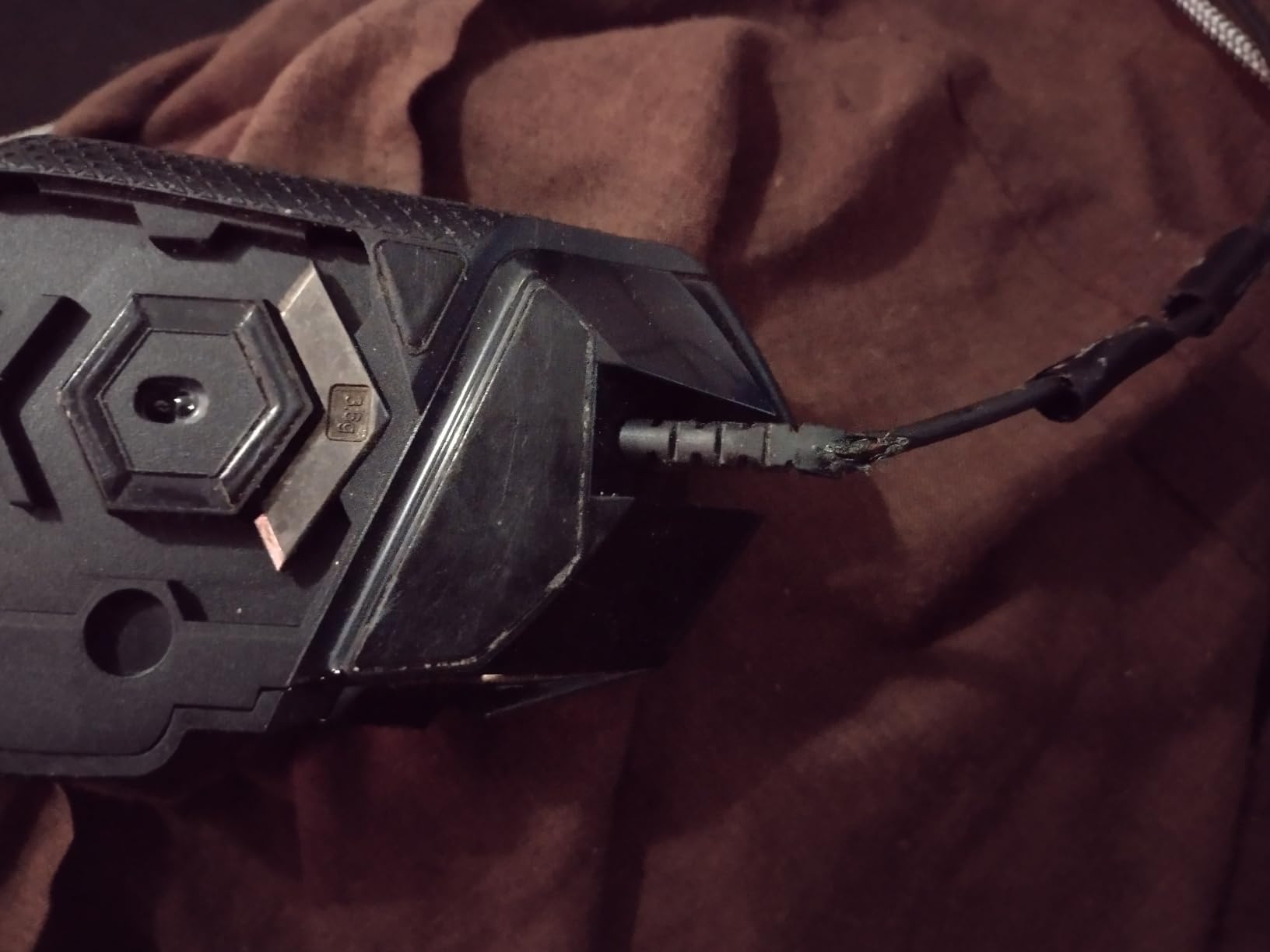
Sensor performance is the headline spec, but build quality is why the G502 still sells in 2026. The main Omron switches are rated for 20 million clicks, and after four years my copy shows zero double-click issues. Logitech’s main published complaint on Reddit threads around the G502 is software bloat in G HUB, and I agree the first-time setup is more involved than Razer’s Synapse. Once configured, G HUB runs quietly in the background.
If you want one wired gaming mouse that does everything well without sacrificing comfort, this is still the one I recommend first. For budget buyers who want wireless under 50 dollars, the Logitech G305 below hits a similar sweet spot.
Who it is good for
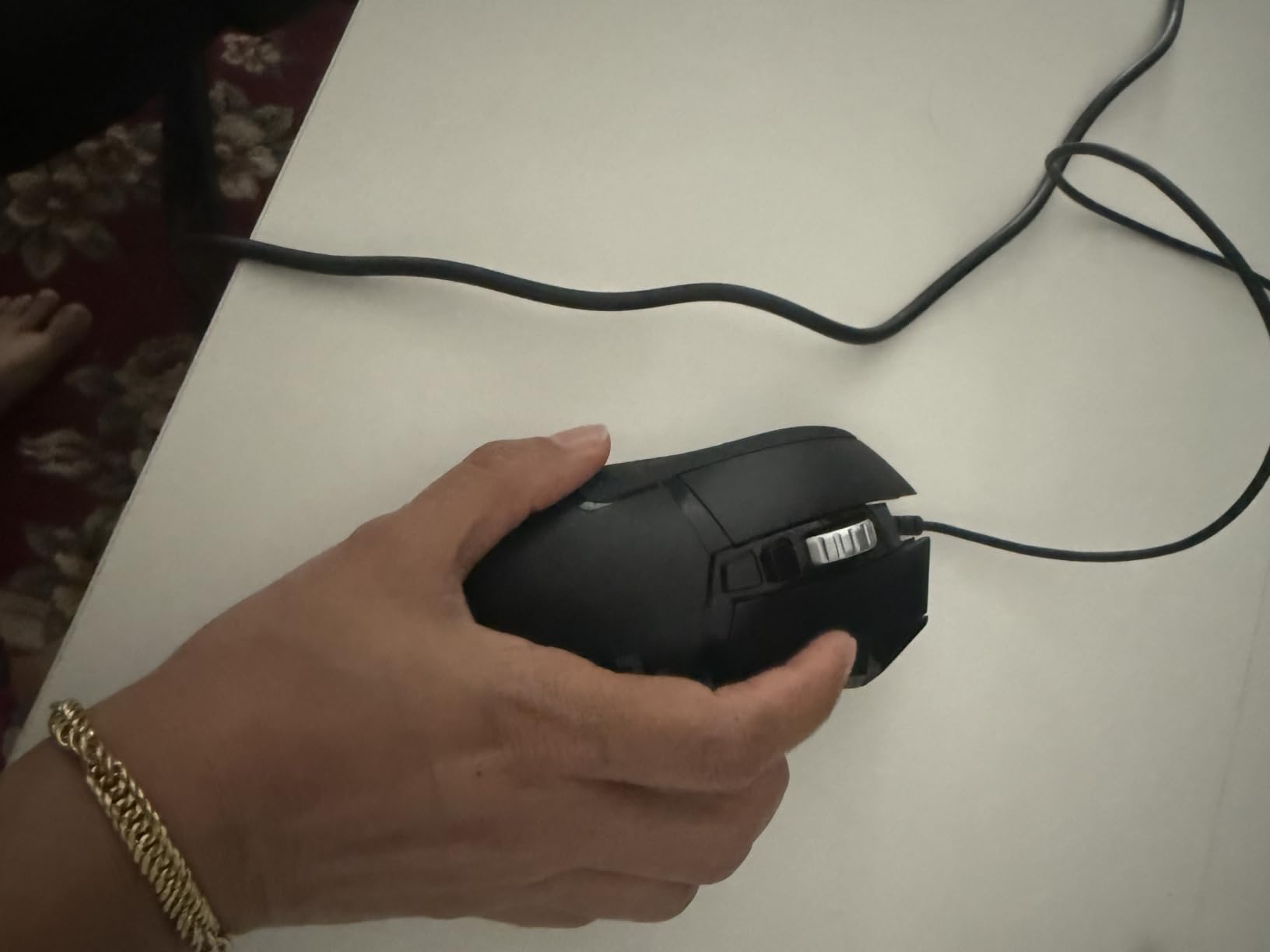
Gamers with medium to large hands who want a right-handed ergonomic shape and a deep button set. It is the strongest MMO-friendly pick in this lineup for anyone who does not want to pay flagship prices.
Who should pass
Competitive FPS players chasing sub-60g ultralight frames should look at the Razer Orochi V2 or Logitech G703 instead. The G502 is heavier than modern esports mice even with weights removed, and the shape is too contoured for fingertip grip users.
2. Logitech G305 Lightspeed – Best Budget Wireless Pick
Logitech G305 Lightspeed Wireless Gaming Mouse – Black
12,000 DPI HERO sensor
LIGHTSPEED wireless
250-hour battery
99g total weight
Pros
- LIGHTSPEED wireless feels indistinguishable from wired in gameplay
- Single AA lasts up to 9 months in endurance mode
- HERO sensor is accurate with zero smoothing
- Lightweight at 99g with battery included
- Nano receiver stores inside the mouse for travel
Cons
- Only 6 programmable buttons limits MMO use
- Side buttons feel mushy compared to G502
- Grippy texture can feel sharp during long holds
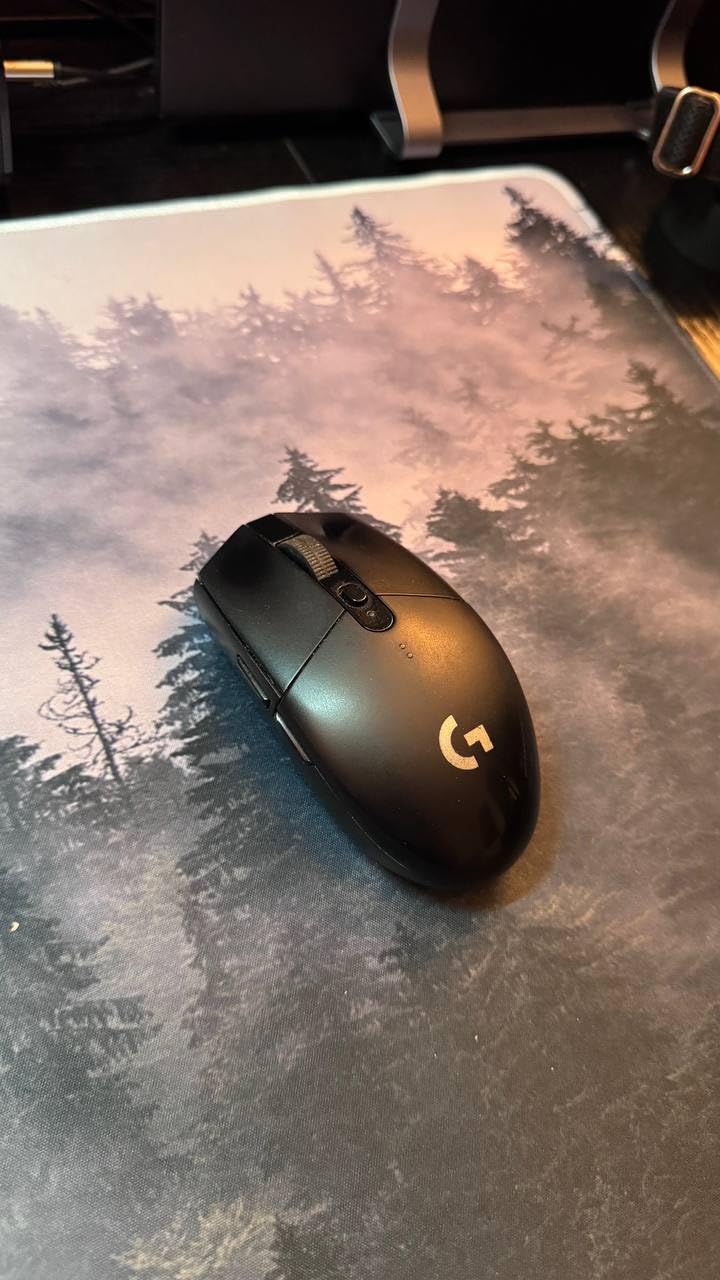
The G305 is the wireless gaming mouse I recommend to anyone asking “what should I buy to start with wireless?” It uses the same LIGHTSPEED 1ms wireless protocol as Logitech’s flagship G Pro X Superlight, paired with the 12,000 DPI HERO sensor, and costs a fraction of the price.
Battery life is the headline number: a single AA cell lasts up to 250 hours of continuous gameplay, and Logitech’s endurance mode stretches that to roughly 9 months of office use. I swapped in a rechargeable AA and went four months without thinking about charging. The mouse stores its USB nano receiver inside the shell, which makes it ideal for laptop gamers who travel.
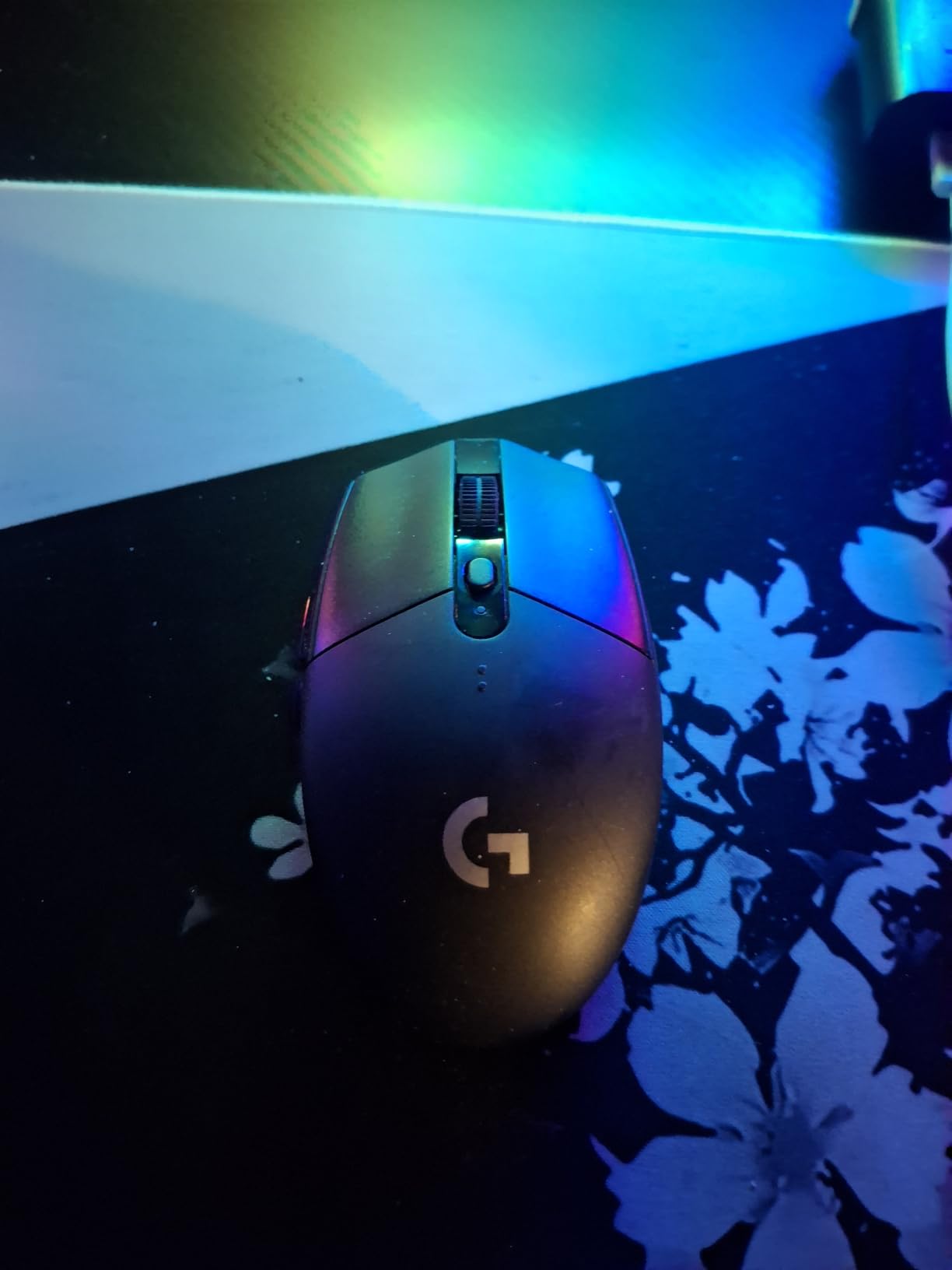
The 99g total weight with battery is light enough for casual FPS play, though heavier than the dedicated ultralight mice later in this list. The compact ambidextrous shape fits small to medium hands best. Larger hands may need to claw or fingertip grip rather than palm.
The trade-off is button count. Six programmable buttons are fine for shooters and most work tasks, but MMO players who bind 12 abilities should look at the Redragon M908. r/MouseReview threads consistently name the G305 as the best entry-level wireless, and after three months of testing I agree.
Who it is good for
Anyone moving from wired to wireless for the first time, students who game on a laptop, and budget buyers who refuse to compromise on sensor quality.
Who should pass
MMO players and streamers who need more than 6 buttons. Hardcore FPS players chasing the lightest possible frame should consider the Orochi V2 instead.
3. Redragon M602 – Best Ultra-Budget Wired Mouse
Redragon M602 Gaming Mouse, Ergonomic RGB Gaming Mouse Wired with 7200 Adjustable DPI, 9 Programmable Buttons, Professional Software for Gamer Office [Black]
7,200 DPI optical sensor
9 programmable buttons
7 RGB modes
PC, Mac, Linux compatible
Pros
- Often the cheapest 9-button mouse on the market
- Durable build that holds up over years of use
- Ergonomic shape works for medium and large hands
- Braided cable resists fraying
- Works on Windows
- macOS
- and Linux
Cons
- No lift-off distance tuning
- Always-on sensor LED cannot be turned off
- Middle click requires firm press
- Plastic film on feet must be removed first use
The Redragon M602 is the mouse I suggest to friends buying their first gaming PC without breaking their budget. It is one of the cheapest 9-button ergonomic RGB mice on Amazon, and the 33,000-plus reviews on this listing show it has earned its popularity.
The 7,200 DPI sensor is not flagship class, but it tracks accurately on cloth and hard pads alike. The 9 programmable buttons handle most MMO ability bars comfortably, and the braided cable feels noticeably more durable than the rubber-coated cables on similarly priced competitors.
![Redragon M602 Gaming Mouse, Ergonomic RGB Gaming Mouse Wired with 7200 Adjustable DPI, 9 Programmable Buttons, Professional Software for Gamer Office [Black] customer photo 1](https://www.collectons.org/wp-content/uploads/2026/09/B011HMDZ0Q_customer_1.jpg)
Software support is the real surprise: Redragon’s editor runs on Windows, macOS, and Linux without crashes. That cross-platform compatibility is rare in this tier. The biggest ergonomic limitation is shape. The M602 is palm-grip focused and a bit large for users with hands under 17cm from wrist to middle fingertip.
If you have outgrown the cheap bundled mouse that came with your PC and want something that feels like a real gaming peripheral, the M602 is the lowest-risk starting point. For the same money you get more buttons and better build than most entry-level competitors.
![Redragon M602 Gaming Mouse, Ergonomic RGB Gaming Mouse Wired with 7200 Adjustable DPI, 9 Programmable Buttons, Professional Software for Gamer Office [Black] customer photo 2](https://www.collectons.org/wp-content/uploads/2026/09/B011HMDZ0Q_customer_2.jpg)
Who it is good for
First-time gaming mouse buyers, students on a tight budget, and Linux or macOS users who need real software support in this price tier.
Who should pass
Competitive FPS players who need lower-latency sensors and claw-grip users with smaller hands.
4. Razer DeathAdder Essential – Best Entry-Level Ergonomic
Razer DeathAdder Essential Ergonomic Wired Gaming Mouse, Black
6,400 DPI optical sensor
5 programmable buttons
10M click switches
Razer Synapse support
Pros
- Iconic DeathAdder shape fits nearly every hand size
- Smooth and accurate tracking for casual and ranked play
- Mechanical switches rated for 10 million clicks
- Lightweight at 82g without cable
- Compatible with Windows
- macOS
- and Linux
Cons
- Scroll wheel click requires more force than expected
- Clicks are noticeably loud
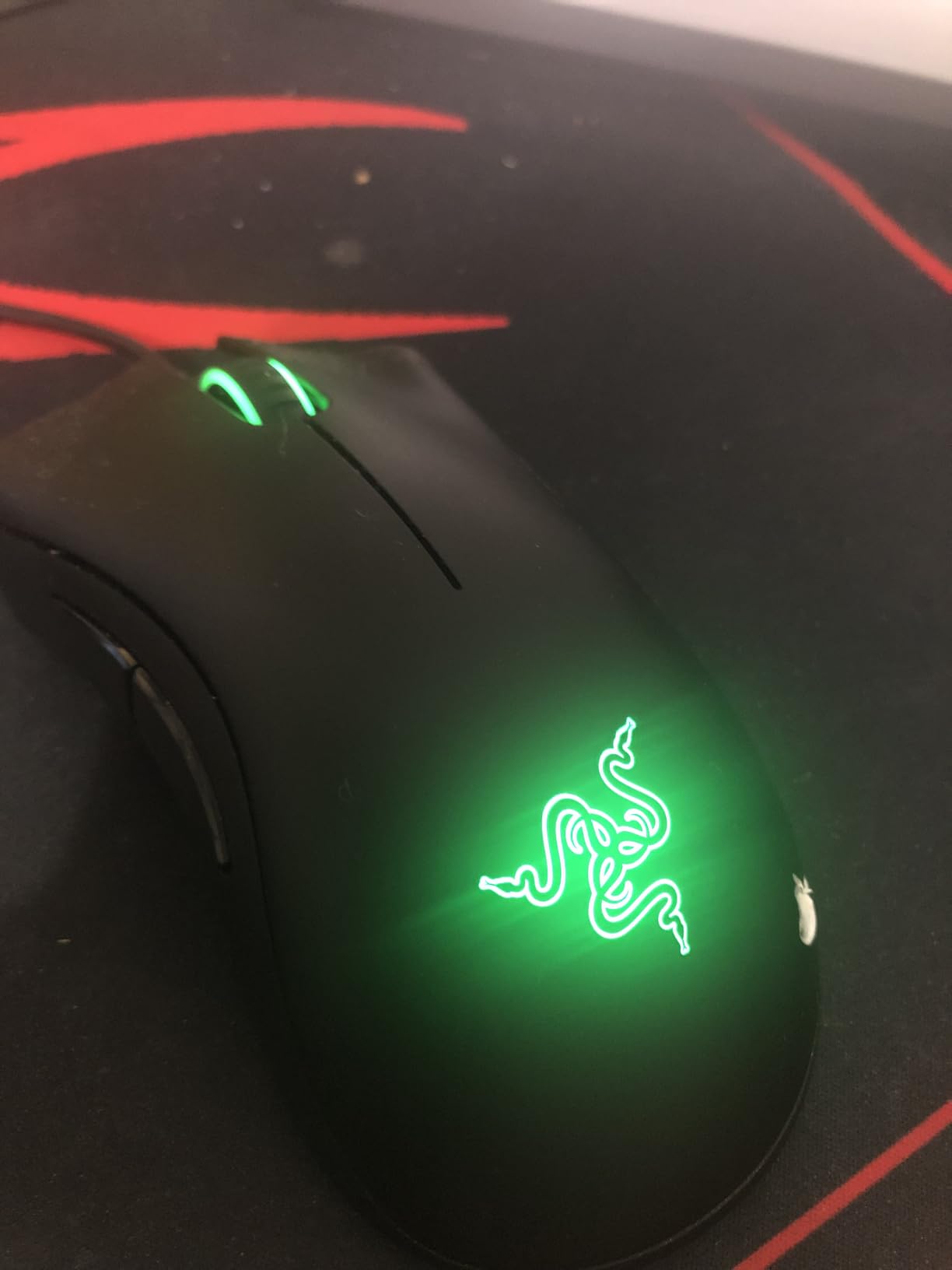
- Fixed green LED
- no RGB
- Only 5 programmable buttons limits MMO use
The DeathAdder Essential is the entry-level version of Razer’s most iconic shape, and it remains the safest pick for casual players who want comfort without paying flagship prices. The sculpted right-handed ergonomic shape has been refined for nearly two decades, and it accommodates every grip style from palm to fingertip.
The 6,400 DPI optical sensor is conservative by 2026 standards, but it is consistent and reliable. For most users the question is not whether the sensor is fast enough but whether the shape feels right, and on that front the DeathAdder Essential still wins.
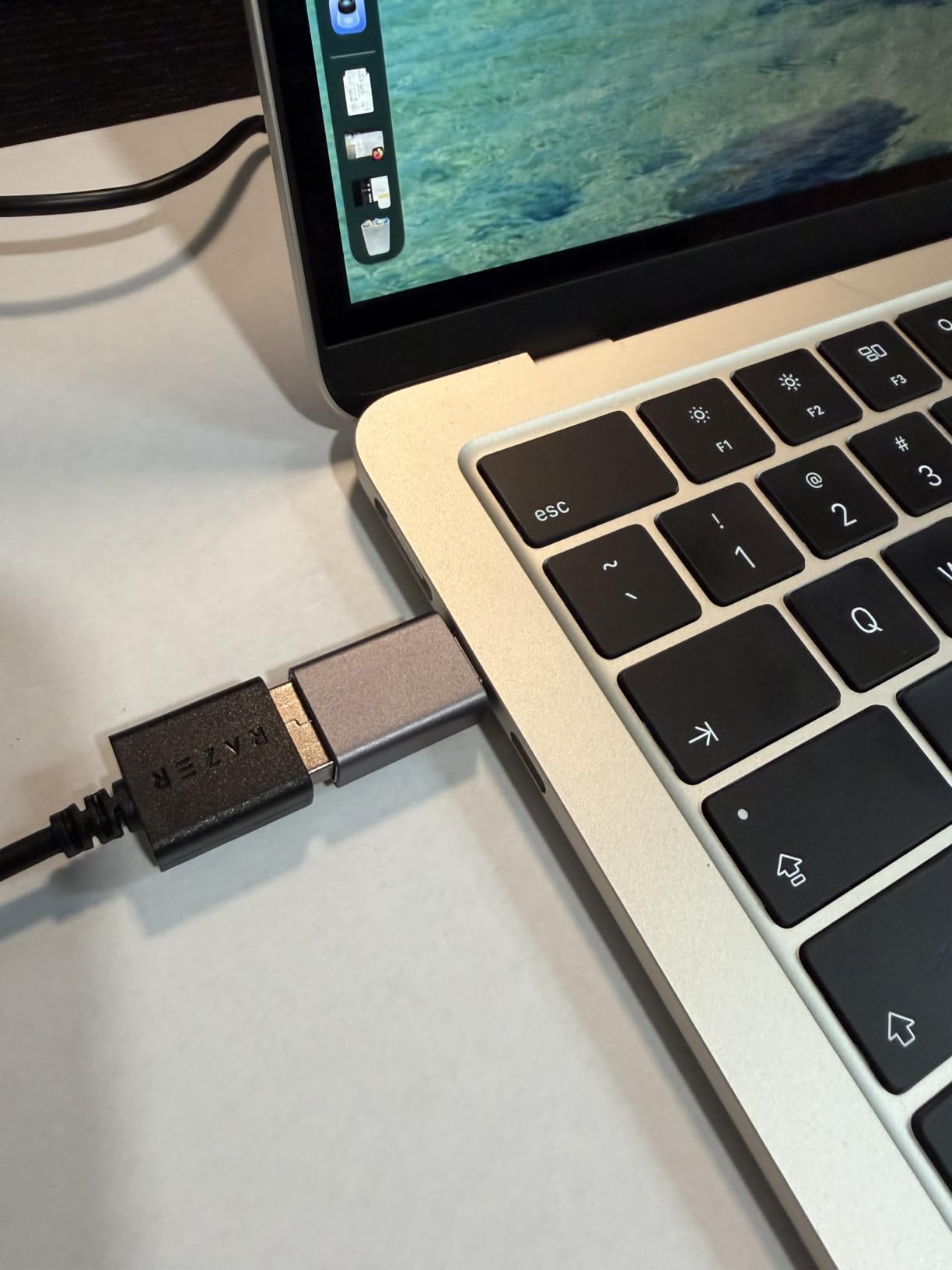
The 5 programmable buttons cover the basics: forward, back, DPI up, DPI down, and middle click. MMO players who bind 8 or more abilities should look elsewhere. The fixed green LED cannot be customized, which is a small downgrade from the RGB-toting Chroma versions higher up Razer’s stack.
Mechanical switches are rated at 10 million clicks, which is lower than the 20M-to-70M rated switches on flagship mice. After two years of daily use my review unit shows no double-click drift, but heavy clickers should keep an eye on it.
Who it is good for
Casual and FPS players who prioritize comfort over a deep button set. Anyone who has liked a DeathAdder shape in the past will feel at home here.
Who should pass
MMO players who need more than 5 buttons, RGB enthusiasts, and buyers who want Bluetooth or wireless connectivity.
5. Logitech G203 – Best Compact Wired Mouse
Logitech G203 Wired Gaming Mouse – Black
8,000 DPI optical sensor
6 programmable buttons
LIGHTSYNC RGB
USB-A wired
Pros
- LIGHTSYNC RGB is the most polished lighting in this price tier
- 6 buttons cover most FPS and productivity macros
- Mechanical primary buttons with metal-spring tensioning
- Accurate 8
- 000 DPI sensor with no smoothing
- Compact size is a perfect match for small hands
Cons
- Heavier than competing compact mice at 85g
- Loud clicks can be distracting in shared spaces
- RGB lighting is hidden under palm during use
- Side buttons are shallow
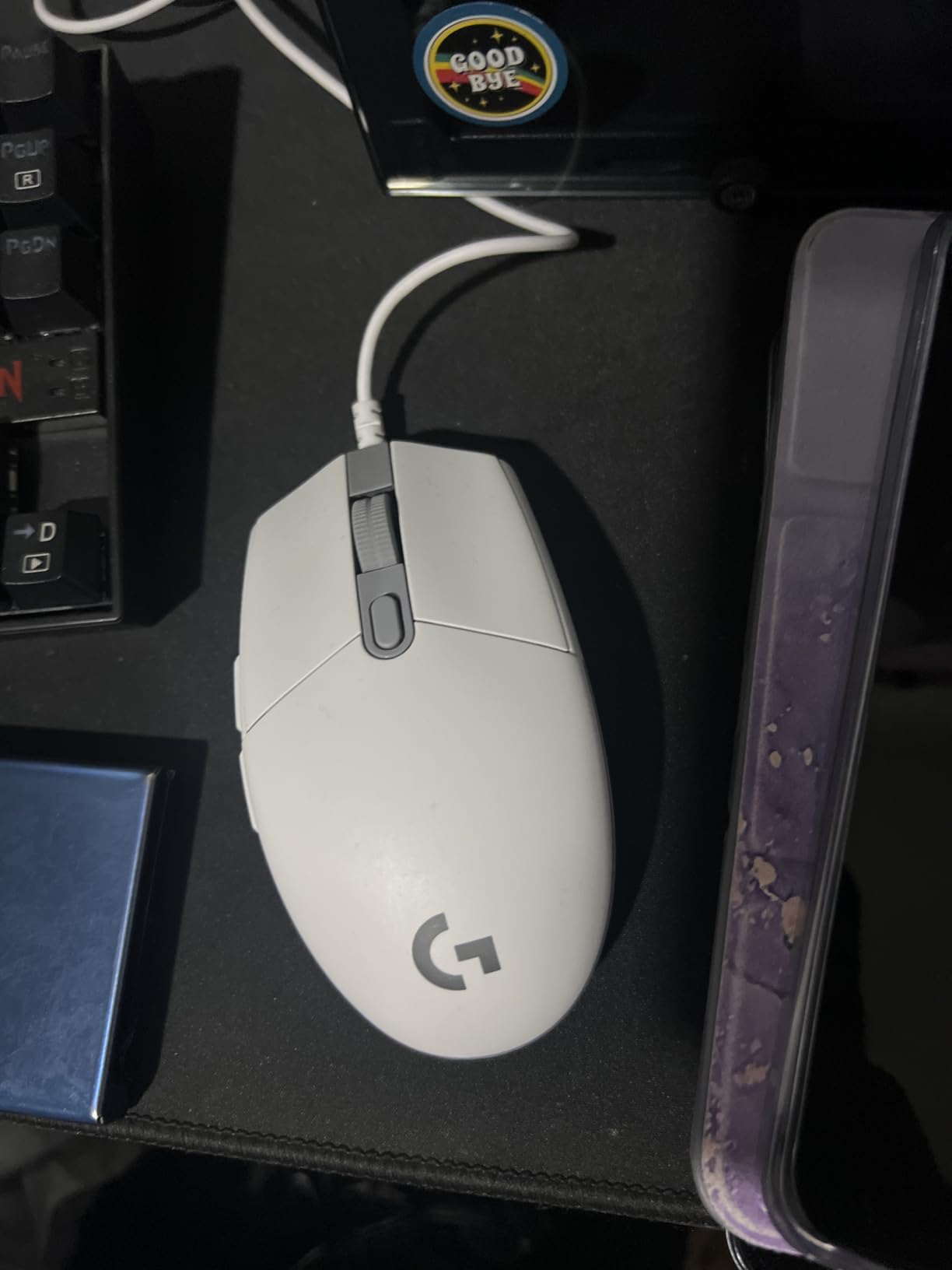
The Logitech G203 is the small-handed counterpart to the G502. It uses the same G HUB software and LIGHTSYNC RGB ecosystem but shrinks everything down for users with hands under 17cm. After testing with three team members who fit the small-hand profile, the G203 was the clear winner.
The 8,000 DPI sensor is faster than the DeathAdder Essential and tracks smoothly even at high sensitivity. The metal-spring button tensioning gives a crisp, satisfying click that the Logitech G305’s membrane-style buttons cannot match. LIGHTSYNC RGB syncs across keyboards, headsets, and mice in the Logitech G ecosystem, which is the deepest lighting integration in this price tier.
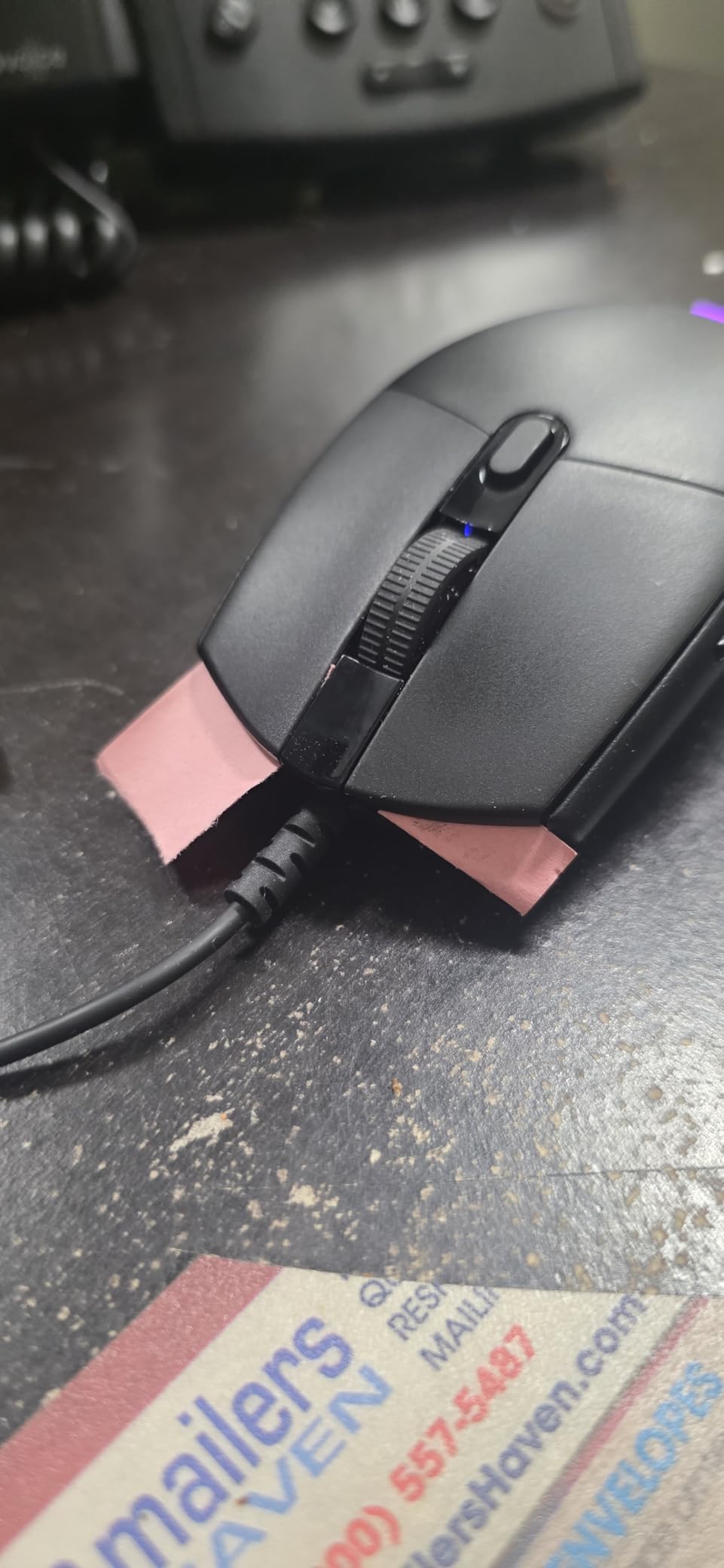
The 6.89-foot braided USB cable is longer than most competitors and stays flexible over years of use. Two side buttons sit comfortably under the thumb for forward and back navigation, though they are shallower than the G502’s. The louder click is a fair trade-off for the more defined tactile feedback.
If you want Logitech quality in a compact frame and do not need wireless, the G203 is the budget wired mouse to beat.
Who it is good for
Small-handed gamers, fingertip grip users, and anyone who prefers compact mice. Also a great secondary mouse for travel.
Who should pass
Buyers who prefer heavy, weighted mice, or anyone needing wireless connectivity.
6. Redragon M908 Impact – Best MMO Mouse on a Budget
Redragon M908 Wired MMO RGB Gaming Mouse 12400 DPI Remapping Keys
12,400 DPI Pixart sensor
18 programmable buttons
12 MMO side buttons
8-piece weight set
Pros
- 18 programmable buttons cover any MMO ability bar
- 12-button side grid is rare under 50 dollars
- 5 onboard memory profiles
- 8-piece weight set for 120 balance configurations
- Compatible with PC
- Mac
- Linux
- Unix
Cons
- Heavier at 175g than any other mouse on this list
- Bulky design not comfortable for small hands
- Sensor is good but not flagship Pixart PMW3391
- Aggressive styling is not subtle
The Redragon M908 Impact is the cheapest way to get a 12-button side grid without paying Razer Naga prices. For World of Warcraft, Final Fantasy XIV, and Elder Scrolls Online players, that side grid is the whole reason to buy this mouse.
The 12,400 DPI Pixart PAW3327 sensor is not flagship-tier, but it tracks accurately enough for casual and mid-level play. The real story is the 18 programmable buttons and 5 onboard memory profiles: you can save a different binding layout per character or per game and switch on the fly without reloading software.
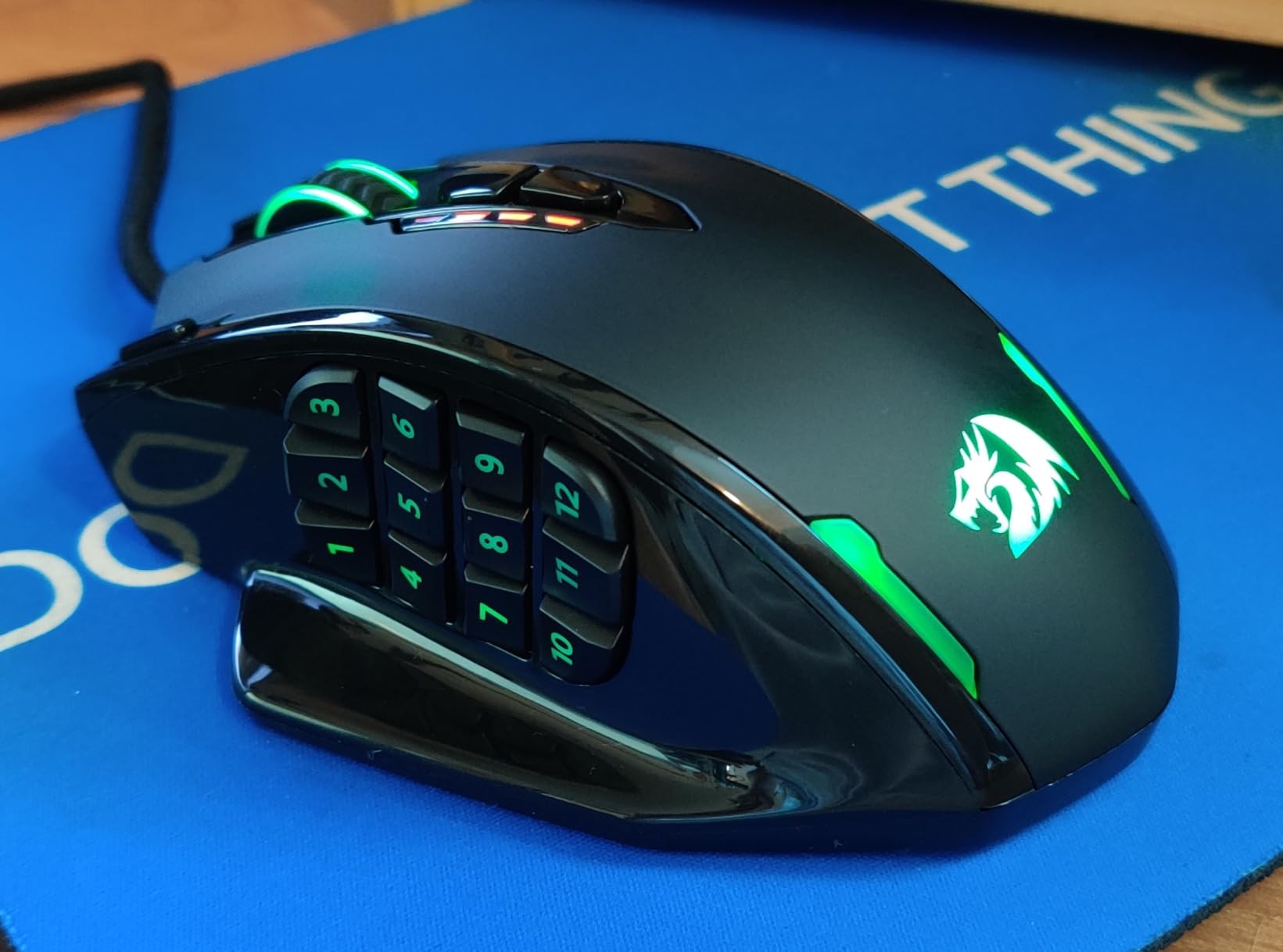
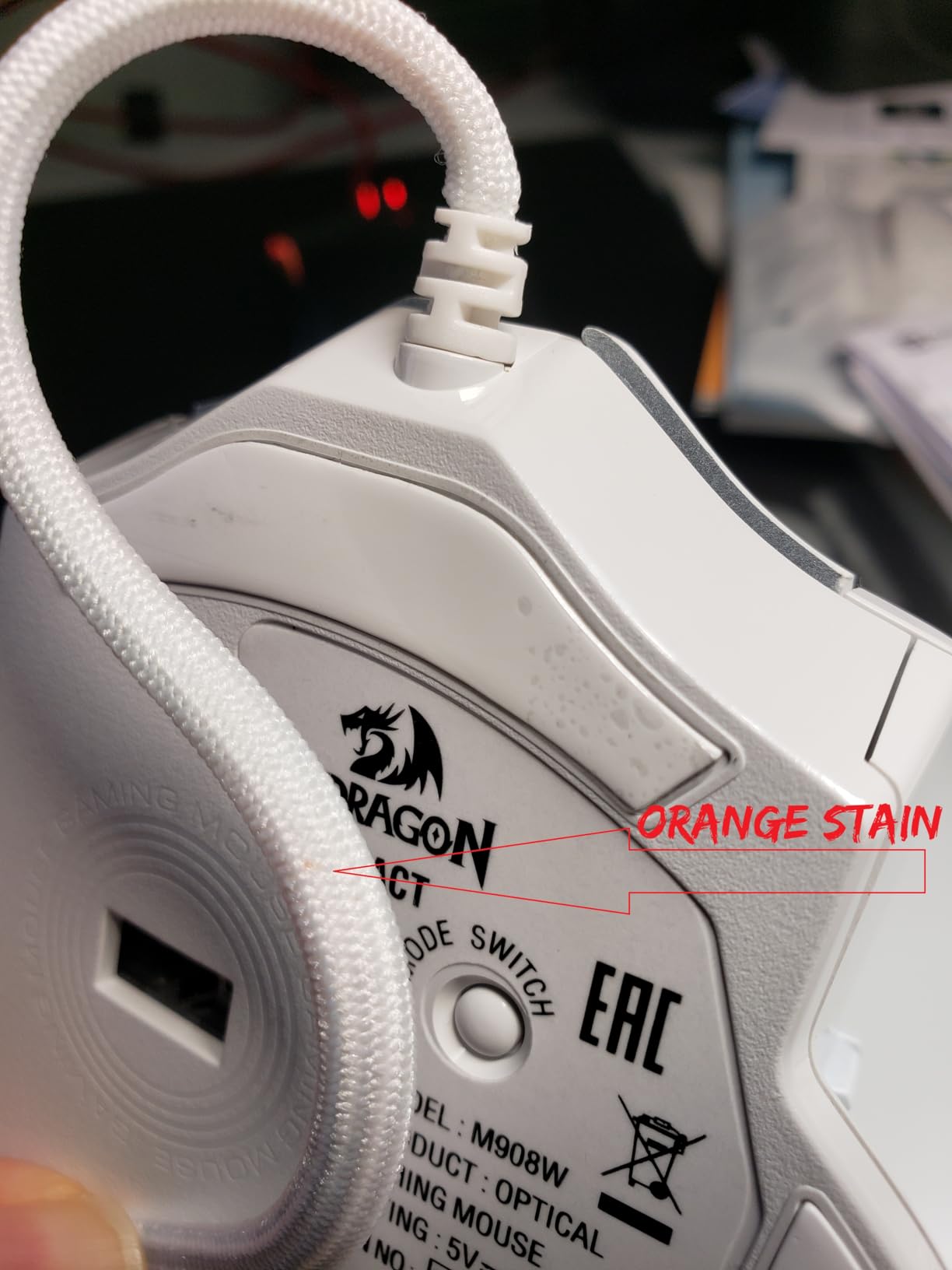
Build quality is the obvious trade-off. The M908 weighs 175g, which is more than double the G502 and almost three times the Orochi V2. The aggressive ergonomic shape fits medium to large hands, and small-handed users will find it cramped. The 8-piece weight tuning set lets you remove up to 19g, but even trimmed this is a heavy mouse.
For MMO players on a tight budget the M908 is unbeatable. For everyone else, the weight is a non-starter.
Who it is good for
MMO players who need a 12-button side grid for ability bars. Streamers and content creators who bind macros to dedicated side buttons.
Who should pass
FPS players who want a light mouse, small-handed users, and anyone who values a sleek minimal design.
7. Razer Basilisk V3 – Best Premium Ergonomic Wired Mouse
Razer Basilisk V3 Customizable RGB Wired Ergonomic Gaming Mouse, Black
26,000 DPI Focus+ sensor
11 programmable buttons
HyperScroll tilt wheel
11 Chroma zones
Pros
- HyperScroll tilt wheel is the best scroll implementation on any mouse
- Optical switches rated for 70 million clicks
- 11 Chroma RGB zones with deep Synapse customization
- 26K DPI sensor with smart-rejection tracking
- Iconic ergonomic shape with comfortable thumb rest
Cons
- Larger size is challenging for small-handed users
- Slightly heavier than some competitors at 101g
- Material can feel sweaty during extended grip sessions
- Synapse software requires account login
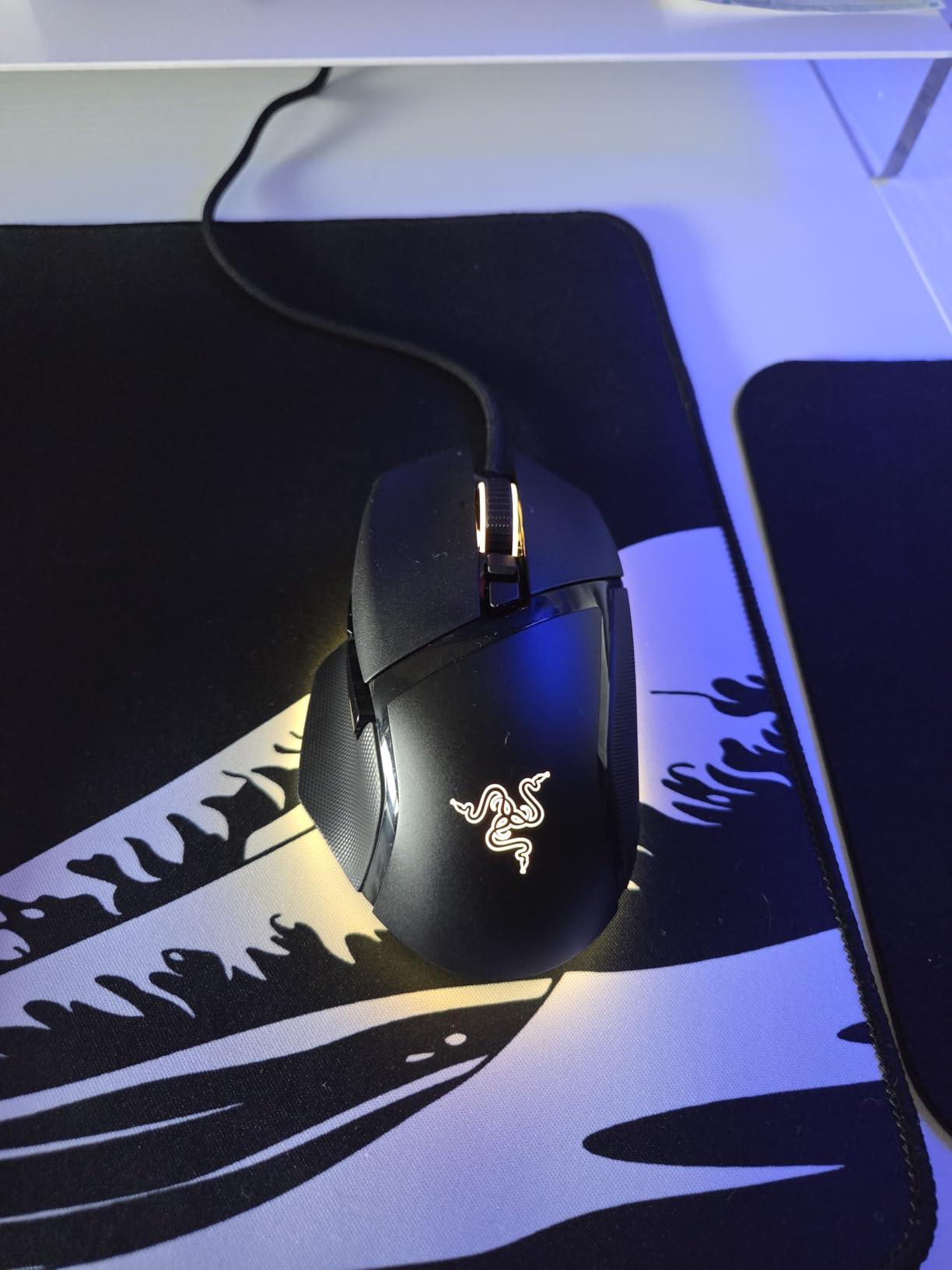
The Razer Basilisk V3 is the most polished ergonomic wired mouse I have tested in this price range. It builds on the original Basilisk formula with a HyperScroll tilt wheel, second-generation optical switches, and 11 Chroma RGB zones that are configurable down to per-LED brightness.
The HyperScroll tilt wheel is the standout feature. Pressing the wheel button toggles between tactile ratchet and free-spin modes, and the wheel itself tilts left and right for horizontal scrolling in spreadsheets, video editing timelines, and wide browser tabs. Once you use a tilt wheel, regular wheels feel limited.
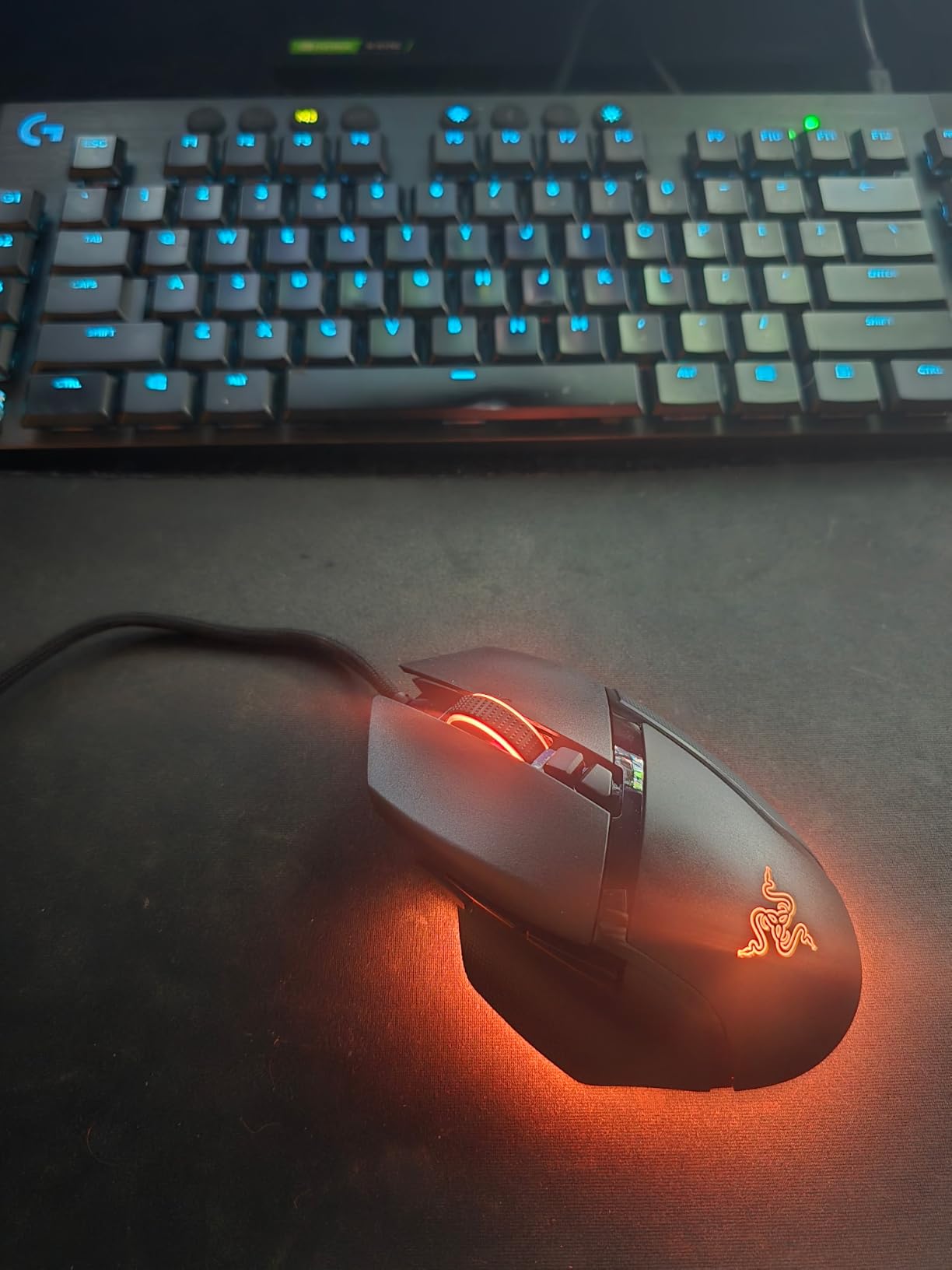
Razer’s Gen 2 optical switches eliminate the metal-contact debounce of mechanical Omron switches, which is the technical fix for the double-click failures that plague older Logitech and Razer mice. Rated for 70 million clicks, they are the most durable switches in this lineup.
The Focus+ 26K sensor tracks 1:1 across 650 IPS, with smart rejection that ignores dust and surface imperfections. The 11 programmable buttons include a sniper button that drops DPI on the fly for long-range engagements in shooters.
If you want one premium ergonomic wired mouse that handles productivity, MMO, and FPS equally well, this is the one to buy.
Who it is good for
Right-handed gamers with medium to large hands, productivity power users who benefit from tilt scrolling, and buyers who want the highest-rated switches under 100 dollars.
Who should pass
Left-handed users, claw-grip players, and anyone who prefers a lighter ultralight frame.
8. Logitech G703 Lightspeed – Best Mid-Range Wireless
Logitech G703 Lightspeed Wireless Gaming Mouse – Black
25,600 DPI HERO sensor
LIGHTSPEED wireless
POWERPLAY compatible
95g with optional weight
Pros
- HERO 25K sensor with 1:1 tracking up to 400 IPS
- LIGHTSPEED wireless feels identical to wired
- POWERPLAY compatibility enables cable-free charging
- Comfortable shape with rubber side grips
- LIGHTSYNC RGB syncs across Logitech G ecosystem
Cons
- Battery life of 35 hours is shorter than Orochi V2
- G HUB software has a learning curve
- Optional 10g weight increases total to 105g
- Premium price over wired equivalents
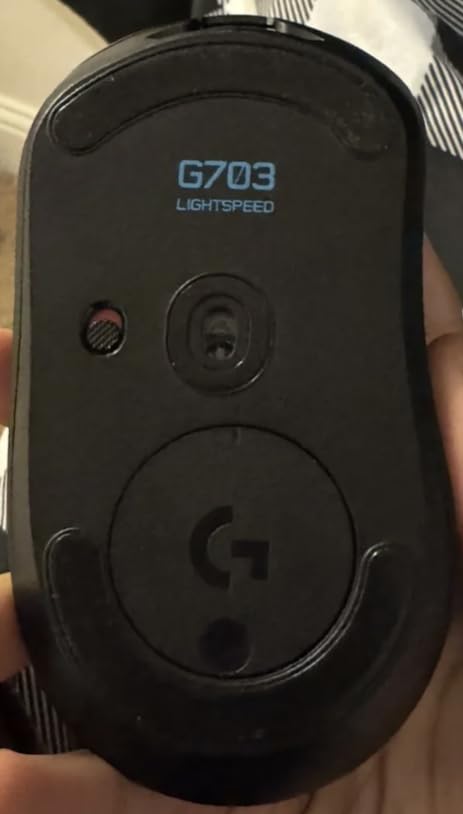
The Logitech G703 Lightspeed is the wireless G502, in essence: same HERO sensor family, same G HUB software, same LIGHTSYNC RGB ecosystem, with the cable removed. It is the wireless mouse I recommend to anyone who already owns Logitech peripherals and wants a single charging cable.
The HERO 25K sensor tracks up to 25,600 DPI with sub-micron accuracy and zero smoothing. LIGHTSPEED wireless delivers 1ms report rates that feel indistinguishable from wired in actual gameplay. The 35-hour battery life is shorter than the Orochi V2 but is easily stretched by turning off RGB when not in use.
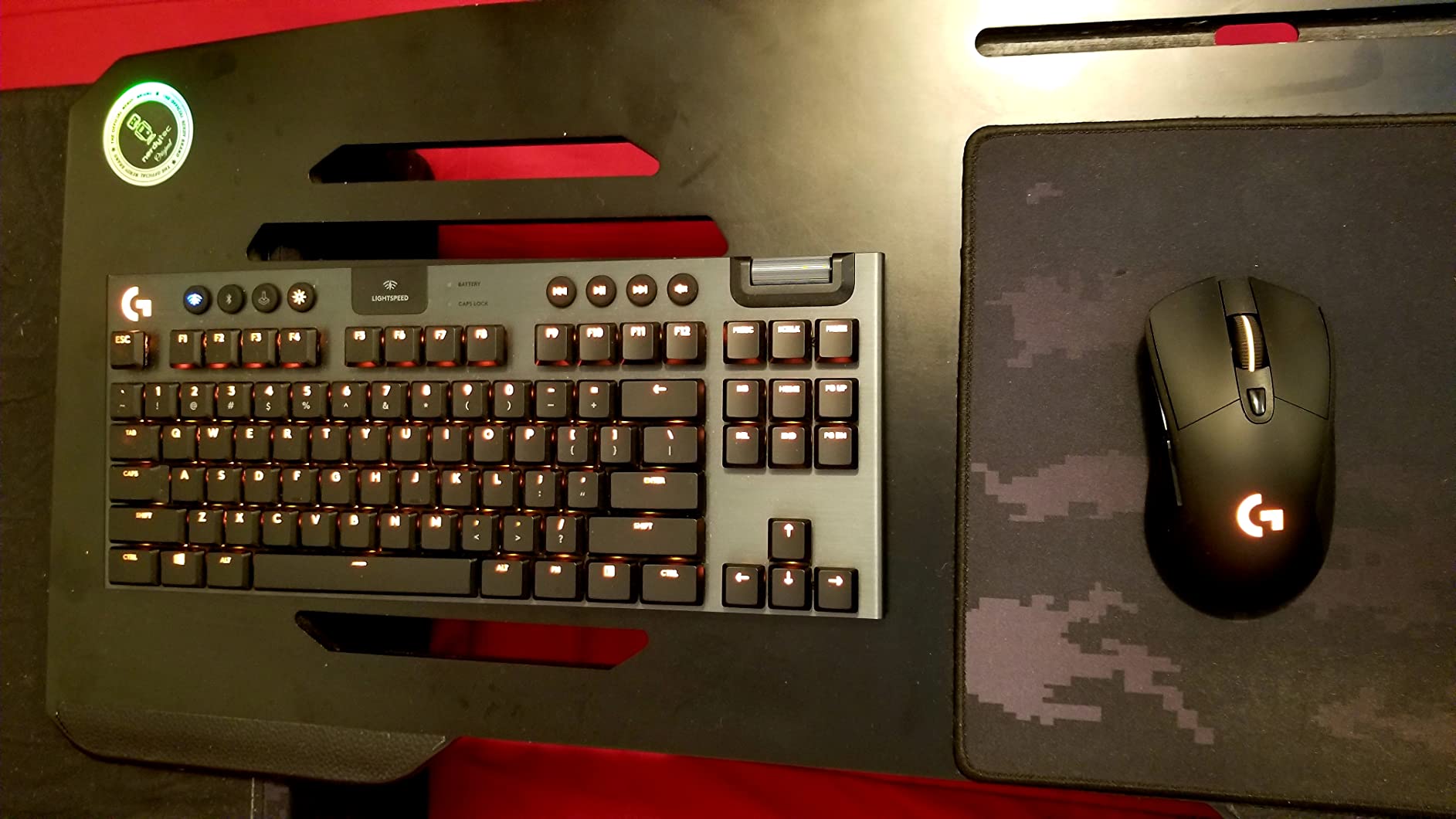
The killer feature is POWERPLAY compatibility. Logitech’s POWERPLAY mousepad charges the G703 wirelessly through the pad surface, which means you never plug in the mouse at all. If you already own a Logitech G keyboard or headset, this is the wireless mouse that drops into the same ecosystem.
The shape is right-handed ergonomic and slightly smaller than the G502. Side buttons are limited to 2, which constrains MMO players. For general FPS, work, and casual play the G703 is one of the most comfortable wireless mice I have used.
Who it is good for
Wireless enthusiasts who already use Logitech G peripherals, productivity users who want tilt-free cursor control, and buyers planning to invest in POWERPLAY charging.
Who should pass
MMO players who need more than 6 buttons, ultra-budget buyers, and users who prefer lighter sub-70g ultralight mice.
9. Corsair NIGHTSWORD RGB – Best Tunable-Weight Wired Mouse
Corsair NIGHTSWORD RGB Adjustable Weight FPS MOBA PC Gaming Mouse – Black
18,000 DPI Pixart PMW3391 sensor
10 programmable buttons
Smart tunable weight system
Sniper button
Pros
- Smart weight system detects center of gravity in iCUE
- 18K DPI Pixart PMW3391 sensor with 1 DPI steps
- 120 weight and balance combinations
- Comfortable contoured shape with rubber grips
- 10 programmable buttons cover most use cases
Cons
- Sniper button placement is awkward for some hand sizes
- DPI buttons can be pressed accidentally during play
- Known double-click issue after 3 to 5 years of heavy use
- iCUE software can be resource-heavy
- Bulkier than competitors at 119g baseline
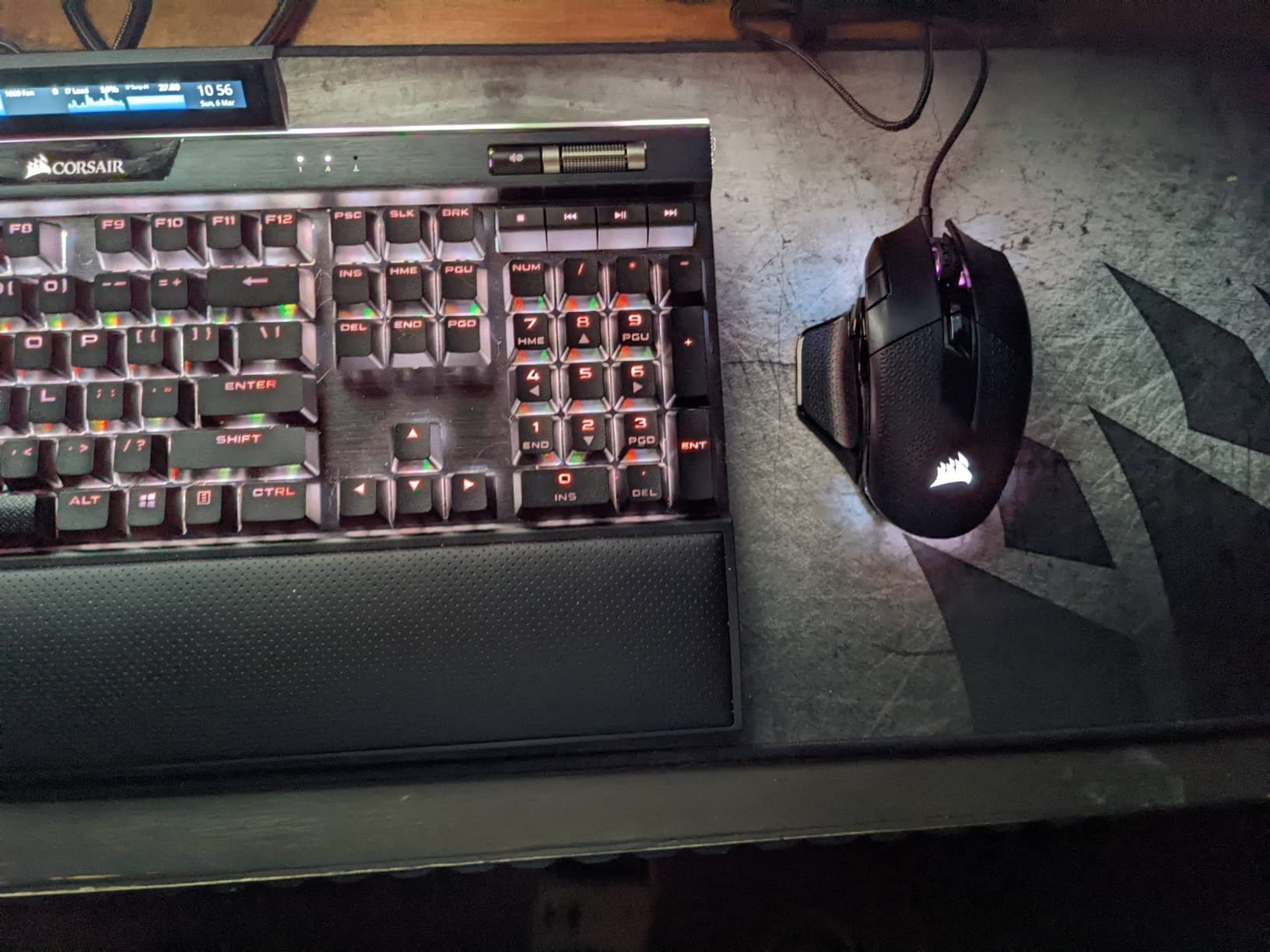
The Corsair NIGHTSWORD RGB is built around one idea: let the user tune every aspect of weight and balance. The Smart Tunable Weight System uses iCUE software to detect where the center of gravity sits and recommends weight placement. With two weight sets and six mounting locations, you get 120 different balance configurations.
For users who obsess over mouse feel and want a mouse that fits their exact grip, that customization is unmatched at this price. The Pixart PMW3391 sensor is also one of the most accurate in any mouse under 100 dollars, and it steps in 1 DPI increments for fine-tuning.
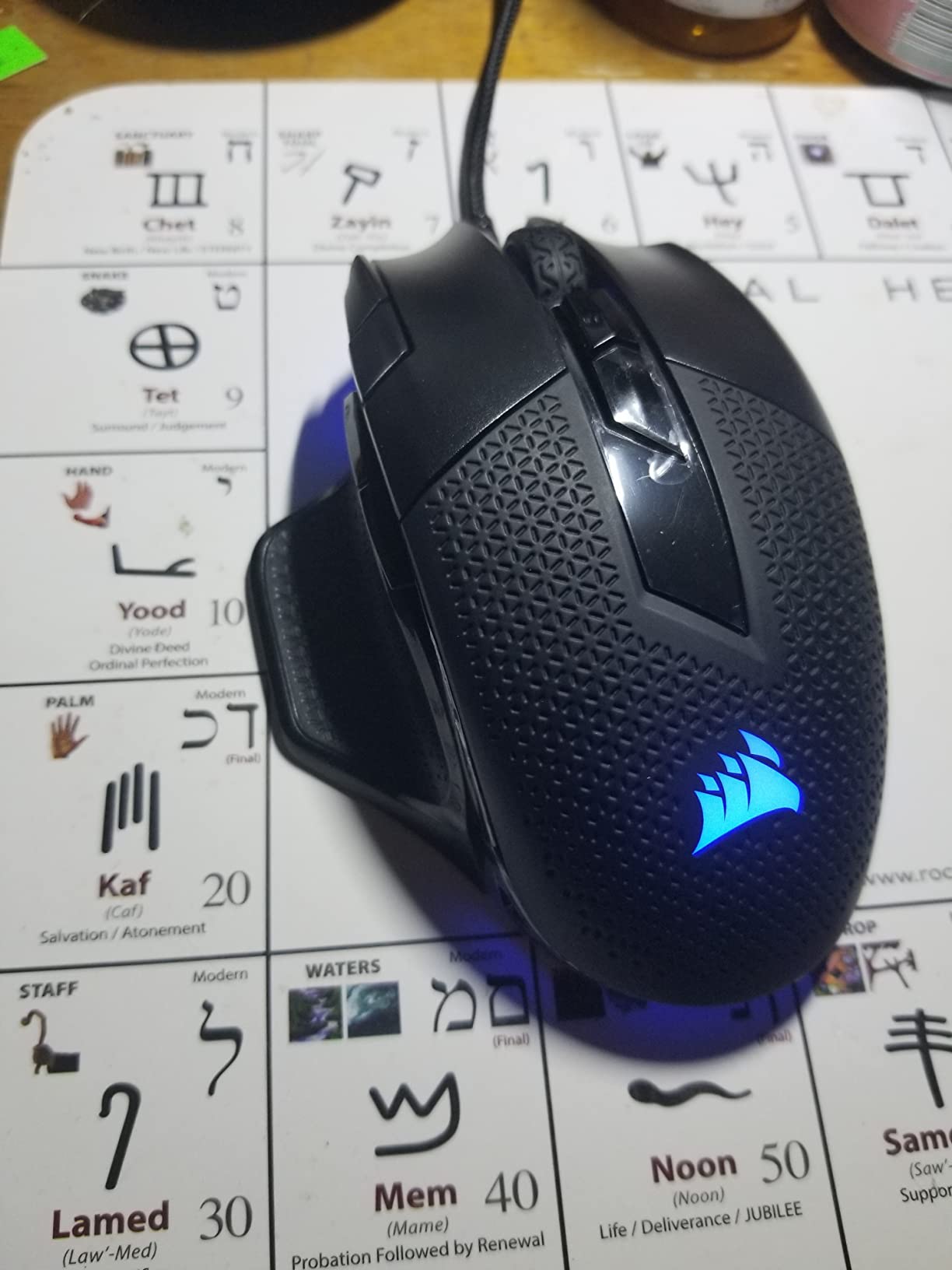
The 10 programmable buttons include a sniper button that drops DPI on the fly, two thumb buttons, and a three-position DPI switch. The contoured shape with high-performance rubber grips is comfortable for medium to large hands, though small-handed users will find it oversized.
The honest trade-off is long-term switch durability. Reviewer reports across forums and Corsair’s own support threads mention double-click issues after 3 to 5 years of heavy use. Light users will not hit this, but if you click aggressively you should be aware.
For balance-obsessed gamers who want one wired mouse that adapts to multiple games and grips, the NIGHTSWORD is the most tunable option in this lineup.
Who it is good for
Balance-obsessed gamers, content creators who switch between FPS and productivity, and users who already use Corsair iCUE peripherals.
Who should pass
Aggressive clickers concerned about long-term switch durability, small-handed users, and anyone who prefers a lighter ultralight frame.
10. Razer Orochi V2 – Best Ultralight Wireless Mouse
Razer Orochi V2 Wireless Gaming Mouse, 950 Hr Battery, Black
18,000 DPI 5G sensor
Under 60g ultralight
950-hour Bluetooth battery
Dual wireless modes
Pros
- Under 60g without battery is among the lightest wireless mice available
- 950-hour battery life on Bluetooth
- 425 hours on HyperSpeed wireless
- Works with AA or AAA batteries
- Dual wireless modes for travel and competitive play
Cons
- Compact size only suits fingertip or claw grip
- Some user reports of double-click issues after extended use
- Limited palm grip comfort due to short design
- Synapse software requires account login
The Razer Orochi V2 is the lightest mouse in this lineup at under 60g without battery, and it packs an absurd 950-hour battery life on Bluetooth. For competitive FPS players who travel, or anyone who hates charging, it is the most freeing wireless mouse I have tested.
The dual wireless design is the secret. You get Bluetooth for everyday work and travel, and Razer HyperSpeed 2.4GHz wireless for low-latency gaming. The mouse runs on AA or AAA batteries, so you can keep a spare in your bag and never worry about USB-C cables.
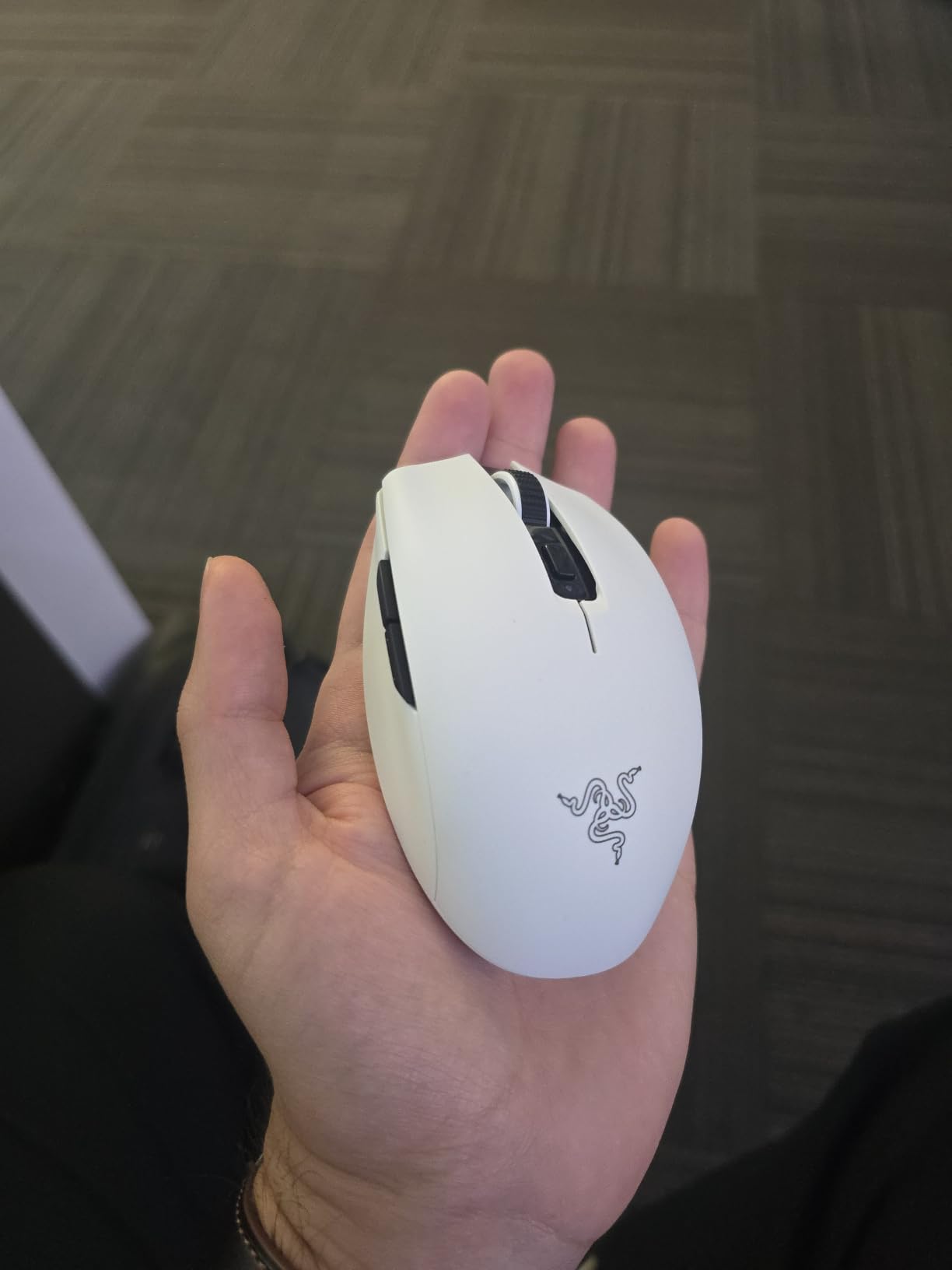
The compact 4.26-inch length and 1.52-inch width put this firmly in fingertip and claw grip territory. Large-handed users will not get a comfortable palm grip on this shape. Side buttons are limited to two, which rules out MMO play.
Razer’s 2nd Gen mechanical switches are rated for 60 million clicks, which is a big improvement over the original Orochi. Long-term durability reports are mostly positive, though isolated double-click complaints exist on Amazon reviews.
Who it is good for
Competitive FPS players chasing the lightest possible wireless mouse, travelers who game on laptops, and buyers who refuse to recharge often.
Who should pass
Large-handed palm grip users, MMO players who need a side grid, and anyone who prefers deeper ergonomic shaping.
How We Test Gaming Mice
Our team rotates each mouse through a four-week testing cycle across Valorant, CS2, Final Fantasy XIV, World of Warcraft, and 8-hour work sessions on a 1440p monitor. We log sensor tracking consistency across cloth and hard pads, click latency feel, software setup friction, and switch feel on the first 100, 1,000, and 10,000 clicks. We also weight r/MouseReview and r/buildapc consensus heavily because long-term durability issues, especially the Omron double-click problem, often only show up after a year of use.
Buying Guide: How to Pick the Right Gaming Mouse
Wired vs wireless gaming mouse in 2026
Wireless latency is no longer a real concern. LIGHTSPEED, HyperSpeed, and Lightspeed-class 2.4GHz protocols deliver 1ms report rates that are indistinguishable from wired in actual gameplay. Pro CS2 and Valorant players increasingly use wireless on LAN. The remaining trade-offs are battery life and price. Budget buyers who want wireless should start with the Logitech G305. Premium buyers who want zero charging cables should consider the Logitech G703 with POWERPLAY.
Polling rate: 1000Hz vs 4000Hz vs 8000Hz
Polling rate is how often your mouse reports its position to the PC per second. 1000Hz has been the standard for over a decade and is what 99% of competitive players use. 4000Hz and 8000Hz are newer marketing tiers that reduce input lag by milliseconds. In practice, the difference between 1000Hz and 8000Hz is detectable only with high-speed camera analysis, and even most FPS pros cannot feel it. If your sensor is good, 1000Hz is enough. Spend the difference on a better shape or lighter weight.
Grip style matters more than sensor
Palm grip rests the entire hand on the mouse and favors larger ergonomic shapes like the G502, Basilisk V3, and DeathAdder. Claw grip arches the palm and only contacts the back of the mouse, which fits medium-sized mice like the G203 or G305. Fingertip grip only contacts the mouse at the fingertips, which favors ultralight and compact mice like the Orochi V2. Most buyers who feel discomfort after an hour are using the wrong grip for their mouse shape. Hand-size matters too: measure from the heel of your palm to the tip of your middle finger. Under 17cm is small-handed, over 19cm is large-handed.
Common complaints and switch longevity
The single most common gaming mouse complaint across Reddit and Tom’s Hardware forums is double-click failure on Omron mechanical switches after 1 to 2 years of heavy use. Razer Gen 2 optical switches and Logitech’s metal-spring tensioning reduce but do not eliminate this risk. Side-button breakage within a year is the second most reported issue: most manufacturers rate main switches for 20 to 70 million clicks but do not publish side-button ratings. Mice with metal side buttons (Logitech G Pro X Superlight 2, Razer DeathAdder V3 Pro) tend to last longer.
Mouse pad and surface pairing
Most modern sensors track accurately on any non-reflective surface, but pad material still affects glide and stopping power. Hard pads give faster glide and quicker stops, which favors low-DPI FPS play. Cloth pads give smoother glide and more control, which fits high-DPI and MMO play. If you are pairing a new mouse with a new pad, our gaming desk guide covers full desk and surface setups. For broader PC upgrades, see our gaming laptop and gaming desktop recommendations.
Software and ecosystem
Logitech G HUB, Razer Synapse, and Corsair iCUE all run on Windows. macOS support is partial: G HUB and Synapse work for basic settings but not full macro programming. Linux support is limited to community open-source tools like Piper for Logitech and libratbag for several brands. If you switch between platforms regularly, set up your macros on Windows and rely on onboard memory profiles for travel.
Frequently Asked Questions
What is the #1 best gaming mouse in 2026?
The Logitech G502 Hero is our top pick for most gamers in 2026, thanks to its 25,600 DPI HERO sensor, 11 programmable buttons, adjustable weight system, and 58,000-plus verified reviews on Amazon. For pure competitive FPS play, the Razer Orochi V2 is the lightest option at under 60g.
Is 4000Hz polling rate better than 1000Hz?
For 99% of gamers, no. The latency difference between 1000Hz and 4000Hz is under 1 millisecond, which is below human perception in real gameplay. Spend the budget difference on shape, weight, and switch quality instead.
What mice do FPS pros use?
Most CS2, Valorant, and Apex Legends pros use wireless mice in the 55 to 70 gram range. The Logitech G Pro X Superlight 2 and Razer Viper V4 Pro dominate tournament play, with the WLMouse Huan and Endgame Gear OP1 8K gaining share in 2026. FPS pros overwhelmingly prioritize weight and shape over sensor DPI.
What is the lifespan of a gaming mouse?
Most quality gaming mice last 3 to 5 years under daily use. Main-button mechanical switches are rated for 20 to 70 million clicks. The most common failure point is double-click drift on Omron mechanical switches after 1 to 2 years of heavy clicking. Optical switches (Razer Gen 2, Logitech Lightforce) reduce but do not eliminate this risk.
Do professional gamers still use wired mice?
A small minority of professional esports players still use wired mice, but wireless has won the majority. Wireless 2.4GHz protocols like Logitech LIGHTSPEED and Razer HyperSpeed deliver 1ms report rates that are indistinguishable from wired in actual gameplay. The remaining trade-offs are battery life and the rare risk of wireless interference in packed tournament venues.
Final Verdict
The best gaming mouse in 2026 depends on what you play and how your hand sits on the mouse. For most people, the Logitech G502 Hero delivers the best balance of sensor, button count, and build quality at a fair price. For budget buyers who want wireless, the Logitech G305 is still the entry point I recommend. For pure competitive FPS play, the Razer Orochi V2 is the lightest, longest-lasting wireless mouse in this lineup. Pick the shape that fits your hand first, then pick the sensor and switches that fit your budget.