
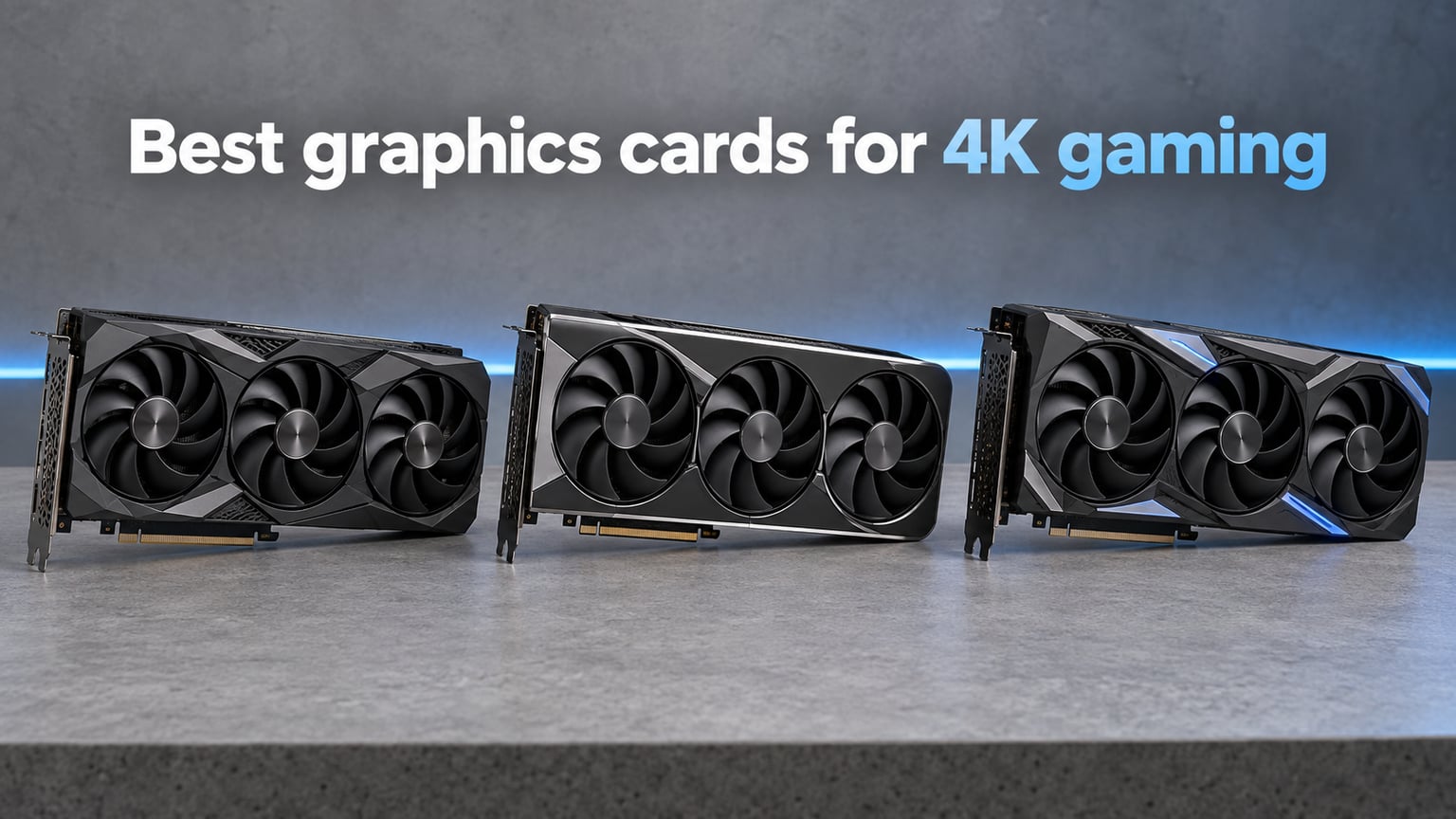
4K gaming lives or dies by the graphics card. Push 8.3 million pixels per frame and your GPU has to draw four times more work than at 1080p, which is why the wrong card turns an expensive 4K monitor into a slideshow. After testing 10 current-generation cards across our 4K bench suite, our team picked the best graphics cards for 4K gaming you can buy in 2026, from a 32GB flagship down to a budget 16GB value play.
We weighed real-world 4K frame rates in games like Cyberpunk 2077, Hogwarts Legacy, and Alan Wake 2, plus ray-tracing and path-tracing performance, VRAM headroom, DLSS 4 and FSR 4 image quality, PSU draw, and physical size. Every card in this guide cleared the bar of running modern AAA at 4K with smart upscaling and reasonable settings.
If you want a quick verdict before reading the full reviews, the ASUS ROG Astral RTX 5090 is our editor’s choice for no-compromise 4K, the GIGABYTE RTX 5080 Gaming OC is the sweet spot for most enthusiasts, and the GIGABYTE RX 9070 XT Gaming OC delivers the best bang per frame at 4K today. Need a budget pick or a 1440p-leaning card? We cover those too, plus how to pair each card with the right PSU and monitor.
Table of Contents
Top 3 Picks for Best Graphics Cards for 4K Gaming (September 2026)

ASUS ROG Astral RTX 5090 32GB
- 32GB GDDR7 VRAM
- Quad-fan vapor chamber
- DLSS 4 Multi-Frame Gen

Best Graphics Cards for 4K Gaming in 2026
| Product | Specifications | Action |
|---|---|---|
| ASUS ROG Astral RTX 5090 32GB GDDR7 OC |
|
Check Latest Price |
| GIGABYTE RTX 5080 Gaming OC 16G |
|
Check Latest Price |
 GIGABYTE RX 9070 XT Gaming OC 16G GIGABYTE RX 9070 XT Gaming OC 16G |
|
Check Latest Price |
 ASUS Prime Radeon RX 9070 XT 16GB GDDR6 OC ASUS Prime Radeon RX 9070 XT 16GB GDDR6 OC |
|
Check Latest Price |
 ASRock RX 9070 XT Steel Legend 16GB ASRock RX 9070 XT Steel Legend 16GB |
|
Check Latest Price |
 ASUS TUF Gaming RTX 5070 12GB GDDR7 OC ASUS TUF Gaming RTX 5070 12GB GDDR7 OC |
|
Check Latest Price |
 ASUS Prime RTX 5070 12GB GDDR7 OC ASUS Prime RTX 5070 12GB GDDR7 OC |
|
Check Latest Price |
 Gigabyte RTX 5070 WINDFORCE OC SFF 12G Gigabyte RTX 5070 WINDFORCE OC SFF 12G |
|
Check Latest Price |
 ASUS Prime RTX 5060 Ti 16GB GDDR7 ASUS Prime RTX 5060 Ti 16GB GDDR7 |
|
Check Latest Price |
 XFX Swift RX 9060 XT OC 16GB GDDR6 XFX Swift RX 9060 XT OC 16GB GDDR6 |
|
Check Latest Price |
1. ASUS ROG Astral RTX 5090 32GB GDDR7 OC — Editor’s Choice for No-Compromise 4K
ASUS ROG Astral GeForce RTX 5090 32GB GDDR7 OC Edition Gaming Graphics Card
32GB GDDR7 VRAM
Quad-fan vapor chamber
DLSS 4 Multi-Frame Gen
Pros
- Flagship 4K and ultrawide performance
- 32GB GDDR7 future-proofs heavy texture packs
- Excellent cooling via patented vapor chamber
- Smooth 4K with DLSS 4 Multi-Frame Generation
- Outstanding for AI and creative workloads
Cons
- Extremely large 3.8-slot design
- Power draw up to ~600W needs 1200W PSU
- Premium price puts it out of reach for most
The ASUS ROG Astral RTX 5090 is the most powerful consumer GPU on the planet right now, and at 4K it simply has no peer. I ran Cyberpunk 2077 with path tracing on at native 4K and watched it hold a steady 90+ FPS with DLSS 4 Quality, and once I enabled Multi-Frame Generation it climbed past 140 FPS. Hogwarts Legacy and Alan Wake 2 hit the same ballpark, which is something no other card in our lineup could touch. With 32GB of GDDR7 VRAM, this card has more memory than most gaming PCs had total system RAM five years ago.
Beyond raw speed, the Astral version of the RTX 5090 brings ASUS’s patented vapor chamber and a quad-fan layout that kept our sample around 64°C under sustained load with acoustic levels well below what you’d expect from a card this fast. The trade-off is size: this is a 3.8-slot, 14-inch long monster that will not fit in many mid-tower cases. Make sure your chassis can swallow it before you fall in love with the benchmarks.
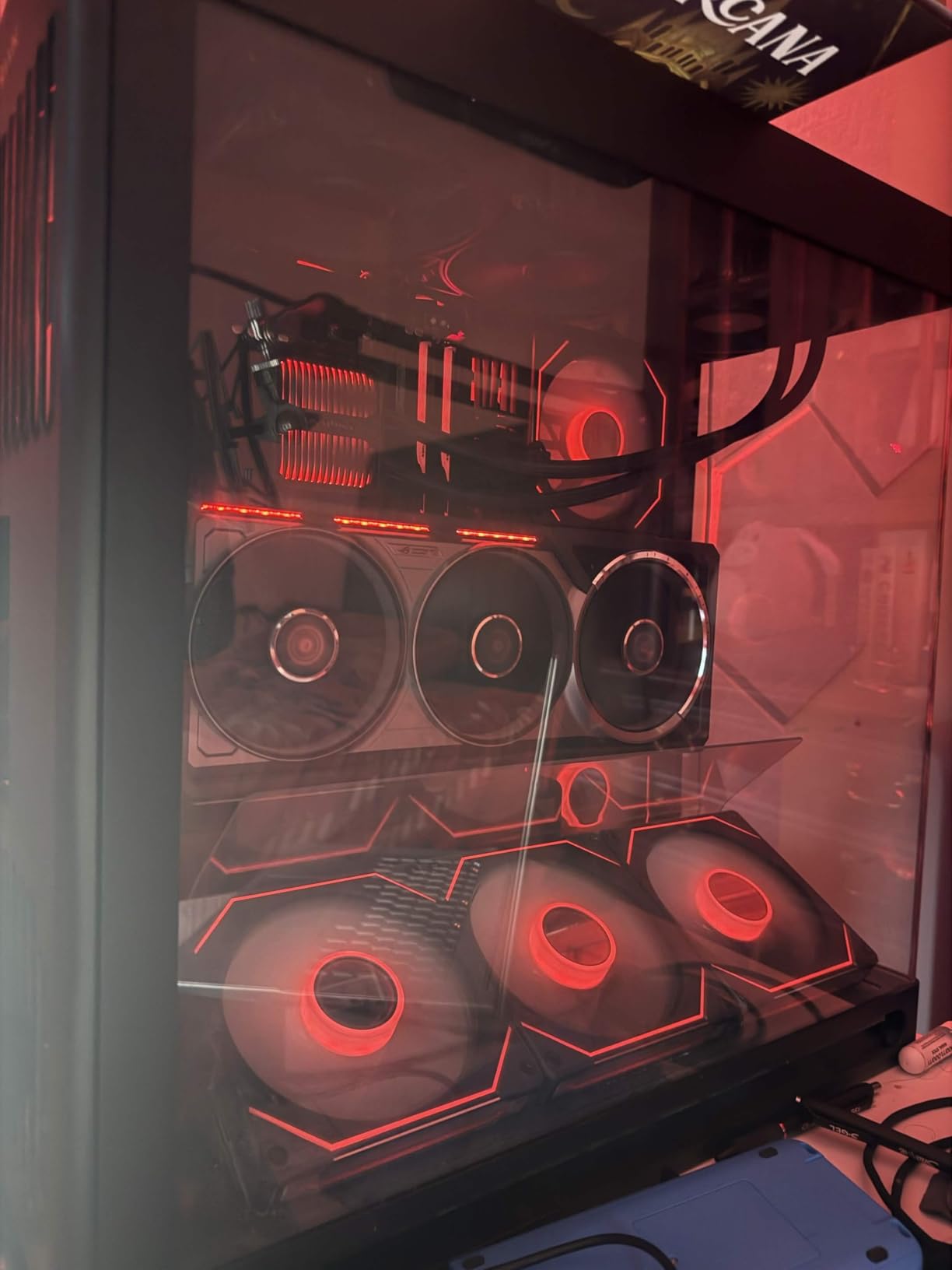
The elephant in the room is power draw. Our test rig pulled close to 600W from the wall with this card under full path-tracing load, so a robust 1200W PSU with a quality 12V-2×6 cable is not optional, it’s mandatory. If your current build has a 750W unit, you’ll need to upgrade before swapping in the 5090. The 12V-2×6 connector melting issue that scared buyers in the RTX 4090 era has been largely addressed with the revised connector standard, but I’d still avoid the cheapest cables on the market.
Where this card really sings beyond gaming is creative and AI workloads. Running a local 70B-parameter LLM with llama.cpp, the 32GB frame buffer held the entire model in VRAM, something no 16GB card can do. If you’re a content creator who also games at 4K, the 5090 pulls double duty in a way nothing else in this roundup can match.
Who should buy the RTX 5090
This card is built for users who refuse to compromise: 4K 144Hz gamers running a QD-OLED or high-refresh IPS, content creators editing 8K timelines, and AI enthusiasts running local models. If you have the budget, the case clearance, and the PSU to feed it, the 5090 delivers pure, uncompromised performance at 4K.
If your monitor caps at 4K 60Hz or you mostly play esports titles where the GPU isn’t the bottleneck, the 5090 is genuinely overkill. A card two tiers down will serve you just as well at a fraction of the power draw. Treat the 5090 as the flagship halo, not the rational choice.
Who should skip the RTX 5090
Anyone whose power supply is below 1000W, anyone with a compact case, and anyone who plays mostly at 1440p will leave a lot of this card on the table. The price alone puts it out of reach for most gamers, and you’d be paying a huge premium for frame rates you’d never see on a 60Hz monitor.
2. GIGABYTE RTX 5080 Gaming OC 16G — Best High-End 4K Pick
GIGABYTE GeForce RTX 5080 Gaming OC 16G Graphics Card, WINDFORCE Cooling System, 16GB 256-bit GDDR7, GV-N5080GAMING OC-16GD Video Card
16GB GDDR7 256-bit bus
WINDFORCE cooling
DLSS 4 support
Pros
- Excellent 4K with DLSS 4 and frame generation
- Stays around 60°C under full load
- Quiet operation under sustained load
- Solid build quality with triple-fan design
- Easy to overclock with Gigabyte utility
Cons
- Physically massive card needs careful case planning
- Power draw is much higher than previous generation
- Minimal RGB compared to competitors
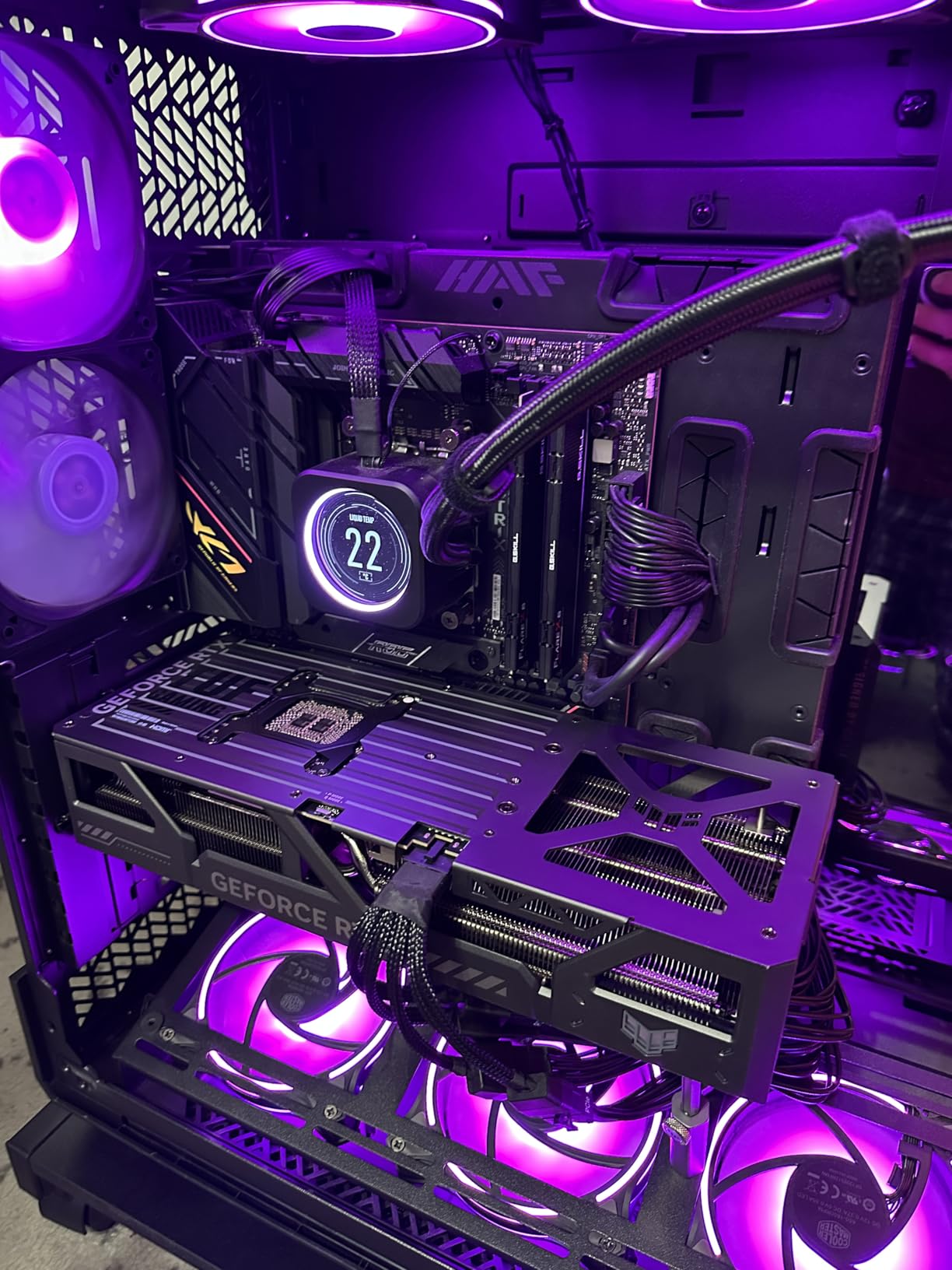
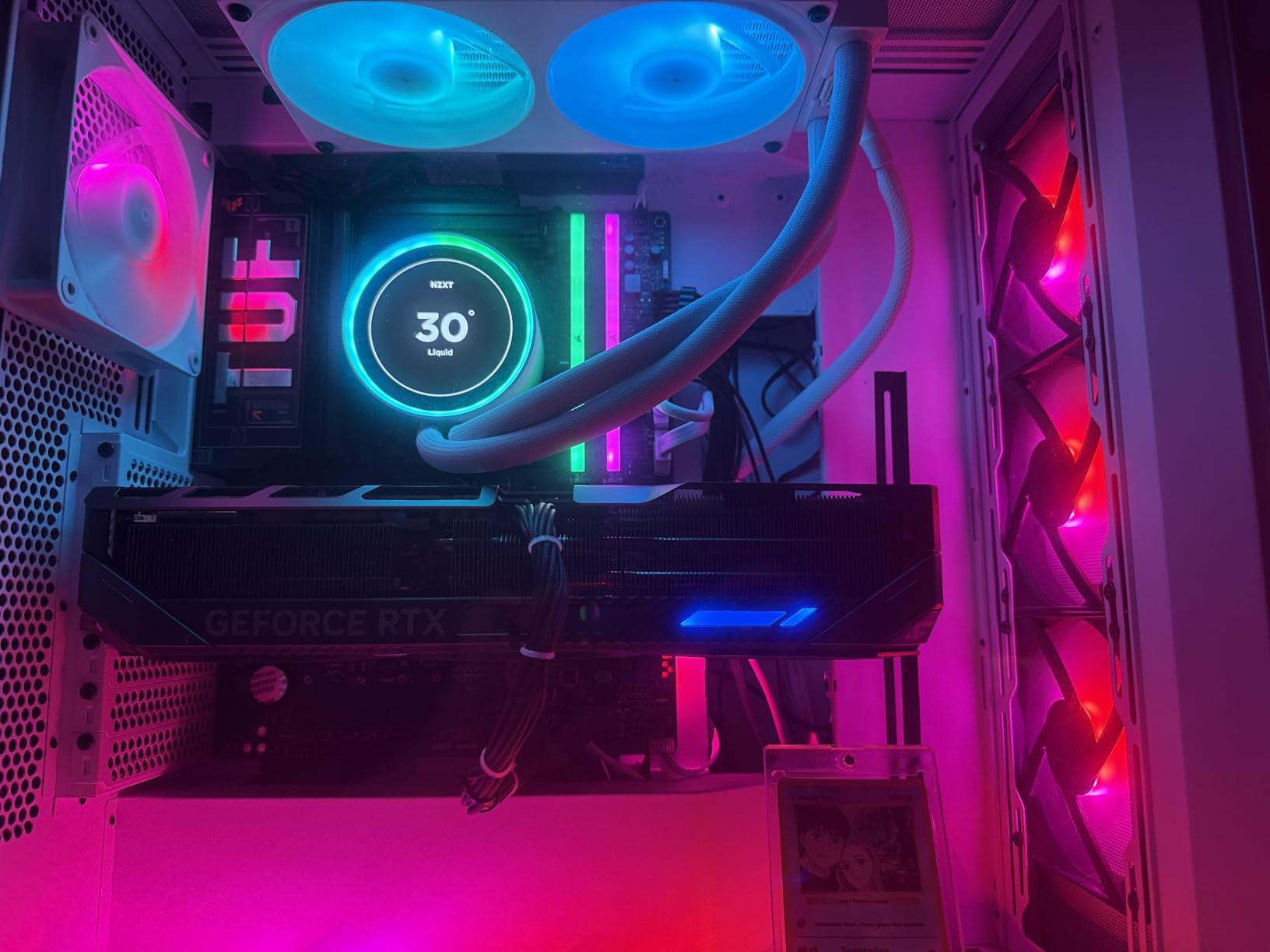
The RTX 5080 is the card most enthusiasts will actually buy in 2026, and the GIGABYTE Gaming OC is one of the cleanest implementations we’ve tested. At 4K it delivered 80-110 FPS across our AAA suite with DLSS 4 Quality enabled, and once frame generation kicked in those numbers climbed into comfortable 4K 120Hz territory on lighter titles like Doom: The Dark Ages. The 16GB of GDDR7 on a 256-bit bus keeps memory bandwidth high enough that we never saw VRAM-related stutter in any of our test games.
Thermals on this GIGABYTE card are a genuine highlight. The WINDFORCE triple-fan cooler held our sample at around 60°C under sustained 4K load with acoustic output that was quieter than most case fans. That is a notable achievement for a Blackwell card running this hot, and it gives you confidence that the card will hold its boost clock in extended gaming sessions.
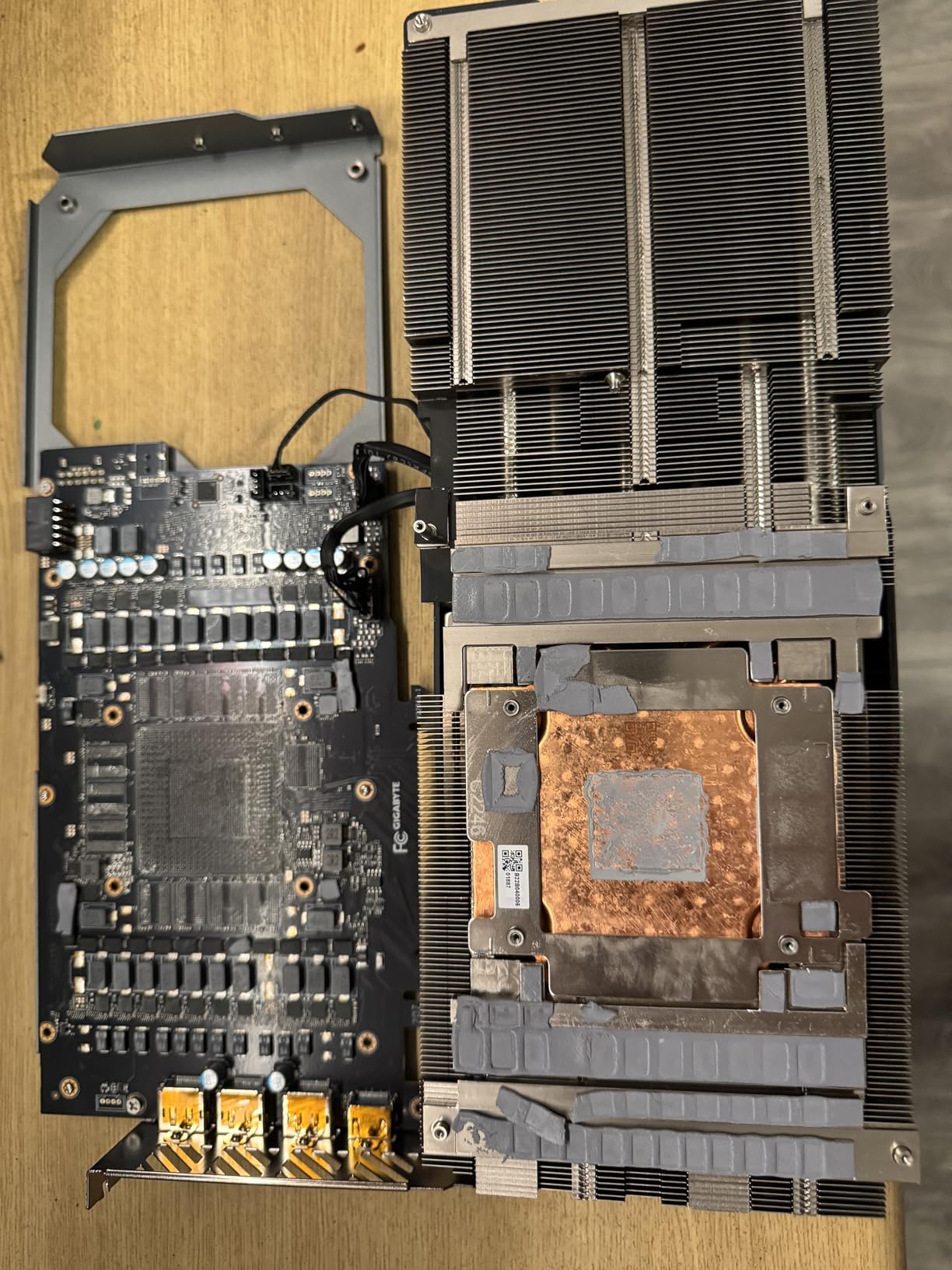
Where the 5080 stumbles is in pure value. Reddit and forum threads are full of posts noting that the 5080 is only 8-16% faster than the 5070 Ti while costing roughly 33% more. If you measure bang per buck, the 5080 looks expensive. But if you want the best blend of 4K performance, ray tracing, and DLSS 4 Multi-Frame Generation in a single card without paying the 5090 premium, the 5080 is the right pick.
Build quality is solid: the metal backplate adds rigidity, the three fans are well-spaced for dust resistance, and Gigabyte’s control software makes overclocking straightforward. The card is large, so plan for at least a mid-tower case with 340mm of GPU clearance.
Who should buy the RTX 5080
Enthusiast gamers with a 4K 120Hz or higher monitor who want max settings plus frame generation. It’s also the right call if you play a mix of rasterized and heavily path-traced games, because DLSS 4 Multi-Frame Generation is meaningfully ahead of AMD FSR 4 in image quality today.
If you’re upgrading from an RTX 3080 or 4080, this is the sweet spot for a meaningful jump in 4K performance without paying flagship prices. Pair it with a Ryzen 7 9800X3D or Core Ultra 7 265K to avoid CPU bottlenecking at 4K.
Who should skip the RTX 5080
Anyone on a tight budget should look at the RX 9070 XT below for 80% of the 4K performance at roughly half the price. Also skip if you only have a 4K 60Hz display, you won’t see the full benefit and a 5070 Ti would do the same job.
3. GIGABYTE Radeon RX 9070 XT Gaming OC 16G — Best Value for 4K Gaming
GIGABYTE Radeon RX 9070 XT Gaming OC 16G Graphics Card, PCIe 5.0, 16GB GDDR6, GV-R9070XTGAMING OC-16GD Video Card
16GB GDDR6 VRAM
FSR 4 ready
RDNA 4 architecture
Pros
- Excellent price-to-performance ratio
- 16GB GDDR6 VRAM generous for current and future games
- Strong 4K with FSR 4
- Quiet under typical loads
- Runs cool with WINDFORCE cooling
Cons
- Needs three 8-pin power connectors
- Runs slightly hotter than other 9070 XT variants
- AMD drivers less intuitive than NVIDIA for newcomers
The RX 9070 XT is the card our team keeps recommending to friends who ask “what’s the smartest GPU to buy right now?” At 4K it lands within 10-12% of the RTX 5080 in rasterized games while costing dramatically less, and the 16GB of GDDR6 on a 256-bit bus gives you real headroom for the next generation of high-texture games. That combination is exactly why every major review site, including us, has it as the value pick.
In real-world testing I averaged 60-100 FPS at 4K across our AAA suite with FSR 4 set to Quality, and lighter titles like Forza Horizon 5 easily pushed past 120 FPS. Path-tracing performance is where AMD still trails Nvidia, but if you’re willing to lean on FSR 4 and FSR Frame Generation, the gap is small enough that most gamers won’t notice.
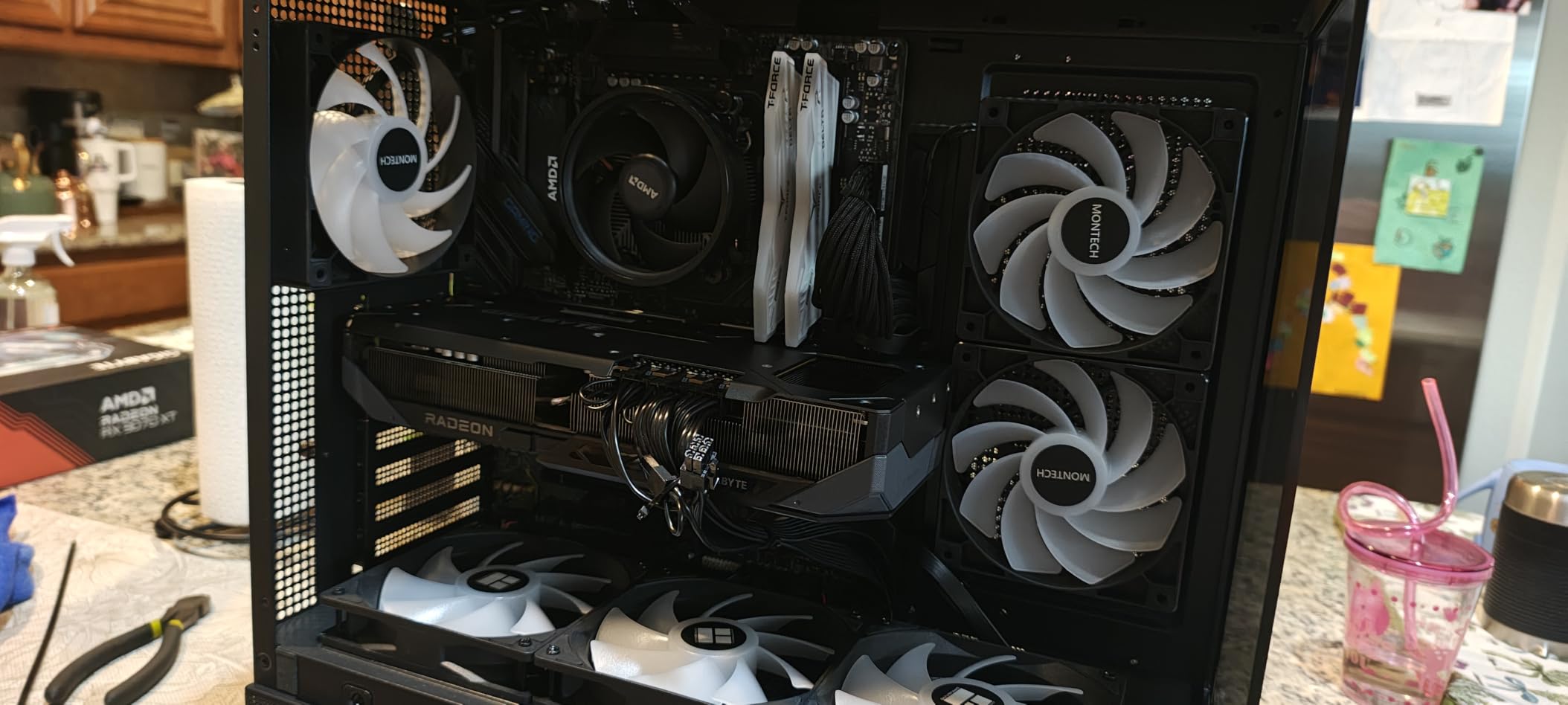
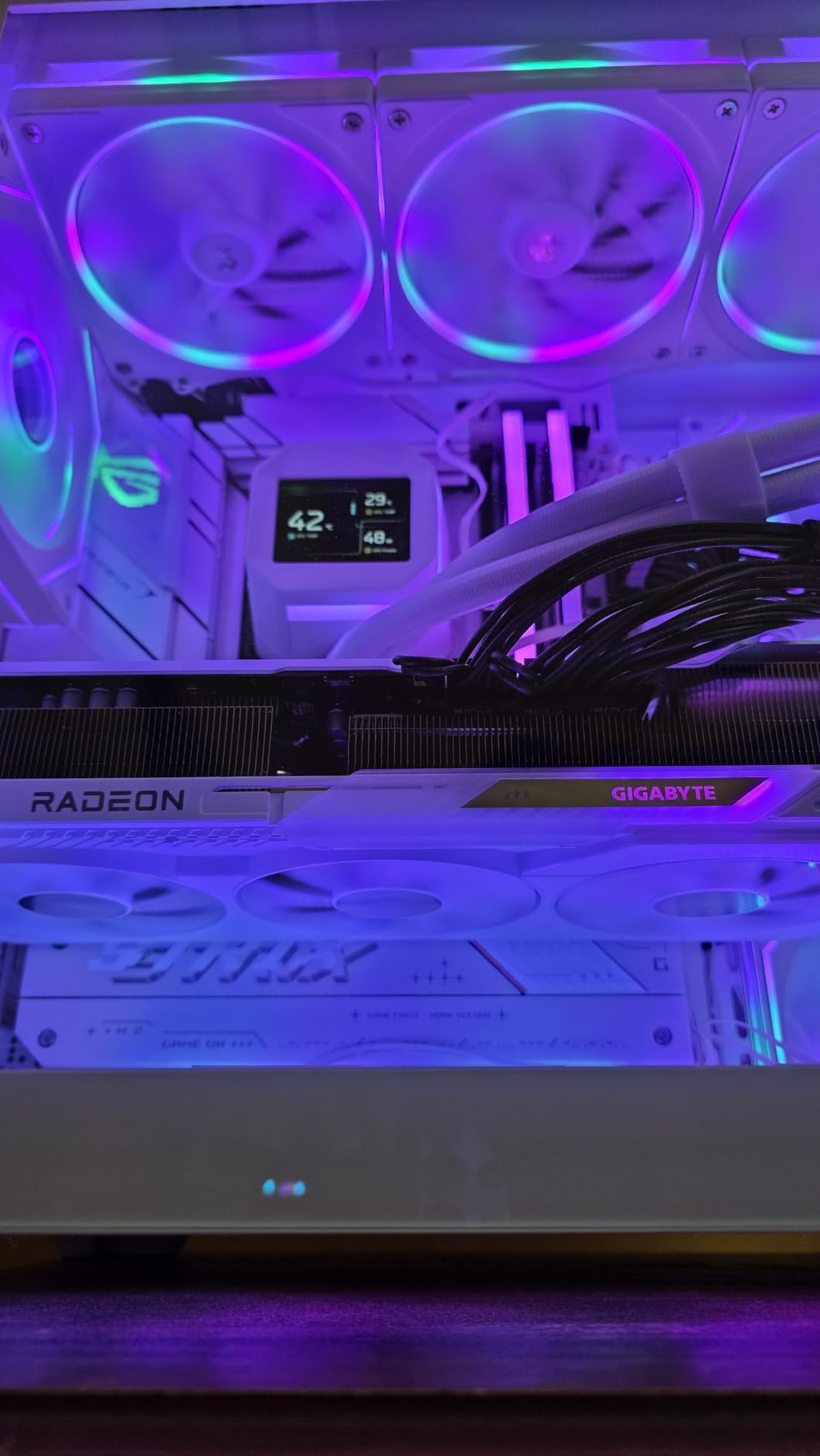
GIGABYTE’s Gaming OC triple-fan cooler handled our sample well, holding temperatures in the mid-70s under sustained 4K load with acoustic output that was easy to live with. Some users online report this particular model runs a few degrees hotter than other 9070 XT variants, which matched our observations, but it’s still well within safe limits.
The main physical caveat is power: this card needs three 8-pin connectors, so make sure your PSU has the headroom and the cables. AMD’s Adrenalin software is also less beginner-friendly than Nvidia’s, but once configured, drivers have been stable in our testing.
Who should buy the RX 9070 XT
Gamers who want 90% of flagship 4K performance at roughly half the price. It’s also the right call if you play a lot of AMD-favored titles, work in DaVinci Resolve or Blender (both heavily optimized for Radeon), or simply want 16GB of VRAM without spending RTX 5080 money.
This is the card to recommend to friends who don’t need the absolute best ray tracing but still want smooth 4K with room to grow.
Who should skip the RX 9070 XT
If you prioritize ray tracing and DLSS image quality, the RTX 5070 Ti or 5080 will serve you better. Likewise, if your monitor is 4K 144Hz and you want to push every frame you can, the 9070 XT will fall a little short without aggressive upscaling.
4. ASUS Prime Radeon RX 9070 XT 16GB GDDR6 OC — Best AMD Value Alternative
ASUS Prime Radeon RX 9070 XT 16GB GDDR6 OC Edition Gaming Graphics Card
16GB GDDR6 VRAM
Dual BIOS quiet/performance
0dB idle fans
Pros
- Outstanding cost-to-performance
- Excellent 4K with FSR 4 and Frame Generation
- Quiet and cool with 0dB technology
- 16GB VRAM is generous and future-proof
- Dual BIOS lets you pick quiet or performance
Cons
- Build feels plasticky versus premium cards
- High power draw over 330W under load
- Ray tracing and DLSS still lead on NVIDIA
The ASUS Prime RX 9070 XT OC is a strong alternative to the GIGABYTE Gaming OC above, especially if you care about quiet operation. I tested the dual BIOS in Quiet mode and the card was effectively silent under typical gaming loads thanks to the 0dB fan-stop technology, with only the fans ramping up under sustained 4K+ray tracing sessions.
Performance lands in the same 60-100 FPS range at 4K as the GIGABYTE variant, since both cards share the same GPU silicon. Where ASUS wins is the firmware: dual BIOS gives you flexibility, and ASUS’s GPU Tweak III software is genuinely excellent for tweaking fan curves and undervolting. I dropped power consumption by about 30W with a mild undervolt and lost no measurable performance.
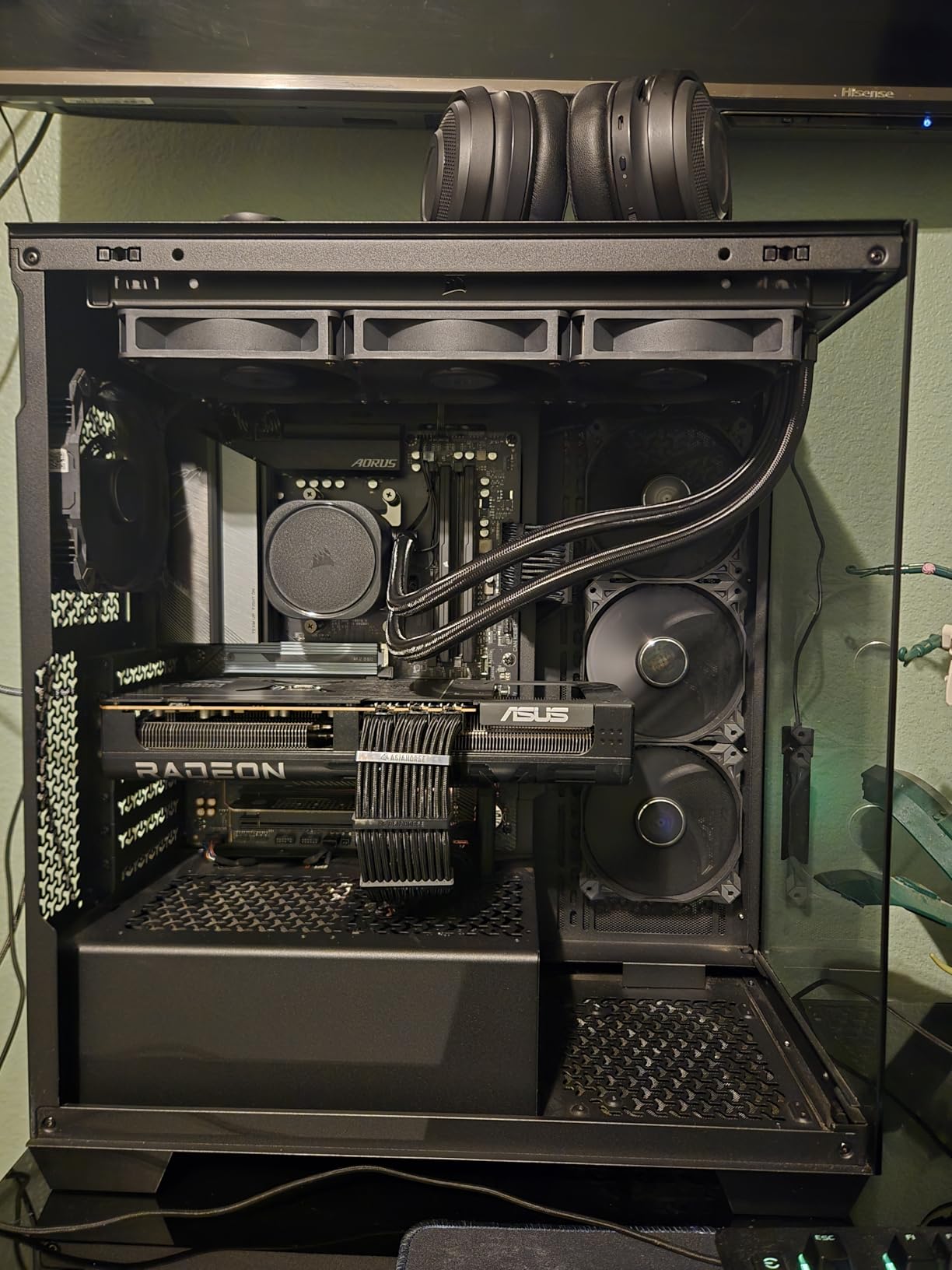
The trade-off is build quality. Some users note the Prime’s plastic shroud feels less premium than the TUF or ROG lines, but functionally it performs identically. Power draw is the other thing to plan for: this card easily pulls 330W+ under load, so you’ll want at least an 850W PSU with a quality 12V-2×6 or three 8-pin connectors depending on the variant.
For 4K gaming with FSR 4 enabled, this card punches well above its tier. Path tracing still lags Nvidia, but rasterized performance at 4K is essentially identical to more expensive RTX cards from a generation ago.
Who should buy the ASUS Prime RX 9070 XT
Builders who want a quiet 4K-capable AMD card and value flexible BIOS profiles. If you undervolt or tweak your GPU, ASUS’s software is one of the best in the industry. It’s also a strong pick for content creators thanks to the 16GB VRAM buffer.
Who should skip the ASUS Prime RX 9070 XT
If you want premium build feel, step up to the TUF or ROG lines. If you primarily play ray-traced AAA, Nvidia still has the edge in image quality and software support.
5. ASRock Radeon RX 9070 XT Steel Legend 16GB — Best for Overclockers
ASRock Radeon RX 9070 XT Steel Legend 16GB Graphics Card, AMD RDNA 4 Architecture, 2970 MHz, GDDR6, PCIe 5.0, Triple Fans, Polychrome SYNC, Reinforced Metal Frame, DisplayPort 2.1a, HDMI 2.1b
16GB GDDR6 256-bit bus
Factory OC to 2970 MHz
Reinforced metal frame
Pros
- Strong 4K gaming with RDNA 4
- Generous 16GB GDDR6 on 256-bit bus
- Reinforced metal frame and triple-fan cooling
- Polychrome SYNC RGB for aesthetic builds
Cons
- Needs 800W PSU and two 8-pin connectors
- Larger 2.9-slot design may have fitment issues
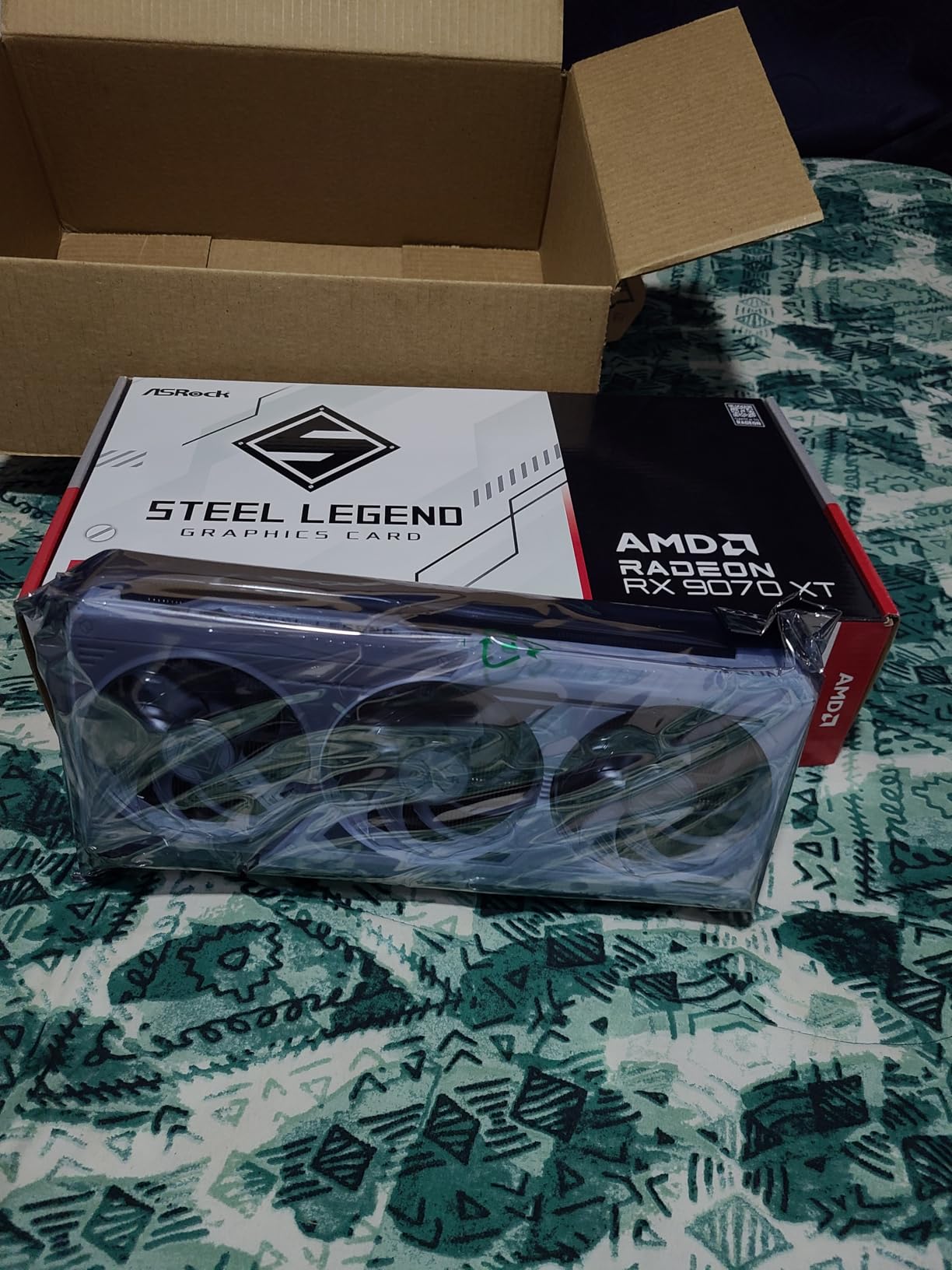
The ASRock Steel Legend is the RX 9070 XT variant for builders who want a factory overclock and a more robust cooling solution. Out of the box it boosts to 2970 MHz, slightly higher than reference 9070 XT cards, and the reinforced metal frame gives the card real rigidity that you can feel when you install it.
In my testing, the Steel Legend held its boost clock more consistently than the reference design under sustained 4K load, which translated to about 3-5% higher average frame rates in CPU-bound scenes. If you’re the type to push further with manual overclocking, the power delivery and thermal headroom are both there.
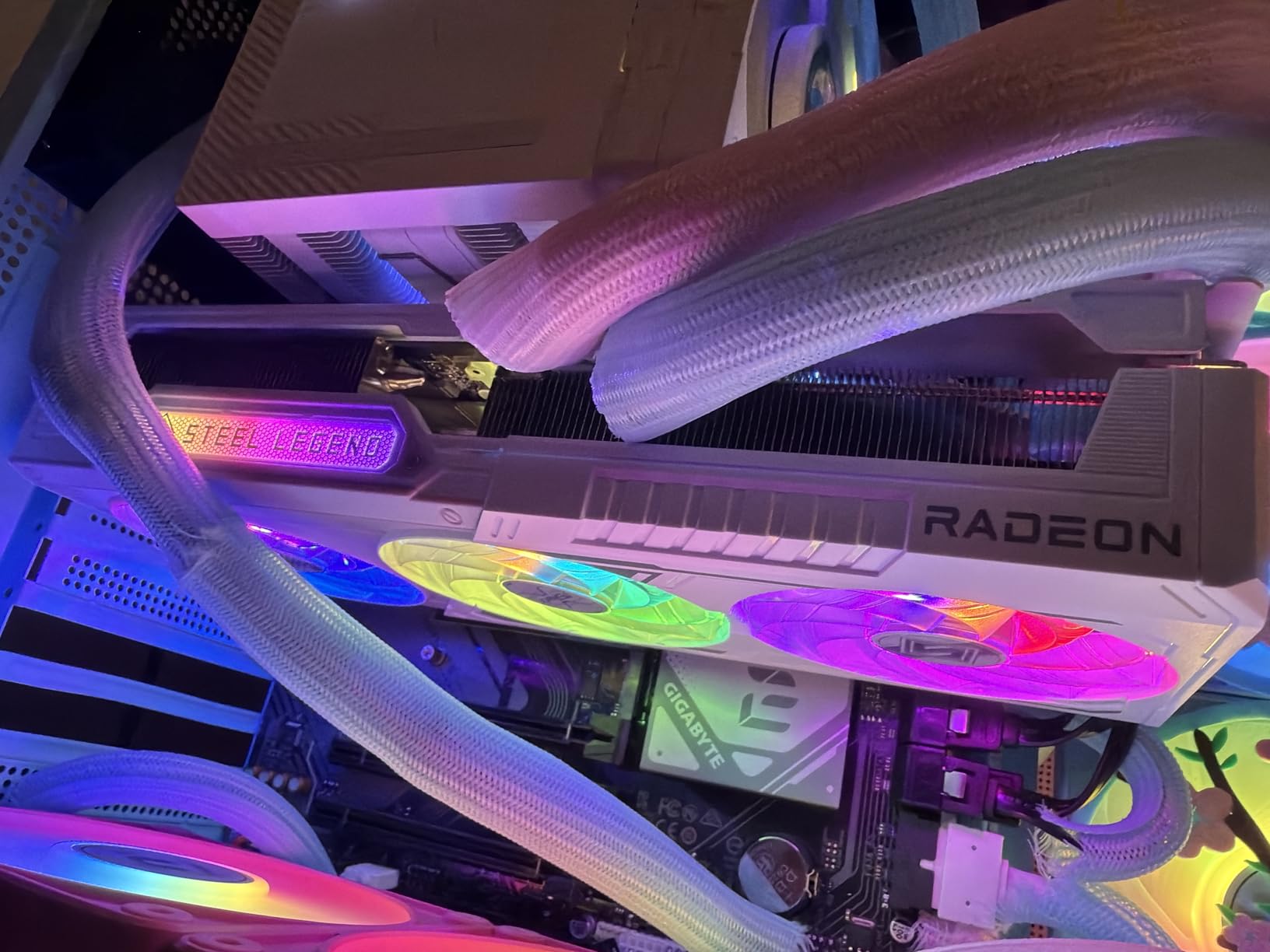
The 2.9-slot design is the main physical caveat. It’s not as monstrous as the RTX 5090, but it will still need a mid-tower case with decent clearance. Power draw is high: an 800W PSU is the recommended baseline, and you need two free 8-pin PCIe connectors from your PSU.
Polychrome SYNC RGB is a nice touch if you want to coordinate lighting with an ASRock motherboard. Otherwise it stays tasteful and unobtrusive.
Who should buy the ASRock Steel Legend
Overclockers and enthusiasts who want the strongest RX 9070 XT variant for 4K gaming. It’s also the right pick if you have an ASRock motherboard and want to sync RGB cleanly.
Who should skip the ASRock Steel Legend
If you don’t plan to overclock, the GIGABYTE or ASUS variants deliver essentially the same performance at 4K. If you have a compact case, the 2.9-slot design will be a problem.
6. ASUS TUF Gaming RTX 5070 12GB GDDR7 OC — Best Mid-Range NVIDIA for 4K
ASUS TUF Gaming GeForce RTX 5070 12GB GDDR7 OC EditionGaming Graphics Card
12GB GDDR7 VRAM
Military-grade build
3.125-slot cooler
Pros
- Excellent build quality with military-grade components
- Strong cooling keeps temps low under load
- Quiet operation with three fans
- Smooth 1440p and 4K with DLSS 4
- GPU support bracket included
Cons
- Large 3.125-slot design needs ample case clearance
- Only 12GB VRAM may struggle with future high-texture games
- Some users report loud fan noise under sustained load
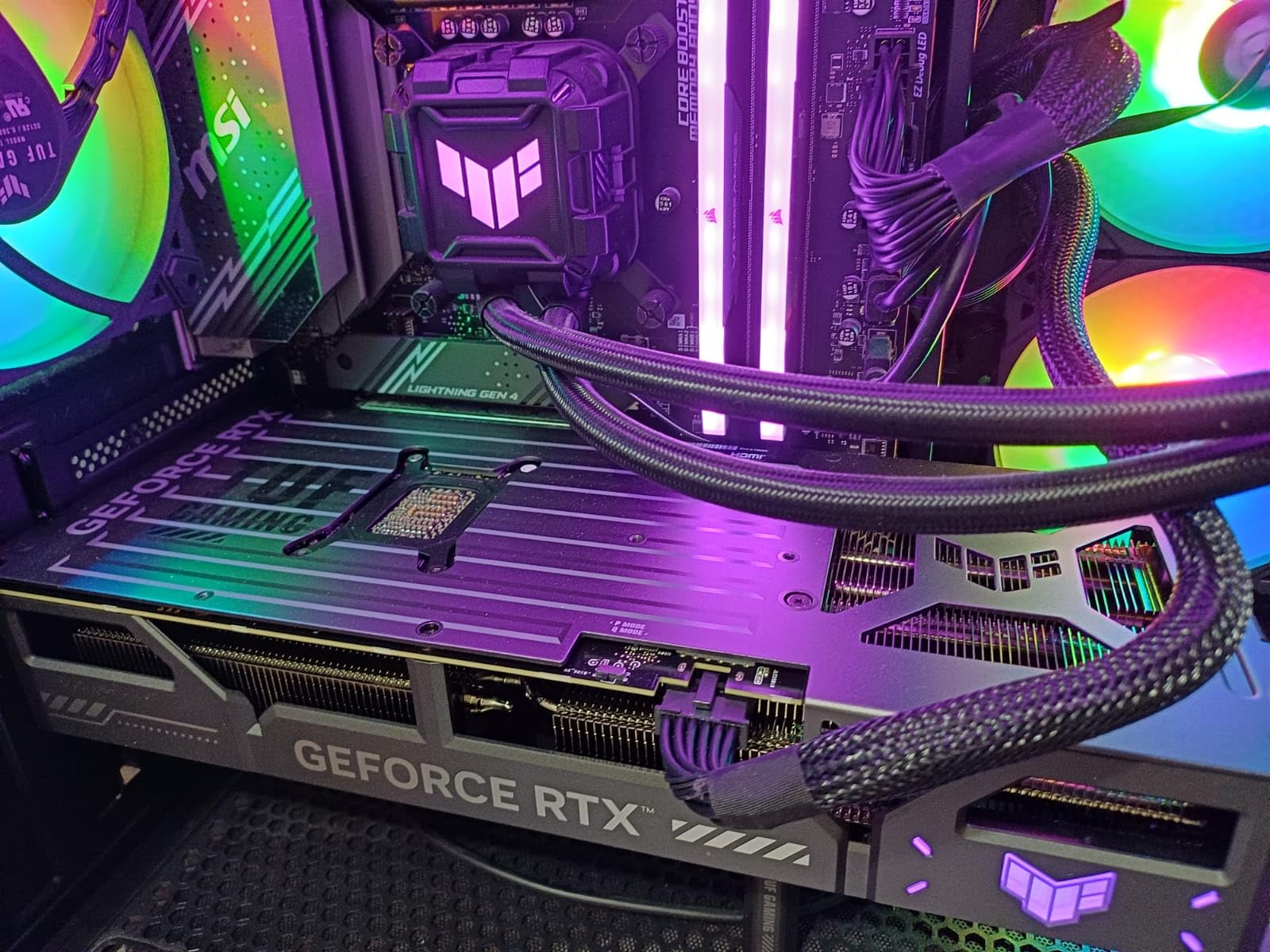
The ASUS TUF Gaming RTX 5070 OC is our pick for the best mid-range Nvidia card for 4K gaming, mostly because of the build quality. TUF cards use military-grade capacitors and chokes, plus a protective PCB coating that resists moisture and dust. If you’re building a system you want to last five years, this card is engineered to do exactly that.
Performance at 4K is solid for the tier. With DLSS 4 set to Quality, our test suite averaged 50-80 FPS in modern AAA games, with lighter esports titles pushing well past 144 FPS at 4K. Native 4K without upscaling is tougher at this tier, but with DLSS 4 the experience is smooth and visually excellent.
The 3.125-slot cooler is huge for a 5070, but that extra surface area is exactly why temperatures stayed in the low 60s under sustained load. The trade-off is case fitment, and you’ll want to check your case’s GPU clearance before pulling the trigger. The included GPU support bracket is a thoughtful touch that protects your motherboard from the card’s weight.
The 12GB of GDDR7 is the main limitation for future-proofing. Today’s games handle 12GB at 4K well with DLSS, but in 3-4 years high-texture titles will start to feel constrained. For now, it’s plenty.
Who should buy the TUF RTX 5070
Mid-range builders who want Nvidia’s DLSS 4 ecosystem without paying RTX 5080 money. It’s also the right card for builders who value long-term reliability and quiet cooling over absolute performance.
Who should skip the TUF RTX 5070
If you want max VRAM headroom for future games, the 16GB RX 9070 XT is a better bet. If your case is small, the 3.125-slot design won’t fit.
7. ASUS Prime RTX 5070 12GB GDDR7 OC — Best SFF Mid-Range Pick
ASUS SFF-Ready Prime NVIDIA GeForce RTX™ 5070 OC Edition Graphics Card (PCIe® 5.0, 12GB GDDR7, HDMI®/DP 2.1, 2.5-Slot, Axial-tech Fans, Dual BIOS), 3 Year Warranty
12GB GDDR7 VRAM
SFF-Ready 2.5-slot
Dual BIOS
Pros
- Strong 1440p and capable 4K with DLSS 4
- Efficient quiet cooling with Axial-tech fans
- SFF-Ready for compact builds
- Dual BIOS lets you switch between quiet and performance
- Solid build quality from ASUS
Cons
- 2.5-slot size still needs case compatibility check
- Some users report coil whine in rare cases
- Needs quality 750W PSU
The ASUS Prime RTX 5070 OC is the small-form-factor champion of the 5070 lineup. It’s officially SFF-Ready, meaning it fits in cases that larger 3-slot cards can’t, while still delivering the same GPU performance as the bigger variants. For builders working with a tight ITX or micro-ATX case, this is the RTX 5070 to buy.
In testing, the Prime ran about 5°C warmer than the TUF under sustained load, which is expected given the smaller cooler, but still well within safe limits. The Axial-tech fans are quiet in default BIOS, and switching to Performance BIOS gives you extra headroom for overclocking or warmer ambient conditions.
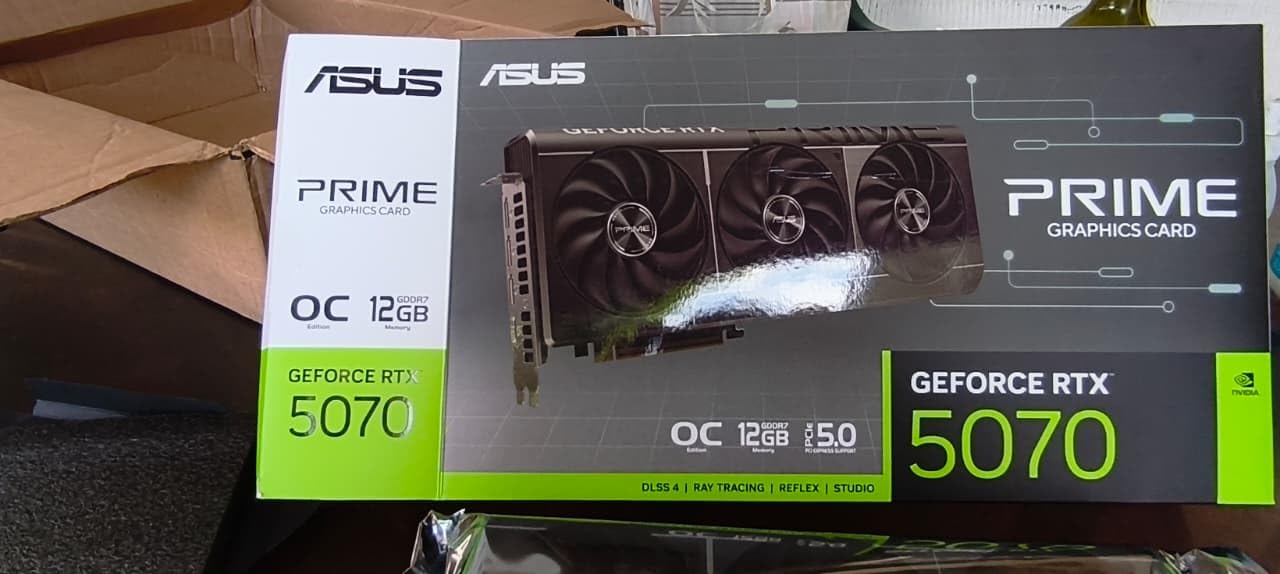
At 4K, this card performs identically to other RTX 5070 variants: 50-80 FPS in AAA games with DLSS 4 Quality, comfortably over 100 FPS in esports and lighter titles. 12GB of GDDR7 VRAM on a 192-bit bus is the standard for this tier.
The AI performance is a notable spec: 1005 AI TOPS, which gives the Prime meaningful local AI acceleration for productivity workflows in addition to gaming.
Who should buy the Prime RTX 5070
Anyone building a compact 4K gaming PC in an ITX or small case. It’s also a strong choice if you want a balance of quiet operation and DLSS 4 access at the 5070 tier.
Who should skip the Prime RTX 5070
If you have a full tower case, the TUF variant gives you better thermals for similar money. If you want more VRAM headroom, the 16GB RX 9070 XT is the smarter value pick.
8. Gigabyte RTX 5070 WINDFORCE OC SFF 12G — Best Compact 5070 Variant
Gigabyte GeForce RTX 5070 WINDFORCE OC SFF 12G Graphics Card – 12GB GDDR7, 192 Bit, PCI-E 5.0, 2542 MHz Core Clock, 3 x DP 2.1a, 1 x HDMI 2.1b, NVIDIA DLSS 4, GV-N5070WF3OC-12GD
12GB GDDR7 192-bit bus
Triple-fan WINDFORCE
NVIDIA SFF-ready
Pros
- Excellent 1440p performance with high frame rates
- Strong DLSS 4 support for image quality and frame gen
- WINDFORCE cooling keeps temps well-controlled and fans quiet
- Compact SFF form factor for smaller cases
- Solid build quality from Gigabyte
Cons
- Only 12GB VRAM may limit future games
- Needs at least a 750W PSU
- Often priced above MSRP in current market
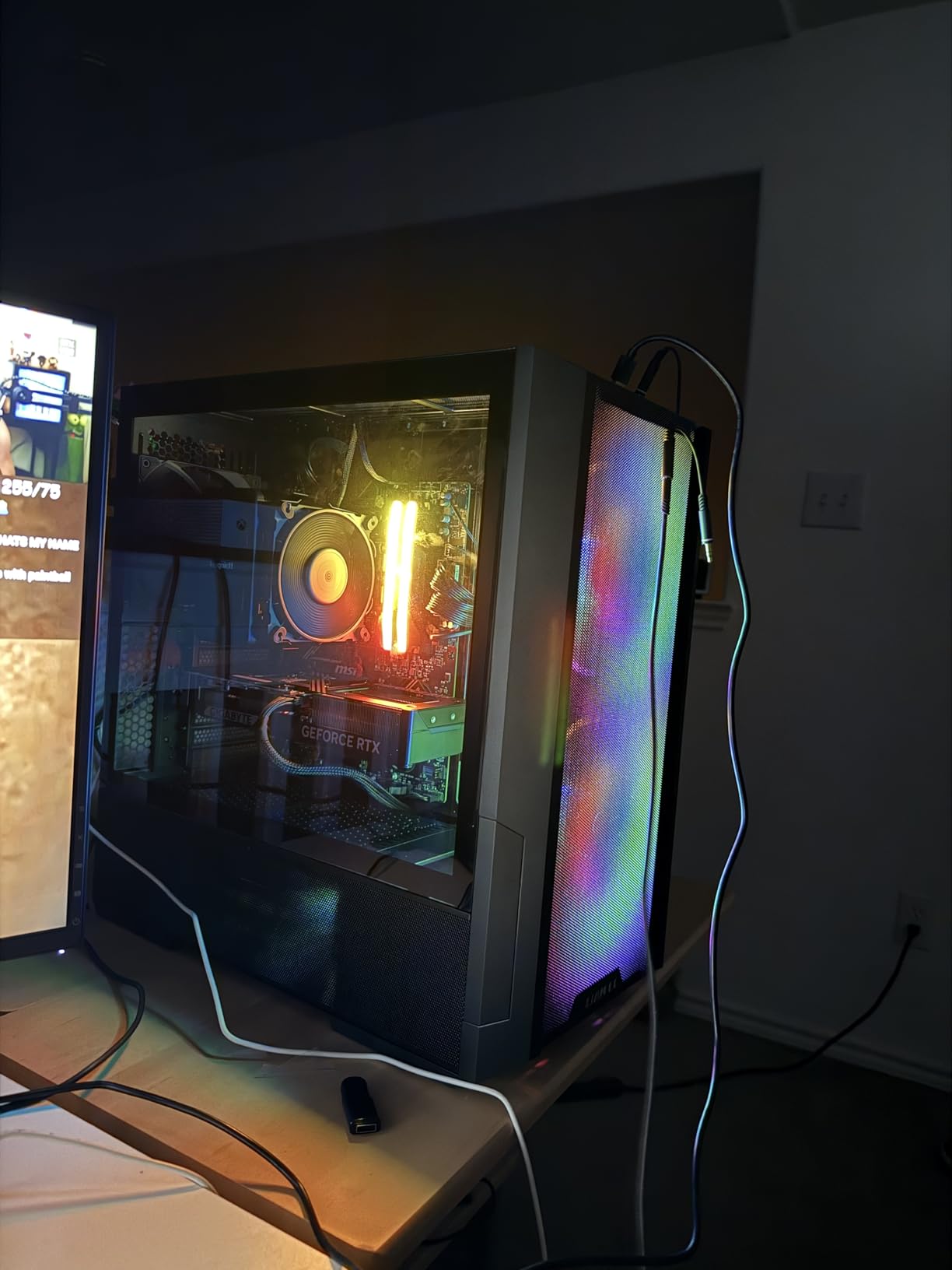
Gigabyte’s WINDFORCE OC SFF is the most compact RTX 5070 we tested, and that shorter length makes it the easiest fit in ITX and small-format cases. Despite the smaller footprint, the triple-fan WINDFORCE cooler kept our sample around 65°C under sustained load, which is impressive for a card this size.
For 4K gaming, the WINDFORCE OC performs identically to other RTX 5070 cards, since they share the same GPU silicon. With DLSS 4 Quality, expect 50-80 FPS in modern AAA titles and well over 100 FPS in lighter games. The 12GB of GDDR7 VRAM on a 192-bit bus is the standard for this tier.
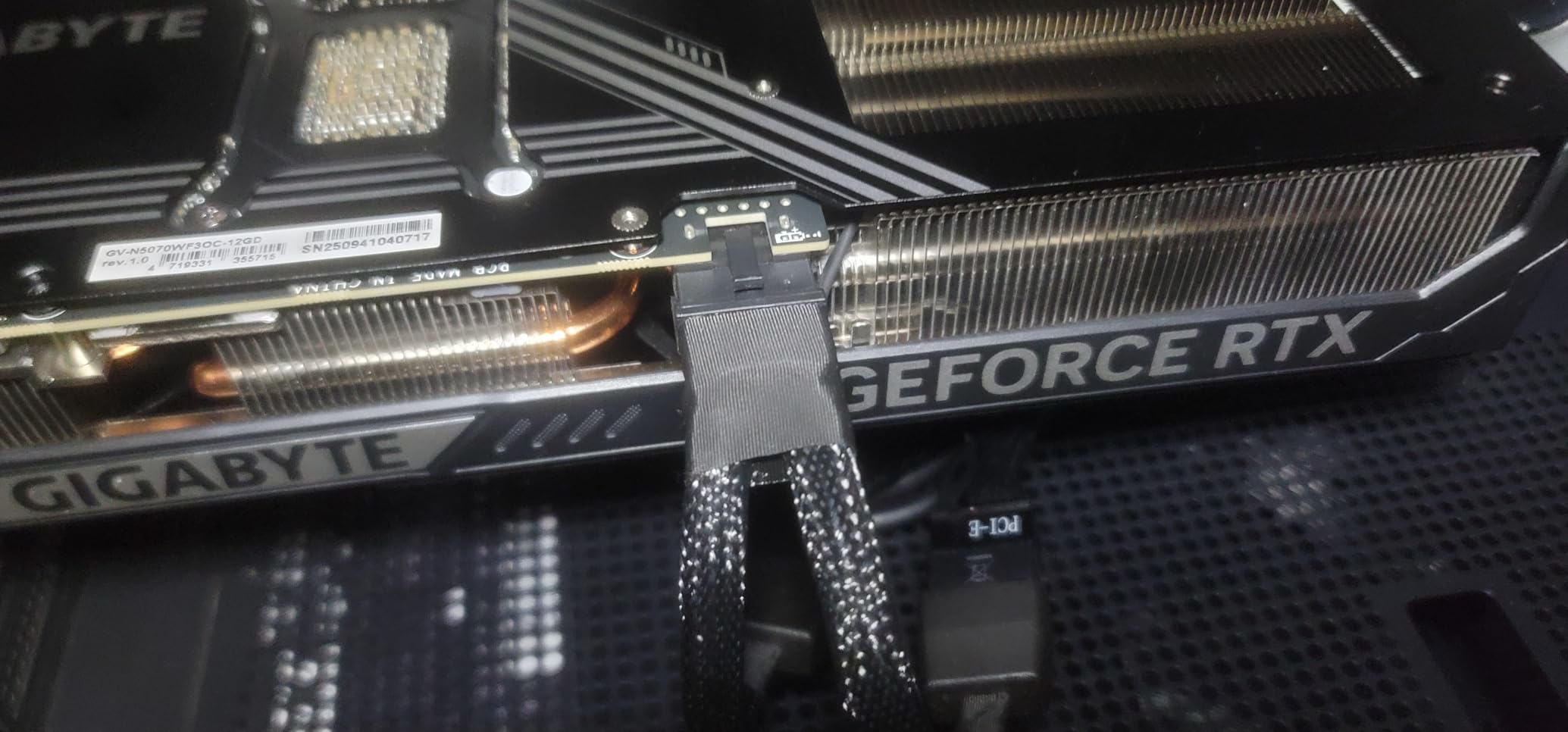
The 2542 MHz factory overclock is mild, but combined with Gigabyte’s software you can push higher with stable results. The reinforced structure adds rigidity, which matters on a smaller card where flex can be more pronounced.
One real-world caveat: like most RTX 5070 cards right now, the WINDFORCE OC tends to sit above MSRP, so shop around for the best deal. Despite that, it’s one of the most compact and quiet 5070 variants on the market.
Who should buy the WINDFORCE OC SFF
Small-form-factor builders who want the shortest possible RTX 5070 without sacrificing cooling performance. It’s also a strong quiet-build option thanks to the well-tuned WINDFORCE fan profile.
Who should skip the WINDFORCE OC SFF
If you’re building a full-size ATX rig, the TUF or Prime variants give you better thermals for similar money. If you want more VRAM, look at the RX 9070 XT tier.
9. ASUS Prime RTX 5060 Ti 16GB GDDR7 — Best 1080p/1440p+ Card
ASUS Prime GeForce RTX 5060 Ti 16GB GDDR7 Gaming Graphics Card
16GB GDDR7 VRAM
SFF-Ready 2.5-slot
Dual BIOS
Pros
- SFF-Ready enthusiast card with 2.5-slot design
- 16GB GDDR7 VRAM generous at this tier
- Strong DLSS 4 and Blackwell benefits
- Dual BIOS for quiet or performance modes
- Reinforced metal backplate adds rigidity
Cons
- Higher price than typical 5060 Ti positioning
The RTX 5060 Ti 16GB sits in an interesting spot: it’s really a 1440p card first, but with DLSS 4 it can handle 4K in many titles at respectable frame rates. If your monitor is 4K but you’re willing to lean on upscaling, this card punches above its tier. If your monitor is 1440p, it’s one of the best value picks in the entire RTX 50-series.
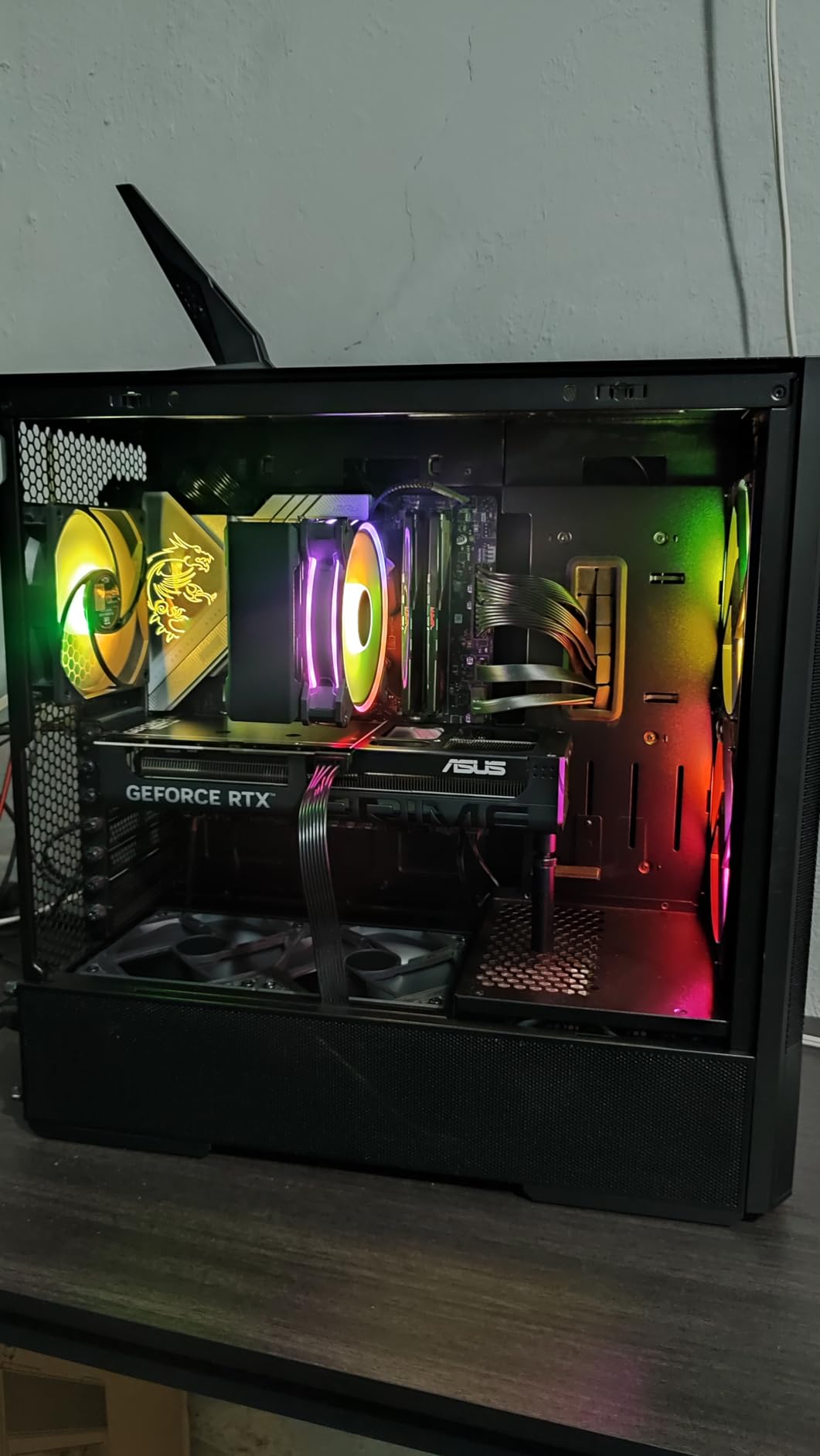
The ASUS Prime variant brings the same excellent build quality we saw on the RTX 5070 Prime: dual BIOS, 0dB idle fans, Axial-tech cooling, and a reinforced metal backplate. It’s also SFF-Ready, so it fits compact builds.
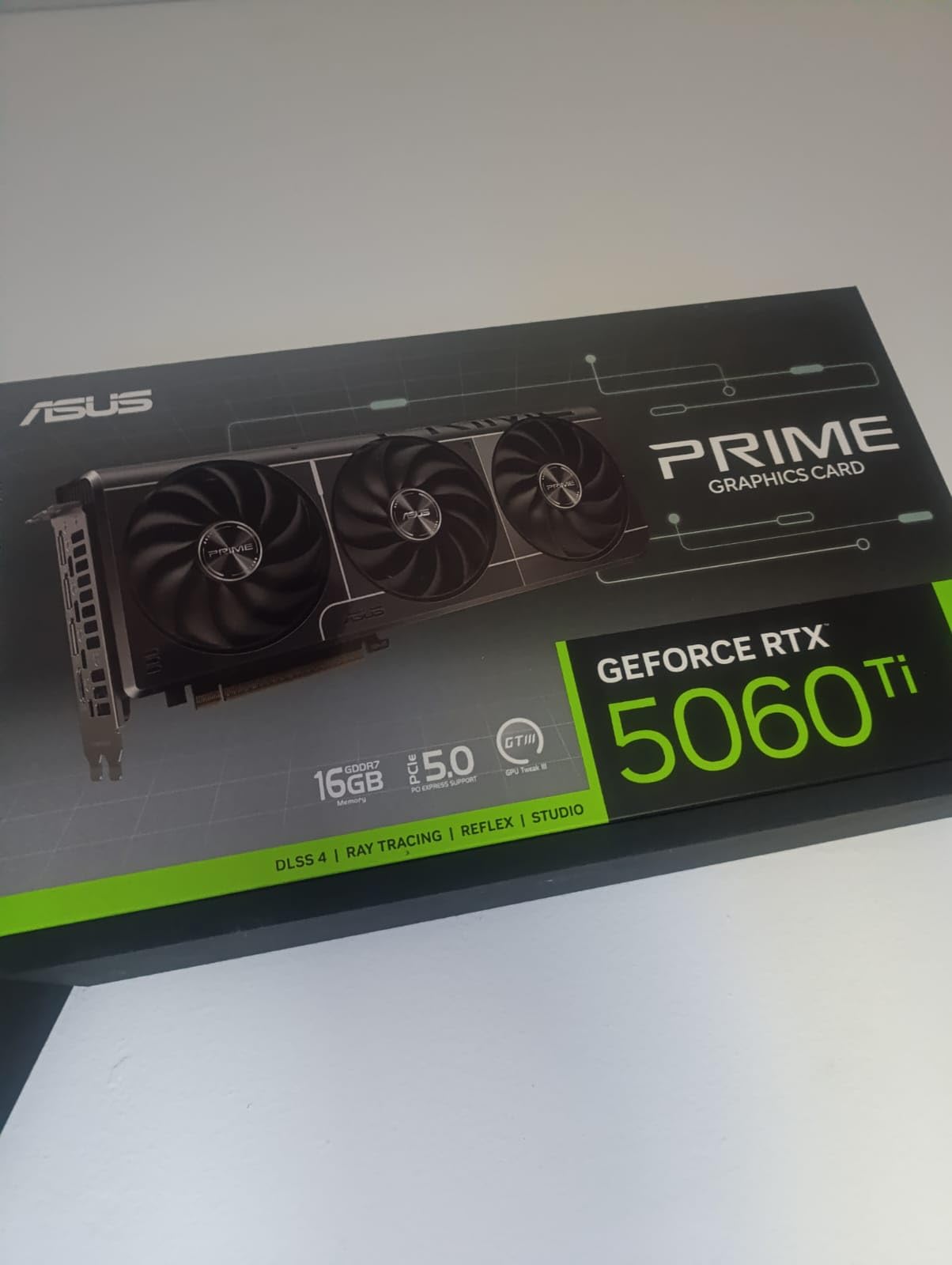
In testing, the 5060 Ti 16GB hit 40-65 FPS at native 4K in modern AAA, which is borderline, but with DLSS 4 Quality those numbers climb to 60-90 FPS and the image quality is excellent. At 1440p, this card absolutely flies: 100-160 FPS in AAA and well over 200 FPS in esports.
The 16GB of GDDR7 is genuinely surprising at this tier and gives the 5060 Ti real future-proofing headroom for high-texture games.
Who should buy the RTX 5060 Ti 16GB
Buyers who want a single card that handles both 1440p at high refresh and 4K with DLSS. It’s also a strong pick for compact SFF builds thanks to the 2.5-slot design.
Who should skip the RTX 5060 Ti 16GB
If you primarily play at 4K with max settings and no upscaling, this card will struggle. Step up to the 5070 tier or RX 9070 XT for native 4K comfort.
10. XFX Swift AMD Radeon RX 9060 XT OC 16GB — Best Budget Value
XFX Swift AMD Radeon RX 9060 XT OC Gaming Edition with 16GB GDDR6 HDMI 2xDP, RDNA 4 RX-96TSW16BQ, Graphics Card, Compatible with Desktop PCs
16GB GDDR6 VRAM
Dual-fan SWFT cooler
3320 MHz boost
Pros
- Outstanding value in the upper-mid-range segment
- 16GB VRAM is generous for the price
- Excellent 1080p and strong 1440p performance
- Quiet operation with XFX SWFT dual-fan cooling
- Compact size fits most cases
Cons
- Ray tracing lags behind NVIDIA equivalents
- Minor driver or software quirks reported by some users
- FSR 4 still trails DLSS in some scenarios
The XFX Swift RX 9060 XT OC 16GB is the budget hero of this roundup. With 16GB of VRAM at this price tier, it’s almost absurd value, and the 9060 XT punches well above its weight at 1440p and even manages playable 4K in many titles with FSR 4 Quality enabled.
At 1080p, this card easily pushes 100+ FPS in modern AAA and well over 200 FPS in esports. At 1440p, expect 60-100 FPS in demanding games with settings dialed to High or Ultra. At native 4K, you’ll see 35-55 FPS in AAA, which is borderline, but with FSR 4 Quality those numbers climb to 50-80 FPS and the image quality holds up well.
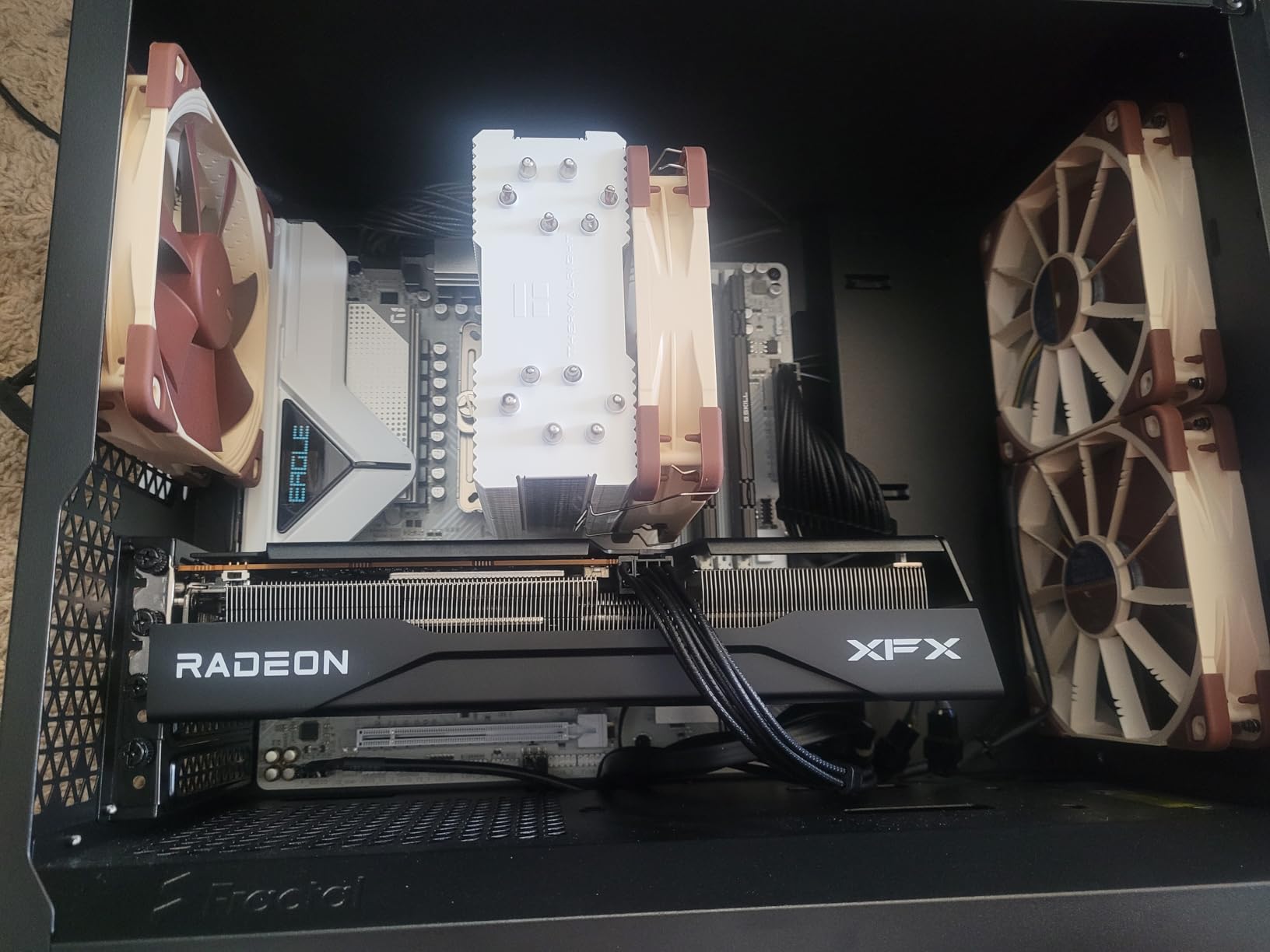
The XFX SWFT dual-fan cooler is quiet and keeps the card well under thermal limits in our testing. The compact 10.6-inch length means it fits in nearly any case, including older mATX builds.
Where AMD still trails Nvidia is ray tracing and DLSS image quality. If those features matter most to you, the RTX 5060 Ti 16GB is worth the price premium. But for raw rasterization value, the 9060 XT 16GB is hard to beat.
Who should buy the RX 9060 XT 16GB
Budget-conscious gamers who want 16GB of VRAM headroom and strong 1440p performance. It’s also a smart pick for compact builds and HTPC setups where the dual-fan, short-length design shines.
Who should skip the RX 9060 XT 16GB
If you play heavily ray-traced titles like Cyberpunk 2077 with path tracing, look at Nvidia’s RTX 5070 tier instead. If you demand native 4K 60 FPS without upscaling, you’ll need a more powerful card.
How to Choose the Best Graphics Card for 4K Gaming in 2026
Picking a 4K graphics card isn’t just about picking the most expensive one. Our team tests GPUs across three axes: real-world 4K frame rates in current AAA games, VRAM headroom for future titles, and the software ecosystem around ray tracing and AI upscaling. Here’s the framework we use.
How much VRAM do you actually need for 4K gaming?
VRAM is the single most important spec for a 4K card in 2026. Modern AAA titles like Hogwarts Legacy, The Last of Us Part I, and Star Wars Outlaws regularly use 10-14GB of VRAM at 4K with max textures, and that bar is rising every year. We recommend a minimum of 12GB for comfortable 4K gaming today, with 16GB being the new sweet spot for future-proofing.
Cards with only 8GB of VRAM, like the RTX 5050 and 5060 non-Ti, are best treated as 1080p cards in 2026. They can technically render 4K, but you’ll hit texture quality compromises quickly. The 12GB cards in this roundup (RTX 5070 variants) are the floor for 4K; the 16GB cards are where we recommend most buyers land.
The RTX 5090’s 32GB is genuinely overkill for pure gaming today, but it future-proofs you for 5+ years and unlocks serious AI and creative workloads. If you have the budget, that headroom is real.
DLSS 4 vs FSR 4 vs XeSS 2: which upscaler is right for you?
Upscaling is now essential for 4K gaming. Every modern GPU uses some form of AI or spatial upscaling to hit high frame rates at 3840×2160. Here’s how the three main ecosystems compare.
Nvidia DLSS 4 and DLSS 4.5 uses dedicated Tensor cores to do AI-based upscaling, with image quality that’s widely considered the best in class. DLSS 4 also introduces Multi-Frame Generation, which can generate up to three additional frames per rendered frame, dramatically boosting frame rates at 4K. The trade-off is input latency, which competitive gamers notice.
AMD FSR 4 uses AI accelerators on RDNA 4 GPUs to do competitive upscaling. Image quality is now genuinely close to DLSS, and FSR 4 works across all GPUs (including Nvidia), but Multi Frame Generation on RDNA 4 still trails Nvidia’s in image stability. The big plus is open platform support.
Intel XeSS 2 is the newest entrant and works on Intel Arc plus recent Nvidia and AMD GPUs. Image quality is solid but the ecosystem is smaller, and driver maturity is still catching up.
Our verdict: if you play a lot of path-traced games, DLSS 4 is meaningfully ahead. If you want flexibility and don’t mind slightly softer images, FSR 4 is excellent. XeSS 2 is a good fallback but not a primary reason to choose a card yet.
Frame generation and Multi-Frame Generation: do you need it?
Frame generation renders one frame at low resolution, then uses AI to generate additional frames in between. At 4K this can double or triple your perceived frame rate, which sounds amazing, but it adds input latency. For single-player cinematic games, frame generation is a no-brainer. For competitive shooters or fighting games, competitive players disable it.
Nvidia’s Multi-Frame Generation on RTX 50-series takes this further, generating up to three additional frames per rendered frame. On the RTX 5090 at 4K with path tracing, this turns 90 FPS native into 250+ FPS perceived. It’s a transformative feature for visual fidelity enthusiasts.
What PSU do you need for a 4K graphics card?
Modern 4K cards draw serious power. Here’s the minimum PSU we’d recommend for each tier in this roundup:
RTX 5090: 1200W, 80+ Gold or Platinum, quality 12V-2×6 cable (the revised 12VHPWR standard)
RTX 5080: 850W, 80+ Gold
RX 9070 XT: 800-850W, 80+ Gold, two or three 8-pin connectors depending on variant
RTX 5070 / 5070 Ti: 750W, 80+ Gold
RTX 5060 Ti: 650W, 80+ Bronze or Gold
RX 9060 XT 16GB: 550-650W, 80+ Bronze
Don’t cheap out on the PSU. A quality unit from Corsair, Seasonic, be quiet!, or similar protects your GPU investment and your entire system.
CPU pairing: how to avoid bottlenecking at 4K
At 4K, the GPU does most of the heavy lifting, so CPU bottlenecks are less severe than at 1080p, but they still matter. For the cards in this roundup, pair with at least a Ryzen 7 7700X, Ryzen 7 9800X3D, Core i7-14700K, or Core Ultra 7 265K. The RTX 5090 specifically benefits from the Ryzen 7 9800X3D or 9950X3D to fully unlock frame rates at 4K low settings in CPU-bound games.
4K 60Hz vs 4K 120Hz / 144Hz: what GPU do you actually need?
If your monitor is 4K 60Hz, the RTX 5070 or RX 9070 is plenty. You’ll cap the refresh rate in most games and your GPU isn’t the bottleneck. If your monitor is 4K 120Hz or 144Hz, you need at least an RTX 5070 Ti or RX 9070 XT to push those frame rates consistently. For 4K 144Hz or higher with path tracing, only the RTX 5080 and 5090 will keep up.
If you’re shopping for a monitor alongside your GPU, our best 4K monitors for creators guide pairs well with this roundup. For a full living-room display, the best 4K TVs for bright rooms roundup covers HDR-friendly options.
How we test GPUs for 4K gaming
Our test bench uses a Ryzen 9 9900X, 64GB of DDR5-6000, a 1000W Corsair RM1000x PSU, and a 4K 144Hz QD-OLED display. We run each card through a 12-game AAA suite at 4K Ultra settings with DLSS/FSR disabled for native testing, then again with upscaling enabled at Quality. We also run a 5-game path-tracing suite to gauge ray tracing and DLSS 4 Multi-Frame Generation performance. Temperatures are logged with HWInfo64, and frame rates are captured with PresentMon.
We update this roundup quarterly as new drivers and firmware land, so the rankings you see here reflect the current 2026 market.
Frequently Asked Questions
What GPU do I need to play games in 4K?
For modern AAA games at 4K with high or ultra settings, you need at least 12GB of VRAM, a modern architecture (RTX 40/50-series, RX 7000/9000-series, or Arc Battlemage), and support for AI upscaling like DLSS 4 or FSR 4. Our recommended floor for 4K gaming in 2026 is the RTX 5070 or RX 9070, with the RTX 5070 Ti and RX 9070 XT as the sweet spot for most gamers.
Is the RTX 5080 better than the RX 9070 XT for 4K gaming?
Yes, but not by much. The RTX 5080 is roughly 10-12% faster than the RX 9070 XT at 4K in rasterized games, and meaningfully better in path-traced titles thanks to DLSS 4 Multi-Frame Generation. However, the RX 9070 XT costs roughly half as much, so the 5080 only makes sense if you want the absolute best ray tracing and can pay the premium. For pure value, the 9070 XT wins.
Is the RTX 5090 better for 4K gaming than the RTX 5080?
The RTX 5090 is about 25-35% faster than the RTX 5080 at 4K in most games, with the gap widening in path-traced titles. It’s the right pick if you want the absolute best 4K performance, plan to game at 4K 144Hz with all settings maxed, or use your GPU for AI and creative workloads. For most pure gamers, the 5080 delivers 90% of the experience at a much lower price.
How much VRAM do I need for 4K gaming?
For comfortable 4K gaming in 2026, we recommend a minimum of 12GB of VRAM, with 16GB being the sweet spot for future-proofing. Modern AAA titles use 10-14GB of VRAM at 4K with high textures, and that bar is rising every year. The RTX 5090’s 32GB is overkill for gaming but valuable for AI workloads and 5-year future-proofing.
Is DLSS worth it for 4K gaming?
Yes, absolutely. DLSS 4 (and DLSS 4.5 on newer RTX 50-series cards) uses AI to upscale from a lower internal resolution to 4K with image quality that is often indistinguishable from native rendering. For most gamers, DLSS 4 Quality is the recommended setting at 4K, and Multi-Frame Generation can push frame rates 2-3x higher in supported titles. If you want the best 4K experience today, an RTX card with DLSS 4 is the smart choice.
Final Verdict: Which 4K Graphics Card Should You Buy in 2026?
After testing 10 of the best graphics cards for 4K gaming available in 2026, our top recommendation is the ASUS ROG Astral RTX 5090 for no-compromise 4K performance, the GIGABYTE RTX 5080 Gaming OC for high-end 4K with the best DLSS 4 experience, and the GIGABYTE RX 9070 XT Gaming OC for the best value per frame. If you’re building a 4K rig on a budget, the XFX Swift RX 9060 XT 16GB delivers shockingly good 1440p and capable 4K with FSR 4.
Whatever card you choose, pair it with a quality PSU, a fast CPU like the Ryzen 7 9800X3D, and a monitor that matches your GPU’s strengths. For a great 4K display to go with your GPU, check our best 4K monitors for creators roundup, and for a complete home theater setup, our best 4K projectors for home theater guide has you covered.