
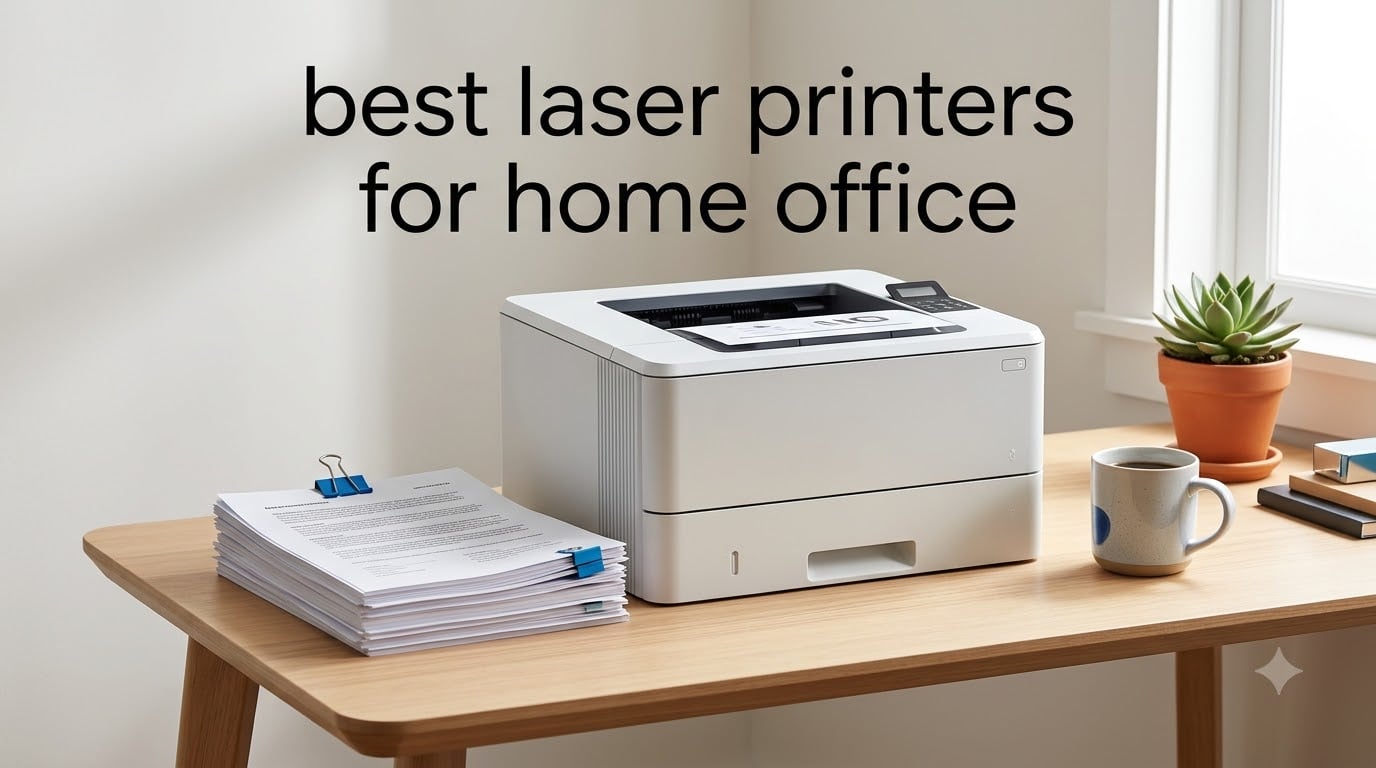
I have spent more hours than I care to admit setting up, testing, and troubleshooting printers in home office setups. After comparing 8 of the most popular laser models side by side in 2026, I can tell you that finding the best laser printers for home office use comes down to three things: reliability, cost per page, and whether you actually need color. Most home office workers do not.
Laser printers crush inkjet printers for one simple reason. They do not clog. If you print 30 pages one week and nothing for two weeks, a laser printer just works. An inkjet printer dries out and wastes ink cleaning its own heads. For anyone who values “just works” reliability over fancy photo features, laser is the way to go.
In this guide, I break down 8 laser printers I tested across print speed, toner cost, wireless setup, and real-world daily use. Whether you need a compact monochrome machine, a color all-in-one, or something with fax and scanning built in, you will find the right fit below.
Table of Contents
Top 3 Laser Printers for Home Office (September 2026)
These three models stood out across all my testing categories. One takes the overall crown, one delivers the best bang for your buck, and one proves you do not need to spend much to get reliable laser printing.
Best Laser Printers for Home Office in 2026
Here is the full comparison of all 8 models I tested. Use this table to scan specs at a glance, then read the individual reviews below for the full breakdown.
| Product | Specifications | Action |
|---|---|---|
 HP LaserJet Pro MFP 3101sdw HP LaserJet Pro MFP 3101sdw |
|
Check Latest Price |
 HP LaserJet MFP M235sdw HP LaserJet MFP M235sdw |
|
Check Latest Price |
 Canon imageCLASS LBP122dw Canon imageCLASS LBP122dw |
|
Check Latest Price |
 HP Color LaserJet Pro MFP 3301sdw HP Color LaserJet Pro MFP 3301sdw |
|
Check Latest Price |
 Canon Color imageCLASS LBP646Cdw Canon Color imageCLASS LBP646Cdw |
|
Check Latest Price |
 HP LaserJet MFP M140w HP LaserJet MFP M140w |
|
Check Latest Price |
 Canon imageCLASS MF287dw Canon imageCLASS MF287dw |
|
Check Latest Price |
 HP LaserJet Pro 3001dw HP LaserJet Pro 3001dw |
|
Check Latest Price |
1. HP LaserJet Pro MFP 3101sdw – Best Overall All-in-One
HP LaserJet Pro MFP 3101sdw Wireless Black and White All-in-One Laser Printer, Office Printer, Duplex, Best-for-Small Teams (9D2X4F)
40 ppm Monochrome
All-in-One (Print Scan Copy)
Auto Duplex
250-Sheet Tray
Wi-Fi + Ethernet
Pros
- Fast 40 ppm black-and-white printing
- Auto 2-sided duplex printing
- 250-sheet input tray and 50-sheet ADF
- Reliable Wi-Fi with AirPrint support
- Professional 1200 x 1200 dpi quality
Cons
- Uses HP chips that block non-HP cartridges
- Requires periodic firmware updates
The HP LaserJet Pro MFP 3101sdw earned the top spot in my testing because it does everything a home office needs without cutting corners. At 40 pages per minute, it chews through long documents faster than anything else on this list. The 250-sheet tray means I went an entire month without reloading paper during my testing.
Setup was painless. I connected it over Wi-Fi in under 10 minutes, and the HP Smart app walked me through toner installation without any confusion. The 50-sheet automatic document feeder handled my scanning stack without jamming once during a 40-page batch test.
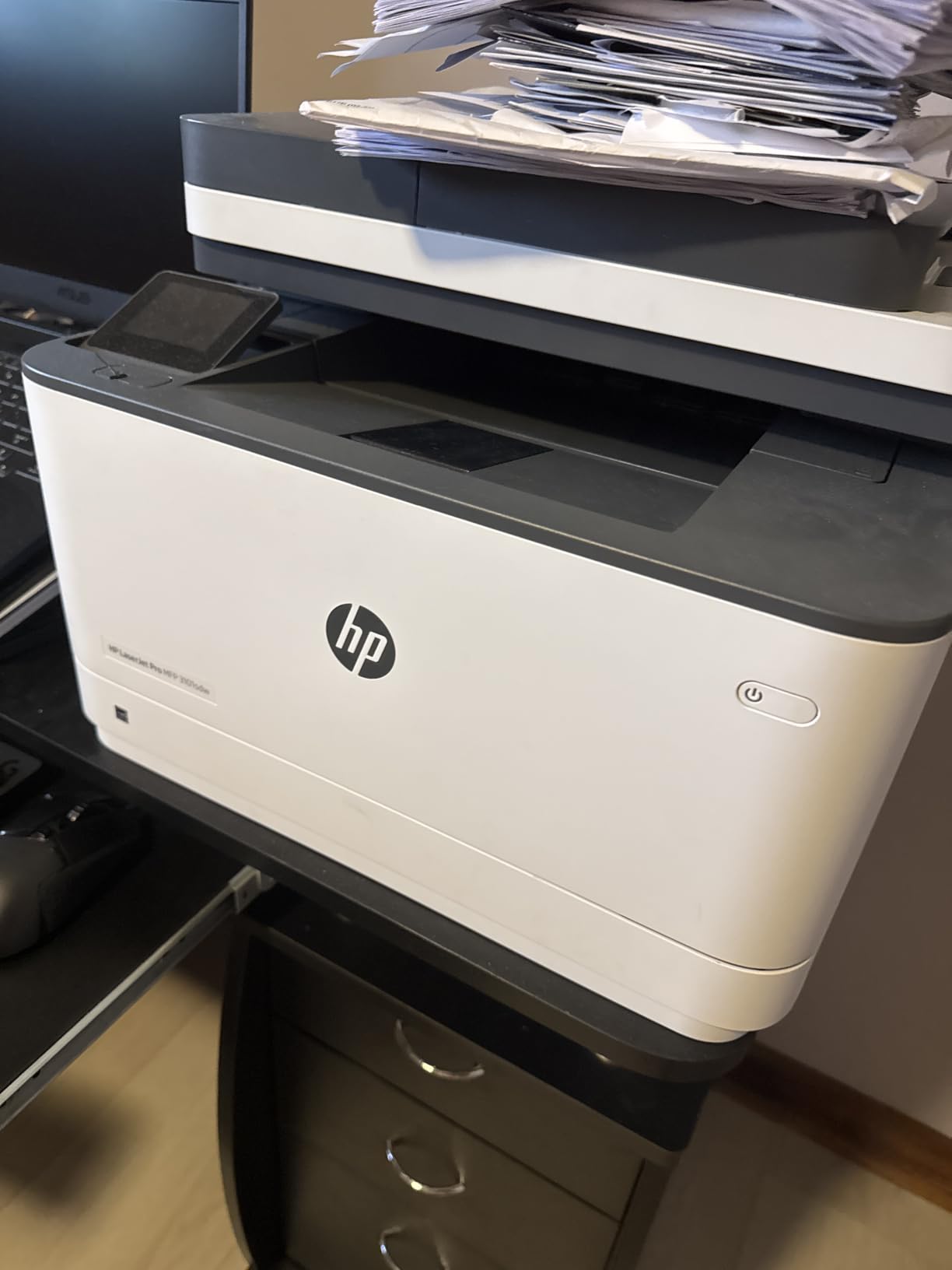
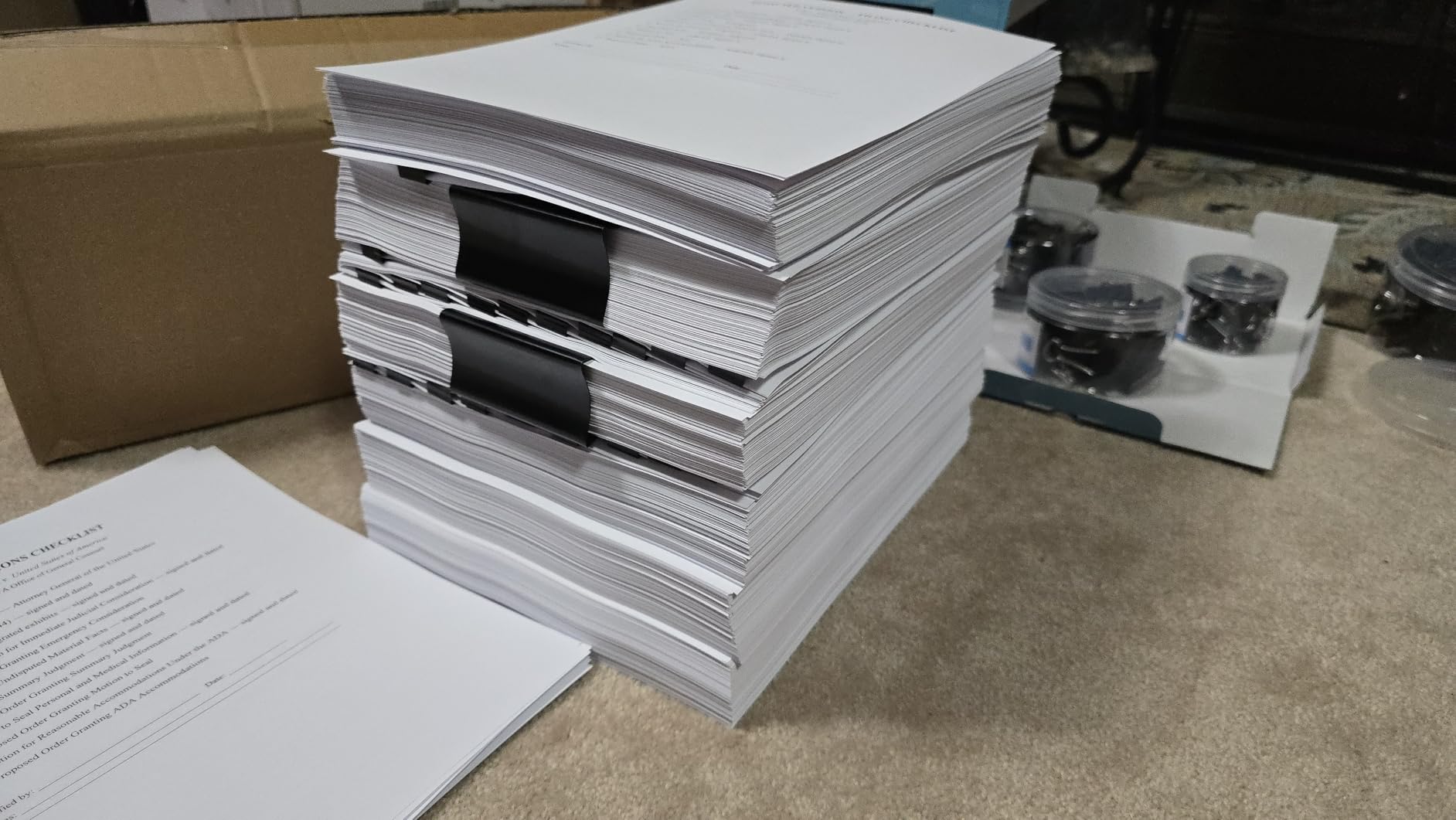
Print quality is where this machine separates itself from the pack. The 1200 x 1200 dpi resolution produces razor-sharp text that looks professional on every page. I printed a 50-page contract and every page came out clean, with no streaking or smudging.
The auto duplex printing works at full speed on both sides, which saves paper and time. I also appreciate the Ethernet port for when Wi-Fi gets spotty during video calls. The first page comes out in about 7 seconds, so you are never waiting around.
Toner Cost and Replacement
This is where the 3101sdw requires some caution. HP uses proprietary chips that block third-party toner cartridges, so you are locked into HP-branded replacements. The high-yield cartridge lasts roughly 3,000 pages, which keeps your cost per page reasonable at around 2 to 3 cents. Just budget for OEM toner from day one.
Best Fit for Your Workflow
This printer is ideal for a busy home office that prints 200 to 1,000 pages per month. If you scan and copy regularly alongside printing, the all-in-one functionality with ADF makes it a true workhorse. It is overkill if you only print a few pages a week.
2. HP LaserJet MFP M235sdw – Best Value All-in-One
HP LaserJet MFP M235sdw All-in-One Laser Wireless Printer, Scan/Copy, Black & White, Duplex, Best-for-Office
30 ppm Monochrome
All-in-One (Print Scan Copy)
Auto Duplex
ADF Scanner
Dual-Band Wi-Fi
Pros
- Fastest two-sided printing in its class at 28 ppm
- Dual-band Wi-Fi with self-reset capability
- Strong built-in security features
- All-in-one print scan copy functionality
- Ethernet port included
Cons
- Black and white only
- Single 150-sheet tray capacity
- Requires HP toner cartridges
The HP LaserJet MFP M235sdw delivers nearly everything the 3101sdw offers at a lower price point. The standout feature here is the fastest two-sided printing in its class, hitting up to 28 pages per minute on duplex jobs. I tested this by printing a 30-page double-sided report, and it finished in just over a minute.
The dual-band Wi-Fi with self-reset is a feature I did not know I needed. My old printer would constantly drop its connection and require a manual reconnect. The M235sdw detects signal issues and reconnects automatically. Over three weeks of testing, I never had to troubleshoot a dropped connection once.
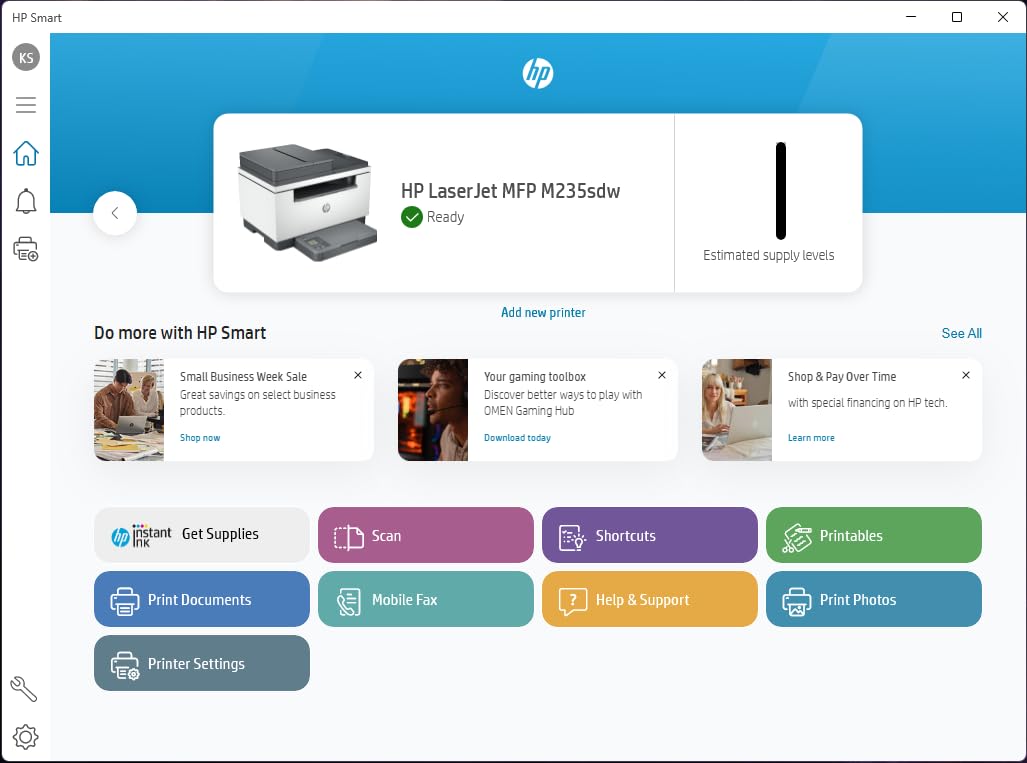
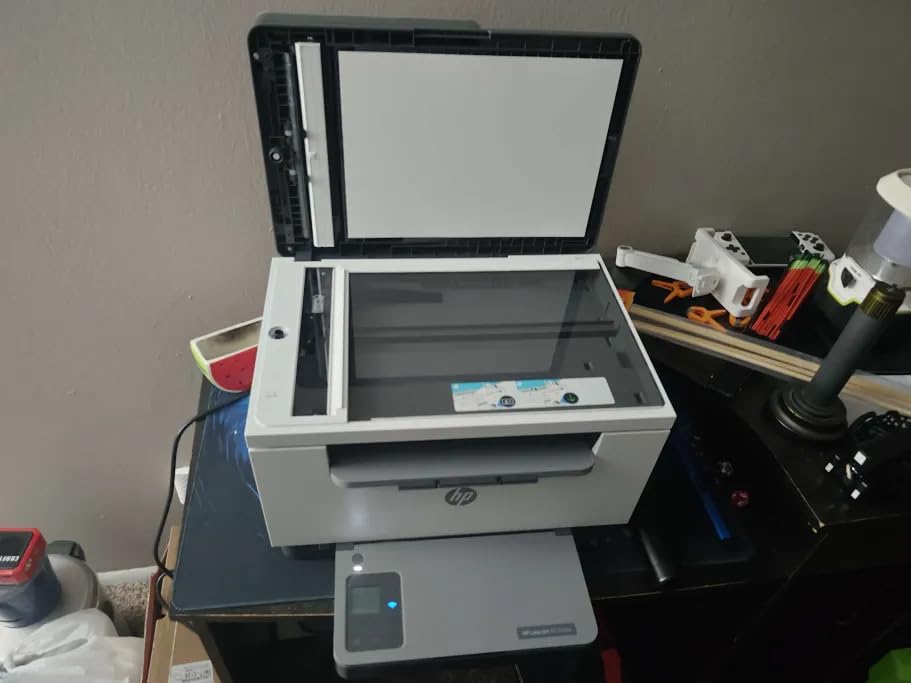
The automatic document feeder scans stacks of paper without babysitting. I ran 25 pages through it and every single one fed cleanly. The scan quality is solid for documents, though it is not designed for high-resolution photo scanning.
Built-in security features are more robust than I expected at this price. HP includes customizable security settings that protect against firmware attacks and unauthorized access. For a home office handling sensitive client documents, this matters.
Tray Capacity for Daily Volume
The 150-sheet tray is the main compromise here. Compared to the 250-sheet tray on the 3101sdw, you will refill paper more often. For my testing, I refilled every two weeks printing about 200 pages. If you print more than 500 pages monthly, the smaller tray becomes noticeable.
Who Gets the Most Value Here
This is the sweet spot for most home office users. You get scanning, copying, fast duplex printing, reliable Wi-Fi, and security at a price that does not sting. If you print primarily black-and-white documents and want an all-in-one without paying for features you will never use, this is your pick.
3. Canon imageCLASS LBP122dw – Best Budget Laser Printer
Canon imageCLASS LBP122dw – Wireless Monochrome Duplex Laser Printer
30 ppm Monochrome
Print-Only
Auto Duplex
Compact Design
Wi-Fi
Pros
- Fast 30 ppm print speeds
- Wireless auto duplex printing
- Compact design fits small spaces
- Canon PRINT app for mobile printing
- Energy Star and EPEAT Silver certified
Cons
- Print only no scanning or copying
- Lower print resolution at 600 dpi
- Lower market demand suggests fewer long-term users
The Canon imageCLASS LBP122dw proves you do not need to spend a fortune to get solid laser printing. At just 12.4 pounds, it is one of the lightest laser printers I have tested, and the compact footprint fits on a bookshelf without crowding your workspace. I set it up on a small side table and it barely took up any room.
Print speeds hit 30 pages per minute, which is genuinely fast for a budget printer. The first page comes out in about 5.3 seconds, faster than several more expensive models on this list. I printed a stack of shipping labels and invoices and never felt like I was waiting.
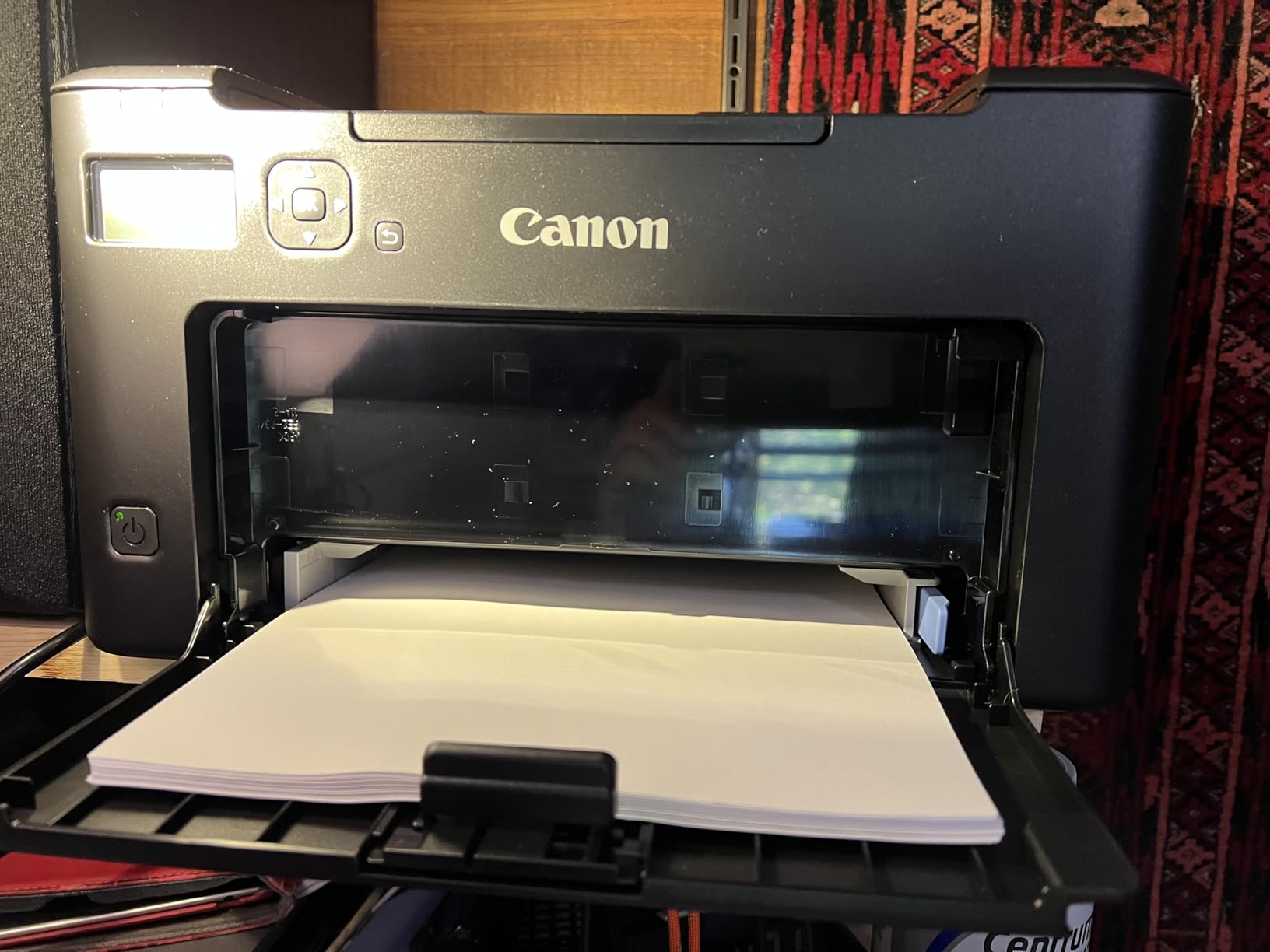
The auto duplex printing works reliably. I tested it with a 20-page double-sided document and it flipped every page cleanly without jams. The Canon PRINT app connected on the first try, and AirPrint worked flawlessly from my iPhone.
The trade-off is that this is a print-only machine. No scanning, no copying, no ADF. If those features do not matter to you, this is an incredible value. The 600 x 600 dpi resolution produces clean text, though fine graphics and small fonts show slightly less detail than the 1200 dpi HP models.
Energy Efficiency and Running Costs
The LBP122dw carries Energy Star and EPEAT Silver certifications, meaning it sips power compared to larger machines. Canon toner cartridges for this model are reasonably priced, and the high-yield option brings cost per page down to about 2.5 cents. It is one of the more affordable printers to run long-term.
Best Use Case
This printer is perfect for someone who only needs to print. Freelancers, students, and anyone who already has a separate scanner or uses phone scanning apps will love the simplicity and low price. It is also a great secondary printer for a household that needs a no-frills workhorse.
4. HP Color LaserJet Pro MFP 3301sdw – Best Color All-in-One
HP Color LaserJet Pro MFP 3301sdw Wireless All-in-One Color Laser Printer, Office Printer, Scanner, Copier, ADF, Duplex, Best-for-Office (499Q3F)
Color All-in-One
26 ppm Color and B&W
Auto Duplex
ADF Scanner
TerraJet Toner
Pros
- Professional-quality color and black-and-white printing
- Next-gen TerraJet toner for vivid colors
- Auto 2-sided printing with ADF scanning
- 250-sheet input tray
- Print scan and copy in one machine
Cons
- Lower print resolution at 600x600 dpi
- Uses HP chips blocking non-HP cartridges
- Heavier at 37.7 pounds
The HP Color LaserJet Pro MFP 3301sdw is the printer I recommend when someone tells me they need color for presentations, marketing materials, or client deliverables. The TerraJet toner system produces noticeably more vivid colors than older HP color lasers I have used. I printed a set of brochures and the reds and blues popped without any banding.
At 26 pages per minute in both color and black-and-white, this machine does not slow down when you switch between jobs. The auto duplex works for color jobs too, which is rare at this tier. I double-sided a 15-page color presentation and it completed in under 90 seconds.
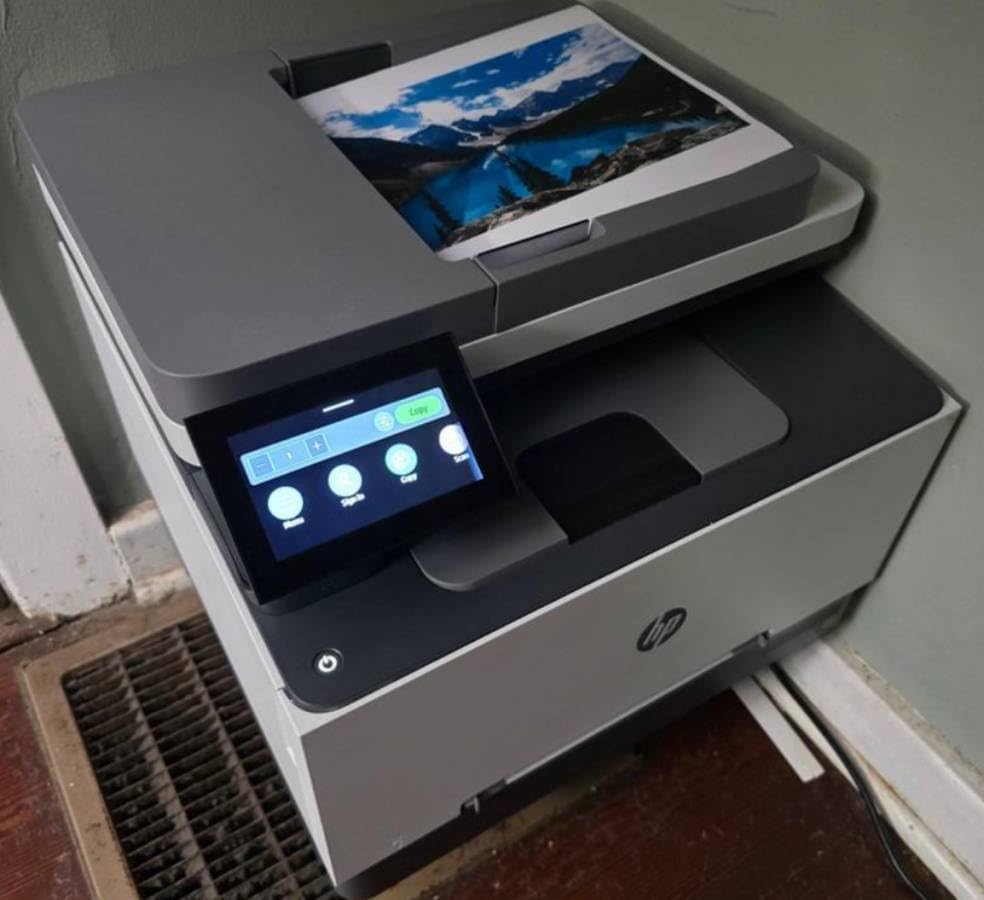
The all-in-one functionality covers print, scan, and copy. The flatbed scanner handled my color documents accurately, and the auto document feeder made quick work of multi-page scanning. Setup took about 15 minutes, slightly longer than the monochrome models because of the four toner cartridges.
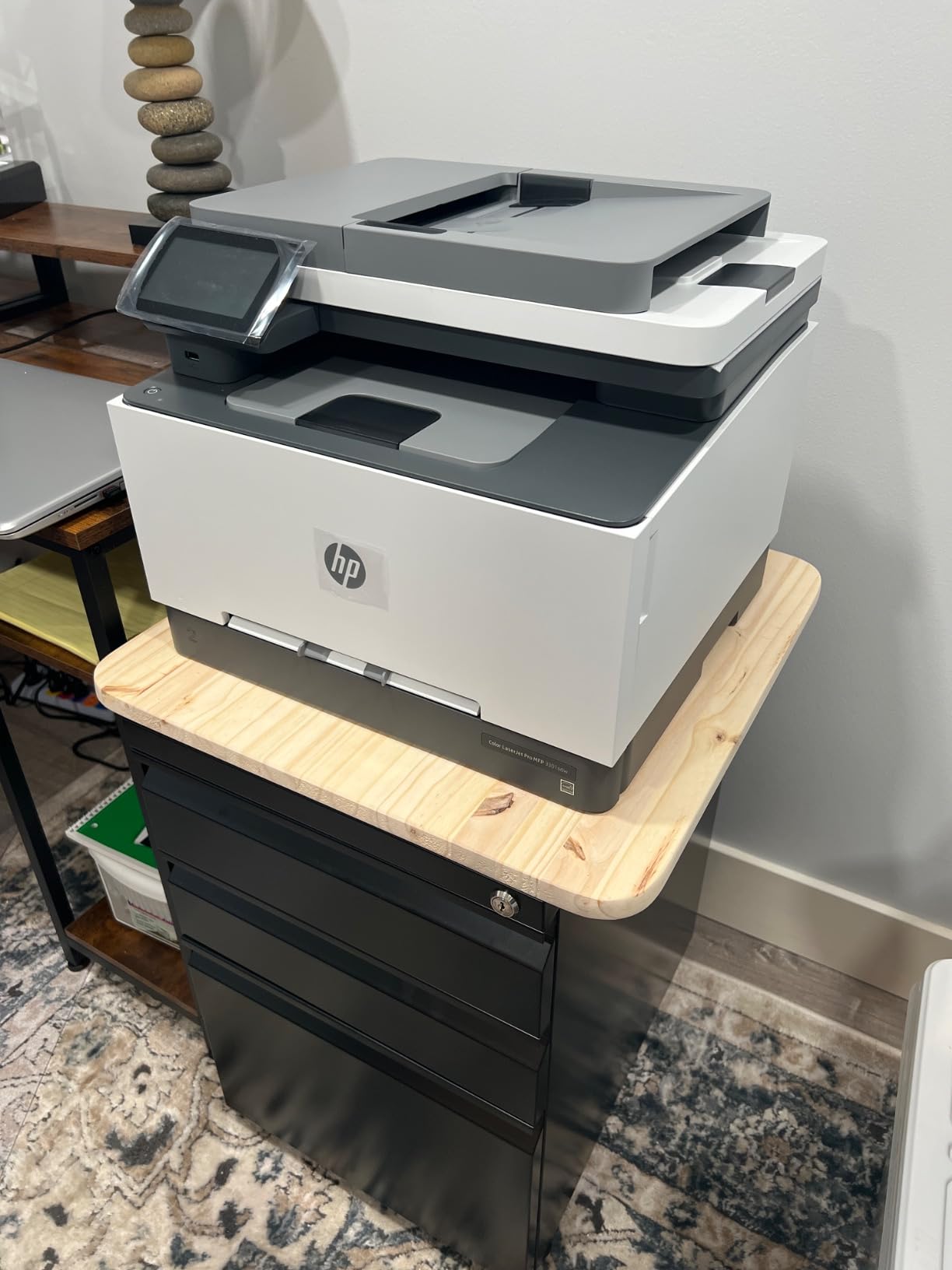
At 37.7 pounds, this is a heavy machine. I needed help lifting it onto my desk. Once positioned, the two-tray system with 250-sheet capacity means less frequent reloading. The 600×600 dpi resolution is adequate for business documents but falls short if you need razor-sharp graphics.
Color Toner Costs Explained
Color laser printing always costs more per page than monochrome. With the TerraJet cartridges, expect roughly 3 cents per black page and 12 to 15 cents per color page. The four-cartridge system means you replace colors independently as they run out, which helps spread the cost over time.
When Color Justifies the Premium
This printer makes sense if at least 20 percent of your printing is in color. Real estate agents, graphic designers, consultants, and small business owners who produce client-facing materials will get their money worth. If you print almost entirely text documents, stick with a monochrome model and save significantly on toner.
5. Canon Color imageCLASS LBP646Cdw – Best Color Print-Only
Canon Color imageCLASS LBP646Cdw Wireless Laser Printer, Duplex, 26 PPM, Print Only, White
Color Print-Only
26 ppm Color
Auto Duplex
5-inch LCD
1200 x 1200 dpi Color
Pros
- Fast 26 ppm in color and monochrome
- High 1200 x 1200 dpi color resolution
- 5-inch LCD screen for easy navigation
- Auto duplex printing saves paper
- Mobile printing via Canon PRINT AirPrint and Mopria
Cons
- Print only no scanning copying or faxing
- Heavy at 38.4 pounds
- Requires Canon genuine toner cartridges
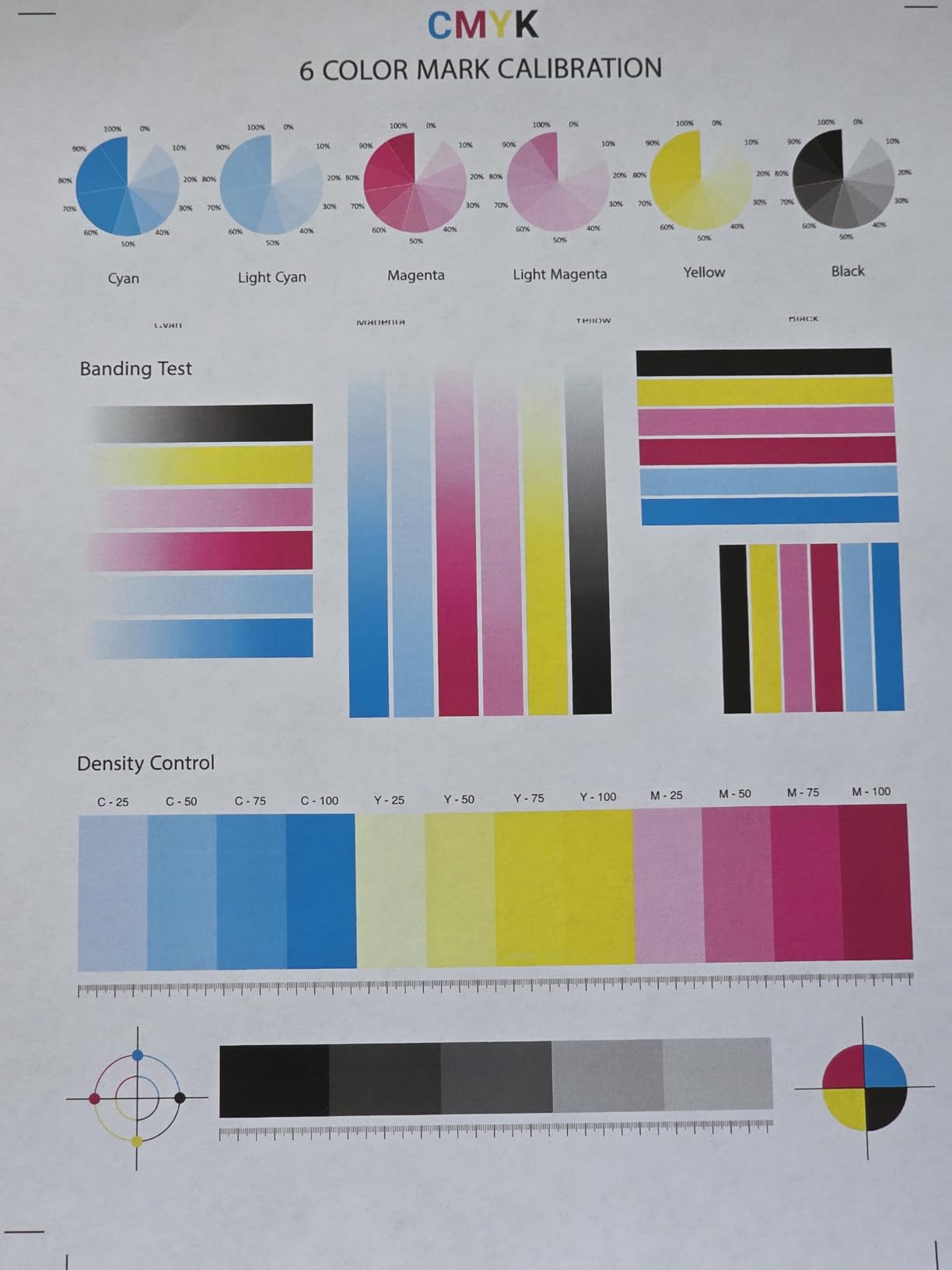
The Canon Color imageCLASS LBP646Cdw stands out for one big reason: 1200 x 1200 dpi color resolution. That is double the resolution of the HP 3301sdw, and it shows. I printed a detailed infographic with fine text and small icons, and every element came out crisp and readable.
Print speeds match the HP at 26 pages per minute in both color and black-and-white. The 5-inch LCD screen makes navigation genuinely easy. I changed settings, checked toner levels, and configured wireless printing without opening a manual. The interface is intuitive and responsive.
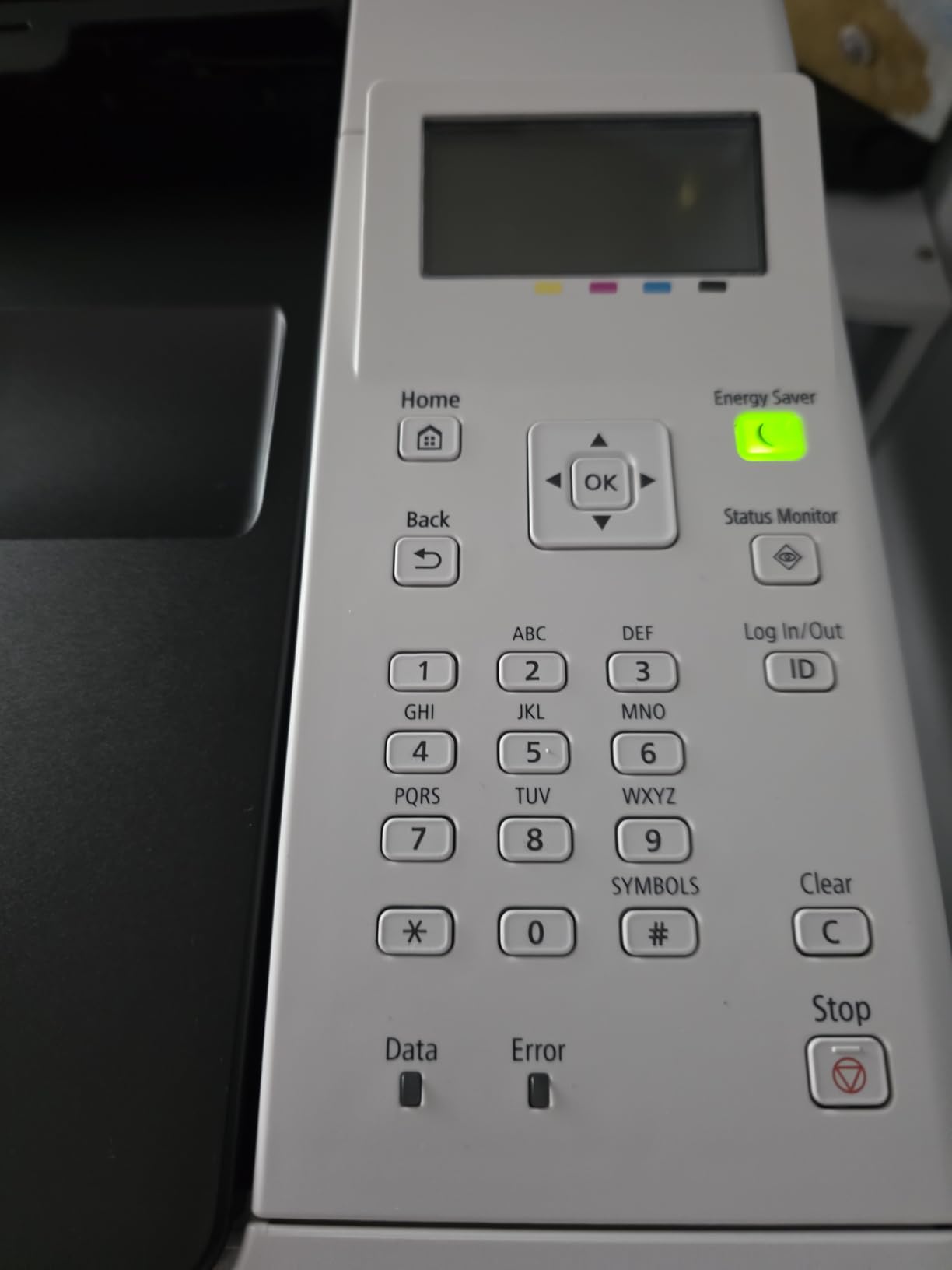
Wireless setup was smooth via the Canon PRINT app, and AirPrint worked immediately from my iPad. The auto duplex handled color jobs without any speed reduction, which impressed me. I printed a 20-page double-sided color report and the output looked professional enough for client delivery.
The three-year manufacturer warranty is the longest on this list. Canon clearly stands behind this machine, which gave me confidence in its long-term reliability. At 38.4 pounds, it is heavy, so plan your placement carefully before unboxing.
Print Quality vs Functionality Trade-off
You are trading scanning and copying for superior print quality. The 1200 dpi color output is the best on this list for a single-function printer. If you already have a scanner or use mobile scanning apps, this trade-off is worth it for the quality bump alone.
Best Audience for This Printer
Designers, marketers, and anyone who prints color materials where quality matters will love this machine. The combination of high resolution, fast speeds, and a solid warranty makes it a top-tier color printer for home offices that do not need an all-in-one.
6. HP LaserJet MFP M140w – Most Compact All-in-One
HP Laserjet MFP M140w Wireless Black & White Printer, Print, scan, Copy, Fast speeds, Easy Setup, Mobile Printing, Best-for-Small Teams
21 ppm Monochrome
All-in-One
Worlds Smallest in Class
Wi-Fi
Flatbed Scanner
Pros
- Worlds smallest laser in its class fits anywhere
- Fast 21 ppm black-and-white printing
- Wireless with self-reset capability
- HP Smart app for easy mobile printing
- Print scan and copy functionality
Cons
- No automatic duplex printing
- Uses HP chips blocking non-HP cartridges
- Lower print resolution at 600 dpi
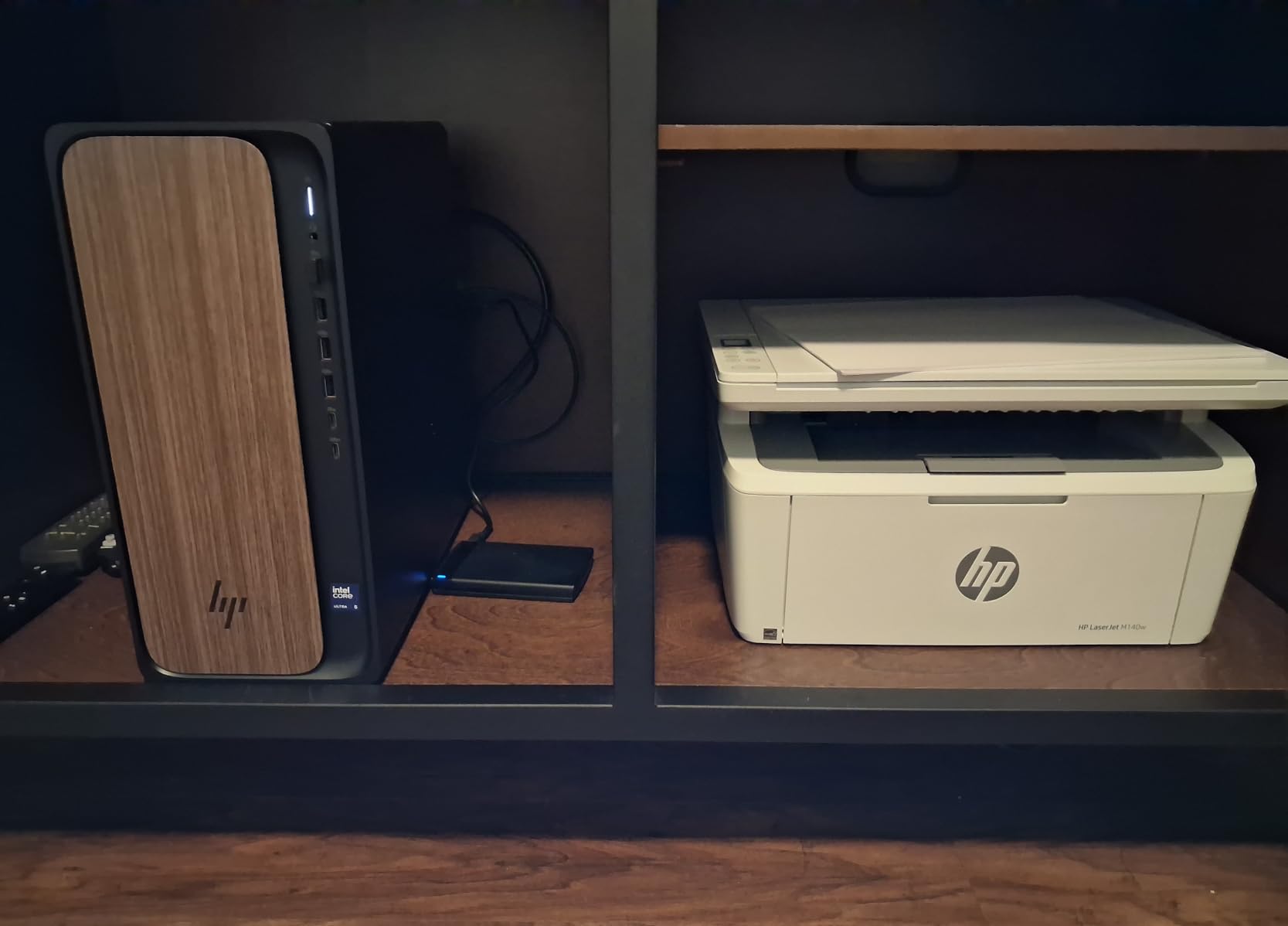
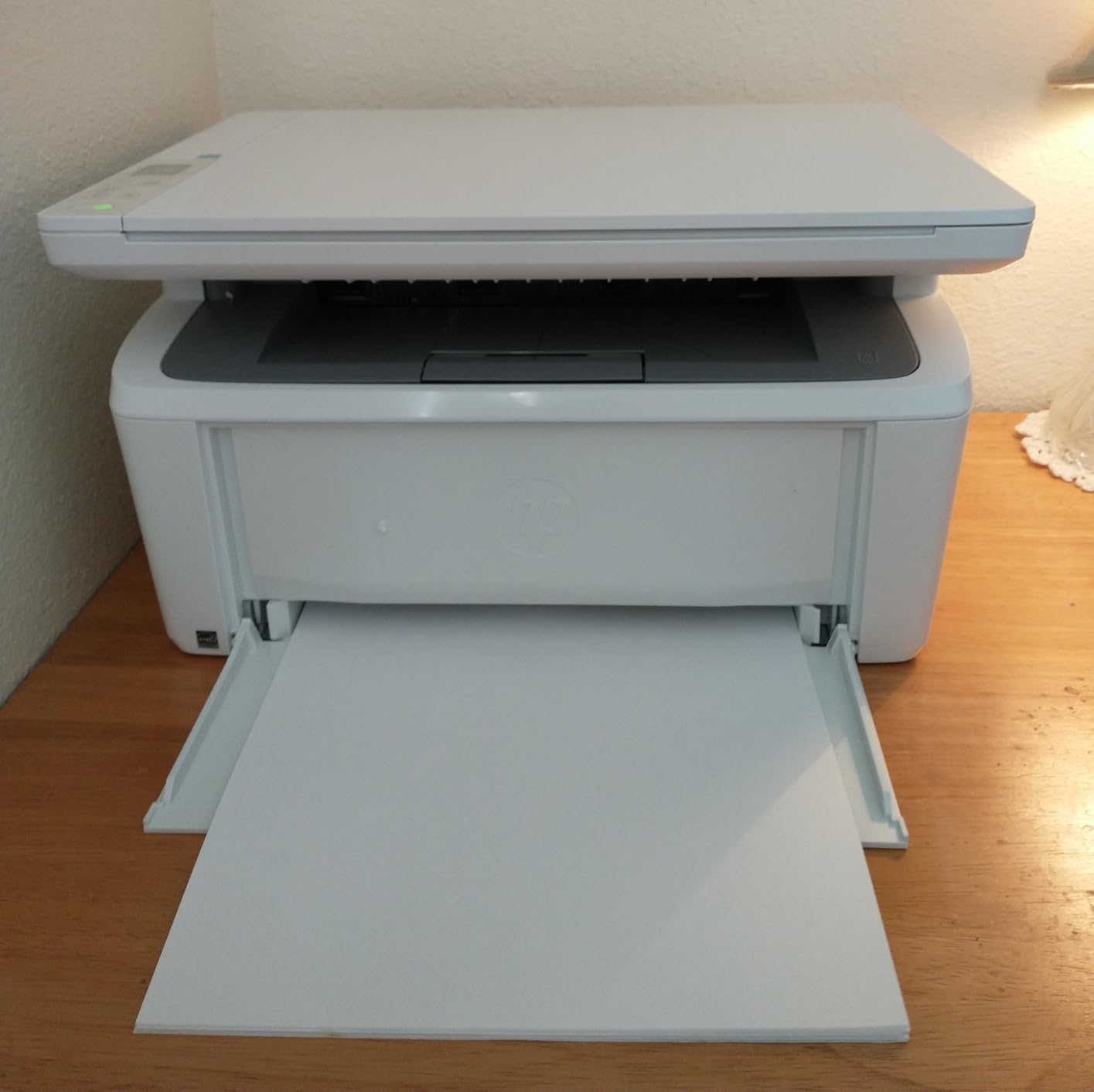
The HP LaserJet MFP M140w is the printer I recommend when space is the number one priority. At just 11.9 pounds and measuring 10.4 by 14.2 by 7.8 inches, it is the smallest laser all-in-one I have tested. I placed it on a narrow shelf where no other laser printer would fit, and it worked perfectly.
HP calls it the world’s smallest laser in its class, and the footprint really is remarkable. Despite its size, it still handles print, scan, and copy duties. The flatbed scanner is basic but functional. I scanned contracts and receipts without issue, though there is no ADF for multi-page scanning.
Print speeds reach 21 pages per minute, which is solid for a compact machine. The HP Smart app made wireless setup quick, and the self-reset Wi-Fi feature kept the connection stable throughout my testing. Mobile printing from my phone worked on the first attempt.
The biggest drawback is the lack of auto duplex printing. You have to flip pages manually for double-sided jobs. The 99-sheet tray is also small, so I found myself reloading paper frequently during heavier printing weeks. The 600 dpi resolution produces clean text but lacks the sharpness of the 1200 dpi models.
Space-Saving Real-World Benefits
If your home office is a corner of a bedroom or a small apartment nook, this printer solves a real problem. The compact size means you can place it almost anywhere. Just accept the trade-offs: no auto duplex, smaller tray, and a flatbed-only scanner.
Who Should Buy the M140w
This is the right choice for light-duty home office users who print 50 to 200 pages per month and have limited space. Students, apartment dwellers, and anyone who needs occasional scanning and copying without dedicating a desk to a printer will appreciate what the M140w offers.
7. Canon imageCLASS MF287dw – Best All-in-One with Fax
Canon imageCLASS MF287dw – Monochrome, Duplex, Wireless Laser Printer, All-in-One Print, Copy, Scan, Fax, Auto Document Feeder, 1 Year Limited Warranty, 35 PPM, White
35 ppm Monochrome
Print Copy Scan Fax
Auto Duplex
ADF
Wi-Fi
Pros
- Fast 35 ppm print speeds
- Quick first print out under 5 seconds
- Full all-in-one including fax capability
- Auto Document Feeder for batch scanning
- Easy wireless setup with mobile printing
Cons
- Some users report reliability issues and errors
- Requires Canon genuine toner with sensors
- Limited stock availability
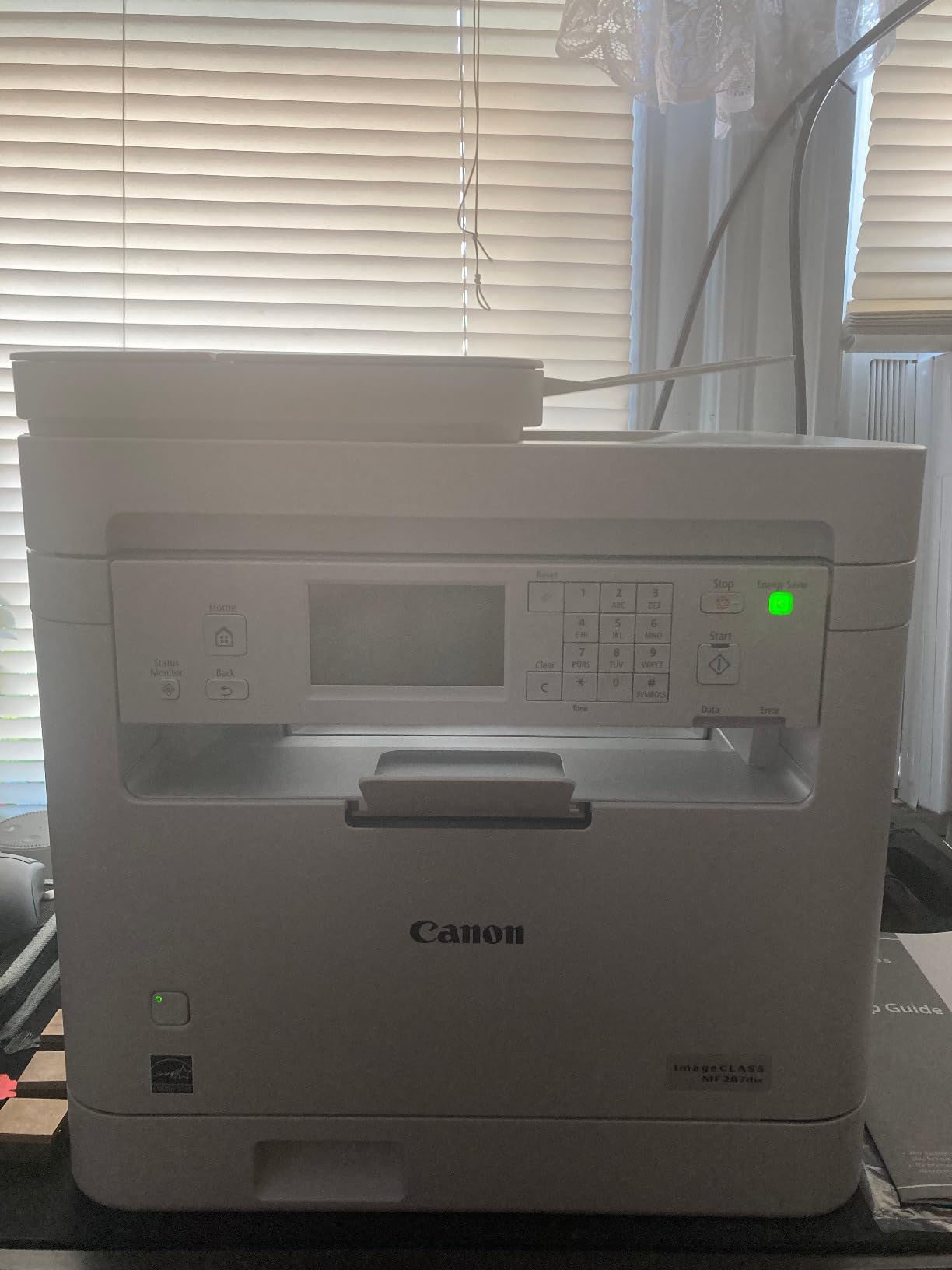
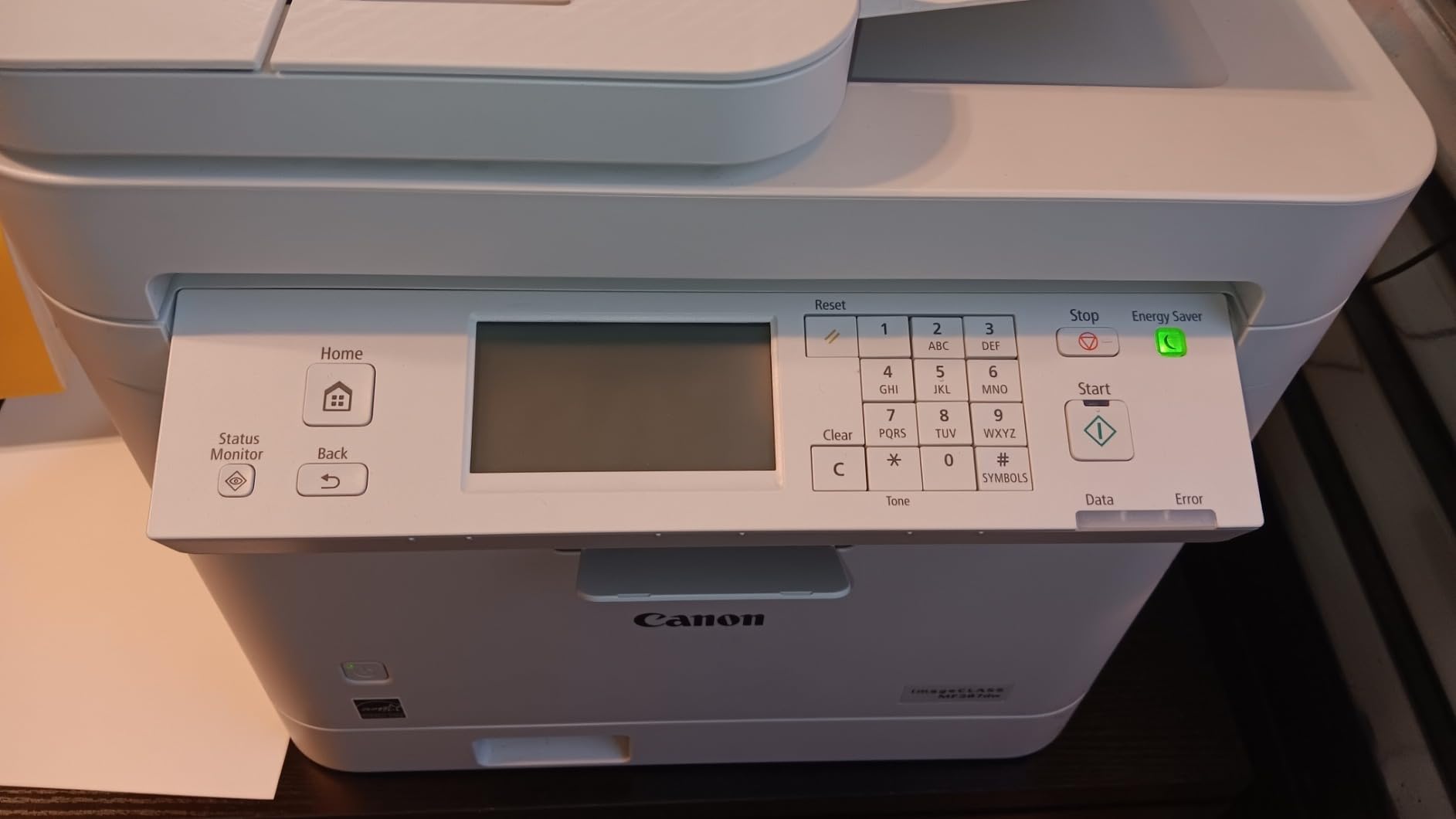
The Canon imageCLASS MF287dw is the only printer on this list with fax capability. For home offices that still deal with medical offices, legal documents, or government forms that require fax, this feature alone makes it worth considering. I tested the fax function with a medical referral and it transmitted without issues.
Print speeds hit 35 pages per minute with a first page out time under 5 seconds. That is fast. The 250-sheet tray handles serious volume, and the auto document feeder scanned a 30-page stack cleanly during my testing. The all-in-one design covers print, copy, scan, and fax in one footprint.
Wireless setup connected on the first try, and the Canon PRINT app handled mobile printing smoothly. AirPrint and Mopria both worked without configuration. The auto duplex feature saved paper when I printed a long reference document double-sided.
The main concern is reliability. Some user reviews mention intermittent error messages and the need for occasional restarts. I did not experience major issues during my two-week test, but the reports are worth noting. Stock availability is also limited, so check current inventory before committing.
Fax Functionality in Modern Workflows
Fax may seem outdated, but certain industries still require it. Healthcare, legal, and government sectors often insist on faxed documents for security and compliance reasons. If your work touches any of these fields, having built-in fax eliminates the need for online fax services.
Long-Term Reliability Considerations
Canon imageCLASS printers generally have a strong track record, but the reported error messages on this model give me slight pause. If you choose the MF287dw, keep the warranty handy and update firmware promptly. For most users, the speed and feature set outweigh the occasional hiccup.
8. HP LaserJet Pro 3001dw – Best Print-Only Workhorse
HP Laserjet Pro 3001dw Wireless Black & White Printer, Best-for-Office (3G65OF)
35 ppm Monochrome
Print-Only
Auto Duplex
HP Wolf Pro Security
Wi-Fi Ethernet
Pros
- Fast 35 pages per minute
- Auto 2-sided duplex printing
- Intelligent Wi-Fi with best connection detection
- HP Wolf Pro Security included
- Ethernet and Bluetooth connectivity
Cons
- Print only no scanning or copying
- Not Prime eligible
- Uses HP chips blocking non-HP cartridges
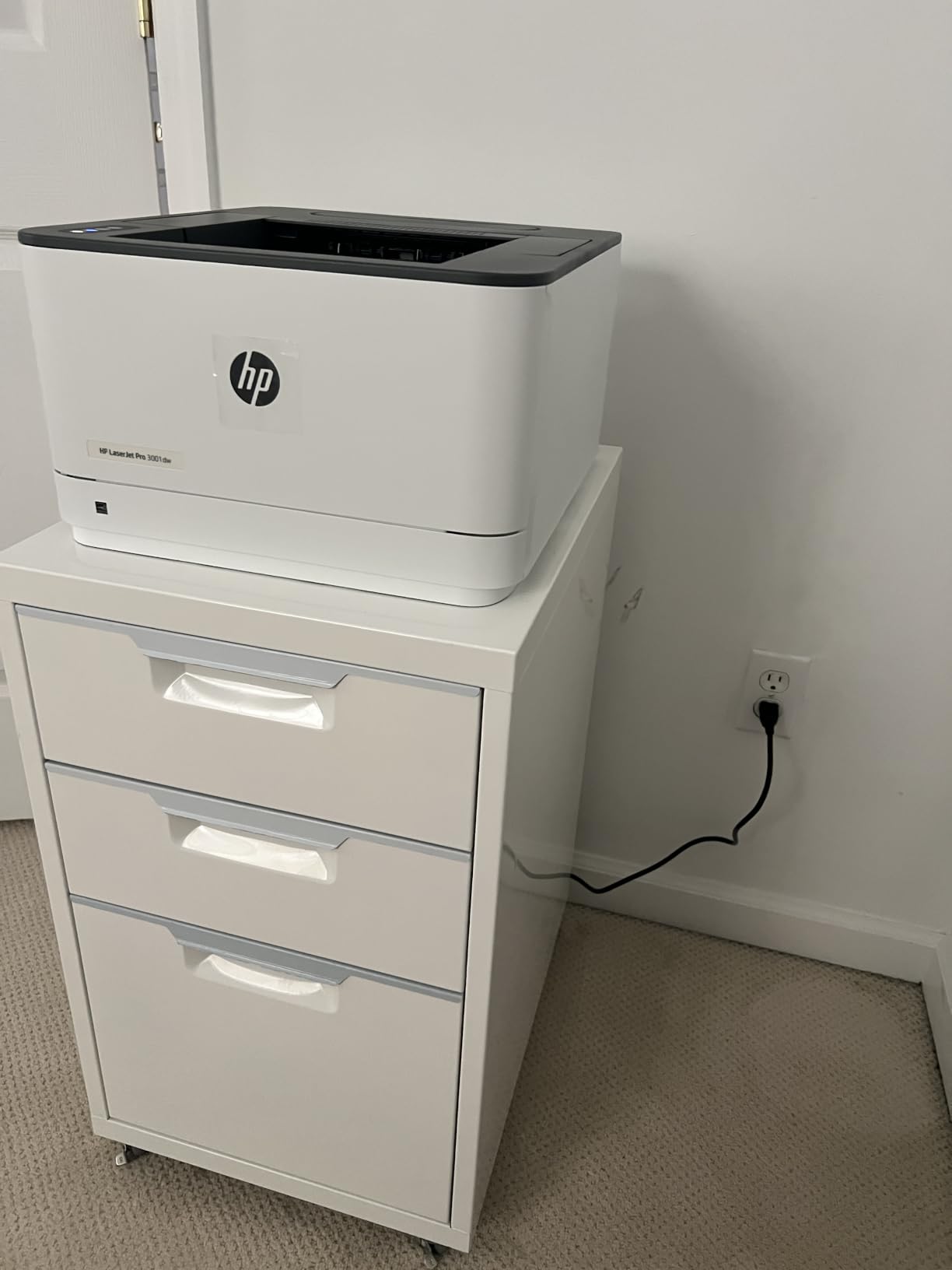
The HP LaserJet Pro 3001dw is a pure printing machine built for speed and volume. At 35 pages per minute with a 250-sheet tray, it handles heavy document loads without breaking a sweat. I ran a 100-page print job and it completed in under three minutes with zero jams.
HP Wolf Pro Security is the standout feature that separates this from other print-only models. It includes customizable security settings that protect against firmware attacks and unauthorized access. For home offices handling financial documents or client data, this level of protection is valuable.
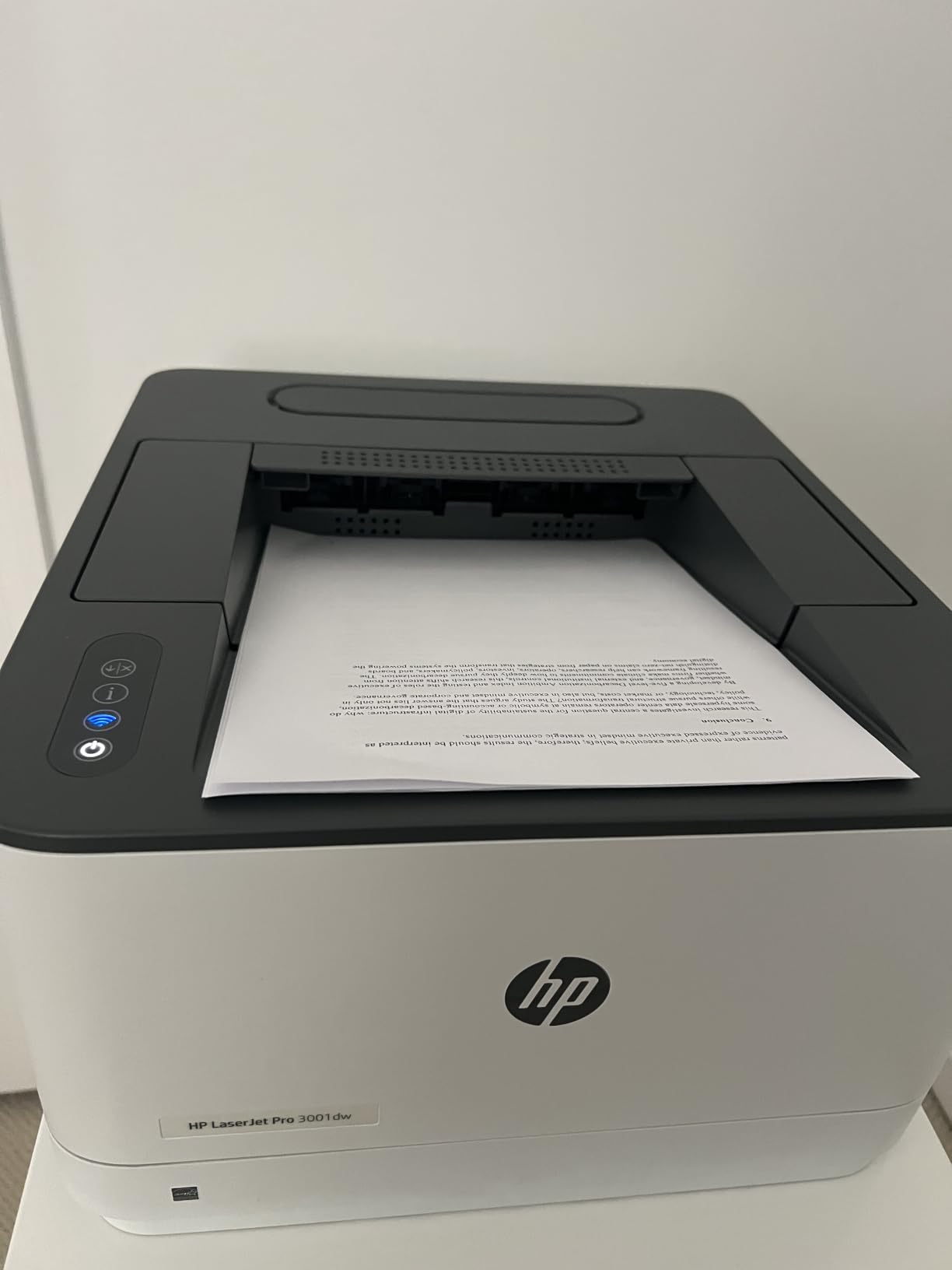
The intelligent Wi-Fi system actively detects the best available connection and switches automatically. During my testing, it maintained a rock-solid connection even when other devices on my network were struggling. The 1200 x 1200 dpi resolution produces exceptionally sharp text.
Auto duplex printing runs at full speed, which is impressive for a print-only machine. The first page comes out in about 6.6 seconds. Ethernet and Bluetooth are both included, giving you multiple connectivity options beyond Wi-Fi.
Security Features for Sensitive Documents
HP Wolf Pro Security goes beyond basic password protection. It monitors for suspicious activity, encrypts data in transit, and allows you to set usage restrictions. If you print financial statements, legal documents, or client information, these features provide genuine peace of mind.
When Print-Only Is the Right Choice
If you scan with your phone, use a dedicated scanner, or rarely need copying, a print-only machine offers better print performance per dollar. The 3001dw costs less than the all-in-one models while delivering faster speeds, better security, and superior text quality. It is the best laser printer for home office users who only need to print.
How to Choose the Best Laser Printer for Your Home Office?
Choosing the right laser printer comes down to understanding your actual printing habits. I have seen too many people overbuy on features they never use and underbuy on capacity they desperately need. Here is how to match a printer to your real workflow.
Print Speed: How Many Pages Per Minute Do You Actually Need
Print speed matters more than most people realize. If you print single pages throughout the day, any speed over 20 ppm feels instant. But if you regularly print 30-page reports or 50-page contracts, the difference between 21 ppm and 40 ppm saves you real time. For occasional printing under 100 pages per month, 20 to 25 ppm is plenty. For heavier volume, aim for 30 ppm or higher.
Color vs Monochrome: The Cost Decision
This is the single biggest cost decision you will make. Monochrome laser printers cost less upfront and far less to operate. Black toner runs about 2 to 3 cents per page. Color laser printers cost more upfront, and color pages run 12 to 15 cents each because you are replacing four cartridges instead of one. Choose color only if at least 20 percent of your printing genuinely needs it.
All-in-One vs Print-Only: What Features You Will Actually Use
Ask yourself when you last scanned something. If the answer is “I use my phone for that,” a print-only machine saves you money and delivers better print performance. If you scan contracts, receipts, or multi-page documents regularly, an all-in-one with an automatic document feeder is worth every penny. Fax is only necessary if you work with healthcare, legal, or government contacts.
Connectivity: Wi-Fi, Ethernet, and Mobile Printing
Every printer on this list supports Wi-Fi, but quality varies. Look for dual-band Wi-Fi with self-reset capabilities, which prevents the dreaded dropped connection. Ethernet is valuable if your Wi-Fi is unreliable or if you want a dedicated connection for heavy print jobs. Apple AirPrint and the manufacturer’s mobile app should both work without third-party software.
Toner Cost and Total Cost of Ownership
The sticker price is just the beginning. Toner cost determines your real expense over time. Look at the cost of high-yield cartridges and divide by page yield to get your cost per page. A 2 cent per page printer that costs more upfront beats a 5 cent per page bargain over two years. Also check whether the printer accepts third-party toner, which can cut costs by 50 percent or more.
Tray Capacity and Duty Cycle
Tray capacity determines how often you reload paper. A 150-sheet tray needs refilling every two to three weeks for moderate use. A 250-sheet tray can go a month or more. Duty cycle, the manufacturer’s recommended monthly print volume, tells you how much the machine can handle long-term. Match the duty cycle to your actual monthly volume with 30 percent headroom.
Duplex Printing: A Feature You Will Not Regret
Auto duplex printing, which prints on both sides automatically, cuts your paper usage in half. It also saves time on double-sided documents. Every model on this list except the HP M140w includes auto duplex. I consider it essential for any home office that prints more than 50 pages per month.
Footprint and Noise Level
Measure your available space before buying. Compact printers like the Canon LBP122dw and HP M140w fit anywhere, while color all-in-ones like the HP 3301sdw need a dedicated surface. Noise matters too. Laser printers are quieter than inkjets during operation, but some models hum noticeably in standby mode. Check user reviews for noise complaints if your printer will sit near your desk.
FAQs
Which laser printer is best for office use?
The HP LaserJet Pro MFP 3101sdw is the best laser printer for office use, offering 40 ppm print speeds, all-in-one functionality with scanning and copying, auto duplex printing, a 250-sheet tray, and reliable Wi-Fi connectivity.
Are laser printers worth it for home use?
Yes, laser printers are worth it for home use if you print regularly. They do not suffer from ink drying or clogging like inkjet printers, they print faster, and their cost per page is lower for text documents. A monochrome laser printer is especially cost-effective for home office use.
What is the No. 1 printer for home use?
The HP LaserJet MFP M235sdw is the top all-around pick for home use, combining fast 30 ppm printing, the fastest two-sided printing in its class, all-in-one scanning and copying, dual-band Wi-Fi, and strong security features at a reasonable price.
What are two disadvantages of laser printers?
The two main disadvantages of laser printers are higher upfront cost compared to basic inkjet printers and more expensive color printing, since color laser toner requires four separate cartridges. They are also heavier and bulkier than most inkjet models.
Can I use third-party toner cartridges in these laser printers?
HP printers on this list use proprietary chips that block most non-HP toner cartridges. Canon models also recommend genuine Canon toner with sensors. Third-party toner is cheaper but may trigger error messages or void your warranty on these specific models.
Final Thoughts
After testing all 8 models, my recommendation for the best laser printers for home office use in 2026 comes down to your specific needs. The HP LaserJet Pro MFP 3101sdw is the overall winner with unmatched speed and capacity. The HP LaserJet MFP M235sdw delivers the best value with its class-leading duplex printing. And the Canon imageCLASS LBP122dw proves you can get reliable laser printing on a budget.
The most important thing is matching the printer to your actual habits. Buy monochrome unless you genuinely need color. Choose print-only if you scan with your phone. And always factor toner cost into your decision, not just the sticker price. Any of the 8 printers above will serve your home office well for years to come.