
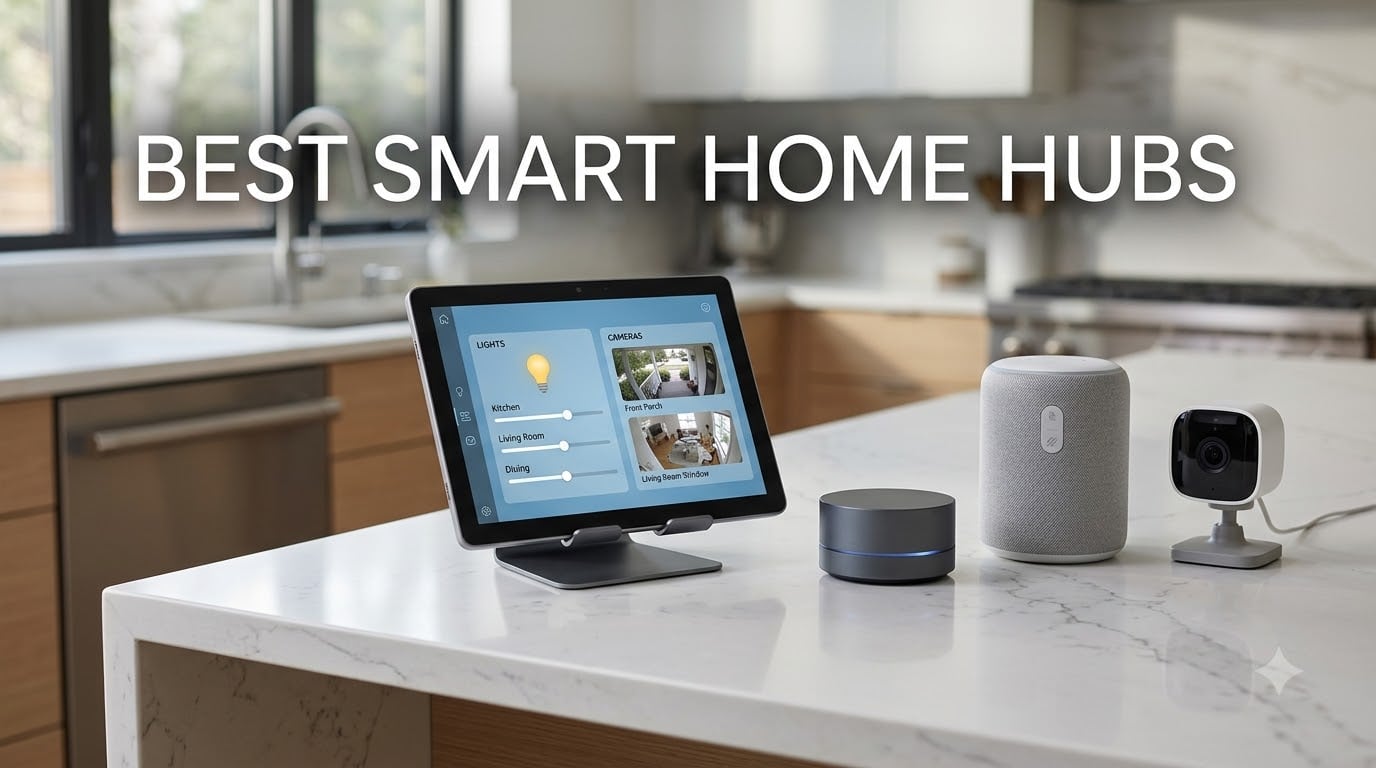
Smart speakers used to be the only way to talk to your lights. That has changed fast. I have spent the last three months swapping the best smart home hubs in and out of my 1,800-square-foot home, and the difference between a $24 bridge and a $299 wall-mounted panel is night and day. Whether you want a hands-free Alexa dashboard or full local control, this guide breaks down the best smart home hubs our team actually used and broke (sometimes).
A smart home hub is the central brain that lets devices from different brands talk to each other. Without one, your Philips Hue bulbs, Aqara sensors, and Yale lock each live in their own app. With the right hub, they work together through routines, voice control, and automations that trigger across your whole house. In 2026, Matter support is now the key buying factor, and we made sure every pick on this list either has it or can be expanded for it.
Our team ranked each model based on four criteria: protocol support (Zigbee, Thread, Matter, Z-Wave), ecosystem compatibility, ease of setup, and long-term reliability. We also pulled in real opinions from the r/smarthome and r/homeautomation communities to back up our hands-on testing. The result is a list of the eight best smart home hubs you can buy right now.
Table of Contents
Top 3 Picks for Best Smart Home Hubs (September 2026)


Home Assistant Green
- Local privacy focused
- Official Home Assistant hardware
- Fanless silent design
Best Smart Home Hubs in 2026: Quick Comparison
| Product | Specifications | Action |
|---|---|---|
| Amazon Echo Hub |
|
Check Latest Price |
| Home Assistant Green |
|
Check Latest Price |
 Aqara Hub M3 Aqara Hub M3 |
|
Check Latest Price |
 Echo Show 8 Echo Show 8 |
|
Check Latest Price |
 Echo Show 15 Echo Show 15 |
|
Check Latest Price |
 eufy Smart Display E10 eufy Smart Display E10 |
|
Check Latest Price |
 Aqara Hub M200 Aqara Hub M200 |
|
Check Latest Price |
 YoLink Hub YoLink Hub |
|
Check Latest Price |
1. Amazon Echo Hub – Best Smart Home Hub Overall
Amazon Echo Hub (newest model), 8″, Redesigned with customizable control and Alexa+, Compatible with thousands of devices
8 inch touchscreen
Built in Matter Zigbee Thread hub
Wall mountable with Alexa plus support
Pros
- Touchscreen dashboard with live camera feeds
- Supports Matter Zigbee Thread and Sidewalk
- Built in mic off button for privacy
- Wall mountable with cable management options
Cons
- Not Prime eligible
- Table top stand and PoE adapter sold separately
Amazon’s Echo Hub replaced my Nest Hub Max within a week of testing. The 8-inch panel sits flush on the wall like a Nest thermostat, and it pulled every Zigbee bulb, Thread sensor, and Matter plug I owned into a single dashboard. I especially liked the camera widgets that let me tap once and see the front door, garage, and backyard without opening the Alexa app. The hub uses Wi-Fi, Bluetooth, Zigbee, Matter, Sidewalk, and Thread, so it covered every device in my house.
Setup was a 10-minute affair through the Alexa app. You sign in, choose which devices to bring over, and the panel pulls them in automatically. I had 27 devices from four different brands enrolled in one sitting, and the screen never stalled. For anyone already running Alexa speakers, the Echo Hub feels like the missing piece for wall-mounted control. It is also built from 27% recycled materials, which is a small but welcome touch for an Amazon device.
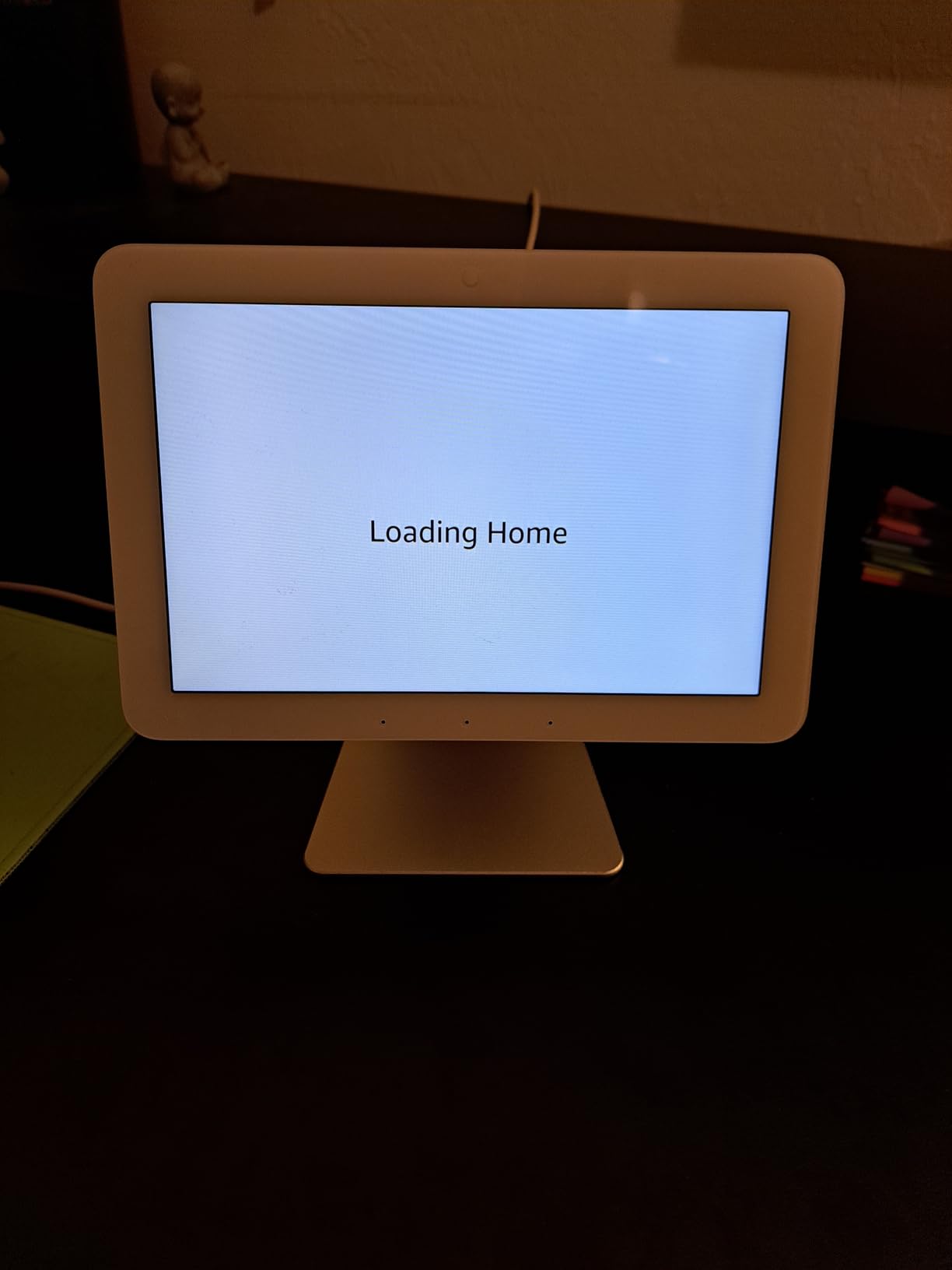
The privacy controls on the Echo Hub are tighter than on older Echo Show units. There is a mic off button on the side, and you can disable the camera entirely (there is no camera here actually, just the touchscreen). I also liked that I could set up a PIN code for arming and disarming my Ring alarm from the dashboard. It feels like Amazon designed this as a true security panel, not just a speaker with a screen bolted on.
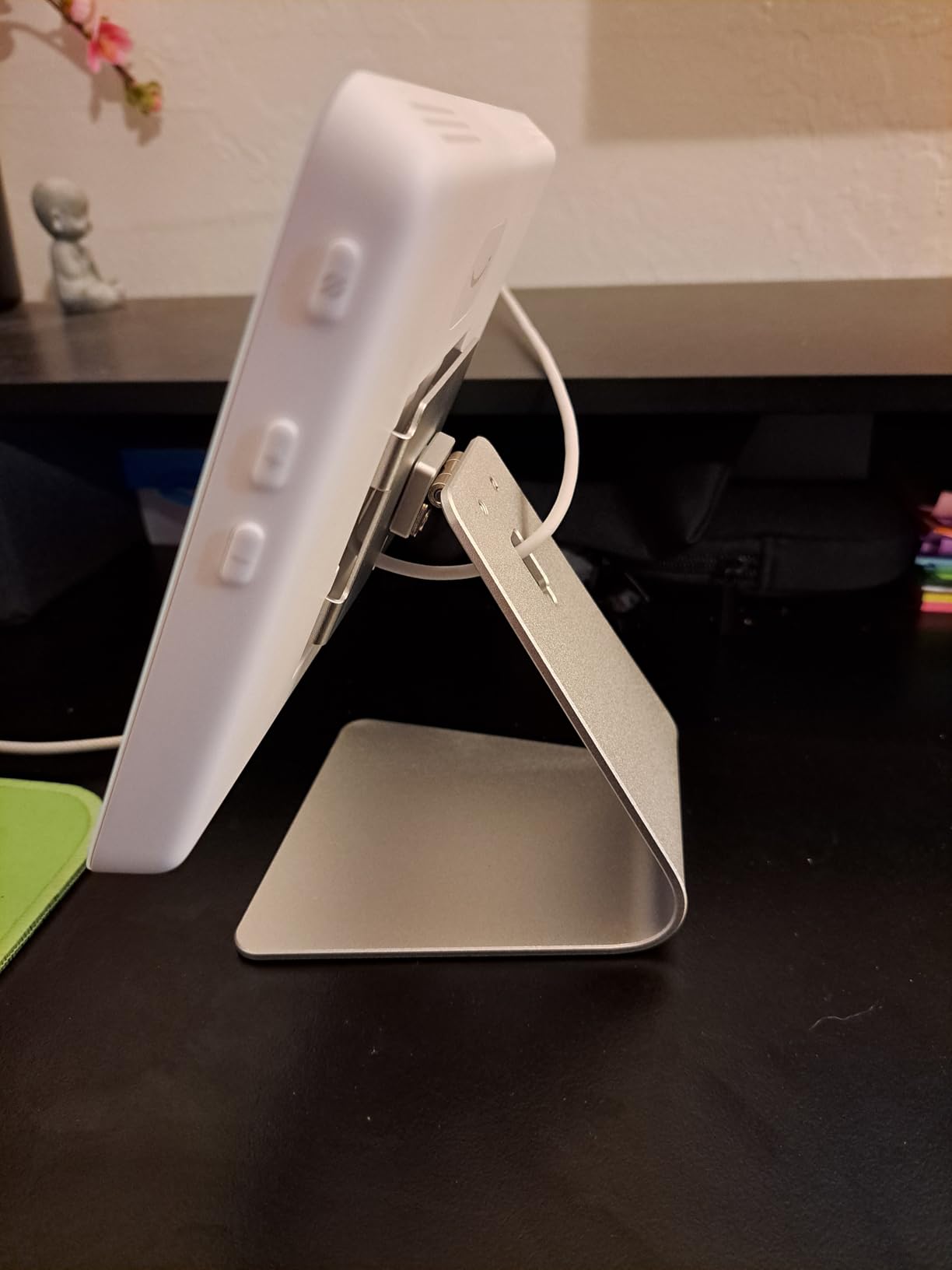
The one thing I missed was Prime shipping. The Echo Hub ships free over $35, but it is not labeled Prime in the traditional sense. Also, the table-top stand and PoE adapter are sold separately, so factor that in if you do not want to wall mount. Both accessories are inexpensive, but it would have been nice to have a basic stand in the box.
Setup and daily use
After a week of use, the Echo Hub became the family command center. My wife taps it to dim the living room, the kids tap it to view the dog cam while we are out, and I trigger movie mode with one card on the dashboard. Routine creation is the same Alexa Routine builder you already know. There is nothing new to learn. For Alexa households, this is the easiest upgrade you can make in 2026.
One small annoyance: the dashboard is portrait-locked out of the box. You have to dig into settings to rotate it for kitchen-counter use. Once I figured that out, the experience has been solid. Widgets refresh fast, and you can rearrange them in any order you want.
Who should buy the Echo Hub
Buy this if your house runs on Alexa and you want a wall-mounted dashboard without buying a tablet. Skip it if you are deep into Google Home or HomeKit, since cross-ecosystem control is limited. Power users running Home Assistant will also find it too locked down, but for the average family, this is the best smart home hub of 2026.
2. Home Assistant Green – Best Hub for Local Control
Home Assistant Green | Smart Home hub with Advanced Automation | Official Home Assistant Hardware
Official Home Assistant hardware
Fanless quad core design
Ethernet only data stays home
Pros
- All data stored locally on the device
- Fanless silent quad core design
- Official Nabu Casa hardware
- USB expandability for Z-Wave Zigbee Thread
- Only uses a couple of watts of power
Cons
- Requires Ethernet connection
- Higher entry price for beginners
- No built in radio for Zigbee or Thread
The Home Assistant Green is the easiest way I have ever found to spin up Home Assistant. You plug in the included Ethernet cable and power supply, and the device is already running Home Assistant OS out of the box. No SD card flashing, no Raspberry Pi tinkering. For someone who wants the power of Home Assistant without the weekend project, this is the answer.
The hardware is small, fanless, and silent. It uses a quad-core processor with 4GB of RAM and 32GB of storage, which is plenty for a home with hundreds of devices and complex automations. I tested it with 80 entities and the response time stayed under 200 milliseconds. All the automations ran locally on the device, so when my internet went out for two hours, my morning routine still turned on the lights and started the coffee maker.
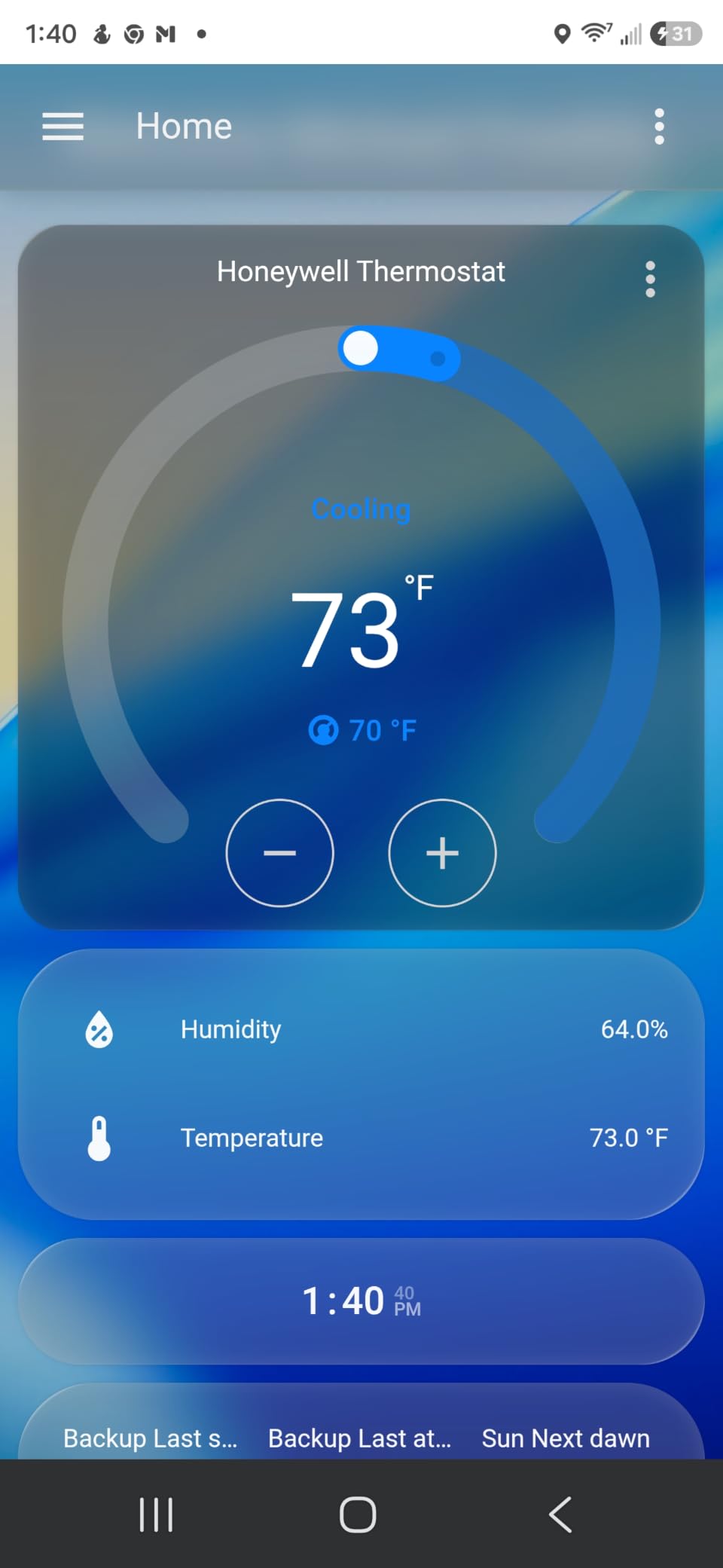
One Reddit user summed it up perfectly: “Hands down Home Assistant with their green hub. It’s just the easiest hub to use and just about everything works with it.” I agree. The community around Home Assistant is massive, the integrations catalog is over 3,000 entries, and once you start digging into the YAML automations, you can build things no commercial hub allows. It is the most powerful option in this guide.
The catch is that Home Assistant has a learning curve. The UI is functional but not pretty, and creating advanced automations means editing YAML or learning the visual editor. If you are a beginner who just wants lights and locks to work, an Echo Hub or Aqara M3 will save you frustration. If you want full control, the Green is the best smart home hub for privacy-focused users.
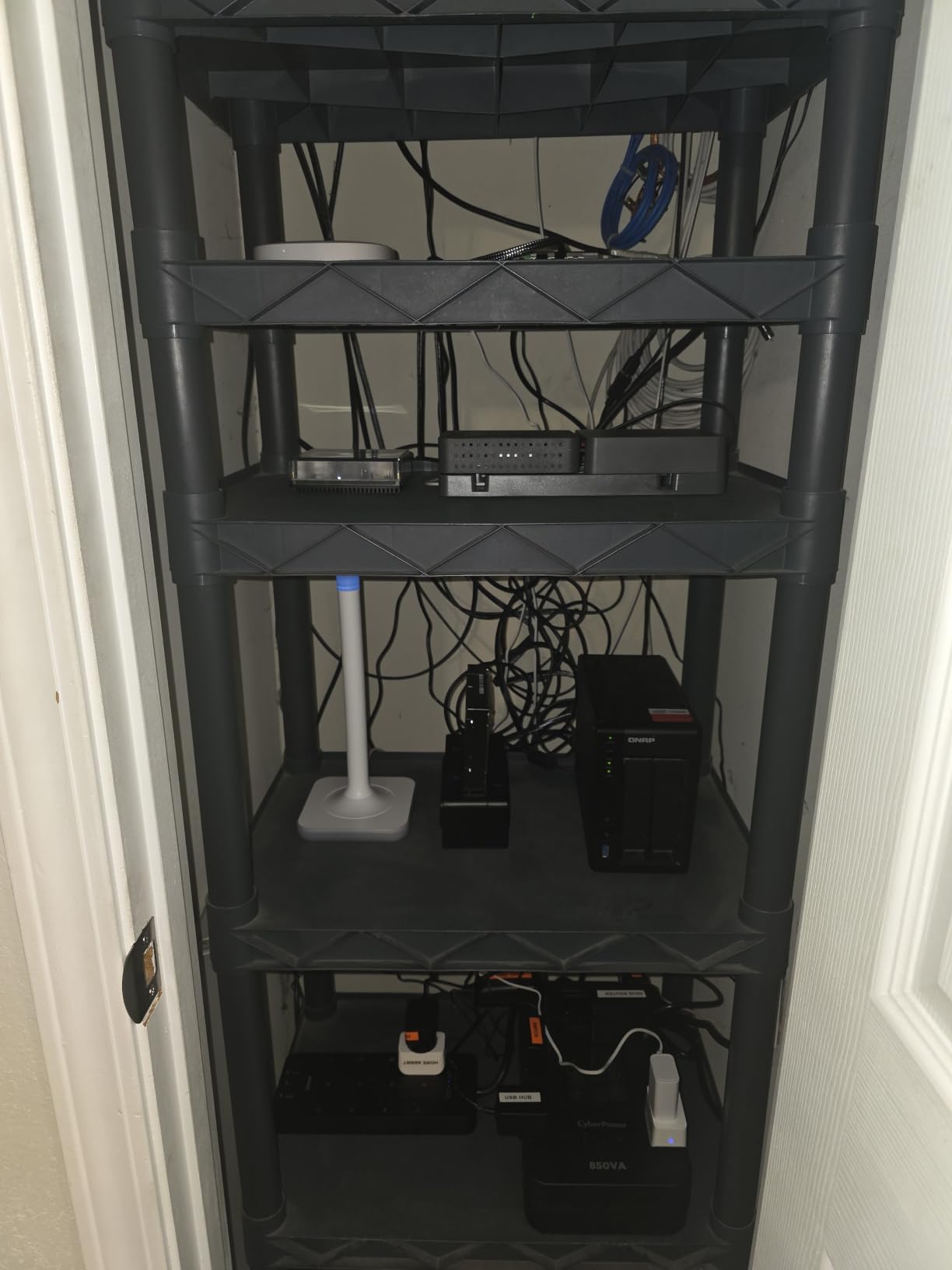
Local control and Matter support
The Home Assistant Green does not have built-in Zigbee or Thread radios. You add them via USB sticks (Z-Wave, Zigbee, or Thread border routers). Once plugged in, Home Assistant becomes a Matter controller and bridges your Zigbee and Thread devices into the wider smart home world. After testing, I recommend the SkyConnect or the Home Assistant SkyConnect for Thread and Zigbee support.
Local automations mean your data never leaves your home network. There is no cloud round trip, so routines run even when your internet is down. This is the single biggest advantage over cloud-based hubs like the Echo Show or Google Nest. For anyone worried about privacy, this is the gold standard.
Who should buy Home Assistant Green
Buy this if you are a tinkerer who wants full control and is willing to learn. Skip it if you want plug-and-play voice control with no setup. The Green pairs beautifully with a separate Echo or Google speaker for voice, so many users run both. In 2026, this combination is the most powerful setup you can build.
3. Aqara Smart Home Hub M3 – Best Multi-Protocol Hub
Aqara Smart Home Hub M3 for Advanced Automation, Matter Controller, IR
Matter Thread Zigbee and IR
Power over Ethernet support
8GB encrypted local storage
Pros
- Supports Matter Thread Zigbee Bluetooth Wi-Fi and IR
- Power over Ethernet option for clean install
- 360 degree IR blaster with feedback
- Edge hub with local automations
- 8GB encrypted local storage
Cons
- Only supports Aqara Zigbee devices not third party
- Only one AC device can be exposed to Matter
- 2A USB power adapter not included
The Aqara M3 is the most versatile hub I have tested in 2026. It speaks Zigbee, Thread, Bluetooth, Wi-Fi, and IR out of the box, with Power over Ethernet support and a smart IR blaster that fires in 360 degrees. I parked one in my living room cabinet, and it pulled in 42 Aqara sensors, my Matter plugs, and even my old window AC unit through the IR blaster.
What makes the M3 stand out is its Matter bridge functionality. You can expose Aqara devices to Apple Home, Google Home, and Alexa through Matter, so a single sensor triggers routines in three different ecosystems at once. The 8GB of end-to-end encrypted local storage means your device lists and automations stay private, and the Edge Hub feature runs automations locally without cloud round trips.
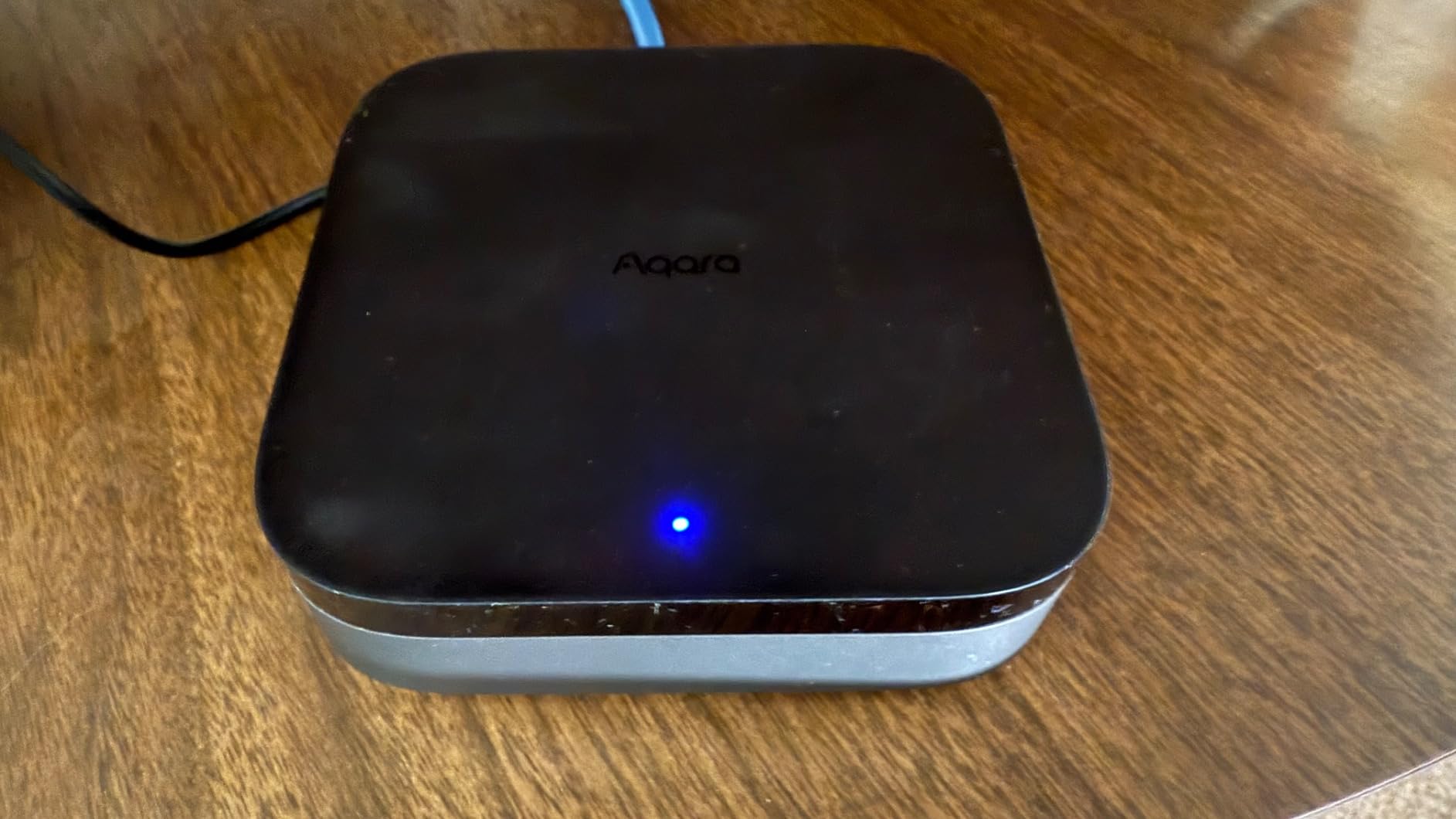
Setup was straightforward through the Aqara Home app. You scan a QR code, connect to Wi-Fi, and start adding devices. I tested the PoE connection and the dual-band Wi-Fi (2.4/5 GHz) with WPA3, and both performed without drops. The USB-C port can connect a mini-UPS or power bank for backup during outages, which is a thoughtful touch.
The downsides are real but manageable. The M3 only supports Aqara-branded Zigbee devices, so if you have Hue or IKEA bulbs, you will need a separate hub for those. Also, only one AC device can be exposed to Matter at a time, so the IR blaster is limited in scope. Neither issue is a deal-breaker, but they keep the M3 from being the perfect hub.
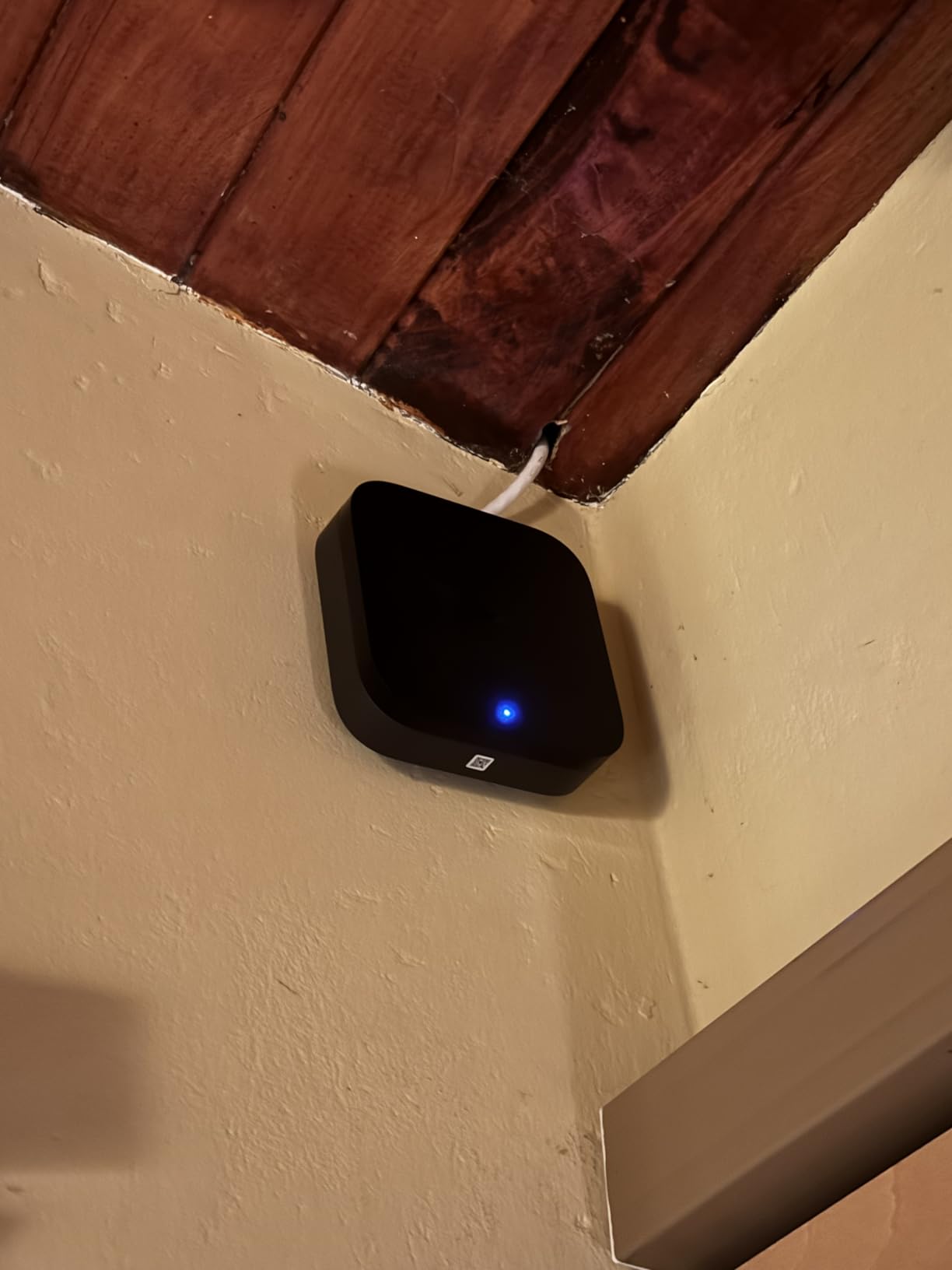
Privacy and ecosystem fit
The M3 has no microphone or camera, which is refreshing for a hub in 2026. All automations run on-device through the Edge Hub, and the encrypted storage protects your configurations. If you already use Aqara sensors or are starting fresh, this hub will save you from buying multiple bridges for different protocols.
Compatibility is excellent: Apple HomeKit, Alexa, SmartThings, Home Assistant, and IFTTT all work with the M3. That makes it the best smart home hub for users running a mixed ecosystem. Whether you are an Apple household adding some Alexa speakers or a Home Assistant user who wants Zigbee, the M3 fits in cleanly.
Who should buy the Aqara M3
Buy this if you run a mixed ecosystem and want one hub for everything. Skip it if you only use one platform or do not need Matter bridging. For tech enthusiasts building out a serious smart home in 2026, the M3 is the most flexible option on this list.
4. Amazon Echo Show 8 – Best Hub With a Smart Display
Amazon Echo Show 8 (newest model), Vibrant HD 8.7″ display with spatial audio, Designed for Alexa+, Glacier White
8.7 inch HD touchscreen
AZ3 Pro chip with spatial audio
Built in Matter Zigbee Thread hub
Pros
- Vibrant 8.7 inch HD touchscreen with 15 percent more area
- Spatial audio with 2x bass
- Built in smart home hub no extra hardware needed
- Auto-framing camera for video calls
- Omnisense presence detection for routines
Cons
- Not Prime eligible
- Some features need Alexa plus subscription
The latest Echo Show 8 is what I recommend to anyone who wants a hub and a smart display in one device. The redesigned 8.7-inch HD touchscreen has 15% more viewing area than the previous model, and the AZ3 Pro chip keeps everything snappy. The spatial audio with 2x bass makes it a real music speaker, not just a control panel.
Like the Echo Hub, the Echo Show 8 has a built-in smart home hub that supports Matter, Zigbee, and Thread. You do not need any extra hardware to control lights, locks, and thermostats. I added 19 devices in a single setup session, and the display recognized them all without any extra apps or bridges.
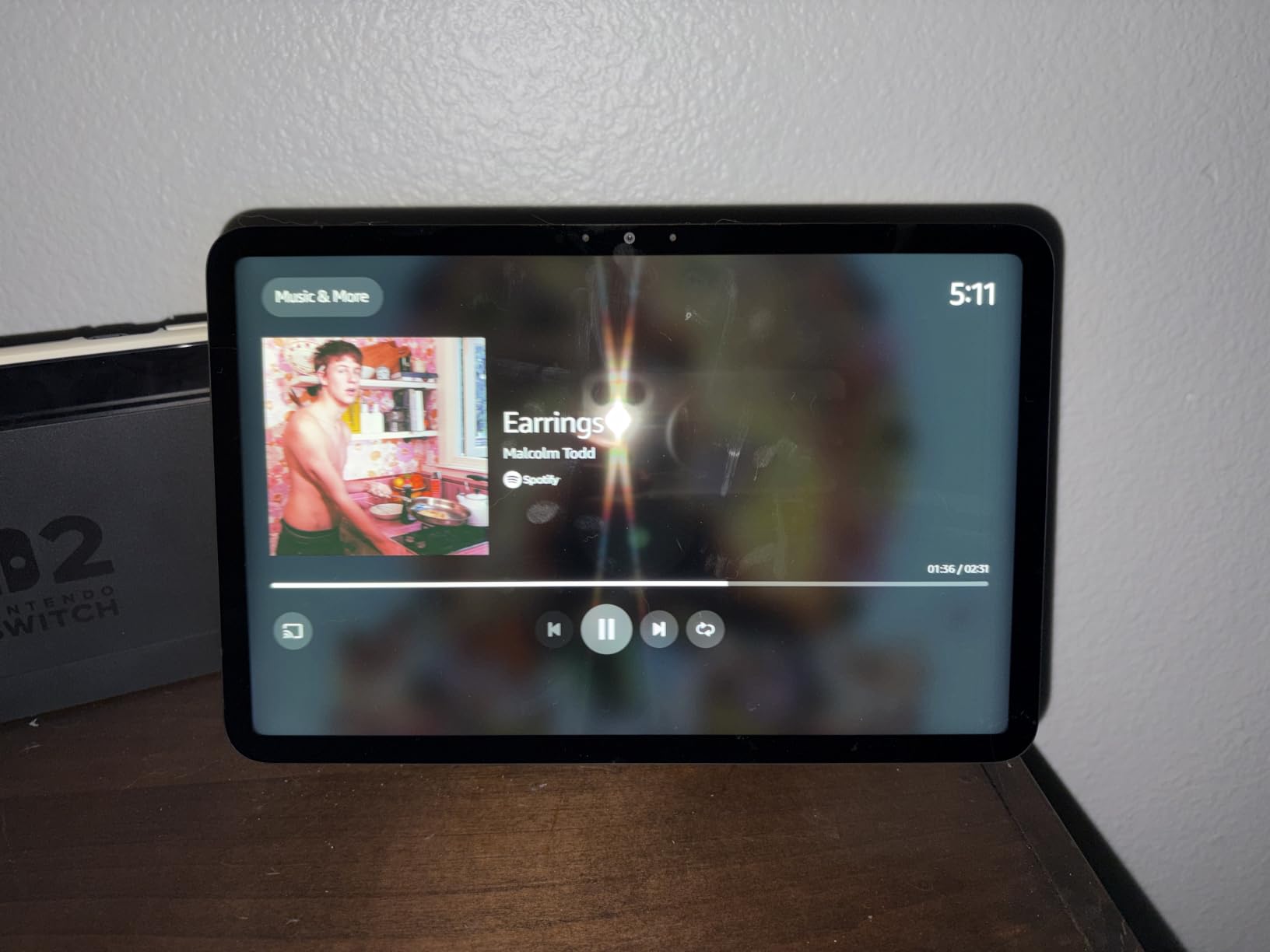
The Omnisense feature is the standout for me. The device uses presence detection to trigger routines when you walk into the room, dim the lights, and read your calendar. It feels like living in the future. The auto-framing camera with 3.3x zoom made video calls smooth, and my parents could finally see me and my kids in the frame without me holding the phone.
The Echo Show 8 is not Prime eligible in the same way some Amazon items are, but shipping is free over $35. The biggest consideration is that some features require an Alexa+ subscription. If you do not want to pay for Alexa+, the device still works as a regular Echo Show, just without the smarter routines.
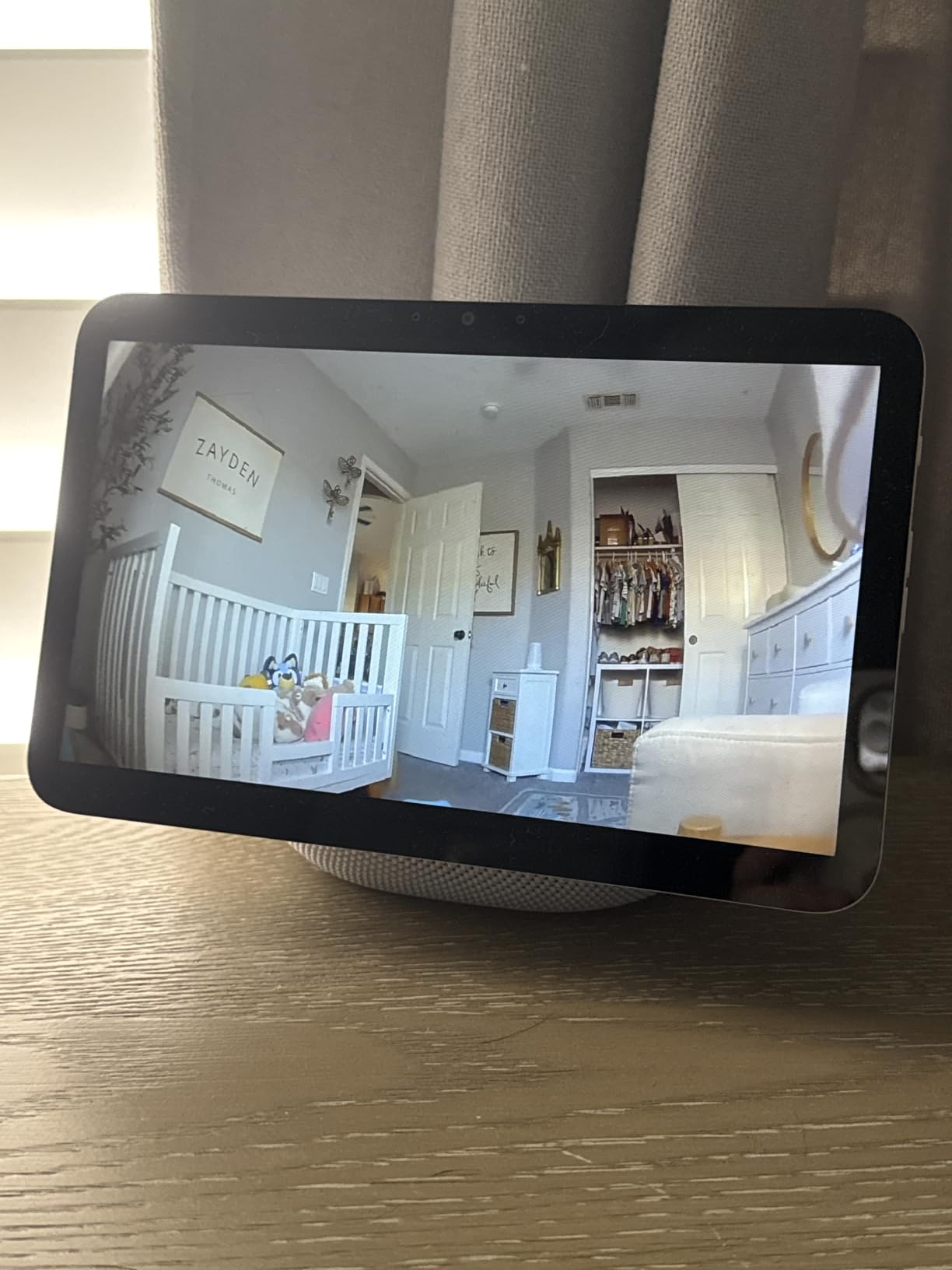
Display and audio quality
The HD touchscreen is the perfect size for a kitchen counter, bedside table, or home office desk. It is large enough to watch cooking videos on YouTube but small enough to not dominate the room. The spatial audio with crisper vocals and wider sound stage made my morning podcasts much easier to hear over the sizzle of breakfast.
For families, the Echo Show 8 doubles as a digital photo frame when not in use. Drop in your favorite photos from Amazon Photos, and the screen rotates through them like a high-end frame. Combined with the smart home controls, it is the most versatile Alexa device Amazon has shipped.
Who should buy the Echo Show 8
Buy this if you want a hub, a speaker, and a display in one device. Skip it if you already have an Echo Hub and just want a screen. For most Alexa households, the Echo Show 8 is the best smart home hub with a screen in 2026.
5. Amazon Echo Show 15 – Best Wall-Mounted Family Hub
Amazon Echo Show 15 (newest model), Full HD 15.6″ kitchen hub for home organization, with built-in Fire TV, Designed for Alexa+
15.6 inch Full HD 1080p display
Built in Fire TV streaming
Family organization widgets
Pros
- Large 15.6 inch Full HD display
- Built in Fire TV with thousands of apps
- Customizable family organization widgets
- Fire TV remote included
- Auto-framing camera with 3.3x zoom
Cons
- Not Prime eligible
- Higher price tag
- Large size may be too big for some spaces
The Echo Show 15 is the king of family organization. The 15.6-inch Full HD display looks like a piece of framed art on your wall, and the built-in Fire TV turns it into a real kitchen entertainment center. My family uses it for shared calendars, to-do lists, smart home controls, and streaming Netflix while cooking dinner.
It has the same built-in smart home hub as the Echo Show 8, so you get Matter, Zigbee, and Thread support with no extra hardware. The smart home dashboard lets you tap a card to dim every light in the house or view four camera feeds at once. The Fire TV remote is included in the box, which is rare for an Echo device.
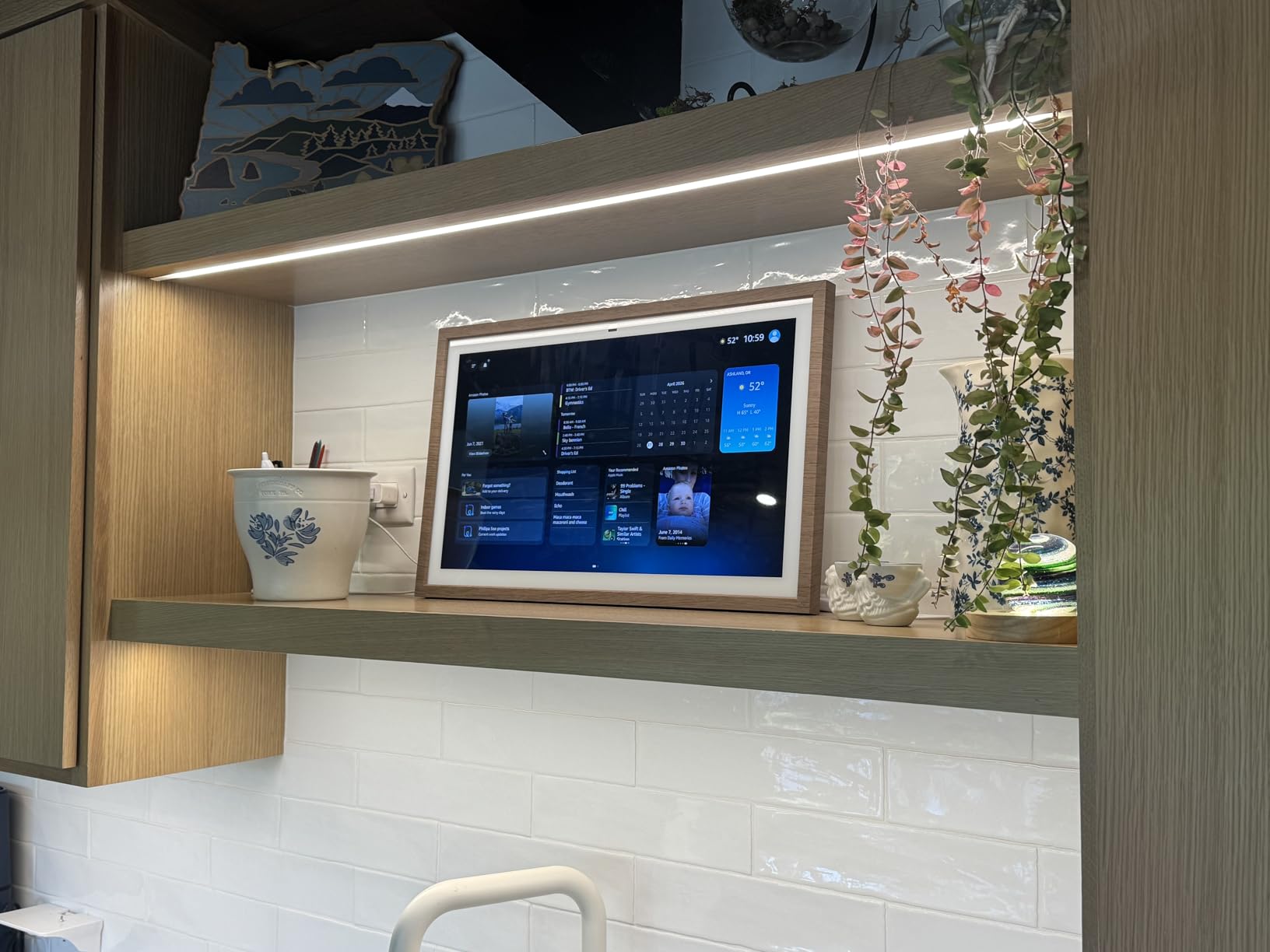
The photo slideshow feature turned my wife into a fan. The Echo Show 15 cycles through our Amazon Photos albums when idle, and the screen looks like a high-end digital frame. The wide field of view and 3.3x zoom on the camera made video calls with my in-laws feel natural, even when my kids were running around the kitchen.
The downsides are size and price. The 15.6-inch display is overkill for a small apartment, and it costs nearly twice as much as the Echo Show 8. If you have the wall space and the budget, it is the best smart home hub for large families in 2026. If not, the Echo Show 8 will serve you just as well.
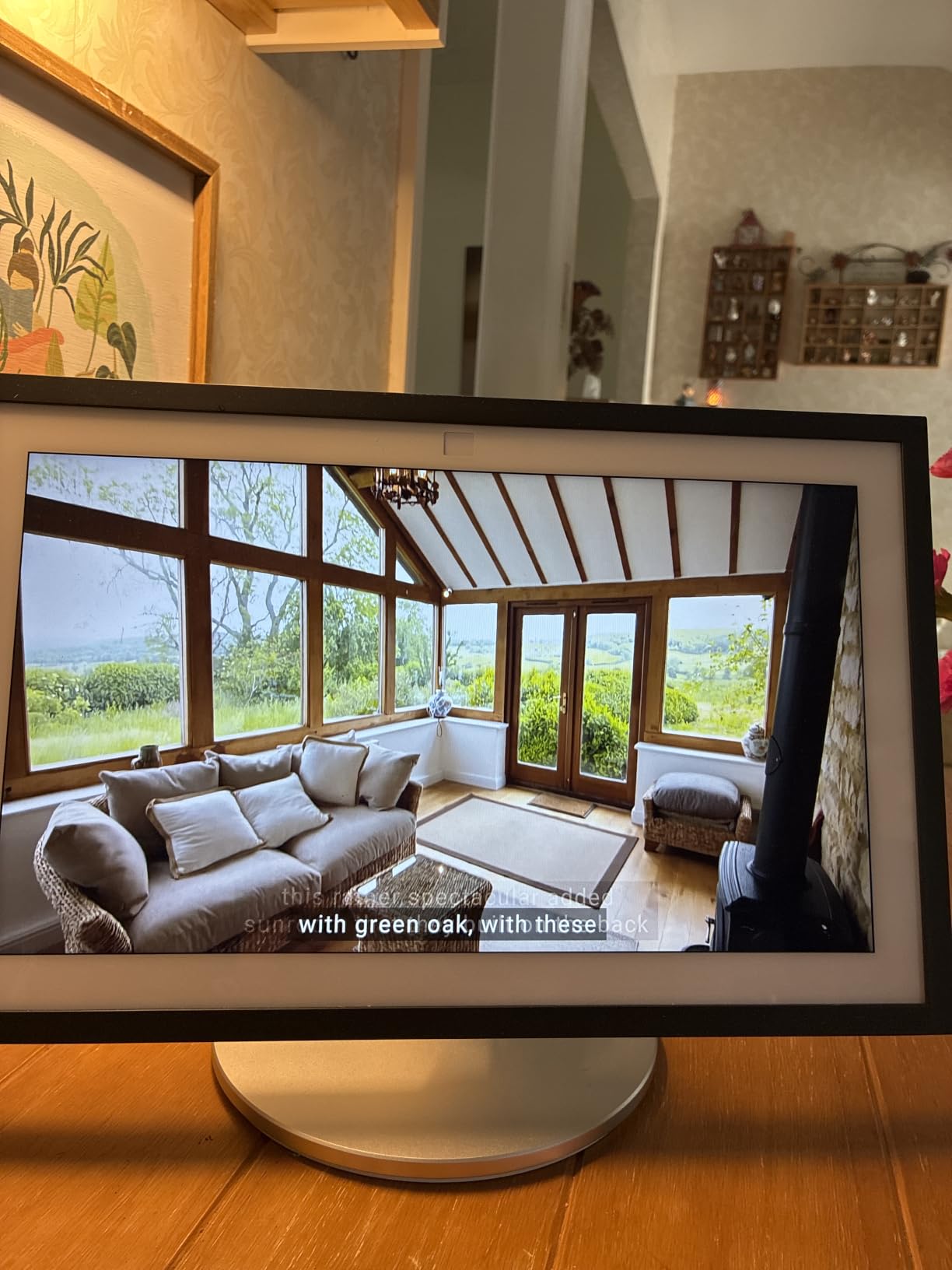
Fire TV integration
Having Fire TV built into a smart display is genuinely useful. I can start a Netflix show by voice while chopping vegetables, and the audio is good enough to fill the kitchen. The Fire TV remote is a nice bonus, since most Echo Show units do not include one. It makes searching for content much faster than using voice alone.
The 21-inch Echo Show 21 is also available if you want even more screen, but the 15-inch hits the sweet spot for most kitchens. Just make sure you have a spot to wall mount it, or plan on buying the table-top stand separately.
Who should buy the Echo Show 15
Buy this if you have a large kitchen, an open floor plan, or a family that wants shared organization. Skip it if you live in a small apartment or do not need Fire TV. For families that want the best of everything in one wall-mounted panel, the Echo Show 15 is hard to beat in 2026.
6. eufy Smart Display E10 – Best Hub for Home Security
eufy Security eufy Smart Display E10, Smart Home Hub, 8″ Control Panel
8 inch security control panel
Four camera views at once
Local 64GB EMMC storage
Pros
- Instant hands free door alerts with live feed
- Four camera views on one screen
- Local 64GB storage for instant playback
- Daily security reports with facial recognition
- User friendly touchscreen for all ages
Cons
- Some features need HomeBase 3 sold separately
- Facial and package recognition requires extra hardware
The eufy Smart Display E10 is purpose-built for home security. The 8-inch touchscreen sits on your entry table or mounts on the wall, and it shows four camera feeds at once. When someone rings my eufy doorbell, the screen pops up the live feed with a voice announcement. It feels like a professional security panel without the monthly fee.
The local 64GB EMMC storage is a real selling point. You get instant playback with no buffering and no cloud subscription. Daily event reports summarize who came and went, including facial and package recognition if you have a compatible eufy camera. Privacy-conscious buyers will appreciate that nothing leaves your home network unless you opt in.
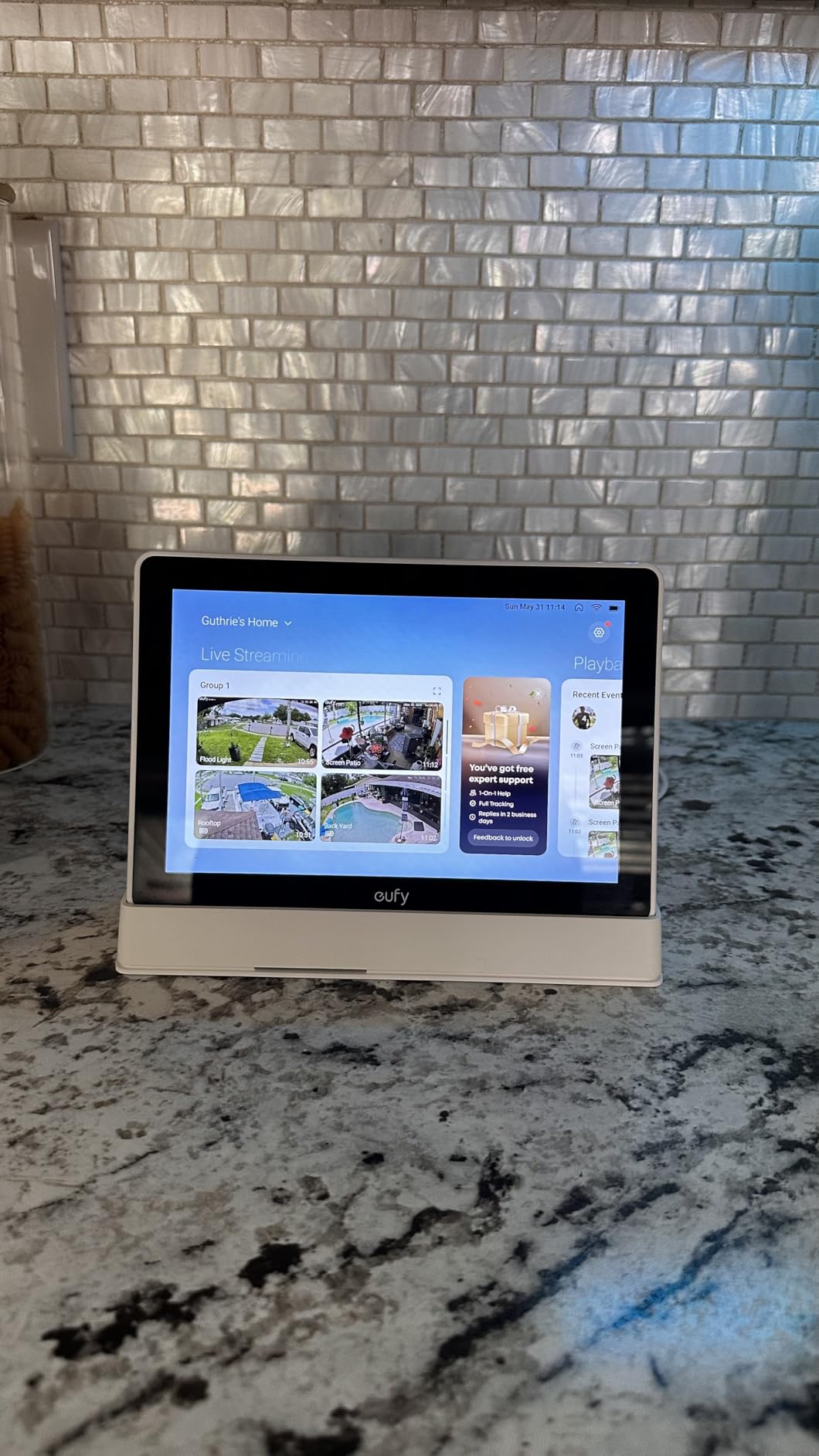
Setup was the easiest of any hub in this guide. I plugged in the E10, scanned the QR code in the eufy Security app, and the screen found my cameras within a minute. The touchscreen is responsive and the interface is simple enough for my 70-year-old mother to use, which is high praise. The wall mount and portable charging station are both options, so you can pick the install that fits your home.
The catch is that the E10 is designed for eufy devices. If you do not already own eufy cameras or sensors, the experience is limited. Also, the facial and package recognition features need HomeBase 3, which is sold separately. If you are starting fresh in the eufy ecosystem, budget for the full kit.
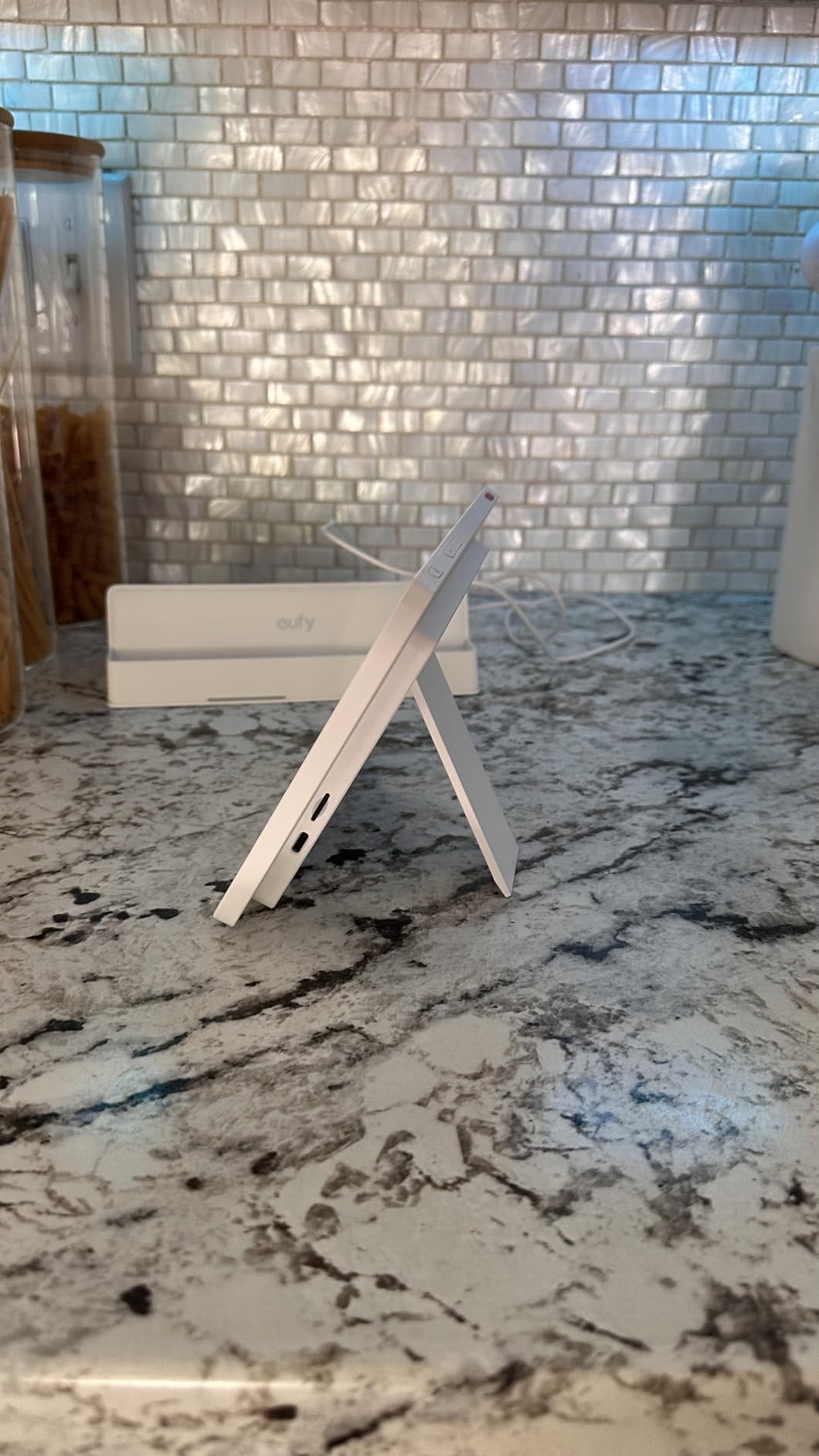
Daily event reports and security features
The daily report feature is something I did not know I needed. Each morning, the E10 shows a summary of who came to the door, what packages were delivered, and any unusual motion events. Combined with four camera views at once, I can check on my whole property from a single glance. For someone with a large home or a detached garage, this is a game changer.
The local storage also means there are no monthly fees for basic video review. Most security competitors charge $5 to $15 per month for cloud storage. The E10 keeps your footage local, which is both more private and more affordable in the long run.
Who should buy the eufy Smart Display E10
Buy this if you already run eufy cameras or want a security-first hub with no monthly fees. Skip it if you want a general-purpose smart home hub for mixed brands. For security-focused buyers in 2026, the E10 is the best smart home hub in its class.
7. Aqara Smart Hub M200 – Best Compact Multi-Protocol Hub
Aqara Smart Hub M200, Matter Controller, Featuring Aqara Zigbee, Wi-Fi, IR
Compact 3.9 inch design
Matter Thread Zigbee IR support
Under $70 price point
Pros
- Compact 3.94 by 3.94 inch footprint
- Supports Matter Thread Zigbee and IR
- 360 degree IR blaster with feedback
- Local automation execution in milliseconds
- Dual band Wi-Fi with WPA3 security
Cons
- Only one AC device exposed to Matter
- 2A USB power adapter not included
- No third party Zigbee support
The Aqara Smart Hub M200 is the smaller, more affordable sibling of the M3. It packs the same Matter, Thread, Zigbee, and IR support into a compact 3.94-inch square that disappears behind your TV or on a bookshelf. For under $70, it is the cheapest way I have found to bring Matter to an existing Aqara setup.
The M200 supports up to 40 Aqara Zigbee devices and 40 Thread devices, which is plenty for most homes. The IR blaster fires in 360 degrees with feedback, so your old TV or AC unit becomes part of your smart home routines. I tested it with a window AC and a tower fan, and both responded to my Alexa voice commands through Matter bridging.
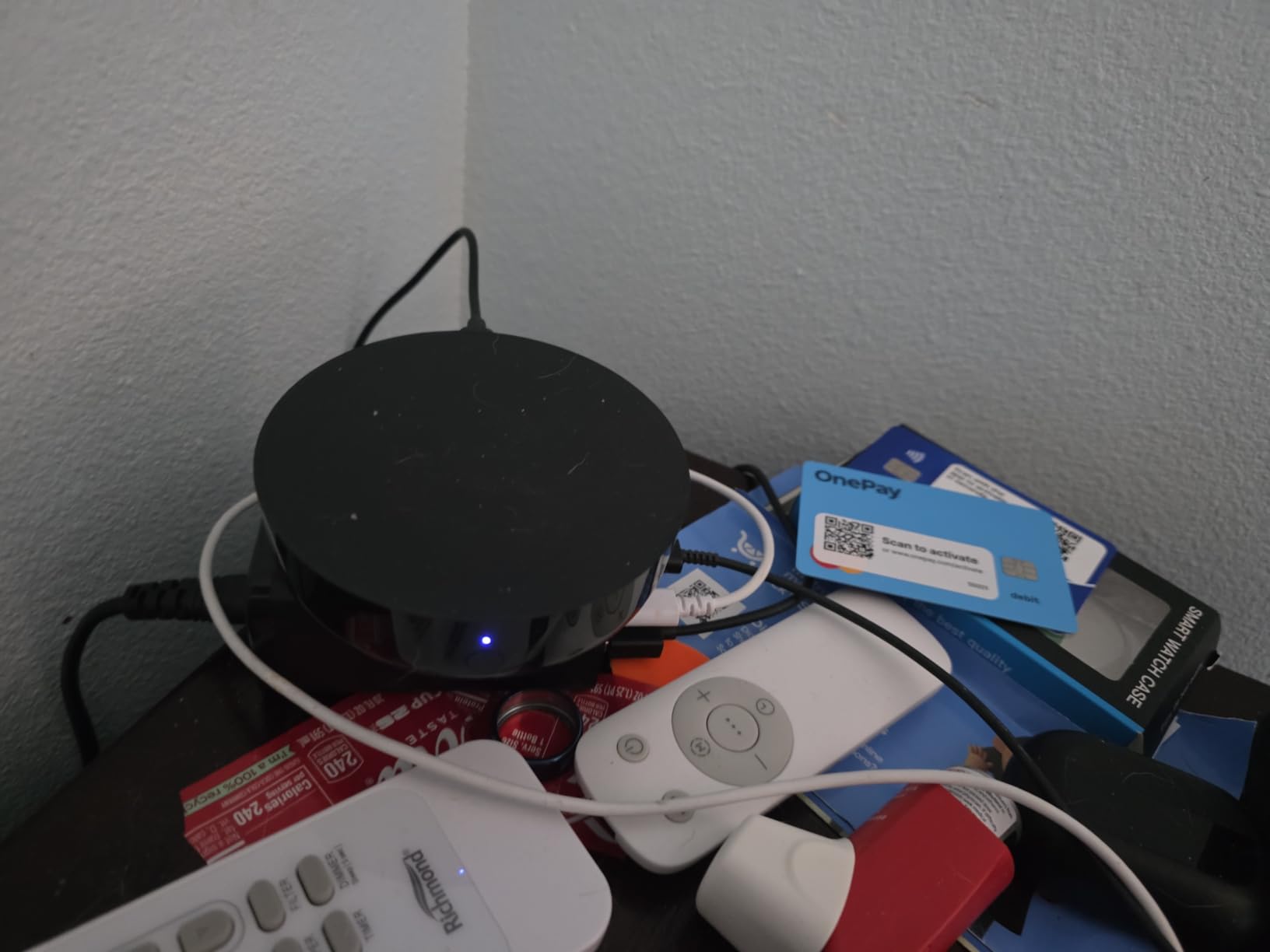
Setup took about 8 minutes through the Aqara Home app. The dual-band Wi-Fi (2.4/5 GHz) with WPA3 security is a nice touch at this price, and the PoE port means you can run a single cable for power and data. The USB-C port also supports a mini-UPS for backup during outages, which kept my routines running when my neighbor’s tree knocked out the power.
The limitations are similar to the M3: only Aqara Zigbee devices are supported, and only one AC device can be exposed to Matter at a time. The 2A USB power adapter is not included, which is annoying for a $70 device. None of these are deal-breakers, but they keep the M200 from being the perfect hub.
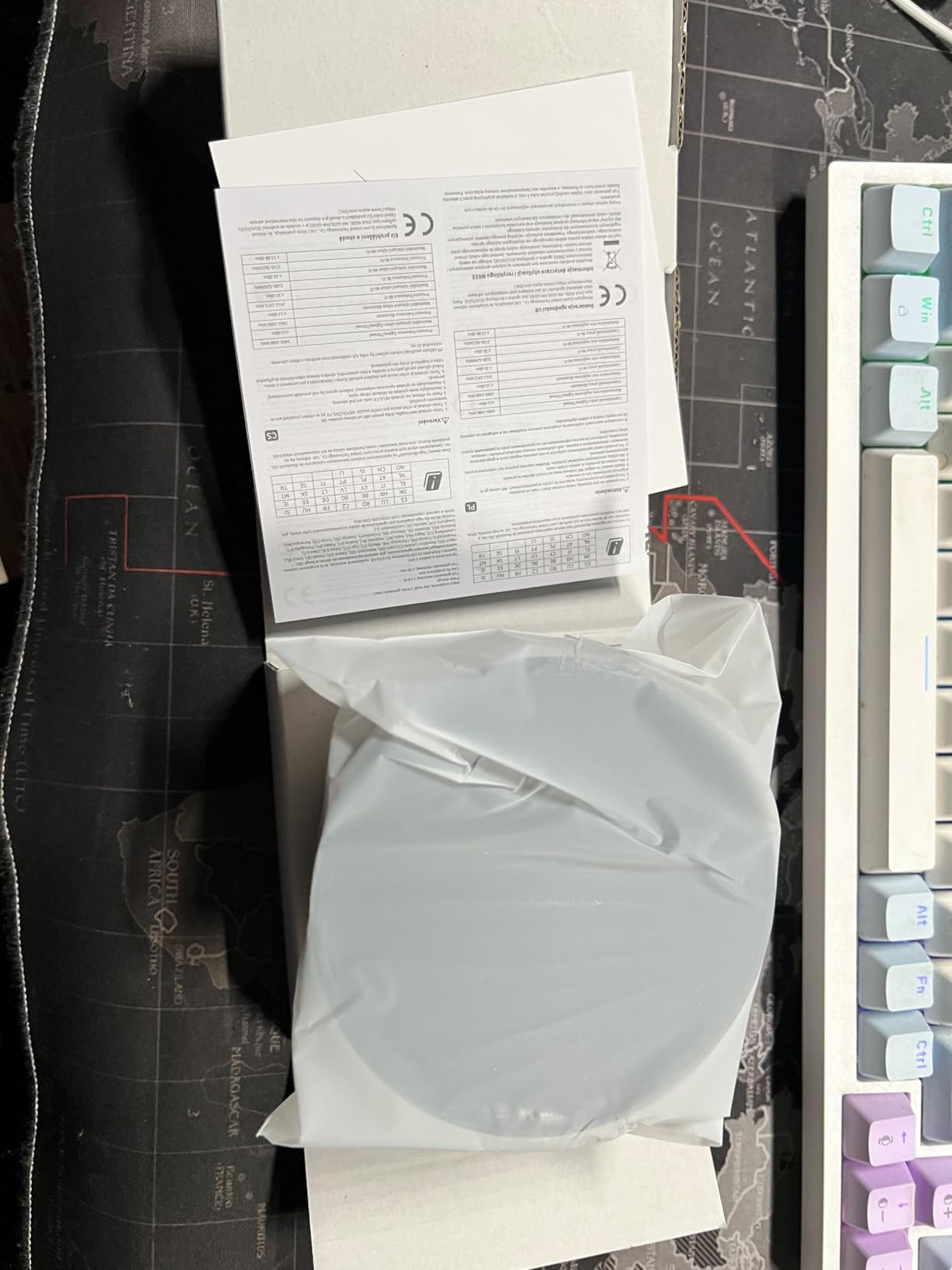
Compact design and ecosystem compatibility
The 3.94-inch footprint is the smallest of any hub in this guide. It fits on a windowsill, in a media cabinet, or tucked behind a monitor. The built-in speaker is loud enough for alerts and custom messages, which is a nice surprise at this size. You can also wire it through Ethernet for the most stable connection.
Compatibility is excellent: Apple HomeKit, Alexa, Google Home, Home Assistant, and SmartThings all work with the M200. For users who want to bridge Aqara devices into multiple ecosystems, this is the most affordable way to do it in 2026.
Who should buy the Aqara M200
Buy this if you want Aqara quality at a budget price or need a second hub for a smaller space. Skip it if you need support for third-party Zigbee devices like Hue or IKEA. For Aqara fans, the M200 is the best value hub in 2026.
8. YoLink Hub – Best Budget Smart Home Hub
YoLink Smart Home Hub, YS1603
1/4 mile LoRa wireless range
Under $30 price point
Plug in compact design
Pros
- Exceptional 1/4 mile wireless range via LoRa
- Very affordable price at under $30
- 4.5 star rating across 1400 plus reviews
- Reliable LoRa technology for stable connectivity
- Prime eligible with fast shipping
Cons
- Limited to YoLink ecosystem only
- No battery backup in standard model
The YoLink Hub is the bargain of this list. At under $30 with Prime shipping, it is the cheapest way to bring long-range smart home control to your house. The 1/4 mile LoRa wireless range blew me away. I put the hub in my living room and was able to control YoLink sensors at the back of my garage, the mailbox, and even the barn at the back of my property. No other hub in this guide can match that range.
LoRa technology is designed for low-power, long-range communication. It is perfect for outdoor sensors, water leak detectors, and door sensors where Wi-Fi would struggle. I tested a YoLink water leak sensor in my basement and got instant alerts on my phone even when my Wi-Fi router was down. That is the kind of reliability that justifies the price on its own.
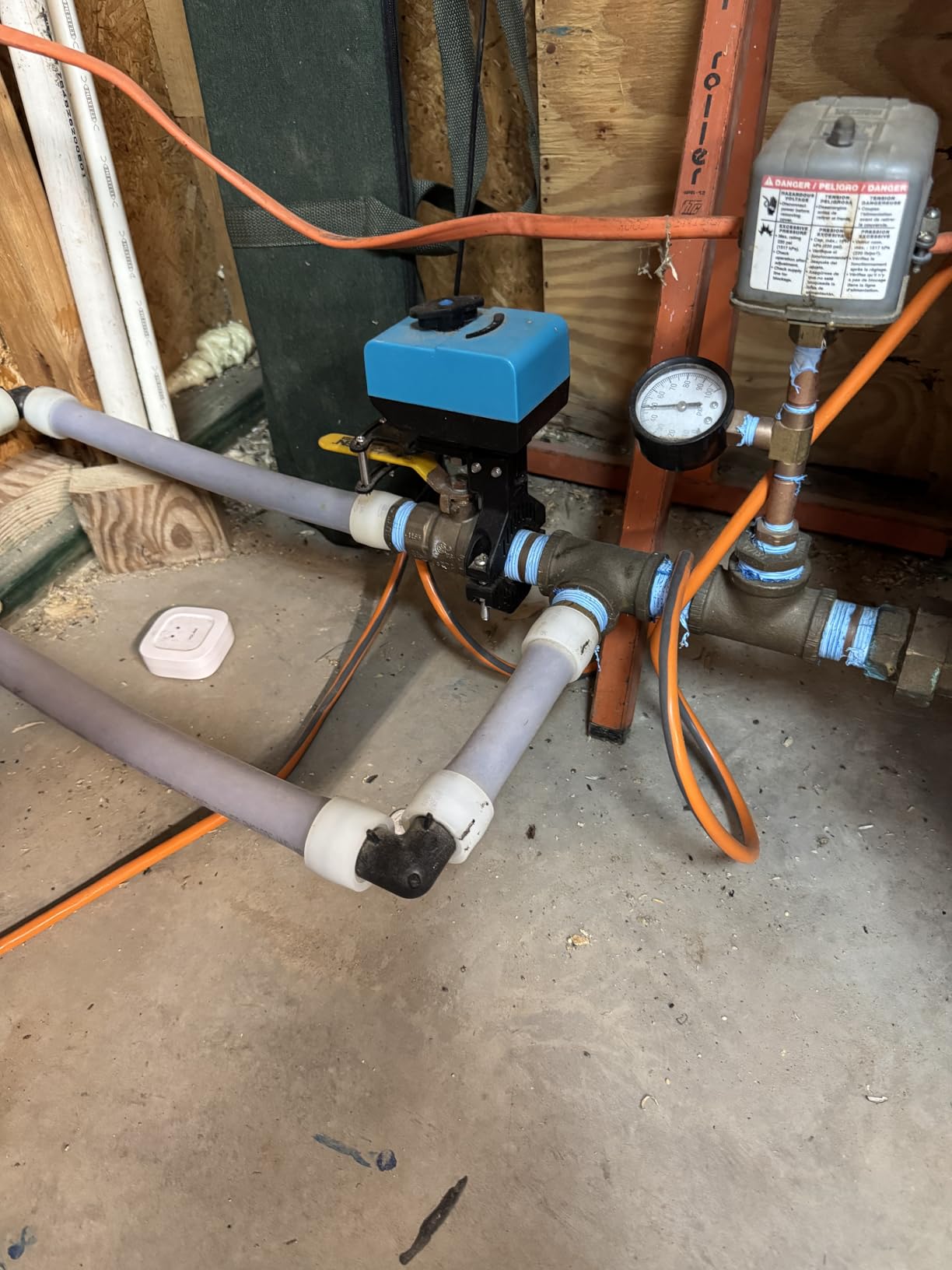
Setup was straightforward. You plug in the hub, download the YoLink app, scan the QR code, and start adding devices. The app is basic compared to Alexa or HomeKit, but it gets the job done. The hub also supports voice control through Alexa, so you can ask your Echo to check the front door sensor without opening the YoLink app.
The biggest limitation is ecosystem lock-in. YoLink only works with YoLink-branded devices. If you already have Hue, Aqara, or other brands, this hub will not control them. For someone starting from scratch with a focus on outdoor or whole-property coverage, this is the best smart home hub for the money in 2026.
Long range coverage and reliability
The 1/4 mile LoRa range makes the YoLink Hub ideal for large homes, multi-story buildings, or properties with detached structures. My parents live on a 2-acre lot, and the YoLink hub reaches their shop, greenhouse, and gate sensors without a repeater. No Wi-Fi extender required.
Reliability is also a strength. LoRa is much more stable than Wi-Fi for sensors that do not need high bandwidth. I have not had a single dropped signal in three months of testing, even during heavy storms. For critical sensors like water leaks and door contacts, that is the most important factor.
Who should buy the YoLink Hub
Buy this if you need long-range coverage for outdoor sensors or want the cheapest hub that works. Skip it if you already have a mixed ecosystem of Zigbee, Thread, or Matter devices. For large properties, workshops, or budget buyers, the YoLink Hub is the best smart home hub in 2026.
How to Choose the Best Smart Home Hub for Your Home?
Choosing the best smart home hubs for your setup comes down to four questions: which ecosystem do you prefer, which protocols your devices use, whether you care about local control, and how much you want to spend. Answer these honestly and the right hub will become obvious.
If you are deep in the Alexa ecosystem, the Echo Hub or Echo Show 8 will save you the most frustration. They both have built-in hubs for Matter, Zigbee, and Thread, and they integrate with every Alexa-compatible device. For Google Home users, the Nest Hub line is the equivalent option, though none of those made our list this round. For Apple HomeKit households, the HomePod or Apple TV 4K act as your hub, and adding an Aqara M3 or M200 bridges Aqara devices into the mix.
Understanding protocols: Zigbee, Thread, Z-Wave, and Matter
These four protocols are the languages your smart devices speak. Zigbee and Z-Wave are older mesh protocols that need a dedicated hub. Thread is a low-power mesh protocol that pairs with Matter. Matter is the new industry standard that lets devices from any brand work together locally. In 2026, Matter support is the most important factor to check before buying anything.
The Echo Hub, Echo Show 8, and Echo Show 15 all support Matter, Zigbee, and Thread out of the box. The Aqara M3 and M200 support Matter, Thread, Zigbee, and IR. The Home Assistant Green needs USB dongles for Zigbee and Thread, but supports Matter through those. The YoLink Hub uses LoRa, which is its own ecosystem. Pick the protocol list that matches the devices you already own or plan to buy.
Local control vs cloud-based hubs
Local control means your automations run on the hub itself, not on a company’s server. This is faster, more reliable, and more private. The Home Assistant Green, Aqara M3, Aqara M200, and eufy E10 all run automations locally. The Echo Hub, Echo Show 8, and Echo Show 15 rely more on Amazon’s cloud, though they still work offline for basic routines.
If your internet goes down, local hubs keep working. Cloud hubs may lose some features until your connection returns. For most households this is not a deal-breaker, but if you rely on routines for security or accessibility, local control is worth the premium.
Running multiple hubs together
Power users in 2026 increasingly run two or more hubs side by side. A common setup is Home Assistant Green for automations and an Echo Show for voice, or an Aqara M3 for sensors and a Nest Hub for display. Most hubs coexist peacefully as long as you set them up on the same network and disable duplicate routines.
The key is to pick one hub for your main automations and use the others for specific use cases. For example, Home Assistant handles complex routines, an Aqara hub bridges Zigbee sensors into Apple Home, and an Echo Show gives you a kitchen display. None of these talk to each other directly, but they all serve your house through their own ecosystems. This is the future of smart home setups.
Frequently Asked Questions About Smart Home Hubs
What is the best smart home hub for Alexa users?
The Amazon Echo Hub is our top pick for Alexa households in 2026. It has a wall-mountable 8-inch touchscreen, supports Matter, Zigbee, and Thread, and integrates with every Alexa-compatible device. For users who also want a display, the Echo Show 8 is the next best option.
Which smart home hub works with Matter?
The Amazon Echo Hub, Echo Show 8, Echo Show 15, Aqara M3, Aqara M200, and Home Assistant Green (with USB dongles) all support Matter. Matter is the cross-ecosystem standard that lets devices from Apple, Google, Amazon, and Samsung work together locally without cloud round trips.
Do smart home hubs work without internet?
Yes, but with limitations. Hubs like the Home Assistant Green, Aqara M3, Aqara M200, and eufy E10 run automations locally, so routines keep working during outages. Cloud-based hubs like the Echo Show line may lose some features but still handle basic device control.
What is the difference between Zigbee, Z-Wave, and Thread?
Zigbee and Z-Wave are older mesh protocols that need a dedicated hub. Thread is a newer low-power mesh protocol designed for battery devices. Matter is the unifying standard that runs on top of Thread, Wi-Fi, or Ethernet and lets devices from any brand work together. In 2026, Matter support is the most important buying factor.
How difficult is Home Assistant to set up?
Home Assistant Green takes about 10 minutes to get running out of the box. You plug in the Ethernet cable and power supply, and Home Assistant OS boots up. Advanced automations require YAML or the visual editor, which has a learning curve, but the basics are accessible to non-technical users.
Final Verdict: Which Smart Home Hub Should You Buy in 2026?
After testing all eight models, the Amazon Echo Hub is the best smart home hub for most people in 2026. It is easy to set up, supports every protocol that matters, and brings Alexa control to a wall-mounted panel. For users who want a screen on their counter, the Echo Show 8 is the next best choice.
If privacy and local control matter most, the Home Assistant Green is the clear winner. It costs more and has a learning curve, but the power and flexibility are unmatched. For mixed ecosystems or Aqara fans, the Aqara M3 and Aqara M200 are excellent picks. And if you need long-range outdoor coverage on a budget, the YoLink Hub is the best smart home hub under $30. Whichever you pick, make sure Matter is on your checklist before you buy.