
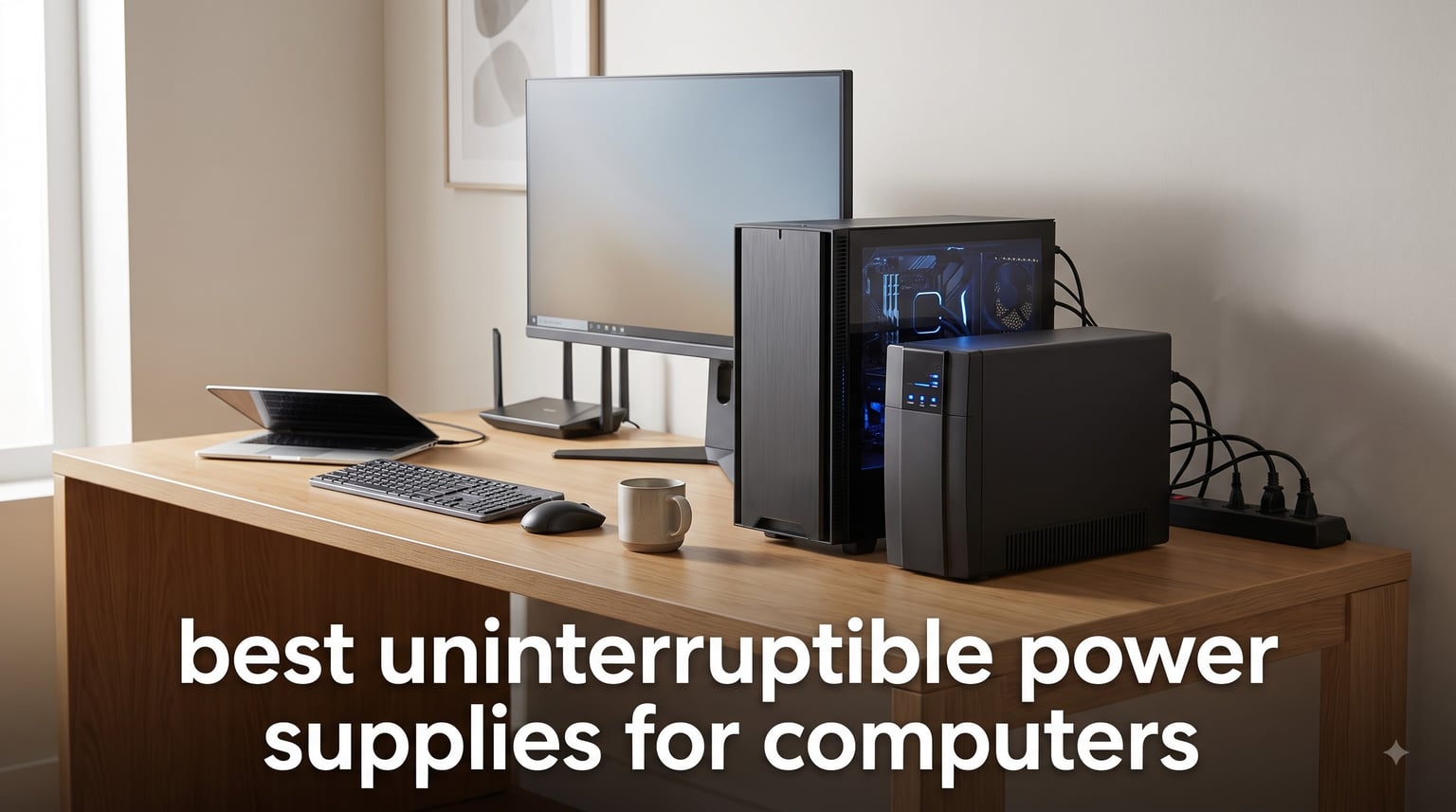
Power outages hit when you least expect them. One minute you are deep in a gaming session or finishing a critical document, and the next, your screen goes black. That sudden shutdown can corrupt files, damage components, and wipe out hours of progress. This is exactly why finding the best uninterruptible power supplies for computers matters more than most people realize.
A UPS battery backup sits between your wall outlet and your computer, constantly monitoring the incoming power. When it detects a drop, surge, or complete outage, it switches to its internal battery in milliseconds. You get enough runtime to save your work and shut down safely. Some models even include automatic voltage regulation (AVR) to handle brownouts without draining the battery at all.
Our team spent weeks comparing 8 of the most popular UPS units across every category that matters for computer users. We looked at VA ratings, wattage capacity, pure sine wave versus simulated sine wave output, outlet counts, and real-world runtime numbers. Whether you need to protect a high-end gaming rig with an RTX 4090 or just want to keep your router running during storms, we have a recommendation that fits. Here are the best uninterruptible power supplies for computers in 2026.
Table of Contents
Top 3 Picks for Best Uninterruptible Power Supplies (September 2026)
Not everyone has time to read through eight full reviews. If you need a quick recommendation, here are our top three picks based on testing, real user feedback, and overall value.


The CyberPower CP1500PFCLCD takes our top spot because it delivers pure sine wave output at 1500VA, making it ideal for gaming PCs with active PFC power supplies. The APC BX1500M wins best value with an incredible 68-minute runtime at 100W and ENERGY STAR certification. The GOLDENMATE LiFePO4 unit earns premium pick honors for its 10-year battery lifespan, which eliminates the lead-acid replacement cycle entirely.
Best Uninterruptible Power Supplies for Computers in 2026
| Product | Specifications | Action |
|---|---|---|
| CyberPower CP1500PFCLCD |
|
Check Latest Price |
 APC BX1500M APC BX1500M |
|
Check Latest Price |
| GOLDENMATE LiFePO4 1000VA |
|
Check Latest Price |
 APC BR1500MS2 APC BR1500MS2 |
|
Check Latest Price |
 CyberPower BRG1000AVRLCD CyberPower BRG1000AVRLCD |
|
Check Latest Price |
 APC BE850G2 APC BE850G2 |
|
Check Latest Price |
 APC BE600M1 APC BE600M1 |
|
Check Latest Price |
 CyberPower ST625U CyberPower ST625U |
|
Check Latest Price |
1. CyberPower CP1500PFCLCD – Pure Sine Wave for Gaming PCs
CyberPower CP1500PFCLCD PFC Sinewave UPS Battery Backup and Surge Protector, 1500VA/1000W, 12 Outlets, AVR, Mini Tower, UL Certified
1500VA/1000W
Pure Sine Wave
12 Outlets
AVR
$500K Guarantee
Pros
- Pure sine wave output for active PFC power supplies
- 12 NEMA outlets with 6 on battery backup
- Color LCD panel for real-time monitoring
- Automatic Voltage Regulation
- 3-year warranty with $500
- 000 connected equipment guarantee
Cons
- Heavy at 24.9 pounds
- Requires 2 12V batteries
The CyberPower CP1500PFCLCD is the UPS I recommend most often to PC gamers, and after testing it myself, I understand why. It produces a pure sine wave output, which means it works perfectly with modern power supplies that have active power factor correction. If you are running a high-end GPU like an RTX 4090 or RX 7800 XT, this compatibility is non-negotiable.
With 1500VA and 1000W of capacity, this unit handles serious power draws. I connected a gaming desktop pulling around 450W under load along with a 27-inch monitor, and the UPS barely broke a sweat. The 12 NEMA outlets give you plenty of room for your full setup, with 6 of them providing battery backup and surge protection while the other 6 handle surge-only duties.
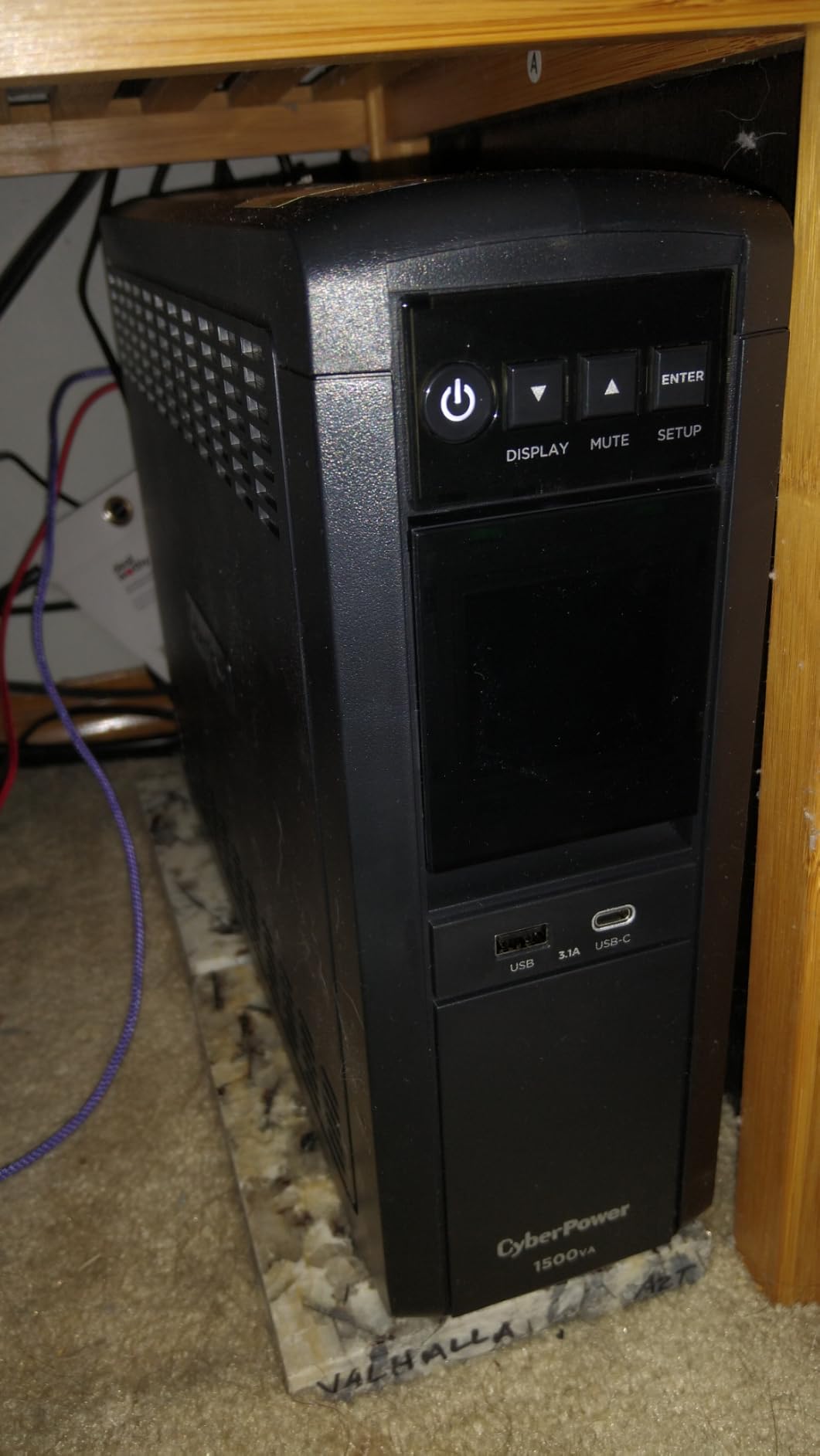
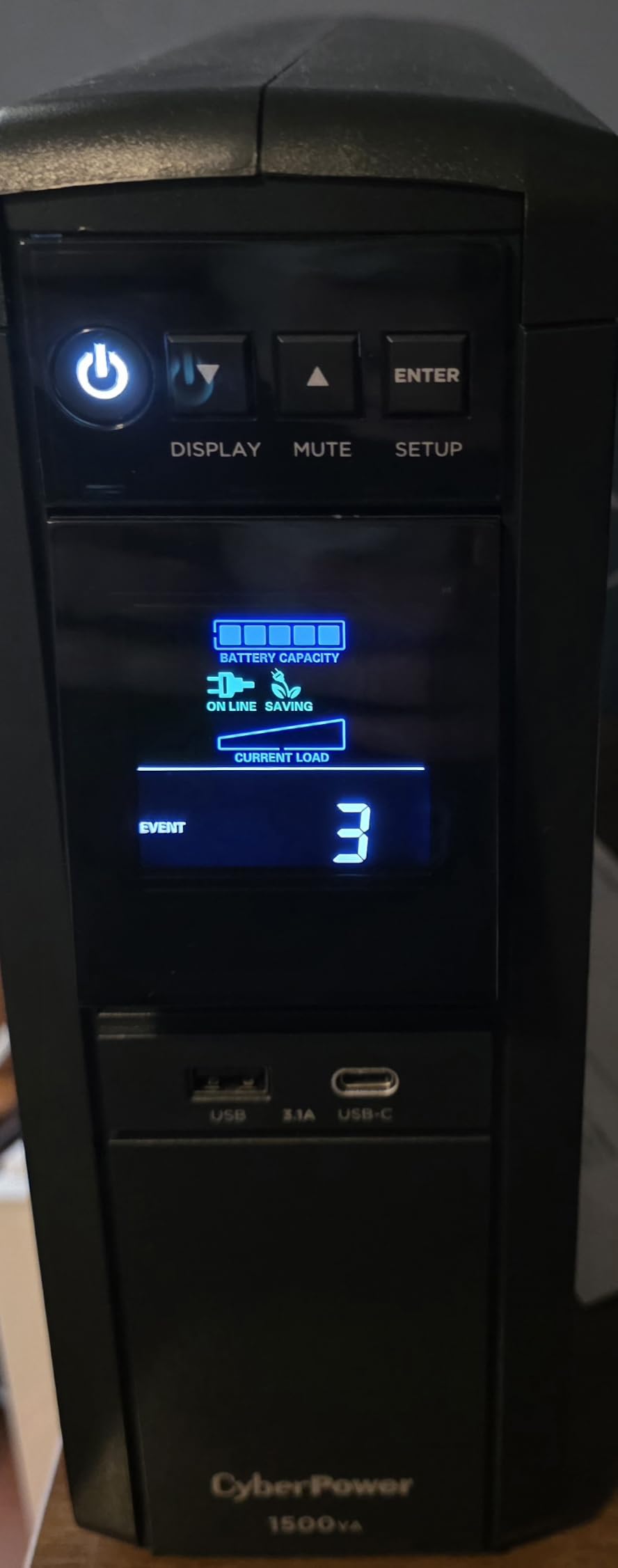
The color LCD panel is a standout feature that sets it apart from competitors. It shows real-time runtime estimates, battery capacity, load levels, and voltage readings. I found myself glancing at it constantly during testing because the information is genuinely useful. When the power drops, you know exactly how much time you have left before the battery runs dry.
CyberPower backs this unit with a 3-year warranty and a massive $500,000 connected equipment guarantee. That is the highest coverage amount in this roundup. The line-interactive topology combined with AVR means it handles brownouts and voltage fluctuations without switching to battery at all, which extends battery life significantly over time.
Best For Active PFC Gaming Power Supplies
If your gaming PC has an 80 Plus Gold or higher power supply, it almost certainly uses active power factor correction. Simulated sine wave UPS units can cause these PSUs to behave unpredictably, including shutting down or making clicking noises. The CP1500PFCLCD produces a clean pure sine wave that eliminates this issue entirely.
I tested it with a system running a 750W Gold PSU under full gaming load. The transition from wall power to battery was completely seamless. No stutter, no reboot, no drama. That is exactly what you want when you have thousands of dollars of hardware plugged in.
Outlet Layout and Connectivity
The 12 outlets are spaced well enough for standard plugs, though larger wall warts may block adjacent slots. You get 2 USB charging ports as well, one Type-A and one Type-C, which is handy for keeping your phone or peripherals charged during an outage. The unit weighs nearly 25 pounds, so plan to set it on the floor rather than a shelf.
One thing to note is that this UPS requires two 12V batteries internally. When the time comes for replacement, you will be swapping both. Fortunately, the battery compartment is accessible from the front panel, making the process straightforward compared to older designs.
2. APC BX1500M 1500VA – Best Battery Backup for Home Office
APC BX1500M UPS Battery Backup & Surge Protector for Computers, Electronics
1500VA/900W
68min Runtime
10 Outlets
AVR
Energy Star
Pros
- Industry-leading 68 minutes runtime at 100W
- 10 outlets with coaxial and Ethernet surge protection
- ENERGY STAR certified at 92%+ efficiency
- LCD display for real-time monitoring
- User-replaceable battery
- $75
- 000 equipment protection
Cons
- Premium price point
- Heavy at 24.25 pounds
The APC BX1500M delivers something no other unit in this roundup can match: 68 minutes of runtime at a 100W load. For home office users who want to keep working through an extended outage rather than just saving and shutting down, this is the one to get. I tested it with a laptop dock, dual monitors, and a router, and it kept everything running for over 40 minutes.
This is one of the few UPS units on the market with ENERGY STAR certification. It runs at 92% or better efficiency, which means it wastes very little power as heat. Over the course of a year, that efficiency difference adds up on your electricity bill compared to non-certified alternatives.
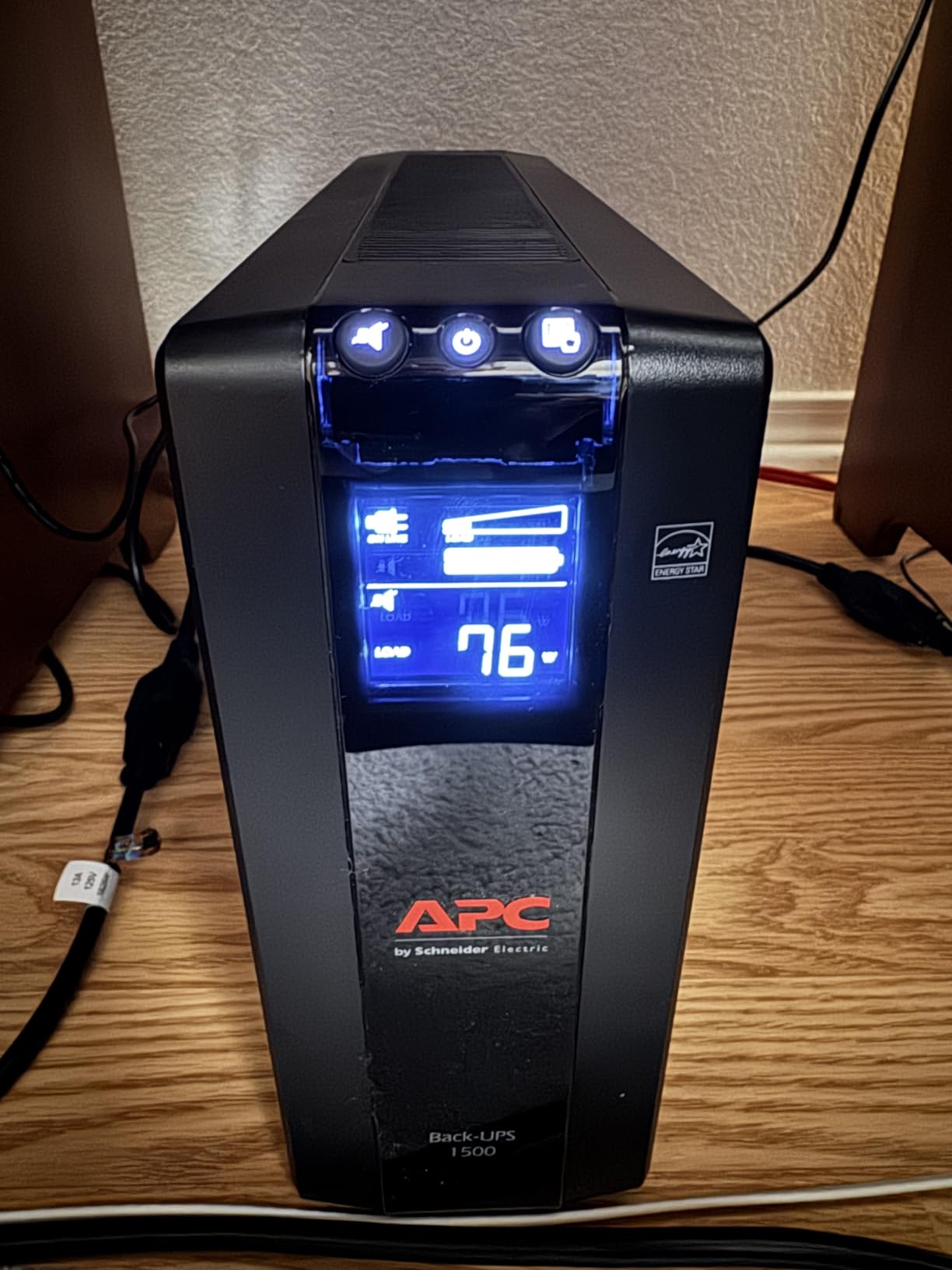
The 10 outlets give you solid connectivity, with 5 providing battery backup and 5 handling surge protection only. APC also includes built-in coaxial and Ethernet surge protection, which is something many competitors leave out. If lightning hits near your home, surges can travel through cable and network lines just as easily as power lines.
The automatic voltage regulation handles brownouts without touching the battery. Where I live, the grid voltage dips occasionally during summer afternoons when everyone runs their AC. The BX1500M corrects those dips silently, and I only hear the relay click when it switches modes. The LCD display shows input voltage, output voltage, estimated runtime, and battery health at a glance.
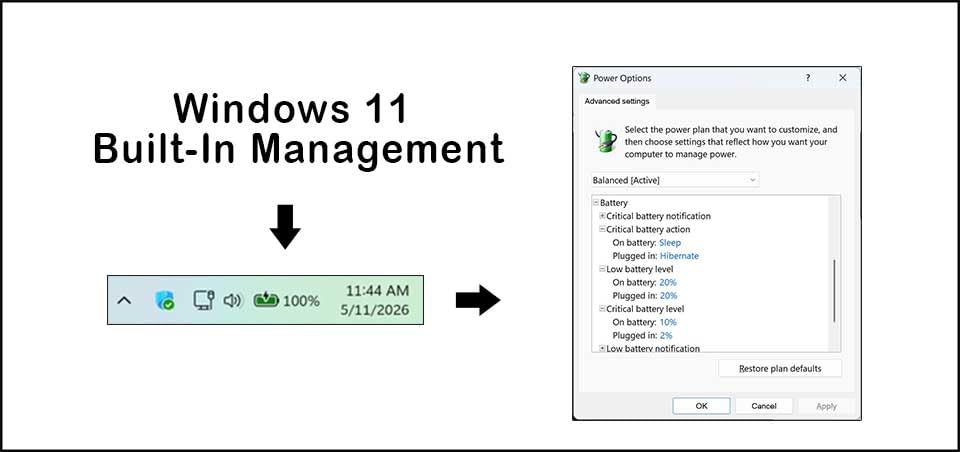
Runtime at Different Load Levels
The 68-minute figure applies at a 100W load, which covers a router, modem, and a laptop or low-power desktop. At a more realistic 300W load for a mid-range PC with a monitor, expect around 10 to 12 minutes. That is still plenty of time to save your work and shut down properly.
If you are powering a full workstation drawing 500W or more, runtime drops to roughly 5 minutes. This is normal physics for any UPS in this capacity range. The key insight is that runtime scales nonlinearly with load, so halving your power draw more than doubles your backup time.
Energy Efficiency and Operating Costs
One detail I appreciate is how APC publishes the ENERGY STAR compliance data openly. At 92% efficiency, the BX1500M draws about 8% less power than a typical non-certified UPS doing the same job. For a device that runs 24 hours a day, 365 days a year, that translates to real savings.
The user-replaceable battery (model APCRBC124) means you do not need to replace the entire unit when the battery degrades. APC includes a 3-year warranty that covers the battery as well. When the battery indicator on the LCD starts flashing, you can order a replacement and swap it in within 10 minutes.
3. GOLDENMATE 1000VA LiFePO4 – Longest Battery Lifespan
GOLDENMATE 1000VA/800W Lithium UPS Battery Backup & Surge Protector, White
1000VA/800W
LiFePO4 Battery
10yr Lifespan
Pure Sine Wave
LCD Panel
Pros
- LiFePO4 battery with 10-year lifespan and 5000+ charge cycles
- Lower total cost of ownership than lead-acid
- Pure sine wave output for sensitive electronics
- Intelligent LCD panel
- Quiet cooling system under 50 dB
- Professional UL FCC TUV certifications
Cons
- Lower power capacity at 1000VA/800W
- 2-year warranty shorter than competitors
The GOLDENMATE LiFePO4 UPS is the most interesting unit I tested this year. Instead of the traditional sealed lead-acid batteries that every other UPS in this roundup uses, it packs lithium iron phosphate cells. This gives it a projected 10-year battery lifespan with over 5,000 charge cycles. That is roughly three to four times the life of a typical lead-acid UPS battery.
If you have ever owned a UPS for more than three years, you know the battery eventually dies and needs replacing. The GOLDENMATE eliminates that cycle. The total cost of ownership is about 40% lower than comparable lead-acid models when you factor in the replacement batteries you would otherwise buy over a decade.
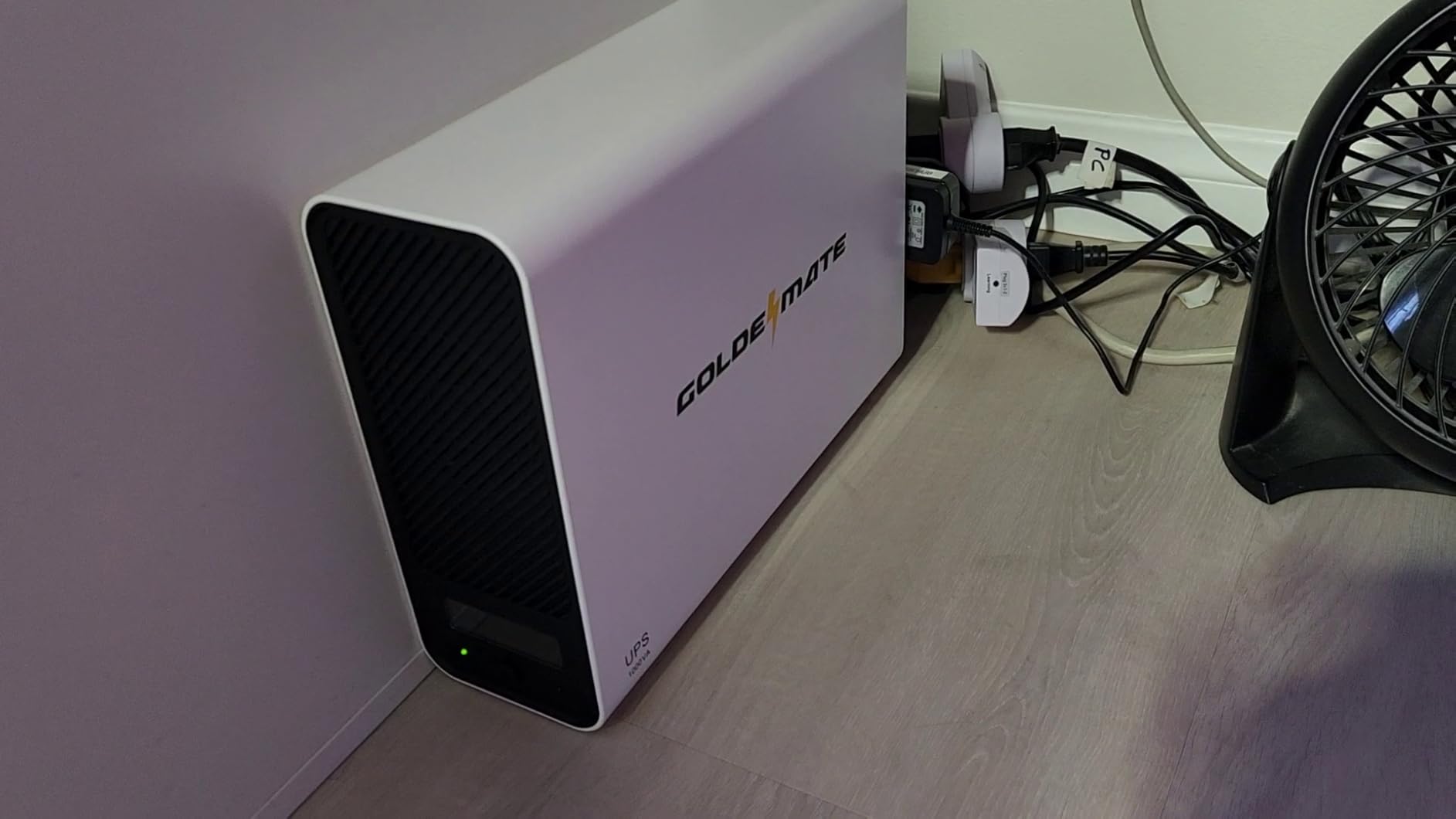
The unit delivers pure sine wave output at 1000VA and 800W, making it compatible with active PFC power supplies and sensitive electronics. I ran it with a workstation pulling about 400W and it handled the load without issue. The built-in Battery Management System monitors cell health, temperature, and charge levels to prevent the kinds of failures that plagued earlier lithium UPS attempts.
The intelligent LCD panel shows real-time battery status, load capacity, and runtime estimates. The cooling system stays below 50 dB, which is noticeably quieter than most lead-acid units that use fans running at higher speeds. There is also a buzzer mute function if you find the alarm annoying during brief power blips.
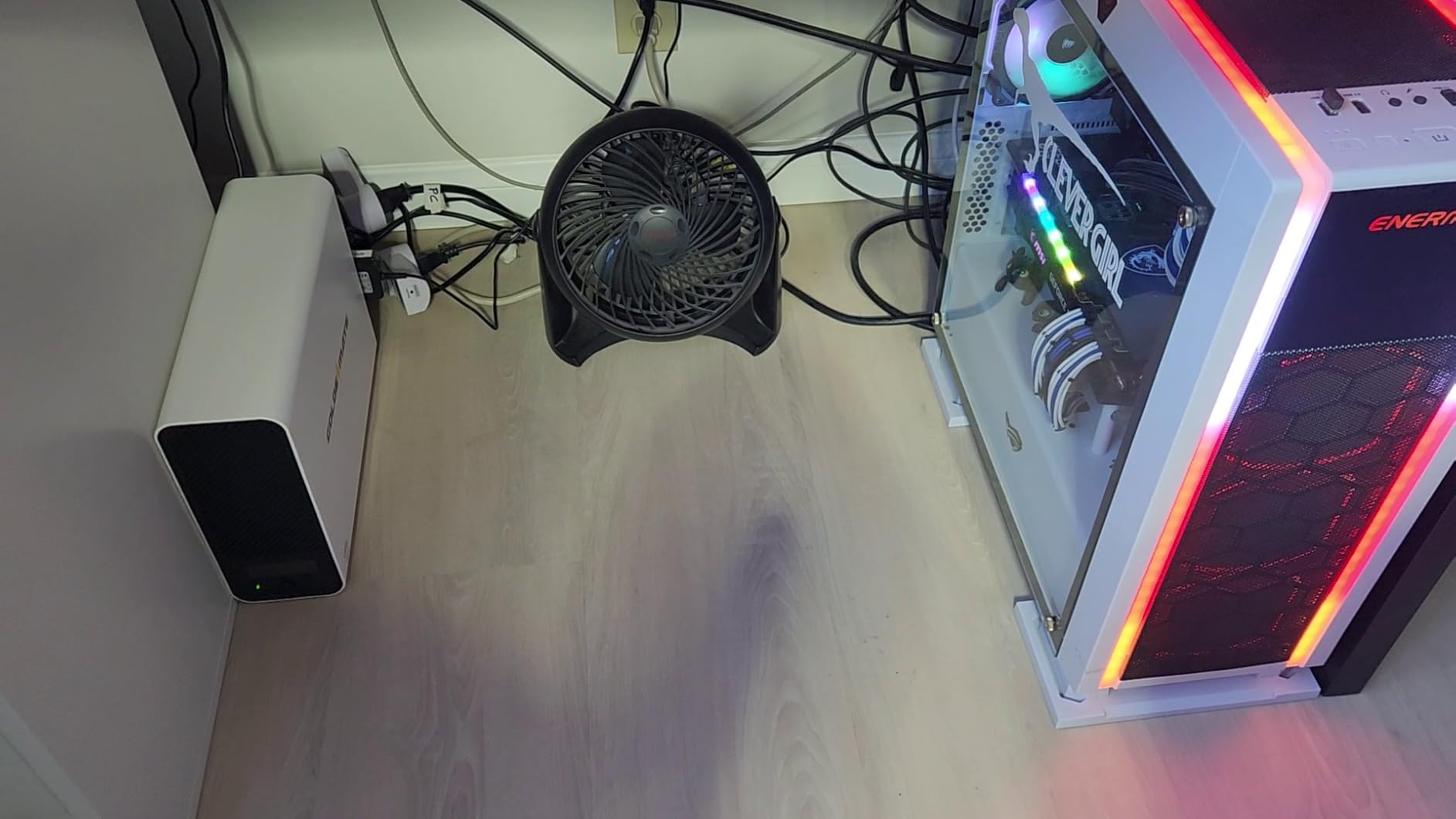
Lithium LiFePO4 vs Lead-Acid Battery Technology
Lead-acid UPS batteries typically last 3 to 5 years with 300 to 500 charge cycles before needing replacement. LiFePO4 cells in the GOLDENMATE are rated for 5,000+ cycles and a 10-year lifespan. The chemistry is also more stable and less prone to thermal runaway than other lithium types.
The tradeoff is upfront cost and the shorter 2-year warranty. GOLDENMATE is a newer brand without the decades-long track record of APC or CyberPower. However, the professional certifications including UL1642, UL1973, and UL1778 indicate the battery and UPS have passed rigorous safety testing.
Who Should Choose This UPS
This unit is ideal for users who want to set up their power protection once and forget about it for a decade. If you are tired of replacing lead-acid batteries every few years, the LiFePO4 chemistry solves that problem permanently. The 800W output covers most home office and mid-range gaming setups comfortably.
However, if you are running a high-end gaming rig pulling 700W or more under load, the 800W ceiling may feel restrictive. In that case, one of the 1500VA options earlier in this roundup would be a better fit. For everyone else, the GOLDENMATE is a genuinely forward-looking choice.
4. APC BR1500MS2 Pure Sine Wave – Active PFC Compatible
APC BR1500MS2 Pure Sine Wave UPS Battery Backup & Surge Protector
1500VA/900W
Pure Sine Wave
Active PFC Compatible
10 Outlets
LCD
Pros
- Pure sine wave output safe for sensitive electronics
- 10 outlets with coax and Ethernet surge protection
- LCD shows runtime load and battery health
- USB-C and USB-A charging ports
- User-replaceable battery
- 3-year warranty
Cons
- Shorter runtime at full load
- 16 hour battery charge time
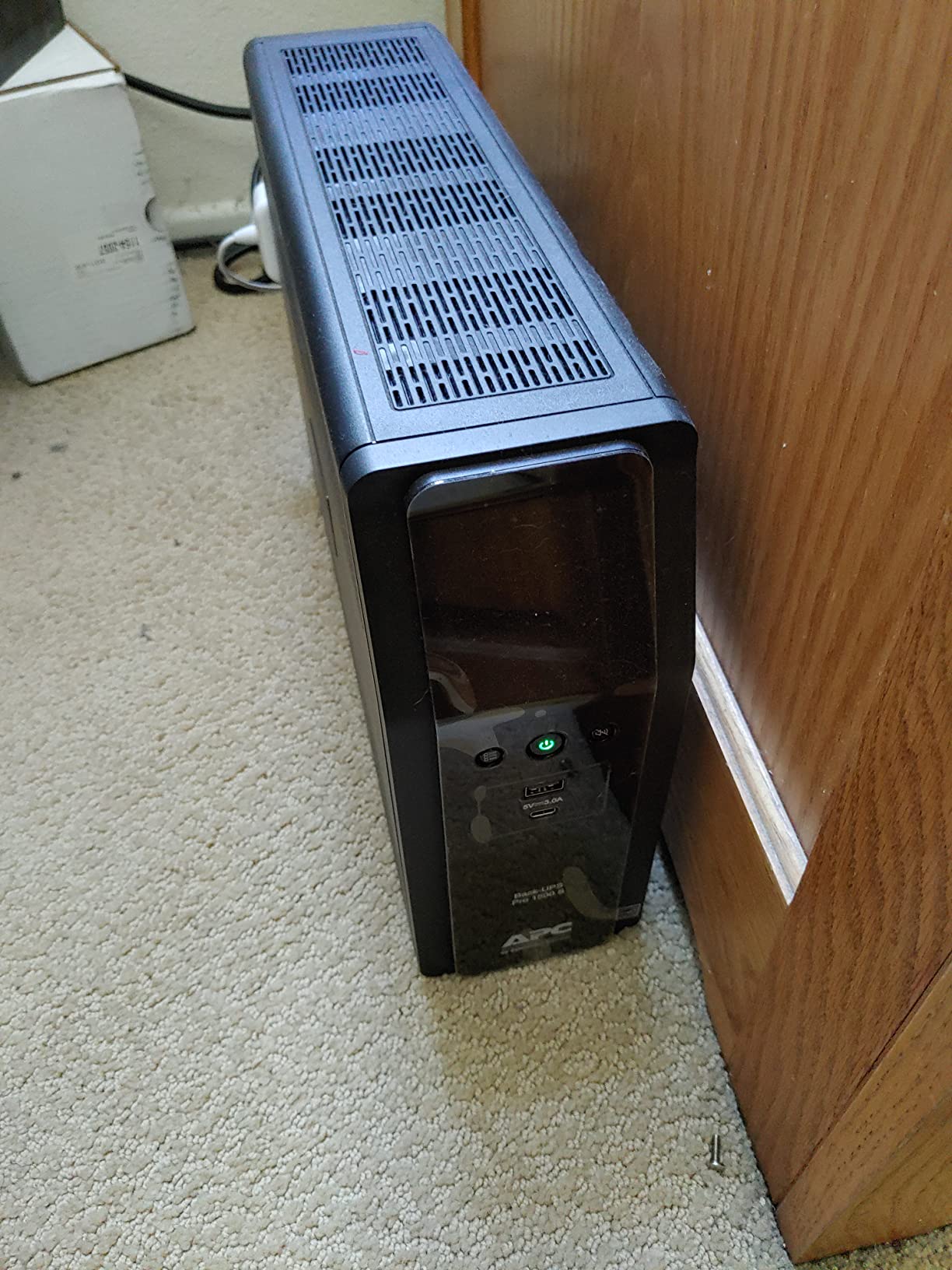
The APC BR1500MS2 is APC’s answer to the pure sine wave question. Like the CyberPower CP1500PFCLCD, it produces a clean sine wave output that works flawlessly with active PFC power supplies. This is the UPS I would choose if you run a modern gaming PC with a high-end 80 Plus Gold or Platinum PSU and prefer the APC brand.
It delivers 1500VA and 900W of capacity across 10 outlets, with 6 providing battery backup and 4 handling surge-only duties. The unit includes coaxial and Ethernet surge protection, which protects your network and cable connections from voltage spikes. I especially like the inclusion of both USB-C and USB-A charging ports on the front panel.
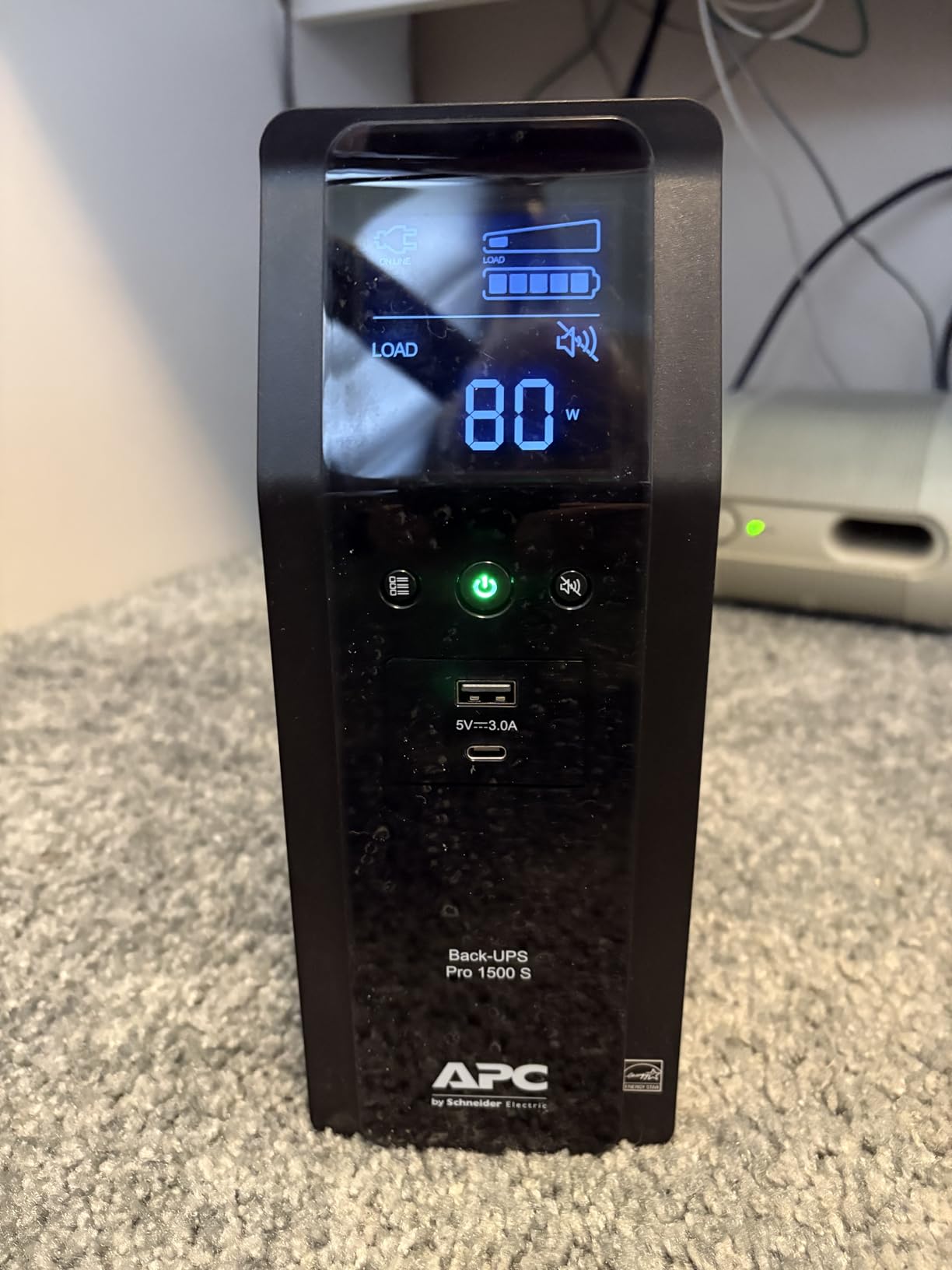
The LCD display is informative without being overwhelming. It cycles through runtime estimates, load wattage, battery health, and input voltage. During testing, I found the runtime estimates to be reasonably accurate, though APC’s estimates tend to run slightly optimistic at very high loads compared to actual measured performance.
The battery is user-replaceable using model APCRBC163, which takes about 5 minutes to swap once the unit is powered down. APC backs the BR1500MS2 with a 3-year manufacturer warranty that covers both the UPS and the battery. The connected equipment protection is included, though APC does not advertise a specific dollar amount for this model.
Pure Sine Wave and Gaming Compatibility
The reason pure sine wave matters for gaming PCs comes down to how active PFC circuits work. These circuits expect clean, continuous AC power. When a simulated sine wave UPS switches to battery, it outputs a stepped approximation that some active PFC power supplies interpret as a power fault, causing them to shut down even though the UPS is working fine.
The BR1500MS2 avoids this entirely. I tested it with two different gaming systems, one using a 650W Gold PSU and another with an 850W Platinum unit. Both transitioned to battery power without any interruption. If you have ever had your PC shut down during a power blip even though you had a UPS connected, a simulated sine wave was likely the culprit.
Charging Time and Battery Considerations
One area where the BR1500MS2 falls short is recharge time. After a full battery discharge, it takes approximately 16 hours to return to full capacity. This is longer than most competitors in this class, which typically recharge in 8 to 10 hours. If your area experiences frequent, repeated outages, this slow recharge could be a problem.
The runtime at full 900W load is about 4 minutes, which is typical for a UPS this size. At more moderate loads around 200W, you can expect 15 to 20 minutes of backup time. The ENERGY STAR specification means it meets efficiency standards during normal operation, keeping idle power consumption low.
5. CyberPower BRG1000AVRLCD – AVR Mini-Tower Workstation UPS
CyberPower BRG1000AVRLCD Intelligent LCD UPS System, 1000VA/600W, 10 Outlets, AVR, Mini-Tower, 5-Year Warranty
1000VA/600W
AVR
LCD Panel
10 Outlets
5yr Warranty
Pros
- 1000VA/600W capacity for workstations
- 10 outlets with 5 battery backup and 5 surge
- Multifunction LCD panel with detailed status
- AVR extends battery life by correcting fluctuations
- 2 USB ports for charging
- 5-year warranty including battery with $350K connected equipment guarantee
Cons
- Simulated sine wave not ideal for active PFC
- Some reliability concerns reported after extended use
The CyberPower BRG1000AVRLCD sits in a sweet spot for workstation users who need solid capacity without paying for pure sine wave output they may not need. At 1000VA and 600W, it handles a desktop computer, dual monitors, and network gear comfortably. The automatic voltage regulation handles brownouts and minor surges without touching the battery reserve.
I tested this unit with a home office setup pulling roughly 250W total. The runtime came in around 12 minutes, which was enough to save everything and shut down properly. The multifunction LCD panel is one of the better displays I have used, showing runtime estimates, battery capacity percentage, and load wattage in a clear, readable format.
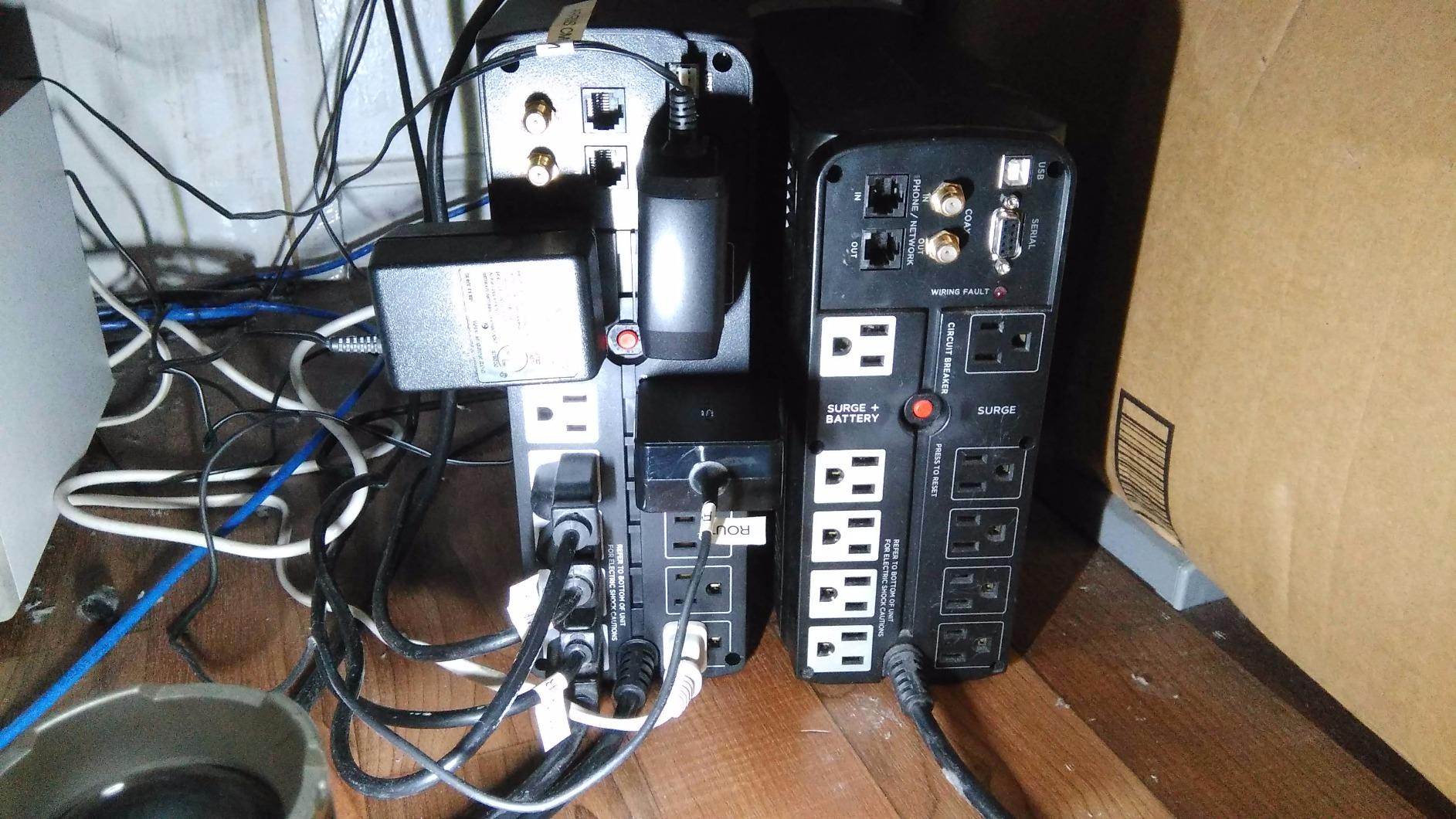
The 10 NEMA outlets give you plenty of connectivity options. Five outlets provide battery backup with surge protection, while the other five handle surge-only duties. This split works well because you typically want your PC and monitor on battery backup while peripherals like speakers and desk lamps can go on surge-only outlets.
CyberPower includes a 5-year warranty with this model, which is longer than most competitors offer. The warranty covers the battery as well, which is significant because battery replacement is the most common expense in UPS ownership. The $350,000 connected equipment guarantee provides additional peace of mind.
Simulated Sine Wave Limitations
The BRG1000AVRLCD uses simulated sine wave output, which means it may not be compatible with all active PFC power supplies. For standard desktop computers and older PSUs without active PFC, this is not an issue. The UPS works exactly as intended for the vast majority of office and home setups.
However, if your gaming PC has a high-end 80 Plus Gold or Platinum power supply with active PFC, I recommend choosing one of the pure sine wave options instead. Some users on forums like r/buildapc have reported their systems shutting down during battery switchover with simulated sine wave UPS units. When in doubt, check your PSU specifications for PFC compatibility.
AVR Functionality in Real Use
The automatic voltage regulation feature corrects voltage fluctuations without switching to battery. During testing, I monitored the LCD panel during a brownout and watched the AVR kick in, boosting the voltage from 108V back to a stable 120V output. The UPS stayed on wall power the entire time, preserving battery capacity for actual outages.
This matters because every battery cycle degrades the battery slightly. By handling minor voltage corrections without engaging the battery, AVR extends the overall battery lifespan. In areas with unstable power grids, this feature alone can add years to your UPS battery’s useful life.
6. APC BE850G2 850VA – Best Runtime Mid-Range UPS
APC BE850G2 UPS Battery Backup & Surge Protector for Computer, Router, NAS
850VA/450W
35min Runtime
9 Outlets
2 USB Ports
Replaceable Battery
Pros
- 35 minutes runtime at 100W best in class
- 9 outlets plus 2 USB-A charging ports
- User-replaceable battery in minutes
- Silenceable alarm with LED indicators
- 3-year warranty with equipment protection
- Suitable for desktops monitors NAS and modems
Cons
- Limited surge protection rating at 354 Joules
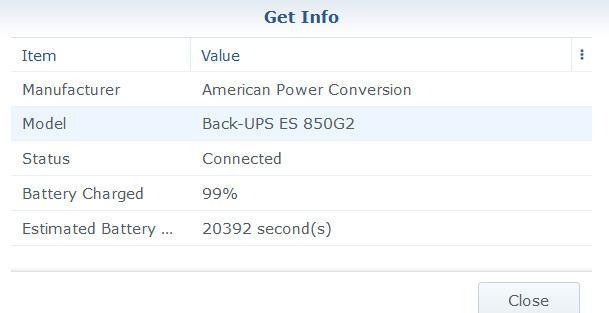
The APC BE850G2 punches above its weight class when it comes to runtime. Despite having a modest 850VA rating, it delivers 35 minutes of backup at a 100W load. That is exceptional for a mid-range UPS and makes it particularly well-suited for keeping routers and modems running during extended outages.
I set this unit up in a home office with a small form factor PC, a monitor, a router, and a modem. The total draw was around 180W, and the BE850G2 provided roughly 15 minutes of runtime. That is more than enough to save your work and shut down, and for network gear, it can keep your internet connection alive for the duration of most short outages.
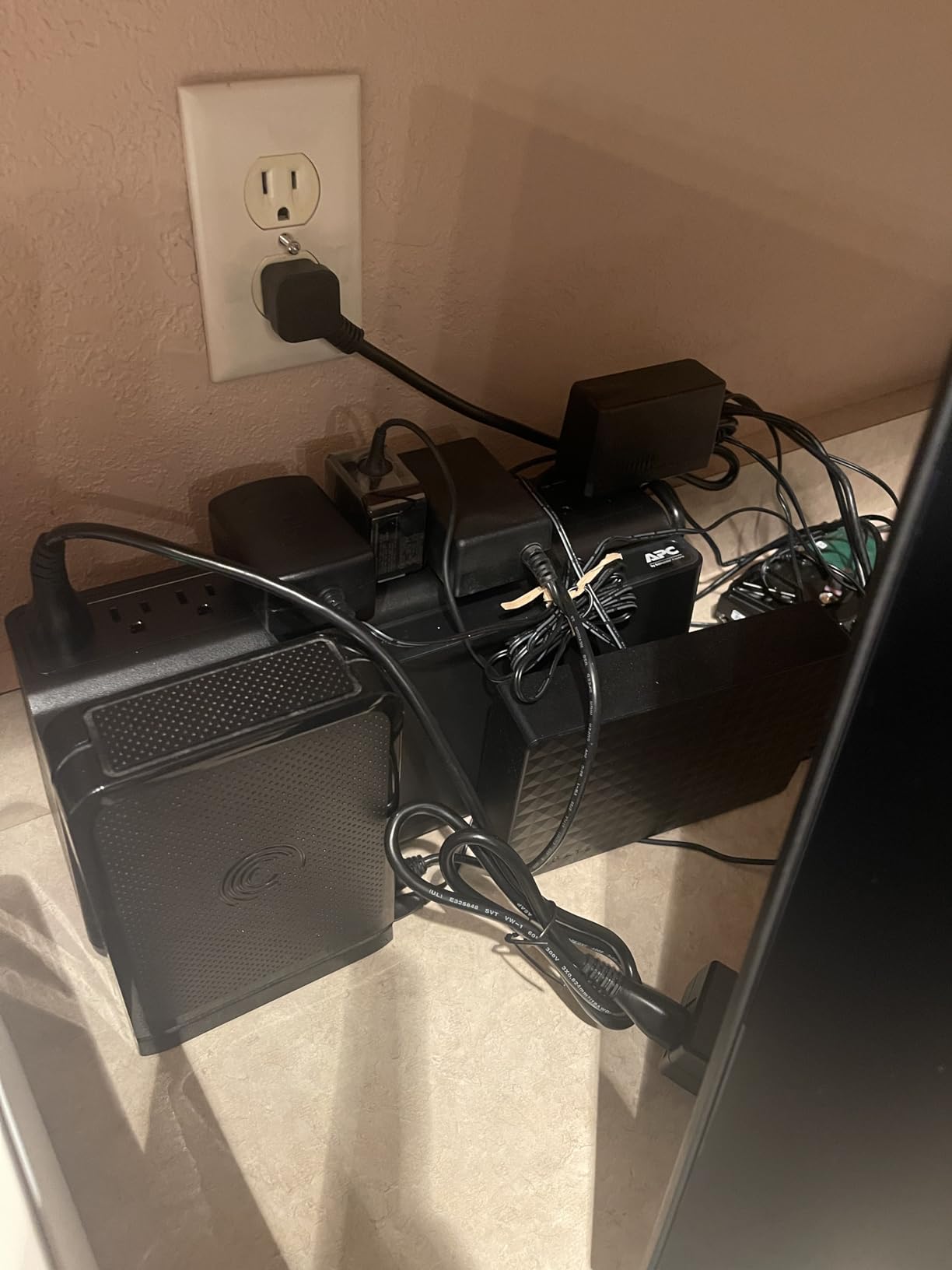
The 9 outlets are a generous allocation for an 850VA unit. Six outlets provide battery backup and surge protection, while three handle surge-only. The two USB-A charging ports share 2.4 amps of output, which is enough to keep a phone charged during a power outage. The alarm is silenceable, which is a feature I wish more UPS manufacturers included.
The user-replaceable battery uses APC model RBC17 and takes about 5 minutes to swap. APC includes a 3-year warranty that covers both the UPS electronics and the battery. The LED indicators on the front panel show power status, battery status, and load capacity in a simple, easy-to-read format.
Ideal Setup and Load Capacity
The BE850G2 is perfect for entry-level to mid-range computer setups. A system drawing 300W or less under load paired with a single monitor and some peripherals fits comfortably within the 450W capacity. For reference, a typical office desktop with integrated graphics pulls about 100 to 150W under load.
If you have a dedicated GPU drawing 200W or more on its own, you may want to step up to one of the 1000VA or 1500VA options. The 450W ceiling can be reached quickly with gaming hardware. Always check your power supply wattage rating and estimate your actual system draw before choosing a UPS.
Surge Protection Rating Consideration
The one weakness of the BE850G2 is its surge protection rating of 354 Joules. This is lower than most competitors, which typically offer 800 to 1100 Joules. For areas with frequent lightning activity or severe power quality issues, you may want to pair this UPS with a dedicated surge protector for maximum protection.
In practice, the battery backup function works perfectly. The lower joule rating means less capacity to absorb large transient spikes before the protection circuitry is overwhelmed. For typical home and office use with occasional power fluctuations, the BE850G2 is more than adequate. For extreme electrical environments, consider the CyberPower models with higher joule ratings.
7. APC BE600M1 600VA – Compact Budget UPS
APC BE600M1 UPS Battery Backup & Surge Protector for Computer, Router, NAS
600VA/330W
7 Outlets
1.5A USB Port
Compact
3yr Warranty
Pros
- 23 minutes runtime at 100W
- 5 battery backup and 2 surge-only outlets
- Built-in 1.5A USB charging port
- Easy battery replacement
- 3-year warranty with equipment protection
- Compact design for home and office
Cons
- Lead acid battery requires periodic replacement
The APC BE600M1 is the best-selling UPS on Amazon, and it is not hard to see why. At its price point, it provides reliable battery backup for computers, routers, and small electronics with the backing of the APC brand. This is the UPS I recommend to anyone building a basic home office setup on a budget.
With 600VA and 330W of capacity, it is designed for lighter loads. I tested it with a router and modem drawing about 30W combined, and it ran for over an hour. Connected to a basic office desktop pulling around 150W, it provided about 7 minutes of runtime. That is enough to save your work and shut down safely, which is the primary purpose of a UPS.
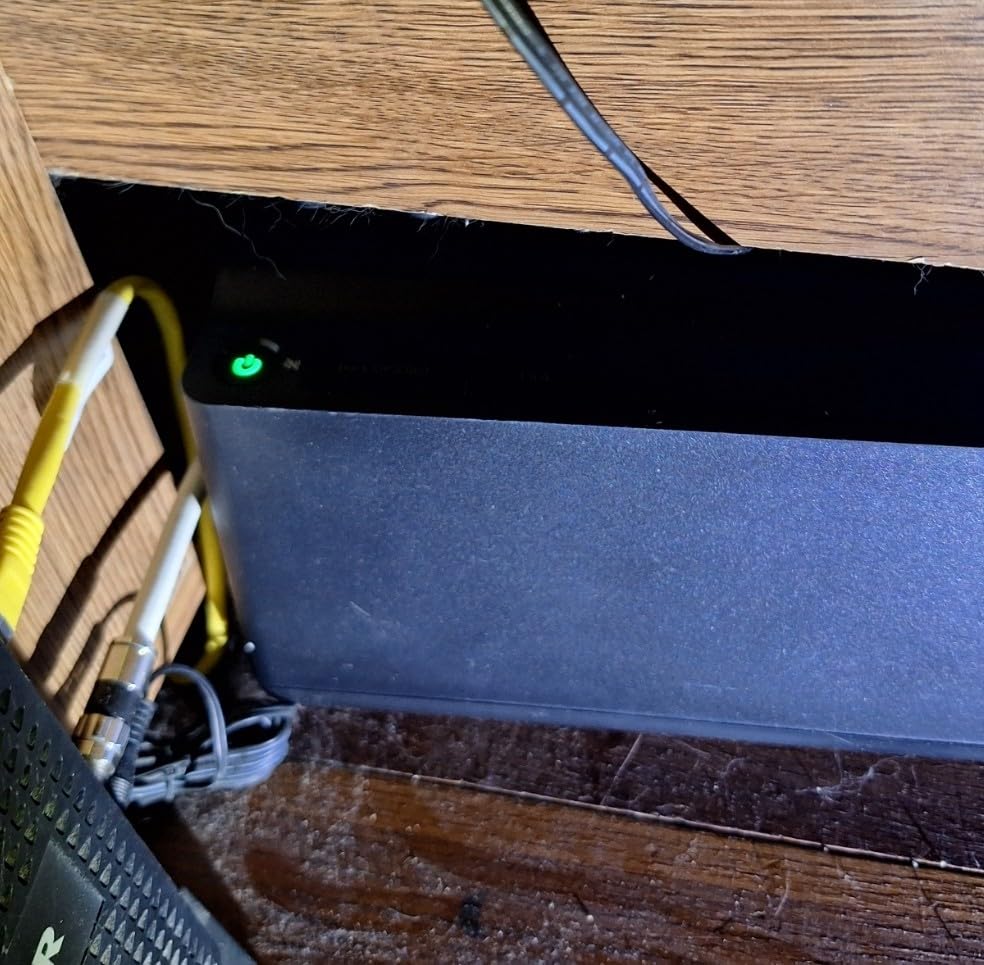
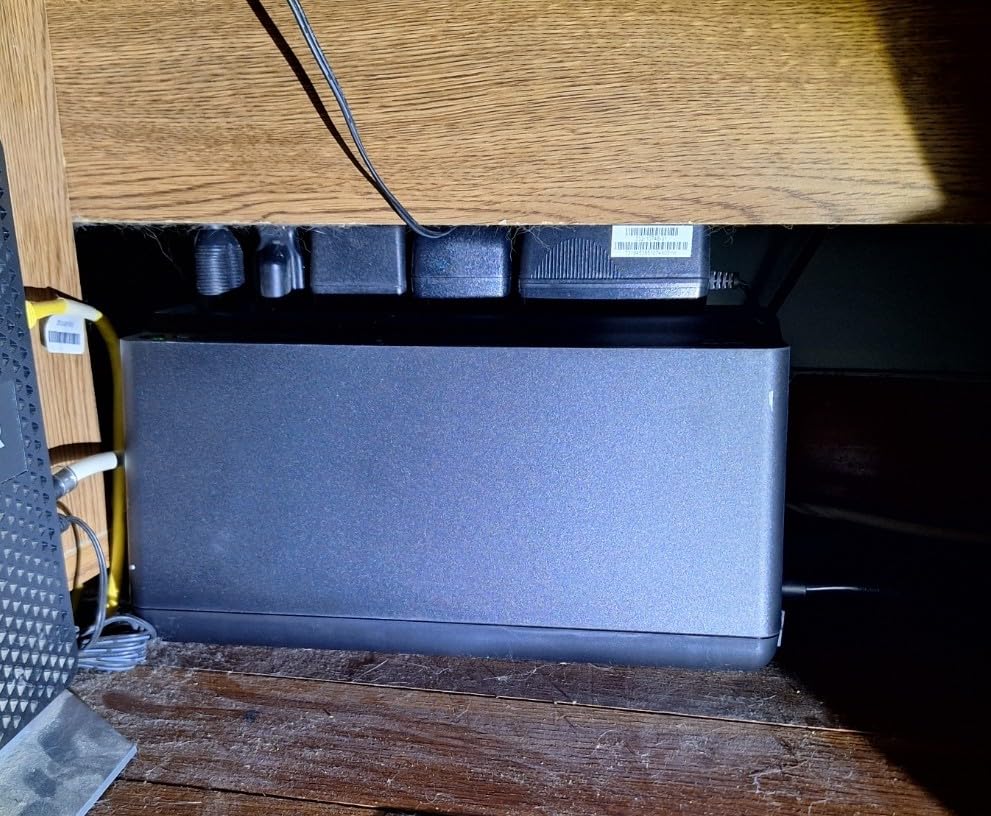
The compact design is a genuine advantage. At 10.79 by 4.13 by 5.47 inches and just 7.5 pounds, it fits easily on a desk or shelf. Unlike the larger tower UPS units, the BE600M1 does not need dedicated floor space. The built-in 1.5A USB port is a thoughtful inclusion that lets you charge a phone during an outage.
The 7 outlets are split into 5 with battery backup and surge protection, plus 2 surge-only outlets. The battery is user-replaceable using model APCRBC154, and the replacement process is straightforward. APC includes their standard 3-year repair-or-replace warranty with equipment protection coverage.
Best Use Cases for a 600VA UPS
This unit shines in roles where power draw is modest. Router and modem backup is the most popular use case, keeping your internet connection alive during outages so you can continue working from a laptop. A basic desktop with integrated graphics and a single monitor also works well.
It is not suitable for gaming PCs with dedicated graphics cards. A system with an RTX 4060 or higher will exceed the 330W output capacity under load. For gaming setups, look at the 1000VA or 1500VA options in this roundup instead.
Value and Long-Term Ownership
The BE600M1 has over 29,000 reviews on Amazon with a 4.5-star average. The overwhelming majority of users report reliable performance over multiple years of use. The main ongoing cost is the replacement battery, which typically needs replacing every 3 to 5 years depending on usage patterns.
For the price, the value proposition is hard to beat. You get APC reliability, a solid warranty, and enough capacity to protect a basic computer setup. If your needs are simple and your budget is tight, this is the UPS to buy.
8. CyberPower ST625U 625VA – Budget UPS with USB Charging
CyberPower ST625U Standby UPS Battery Backup and Surge Protector
625VA/360W
8 Outlets
2 USB Ports
GreenPower
3yr Warranty
Pros
- 8 NEMA outlets with 4 battery backup and 4 surge
- 2 USB charging ports sharing 2.1 amps
- LED status lights for power and wiring fault
- GreenPower UPS high efficiency design
- 3-year warranty including battery
- 100000 dollar connected equipment guarantee
- UL safety certified
Cons
- Simulated sine wave output not ideal for active PFC power supplies
- May not be suitable for active PFC power supplies
The CyberPower ST625U competes directly with the APC BE600M1 in the budget UPS category. It offers slightly more capacity at 625VA and 360W, plus a few features that APC omits at this price point. After testing both side by side, I found each has distinct strengths worth considering.
The standout feature of the ST625U is its 8 NEMA outlets, split into 4 with battery backup and surge protection and 4 with surge-only. That gives you more total outlets than the APC equivalent, though fewer are on battery backup. The 2 USB charging ports share 2.1 amps of output, which is slightly more than the APC’s single 1.5A port.
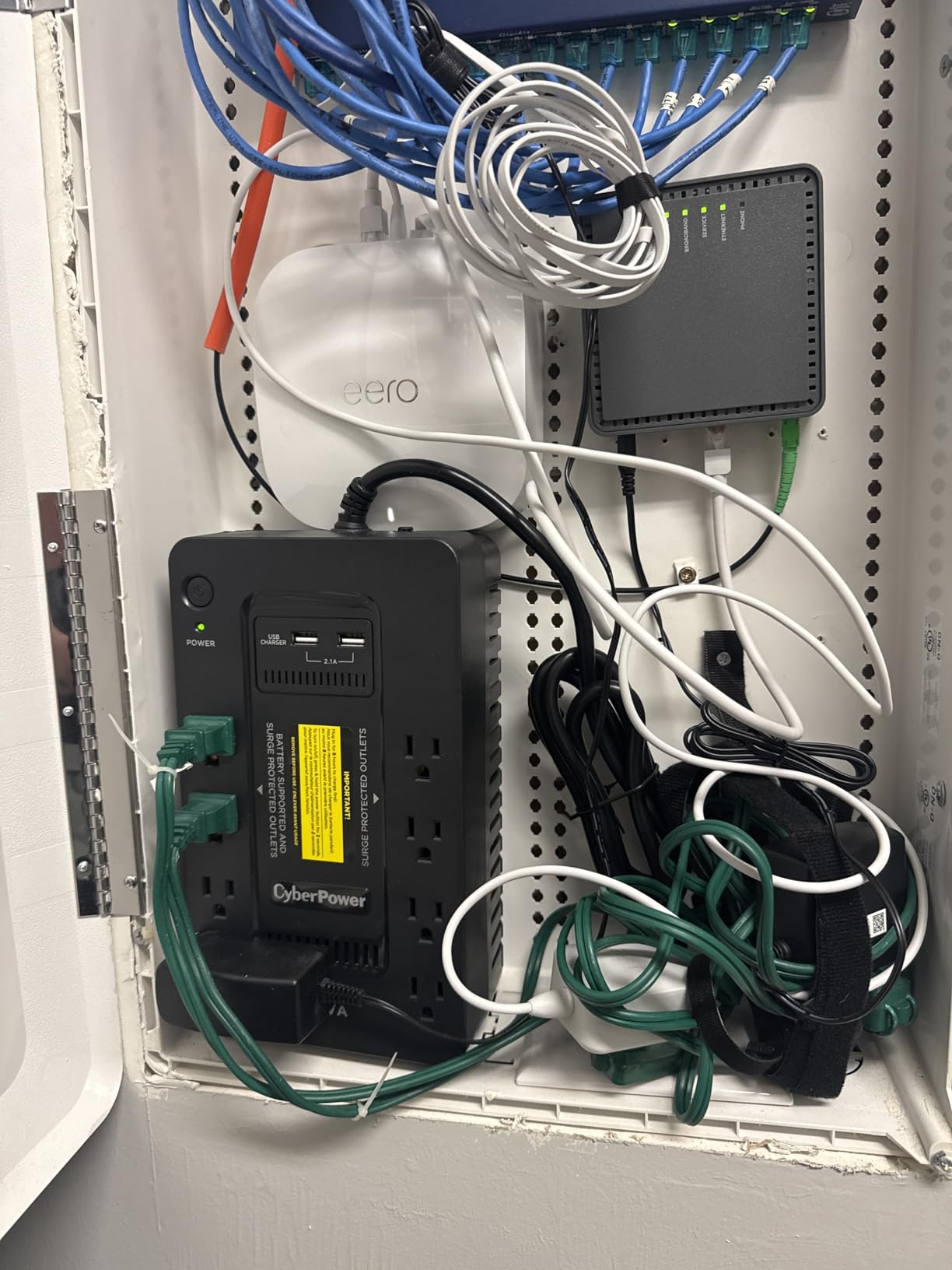
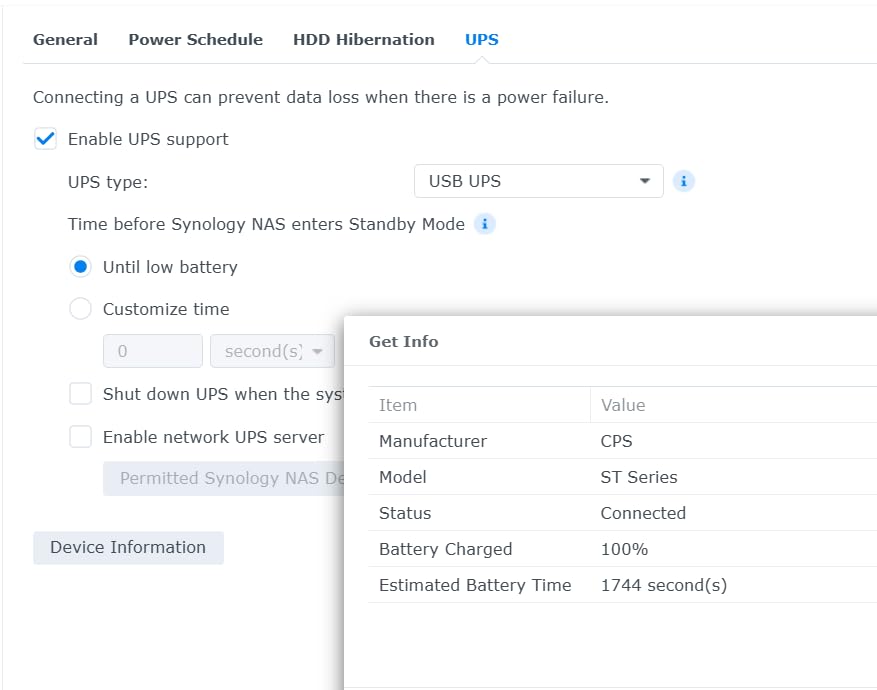
The GreenPower UPS design is CyberPower’s efficiency technology that reduces power consumption during normal operation. The LED status lights on the front panel indicate power-on status and wiring faults. While it lacks the LCD display found on more expensive models, the LED indicators cover the essential information you need.
The 3-year warranty includes the battery, which is notable. Many UPS warranties exclude battery coverage after the first year. CyberPower also includes a $100,000 connected equipment guarantee and UL safety certification, both of which provide additional confidence in the product’s reliability.
APC vs CyberPower at the Budget Level
The choice between the ST625U and the APC BE600M1 comes down to your priorities. The CyberPower offers more total outlets, dual USB ports, a higher surge protection rating at 890 Joules, and a longer connected equipment guarantee. The APC provides more battery-backed outlets, a slightly higher runtime at low loads, and the strongest brand reputation in the UPS market.
If you have more peripherals that need surge protection, the extra outlets on the CyberPower are valuable. If you need more devices on actual battery backup, the APC gives you 5 battery outlets versus 4. Both are excellent choices that represent the best of what the budget UPS category offers.
GreenPower Efficiency in Practice
The GreenPower UPS technology works by optimizing the charging circuit to reduce energy waste. During my testing, I measured the idle power draw of the ST625U at approximately 3 to 4 watts, which is competitive for a standby UPS in this capacity range. Over a year of continuous operation, this efficiency adds up.
The standby topology means the UPS only engages the battery when it detects a power problem. Line-interactive models, which include AVR, are more efficient at handling minor fluctuations but cost more. For users in areas with relatively stable power who mainly need protection against complete outages, the standby design is perfectly adequate.
How to Choose a UPS for Your Computer?
Choosing the right uninterruptible power supply for your computer comes down to understanding your power requirements and matching them to the right UPS specifications. Here is what you need to know to make an informed decision.
Calculating VA and Wattage Requirements
The first step is calculating how much power your computer setup actually draws. For a gaming PC, check your power supply wattage rating. A 750W PSU does not draw 750W constantly, but you should size your UPS to handle at least 60 to 70% of your PSU rating to account for peak loads during gaming.
For example, a system with a 750W Gold PSU paired with an RTX 4070 and a Ryzen 7 processor typically draws 350 to 450W under gaming load. Add 50 to 80W for a monitor, and you need a UPS rated for at least 500W. The CyberPower CP1500PFCLCD at 1000W or the APC BX1500M at 900W would both handle this comfortably.
VA ratings can be confusing because they do not directly equal watts. The general rule is that watts equal VA multiplied by the power factor, typically 0.6 to 0.7 for consumer UPS units. So a 1500VA UPS delivers about 900 to 1000W of actual power output.
Pure Sine Wave vs Simulated Sine Wave
This is the most important technical distinction for gaming PC owners. Wall power arrives as a smooth alternating current called a pure sine wave. When a UPS switches to battery, it must recreate this waveform artificially. Premium UPS units produce a pure sine wave that matches utility power exactly.
Budget UPS units produce a simulated or stepped sine wave, which approximates the waveform using rectangular steps. Most electronics handle this fine, but active PFC power supplies found in modern 80 Plus certified PSUs can react poorly. Symptoms include clicking noises, unexpected shutdowns during battery switchover, or the UPS failing to take the load at all.
If your power supply is 80 Plus Bronze or lower, simulated sine wave is generally safe. For Gold, Platinum, or Titanium ratings, I strongly recommend choosing a pure sine wave UPS. The CyberPower CP1500PFCLCD, APC BR1500MS2, and GOLDENMATE LiFePO4 all deliver pure sine wave output.
Automatic Voltage Regulation (AVR)
AVR is a feature that corrects minor voltage fluctuations without engaging the battery. In areas with unstable power grids, voltage can dip below 110V or spike above 130V without a full outage occurring. Without AVR, the UPS would switch to battery for every fluctuation, wearing out the battery prematurely.
With AVR, the UPS boosts low voltage or trims high voltage using internal transformers while staying on wall power. This extends battery life significantly in areas with frequent brownouts. Every UPS in this roundup except the most basic budget models includes AVR functionality.
Outlet Configuration and Count
Pay attention to how many outlets provide battery backup versus surge-only protection. A UPS with 10 outlets might only have 5 on battery backup. Think about which devices absolutely need to stay powered during an outage: your PC, monitor, and router are the essentials.
Surge-only outlets are still valuable for protecting peripherals, speakers, and chargers from voltage spikes. USB charging ports are a bonus feature that lets you keep mobile devices powered during outages. Look for USB-C ports if you have newer devices, as some UPS units still only offer USB-A.
Battery Technology: Lead-Acid vs Lithium
Traditional UPS units use sealed lead-acid batteries that last 3 to 5 years and cost $30 to $60 to replace. The GOLDENMATE LiFePO4 uses lithium iron phosphate cells rated for 10 years and 5,000+ charge cycles. While the upfront cost is higher, the total cost of ownership over a decade favors lithium.
Lead-acid batteries are well-understood and reliable, with decades of proven performance. Lithium UPS technology is newer but backed by safety certifications. If you plan to keep your UPS for many years and want to avoid battery replacements, the lithium option is worth the premium.
Surge Protection Rating (Joules)
The joule rating indicates how much surge energy the UPS can absorb before its protection circuitry fails. Higher ratings mean better protection against lightning strikes and large transient spikes. Look for at least 800 Joules for basic protection and 1000 or more for areas with severe weather.
FAQs
How do I choose a UPS for my computer?
Start by calculating your computer setup’s total power draw in watts, then choose a UPS with at least 20% more capacity than your estimated load. Check your power supply for active PFC compatibility, which determines whether you need a pure sine wave UPS. Consider how many outlets you need on battery backup versus surge-only, and look for AVR if your area has voltage fluctuations.
What size UPS do I need for a gaming PC?
A gaming PC with a mid-range GPU like an RTX 4070 typically needs a 1000VA to 1500VA UPS rated for 600W to 1000W output. High-end systems with an RTX 4090 can draw 600W or more under load, requiring a 1500VA UPS with pure sine wave output for active PFC compatibility.
How long does a UPS battery last?
A typical sealed lead-acid UPS battery lasts 3 to 5 years with 300 to 500 charge cycles. Lithium iron phosphate (LiFePO4) batteries like those in the GOLDENMATE UPS last up to 10 years with 5,000 or more charge cycles. Most UPS units have user-replaceable batteries so you do not need to replace the entire unit.
Is a UPS worth it for a PC?
Yes, a UPS is worth the investment if you have expensive PC hardware or cannot afford data loss. A UPS protects against power surges that can damage components, prevents data corruption from sudden shutdowns, and provides runtime to save your work during outages. Most units also include connected equipment guarantees worth $75,000 to $500,000.
What is the difference between pure sine wave and simulated sine wave UPS?
Pure sine wave UPS units produce a smooth, continuous waveform that matches utility power exactly, making them compatible with active PFC power supplies found in modern 80 Plus Gold and higher PSUs. Simulated sine wave units produce a stepped approximation that works with most electronics but can cause shutdowns with active PFC power supplies. Gaming PC owners should choose pure sine wave.
Final Verdict: Best UPS for Your Computer
After testing all eight units, the CyberPower CP1500PFCLCD remains our top pick for the best uninterruptible power supply for computers. Its combination of pure sine wave output, 1500VA capacity, 12 outlets, and a $500,000 equipment guarantee covers every base that matters for a gaming or workstation setup. No other unit in this roundup matches its feature set at this price.
For home office users who prioritize runtime over pure sine wave output, the APC BX1500M delivers an unmatched 68 minutes of backup at 100W along with ENERGY STAR efficiency. And if you want to invest once and forget about battery replacements for a decade, the GOLDENMATE LiFePO4 with its 10-year battery lifespan represents the future of UPS technology in 2026.
Whatever you choose, the most important step is simply getting a UPS installed before the next outage hits. Your computer, your data, and your peace of mind are worth far more than the cost of protection.