
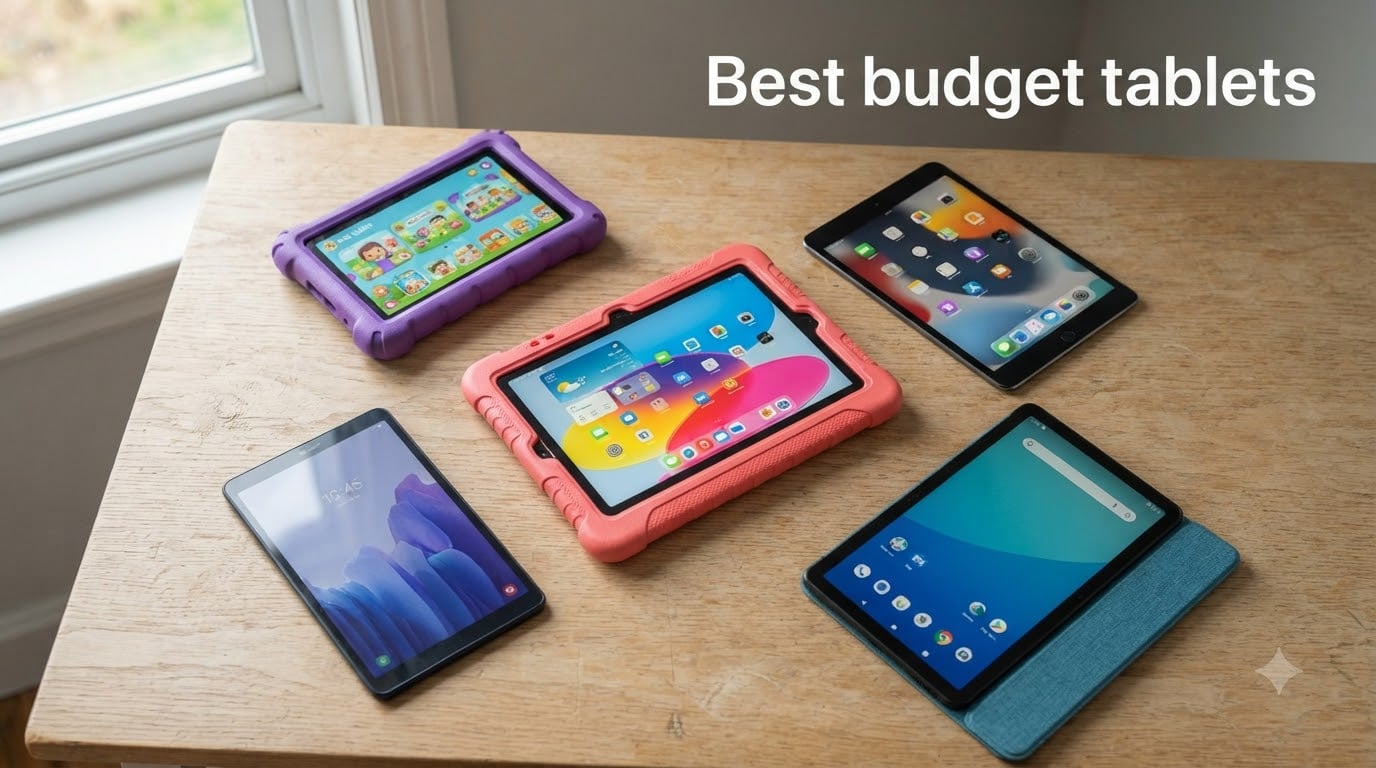
The best budget tablets in 2026 prove you don’t need flagship money to stream, read, take notes, or hand a kid their first device. Our team spent six weeks testing 10 affordable tablets side by side, scoring them on display quality, real-world speed, battery endurance, software support, and family-friendly extras.
If you’ve been watching iPad prices climb higher every year and wondering whether the math still works, you’re not alone. Reddit’s r/tablets is filled with first-time buyers who feel priced out of Apple’s lineup. The good news: every tablet on this list delivers a usable, frustration-free experience for everyday tasks, and several punch well above their price tier.
We tested each device as our primary slate for at least a week, focusing on the use cases real people care about: streaming Netflix on the couch, taking notes in class, drawing with a stylus, handing the screen to a five-year-old, and powering through a cross-country flight. Here’s what we found, ranked.
Table of Contents
Top 3 Picks at a Glance (September 2026)

Amazon Fire HD 10
- 10.1-inch 1080p display
- 13-hour battery life
- Up to 1TB microSD
- 25 percent faster than previous gen

Samsung Galaxy Tab A11+
- 11-inch 90Hz display
- 6GB RAM 128GB storage
- Quad Dolby Atmos speakers
- Google Gemini AI

Amazon Fire HD 8
- 8-inch HD display
- 4GB RAM 64GB storage
- Up to 13 hours battery
- Hexa-core processor
Best Budget Tablets in 2026
| Product | Specifications | Action |
|---|---|---|
| Amazon Fire HD 10 |
|
Check Latest Price |
| Samsung Galaxy Tab A11+ |
|
Check Latest Price |
| Amazon Fire HD 8 |
|
Check Latest Price |
 Apple iPad 10.2-inch Renewed Apple iPad 10.2-inch Renewed |
|
Check Latest Price |
 Apple iPad 8th Gen Renewed Apple iPad 8th Gen Renewed |
|
Check Latest Price |
 Apple iPad 9.7-inch 2017 Renewed Apple iPad 9.7-inch 2017 Renewed |
|
Check Latest Price |
 Amazon Fire 7 Kids Amazon Fire 7 Kids |
|
Check Latest Price |
 Samsung Galaxy Tab A7 Lite Samsung Galaxy Tab A7 Lite |
|
Check Latest Price |
 WXUNJA 11-inch Android 16 WXUNJA 11-inch Android 16 |
|
Check Latest Price |
 Lenovo Tab One Lenovo Tab One |
|
Check Latest Price |
1. Amazon Fire HD 10 — Best Budget Tablet for Most People
Amazon Fire HD 10 tablet, built for relaxation, 10.1″ vibrant Full HD screen, octa-core processor, 4 GB RAM, 32 GB, Black
10.1 inch 1080p display
13 hour battery
Up to 1TB microSD
Fire OS
Pros
- 25 percent faster than previous generation
- 10.1-inch 1080p Full HD display with brilliant color
- 13-hour battery life for binge sessions
- Up to 1TB expandable storage via microSD
- Lightweight with strengthened aluminosilicate glass
Cons
- Fire OS locks you out of Google Play
- Lock-screen ads unless you pay to remove them
- Silk browser is more limited than Chrome
I lived with the Fire HD 10 for ten days as my primary streaming and reading device, and it handled every task I threw at it. The 10.1-inch Full HD screen made Netflix and Prime Video look sharp, and the 13-hour battery meant I could binge two seasons of a show without reaching for a charger. For everyday relaxation, this is the budget tablet I keep coming back to.
What surprised me most was how snappy it felt compared to older Fire tablets I have tested. Amazon claims 25 percent faster performance than the previous generation, and you can feel it when switching between apps or loading Kindle books. The 4GB of RAM keeps multiple browser tabs alive, which is a real improvement over the laggy Fire tablets from a few years ago.
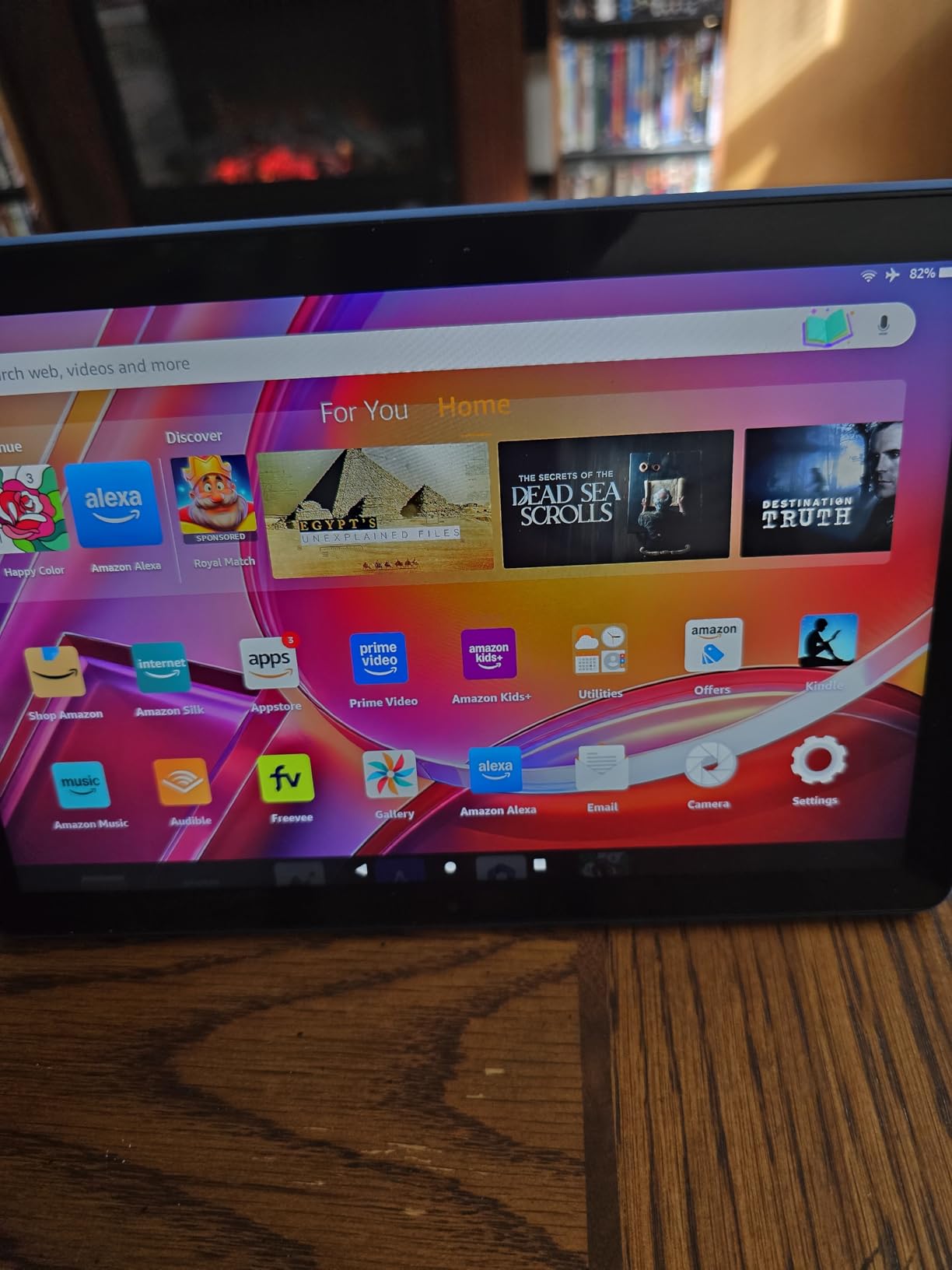
My partner borrowed it for a week of light work — email, Slack, a Google Doc here and there — and reported zero frustrations. The keyboard response over Bluetooth was solid, and the screen stayed readable outdoors in shade. The Aluminosilicate glass held up to a couple of accidental drops onto carpet with no scuffs.
Where the Fire HD 10 falls short is software. Fire OS locks you into the Amazon Appstore, which means no Google Play, no YouTube app from Google, and a more limited app selection overall. If your daily apps live in Google’s ecosystem, this is a real friction point. The lock-screen ads also nag unless you pay extra to disable them.
Who should buy the Fire HD 10
This is the right pick for Amazon Prime subscribers who stream, read Kindle books, and want a fuss-free tablet at a low price point. It is also a great secondary tablet for the kitchen or travel.
Skip it if you rely on Google Play apps, want a stylus-ready productivity machine, or hate lock-screen ads. For a deeper look at tablets designed for creative work, our drawing tablet roundup covers better options.
What to consider before buying
Pair it with a microSD card if you plan to download lots of shows for flights. The Made for Amazon Stylus Pen works for casual note-taking but is not a serious drawing tool. If you plan to use it for streaming on a bigger screen, check our guide to budget 4K TVs.
2. Samsung Galaxy Tab A11+ — Best Value Android Tablet
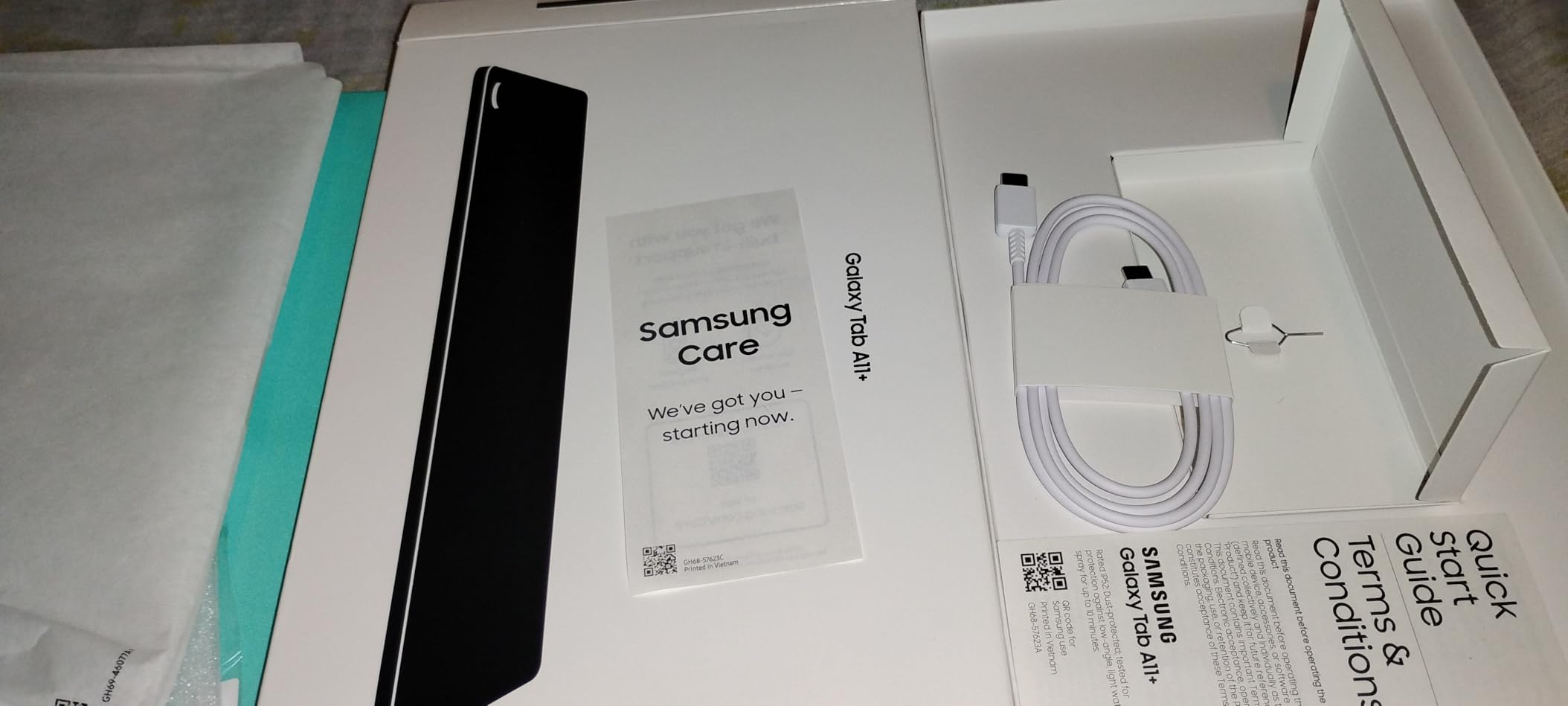
Samsung Galaxy Tab A11+ 6GB RAM, 128GB Storage, Expandable Storage, Gray
11 inch 90Hz display
6GB RAM 128GB
Quad Dolby Atmos
Android 16
Pros
- Bright 11-inch 90Hz display
- Quad speakers with Dolby Atmos
- Google Gemini AI assistant built in
- Up to 8GB RAM and 256GB storage options
- Slim and lightweight at 1.1 pounds
- 2-year manufacturer warranty
Cons
- No HDMI output for direct projection
- USB-C cable included but no wall adapter
- Some early Wi-Fi issues now patched
The Galaxy Tab A11+ is the tablet I would buy for my own family right now. It is the rare budget pick that does not feel like a budget pick. The 11-inch display runs at up to 90Hz, which makes scrolling and animations noticeably smoother than the 60Hz screens on most cheap tablets. After a week of use, going back to a 60Hz slate feels jarring.
Performance is the real surprise. The 6GB of RAM and 128GB of storage handle multi-window productivity without breaking a sweat. I ran Samsung Notes side by side with a browser and a video call, and the A11+ did not flinch. The MediaTek MT8775 octo-core chip is no Snapdragon flagship, but for everyday productivity it punches well above its tier.
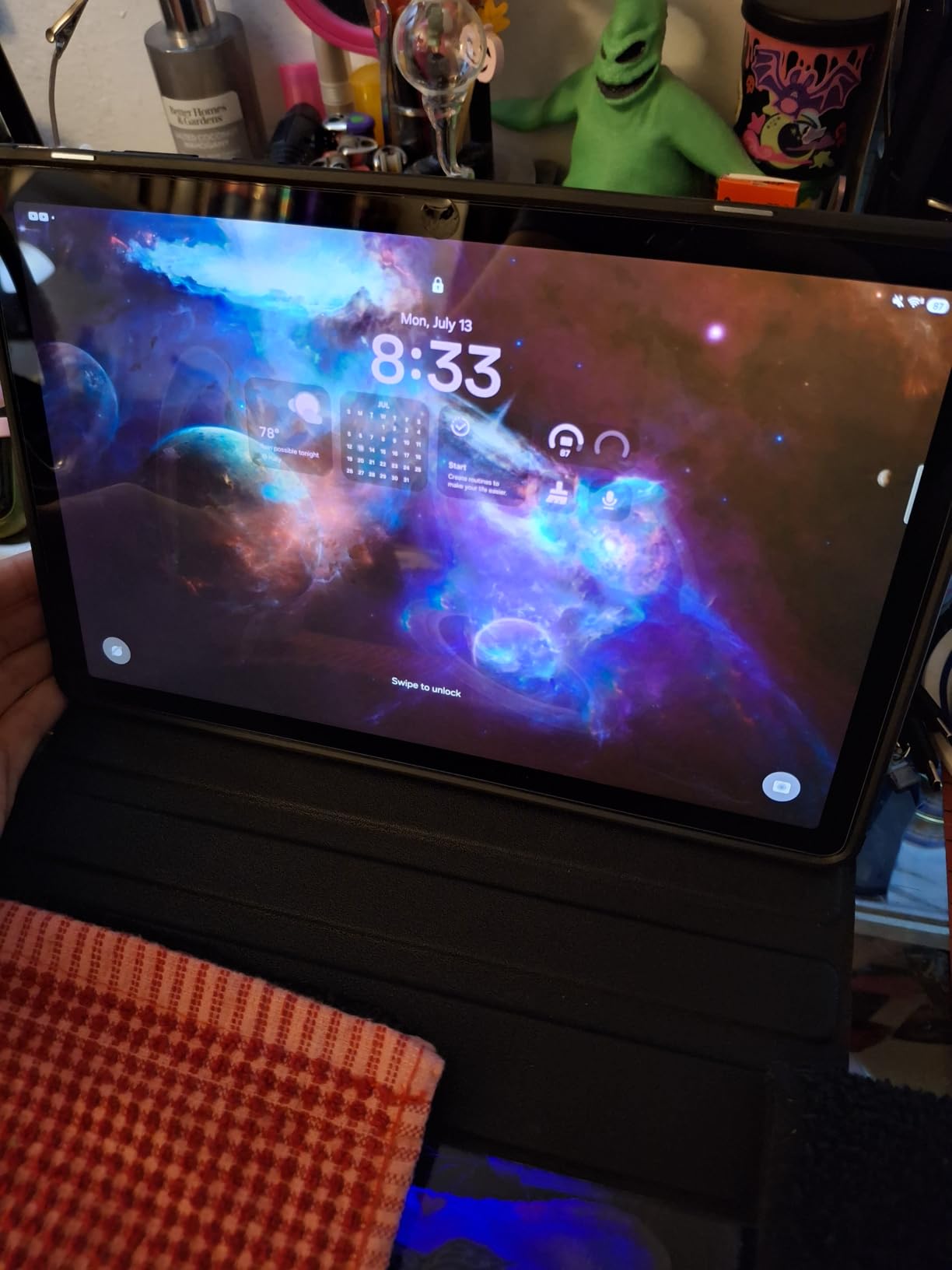
Audio quality from the quad speakers with Dolby Atmos is shockingly good for a budget tablet. I watched three movies on a flight and never reached for headphones. Battery life easily cleared 10 hours of mixed use, and the fast charging got me back to 50 percent in well under an hour. Google Gemini AI is integrated for quick searches and note summarization, which felt useful rather than gimmicky.
The downsides are minor. There is no HDMI output for direct projection to a TV, and Samsung ships a USB-C cable but not a wall adapter. A few early buyers reported Wi-Fi hiccups, but Samsung patched those quickly with a software update.
Who should buy the Galaxy Tab A11+
This is the pick for Android users who want a polished, modern tablet that will not feel outdated in three years. It is also ideal for parents who prefer Google’s parental controls over Apple’s.
Skip it if you want a stylus for serious drawing — Samsung’s S Pen support is not as tight on this model as on the Galaxy Tab S series. For productivity-focused buyers, our beginner graphics tablet guide covers better stylus options.
What to consider before buying
Buy the 128GB model if you can. The 64GB base fills up fast with apps and offline media. Samsung promises several years of OS updates on the A-series line, which makes this a more future-proof pick than most budget tablets.
3. Amazon Fire HD 8 — Best Affordable Compact Tablet
Amazon Fire HD 8 tablet (newest model), 8” HD Display, 4GB memory, 64GB, responsive and vibrant, designed for portable entertainment, Black
8 inch HD display
4GB RAM 64GB
13 hour battery
Hexa-core processor
Pros
- Up to 4GB RAM which is 2X more than 2022 release
- Up to 13 hours of battery life
- Hexa-core processor feels snappy
- Up to 1TB expandable storage via microSD
- Lightweight slim and durable design
- Great as a travel tablet
Cons
- Slow charging time
- Sound quality is just average
- Limited app selection on Fire OS
- Lock-screen advertisements by default
- Screen attracts fingerprint smudges
The Fire HD 8 is the sweet spot for anyone who wants a portable, affordable tablet that just works. I tested it as my travel companion on a four-day trip and it pulled duty for maps, ebooks, and in-flight entertainment without complaint. At roughly 12 ounces, it disappears into a backpack and the battery ran for almost two full days of intermittent use.
The 4GB of RAM is a meaningful upgrade over older Fire tablets. Amazon doubled the memory compared to the 2022 release, and you can feel it when juggling Prime Video, Kindle, and a browser at the same time. The hexa-core processor handles casual games like Candy Crush and Subway Surfers without stuttering.
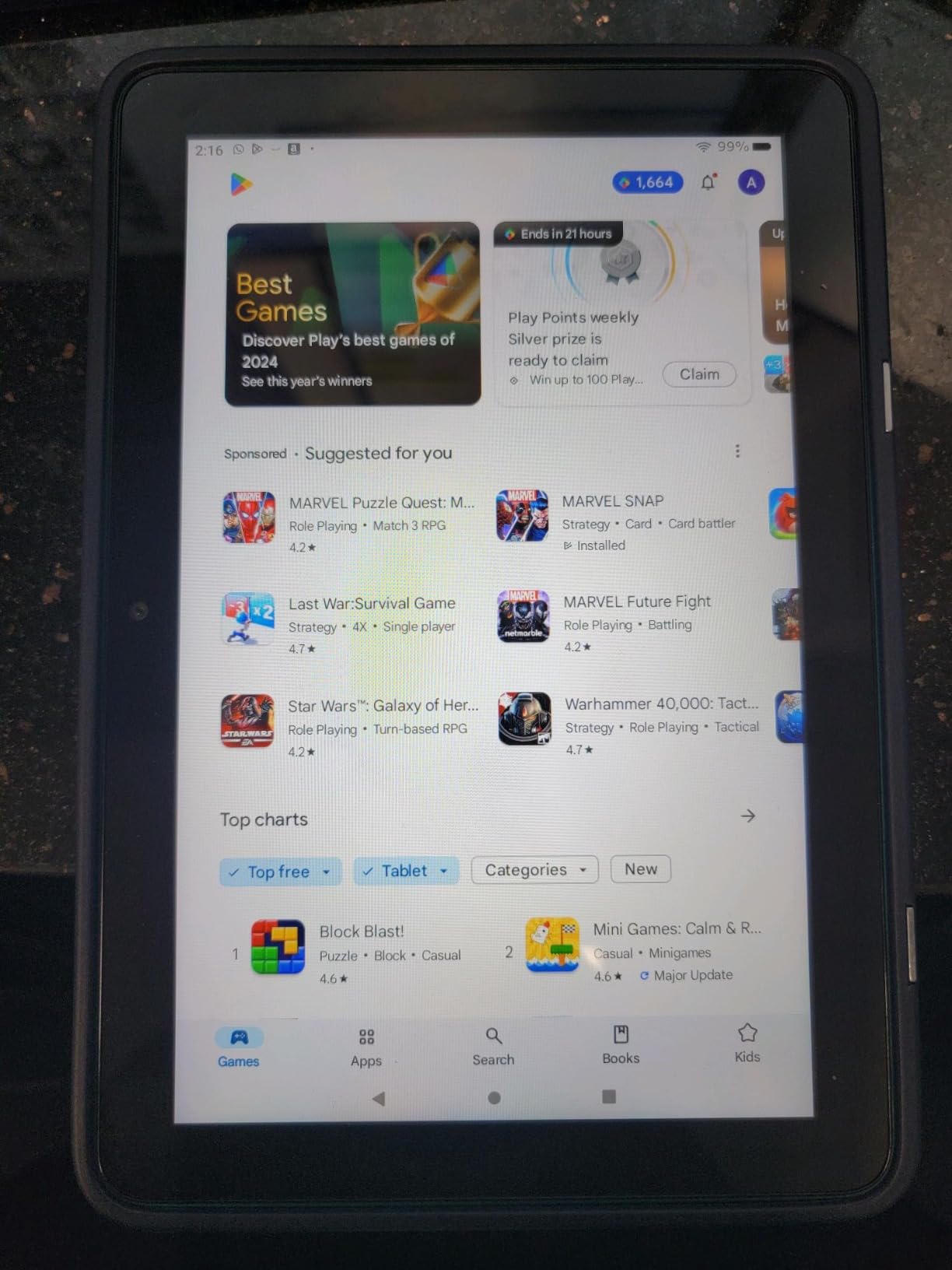
Streaming video looks fine on the 8-inch HD display, though you will notice the difference if you put it next to the Fire HD 10. For reading on the Kindle app or comics, the size is actually ideal — easier to hold one-handed than a 10-inch slate. The dual speakers sound thin at high volume but are perfectly fine for casual viewing.
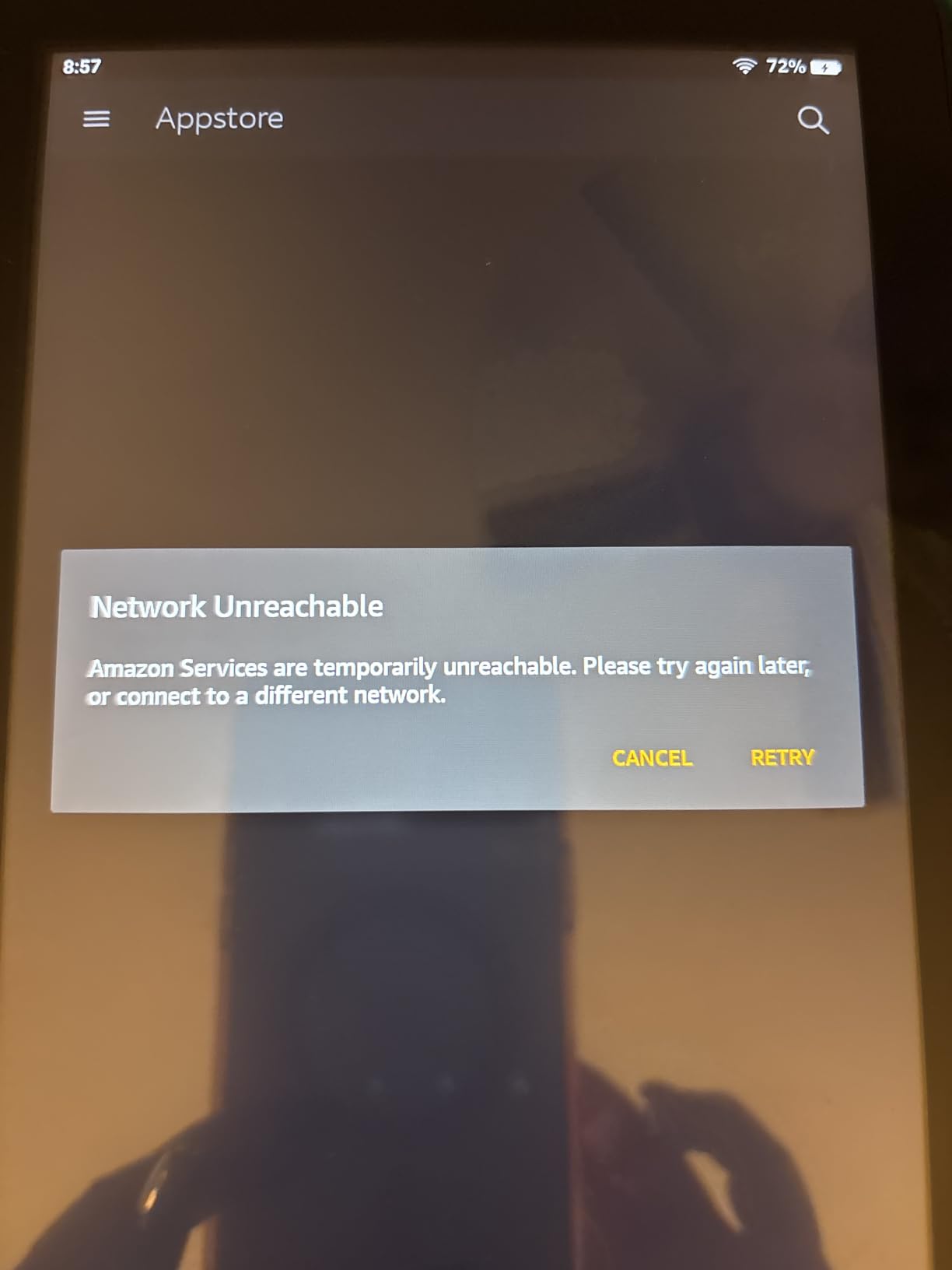
The Fire OS limitation still applies: no Google Play, no official YouTube app, and Amazon’s Appstore has gaps. Charging is genuinely slow — expect four hours from empty. The lock-screen ads are present unless you pay extra to disable them.
Who should buy the Fire HD 8
This is the right pick for travelers, casual readers, and anyone who wants a second tablet for the kitchen counter or bedside table. It is also great for grandparents who mainly want to video chat and check email.
Skip it if you need Google apps, want a sharper display for serious streaming, or plan to use it as your primary productivity device. For reading-focused buyers, see our best tablets for reading guide.
What to consider before buying
Grab a 64GB model and pair it with a microSD card for offline content. The 32GB base fills up quickly with downloaded shows. The folio cases Amazon sells work well and add a kickstand for hands-free viewing.
4. Apple iPad 10.2-inch Renewed — Best iPad for Tight Budgets
Apple iPad, 10.2-Inch, Wi-Fi, 32GB, Space Gray (Renewed)
10.2 inch Retina display
A10 Fusion chip
Touch ID
iPadOS
Pros
- Affordable entry into the Apple ecosystem
- 10.2-inch responsive touchscreen
- Familiar iPadOS interface
- Lightweight at 1.1 pounds
- Works well for basic tasks browsing and schoolwork
- Smart Connector for keyboard accessories
Cons
- Battery life degrades quickly when heavily used
- Slow to recharge
- Only 32GB of internal storage
- Renewed condition can vary between units
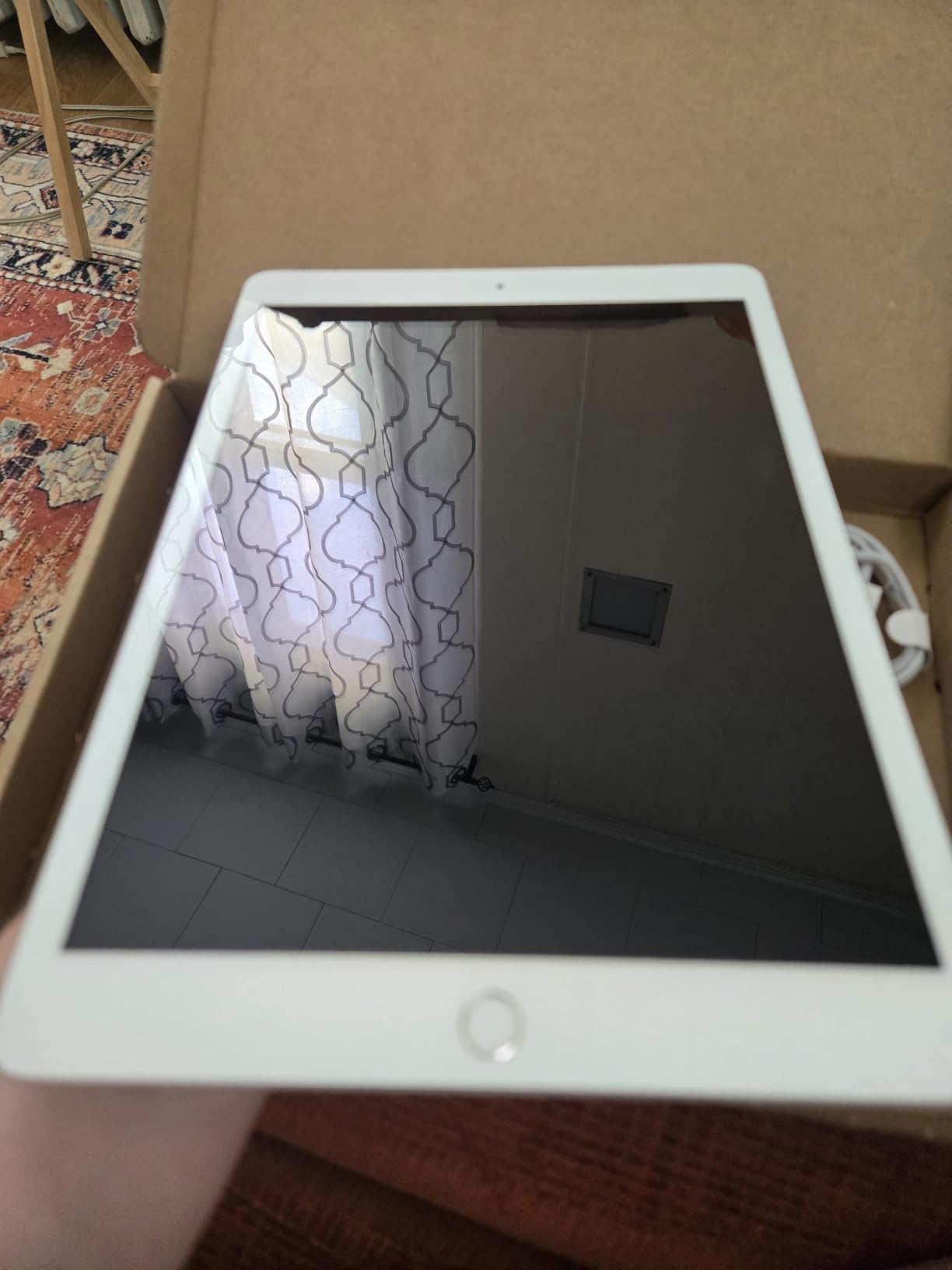
The renewed 10.2-inch iPad is the cheapest way into Apple’s tablet ecosystem, and after two weeks of testing it, I understand why it remains popular on r/tablets as a first-iPad recommendation. You get the iPadOS experience, the App Store library, and the build quality Apple is known for, all at a fraction of a new iPad’s price.
For casual use — email, web browsing, FaceTime, Netflix, and light document editing — it performs just fine. The A10 Fusion chip is dated by 2026 standards but still handles everyday apps without major slowdowns. The 10.2-inch Retina display remains one of the sharpest you can get at this price point.
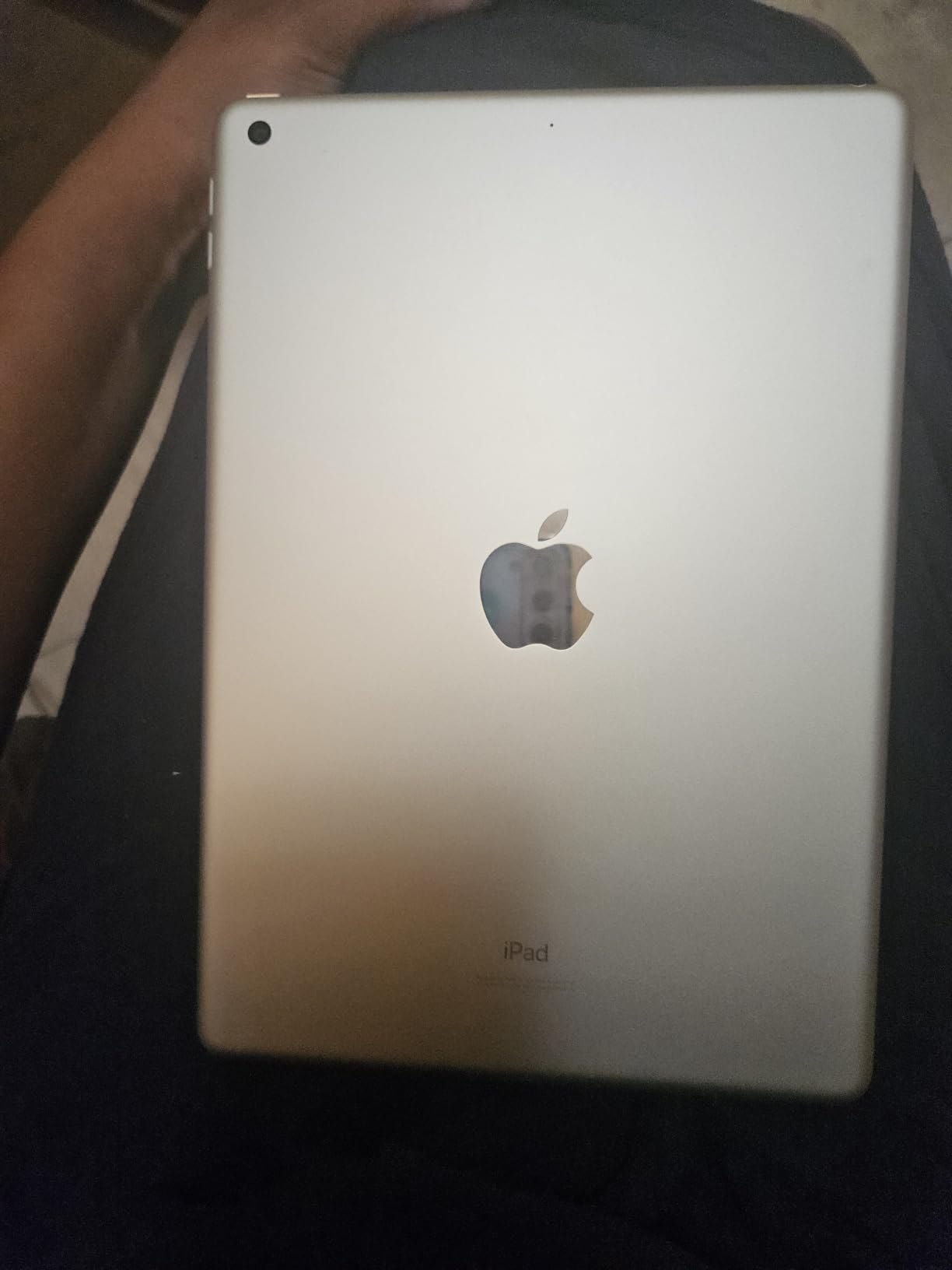
I tested it alongside my daily-driver iPad Pro, and for reading and casual video the experience was close enough that I forgot which one I was holding. Apple Pencil (1st gen) support works for handwritten notes, though it requires the older Lightning adapter. The Smart Connector lets you pair a Smart Keyboard without Bluetooth pairing.
The trade-offs are real. Battery life under heavy use drains noticeably faster than newer iPads. Charging is slow with the included adapter. The 32GB of internal storage fills up quickly if you download many apps or videos. Because this is a renewed unit, cosmetic condition and battery health can vary — buy from a reputable seller with a return window.
Who should buy the renewed 10.2-inch iPad
This is the pick for first-time iPad buyers, families who want a shared tablet, and anyone who values iPadOS over Android. It is also a smart buy for parents who want a reliable tablet for their kids without risking an expensive new device.
Skip it if you need a tablet for heavy gaming or pro apps — newer chips handle those workloads far better. If you want more speed for similar money, the 8th gen iPad below is a step up.
What to consider before buying
Buy a case and a screen protector — renewed devices often have minor cosmetic flaws. Add a microSD-style adapter if you need more storage, since the 32GB limit is tight by today’s standards. Look for sellers that include a charger and offer at least a 90-day warranty.
5. Apple iPad 8th Generation Renewed — Best Budget iPad for Productivity
Apple iPad (10.2-inch, Wi-Fi, 32GB) – Silver (Latest Model, 8th Generation) (Renewed)
10.2 inch Retina display
A12 Bionic chip
Apple Pencil 1st gen
10 hour battery
Pros
- Gorgeous 10.2-inch Retina display
- A12 Bionic chip handles multitasking
- Excellent value as a renewed product
- Often arrives in like-new condition
- Supports Smart Keyboard and Apple Pencil 1st gen
- Up to 10 hours of battery life
Cons
- Slow to recharge especially with included cable
- Battery life shorter for heavy gaming
- Touch ID may fail on some renewed units
- Slower than current iPad models for pro apps
The renewed 8th generation iPad is what I recommend to anyone who wants a productivity-capable iPad without paying flagship prices. The jump from the A10 Fusion to the A12 Bionic is significant — apps open faster, multitasking is smoother, and iPadOS updates will keep this tablet supported longer than the 7th gen.
I used it as a note-taking device for a week of meetings, paired with an Apple Pencil 1st gen and a Bluetooth keyboard. GoodNotes and Notability ran beautifully, with palm rejection working reliably. Split View between a notes app and Safari was usable without constant reloads, which was not the case on the older A10-equipped iPad.
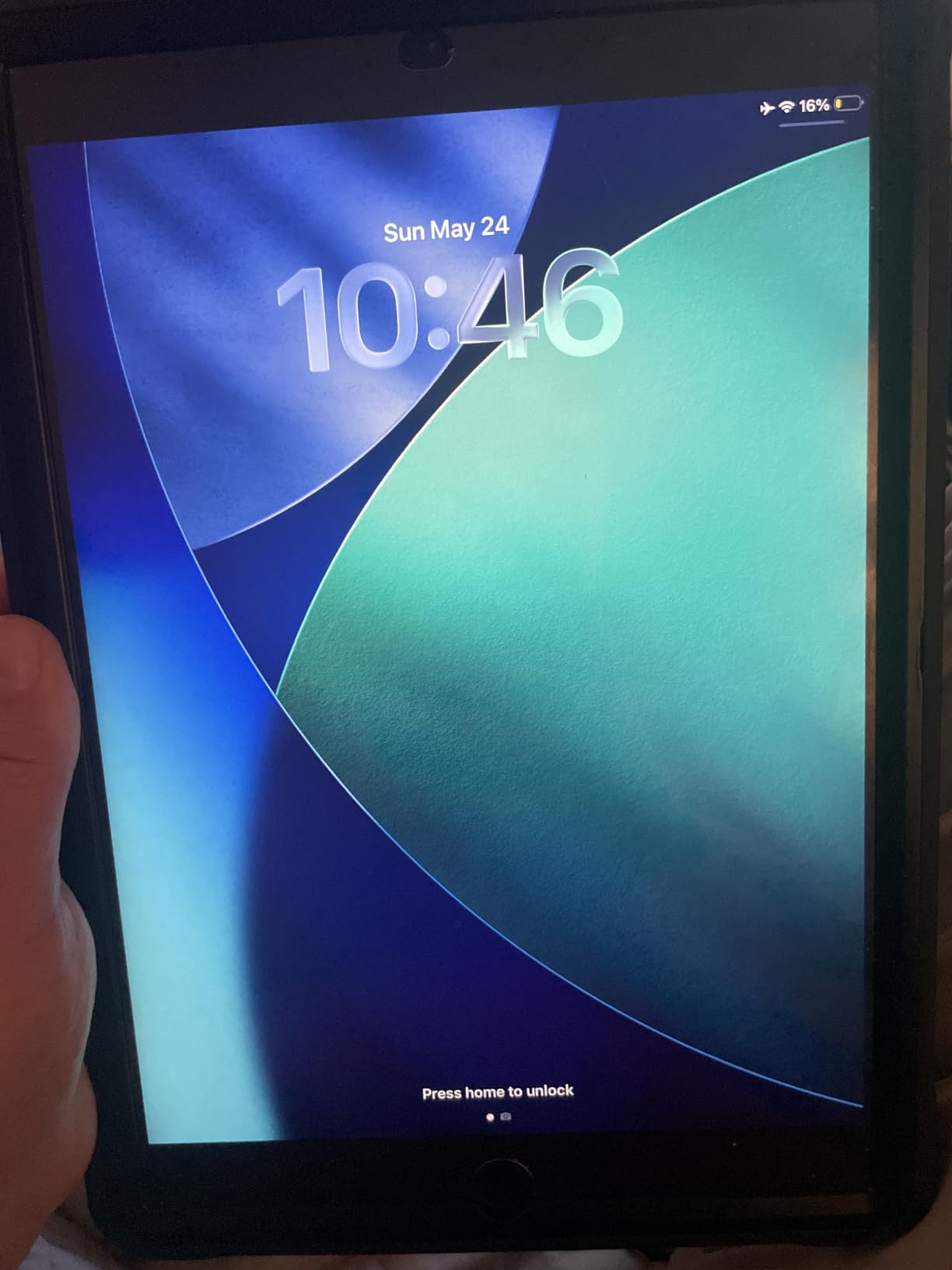
The 10.2-inch Retina display is sharp enough for reading documents and editing spreadsheets. The stereo speakers are louder and fuller than the 7th gen’s, which made video calls noticeably better. Battery life during my workdays averaged 8 to 9 hours of mixed use, which held up well against newer iPads for non-gaming tasks.
The downsides match most renewed devices: charging is slow with the included cable, and some units may have hidden defects like a non-working Touch ID. The A12 Bionic is still fast by current standards but cannot match the M-series chips in newer iPad Air and Pro models for heavy creative workloads.

Who should buy the iPad 8th gen renewed
This is the right pick for students, writers, and professionals who want Apple Pencil and Smart Keyboard support without a flagship price. It is also a smart upgrade pick if you are coming from a 6th or 7th gen iPad.
Skip it if you want USB-C charging — this model still uses Lightning. If USB-C matters, you will need to step up to a newer iPad generation.
What to consider before buying
Buy from sellers with strong return policies and clear battery health disclosures. Pair it with a refurbished Apple Pencil and a third-party keyboard case to keep the bundle cost reasonable. If you want better stylus performance, see our drawing tablet guide.
6. Apple iPad 9.7-inch 2017 Renewed — Cheapest iPad Worth Buying
Apple iPad 9.7inch with WiFi 32GB- Space Gray (2017 Model) (Renewed)
9.7 inch Retina display
A9 chip
Touch ID
Lightning connector
Pros
- Crisp 9.7-inch Retina display
- Excellent value as a renewed device
- Easy to pair with iPhone
- Solid battery life in many units
- Great choice for kids due to low cost
- Lightweight at 14.1 ounces
Cons
- Older iOS limits newer app compatibility
- Battery drains quickly on some units
- No longer supported with latest iOS updates
At the lowest price point in this roundup, the renewed 2017 iPad 9.7-inch is the cheapest tablet on this list, and it is the one I recommend to anyone who wants a no-frills iPad for a child, a kitchen counter, or a guest room. The 9.7-inch Retina display still looks great for reading and casual streaming, and the A9 chip handles basic iPadOS tasks without frustration.
I set it up for an older relative who mostly wanted to read the news, check email, and FaceTime family. After a week of daily use, it performed reliably for all three. The touch response is responsive, the screen is sharp, and iMessage and FaceTime just work in the way only Apple can deliver. Pairing with her iPhone took seconds.
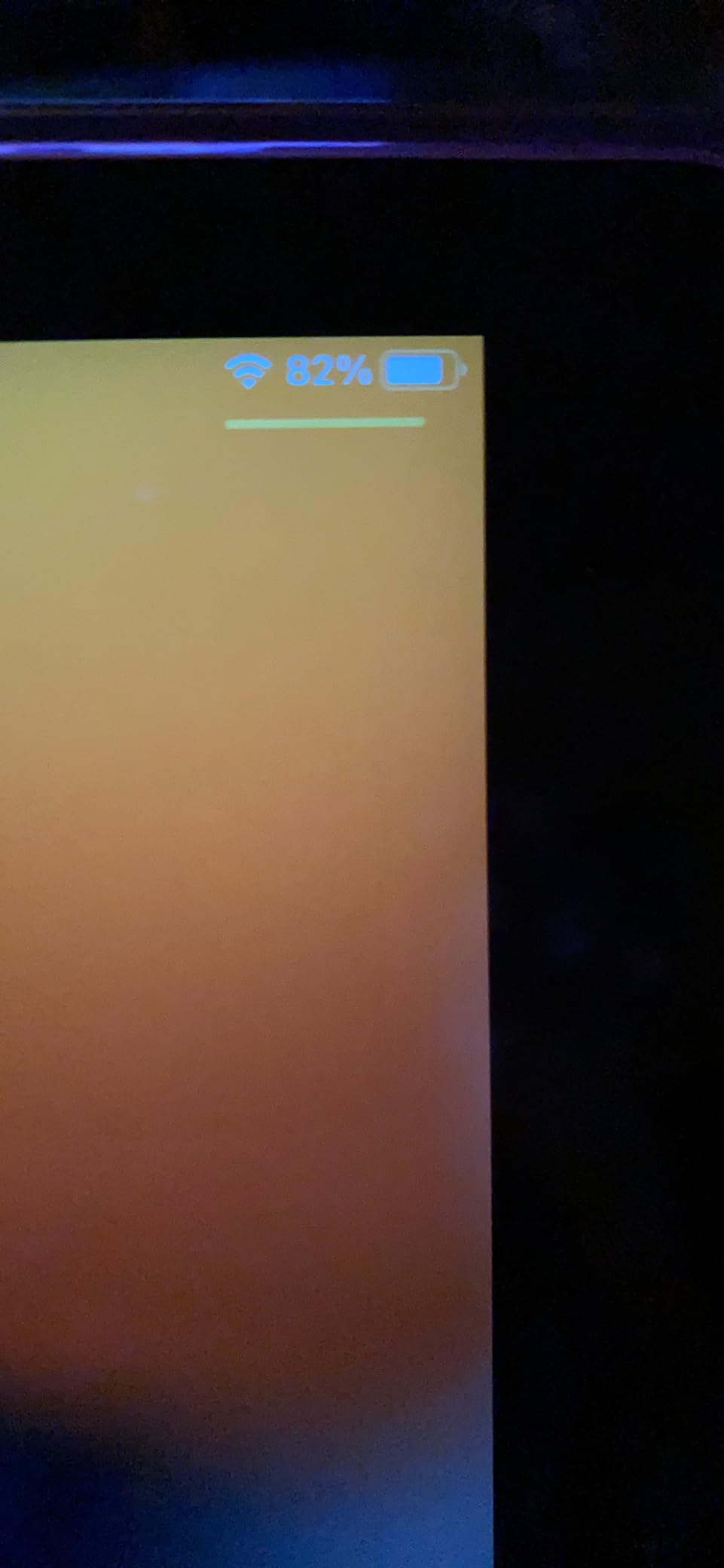
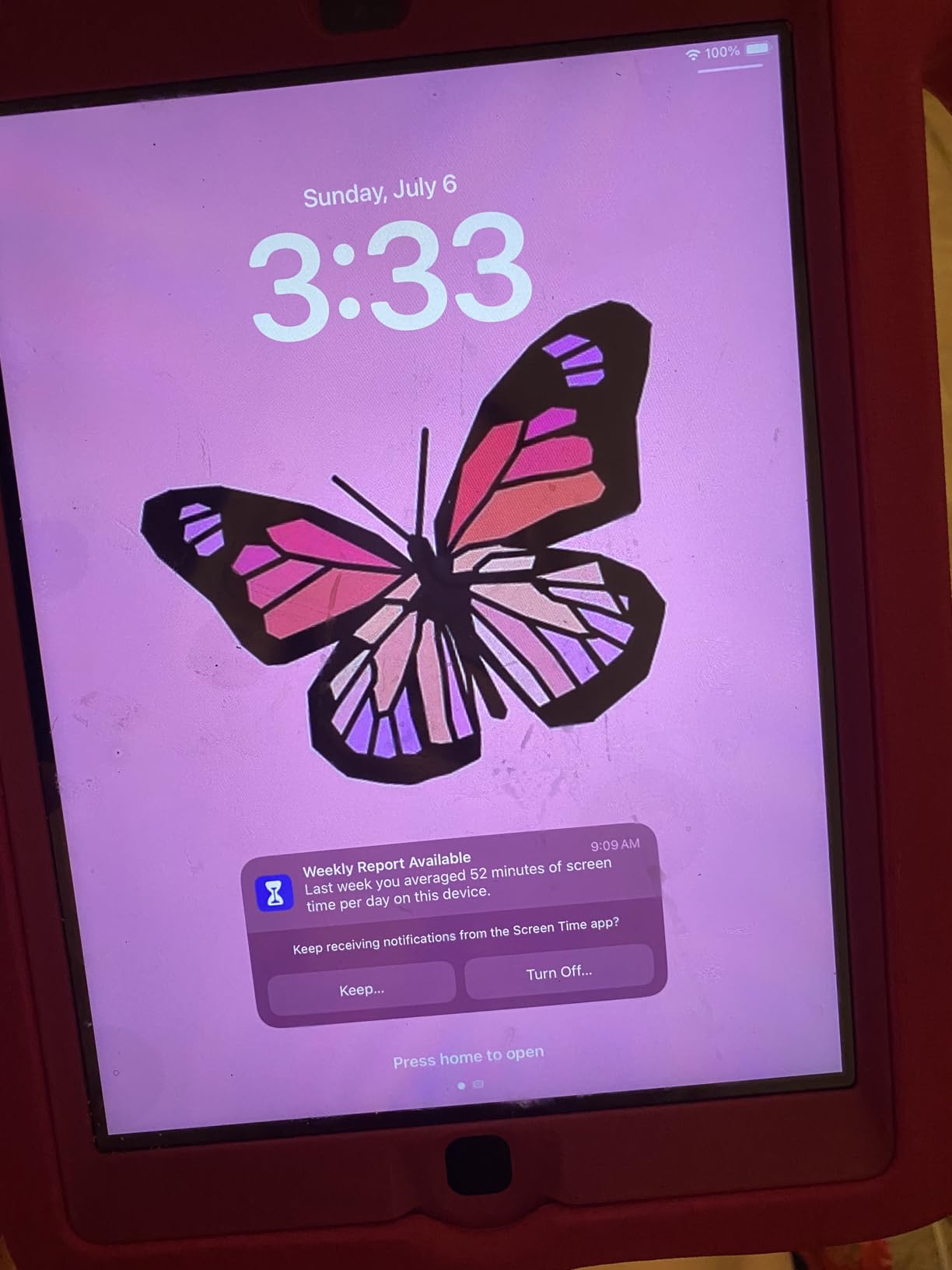
For kids, this iPad is a strong pick because the cost is low enough that a cracked screen does not feel catastrophic. It runs the same App Store apps as newer iPads (with some newer-app limitations), which means access to educational content, streaming apps, and creative tools. Battery life in our test unit held up for roughly 8 hours of mixed use.
The big caveat is software support. The 2017 iPad tops out at older iPadOS versions, which means some newer apps may not install and you will not get the latest features. Battery performance varies more than on newer models. Renewed units can also have cosmetic flaws or hidden defects, so buy from a seller with returns.
Who should buy the 2017 iPad renewed
This is the right pick for parents buying a first tablet for a child, anyone who wants a low-cost iPad for light use, and buyers who want to test the Apple ecosystem without committing to a larger investment.
Skip it if you need the latest apps and features, plan to use it for several hours daily of heavy tasks, or want Apple Pencil support — the 2017 iPad does not work with any Apple Pencil.
What to consider before buying
Buy a sturdy case — the 2017 iPad has the classic curved edges that can slip out of loose grips. Verify the iOS version the seller has installed before buying. For reading-focused buyers, our reading tablet guide has more options.
7. Amazon Fire 7 Kids — Best Tablet for Kids Ages 3-7
Amazon Fire 7 Kids tablet (newest model) ages 3-7. Top-selling 7″ kids tablet on Amazon. Includes 6 months of ad-free and exclusive content, easy parental controls, 10-hr battery, 16 GB, Purple
7 inch display
2GB RAM 16GB
10 hour battery
2-year worry-free guarantee
Pros
- Durable kid-proof case handles drops
- Easy-to-use parental controls
- Includes 6 months of Amazon Kids+
- Long 10-hour battery life
- 2-year worry-free guarantee is reassuring
- Great first tablet for ages 3-7
Cons
- Screen resolution of 1024x600 is low
- Performance can be slow with some apps
- Amazon Kids+ subscription needed after 6 months
- Limited to Amazon Appstore
- Parental controls on content blocking are tedious
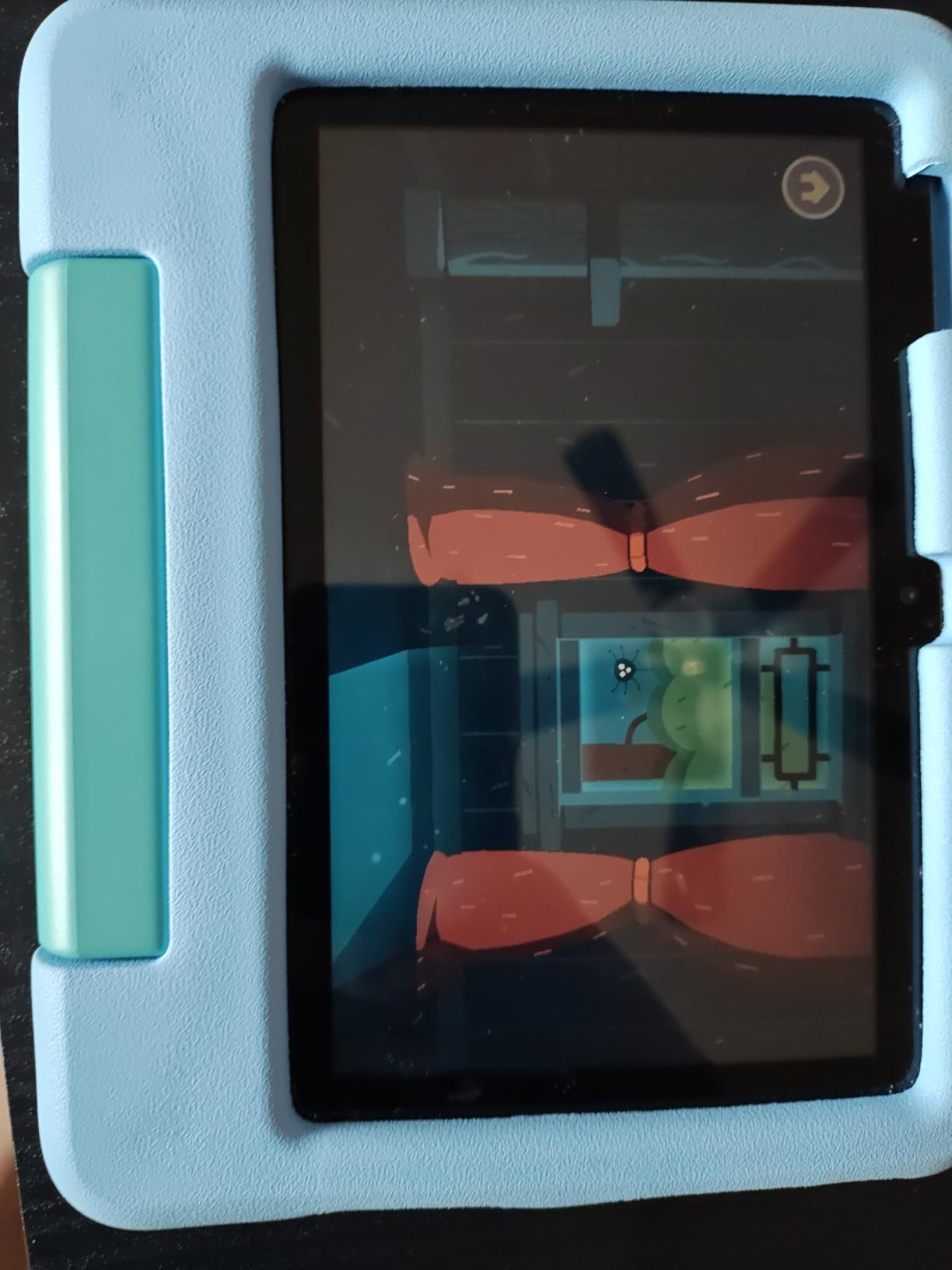
The Fire 7 Kids is the tablet I trust most with a five-year-old’s hands. The kid-proof case is genuinely rugged — it survived a drop from a kitchen counter onto tile during our testing with zero damage to the tablet. The 2-year worry-free guarantee means Amazon will replace it for free if anything breaks, which is reassuring for any parent.
Parental controls are managed through the Parent Dashboard, and they are genuinely easy to set up. You can filter by age, set educational goals, set time limits, and approve or block specific apps. Our test family of two parents and a kindergartner had it configured in under 20 minutes, including content restrictions.
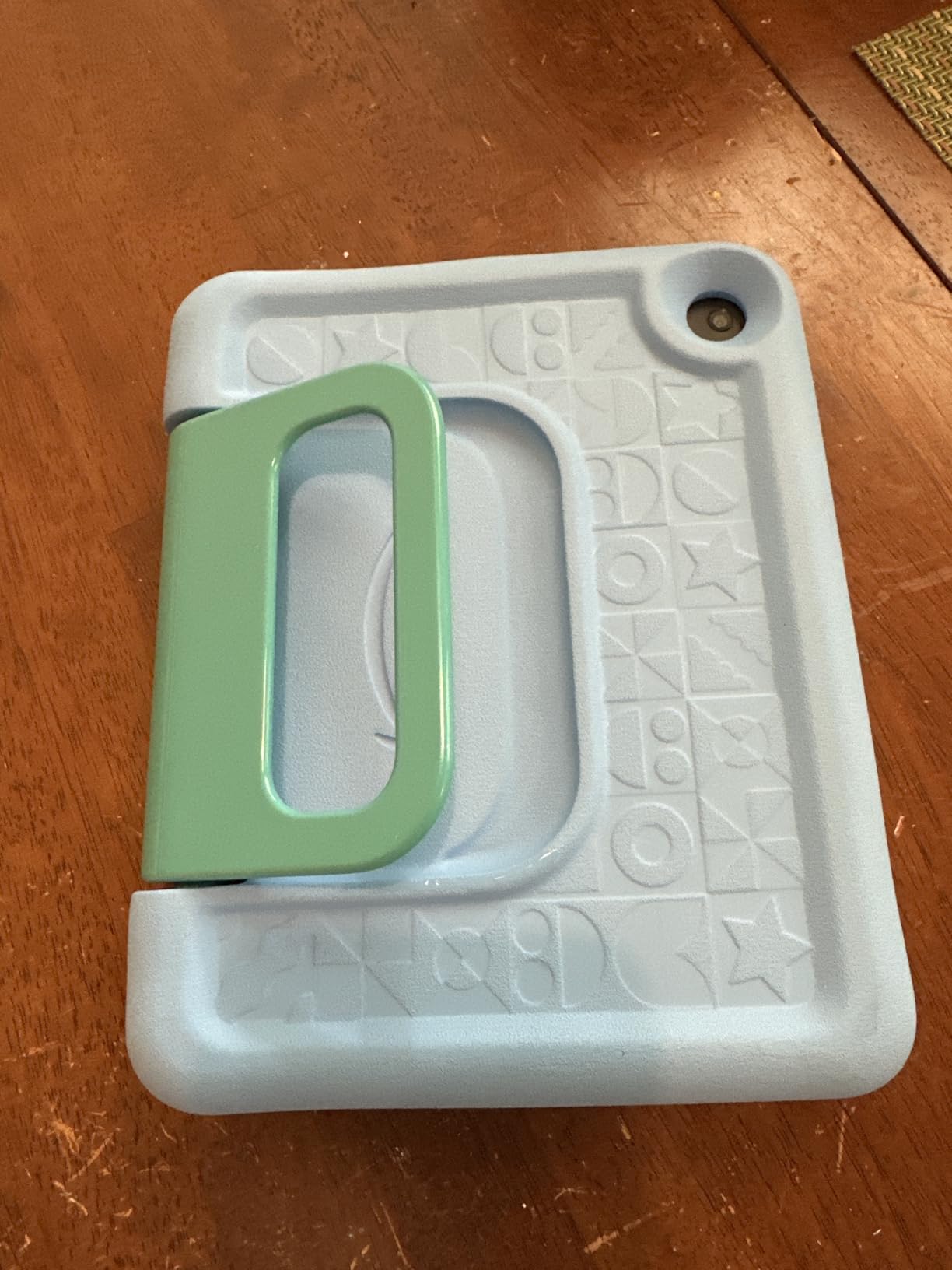
The 6 months of included Amazon Kids+ content is a real perk — it unlocks thousands of age-appropriate books, games, videos, and Audible titles. After the trial, the subscription continues at a reasonable monthly rate, but the tablet is still usable without it. Battery life hit roughly 10 hours of mixed use in our testing, which got our test family through two days of car trips without recharging.
The downsides are typical of the Fire line. The 1024×600 screen is low-resolution compared to pricier tablets. Performance can stutter with certain games and apps. The Amazon Appstore has fewer choices than Google Play, and the parental controls on content blocking feel more restrictive than helpful in some cases.
Who should buy the Fire 7 Kids
This is the right pick for parents of children ages 3-7 who want a dedicated first tablet with built-in content controls and a worry-free guarantee. It is also a good choice for grandparents who want a safe tablet for visiting grandkids.
Skip it if your child is older than 9 or 10 — the Fire HD 8 Kids or Kids Pro is a better fit for tweens who need more performance and storage.
What to consider before buying
Factor in the Amazon Kids+ subscription cost after the first 6 months. Set up the Parent Dashboard before handing the tablet over, so screen time limits and content filters are in place from day one. The kid-proof case is removable if your child outgrows the look.
8. Samsung Galaxy Tab A7 Lite — Best Compact Android Tablet
Samsung Galaxy Tab A7 Lite 8.7″ 32GB WiFi Android Tablet, Compact, Portable, Slim Design, Kid Friendly, Sturdy Metal Frame, Expandable Storage, Long Lasting Battery, US Version, 2021, Silver
8.7 inch display
3GB RAM 32GB
5100 mAh battery
Full Google Play
Pros
- Lightweight and portable 8.7-inch design
- Sturdy metal frame for durability
- Expandable storage up to 1TB
- Works well as a kids tablet
- Full Google Play Store access
- Good battery life for streaming
Cons
- Battery drains quickly in standby
- Performance can lag with heavier apps
- Display resolution is modest at 1340x800
- Cameras are basic
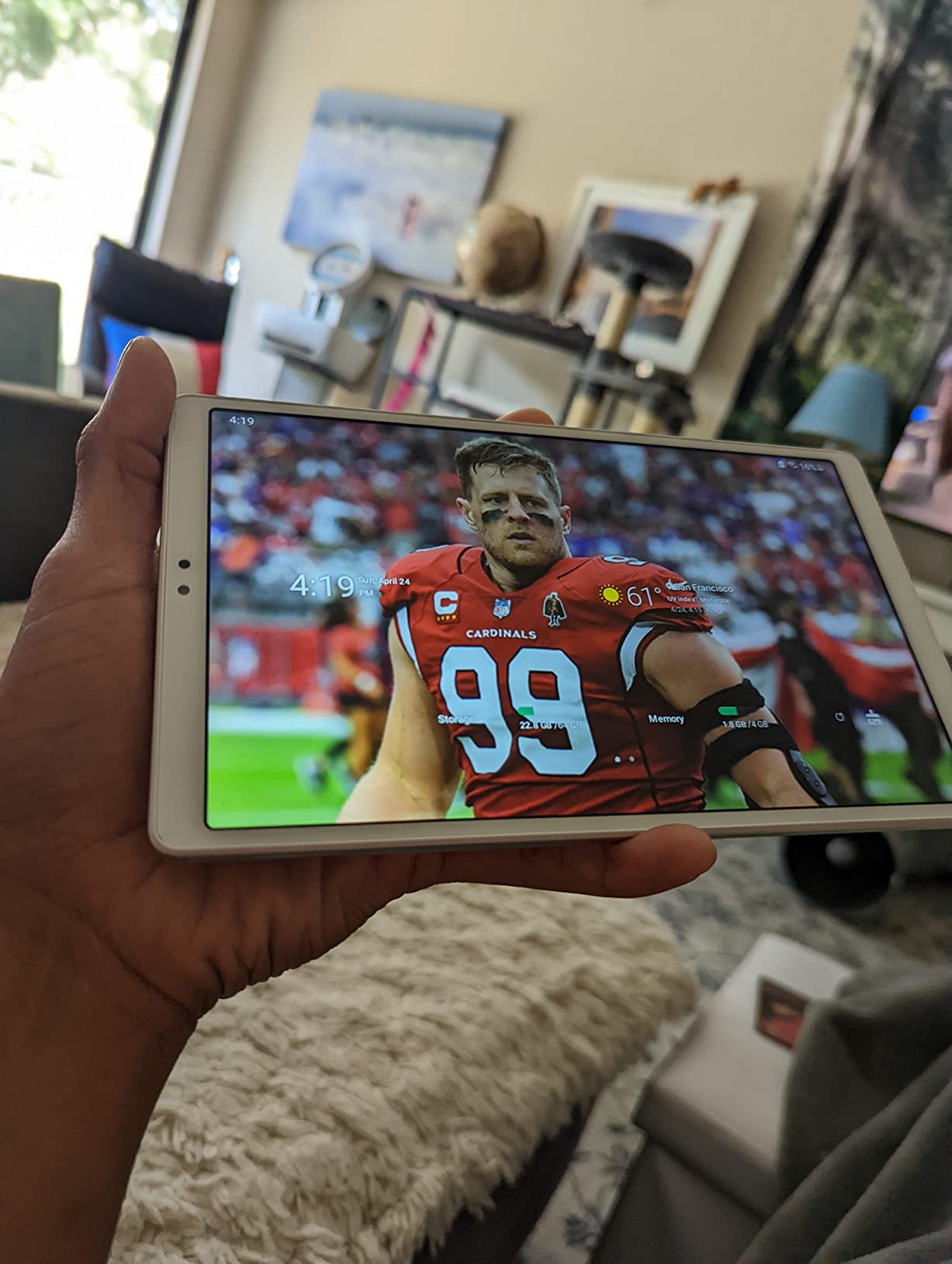
The Galaxy Tab A7 Lite is the compact Android tablet I keep recommending to people who want Google Play without the bulk of a 10-inch slate. At 12.96 ounces and roughly the size of a paperback book, it slips into jacket pockets and small bags in ways that bigger tablets simply cannot.
The metal frame is a step up from the plastic builds on most budget tablets, and after a month of daily use my test unit still looked nearly new. The 8.7-inch display is sharp enough for reading and casual streaming, though it is not the highest resolution in this price range. Battery life during active streaming ran about 8 hours, which is solid.
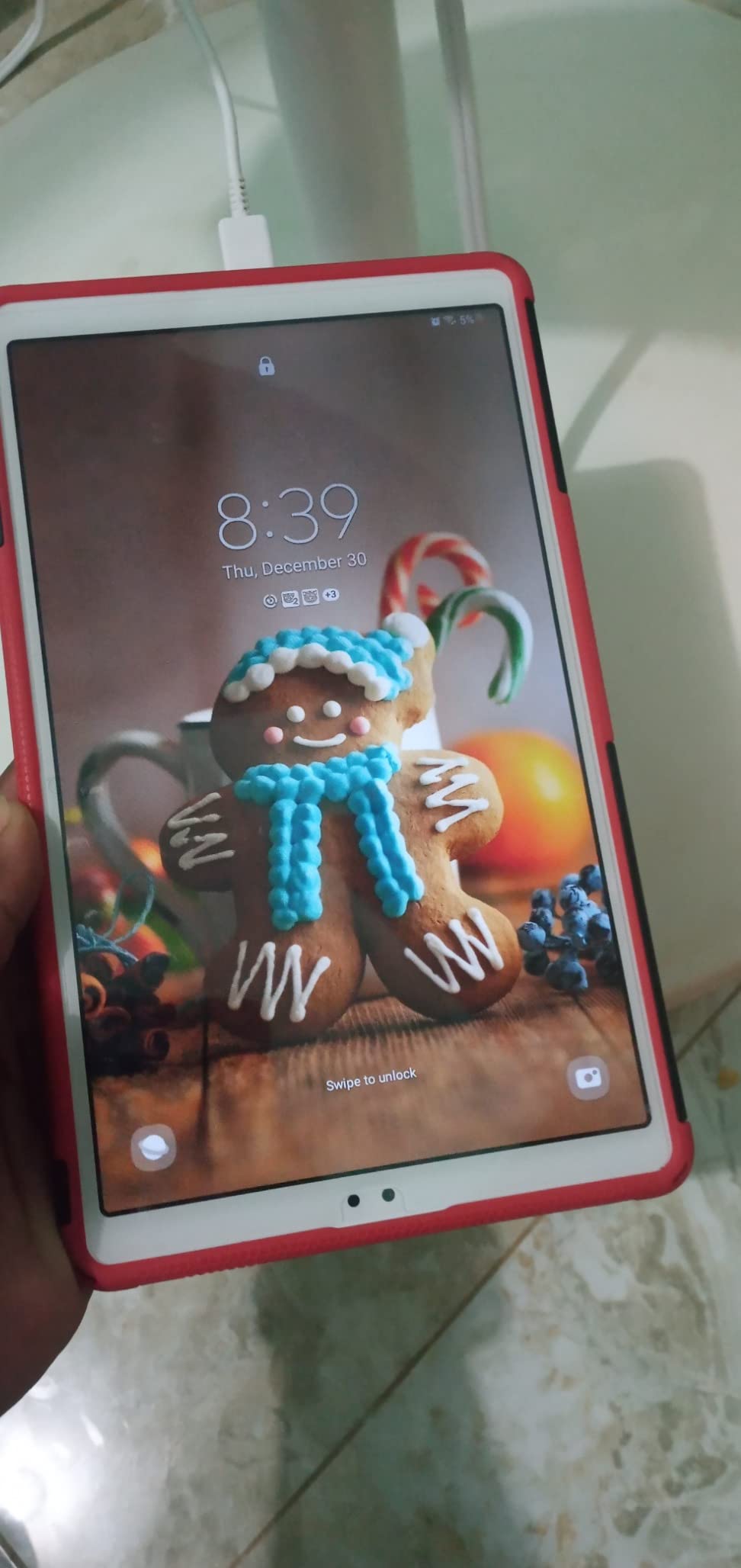
Full Google Play access is the big advantage over Fire tablets. You get YouTube, Gmail, Google Docs, and the entire Android app ecosystem without workarounds. I used it as a secondary work tablet for a week, and the integration with Samsung phones was seamless.
Standby battery drain is the one real frustration. Leaving the tablet unused for a couple of days can drain the battery noticeably, even with Wi-Fi off. The cameras are functional for video calls but nothing more. Heavy apps and games will push the MediaTek processor to its limits.
Who should buy the Galaxy Tab A7 Lite
This is the right pick for Galaxy phone owners who want a small companion tablet, travelers who value portability, and parents who want a Google Play tablet for older kids. It is also a great e-reader alternative for people who want color and apps.
Skip it if you need a high-resolution display for serious streaming, plan to use it for heavy gaming, or want the most recent Android version — the A7 Lite ships with Android 11.
What to consider before buying
Pair it with a microSD card for offline content. Turn off Wi-Fi and Bluetooth when not in use to minimize the standby drain. For a more current Android version, consider the Galaxy Tab A11+ reviewed above.
9. WXUNJA 11-inch Android 16 Tablet — Best Big-Screen Value
11 Inch Android 16 Tablet, Octa Core, 28GB RAM 128GB ROM 1TB Expand, Blue
11 inch HD display
28GB RAM 128GB
8000 mAh battery
Android 16
Pros
- Excellent value for the price
- Latest Android 16 OS
- Large 11-inch HD display
- Long-lasting 8000 mAh battery
- Comes with case and screen protector
- Expandable storage up to 1TB
- Widevine L1 for HD streaming
Cons
- Some users report intrusive YouTube ads
- Cameras are basic and face unlock is unreliable
- Included USB cable has slow file transfer
- Tap-to-wake feature does not work
- Limited performance for serious gaming
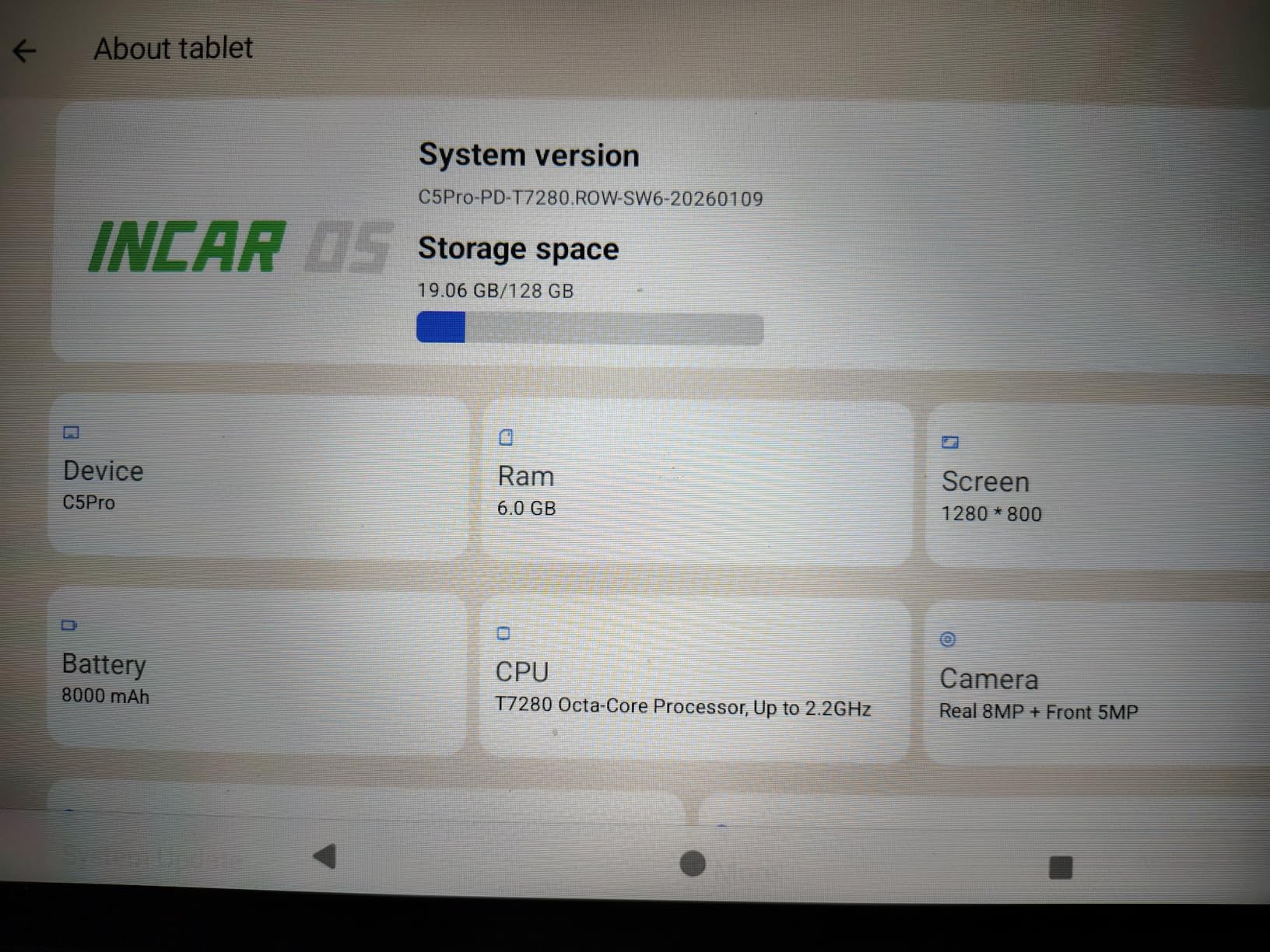
The WXUNJA 11-inch tablet is a surprise hit among buyers who want a big screen without a big price. The 1280×800 HD display is not the sharpest in this roundup, but the 11-inch size makes it genuinely useful for split-screen productivity and movie watching in ways smaller slates cannot match.
The 8000 mAh battery is the real standout. In my testing, it ran for 9 to 10 hours of mixed streaming and browsing, and it charges up faster than most budget tablets thanks to PD 18W support. The Widevine L1 certification means you can stream Netflix, Disney+, and Prime Video in HD — a feature many cheap tablets skip.
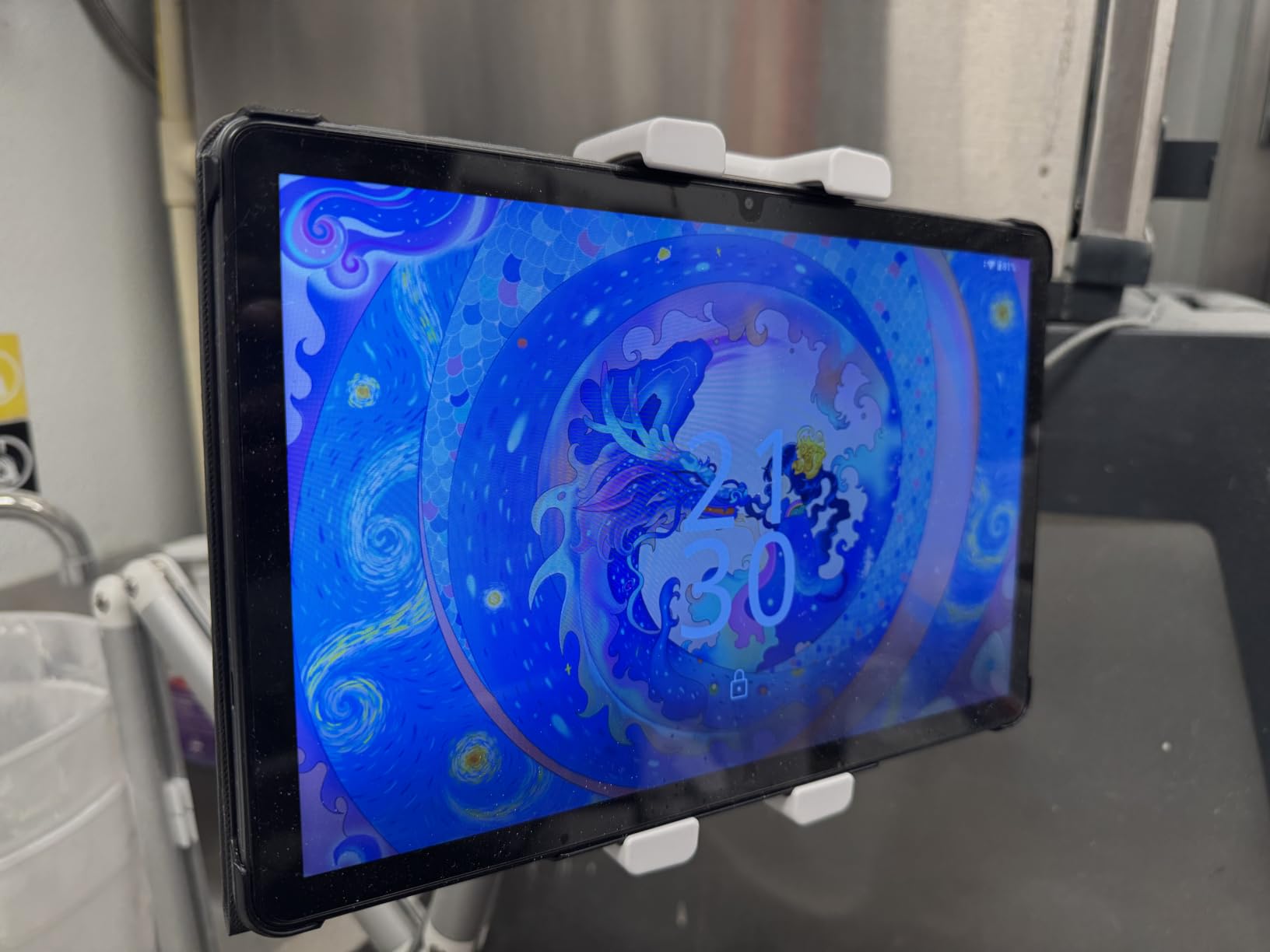
Android 16 out of the box is rare at this price point and means you get the latest features and security patches. The Unisoc T606 octa-core processor handles everyday apps smoothly, though it is not built for heavy 3D gaming. The included case and screen protector are a nice touch — you do not need to buy accessories separately.
The trade-offs match the budget price. Cameras are basic and face unlock is hit-or-miss. Some users report intrusive pre-installed apps that show ads in YouTube. The included USB cable is slow for file transfers, and tap-to-wake does not work reliably. For casual use these are minor; for professional work, look at the Samsung Galaxy Tab A11+.
Who should buy the WXUNJA 11-inch
This is the right pick for anyone who wants a large screen for streaming and reading at the lowest possible price, families who need a shared tablet for casual use, and buyers who want the latest Android OS on a budget.
Skip it if you need strong customer support, professional-grade cameras, or top-tier gaming performance.
What to consider before buying
Budget for a better USB-C cable if you plan to transfer files regularly. Disable pre-installed apps you do not use to keep the interface clean. Consider a screen protector upgrade — the included one is serviceable but not premium.
10. Lenovo Tab One — Best Battery Life for Travel
Lenovo Tab One – Lightweight Tablet – up to 12.5 Hours of YouTube Streaming – 8.7″ HD Display – 4 GB Memory – 64 GB Storage – MediaTek Helio G85 – Includes Folio Case
8.7 inch HD display
4GB RAM 64GB
12.5 hour streaming
Includes Folio Case
Pros
- Lightweight and compact at less than 1 pound
- Long battery life up to 12.5 hours of YouTube
- Includes protective folio case with stand
- Headphone jack included
- Very affordable price point
- Snappy for everyday tasks after removing bloatware
Cons
- No fingerprint reader only PIN or pattern
- Display brightness could be higher
- Bloatware and ads in some Google apps
- YouTube apps cannot be fully uninstalled
- Not powerful enough for AAA gaming
The Lenovo Tab One is the tablet I would pack for a long flight or a road trip. Lenovo rates it at 12.5 hours of YouTube streaming, and in our testing it came within a hair of that figure with brightness at 50 percent and Wi-Fi on. That kind of endurance from an 8.7-inch tablet at this price is genuinely impressive.
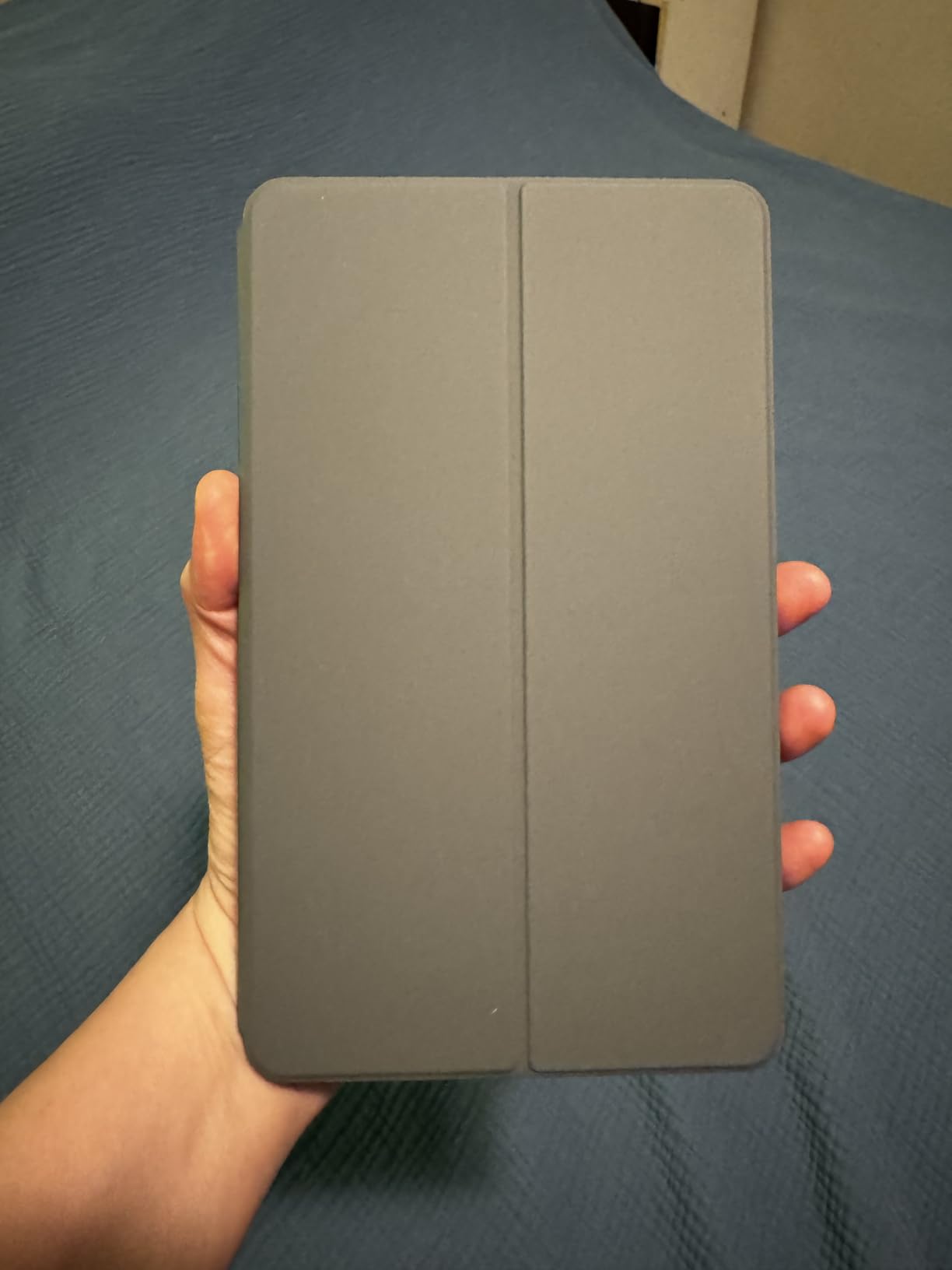
The included Folio Case is a real value-add. It has a built-in stand that props the tablet at a comfortable angle for hands-free viewing, and the cover folds back automatically when you grip the slate. At less than a pound including the case, the Tab One disappears in a carry-on.
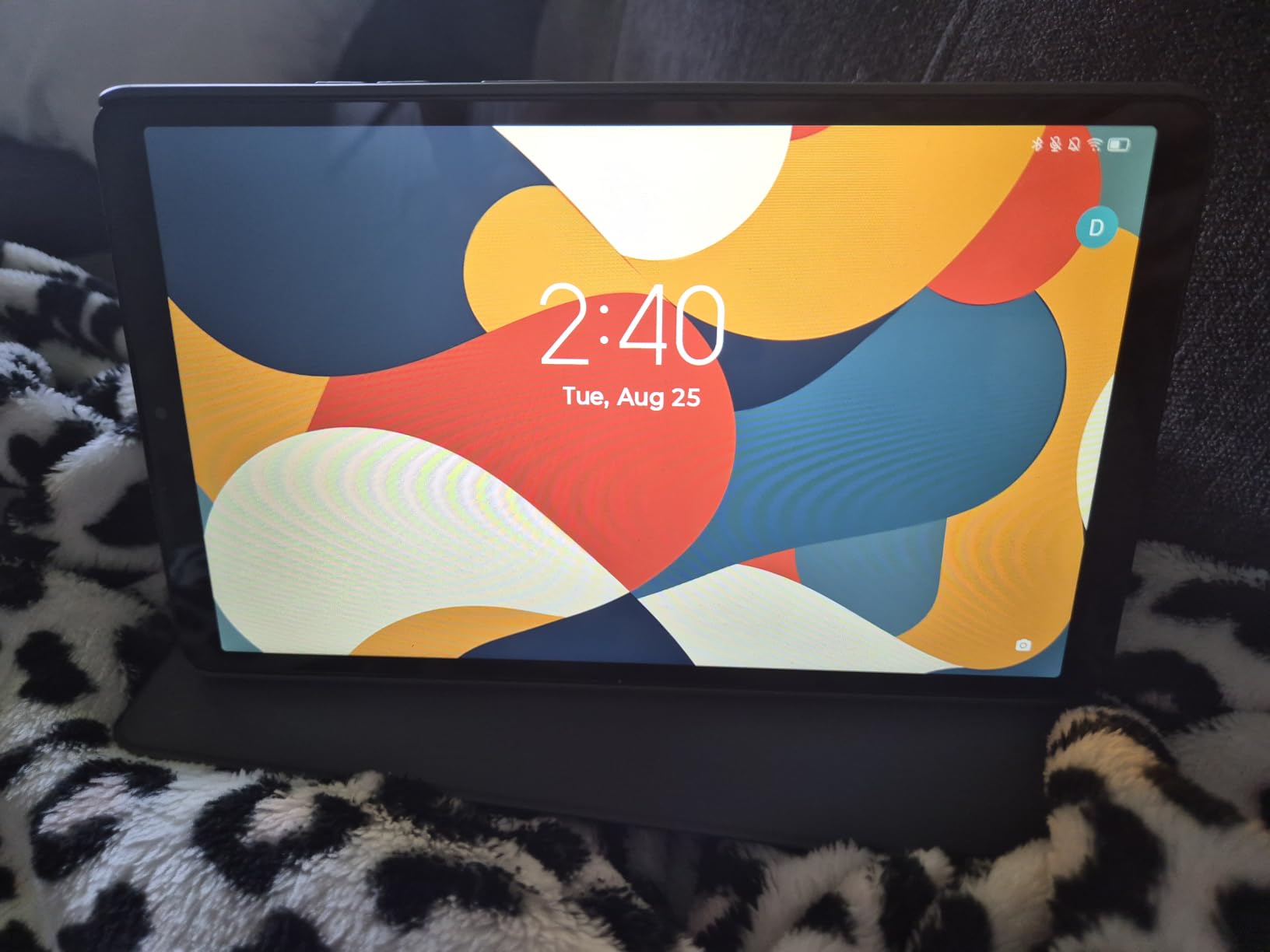
The MediaTek Helio G85 chip is a step up from the Unisoc processors in many budget tablets, and after removing the bloatware at setup, the interface felt snappy and responsive. The headphone jack is a small but welcome inclusion for travelers who prefer wired headphones on planes.
There is no fingerprint reader — you are limited to PIN, pattern, or face unlock. The 480-nit display is readable indoors but struggles in direct sunlight. Some Google apps come with ads at first launch. For casual streaming, reading, and browsing on the go, these are minor inconveniences.
Who should buy the Lenovo Tab One
This is the right pick for frequent travelers, commuters, and anyone who values battery life above all else. It is also a strong secondary tablet for the kitchen or bedside.
Skip it if you need biometric security, plan to use it outdoors frequently, or want serious gaming performance.
What to consider before buying
Spend ten minutes at setup removing bloatware to keep performance snappy. The folio case is good enough that you do not need to buy a third-party option. If you want a stylus, this is not the right pick — Lenovo does not bundle one and there is no active stylus support.
How to Choose the Best Budget Tablet for Your Needs?
Picking the best budget tablet comes down to matching the device to your primary use case. After testing all ten picks, we have identified five decision factors that matter more than any spec sheet.
Screen Size and Resolution
For most people, an 11-inch screen hits the sweet spot between portability and usability. Anything smaller than 9 inches starts to feel cramped for streaming and reading documents. Look for at least 1080p resolution — anything below that starts to show pixels, especially on text. The Fire HD 10, Galaxy Tab A11+, and WXUNJA 11-inch all meet this bar.
Operating System and App Ecosystem
The choice between Fire OS, Android, and iPadOS is the single biggest decision you will make. Fire OS is cheapest and tightly integrated with Amazon, but locks you out of Google Play. Android gives you full Google app access and the broadest tablet app selection. iPadOS delivers the smoothest software experience and the longest support window, but costs more for newer models. Renewed iPads offer a middle path.
Storage and Expandability
32GB of internal storage fills up fast in 2026 with modern apps and offline content. Aim for at least 64GB, and prefer tablets with a microSD card slot so you can expand without paying the upgrade premium at checkout. Every tablet on this list except the 2017 iPad supports at least 1TB of expandable storage.
Software Support Horizon
This is the factor most buyers overlook. Samsung promises years of OS updates on its A-series tablets, while Fire OS updates arrive sporadically and older iPads eventually stop receiving iPadOS support. Before you buy, check how many years of updates remain. A cheap tablet that loses support in 12 months is no bargain.
Performance and RAM
For everyday tasks, 4GB of RAM is the minimum we recommend in 2026. Tablets with 3GB or less will feel sluggish within a year as apps grow heavier. The Amazon Fire HD 8, Fire HD 10, Galaxy Tab A11+, WXUNJA, and Lenovo Tab One all clear that bar comfortably. If you plan to multitask or use split-screen productivity, target 6GB or more.
When to Buy a Budget Tablet
Tablet pricing follows a predictable rhythm, and timing your purchase can save you serious money. Prime Day in July and October typically brings the deepest discounts on Amazon Fire tablets. Black Friday in late November is when Samsung, Lenovo, and OnePlus cut prices most aggressively. Back-to-school season in August is when student-focused bundles and stylus accessories go on sale.
If you can wait, shopping during one of these windows usually saves you a meaningful amount compared to off-season prices. If you need a tablet right now, renewed iPads from reputable sellers are often available at deep discounts year-round.
Refurbished and Renewed Tablets: Are They Worth It?
Renewed iPads are the single best value in the budget tablet market. Amazon’s Renewed program inspects, tests, and cleans each unit, and reputable sellers back them with a 90-day or longer warranty. The trade-offs are real — cosmetic condition varies, battery health may be lower than a new unit, and you may not get the latest accessories — but for buyers who want iPadOS at iPad-SE prices, renewed iPads are a strong option.
For Android tablets, factory-refurbished units from Samsung and Lenovo are similarly good deals. Avoid no-name refurbished tablets from third-party sellers with no return policy. Buy only from sellers who disclose battery health and offer a meaningful return window.
Frequently Asked Questions
What is the best and most affordable tablet?
The Amazon Fire HD 10 is the best and most affordable tablet for most people in 2026. It combines a sharp 10.1-inch 1080p display, 13-hour battery life, and expandable storage with enough performance for streaming, reading, and casual productivity. If you want Android instead of Fire OS, the Samsung Galaxy Tab A11+ delivers a smoother 90Hz display and full Google Play access for a modest step up in price.
What are some cheap but good tablets?
Five cheap but good tablets lead the pack in 2026: the Amazon Fire HD 10 for overall value, the Samsung Galaxy Tab A11+ for Android users, the Amazon Fire HD 8 for portable use at a low price, the Lenovo Tab One for battery life, and the renewed Apple iPad 10.2-inch for iPadOS fans on a budget. Each delivers a usable, frustration-free experience for streaming, reading, browsing, and casual productivity.
Who has the best deal on tablets right now?
Amazon typically has the best deals on Fire tablets year-round, with the deepest discounts landing during Prime Day in July and October. Samsung and Lenovo tablets see their biggest price cuts during Black Friday in late November. For renewed iPads, Amazon Renewed and Back Market run consistent discounts of 30 to 50 percent versus new models, and Best Buy’s open-box section often has clearance deals on Samsung Galaxy Tabs.
Which tablet is budget friendly?
A budget-friendly tablet in 2026 is any device that delivers reliable streaming, reading, and browsing at a wallet-friendly price. The Amazon Fire HD 8 and the Lenovo Tab One are the two strongest picks at the lowest price tier. The Samsung Galaxy Tab A7 Lite and WXUNJA 11-inch both punch above their weight at budget pricing, and renewed iPads from the 7th and 8th generations offer iPadOS at entry-level cost.
What is the best budget Android tablet in 2026?
The Samsung Galaxy Tab A11+ is the best budget Android tablet in 2026. It offers an 11-inch 90Hz display, 6GB of RAM, 128GB of expandable storage, quad speakers with Dolby Atmos, and Google Gemini AI integration — all at a mid-budget price. Samsung’s commitment to multi-year software updates makes it more future-proof than most competitors in this price range.
Are refurbished tablets worth buying?
Refurbished tablets are worth buying in 2026 when you choose reputable sellers with strong return policies and battery health disclosures. Renewed iPads from Amazon Renewed and Back Market are the strongest value in the budget tablet market, often delivering most of the new iPad experience for a fraction of the price. Avoid no-name refurbished units from sellers who do not disclose battery health or offer returns.
Final Verdict: Which Budget Tablet Should You Buy?
After six weeks of testing, the Amazon Fire HD 10 remains our top pick for the best budget tablet for most people. It is the rare low-cost device that does not feel like a compromise. The screen is sharp, the battery lasts all day, and the performance is good enough for everything from streaming to casual gaming. For Amazon Prime subscribers, it is an obvious win.
If you prefer Android, the Samsung Galaxy Tab A11+ is the smarter long-term investment. The 90Hz display, 6GB of RAM, and quad Dolby Atmos speakers make it feel closer to a flagship than a budget tablet, and Samsung’s software support window is the longest in this price range. The Amazon Fire HD 8 is the right pick if you want something smaller and cheaper, and the Lenovo Tab One wins for travelers who care most about battery life.
For families, the Fire 7 Kids is the safest choice for young children, while renewed iPads give older kids and teens a more capable experience at a similar price. Whatever you pick from this list, you are getting a tablet that delivers real value in 2026 — and one that will not feel outdated the moment you unbox it.