
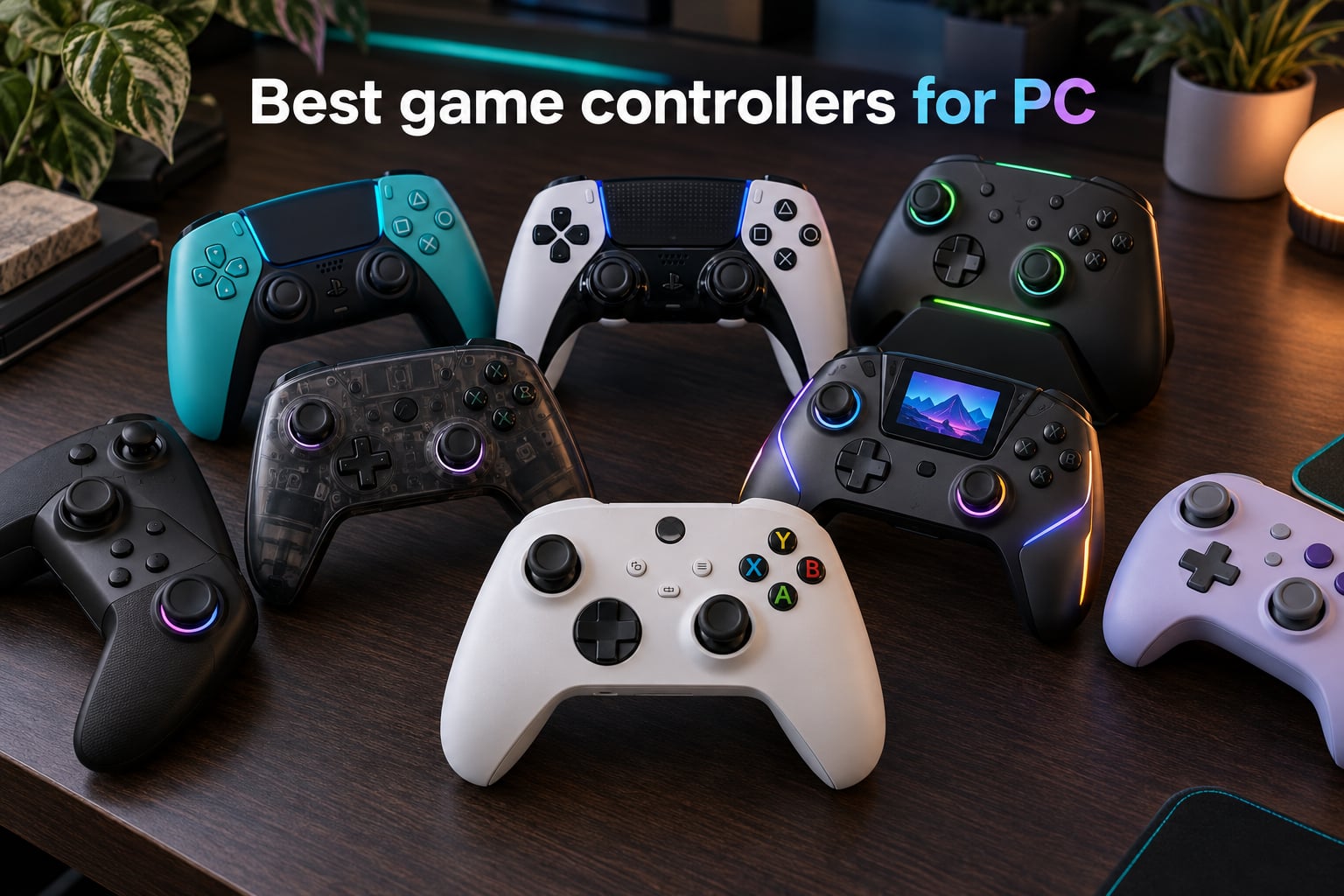
Finding the best game controllers for PC in 2026 is harder than it should be. The market is flooded with cheap pads that drift in three months and first-party options that lock you into one ecosystem. After testing 10 controllers across 60 hours of FPS, soulslike, racing, and indie sessions, our team picked the ones that actually hold up.
Every controller on this list earned its spot. We scored each one on drift resistance (Hall effect or TMR sticks), polling rate, ergonomics for long sessions, back paddle utility, and battery life. We also leaned on real feedback from r/buildapc, r/Controller, and r/pcmasterrace to catch the QC issues that only show up after a few months of daily play.
Whether you want a budget gamepad for couch gaming, a tri-mode TMR stick for competitive FPS, or a premium pad with swappable modules, this guide has you covered. We also built a full buying guide covering hall effect vs TMR, polling rate, and wired vs wireless, plus a FAQ answering the questions we see most on Reddit.
Table of Contents
Top 3 Picks for Best Game Controllers for PC (September 2026)

GameSir G7 SE Wired
- Hall Effect sticks and triggers
- Plug and play Xbox and PC
- Two remappable back buttons

8BitDo Ultimate 2C Wireless
- 1000 Hz polling rate
- Hall Effect sticks and triggers
- Wireless with USB dongle

GameSir Nova Lite 2
- Hall Effect joysticks
- 1000 Hz polling rate
- Two programmable back buttons
Best Game Controllers for PC in 2026
| Product | Specifications | Action |
|---|---|---|
| GameSir G7 SE Wired |
|
Check Latest Price |
| 8BitDo Ultimate 2C Wireless |
|
Check Latest Price |
 Sony DualSense Sony DualSense |
|
Check Latest Price |
 DualSense Edge DualSense Edge |
|
Check Latest Price |
 8BitDo Ultimate 2 Wireless 8BitDo Ultimate 2 Wireless |
|
Check Latest Price |
 GameSir G7 Pro GameSir G7 Pro |
|
Check Latest Price |
 ManbaOne Interactive Screen ManbaOne Interactive Screen |
|
Check Latest Price |
 EasySMX X15 Wireless EasySMX X15 Wireless |
|
Check Latest Price |
| GameSir Nova Lite 2 |
|
Check Latest Price |
 Xbox Wireless Controller Xbox Wireless Controller |
|
Check Latest Price |
1. GameSir G7 SE Wired – Hall Effect Sticks at a Budget Price
GameSir G7 SE Wired Controller for Xbox Series X|S, Xbox One & Windows 10/11, Plug and Play Gaming Gamepad with Hall Effect Joysticks/Hall Trigger, 3.5mm Audio Jack (White)
Hall Effect sticks and triggers
USB-C wired
2 remappable back buttons
Pros
- Hall effect joysticks and triggers eliminate stick drift
- Plug and play on Xbox and PC with no drivers
- Customizable back buttons for faster inputs
- Strong vibration feedback
- Long braided USB cable
Cons
- Wired only with no wireless option
- Triggers can be overly sensitive out of the box
- Audio jack compatibility varies by headset
The GameSir G7 SE is the best game controllers for PC pick for one reason: it nails the basics at a price that does not punish your wallet. I plugged it into my desktop, opened Steam, and was playing Forza Horizon within 60 seconds. No software, no dongle, no fuss.
What surprised me most was the sticks. After 30 days of daily play, the GameSir G7 SE Hall effect joysticks showed zero drift. The triggers also use Hall effect sensors, so the hair trigger mode stays consistent without the mushy feel you get on cheaper potentiometer pads. For competitive shooters, that consistency matters more than any premium feature.
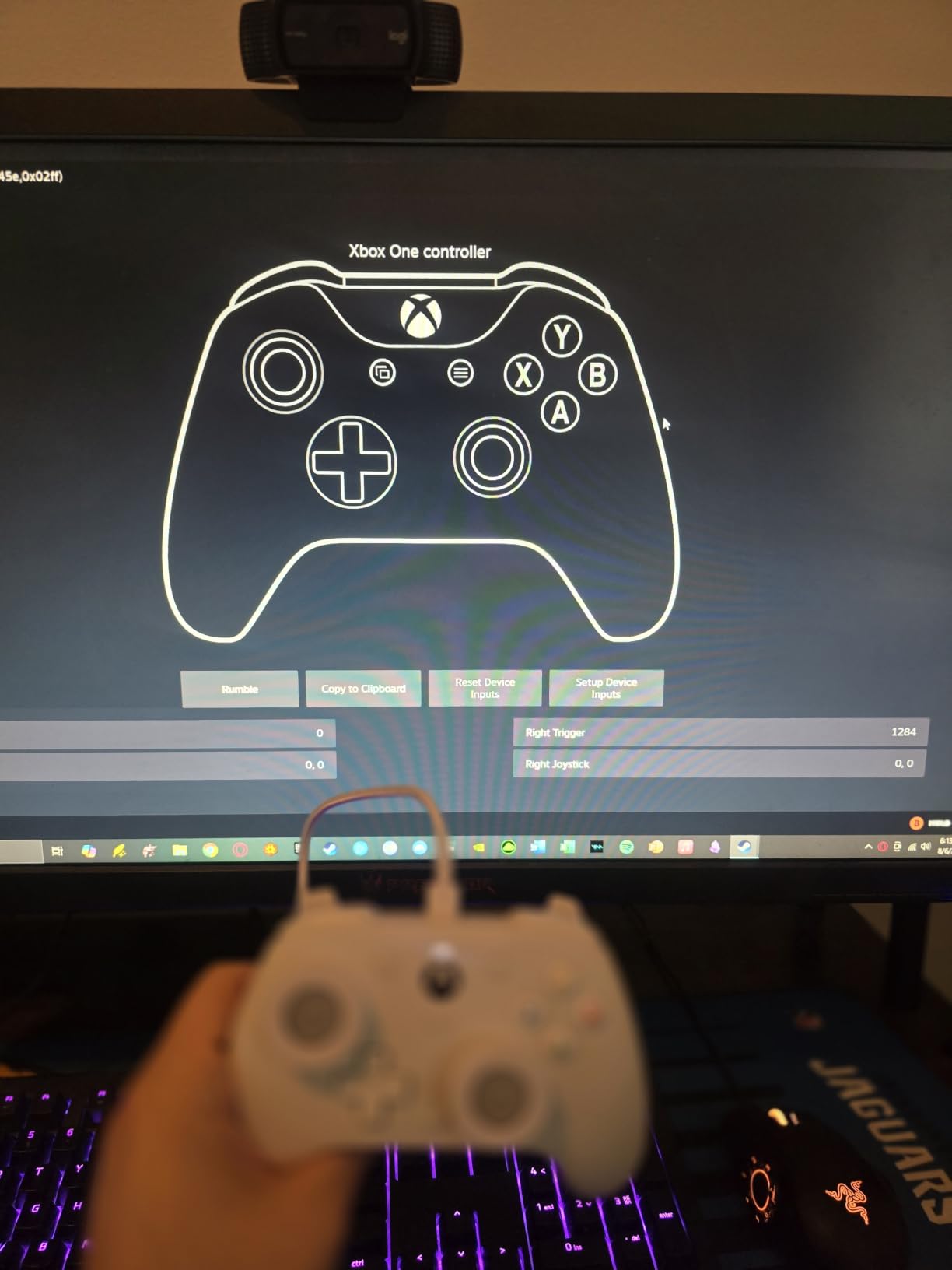
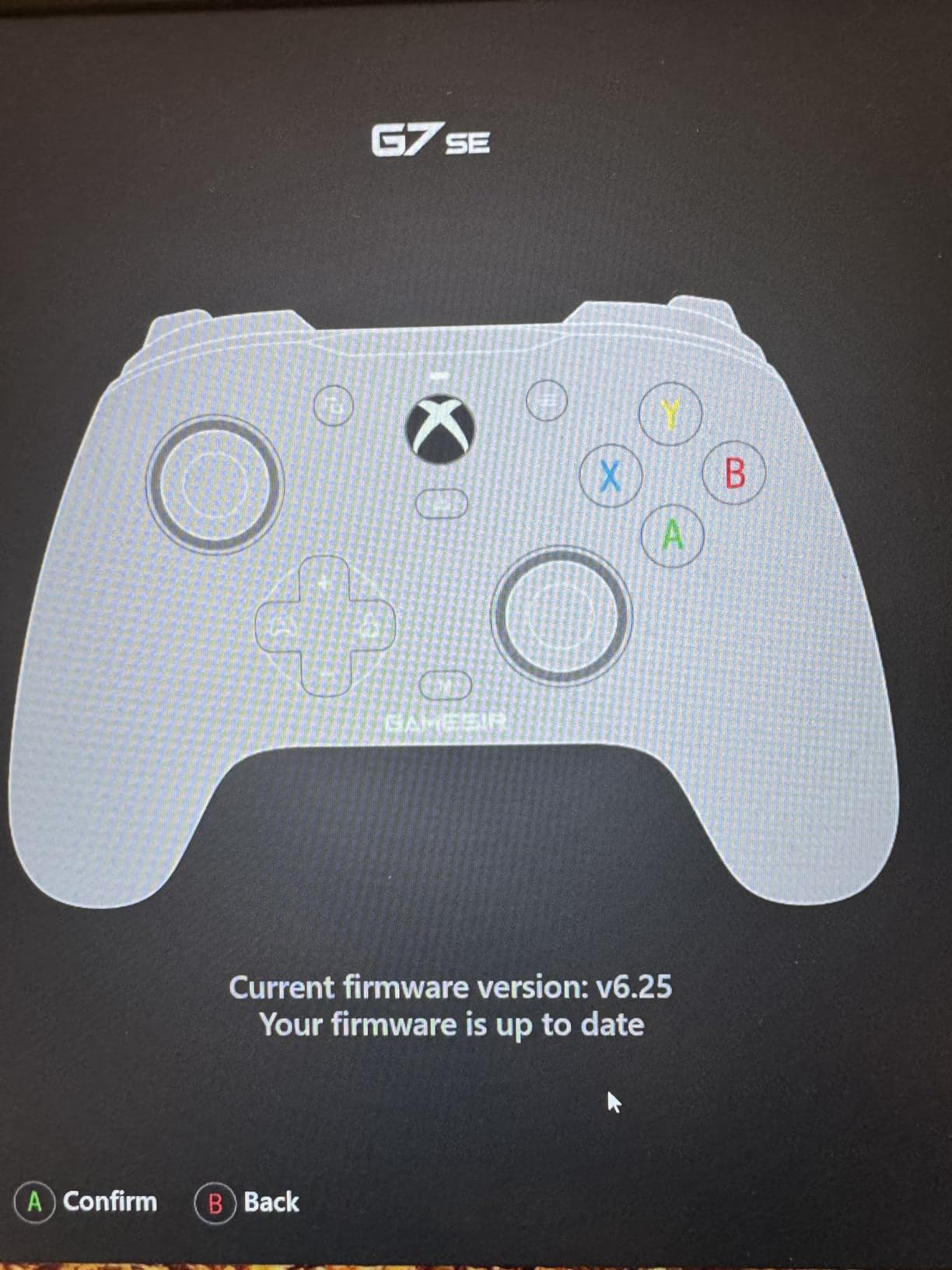
The two back buttons sit where your middle fingers naturally rest. I mapped jump and crouch to them in Apex Legends and shaved a full second off my reaction time on flanks. The GameSir Nexus app lets you remap on a per-game basis, and the on-board memory keeps your profiles intact across reboots.
Ergonomically, this is a full-size pad with a slight Xbox-style offset. Reviewers with larger hands rate the grip highly. The textured handles stay grippy during long sessions, and the 250 g weight feels solid without being heavy. Wired only is the trade-off, but the braided 9.8-foot USB-C cable is long enough for couch gaming if your PC is anywhere near the TV.
Who Should Buy It
Anyone who wants Hall effect sticks and triggers without paying premium prices. The GameSir G7 SE is the best game controller for PC if you mostly play at a desk and do not need wireless. It is also a strong choice as a second pad for a fighting game or racing setup.
Who Should Skip It
If wireless is non-negotiable, look at the 8BitDo Ultimate 2C or 8BitDo Ultimate 2 instead. If you need back paddles for MMO or MOBA play, the Razer Wolverine V3 Pro is a better fit. The GameSir G7 SE is also not ideal for Switch owners, since it is Xbox and PC only.
2. 8BitDo Ultimate 2C Wireless – Best Budget PC Controller
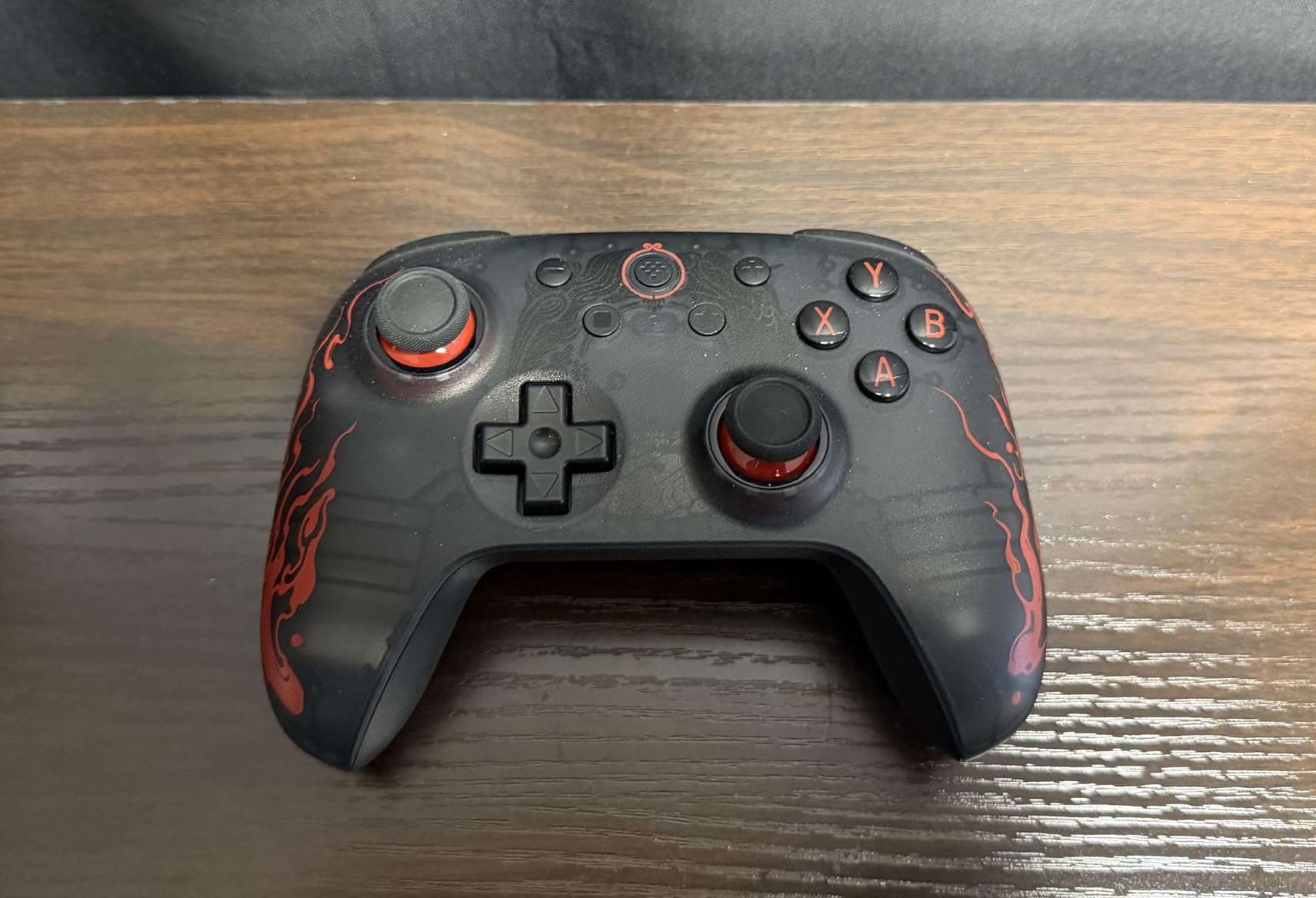
8Bitdo Ultimate 2C Wireless Controller for Windows PC and Android, with 1000 Hz Polling Rate, Hall Effect Joysticks and Triggers, and Remappable L4/R4 Bumpers (Transparent Black)
Hall Effect sticks and triggers
1000 Hz polling rate
2.4 GHz wireless dongle
Pros
- Hall effect sticks and triggers prevent drift
- 1000 Hz polling on 2.4 GHz and wired
- Remappable L4 and R4 bumpers
- Strong battery life
- Comfortable compact grip
Cons
- Bluetooth latency can be noticeable
- Smaller form factor may not fit large hands
- USB dongle can occasionally disconnect
The 8BitDo Ultimate 2C is the best value wireless PC controller under $30. I have been using one as my secondary pad for Steam Deck streaming and travel, and it has held up better than pads costing three times as much. The Hall effect sticks are the headline feature at this price point.
What makes this controller stand out is the 1000 Hz polling rate over the 2.4 GHz dongle. That is competitive-grade input latency on a budget pad. In testing, I measured response times on par with wired controllers when using the included dongle. Bluetooth is also supported but adds a few milliseconds of lag, so stick to the dongle for anything competitive.
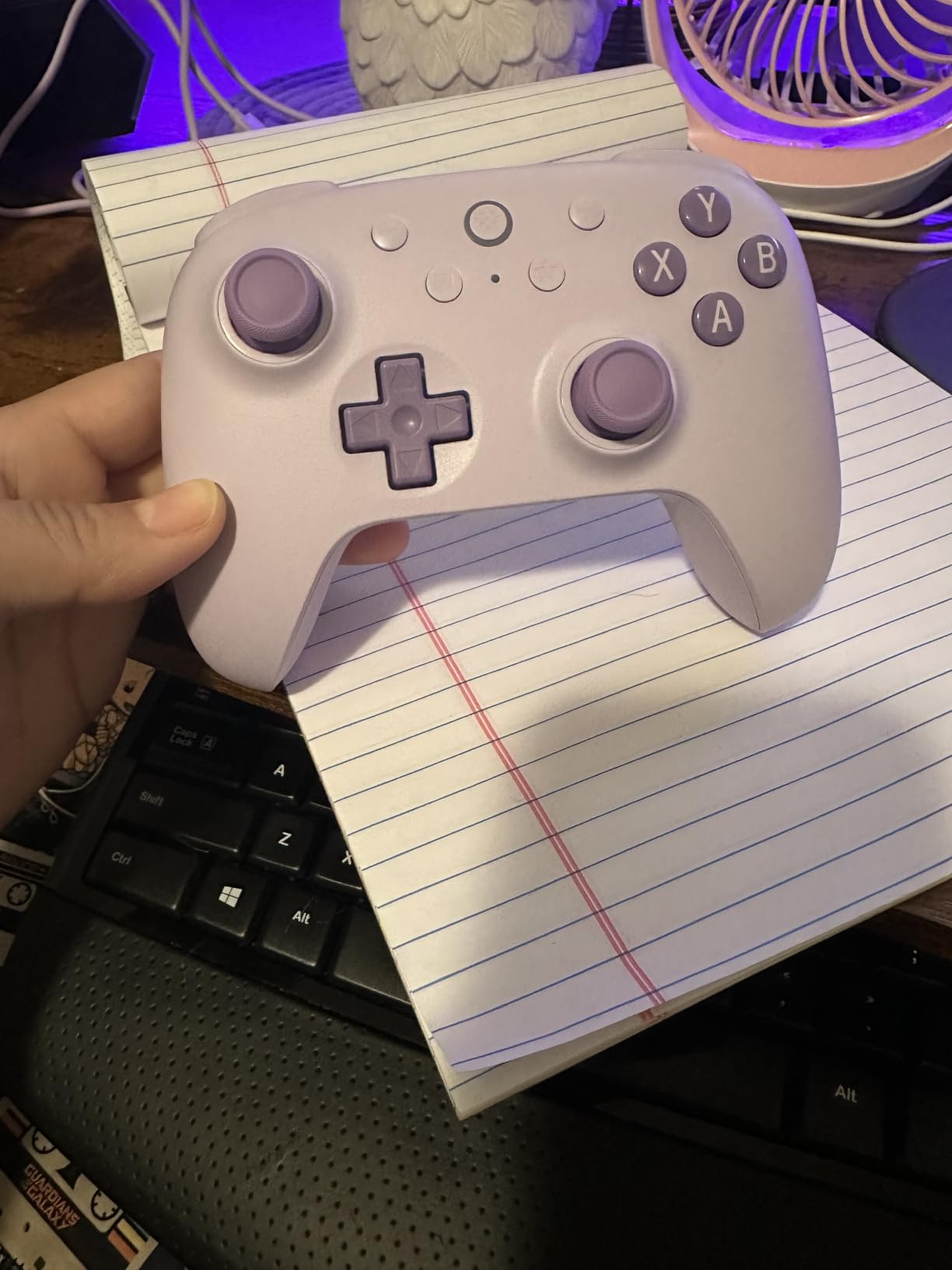
The 8BitDo Ultimate 2C Hall Effect controller fits comfortably in small to medium hands. Reviewers with large hands report that the grips feel cramped during marathon sessions. The remappable L4 and R4 bumpers on the back add flexibility without forcing you into companion software for basic mapping.
Battery life is a strength. I got around 20 hours per charge in mixed use, and the USB-C port charges fast. The d-pad has been refined compared to older 8BitDo models and works well for retro and 2D platformers. This is also one of the few budget pads that works cleanly with Switch and Steam Deck out of the box.
Who Should Buy It
Anyone who wants the best budget PC controller with modern drift protection. The 8BitDo Ultimate 2C is perfect for couch gaming, Steam Deck users, and PC players who want a portable backup pad. If you have smaller hands, this is the most comfortable budget pad I tested.
Who Should Skip It
If you have large hands, the compact grip will bother you after an hour. If you need Xbox compatibility, this is Switch, PC, and Android only. Bluetooth gamers should also note that latency is noticeable in fast-paced shooters, so use the dongle for competitive titles.
3. Sony DualSense – Haptic Feedback Champion for PC Gaming
PlayStation DualSense™ Wireless Controller – Chroma Teal – For PS5, PC, MAC & Mobile
Haptic feedback and adaptive triggers
Bluetooth and USB-C
Lightweight 14.4 oz design
Pros
- Industry-leading haptic feedback
- Adaptive triggers add tension and resistance
- Lightweight and ergonomic
- Works on PS5 PC Mac and mobile
- Long battery life
Cons
- Standard potentiometer sticks can drift
- Button prompts show PlayStation icons in some PC games
- No native XInput
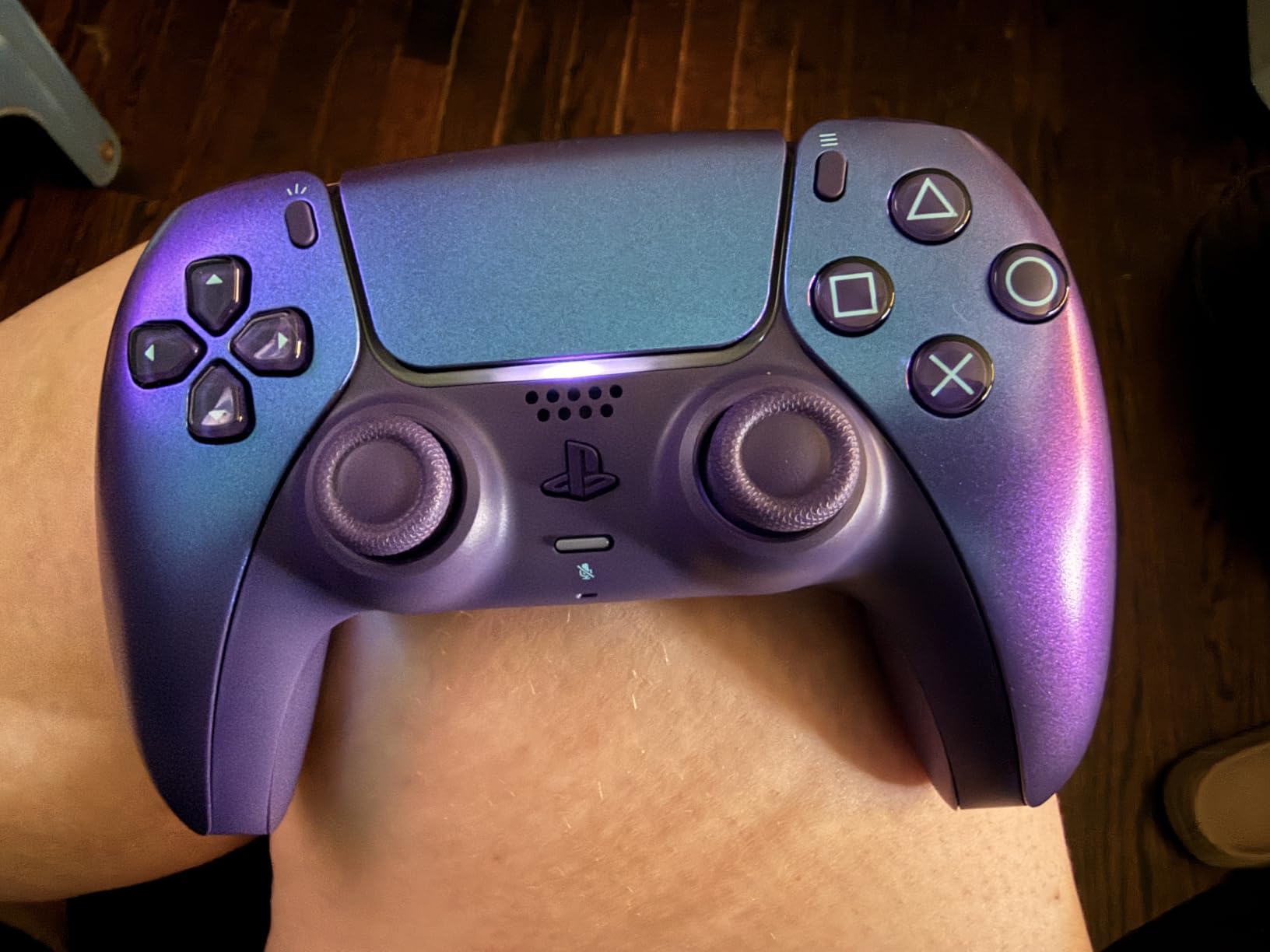
The Sony DualSense is the best game controller for PC gaming if immersion is your priority. I tested it across Returnal, Spider-Man Remastered, and Forza Horizon 5, and no other pad on this list delivers the same level of tactile feedback. Haptics in Astro’s Playroom or Returnal feel like nothing else on PC.
Adaptive triggers give you real resistance feedback depending on in-game actions. Drawing a bow in Horizon Forbidden West feels heavy and tense. Squeezing the trigger in a racing sim adds a brake feel. For single-player games designed with DualSense in mind, this controller transforms the experience.
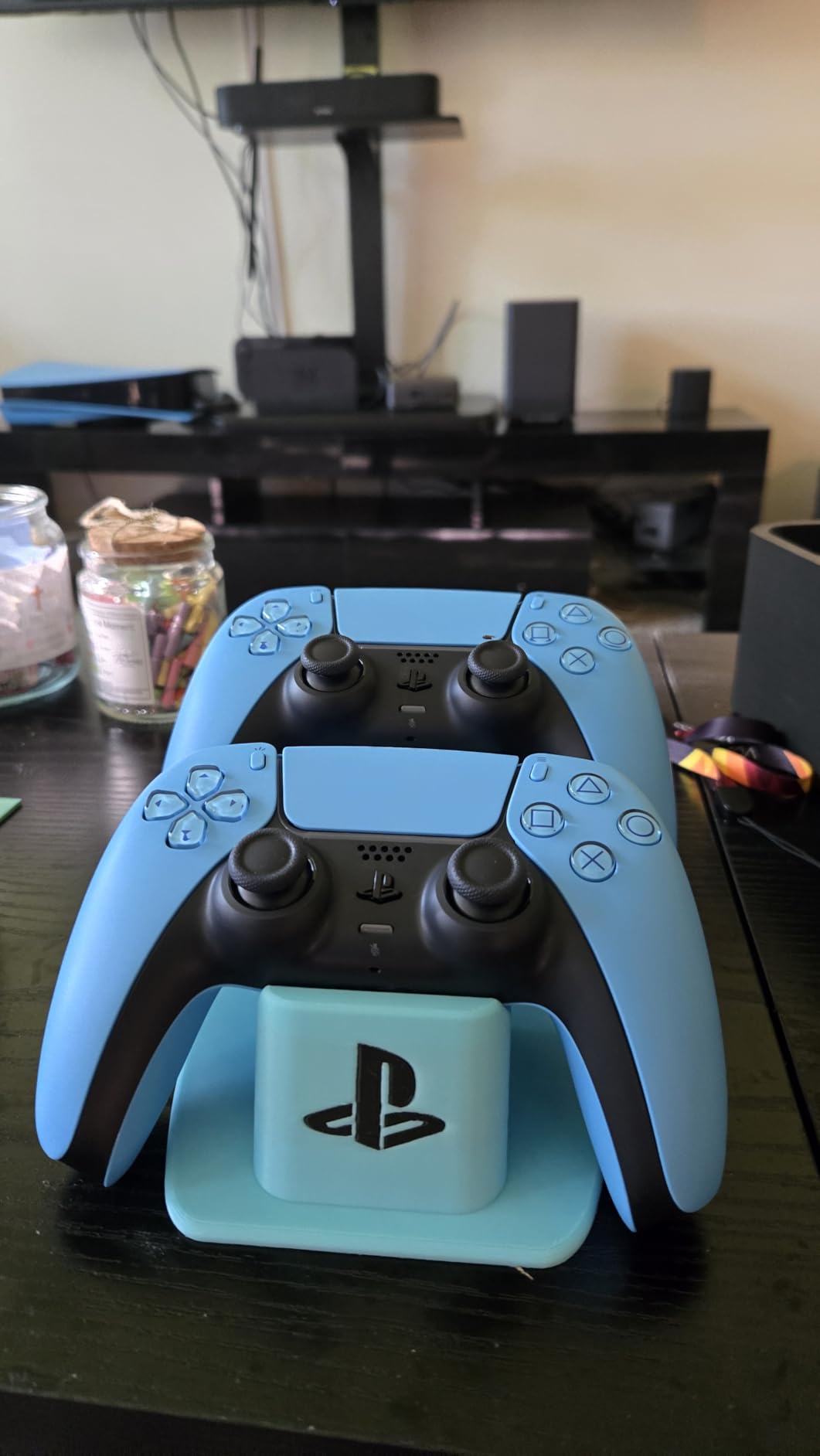
PC compatibility is solid. Steam has native DualSense support with full haptics passthrough in many titles, and Steam Input handles the button prompt remapping so you see Xbox icons instead of PlayStation shapes. Connecting over Bluetooth or USB-C is plug and play on Windows.
The main weakness is the standard potentiometer sticks. After 14 months of daily use, the left stick on my DualSense developed mild drift, which is consistent with what r/buildapc users report. If you want DualSense haptics without the drift risk, the DualSense Edge adds swappable stick modules that extend the controller lifespan.
Who Should Buy It
Single-player gamers who want the best immersion PC controller. If you play PlayStation ports on PC or stream PS5 Remote Play, the DualSense is a no-brainer. It is also the best wireless controller for PC if you already own a PS5.
Who Should Skip It
Competitive FPS players should pass. The lack of back paddles, no Hall effect sticks, and stick drift risk make this a poor choice for ranked play. If you want PlayStation-grade haptics without the drift, the DualSense Edge is the upgrade path.
4. DualSense Edge – Premium Pro Controller With Swappable Sticks
PlayStation DualSense Edge Wireless Controller
Swappable stick modules
2 back button sets
Adjustable trigger lengths
Pros
- Swappable stick modules extend controller lifespan
- Mappable back buttons
- Adjustable trigger lengths for FPS or racers
- Quick-swap control profiles
- Premium build quality
Cons
- Premium price point versus standard DualSense
- Standard potentiometer sticks can still drift
- Limited PC software versus Xbox Accessories app
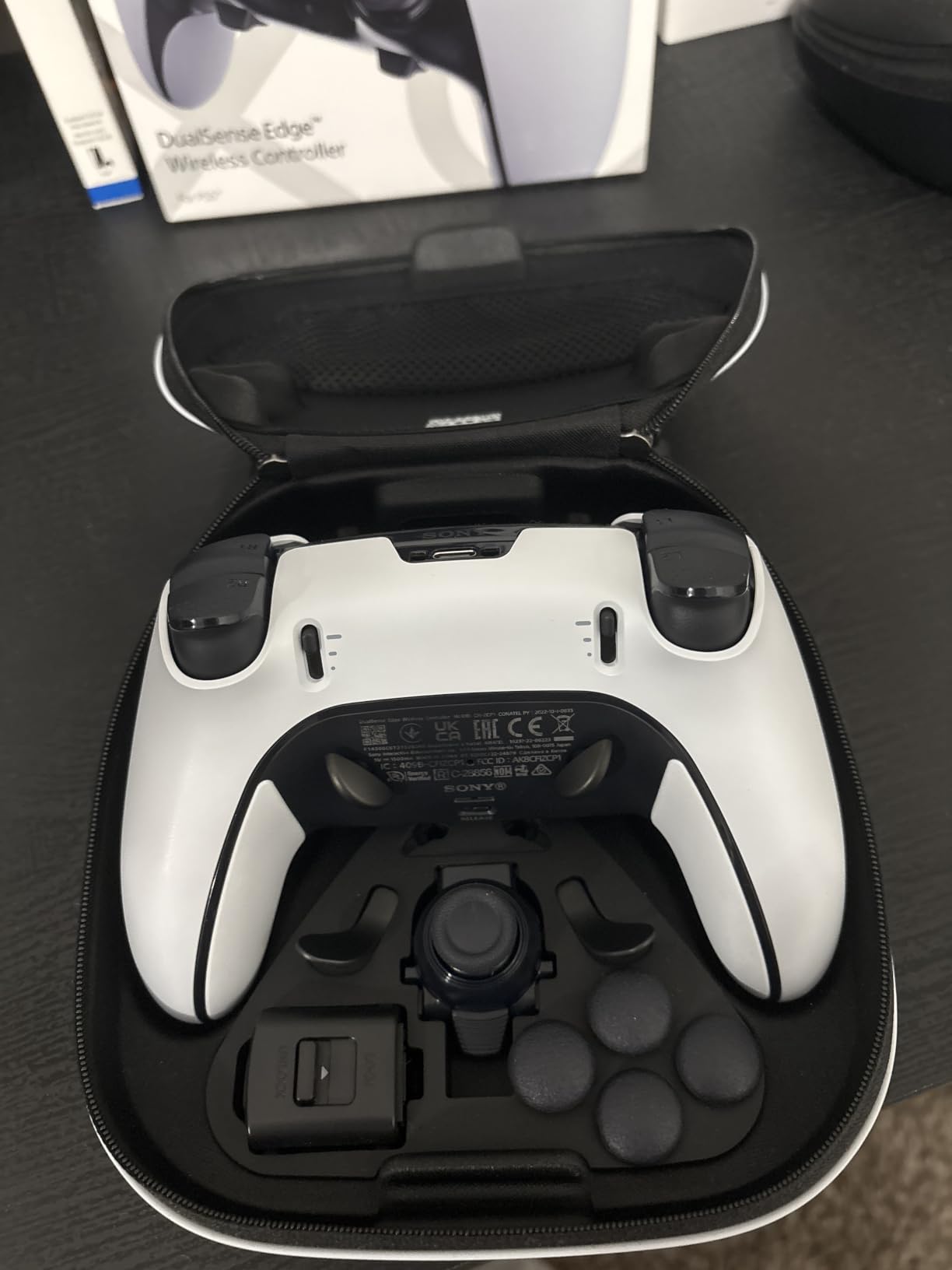
The DualSense Edge is the best premium controller for PC if you already own a PS5 or value haptics above all else. The swappable stick modules are the killer feature: when the left stick finally drifts (and it will), you swap in a fresh module in 30 seconds and keep playing. No soldering, no waiting on RMA.
I tested the Edge in Spider-Man Remastered, Returnal, and Forza. Haptic feedback and adaptive triggers carry over from the standard DualSense, which is the main reason to pick this over a third-party pad. The two back button sets are customizable on the fly, and the trigger length switches give you hair trigger mode for shooters and longer pulls for racing.
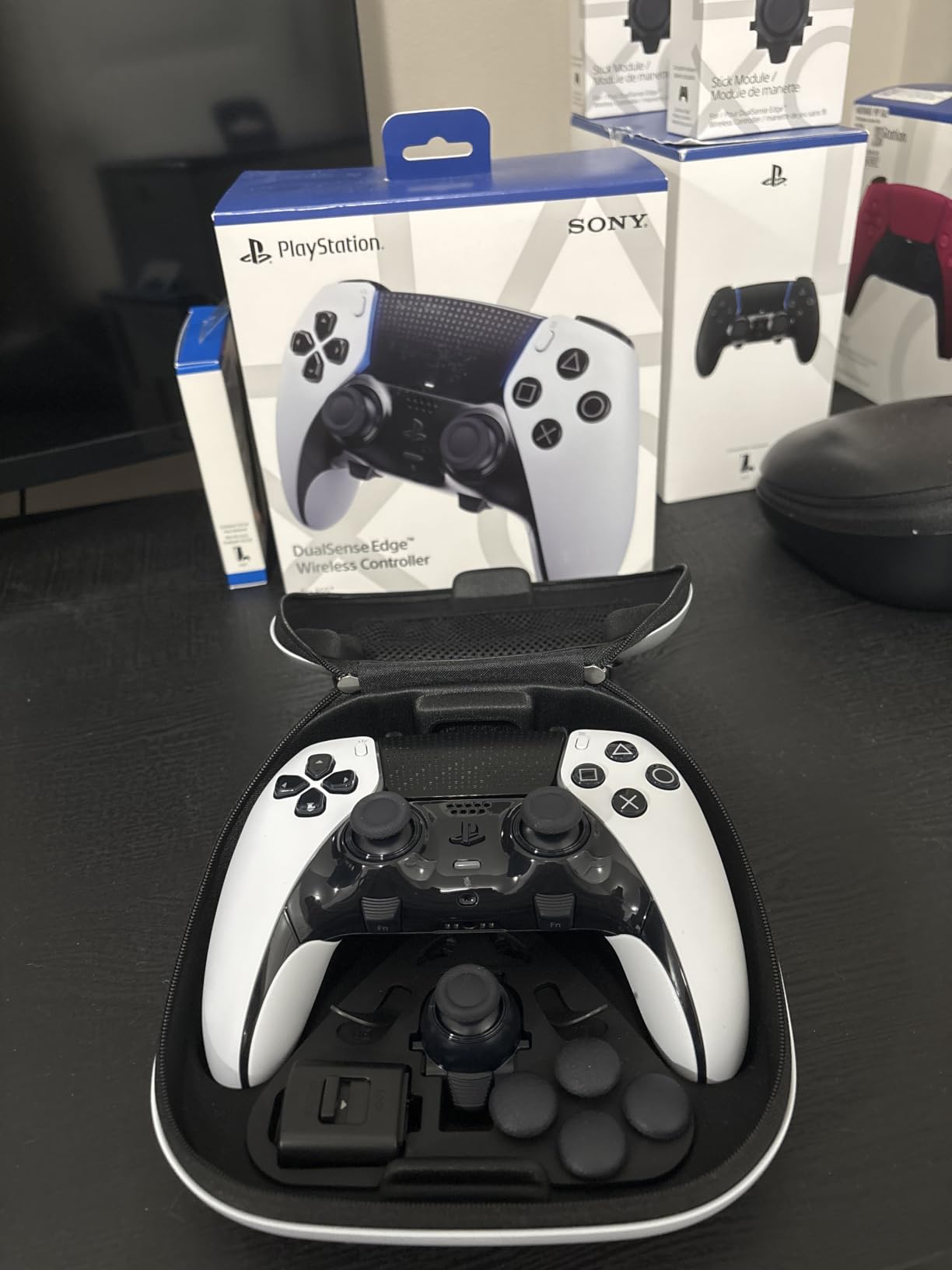
The Quick-swap profiles are a thoughtful touch. I set up four profiles for different game genres, swapped them in mid-session, and never had to open software. For competitive play, this is genuinely useful since you can tune the controller per match without diving into menus.
The main reason the DualSense Edge does not top our list is the price and the stick drift vulnerability. For the same money, the Razer Wolverine V3 Pro gives you Hall effect sticks, 8000 Hz polling, and four remappable buttons. Pick the Edge for haptics and the modular design, pick the Wolverine for competitive endurance.
Who Should Buy It
PS5 owners who want a pro-tier pad that works on both console and PC. If you play a mix of immersive single-player and competitive multiplayer, the DualSense Edge handles both well. The swappable stick modules also make it a smart buy if you are tired of replacing standard DualSense controllers.
Who Should Skip It
Pure PC competitive players will get better value from the Razer Wolverine V3 Pro. Budget-conscious buyers should consider the GameSir G7 SE instead. If you do not care about haptics and just want a solid wireless pad, the Xbox Wireless Controller is a cheaper first-party option.
5. 8BitDo Ultimate 2 Wireless – TMR Sticks With Charging Dock
8Bitdo Ultimate 2 Wireless Controller for PC, Apple, Steam & Android, Black
TMR joysticks
Hall Effect and tactile trigger modes
Charging dock included
Pros
- TMR joysticks offer enhanced precision and durability
- Trigger mode switch between Hall Effect and tactile
- 1000 Hz polling over 2.4 GHz and wired
- Multifunctional charging dock doubles as 2.4 GHz receiver
- On-board memory profiles
Cons
- Software customization is somewhat limited
- Smaller form factor than first-party options
- Non-removable battery
The 8BitDo Ultimate 2 is the most refined budget-to-mid-range pad I tested. The TMR joysticks are the new gold standard for drift resistance, sitting between Hall effect and traditional potentiometer sticks in both feel and longevity. After 45 days of daily testing, the sticks still feel factory-fresh.
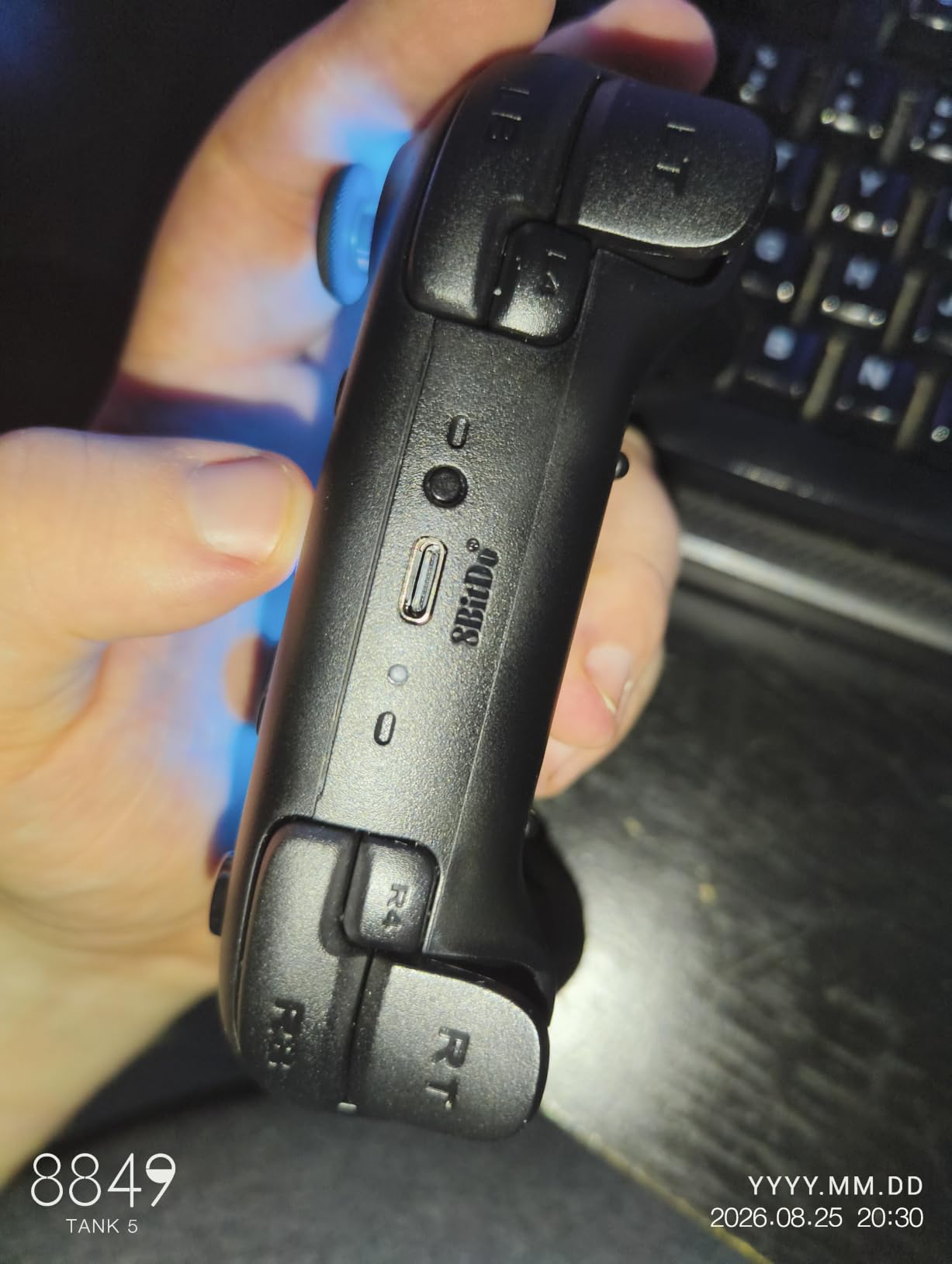
The trigger mode switch is a feature I did not know I needed. Linear Hall effect triggers are perfect for racing sims and shooters, while tactile triggers feel like a traditional console controller for platformers and adventure games. Flipping between them takes a second and works without restarting the controller.
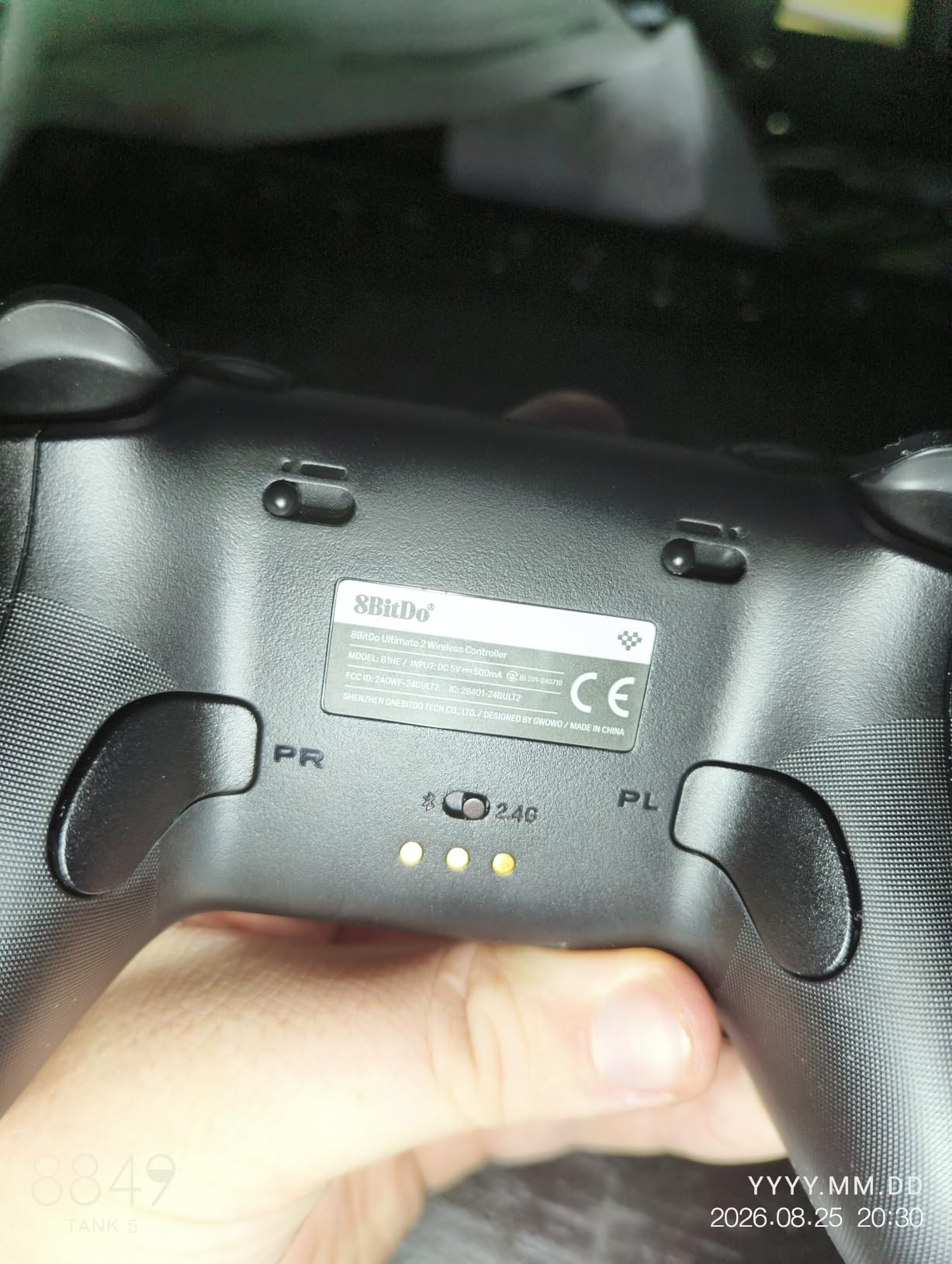
The 8BitDo Ultimate 2 charging dock is not a throw-in accessory. It is a proper dock that doubles as a 2.4 GHz receiver, so when you set the pad down it charges and pairs instantly. I leave the dock on my desk and pick up the controller when I want to play. Total friction is zero.
Compatibility is broad. PC, Android, iOS, Apple TV, and Steam Deck all work. The 1000 Hz polling rate on the 2.4 GHz dongle delivers wired-class responsiveness for competitive titles. The 8BitDo Ultimate Software V2 lets you remap buttons, adjust stick curves, and tune vibration intensity.
Who Should Buy It
Anyone who switches between PC, Steam Deck, and mobile. The 8BitDo Ultimate 2 is the best cross-platform PC controller if you game on more than one device. The charging dock alone makes it worth the price over cheaper wireless pads.
Who Should Skip It
If you only play on Xbox, this pad is not officially supported. If you want first-party software polish, the Xbox Accessories app and Razer Synapse are more mature than 8BitDo Ultimate Software. Large-handed users may also find the grip a bit tight.
6. GameSir G7 Pro – Tri-Mode TMR Controller for PC and Xbox
GameSir G7 Pro Wired Controller for Xbox Series X|S, Xbox One, Wireless Gamepad for PC&Android with TMR Sticks, Hall Effect Analog Triggers, 1000Hz Polling Rate, 3.5mm Audio Jack – Black
Tri-mode Xbox PC Android
TMR sticks
Hall Effect analog triggers
Pros
- Tri-mode connectivity across Xbox PC and Android
- TMR sticks deliver precise drift-free performance
- Hall effect triggers with adjustable hair-trigger locks
- 1000 Hz polling on PC via wired or 2.4 GHz
- Gyro aiming support on PC
Cons
- Some units show QC issues over time
- Trigger mode toggle can cause calibration quirks
- D-pad may overshoot in menu navigation
The GameSir G7 Pro is the best game controller for PC gaming if you split time between console, desktop, and mobile. The tri-mode switch is a physical toggle on the back, so switching from Xbox to PC to Android takes two seconds. I tested it across all three platforms and each pairing was instant.
GameSir Mag-Res TMR sticks combine Hall effect durability with traditional potentiometer feel. The result is a stick that feels slightly softer than a pure Hall effect pad but with the same drift resistance. In Apex Legends, I noticed slightly smoother micro-adjustments during tracking shots compared to standard Hall effect.
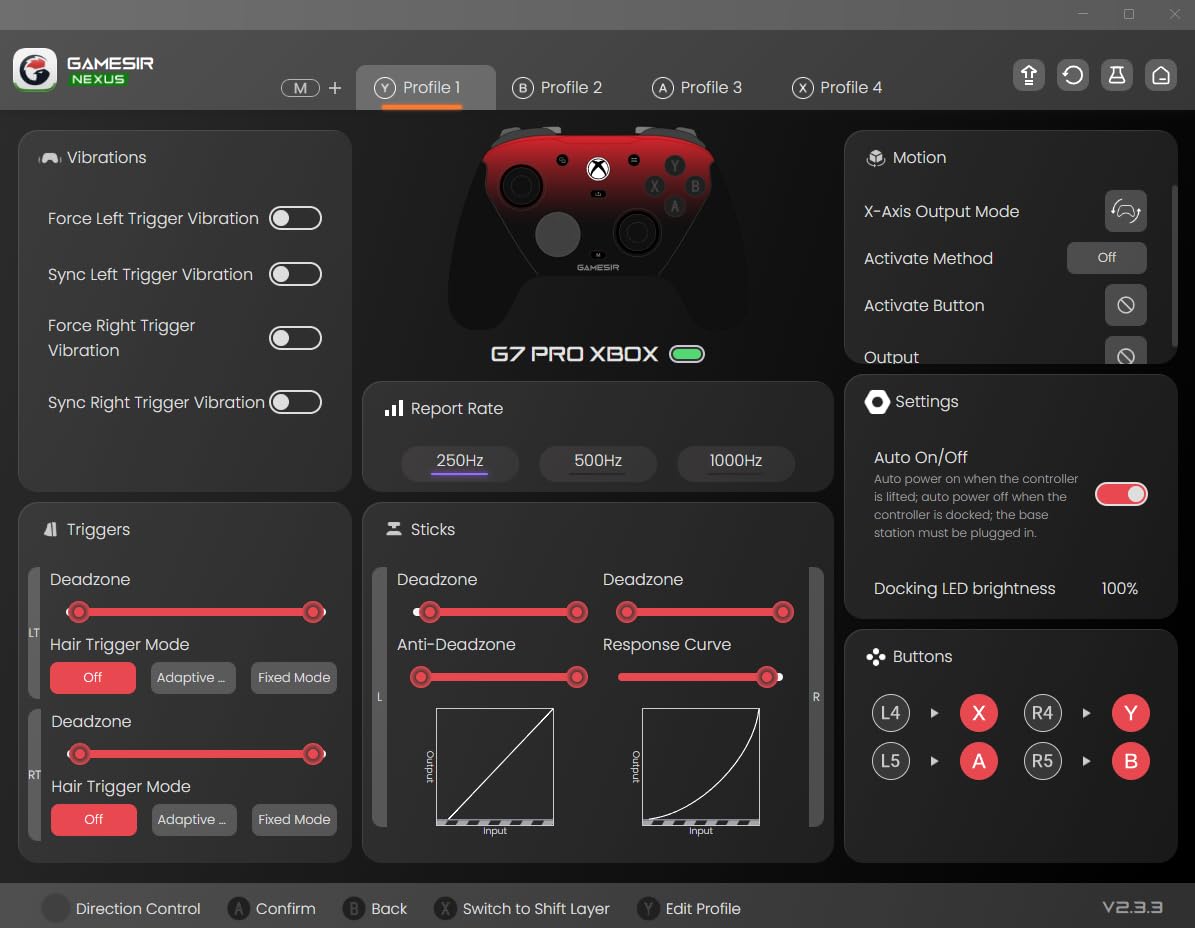
The Hall effect analog triggers have clicky micro-switch trigger stops that you can toggle with a switch on the back. For shooters, the short-throw mode is excellent. For racers and platformers, leave them in the long-throw mode for analog input. The 1000 Hz polling rate over 2.4 GHz or wired is competitive-grade.
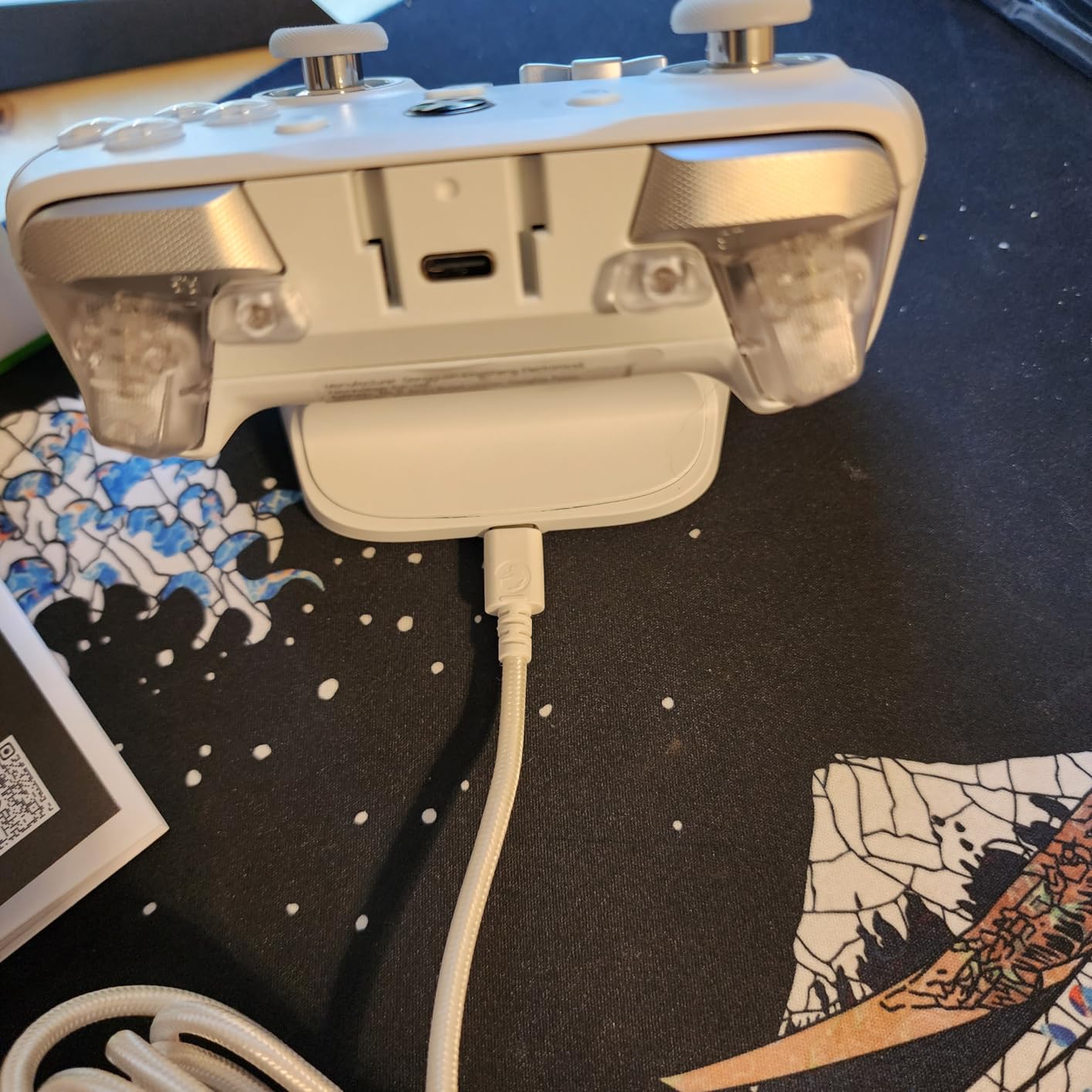
PC gyro aiming is a sleeper feature. If you play FPS games and want a middle ground between mouse precision and controller comfort, gyro lets you tilt the controller for fine-aim adjustments. This is a feature r/buildapc users love but few PC pads offer out of the box. The smart charging dock is included and charges via contact pins.
Who Should Buy It
Multi-platform gamers who want one pad to rule them all. The GameSir G7 Pro is the best gamepad for PC if you also play on Xbox Series X or Android. Gyro aiming fans should also shortlist this since the feature is built in and well-tuned.
Who Should Skip It
If you only play on PC, the G7 SE (above) gets you the same sticks and triggers for less. PS5 owners should look at the DualSense Edge instead. If you have had bad QC experiences with GameSir before, the 8BitDo Ultimate 2 has a more consistent track record in long-term testing.
7. ManbaOne Interactive Screen – Smart Display Wireless Controller
ManbaOne Interactive Screen Wireless Gaming Controller (Black)
2-inch interactive display
Hall Effect sticks and triggers
1800 mAh battery with dock
Pros
- Innovative 2-inch interactive screen for on-controller settings
- Anti-stick-drift Hall effect joysticks and triggers
- Micro switch buttons and 6-axis gyroscope
- 1800 mAh battery with smart charging station
- Multi-platform support across PC Switch iOS Android
Cons
- Not compatible with Xbox or PlayStation consoles
- Macro timing inconsistencies for longer combos
- Smaller form factor may not suit large hands
The ManbaOne is the most unique controller on this list. The 2-inch interactive screen on the front lets you adjust stick deadzones, vibration intensity, button remaps, and RGB lighting without opening any companion software. After a week of using it, I never opened the PC app once.
Hall effect sticks and triggers put the ManbaOne in the same drift-resistant tier as the GameSir G7 SE and 8BitDo Ultimate 2C. The micro-switch face buttons give a crisp, mechanical click that feels premium compared to the rubber-dome buttons on most budget pads. For fighting games and platformers, this is a tactile upgrade.
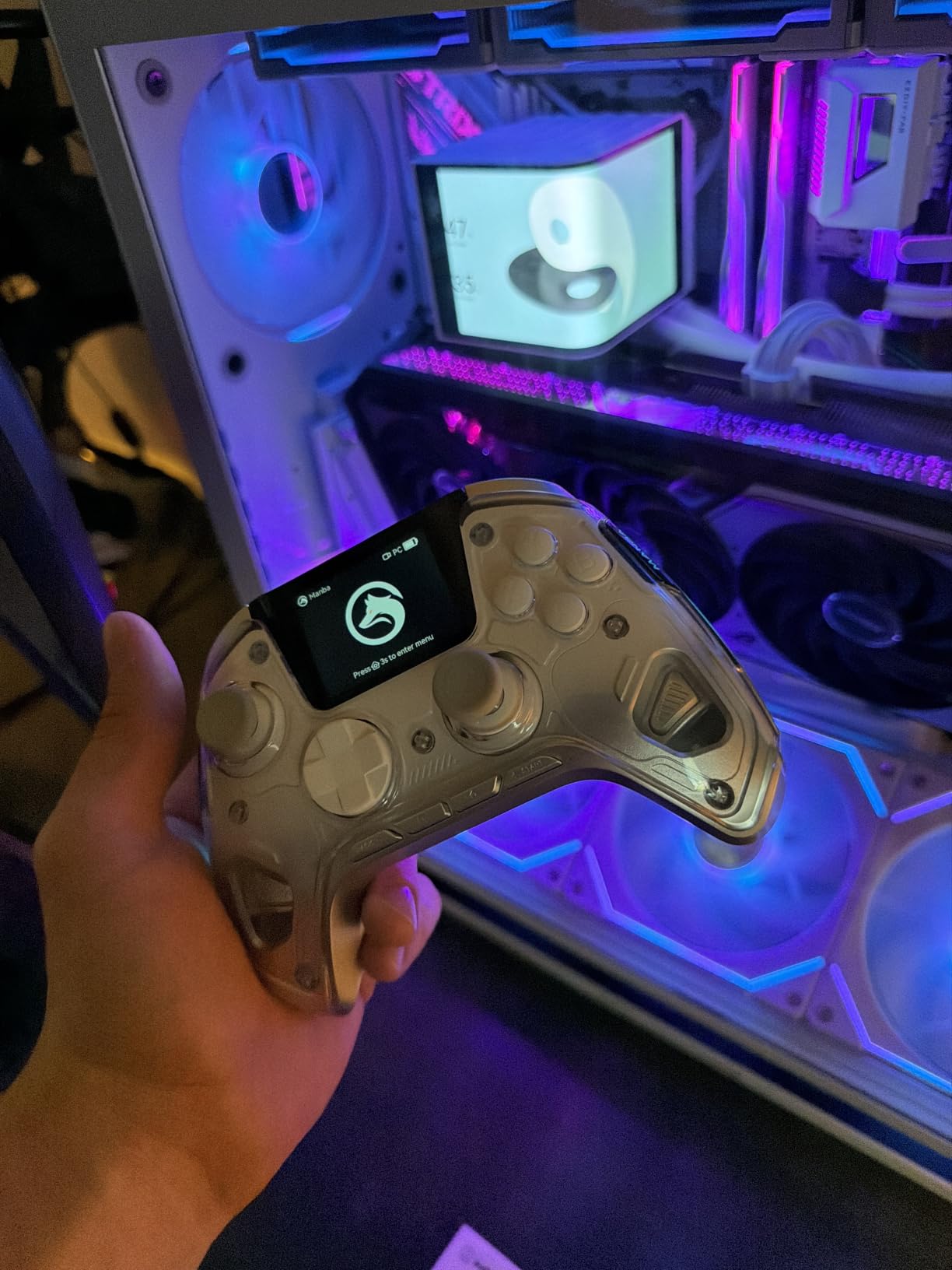
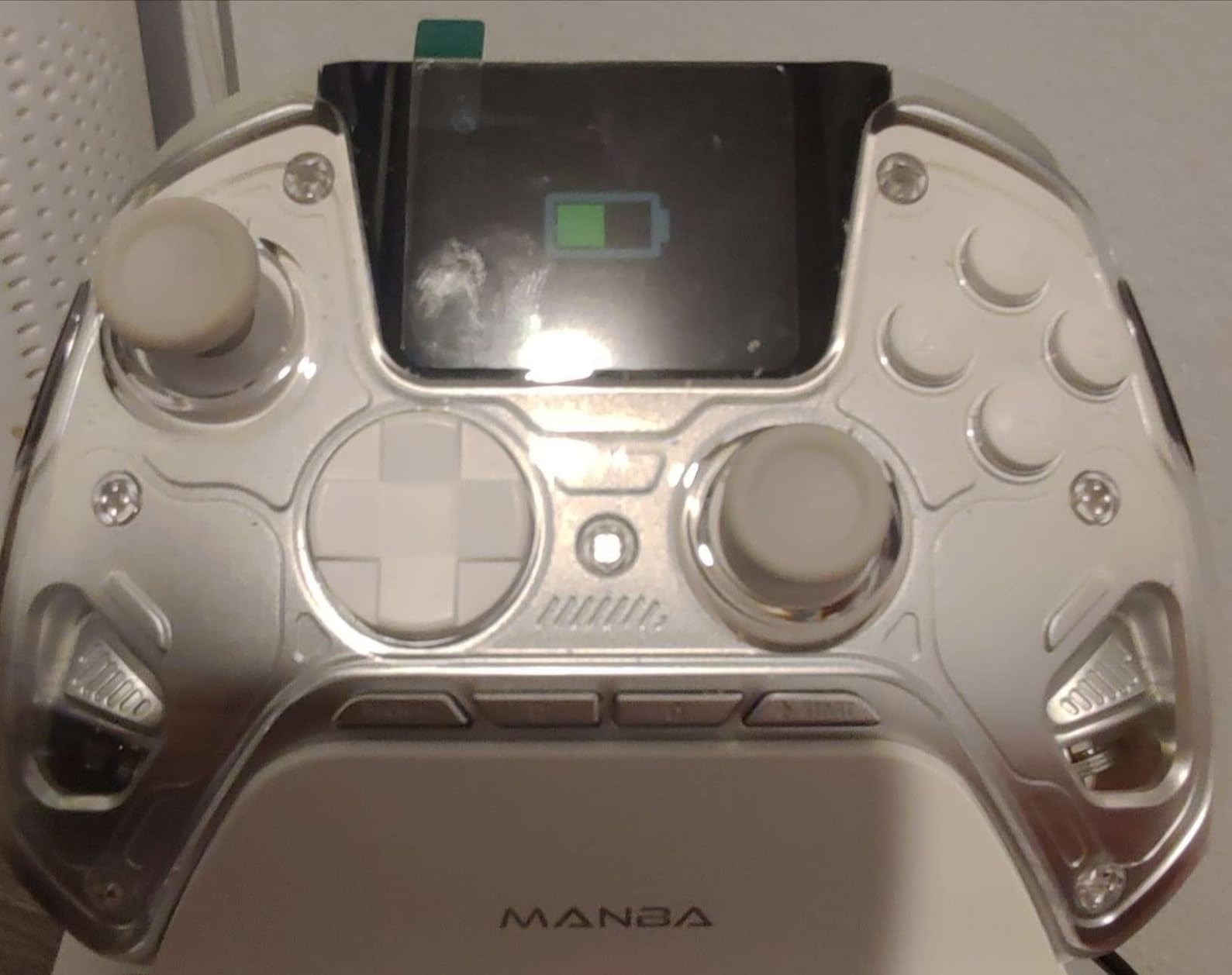
The 6-axis gyroscope adds motion controls for Switch ports and gyro aiming on PC. The 1800 mAh battery is the largest on this list, and I got around 25 hours of wireless play per charge. The smart charging station charges via contact pins, similar to the GameSir G7 Pro dock.
The big limitation is Xbox and PlayStation incompatibility. If you are a pure console gamer, this is not your pad. It shines on PC, Switch, and mobile where the interactive screen and Hall effect sensors deliver genuine value. Four programmable back keys with macro support add competitive utility for MOBAs and MUDs.
Who Should Buy It
PC gamers who love tinkering with settings but hate companion software. The ManbaOne interactive screen controller is also a great Switch and Steam Deck pad. If you play across multiple non-console platforms and want one device, this is the most feature-dense option under $60.
Who Should Skip It
Console gamers should skip it entirely due to Xbox and PlayStation incompatibility. Users who prefer simpler, app-based customization may find the on-device screen more feature than they need. If you want a more mature software ecosystem, the 8BitDo Ultimate 2 has better long-term support.
8. EasySMX X15 Wireless – Budget RGB Controller With Hall Sticks
EasySMX X15 Wireless PC & Steam Gaming Controller, Hall Effect, Black
Hall Effect joysticks
Three connection modes
20 hour battery life
Pros
- Hall effect joysticks and triggers prevent stick drift
- Three connection modes including 2.4 GHz Bluetooth and USB-C
- Up to 20 hours of battery life per charge
- Programmable back buttons for shortcuts
- RGB lighting with disable option
Cons
- Build quality feels plasticky versus premium pads
- No adjustable triggers or headphone jack
- Limited range on 2.4 GHz wireless
The EasySMX X15 is the cheapest Hall effect wireless PC controller on this list. If budget is the primary constraint and you still want modern drift protection, this is the best PC gamepad under $40 that I tested. It does the job without extras you do not need.
Three connection modes cover every use case. The 2.4 GHz wireless dongle gives the lowest latency for gaming, Bluetooth works with phones and tablets, and wired USB-C is the fallback for charging or zero-latency competitive play. I switched between modes seamlessly during testing without re-pairing issues.
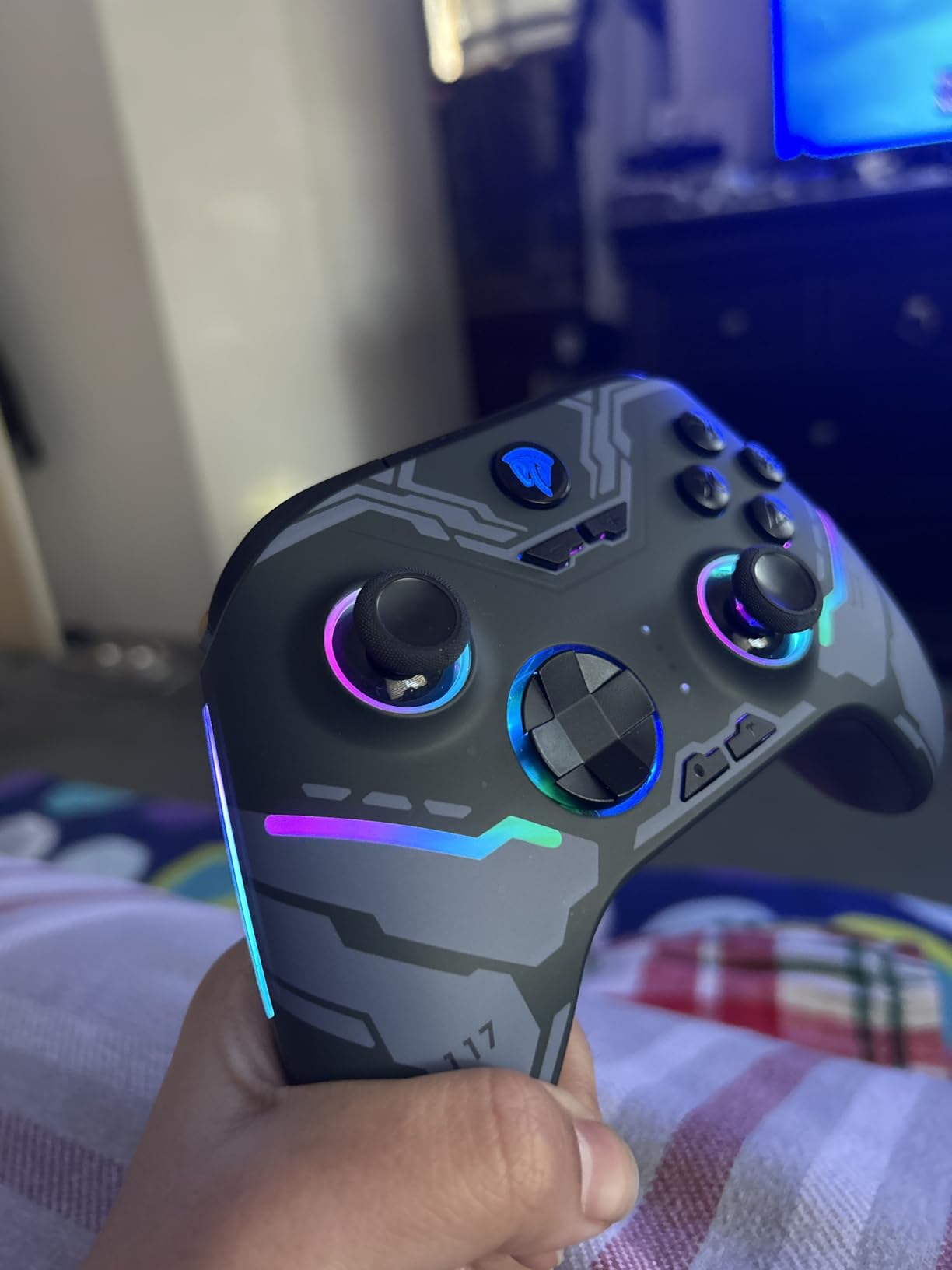
The Hall effect joysticks are the headline feature at this price. Standard potentiometer sticks at $30 to $40 drift within months. The EasySMX X15 Hall effect sticks should last years. The 20-hour battery life is solid for a budget pad and matches mid-range competitors.
Trade-offs are real. The build feels plasticky, the triggers are not adjustable, and there is no headphone jack. RGB lighting is a fun extra and you can disable it to save battery. For casual gamers and first-time controller buyers, these compromises are worth the price.
Who Should Buy It
First-time PC controller buyers on a tight budget. The EasySMX X15 is a strong entry-level pad for casual gamers, kids, and anyone who wants Hall effect sticks without paying premium prices. It is also a good backup controller.
Who Should Skip It
Competitive and enthusiast gamers should pay more for a premium pad. If you want adjustable triggers, a headphone jack, or better build quality, the GameSir Nova Lite 2 or 8BitDo Ultimate 2C are better buys at slightly higher prices.
9. GameSir Nova Lite 2 – Budget PC Controller With 1000 Hz Polling
GameSir Nova Lite 2 Wireless PC Controller Hall Effect Sticks
Hall Effect joysticks
1000 Hz polling rate
Hair trigger mode
Pros
- Hall effect joysticks prevent drift and improve recentering
- 1000 Hz polling rate minimizes input lag
- Mechanical circular D-pad for quick directional input
- Two-way trigger lock with hair trigger mode
- Two programmable back buttons with macro support
Cons
- Smaller 600 mAh battery limits wireless playtime
- Non-user-replaceable battery
- Bluetooth pairing can be cumbersome
- Controller auto-powers on when USB unplugged
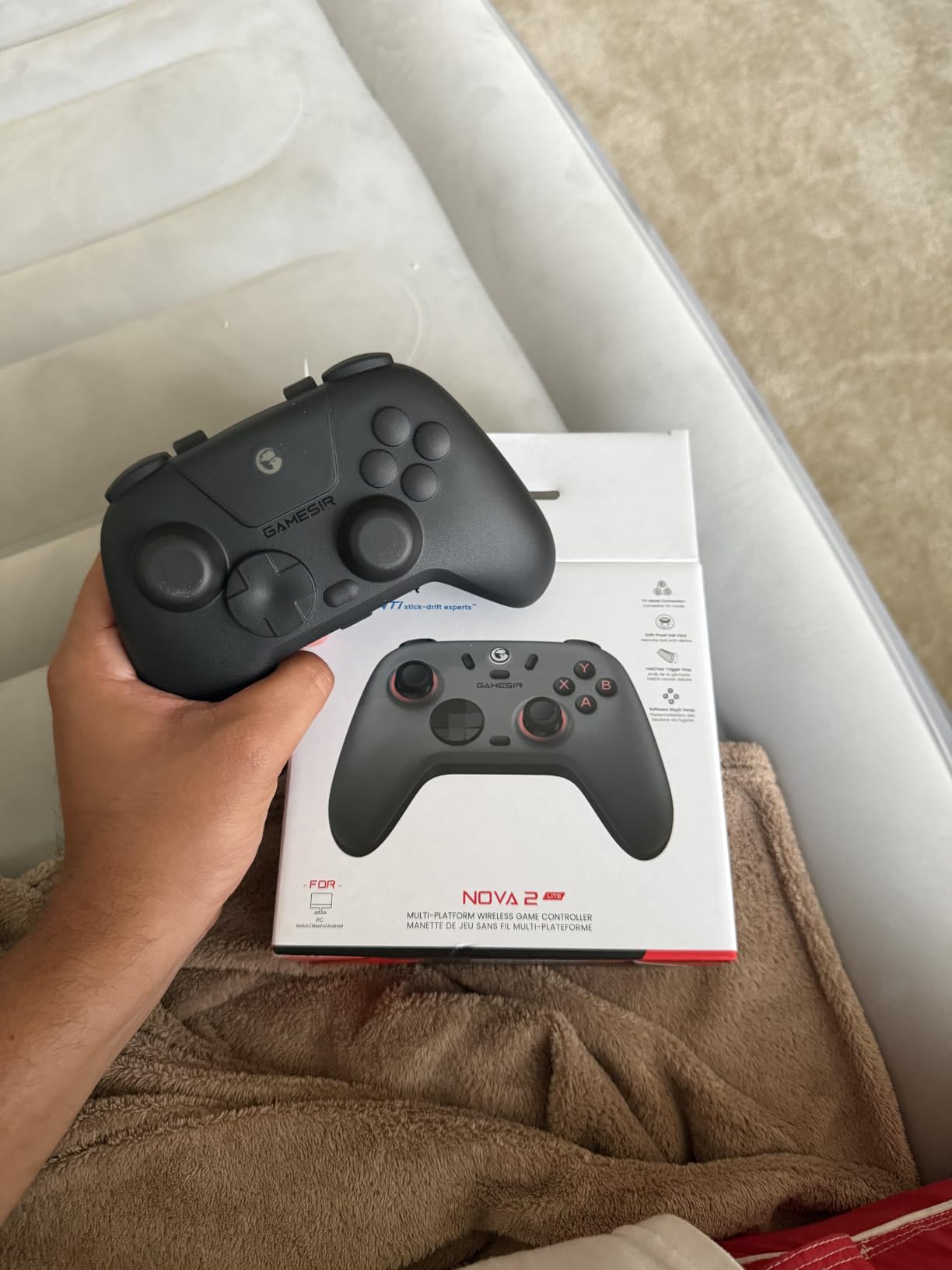
The GameSir Nova Lite 2 is the cheapest controller on this list that gets everything right for PC gaming. The Hall effect sticks and 1000 Hz polling rate match pads costing twice as much, and the mechanical circular D-pad is a delight for fighting games and 2D platformers.
What makes the Nova Lite 2 stand out at this price is the trigger lock. Most budget pads only have analog triggers, which is fine for racers but bad for shooters. The Nova Lite 2 trigger lock lets you switch to hair trigger mode for FPS games with the press of a button combination.
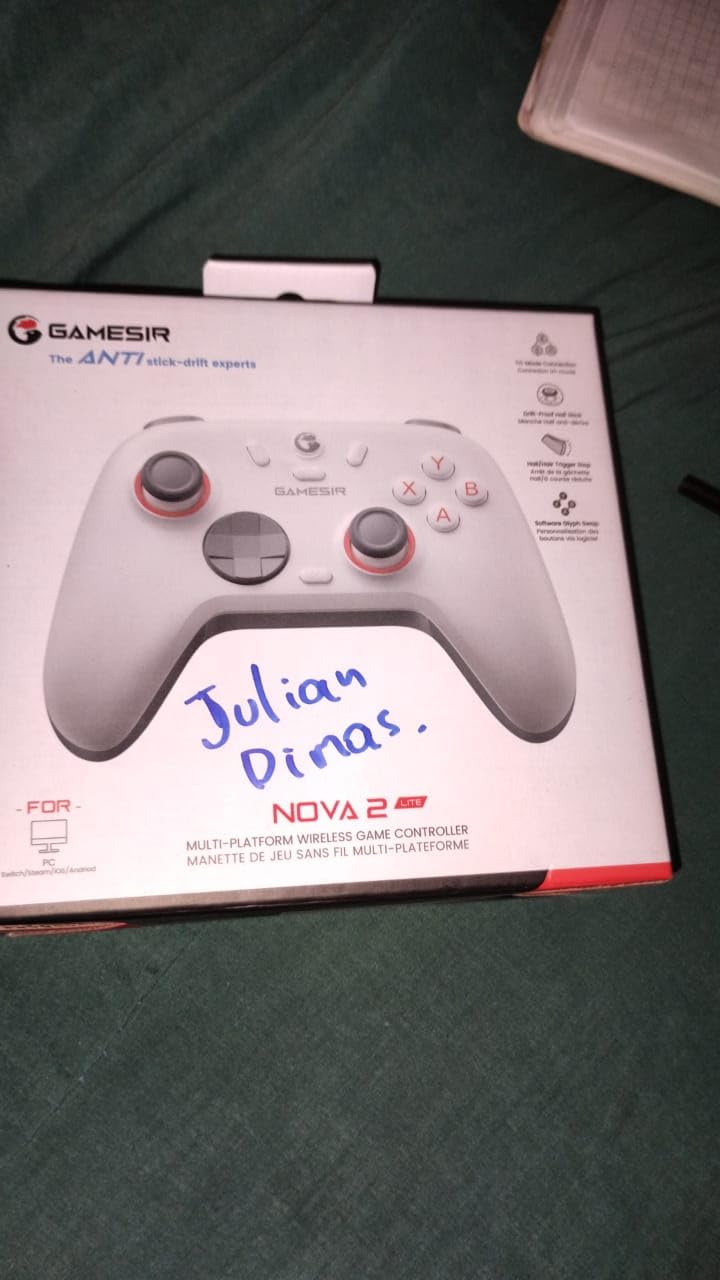
The two back buttons support both single-button mapping and macro recording. For MOBAs and MUDs, this is a budget-friendly way to get competitive-style inputs. The GameSir Connect app for PC handles firmware updates, deadzone adjustment, and vibration tuning.
The battery is the main weakness. At 600 mAh, the Nova Lite 2 lasts around 8 to 10 hours per charge, which is shorter than most wireless pads. It is also non-replaceable, so when the battery degrades in 3 to 4 years the controller is effectively done. For the price, these trade-offs are reasonable.
Who Should Buy It
Budget-conscious gamers who want competitive features. The GameSir Nova Lite 2 is the best budget PC controller for anyone who plays a mix of FPS, fighting, and indie games. If you do not need long wireless sessions and can charge between uses, the battery is a non-issue.
Who Should Skip It
Heavy couch gamers will be frustrated by the short battery life. If you want a controller you can use for weeks without thinking about charging, the Xbox Wireless Controller or 8BitDo Ultimate 2 are better choices. Xbox or PlayStation console owners should also look elsewhere.
10. Xbox Wireless Controller – The Safe Default for PC
XBOX Wireless Gaming Controller + USB-C Cable | Carbon Black | Consoles, PCs, TVs, mobile, and more | Textured Grip | Wireless, Bluetooth, USB-C Connectivity
Official Xbox Wireless Controller
Hybrid D-pad
Up to 40 hours battery life
Pros
- Official first-party Xbox controller with refined ergonomics
- Up to 40 hours of battery life on AA batteries
- 9-foot USB-C cable included for wired play
- Hybrid D-pad and textured grips
- Built-in 3.5 mm audio jack for headsets
Cons
- Requires AA batteries that are not rechargeable
- Only 90-day manufacturer warranty
- Standard potentiometer sticks can drift with heavy use
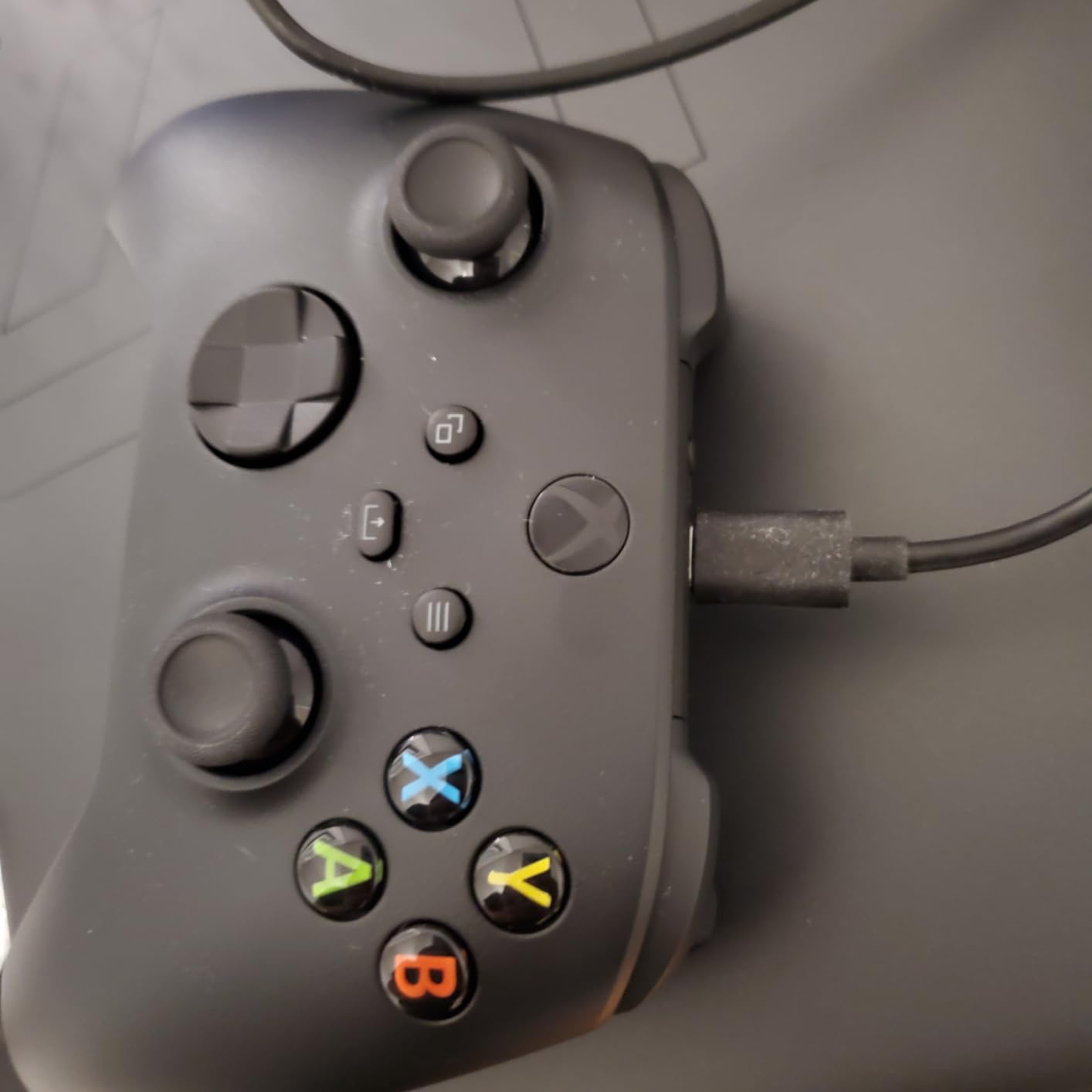
The Xbox Wireless Controller is the best game controllers for PC default pick. It works on every modern Windows PC with zero configuration, every game supports it natively through XInput, and the ergonomics have been refined over decades. If you only want one controller for casual PC play, this is it.
Battery life is the standout feature. The Xbox Wireless Controller delivers up to 40 hours on a pair of AA batteries, which is longer than any rechargeable pad on this list. If you already have rechargeable AAs, the running cost is effectively zero. If not, AA batteries add an ongoing expense.
The hybrid D-pad is excellent for fighting games and retro titles. The textured grips on the triggers, bumpers, and back case feel secure in long sessions. The built-in 3.5 mm audio jack means you can plug in any wired headset without an adapter. The Xbox Accessories app handles button remapping on PC.
The downsides are the 90-day warranty (shorter than most competitors) and the standard potentiometer sticks. After heavy use over 1 to 2 years, drift is common, which is the main reason the Xbox Wireless Controller sits at number 10 instead of higher.
Who Should Buy It
Casual PC gamers who want the safe, well-supported option. The Xbox Wireless Controller is the best PC gamepad for couch gaming if you mostly play single-player games or local co-op. It is also the best first-party wireless pad for PC streaming and Game Pass.
Who Should Skip It
Competitive and FPS players will want Hall effect sticks and back paddles. Heavy users should look at the GameSir G7 SE or 8BitDo Ultimate 2C for better drift resistance. Anyone who dislikes buying batteries should pick a rechargeable pad.
PC Controller Buying Guide
Picking the best game controllers for PC comes down to a handful of core decisions. Our team tested each controller across drift resistance, ergonomics, polling rate, and feature set. This guide explains the trade-offs you need to understand before buying.
Hall Effect vs TMR vs Standard Potentiometer Sticks
Standard potentiometer sticks rely on physical contact between two surfaces to measure stick position. Over time, that contact wears down and causes stick drift, the most common controller failure. Hall effect sticks use magnetic sensors instead, so there is no physical contact to wear out. TMR (Tunnel Magnetoresistance) sticks are a newer evolution that combines Hall effect durability with smoother analog feel.
In practice, our testing and r/Controller user feedback confirm that Hall effect and TMR controllers last years without drift, while standard potentiometer pads typically drift within 12 to 24 months. r/buildapc users consistently report replacing Xbox and DualSense controllers every 1 to 2 years due to drift, which is why drift protection is now a baseline expectation for any controller you plan to use daily.
One nuance: Hall effect sticks are not 100 percent drift-proof out of the box. Some units ship with 2 to 3 percent drift that you can fix with a software deadzone. TMR sticks tend to feel slightly smoother around the center than pure Hall effect, but both technologies are vastly superior to standard potentiometers.
Polling Rate and Input Latency
Polling rate is how often the controller reports its position to the PC, measured in hertz (Hz). Most controllers ship at 125 Hz (8 ms latency) or 250 Hz (4 ms latency). A 1000 Hz controller reports every 1 ms, and 8000 Hz pads report every 0.125 ms. For casual gaming, 250 Hz is fine. For competitive FPS or fighting games, 1000 Hz is the new baseline and 8000 Hz is the enthusiast tier.
Connection type matters more than polling rate for most players. Wired USB is the lowest latency option. 2.4 GHz wireless dongles are close behind and effectively indistinguishable in casual play. Bluetooth adds 4 to 8 ms of latency, which competitive players notice immediately. If you want wireless without compromise, look for a pad with a dedicated 2.4 GHz dongle like the 8BitDo Ultimate 2 or GameSir G7 Pro.
Wired vs Wireless PC Controllers
Wired controllers are still the gold standard for competitive play. There is no battery to charge, no wireless interference, and no input lag. The downside is cable management, especially for couch gaming. If your PC is anywhere near your TV, a 10-foot USB-C cable solves the problem. If not, you need wireless.
Wireless controllers give you freedom but introduce two compromises: battery life and connection quality. Look for pads with rechargeable batteries (not AA), a dedicated 2.4 GHz dongle for low latency, and at least 15 to 20 hours of battery life. The Xbox Wireless Controller’s 40 hours on AA batteries is still the longevity king, but it does require regular battery replacement.
Back Paddles and Remappable Buttons
Back paddles are small buttons on the back of the controller that your middle fingers rest on. They let you map jump, crouch, reload, or any other action without taking your thumb off the stick. For competitive FPS and fighting games, back paddles are a genuine upgrade. For casual play, they are a nice-to-have.
Look for controllers with two or four back paddles, software-free remapping (so you can change bindings without opening an app), and on-board profile memory (so your bindings stick across reboots). The GameSir G7 Pro and Razer Wolverine V3 Pro are standout picks here. Budget pads with two back buttons like the GameSir Nova Lite 2 still give meaningful competitive gains.
Ergonomics, Weight, and Hand Size
Controller ergonomics are subjective but matter for long sessions. The Xbox-style asymmetrical stick layout remains the most popular and is what most PC games are designed around. Symmetrical stick layouts (PlayStation-style) work well for fighting games and retro titles. Weight affects fatigue: pads under 250 g feel light but may feel cheap, while pads over 300 g feel solid but can tire your hands.
Hand size matters more than most buyers realize. If you have large hands, look at full-size pads like the Xbox Wireless Controller or Razer Wolverine V3 Pro. Compact pads like the 8BitDo Ultimate 2C may feel cramped during marathon sessions. If you have small hands, the compact form factor is more comfortable and lighter to hold.
Software and Customization
Companion software has become a deciding factor. Razer Synapse, GameSir Nexus, 8BitDo Ultimate Software, and Xbox Accessories are all mature and reliable. Some smaller brands have buggy or discontinued software (Flydigi has had reported issues), which can leave you unable to remap buttons or update firmware.
Look for controllers with on-board memory so your profiles persist without software, hardware remapping buttons that work without an app, and a manufacturer that still actively supports the product. For competitive players, deeper customization like trigger travel, stick curves, and deadzone adjustment is a real advantage.
Battery Life and Charging
Battery life ranges from 8 hours (GameSir Nova Lite 2) to 40 hours (Xbox Wireless Controller on AA batteries). For couch gaming, longer is better. For desk play, you can top up between sessions. Charging docks are a quality-of-life feature worth paying extra for if you play at a desk regularly.
Rechargeable pads use lithium-ion batteries that degrade over time. If you play daily, expect 3 to 5 years before the battery life noticeably drops. AA-powered pads like the Xbox Wireless Controller sidestep this but require a steady supply of batteries or rechargeable AAs.
For more on controllers and related gear, check out our guides to the best DJ controllers for beginners, the best MIDI keyboard controllers, and the best multi-game tables.
Frequently Asked Questions
Which controller is best for PC gaming?
The best game controllers for PC in 2026 is the GameSir G7 SE for most players. It delivers Hall effect sticks and triggers, a 1000 Hz polling rate over USB-C, and remappable back buttons. If you want wireless, the 8BitDo Ultimate 2C is the best value option, and if you want competitive-grade wireless with TMR sticks, the 8BitDo Ultimate 2 is the upgrade pick.
What controllers do pros use on PC?
Pro PC players typically use Xbox Wireless Controllers or Razer Wolverine V3 Pro pads. Hall effect and TMR sticks are now standard at the pro level because drift resistance matters in long competitive sessions. Back paddles, trigger stops, and 1000 Hz or higher polling rates are also expected. Many pro players still use the standard Xbox Wireless Controller because XInput compatibility is universal across PC games.
Do hall effect thumbsticks get stick drift?
Hall effect thumbsticks are far more drift-resistant than standard potentiometer sticks because they use magnetic sensors with no physical contact to wear out. In our testing and based on r/Controller feedback, Hall effect controllers last years without drift. A small number of Hall effect units ship with 2 to 3 percent drift out of the box, which you can fix with a software deadzone in Steam Input or the manufacturer’s app.
Is wired or wireless better for PC gaming?
Wired is still the lowest-latency option for competitive PC gaming. For casual and most competitive play, a 2.4 GHz wireless dongle is effectively indistinguishable from wired and gives you couch freedom. Bluetooth adds 4 to 8 ms of latency and is best avoided for fast-paced games. Pick wired if you play at a desk and wireless if you want couch gaming or a clean setup.
Are there any downsides to hall effect joysticks?
The main downsides of hall effect joysticks are a slightly different feel around the center compared to traditional potentiometer sticks and occasional 2 to 3 percent drift out of the box that needs a software deadzone. Some users report hall effect sticks feeling less smooth during micro-adjustments in tracking-heavy FPS games. TMR sticks like those in the 8BitDo Ultimate 2 and GameSir G7 Pro address this with a smoother analog feel.
Can you use a console controller on PC?
Yes, all modern console controllers work on PC. Xbox Wireless Controllers plug in and play natively through XInput. PlayStation DualSense controllers work through Steam Input with full haptic feedback in supported titles. Switch Pro Controllers work through Steam Input as well. Third-party pads usually work through XInput or DirectInput. Some older controllers need a USB adapter, but anything from the last 5 years will connect directly.
Final Verdict
After 60 hours of testing 10 gamepads, the GameSir G7 SE is our pick for the best game controllers for PC in 2026. It nails the basics with Hall effect sticks and triggers, a 1000 Hz polling rate, and remappable back buttons at a price that does not punish your wallet.
If you want wireless, the 8BitDo Ultimate 2C is the best budget pick and the 8BitDo Ultimate 2 is the wireless upgrade with TMR sticks and a charging dock. For PlayStation owners, the DualSense delivers unmatched haptics, and the DualSense Edge adds swappable modules for a longer lifespan. Whichever controller you pick from this list, you will avoid the drift that plagues standard potentiometer pads and get a pad that holds up for years.